Oh no, the schism continues, bad memories of the Python 2/3 debacle resurfacing…
1 Like
This specific change is only about ABI and not API. So it shouldn’t be as bad.
But I guess the Python community will continue to make breaking changes a small number at a time in minor releases now, and there will never be a Python 4.
I’m not sure that is a better solution, as people are complaining about breakage, and possibly sticking to older versions of Python in some cases (rightfully so: you shouldn’t need to continuously updante and fix scripts once the are running and debugged).
4 Likes
Some good news for Doom players on Haiku, new versions of GZDoom and LZDoom have hit the repos, these are compatible with all those fancy ZDoom-based Mods and Total Conversions and, as you can imagine, an insane amount of those exist.
Some pointers on them:
Current GZDoom (4.14) doesn’t support 32bit, if you’re on x86_gcc2 you’re stuck with the old 3.8.2. I suggest not to use this version and switch to LZDoom entirely, that one is current (4.11) and has better performance and compatibility.
(Chex Quest 3 package on x86_gcc2 will still use/require GZDoom installed atm, will work on a fix shortly)
GZDoom’s default video preset is a bit… much, it has both hardware acceleration and texture filtering (yuck!) on by default, which is stuff that can tank performance on most installs.
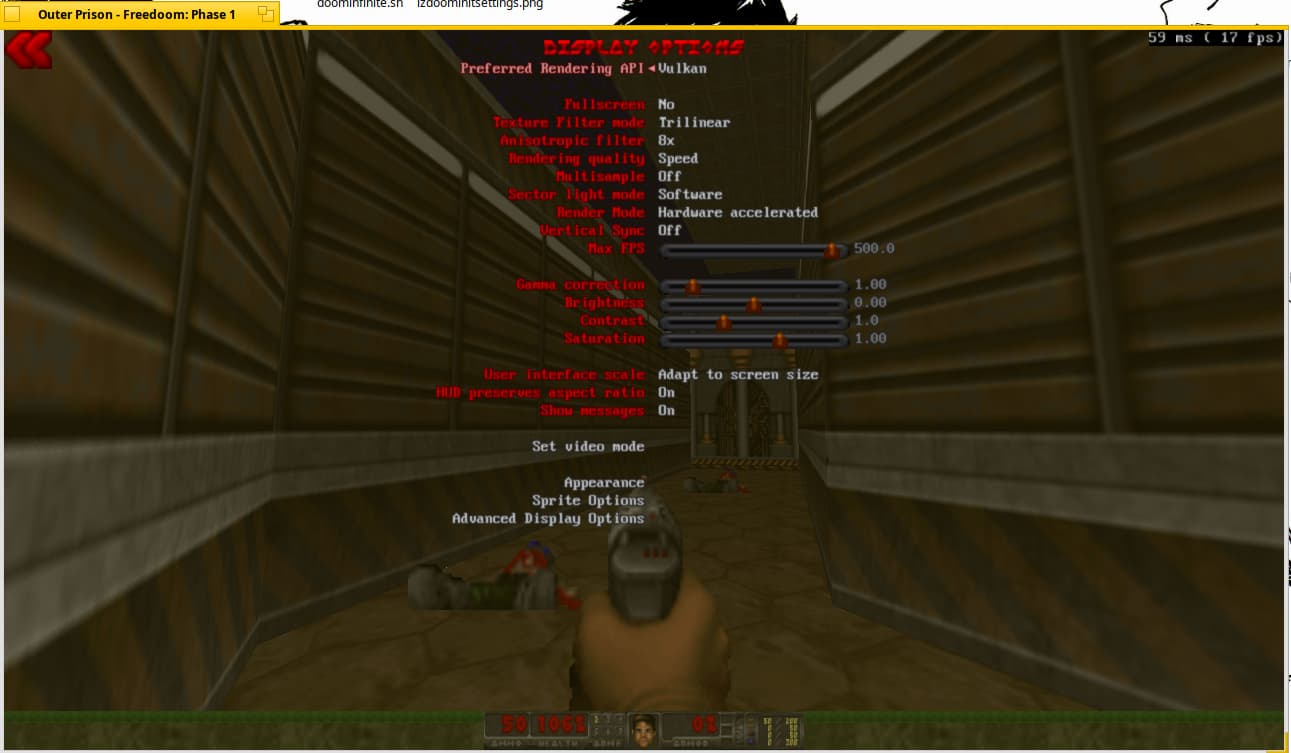
These can be changed in the menus in “Display options”. I find these settings to work best for my usecase:
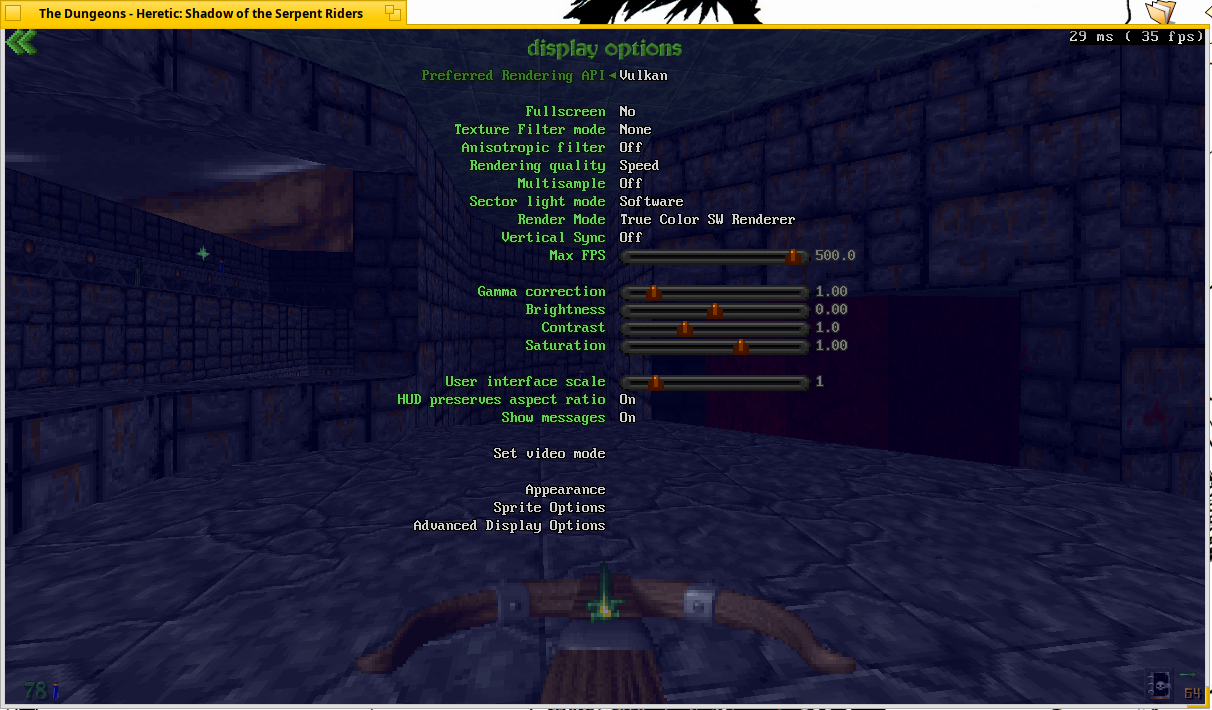
Note: the options menu is capped at 35 fps for some reason

Since LZDoom runs on 32bit too, somebody suggested me to tweak the defaults there to be less demanding, so it should run “as good as it can” on most PCs:
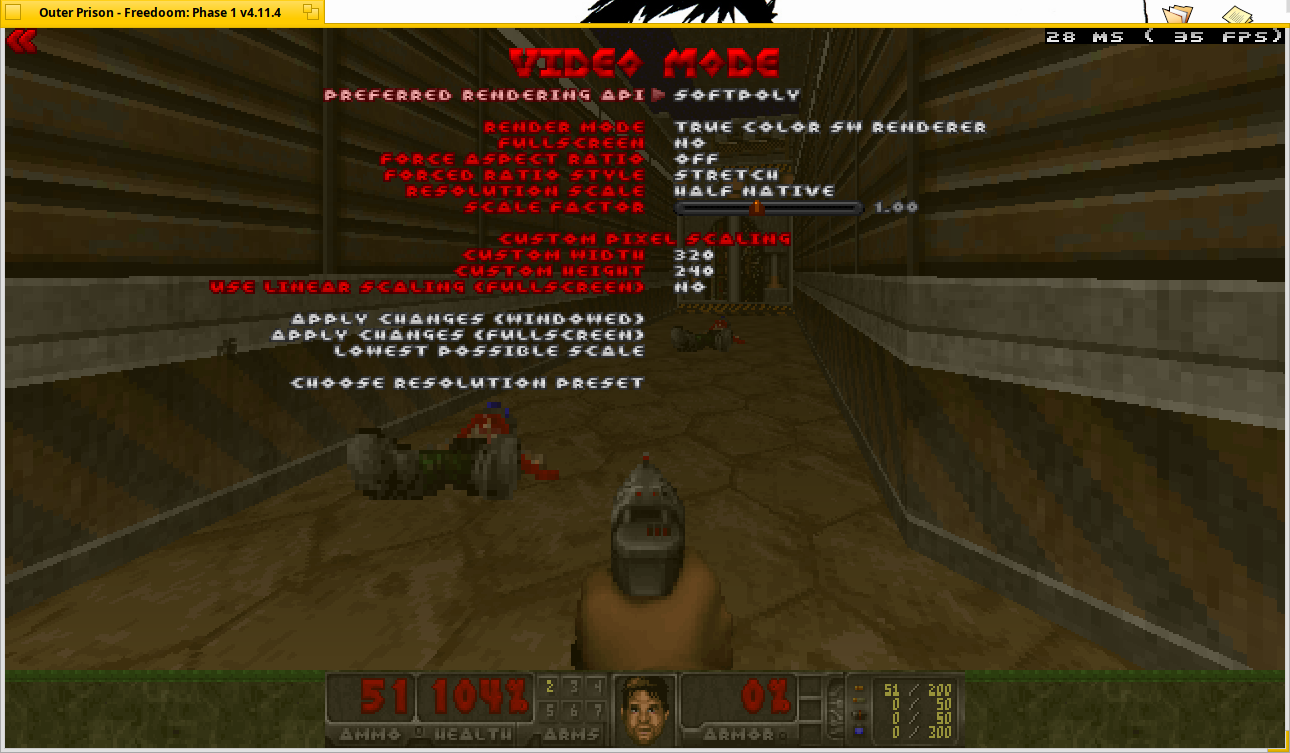
(I wonder if it can run on any 600/900Mhz machines like this)
For some reason, switching from fullscreen to windowed glitches the window in LZDoom. When that happens quit the program, it should be windowed and displaying fine upon restart. There’s no such issue on GZDoom.
7 Likes
oneTBB version 2022.3.0, this has been a pain for a long time, thanks to @BiPolar for cleaning up and finishing this to be usable, for this the old 2018.5 has been renamed to tbb2018.5.
Packages relying on the old TBB version have been rebuild where needed (2 atm still in progress, being orcaslicer and superslicer which still need a recreated cmake3 package).
Where available most of the pakcages that could be updated to the new TBB version have also been updated, making it possible to make a full switch for the future if need be.
Also thanks to @jmairboeck for helping to get things to were we stand now!
EDIT: Uploaded a tbb2018 package to fix installing OrcaSlicer and SuperSlicer for now, the package can be found at:
https://codeberg.org/Begasus/HaikuTestDrive/raw/branch/master/packages/tbb2018-2018.5-4-x86_64.hpkg
Install this one before installing the above (note TBB packages conflict, so you can only have one of them installed at the same time).
@3dEyes I’ve tried numerous times to build OrcaSlicer but keep running into build errors, fixing one leads to another and further, if you get the time could you have a look at maybe updating these 2 packages, from the build I’m not even sure they use the system TBB library (it builds one included or downloaded during the build process)?
1 Like
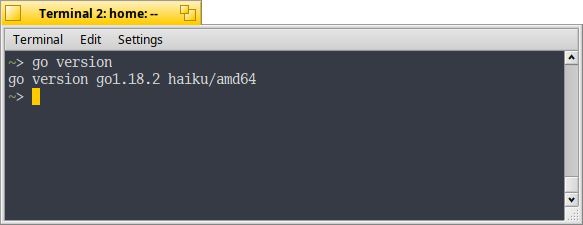
Golang updated to 1.18.2–thank you @korli !
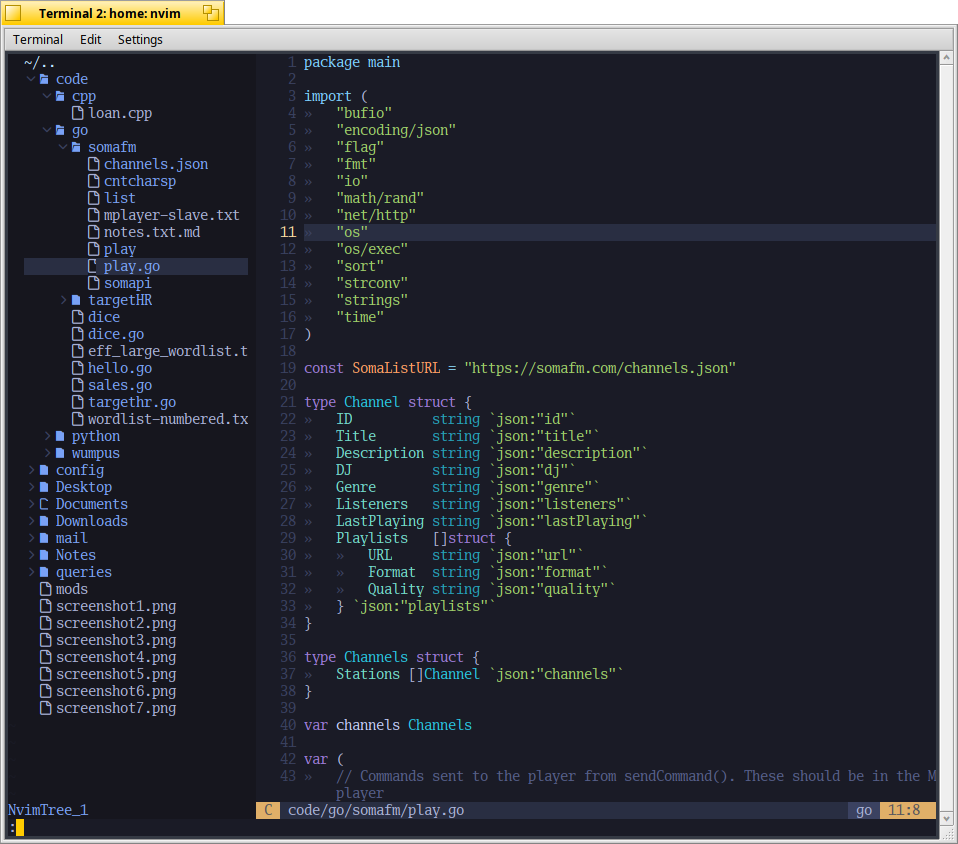
And Neovim 0.12 added! Thanks to user0-07161 a contributor at haikuports.
8 Likes
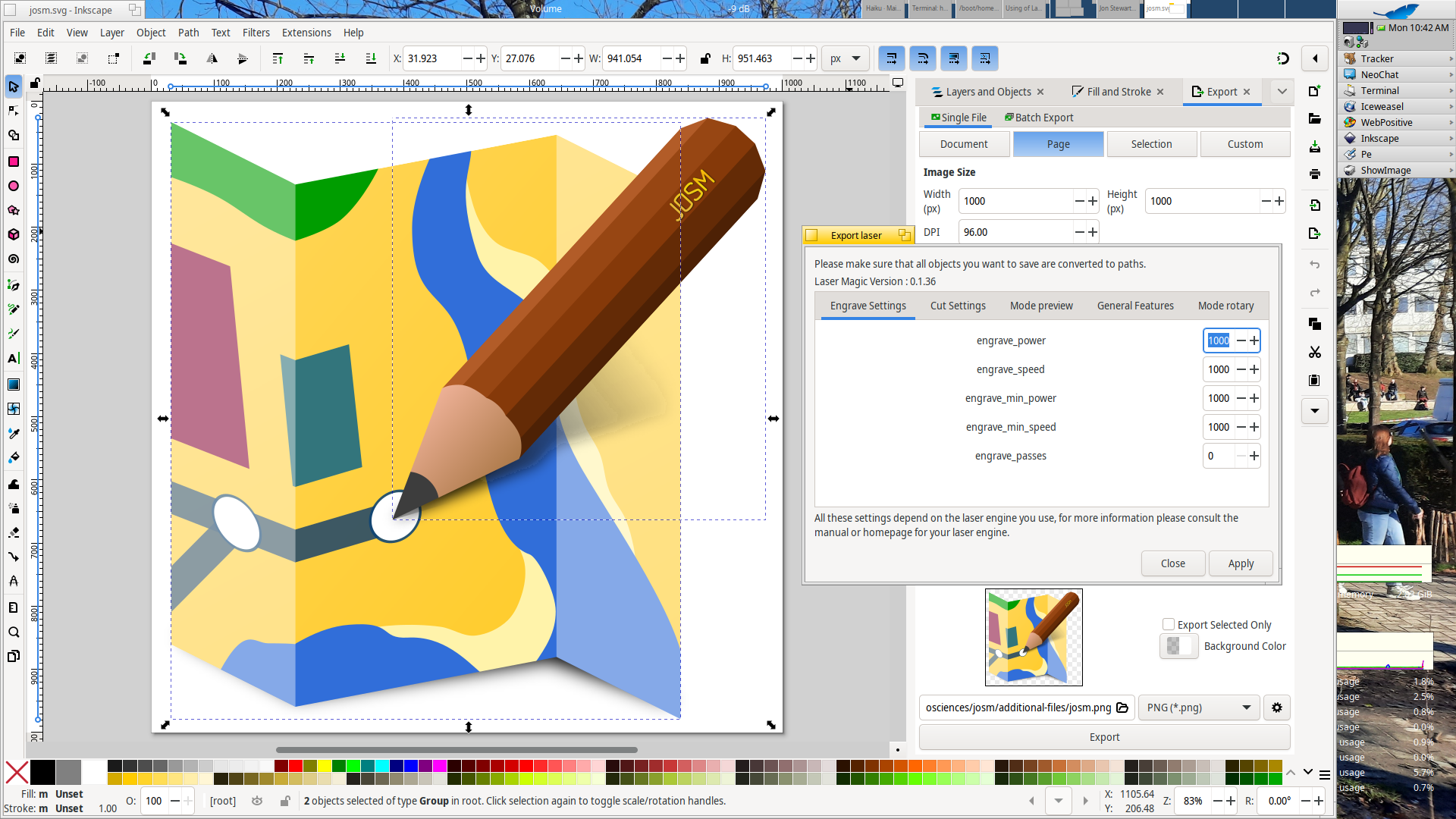
Lasermagic 0.1.36, thanks for the first recipe draft from @PulkoMandy and the pointers found through repology I managed to smoothen out installations paths etc. so it can be used in Inkscape as an extention.
11 Likes
Thanks for doing all the hard work from my early unfinished recipe 
2 Likes
Krita 5.2.14 (bugfix release), build on 32bit buildmaster failed however.
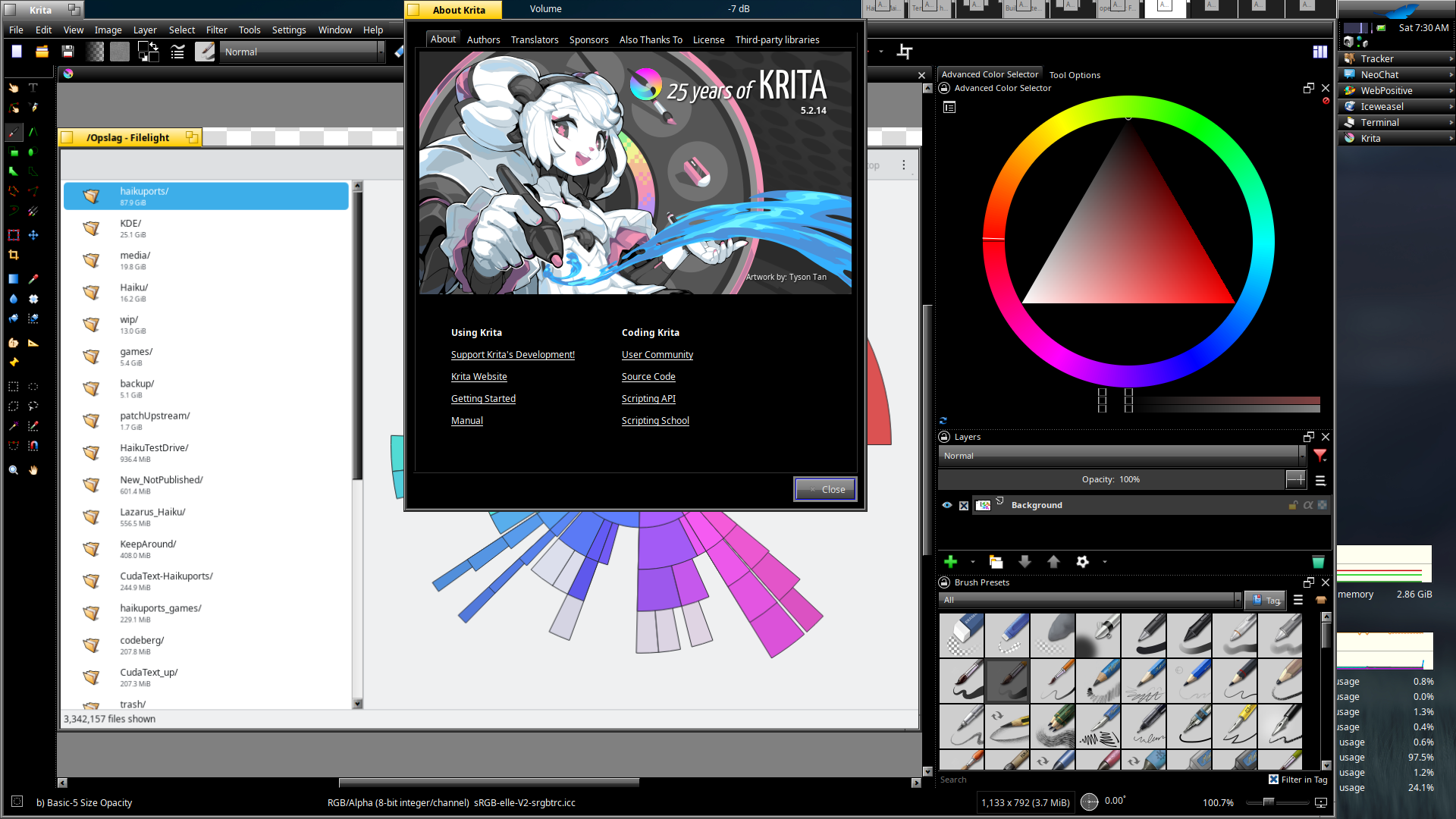
Asking on matrix the upstream developers mentioned they don’t support 32bit, so when I get around to it I’ll see wich version still did a nice job on there.
Meanwhile preparing the release for KDE’s gear 25.12 which has just been released, still some work to be done due to upstream changes.
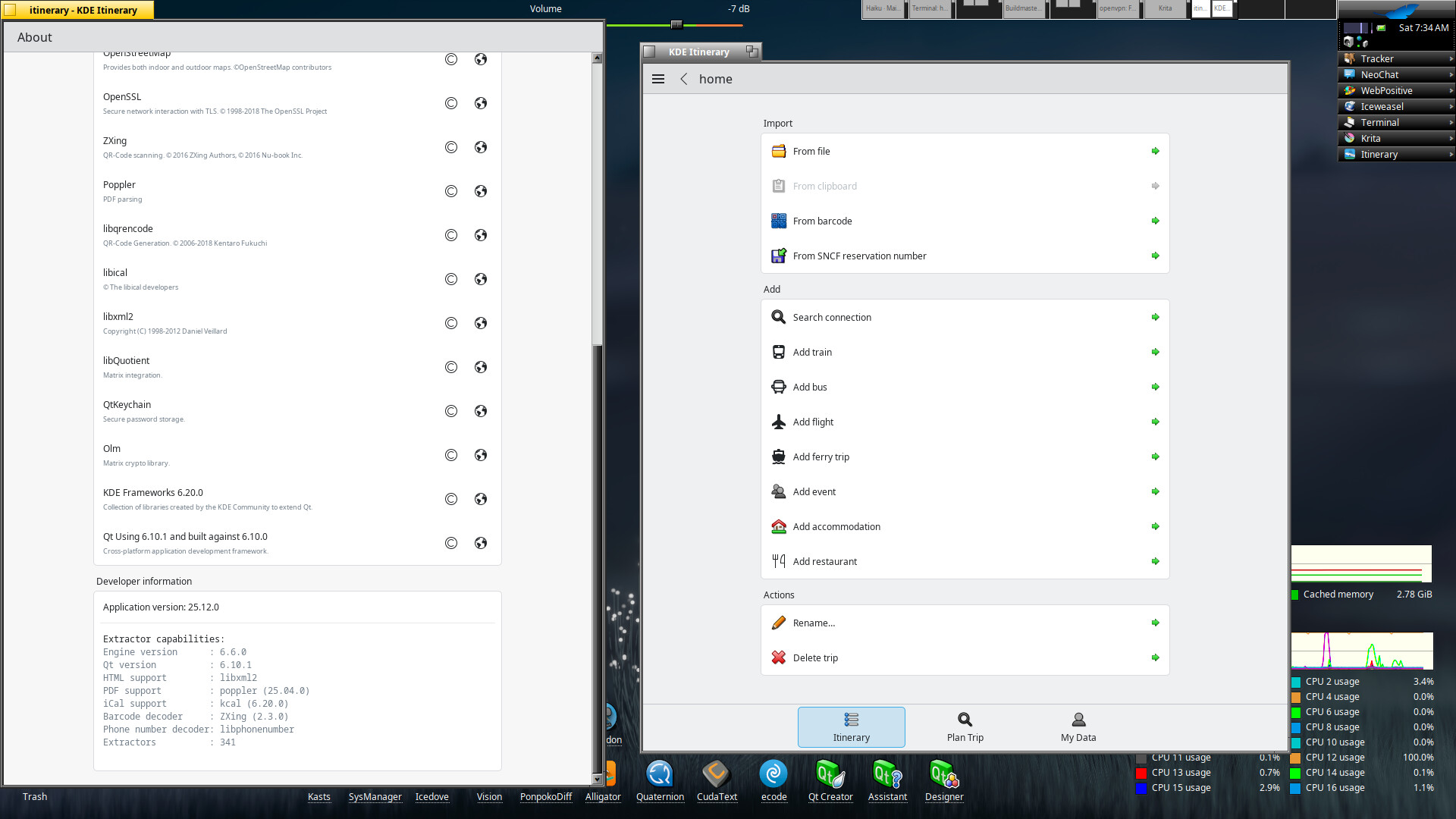
KDE gear got updated, most of the parts have been updated to 25.12.0, some parts to 25.08.3 due to Qt limitations.
6 Likes
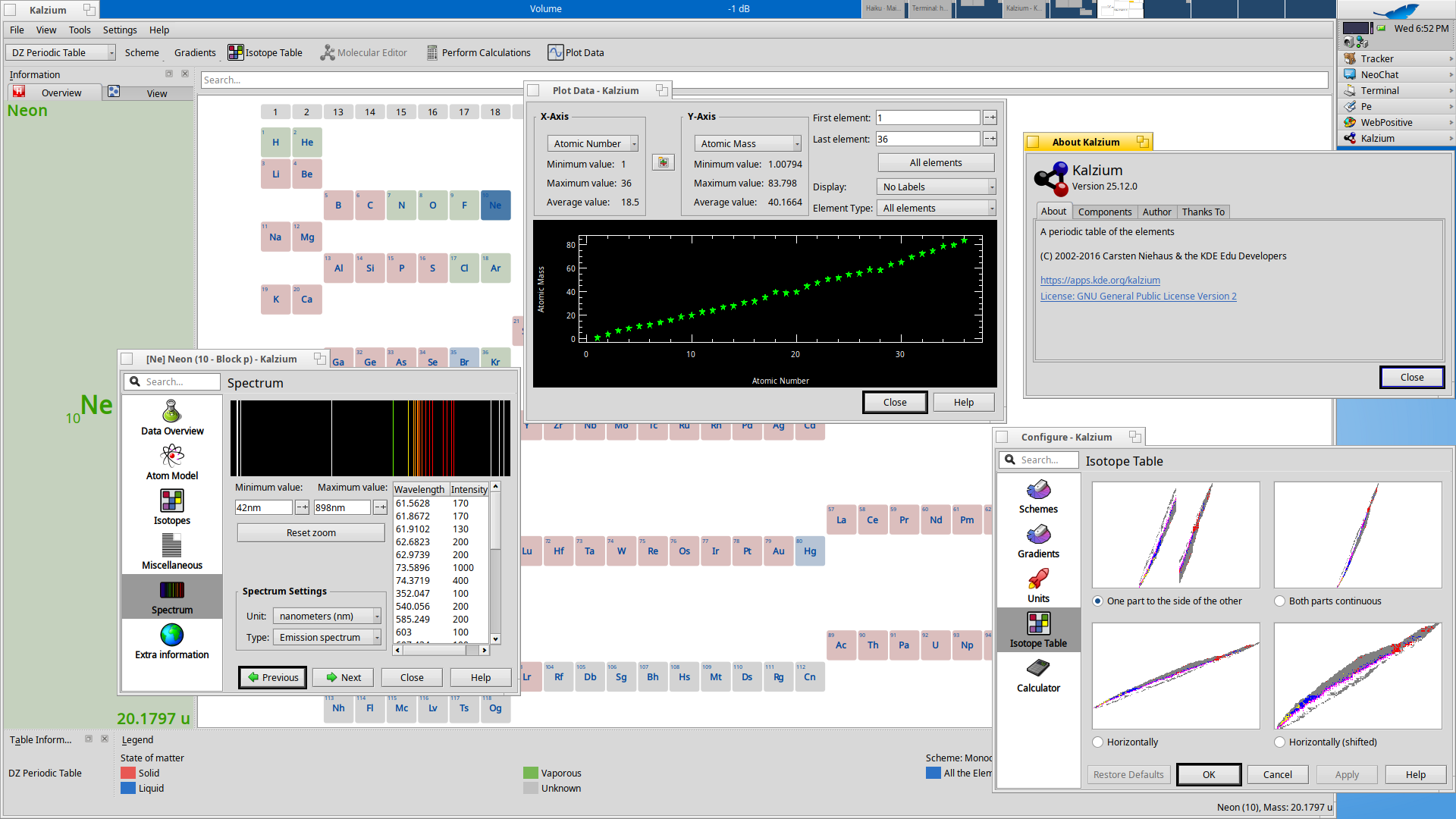
New one, Kalzium 25.12.0, still fighting a bit with latest Ocaml (which builds fine and works so far, but there is a PR upstream in progress, so I’ll hold of on adding this for Kalzium (for now)).
6 Likes
I’m glad I can finally announce that OpenRCT2 has hit the repos! (x86_64 only for now)
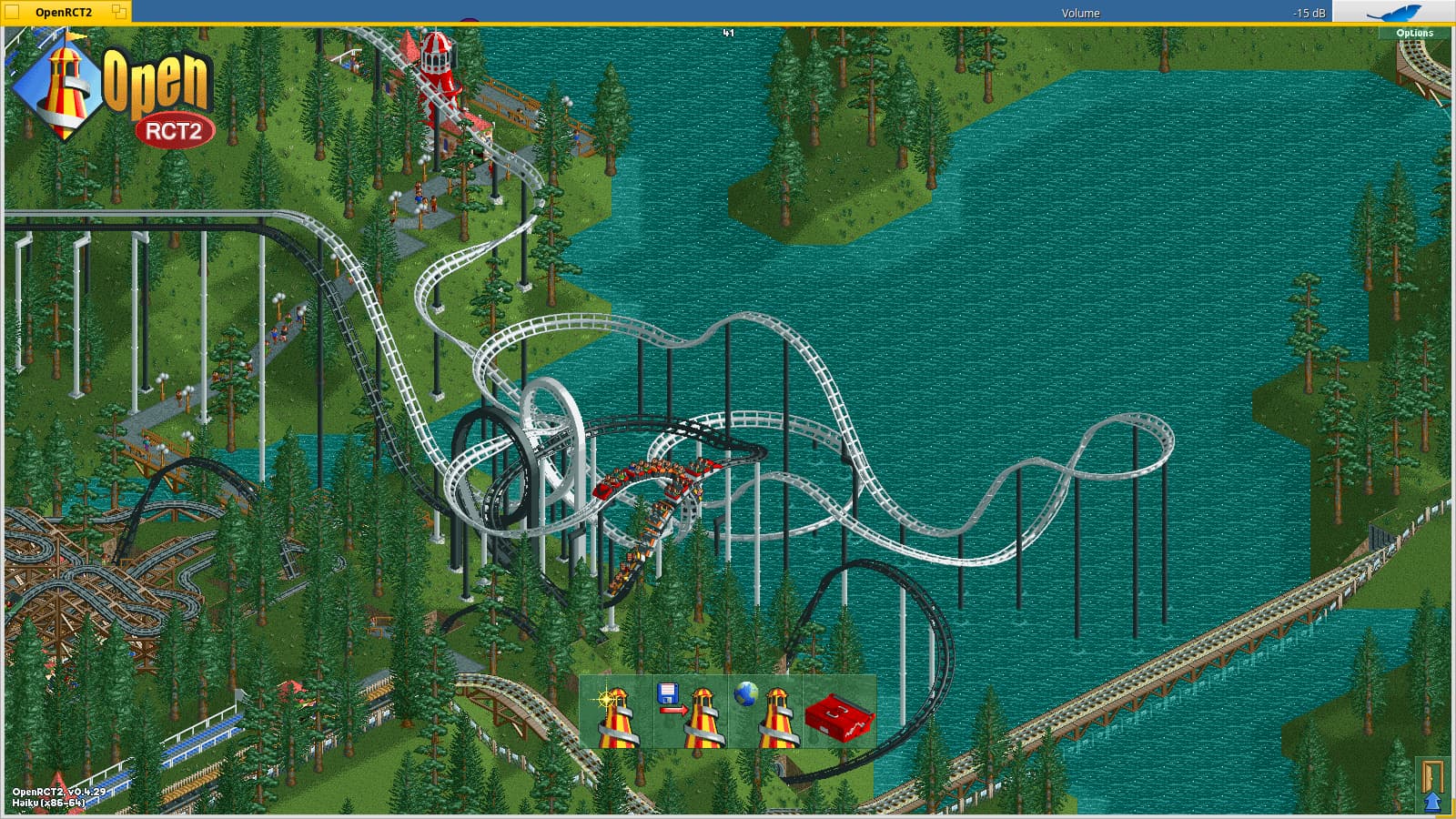
This happened in good part thanks to a whole bunch of help from both the Haiku and the OpenRCT2 communities.
The port isn’t 100% complete however, having multi-threaded rendering enabled causes crashes on a number of maps (the more complex ones afaict) so that’s disabled by default on the build for Haiku, but don’t worry, even with single-threaded rendering the game runs very well.
I have my doubts about OpenGL rendering working properly but the project itself marks it as experimental so… it’s best to avoid it either way.
15 Likes
@humdinger could you lock this one? Created a new one for this year (2026) at: