how are you runnibg this all without it becoming a slideshow?
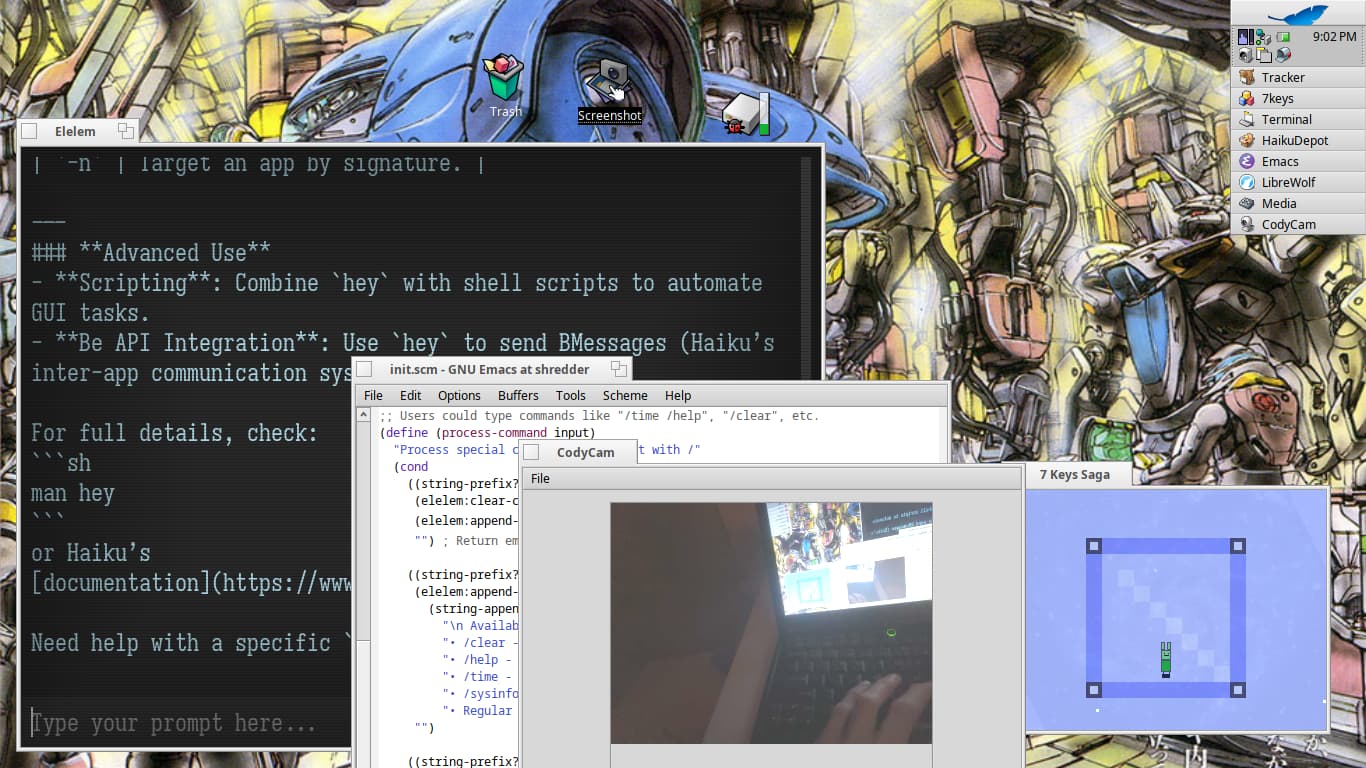
Apologies for the bony fingers.
@3dEyes I got your media add-on working with DroidCam!@SantiagoLema Terminess/Terminus rules!
8 Likes
Monospaced font really looks nice. Which font is that? For me it looks like Kolibri.

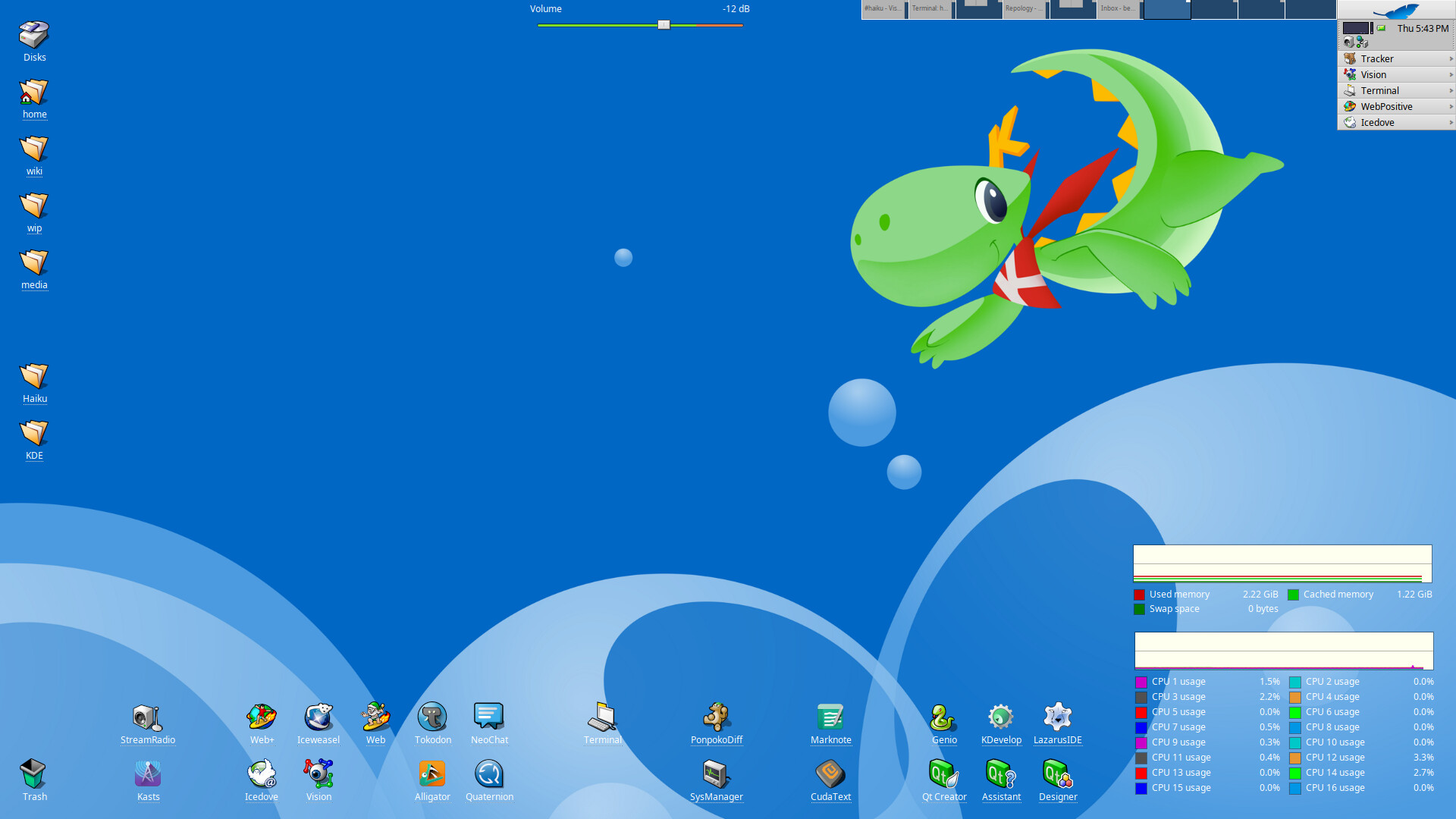
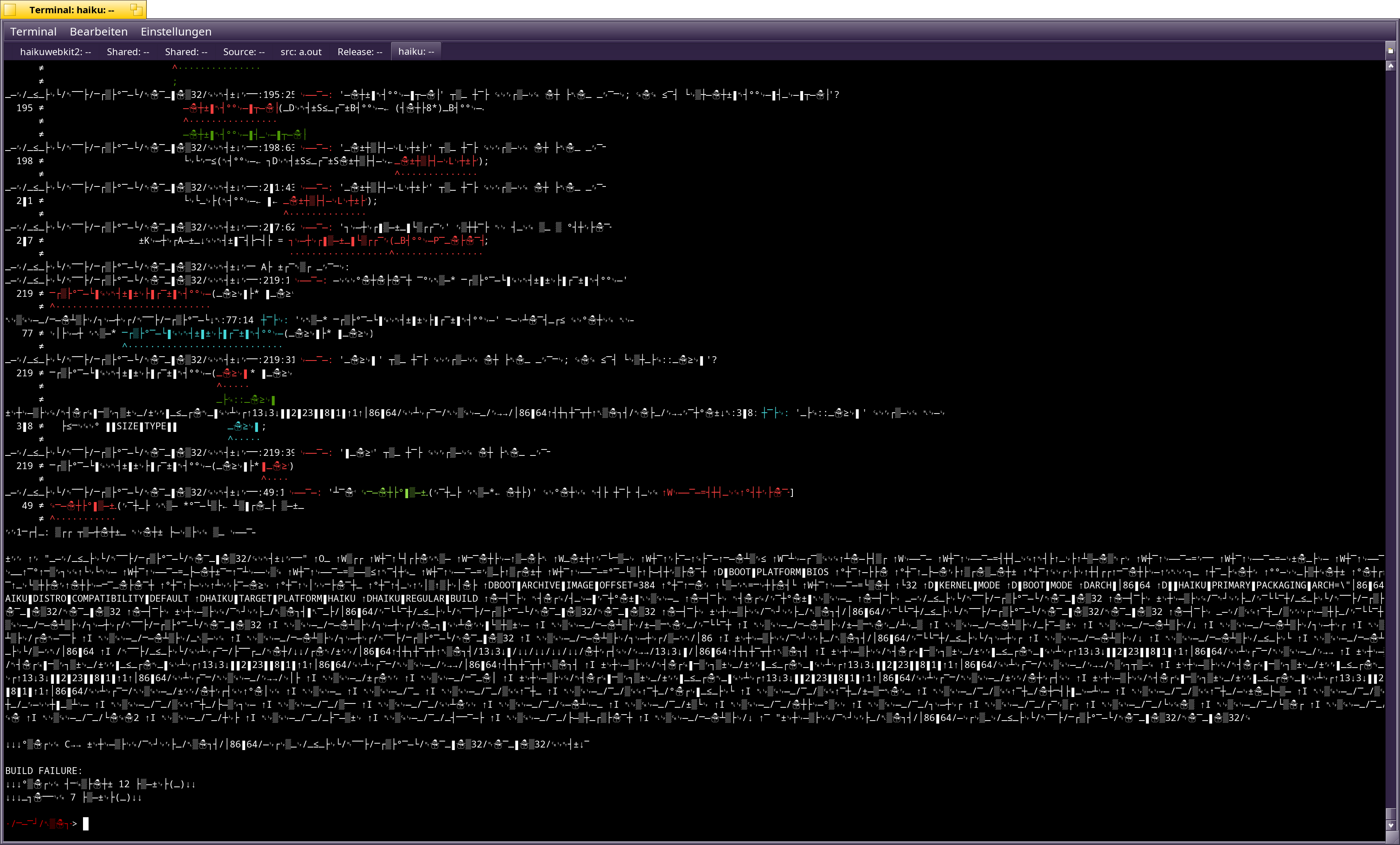
I have no clue what happened, I was trying to compile Haiku. I guess this is how terminal output looks to the un-initiated 
4 Likes
You’ve just entered the Haiku Matrix 
6 Likes
I rather think …
you could switch ON Haiku’s < ¤Encrypting Services¤ > …
you may need to figure out : how to be able to switch OFF - next time ;-))
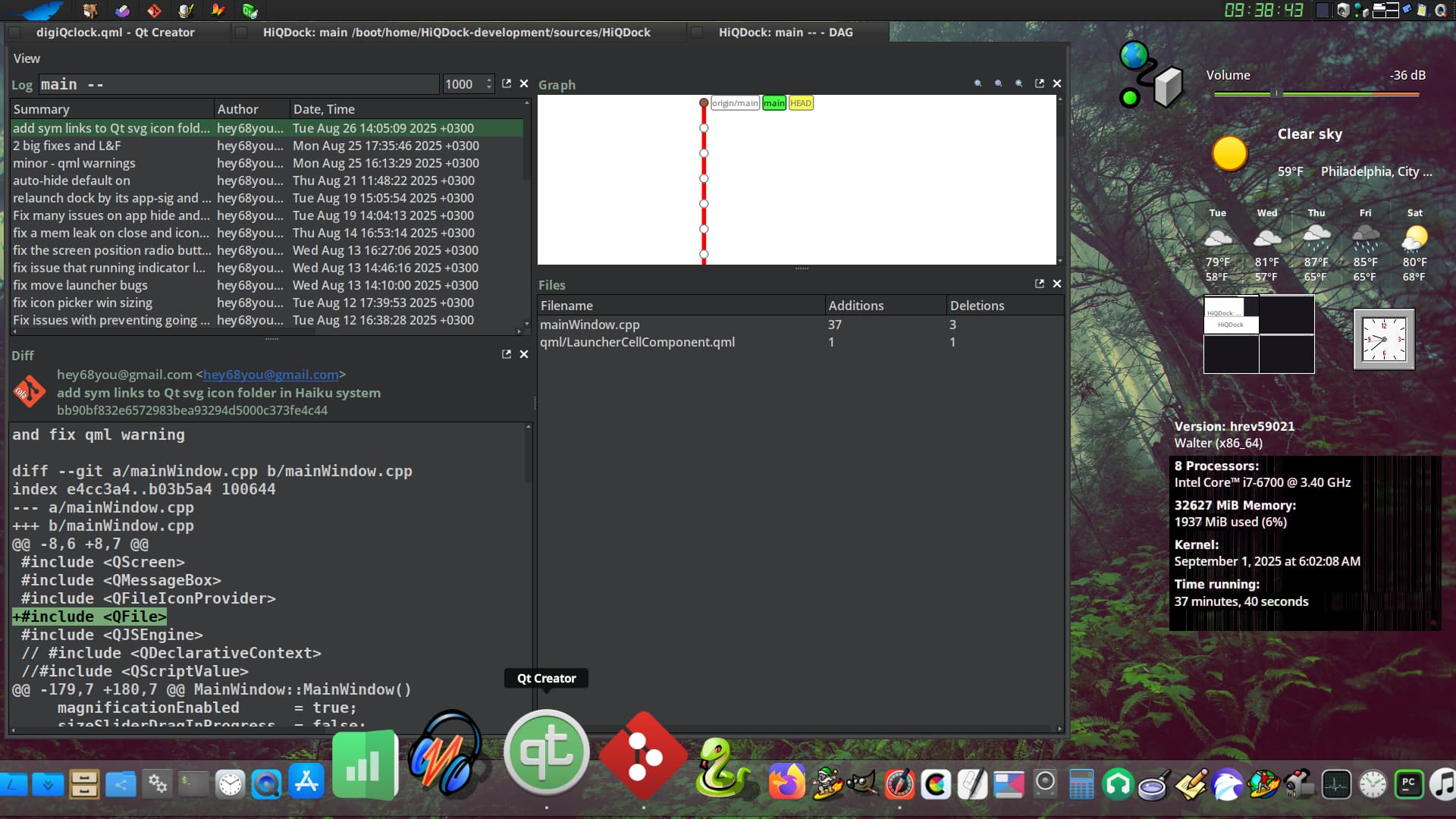
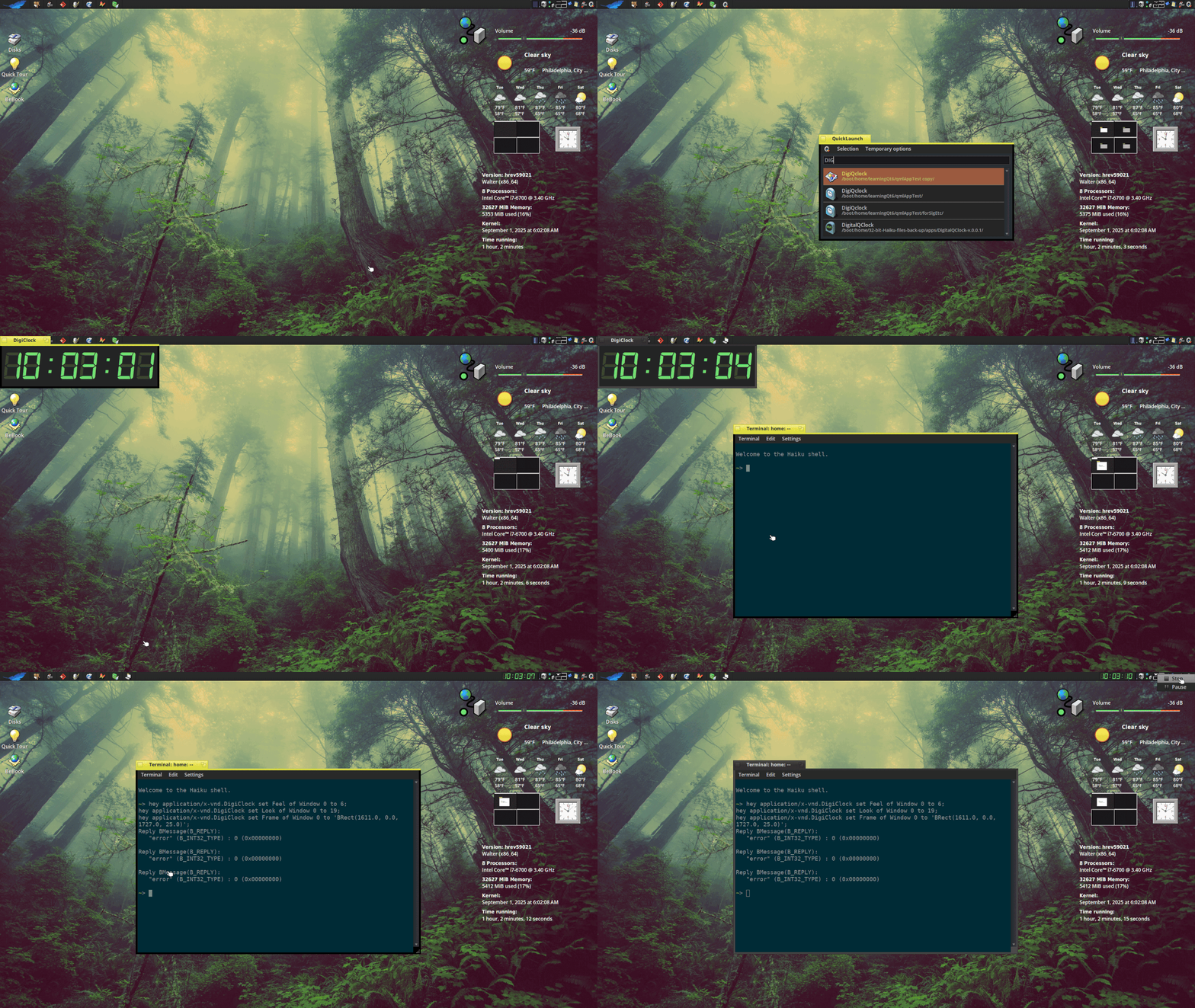
Nice, will try the clock
1 Like
@ubu - here’s the clock: DigiQClock: another Digital Clock
4 Likes
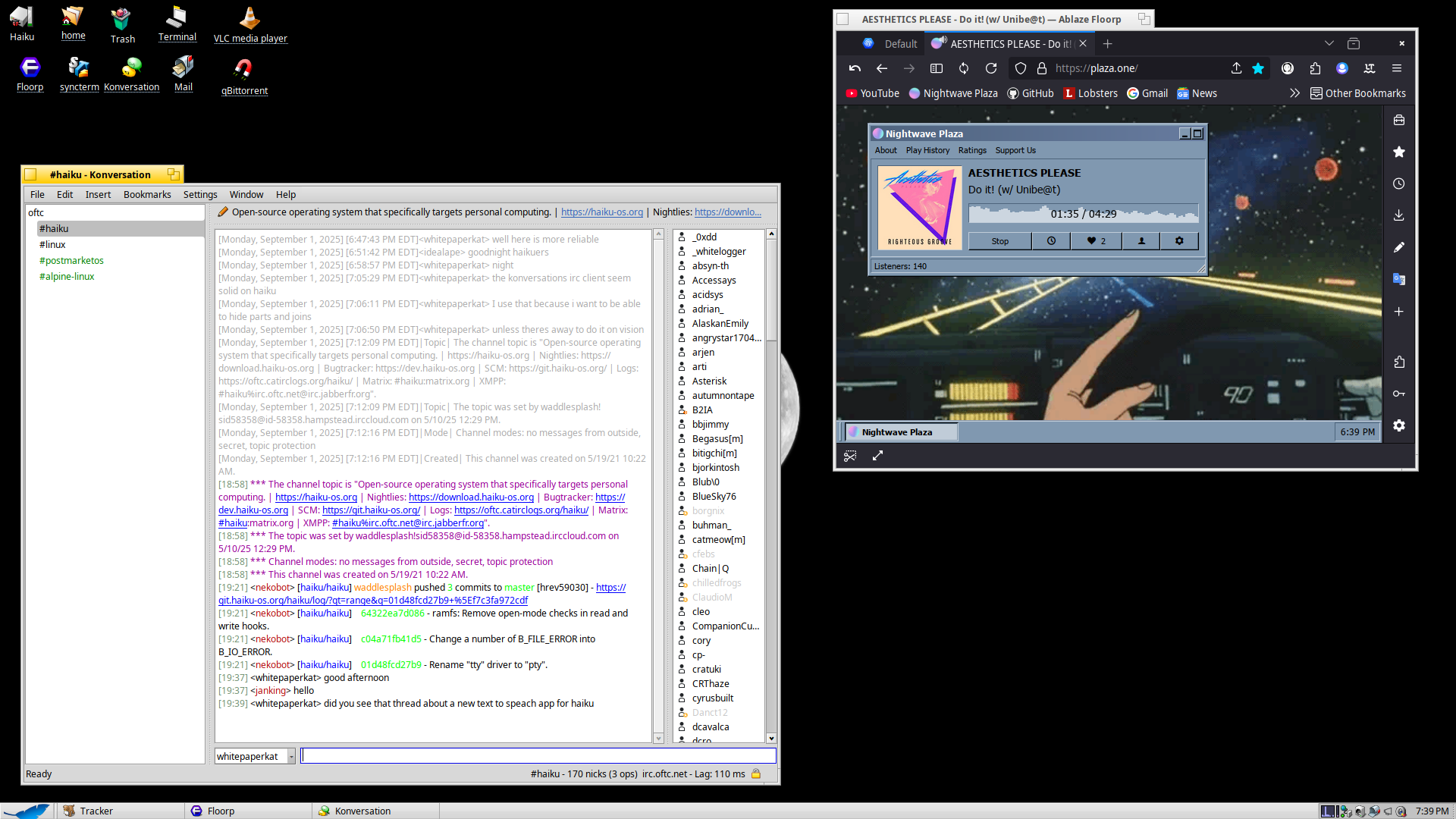
my DigiQClock using @zuMi 's wonderful digital clock icon 
and @humdinger 's wallpaper 
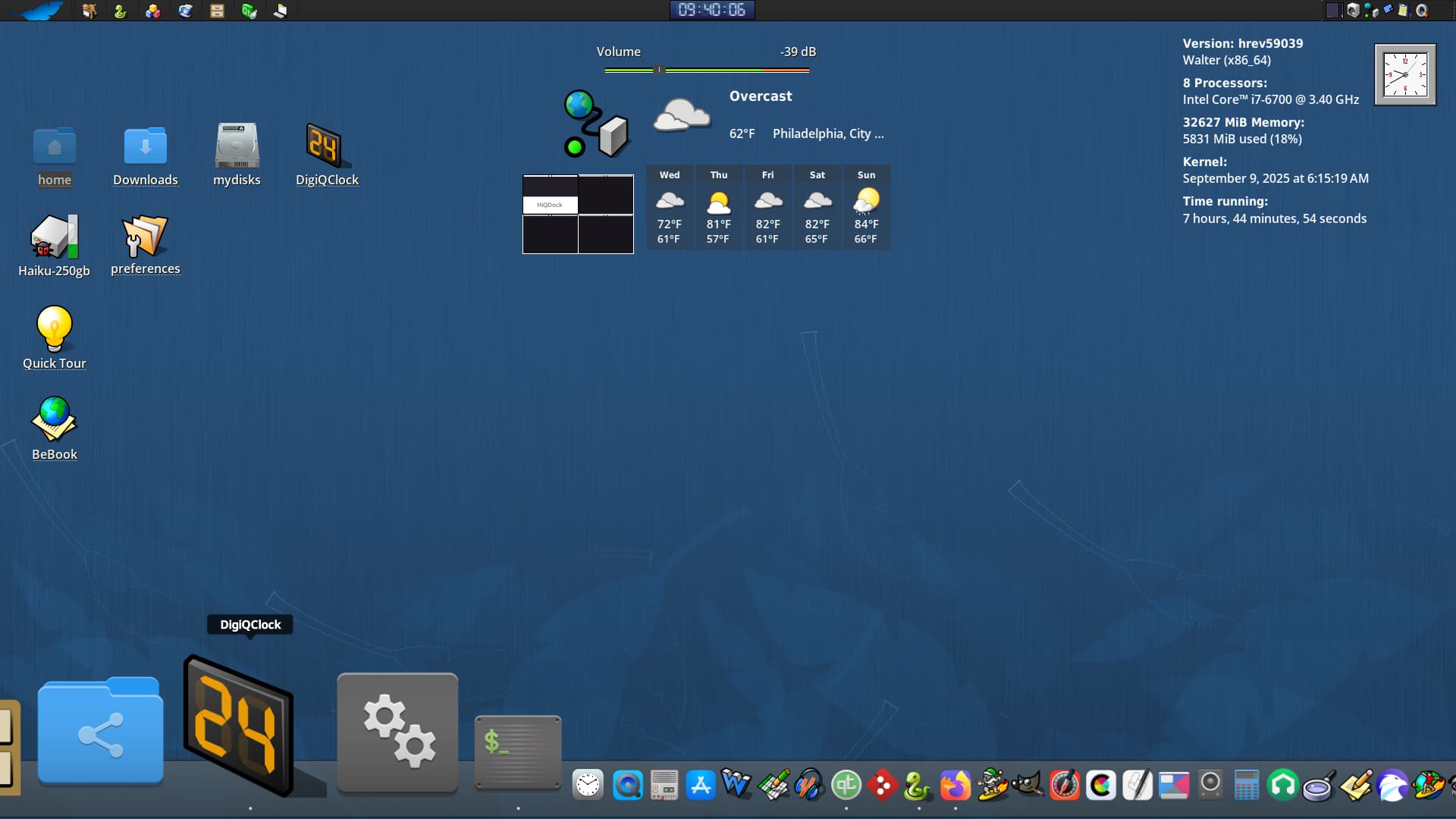
11 Likes
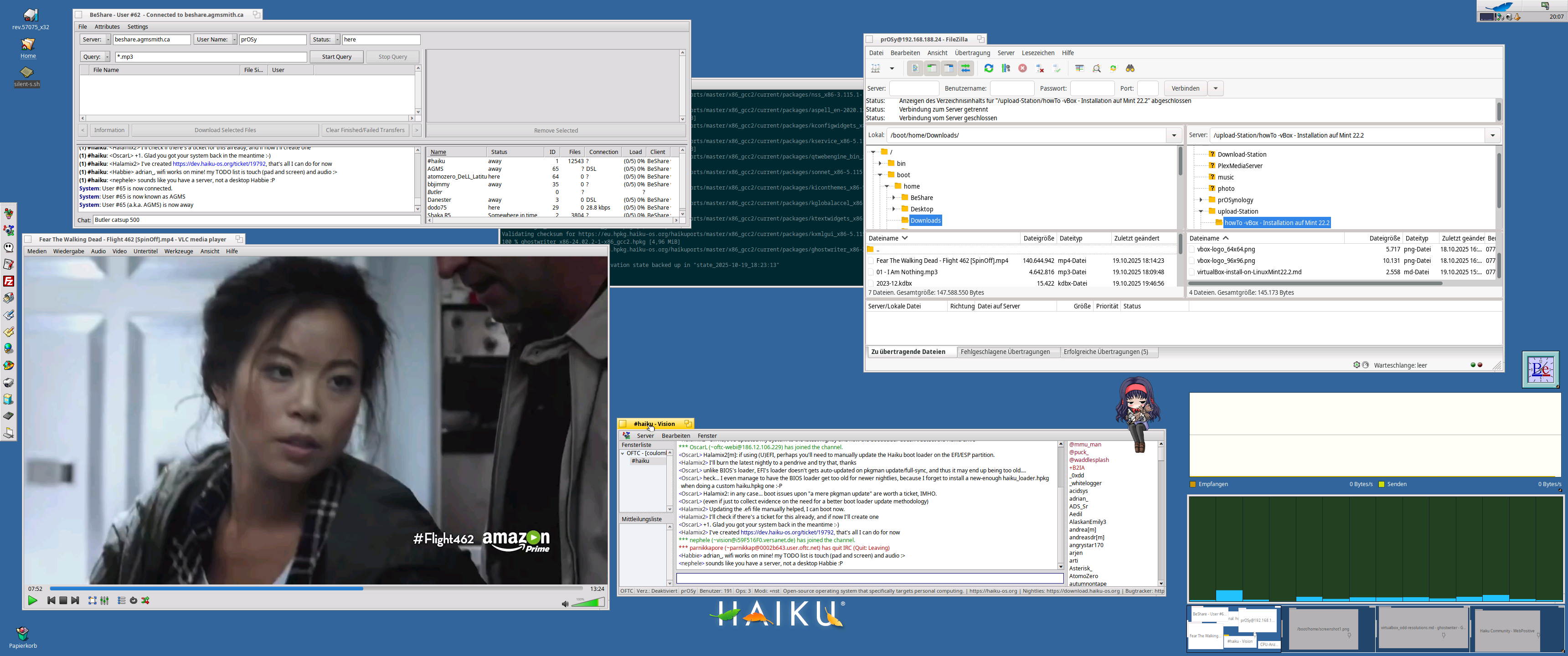
I must admit… using HAIKU as virtual machine is sometimes very appreciated … although VMs are slower, but i have the full resolution of the host-system-screen.
Back in the 90ies/2000 with CRTs we had much lower resolutions but BeOS served us workspaces, nice! Still remember the time with 1280x1024 and 9 workspaces… oh boy…
Anyway 
7 Likes
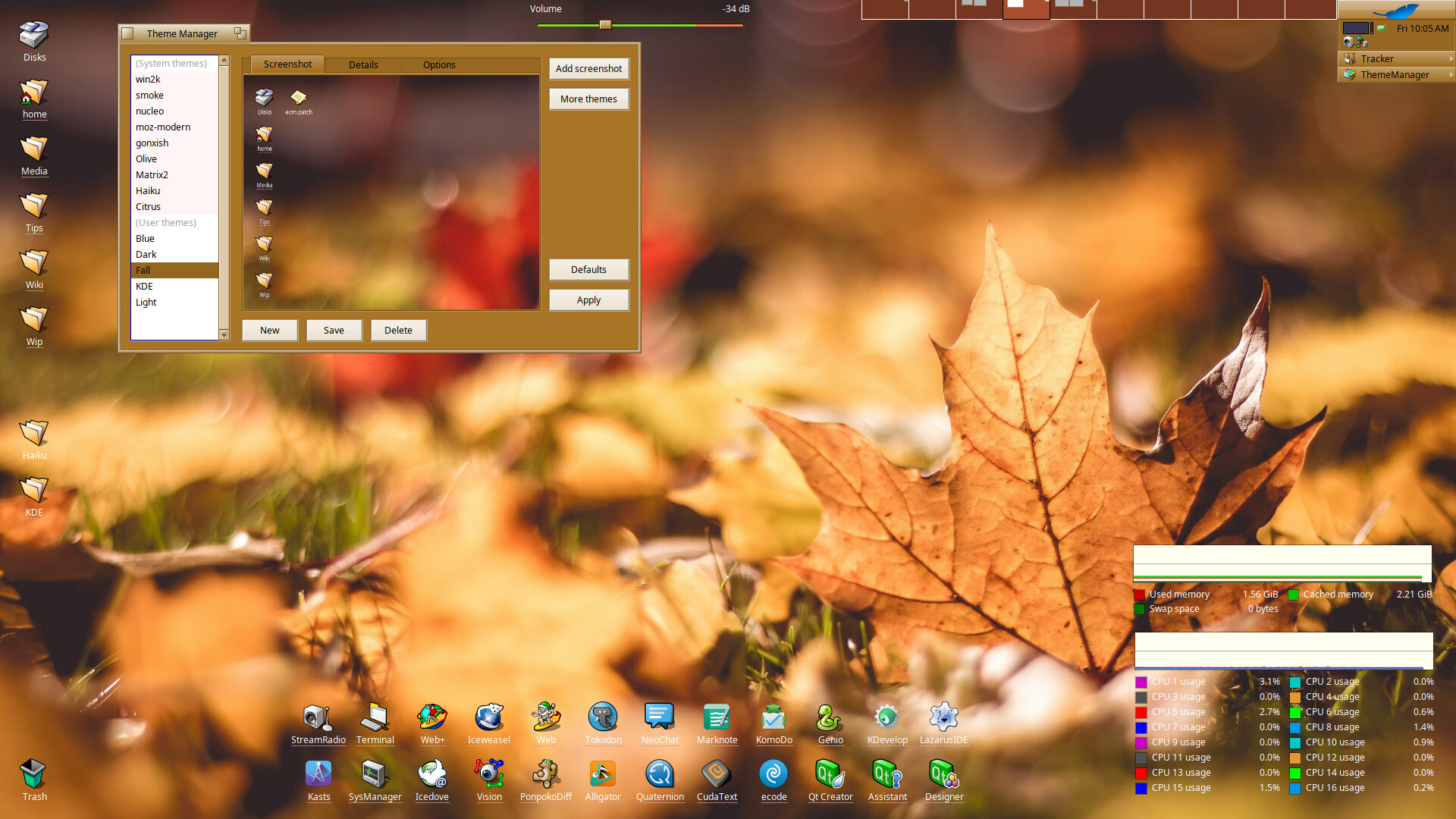
am sorry but how did you get the girl on the vision window i keep forgetting the name
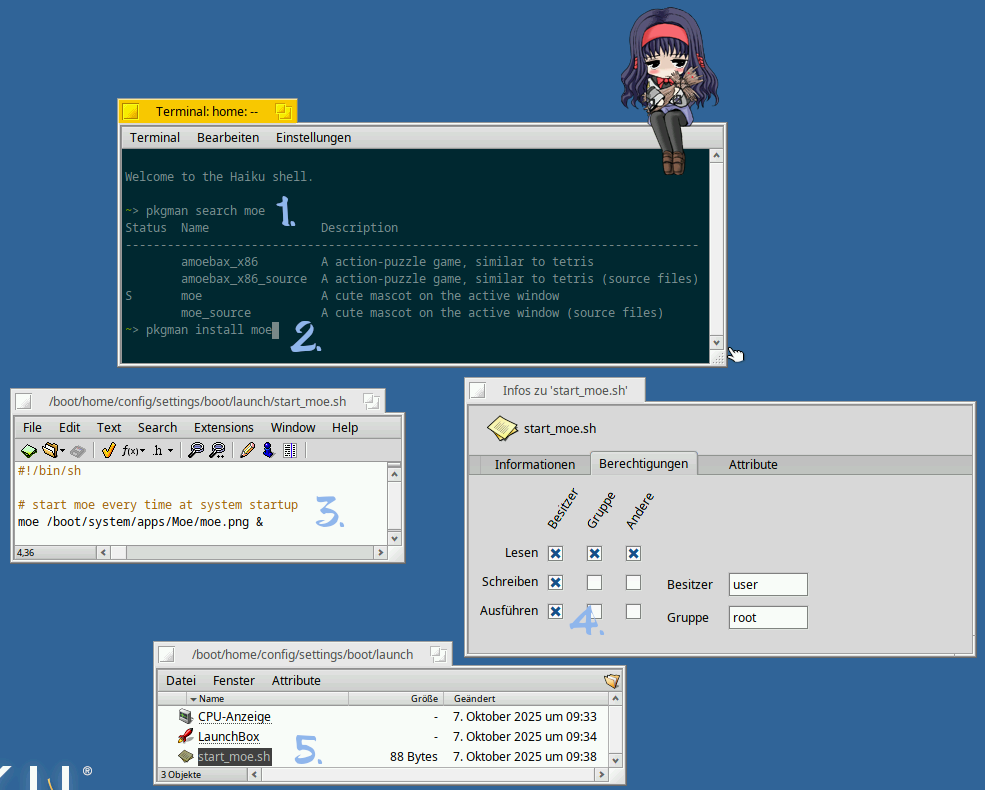
Install Moe package and follow instructions.
1 Like
it is called moe, sits on active window.
I made a short script and placed it in the startup-folder, so moe starts every time automated (make sure the script is marked as executable).
7 Likes
yes thank you
why this have transparencies and the Dockbert donot?
As @zuMi explained: (see: DigiQClock: another Digital Clock - #22 by zuMi)
This would be very complex to do in my HiQDock or Dockbert since it would have to be done for every launcher background as the icon is animated.
See also: How to transform the app_server code to use compositing | Haiku Project
3 Likes