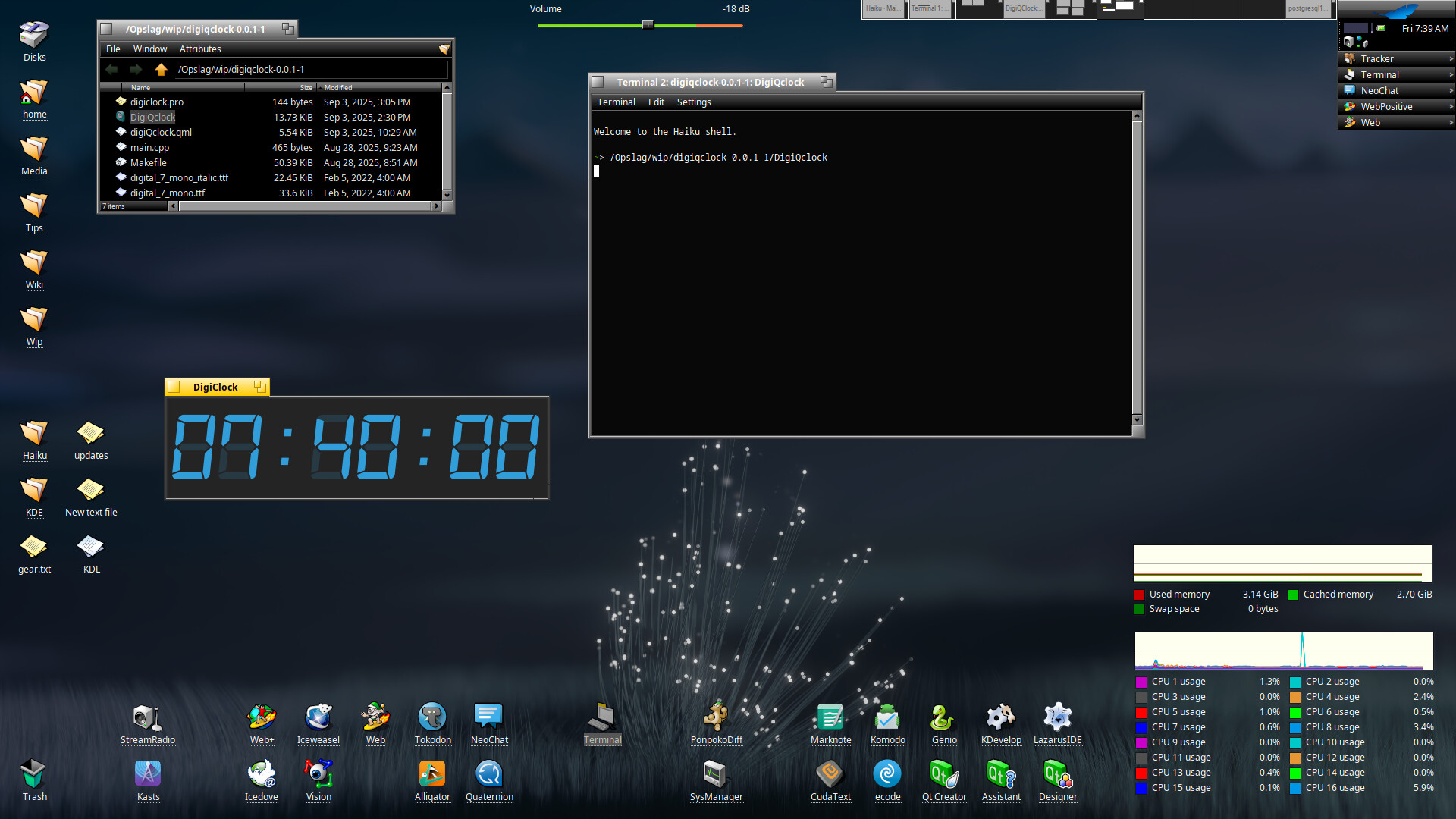
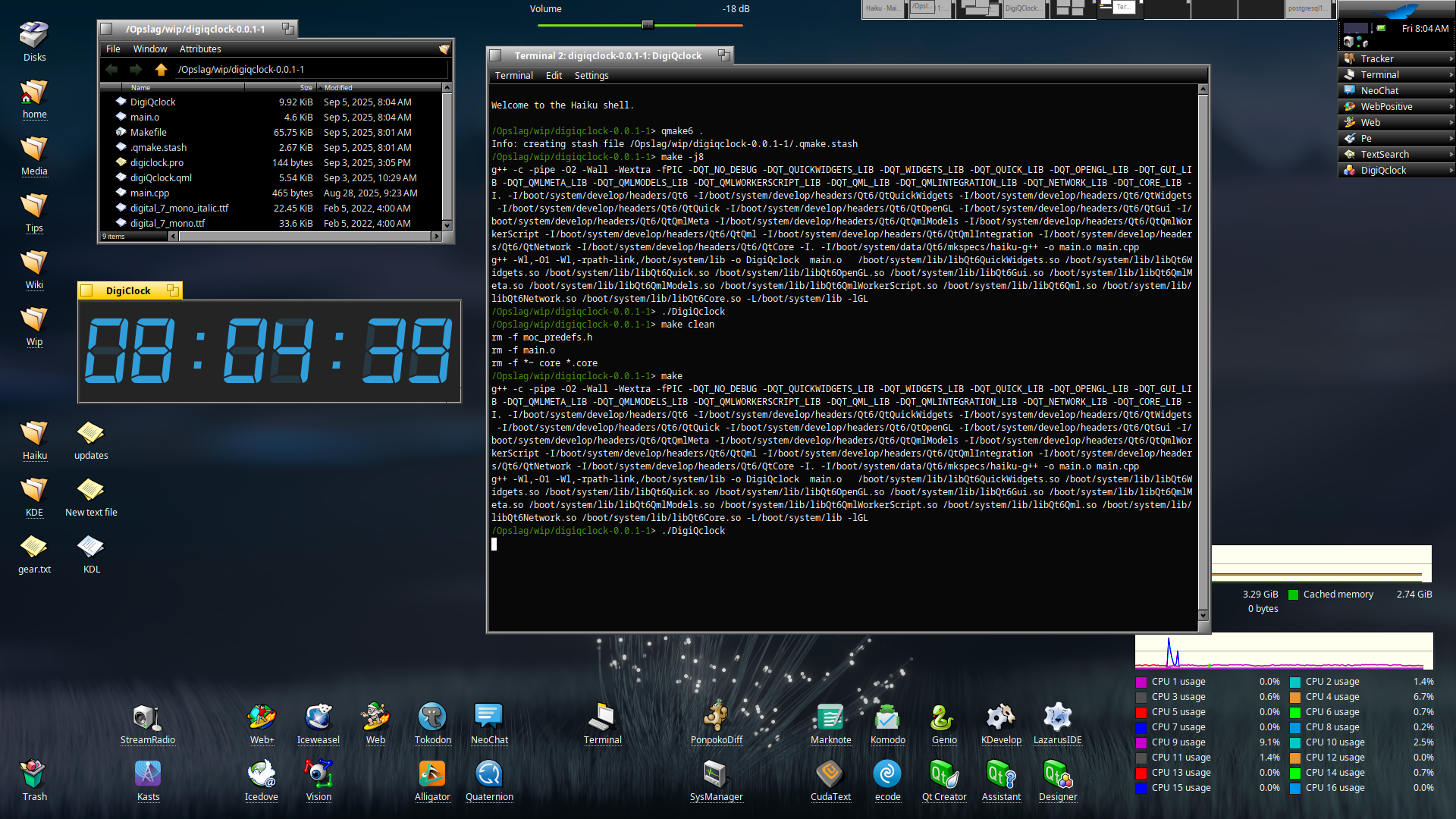
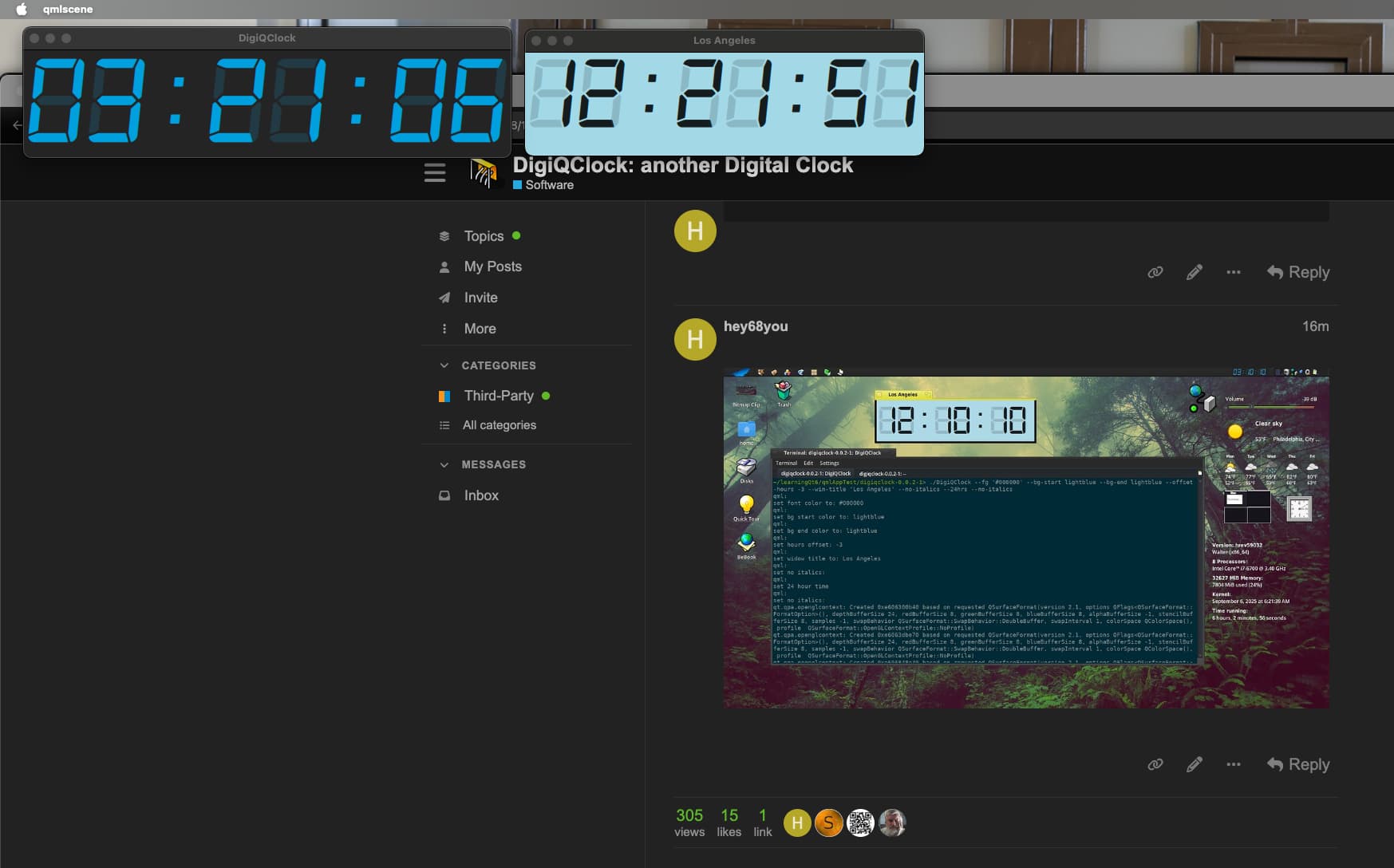
This is NOT packaged so you can easily change the .qml file to match your personal taste in font/colors.
But anyone is welcome to create a proper configurable / package-able version.
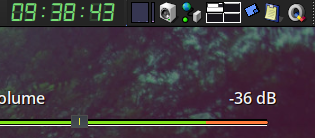
I added a link to the DigiQClock executable to the launch folder ($HOME/config/settings/boot/launch/) and then added these lines to the end of my UserBootScript:
until roster | grep DigiQClock #or maybe DigiQclock (depending on the executable name / signature)??
do
  sleep 1  # Wait for 1 second before checking again
done

hey application/x-vnd.DigiQClock set Feel of Window 0 to 6;
hey application/x-vnd.DigiQClock set Look of Window 0 to 19;
hey application/x-vnd.DigiQClock set Frame of Window 0 to 'BRect(1611.0, 0.0,
1727.0, 25.0)';
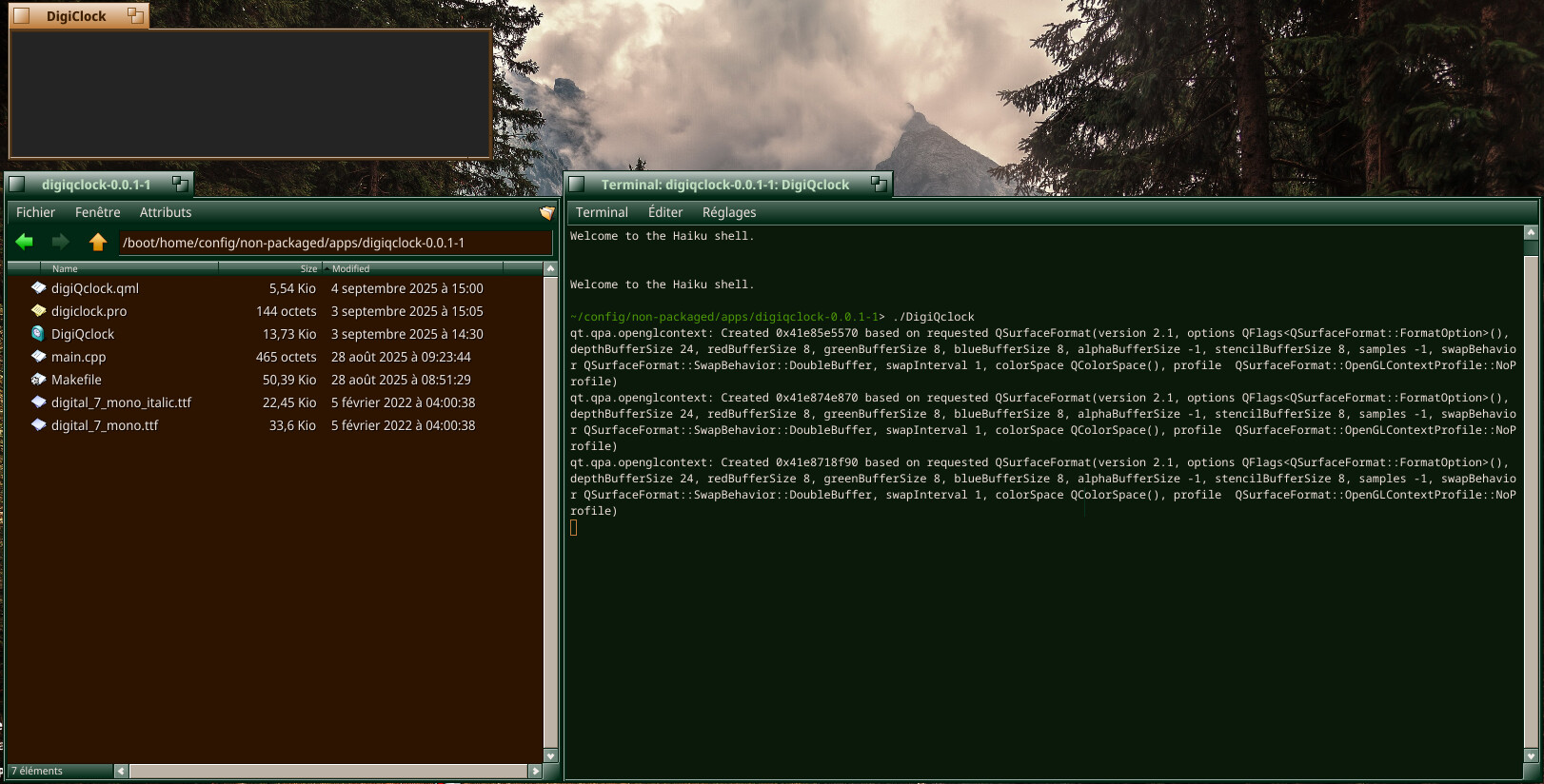
On an up to date nightly x64 (hrev59030, qemu VM), I put the folder extracted from zip in /boot/home/config/non-packaged/apps, installed the dock from BesSly repo to be sure that I had dependencies but, I can’t see time despite the window showing up. I see no errors so I’m wondering what I’ve got wrong…
maybe this is has to do with VM display settings (I had some weird issues with my HiQDock in VMWare Fusion on Macbook, although I couldn’t reproduce your issue now)
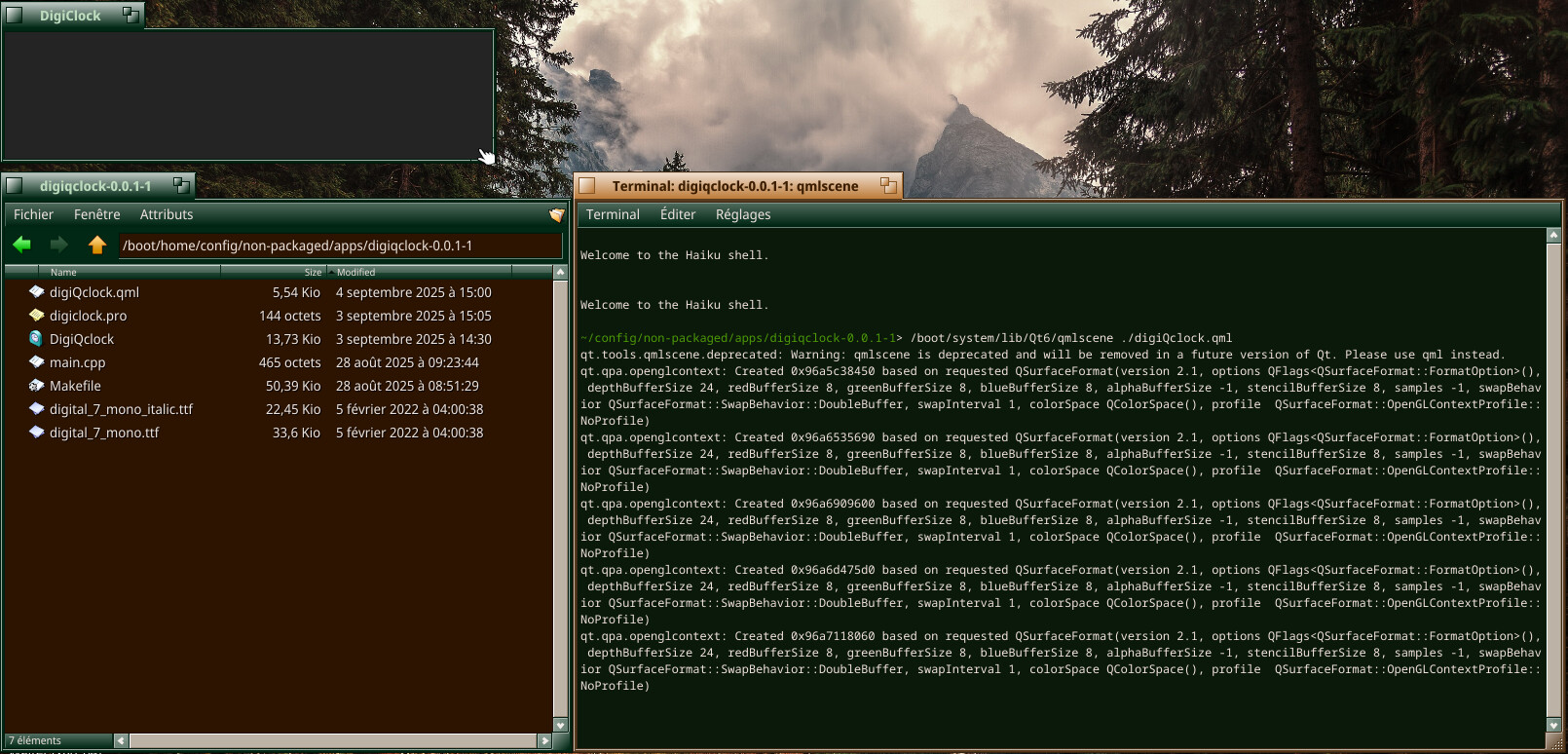
Also try to open it with qmlscene from the terninal like this in same folder like this: ~/Downloads/digiqclock-0.0.1-1> /boot/system/lib/Qt6/qmlscene digiQclock.qml
Most of all, thanks for your support/testing/patience
I found it. QML rendering was false in qt6-plugins config file. I think that I tried to toggle that in Qt6Configurator but I probably did it while the app was still running and ended not saved.
> ./DigiQClock --help
qml:
The following CLI parameters may be passed when running from the command line:

--fg           ===> font color: friendly color names or hex string with # notation e.g. '#73D292' or 'green' - qoutes are required when using hex
--bg-start     ===> background start gradient color (same format as --fg parameter)
--bg-end       ===> background end gradient color (if you don't want gradient make sure to pass same value that you passed for --bg-start)
--offset-hours ===> e.g. for different time-zones (use minus sign or just plain number for forward e.g. '--offset-hours -3' or '--offset-hours 5')
--win-title    ===> use quotes for titles with spaces e.g. --win-title 'Los Angeles')
--no-italics   ===> only need to add this flag (default is using italic font)
--24hrs        ===> only need to add this flag (default is 12hr AM/PM implied )

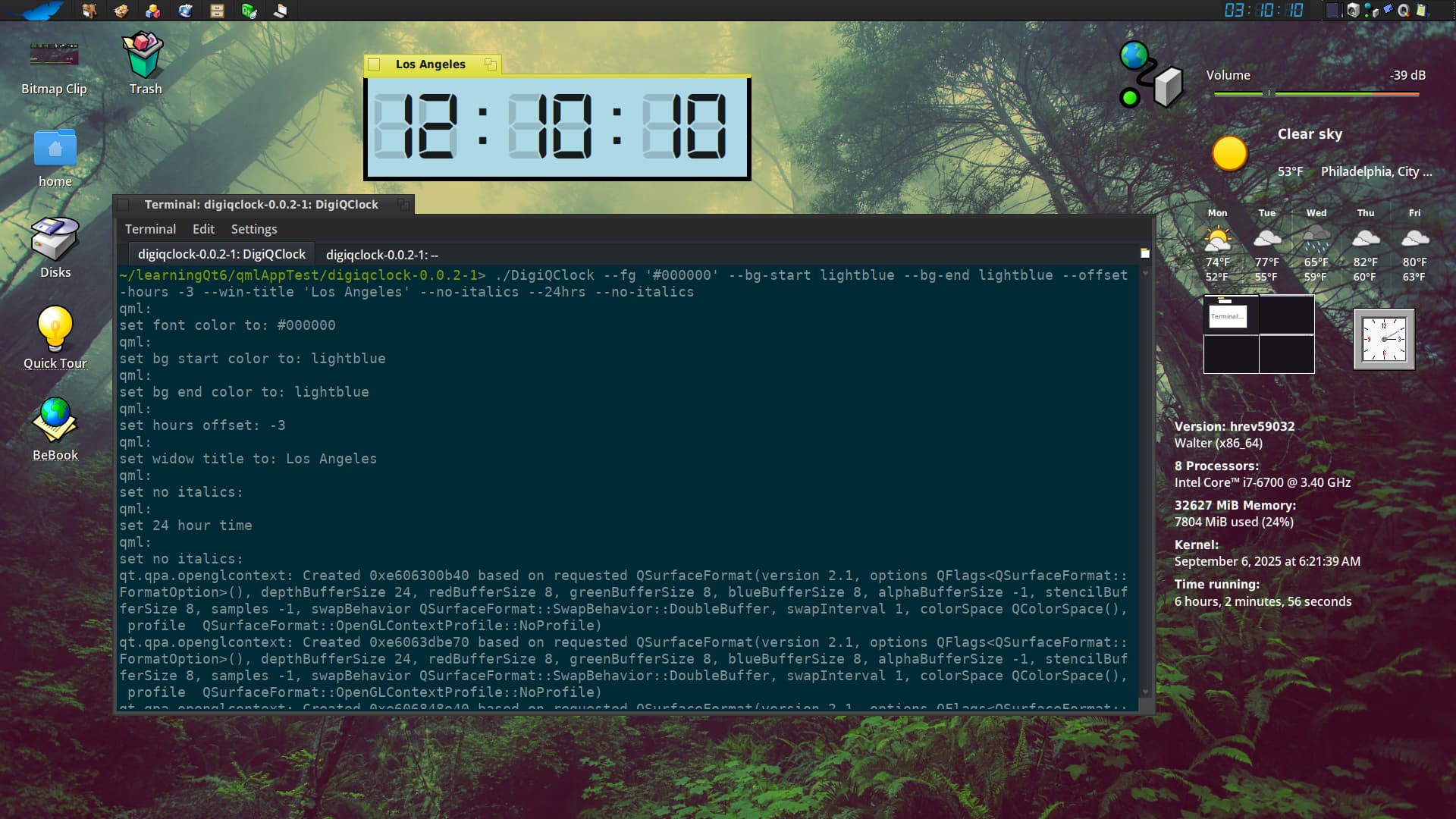
Here's a full example:

> ./DigiQClock --fg '#000000' --bg-start lightblue --bg-end lightblue --offset-hours -3 --win-title 'Los Angeles' --no-italics --24hrs
Second - I don’t know of a way to make this this DigiQClock app into a Replicant, since it’s written in Qt/QML but maybe more knowledgeable developers could help here (@3dEyes)??
Also don’t think it’s possible without doing the same trick I do for my HiQDock - but if there’s a demand from the public, maybe I will try to implement it.
…While we’re on the subject of transparency… can anyone explain how Moe can achieve ‘transparency’ around the .png image? (I’m guessing it’s easier than a clock or the HIQDock since the .png is not changing size/position like the HiQDock icons or like the text of a clock ?


 maybe this is has to do with VM display settings (I had some weird issues with my HiQDock in VMWare Fusion on Macbook, although I couldn’t reproduce your issue now)