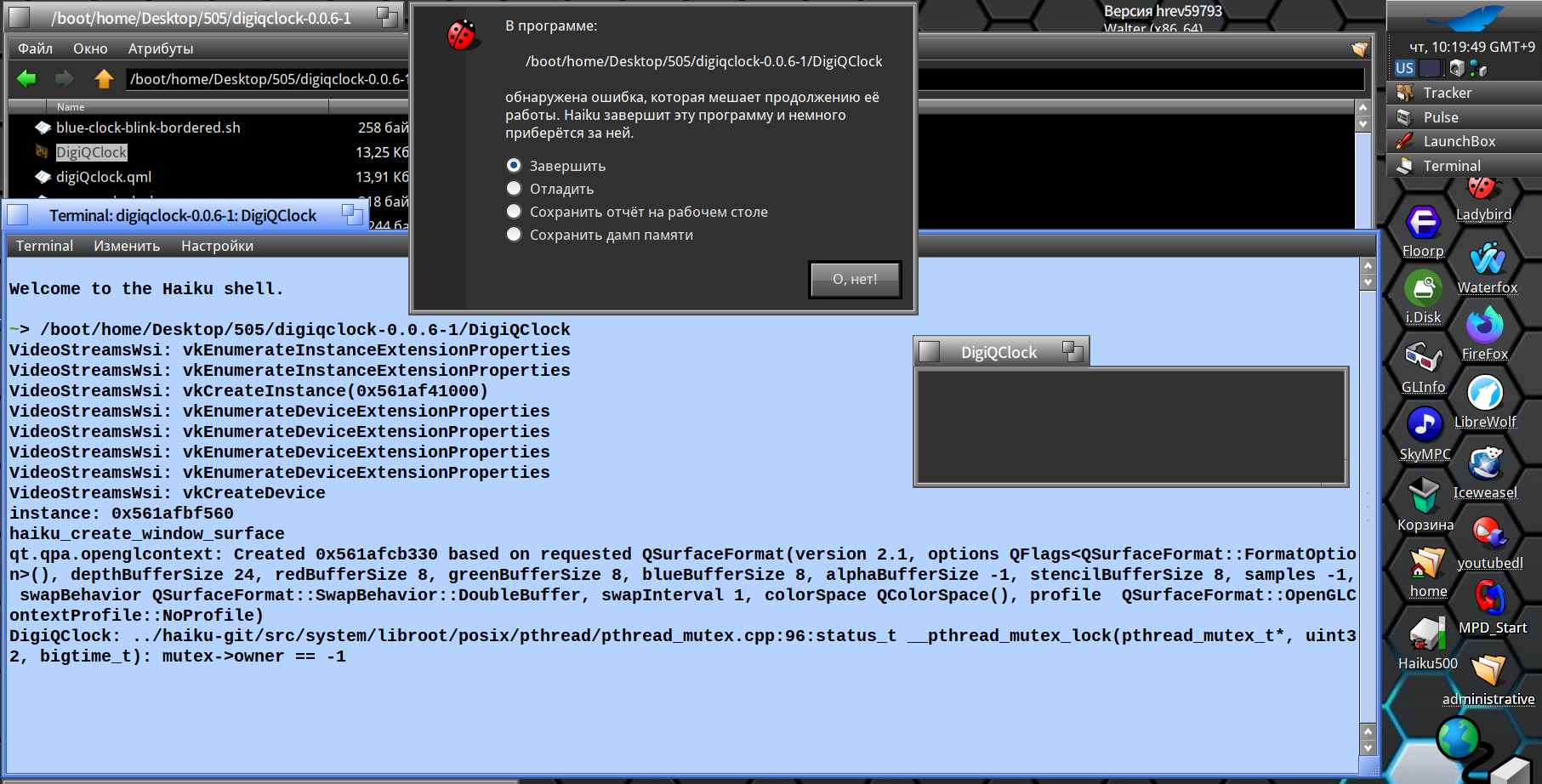
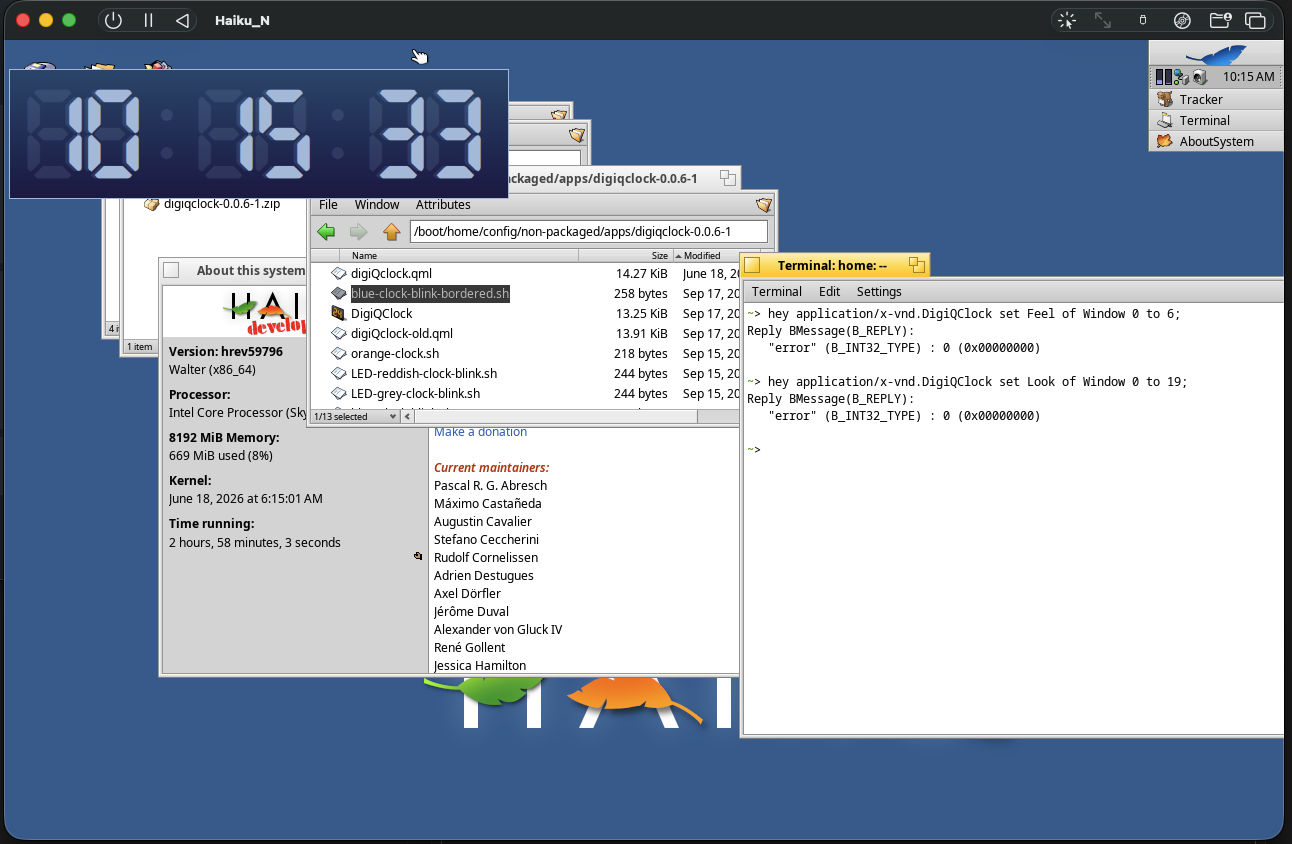
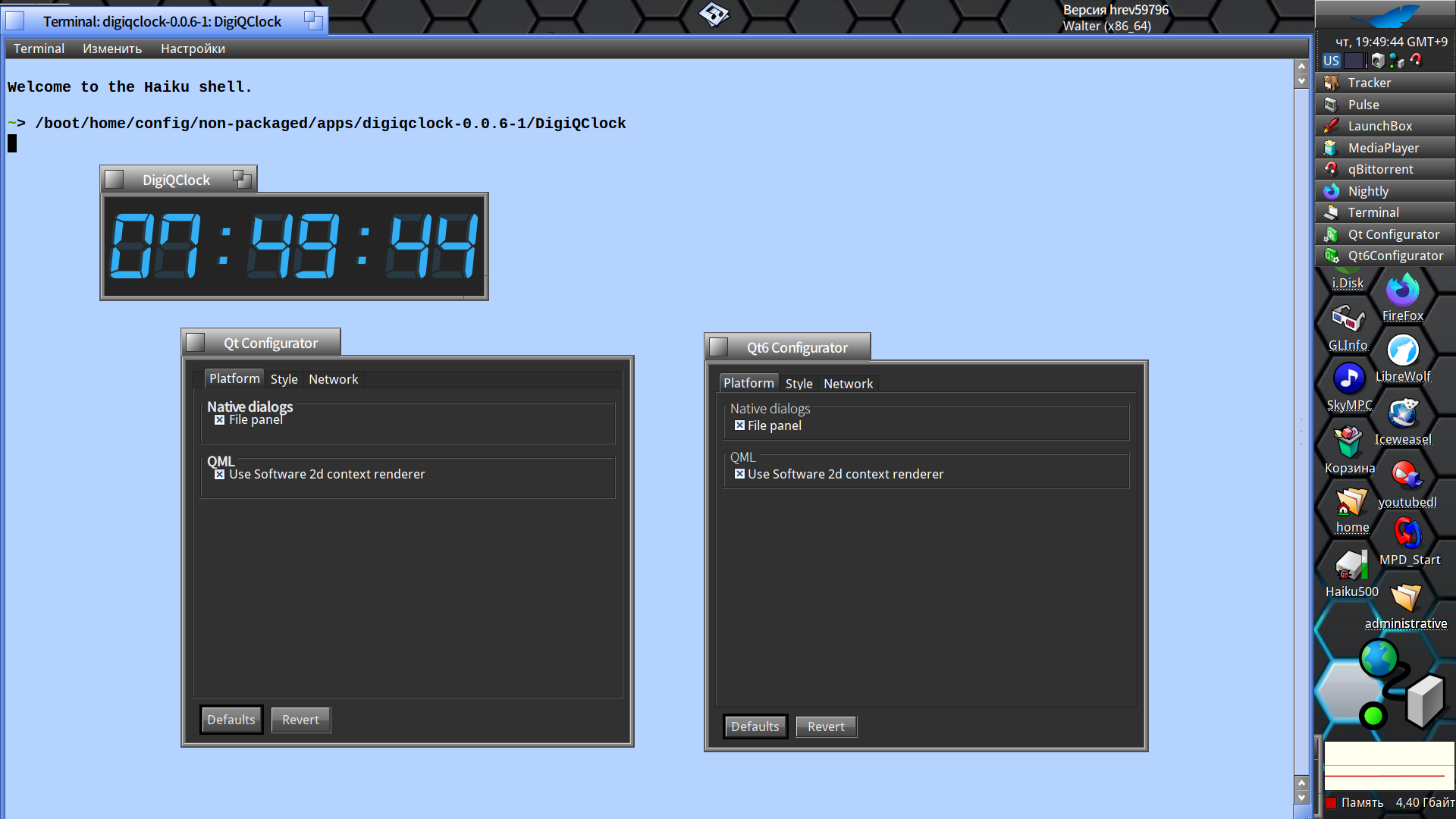
Here you are the program output in Terminal after the QT_DEBUG_PLUGINS exported
user ~/DigiQDock/digiqclock-0.0.6-1 21:51 export QT_DEBUG_PLUGINS=1
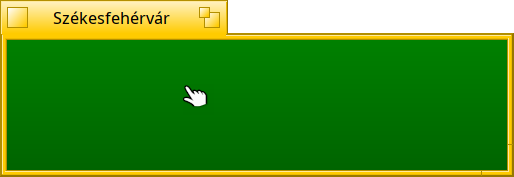
user ~/DigiQDock/digiqclock-0.0.6-1 21:56 ./DigiQClock --fg yellow --bg-start green --bg-end darkgreen --offset-hours +2 --win-title 'Székesfehérvár' --no-italics --24hrs
qt.core.plugin.factoryloader: checking directory path "/boot/system/add-ons/Qt6/platforms" ...
qt.core.plugin.factoryloader: looking at "libqvnc.so"
qt.core.plugin.loader: Found metadata in lib /boot/system/add-ons/Qt6/platforms/libqvnc.so, metadata=
{
"IID": "org.qt-project.Qt.QPA.QPlatformIntegrationFactoryInterface.5.3",
"MetaData": {
"Keys": [
"vnc"
]
},
"archlevel": 1,
"className": "QVncIntegrationPlugin",
"debug": false,
"version": 395776
}
qt.core.plugin.factoryloader: Got keys from plugin meta data QList("vnc")
qt.core.plugin.factoryloader: looking at "libqvkkhrdisplay.so"
qt.core.plugin.loader: Found metadata in lib /boot/system/add-ons/Qt6/platforms/libqvkkhrdisplay.so, metadata=
{
"IID": "org.qt-project.Qt.QPA.QPlatformIntegrationFactoryInterface.5.3",
"MetaData": {
"Keys": [
"vkkhrdisplay"
]
},
"archlevel": 1,
"className": "QVkKhrDisplayIntegrationPlugin",
"debug": false,
"version": 395776
}
qt.core.plugin.factoryloader: Got keys from plugin meta data QList("vkkhrdisplay")
qt.core.plugin.factoryloader: looking at "libqoffscreen.so"
qt.core.plugin.loader: Found metadata in lib /boot/system/add-ons/Qt6/platforms/libqoffscreen.so, metadata=
{
"IID": "org.qt-project.Qt.QPA.QPlatformIntegrationFactoryInterface.5.3",
"MetaData": {
"Keys": [
"offscreen"
]
},
"archlevel": 1,
"className": "QOffscreenIntegrationPlugin",
"debug": false,
"version": 395776
}
qt.core.plugin.factoryloader: Got keys from plugin meta data QList("offscreen")
qt.core.plugin.factoryloader: looking at "libqminimalegl.so"
qt.core.plugin.loader: Found metadata in lib /boot/system/add-ons/Qt6/platforms/libqminimalegl.so, metadata=
{
"IID": "org.qt-project.Qt.QPA.QPlatformIntegrationFactoryInterface.5.3",
"MetaData": {
"Keys": [
"minimalegl"
]
},
"archlevel": 1,
"className": "QMinimalEglIntegrationPlugin",
"debug": false,
"version": 395776
}
qt.core.plugin.factoryloader: Got keys from plugin meta data QList("minimalegl")
qt.core.plugin.factoryloader: looking at "libqminimal.so"
qt.core.plugin.loader: Found metadata in lib /boot/system/add-ons/Qt6/platforms/libqminimal.so, metadata=
{
"IID": "org.qt-project.Qt.QPA.QPlatformIntegrationFactoryInterface.5.3",
"MetaData": {
"Keys": [
"minimal"
]
},
"archlevel": 1,
"className": "QMinimalIntegrationPlugin",
"debug": false,
"version": 395776
}
qt.core.plugin.factoryloader: Got keys from plugin meta data QList("minimal")
qt.core.plugin.factoryloader: looking at "libqhaiku.so"
qt.core.plugin.loader: Found metadata in lib /boot/system/add-ons/Qt6/platforms/libqhaiku.so, metadata=
{
"IID": "org.qt-project.Qt.QPA.QPlatformIntegrationFactoryInterface.5.3",
"MetaData": {
"Keys": [
"haiku"
]
},
"archlevel": 1,
"className": "QHaikuExpIntegrationPlugin",
"debug": false,
"version": 395776
}
qt.core.plugin.factoryloader: Got keys from plugin meta data QList("haiku")
qt.core.plugin.factoryloader: looking at "libqeglfs.so"
qt.core.plugin.loader: Found metadata in lib /boot/system/add-ons/Qt6/platforms/libqeglfs.so, metadata=
{
"IID": "org.qt-project.Qt.QPA.QPlatformIntegrationFactoryInterface.5.3",
"MetaData": {
"Keys": [
"eglfs"
]
},
"archlevel": 1,
"className": "QEglFSIntegrationPlugin",
"debug": false,
"version": 395776
}
qt.core.plugin.factoryloader: Got keys from plugin meta data QList("eglfs")
qt.core.plugin.factoryloader: checking directory path "/boot/home/DigiQDock/digiqclock-0.0.6-1/platforms" ...
qt.qpa.plugin: Could not find the Qt platform plugin "xcb" in ""
qt.core.library: "/boot/system/add-ons/Qt6/platforms/libqhaiku.so" loaded library
qt.core.plugin.factoryloader: checking directory path "/boot/system/add-ons/Qt6/platformthemes" ...
qt.core.plugin.factoryloader: looking at "libqxdgdesktopportal.so"
qt.core.plugin.loader: Found metadata in lib /boot/system/add-ons/Qt6/platformthemes/libqxdgdesktopportal.so, metadata=
{
"IID": "org.qt-project.Qt.QPA.QPlatformThemeFactoryInterface.5.1",
"MetaData": {
"Keys": [
"xdgdesktopportal",
"flatpak",
"snap"
]
},
"archlevel": 1,
"className": "QXdgDesktopPortalThemePlugin",
"debug": false,
"version": 395776
}
qt.core.plugin.factoryloader: Got keys from plugin meta data QList("xdgdesktopportal", "flatpak", "snap")
qt.core.plugin.factoryloader: checking directory path "/boot/home/DigiQDock/digiqclock-0.0.6-1/platformthemes" ...
qt.core.plugin.loader: Found metadata in lib /boot/system/data/Qt6/qml/QtQuick/Window/libquickwindowplugin.so, metadata=
{
"IID": "org.qt-project.Qt.QQmlEngineExtensionInterface",
"archlevel": 1,
"className": "QtQuick_WindowPlugin",
"debug": false,
"uri": [
"QtQuick.Window"
],
"version": 395776
}
qt.core.library: "/boot/system/data/Qt6/qml/QtQuick/Window/libquickwindowplugin.so" loaded library
qt.core.plugin.loader: Found metadata in lib /boot/system/data/Qt6/qml/QtQuick/Controls/Basic/libqtquickcontrols2basicstyleplugin.so, metadata=
{
"IID": "org.qt-project.Qt.QQmlExtensionInterface/1.0",
"archlevel": 1,
"className": "QtQuickControls2BasicStylePlugin",
"debug": false,
"uri": [
"QtQuick.Controls.Basic"
],
"version": 395776
}
qt.core.library: "/boot/system/data/Qt6/qml/QtQuick/Controls/Basic/libqtquickcontrols2basicstyleplugin.so" loaded library
qt.core.plugin.loader: Found metadata in lib /boot/system/data/Qt6/qml/QtQuick/Templates/libqtquicktemplates2plugin.so, metadata=
{
"IID": "org.qt-project.Qt.QQmlExtensionInterface/1.0",
"archlevel": 1,
"className": "QtQuickTemplates2Plugin",
"debug": false,
"uri": [
"QtQuick.Templates"
],
"version": 395776
}
qt.core.library: "/boot/system/data/Qt6/qml/QtQuick/Templates/libqtquicktemplates2plugin.so" loaded library
qml:
set font color to: yellow
qml:
set bg start color to: green
qml:
set bg end color to: darkgreen
qml:
set hours offset: +2
qml:
set widow title to: Székesfehérvár
qml:
set no italics:
qml:
set 24 hour time
qt.core.plugin.factoryloader: checking directory path "/boot/system/add-ons/Qt6/accessiblebridge" ...
qt.core.plugin.factoryloader: checking directory path "/boot/home/DigiQDock/digiqclock-0.0.6-1/accessiblebridge" ...
qt.core.plugin.factoryloader: checking directory path "/boot/system/add-ons/Qt6/accessible" ...
qt.core.plugin.factoryloader: checking directory path "/boot/home/DigiQDock/digiqclock-0.0.6-1/accessible" ...
OpenGL load add-on: /boot/system/add-ons/opengl/Software Pipe
OpenGL add-on registered: /boot/system/add-ons/opengl/Software Pipe
GalliumContext: CreateDisplay: Using llvmpipe (LLVM 12.0.1, 256 bits) driver.
qt.qpa.openglcontext: Created 0x2181decb70 based on requested QSurfaceFormat(version 2.1, options QFlags<QSurfaceFormat::FormatOption>(), depthBufferSize 24, redBufferSize 8, greenBufferSize 8, blueBufferSize 8, alphaBufferSize -1, stencilBufferSize 8, samples -1, swapBehavior QSurfaceFormat::SwapBehavior::DoubleBuffer, swapInterval 1, colorSpace QColorSpace(), profile QSurfaceFormat::OpenGLContextProfile::NoProfile)
qt.qpa.openglcontext: Created 0x21823a2420 based on requested QSurfaceFormat(version 2.1, options QFlags<QSurfaceFormat::FormatOption>(), depthBufferSize 24, redBufferSize 8, greenBufferSize 8, blueBufferSize 8, alphaBufferSize -1, stencilBufferSize 8, samples -1, swapBehavior QSurfaceFormat::SwapBehavior::DoubleBuffer, swapInterval 1, colorSpace QColorSpace(), profile QSurfaceFormat::OpenGLContextProfile::NoProfile)
qt.qpa.openglcontext: Created 0x21823a2480 based on requested QSurfaceFormat(version 2.1, options QFlags<QSurfaceFormat::FormatOption>(), depthBufferSize 24, redBufferSize 8, greenBufferSize 8, blueBufferSize 8, alphaBufferSize -1, stencilBufferSize 8, samples -1, swapBehavior QSurfaceFormat::SwapBehavior::DoubleBuffer, swapInterval 1, colorSpace QColorSpace(), profile QSurfaceFormat::OpenGLContextProfile::NoProfile)
Any xcb related packages available
user ~ 19:51 pkgman search xcb
Status Name Description
-------------------------------------------------------------------------------------------------
libx11_debuginfo X.Org X11 library (debug info)
libxcb X.Org's C Bindings library
libxcb_debuginfo X.Org's C Bindings library (debug info)
libxcb_devel X.Org's C Bindings library (development files)
libxcb_source X.Org's C Bindings library (source files)
xcb_proto X.Org's C Bindings protocol headers
xcb_proto_source X.Org's C Bindings protocol headers (source files)
xcb_util_keysyms X C-language Bindings sample implementations
xcb_util_keysyms_devel X C-language Bindings sample implementations (development files)
xcb_util_keysyms_source X C-language Bindings sample implementations (source files)
user ~ 22:02
I found not so much libqt6* files, however HaiQDock is installed from Besly64 repo, as you could see above
user ~ 22:06 find /boot -name libqt6*
/boot/system/lib/libqt6keychain.so.1
/boot/system/lib/libqt6keychain.so.0.15.0
user ~ 22:12
It can be some qt6_*_devel package which one(s) is(are) missing, I assume those installs libraries …
No wonder, I’m not a developer  :lol:
:lol:
===
End of Investigation – from my side
===