Interesting! And my problematic machine is also a 4th gen i7.
I got that same issue with a HP Pavilion dv9500 laptop and R1/beta6 TC0 which has a Core 2 Duo T7300 so it’s not confined to 4th Gen i7 systems. I did mention the issue in the survey, Deskbar became responsive when I changed the resolution in Screen preferences from the 1024x768 it would first boot into to the native 1440x900 LCD resolution interestingly.
Beta6 64 bit works on Lenovo Thinkpad T460s and T470s
1 Like
My eeePC 1005P does not work with this test candidate 0. I did not expect it to, the last nightly it works with is 59024. 59030 and all revisions since KDLs. Sometimes I can make it install by typing “exit” in KDL, but it never reliably boots after that. Before 59024 it has run Haiku well for years, and Haku is now pretty much the only OS that is usable on this machine.
It came with windows 8 home 7 starter, and I used it for work for many years. I really only need e-mail and a word processor. I really like it, I have maxed the RAM to 2GB and installed an SSD on it. I don’t understand why they don’t make netbooks any more.
EDIT: I had only been running 32 bit haiku on this thing until recently, thinking it was too old, but I discovered it will run 64 bit OSs just fine! (as long as 2 gigs of memory is not too low)
Test candidate 0 works well on my ASUS zenbook 305ux - except that the right mousepad button don’t seem to work. Love this machine, it’s completely silent and looks good, too! Since Windows 11 won’t work on it, I am no longer using windows, dualbooting linux mint and Haiku.
Just updated my Proxmox VM. My big_buck_bunny_720p_30mb.mp4 test file now causes “media_addon_server” to give a Terminate/Debug/Save Report/Write core file prompt.
My low end Thinkpad x130e works as well as it did before, which is to say no audio or webcam, but everything else seems fine. Though I think I’ve found a fix for the audio driver.
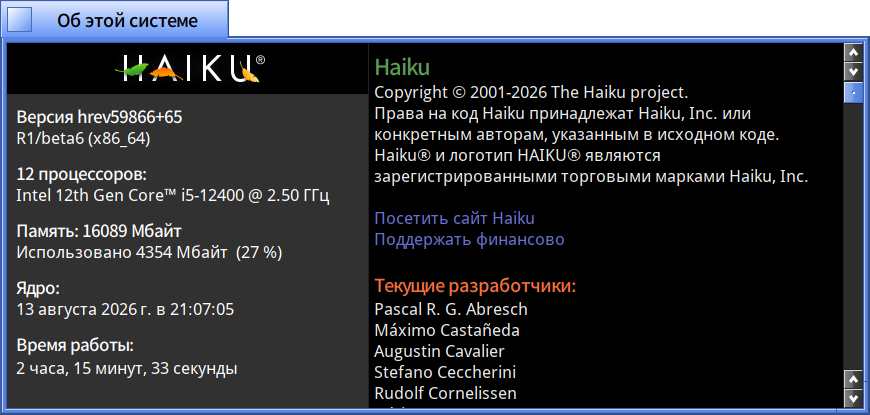
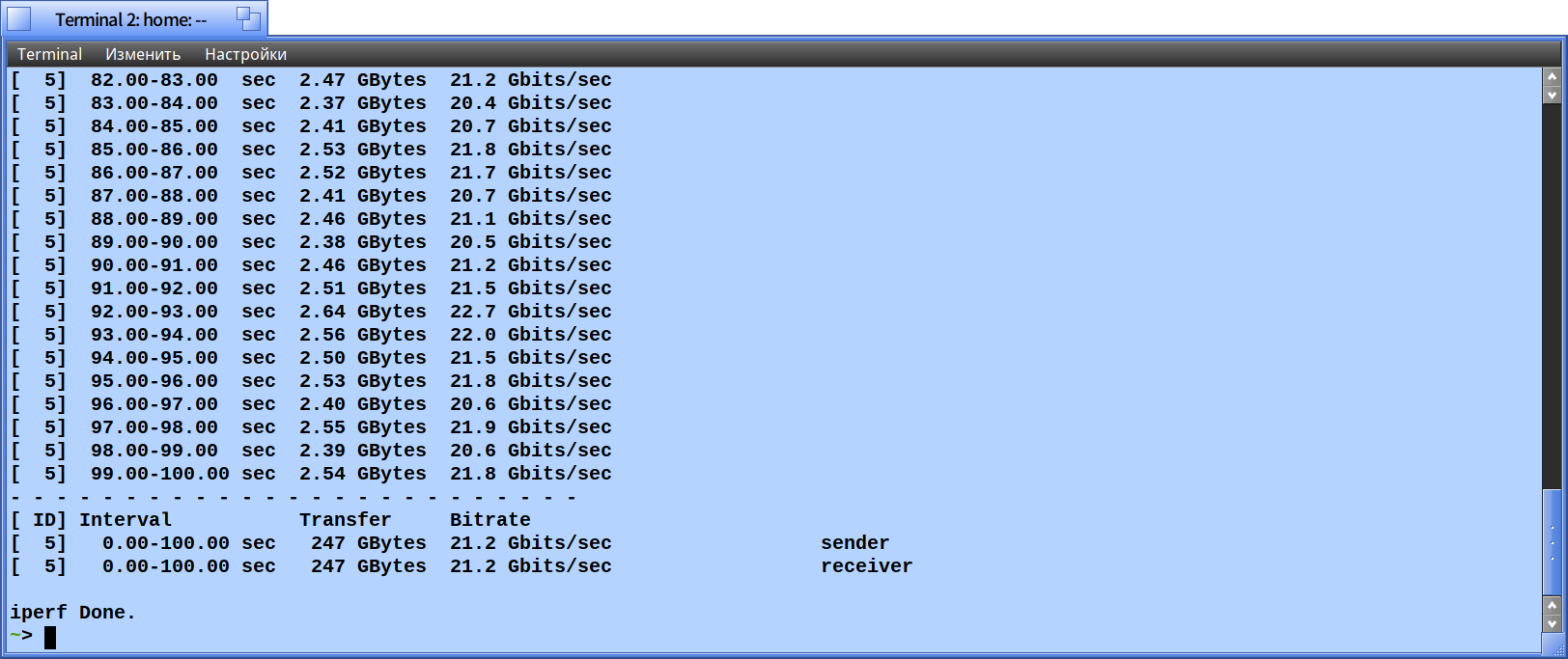
 power saving mode CPU
FWIW there is a new build of the beta6 branch available now (I see @kim1963 has already upgraded to it  .) If you’ve installed TC0, or switched to the
 r1beta6 branch via pkgman, you can just update as normal to get it. This version actually turns the debug level down properly, for a system-wide performance boost.
3 Likes
I attempted the r1beta6-hrev59866_53 x86_64 image (validated shasum) via live boot on my 2020 Thinkpad T14s AMD. It seems to act the same as beta5. Notably WiFi, trackpad, and trackpoint don’t work. I don’t think audio worked based on playing with the sound recorder. Does the base image ship with a sample audio file?
I had read that finger input only works on Thinkpads if you disable one of the input devices first in the BIOS. That didn’t work with beta5 and I didn’t test with beta6.
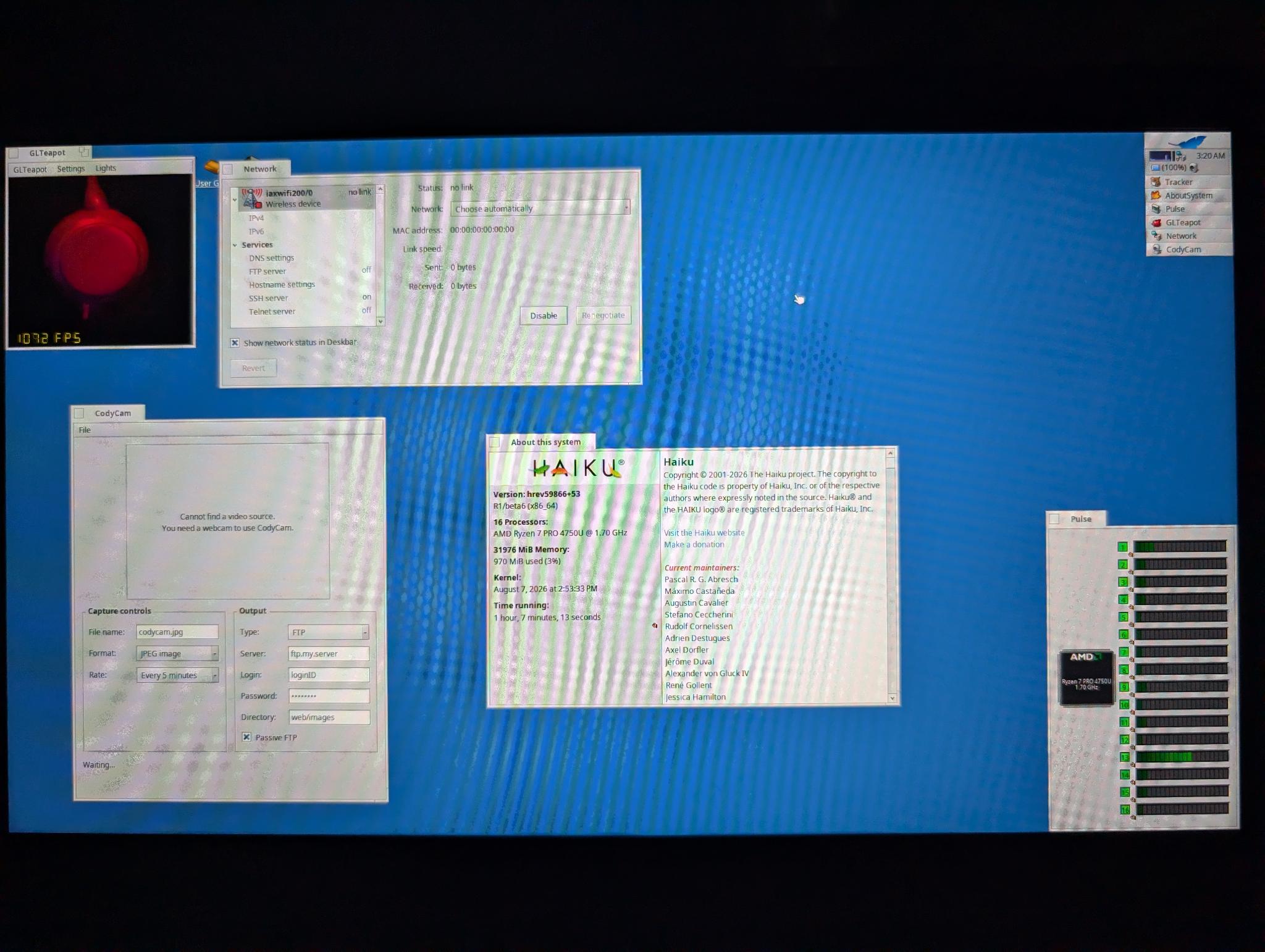
Here’s the bill of parts:
● AMD Ryzen™ 7 PRO 4750U Processor (1.70GHz, up to 4.10 GHz Max Boost, 8 Cores, 16 Threads, 8 MB Cache)
● 32 GB DDR4 3200MHz (Soldered)
● 14.0" FHD (1920 x 1080) IPS, anti-glare, low power, 400 nits
● Integrated AMD Radeon™ Graphics
● IR & 720p HD
● Backlit - US English
● Intel® WiFi 6 AX200 802.11AX (2 x 2) & Bluetooth® 5.1
● Smart Card Reader
● Enabled Discrete TPM2.0
● 14.0" FHD(1920x1080) IPS Anti-glare 400nits Non-Touch Low Power, IR and HD Camera with Shutter, Mic, WWAN, FreeSync
2 Likes
Hmmm, the WiFi card driver could be ported over from another OS? I recall Haiku was porting drivers over from FreeBSD?
Ahoy @zuMI
In Haiku menu go before hrev59964 state and boot in that state
in that state of Haiku you should upgrade
hrev59972 or beyond.
For more info : read #20232 ticket last comments.
I could resolve this “Live Installerification of my Haiku install” situation … that way I wrote above.
- → Boot into an earlier that hrev59964 – then Write Protection on your Haiku drive will be resolved, so you can
→ upgrade to hrev59972 or beyond if already a higher Haiku level available - this makes the fix permanent !
I had not red the following posts, beyond your 2nd post, so others also might give you this solution, I just almost immediately answer to your posts of this issue, just as I was red them.
A post was merged into an existing topic: Nightly troubles
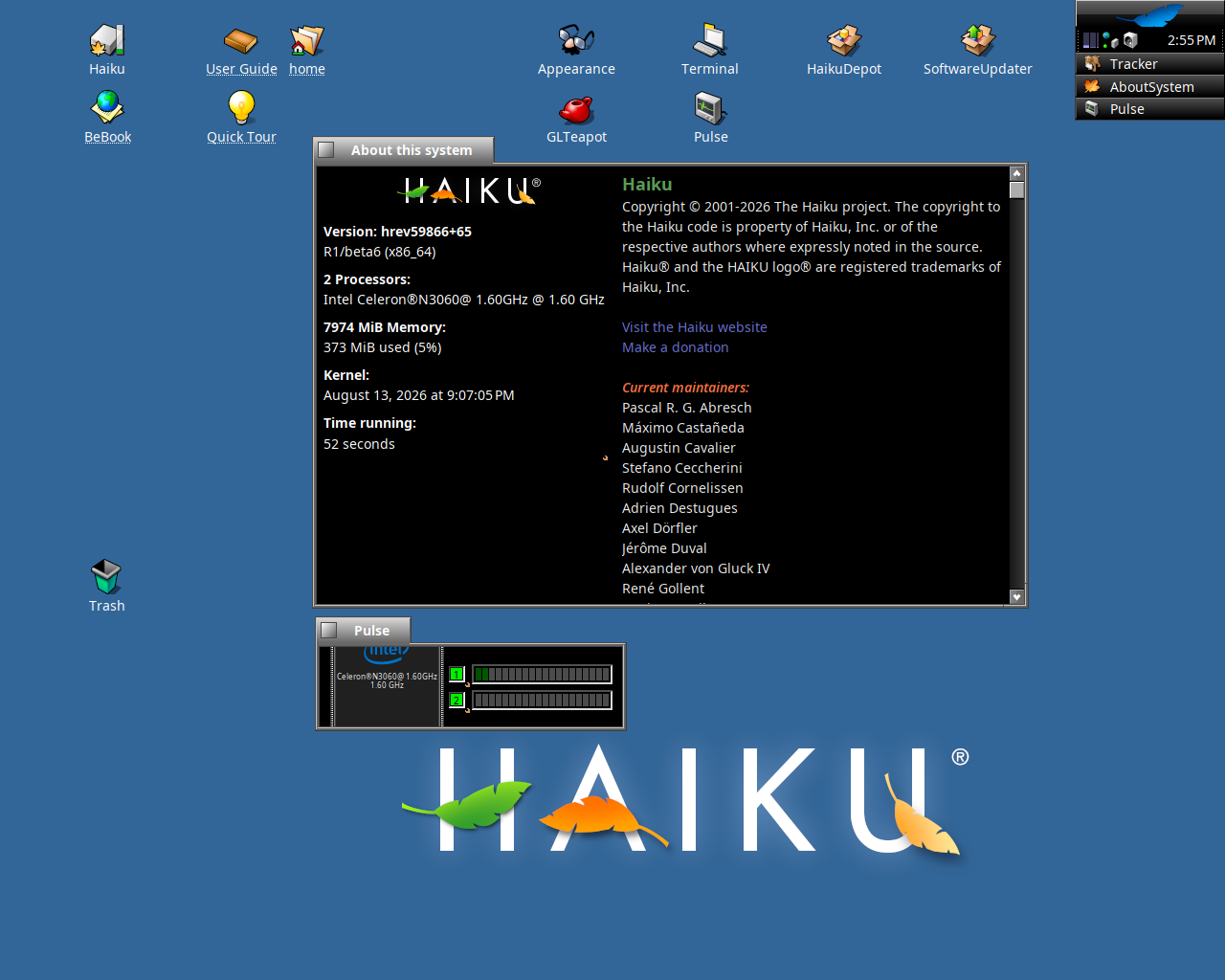
Got it up and running on a NCR KC4 (Kitchen Controller 4)
with Intel Celeron N3060 - 1.6Ghz DualCore, 8GB of Ram
(The NCR does need rEFInd to boot via UEFI into Haiku)
Only problem (for the screenshot) had a debug-windows after unmount the USB.
Screenshot woreked only for PNG and crashed for JPG
This may be #20027. Is “finger clicking” enabled in touchpad settings? Try disabling it if so.
Yup. Disabling finger clicking fixed it. Attached the systemlog to the ticket (apologie for naming the attachment just “syslog”)
1 Like
I moved all unrelated posts about stuff broken on the nightlies; this thread is about beta6 only, it does not pull from the nightly branch and does not have the same issues…
Please only submit test results for the test candidates mentioned in the first post
5 Likes
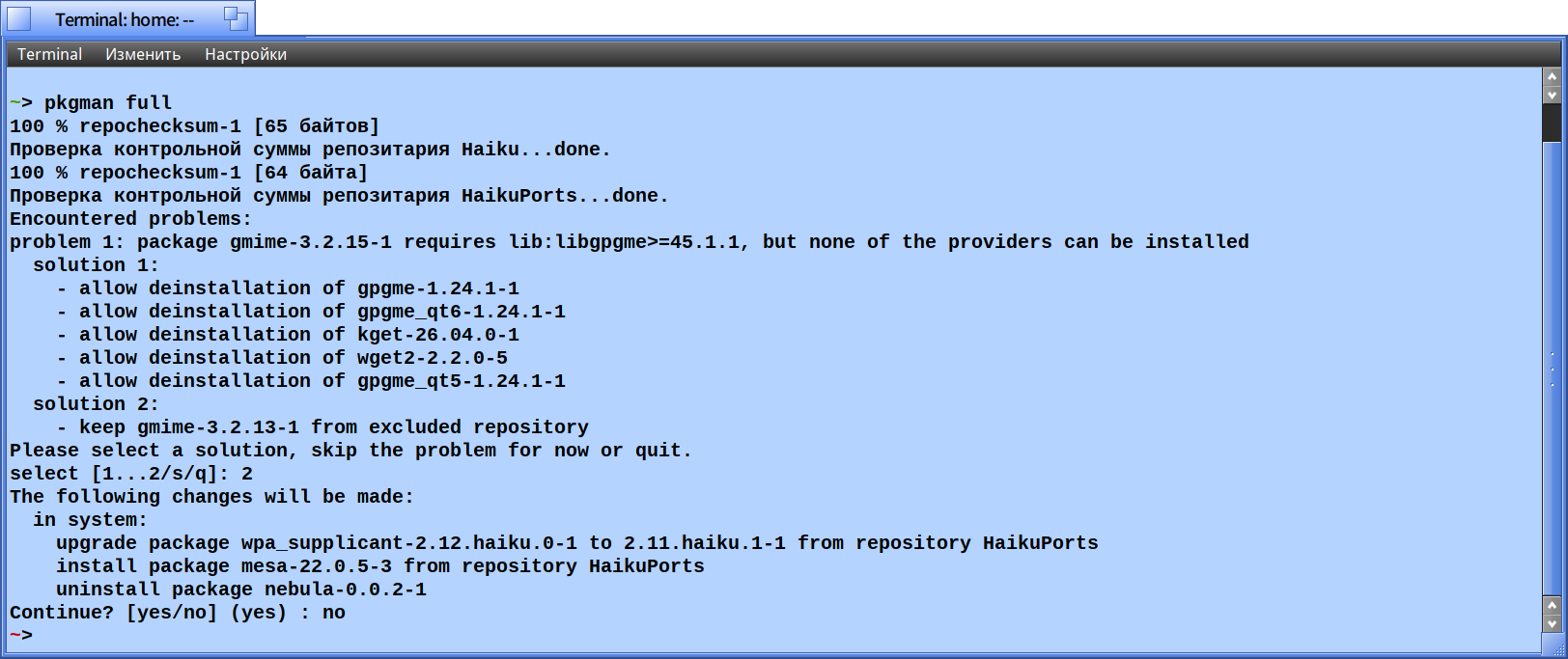
I know folks are working to rebuild packages for HaikuDepo so in the meantime I rebuilt gmime, gtk_doc and six for Python3.14 using haikuporter on my machine. Solved my issues with the gmime package.
1 Like
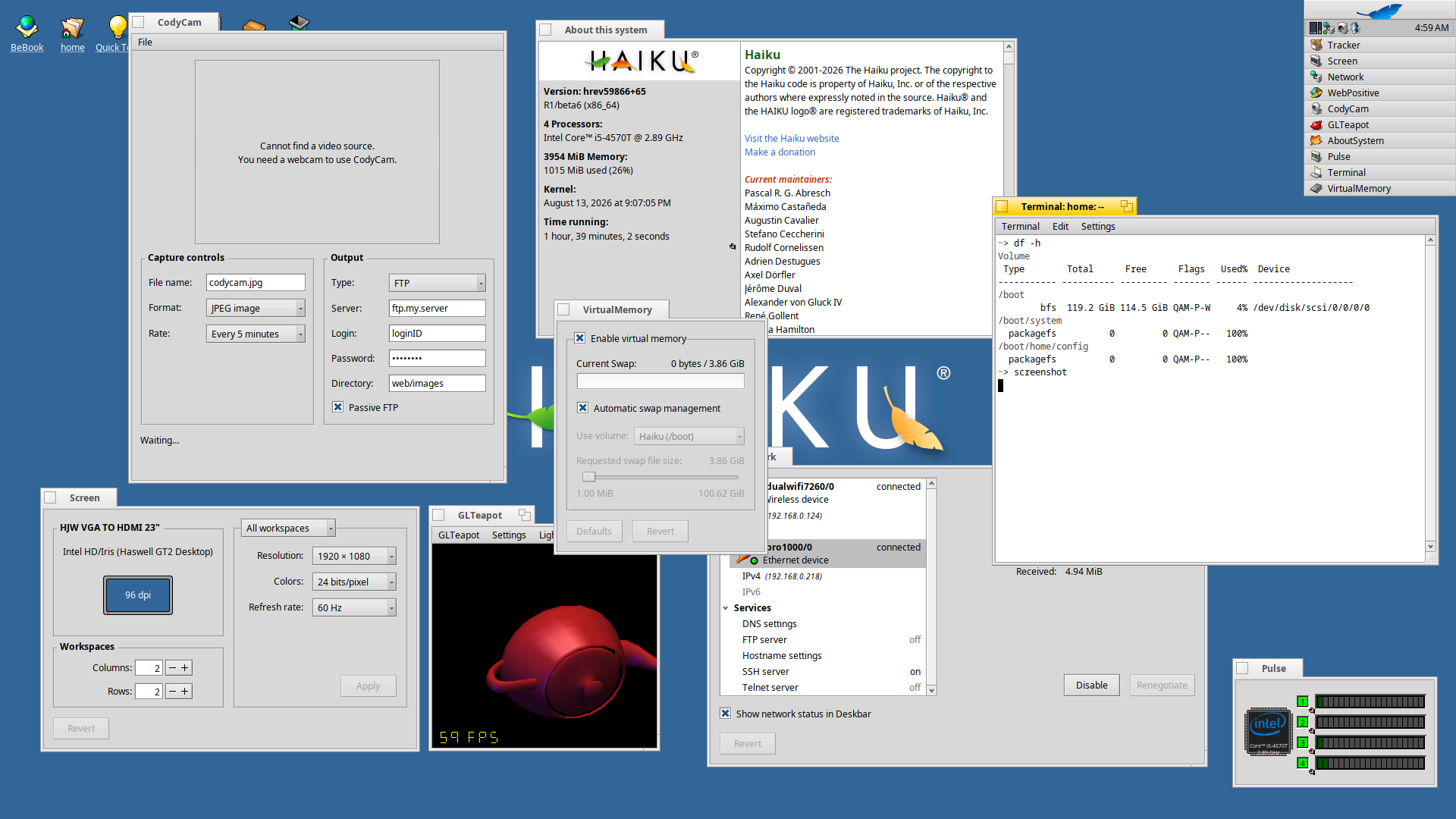
The 2013 ThinkCentre M93p Tiny works pretty well. The main issue is that the Displayport doesn’t work. The VGA port does work. Compat seems the same compared with beta5.
2 Likes
What URL do I put in the repository preferences to run r1beta6, do I just replace the “current” part with “r1beta6” in the current URL?
Thanks
1 Like