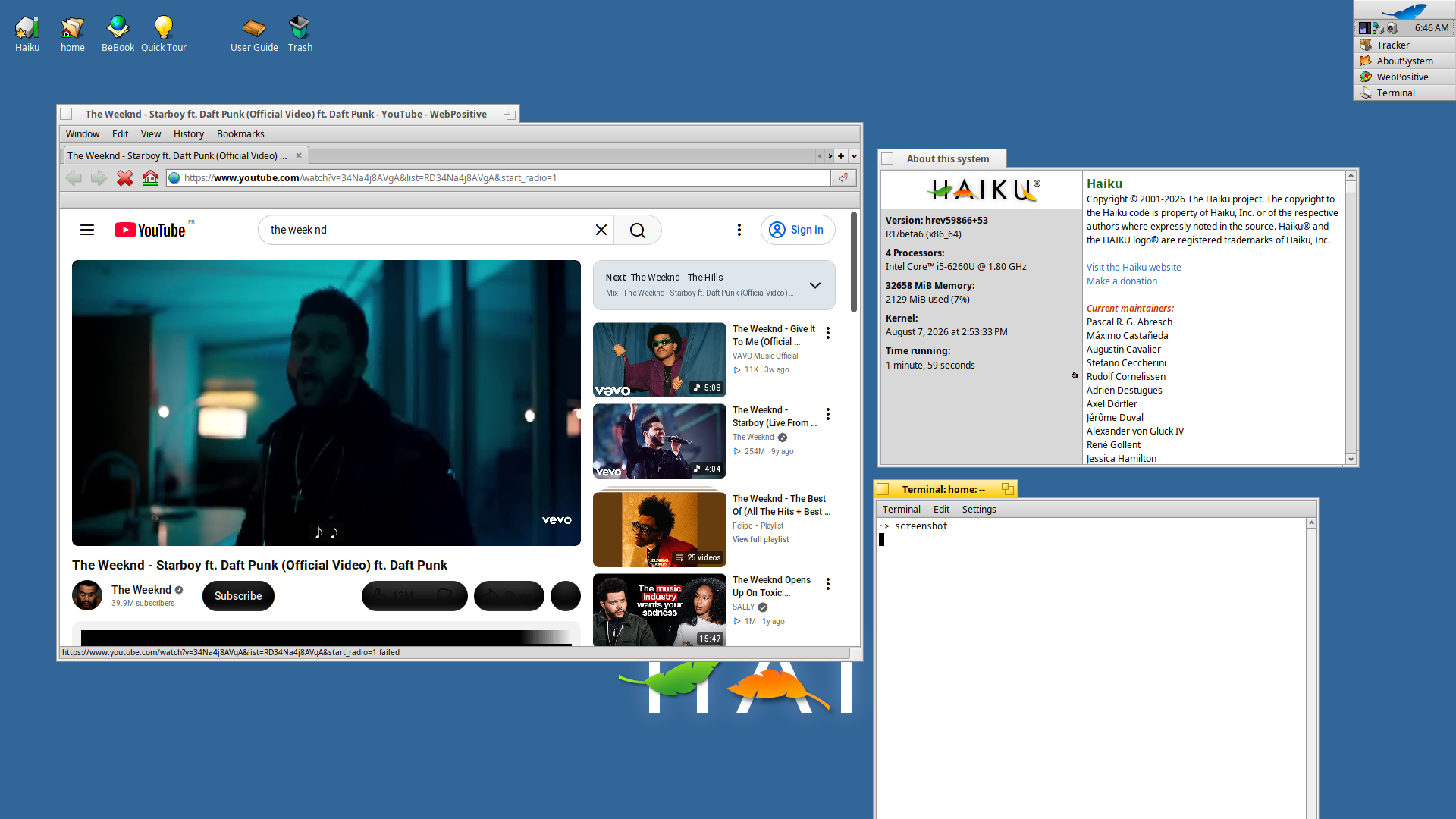
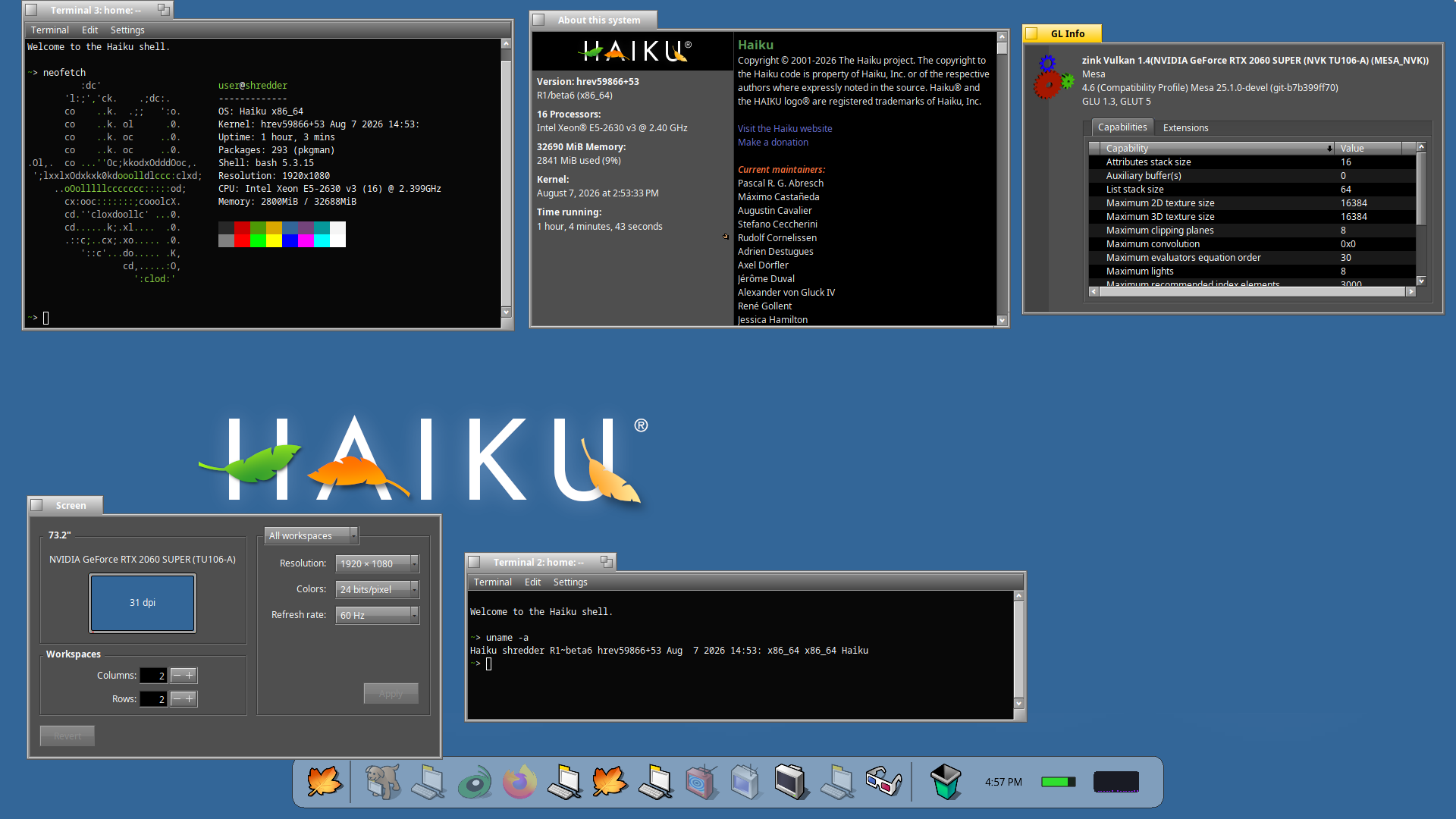
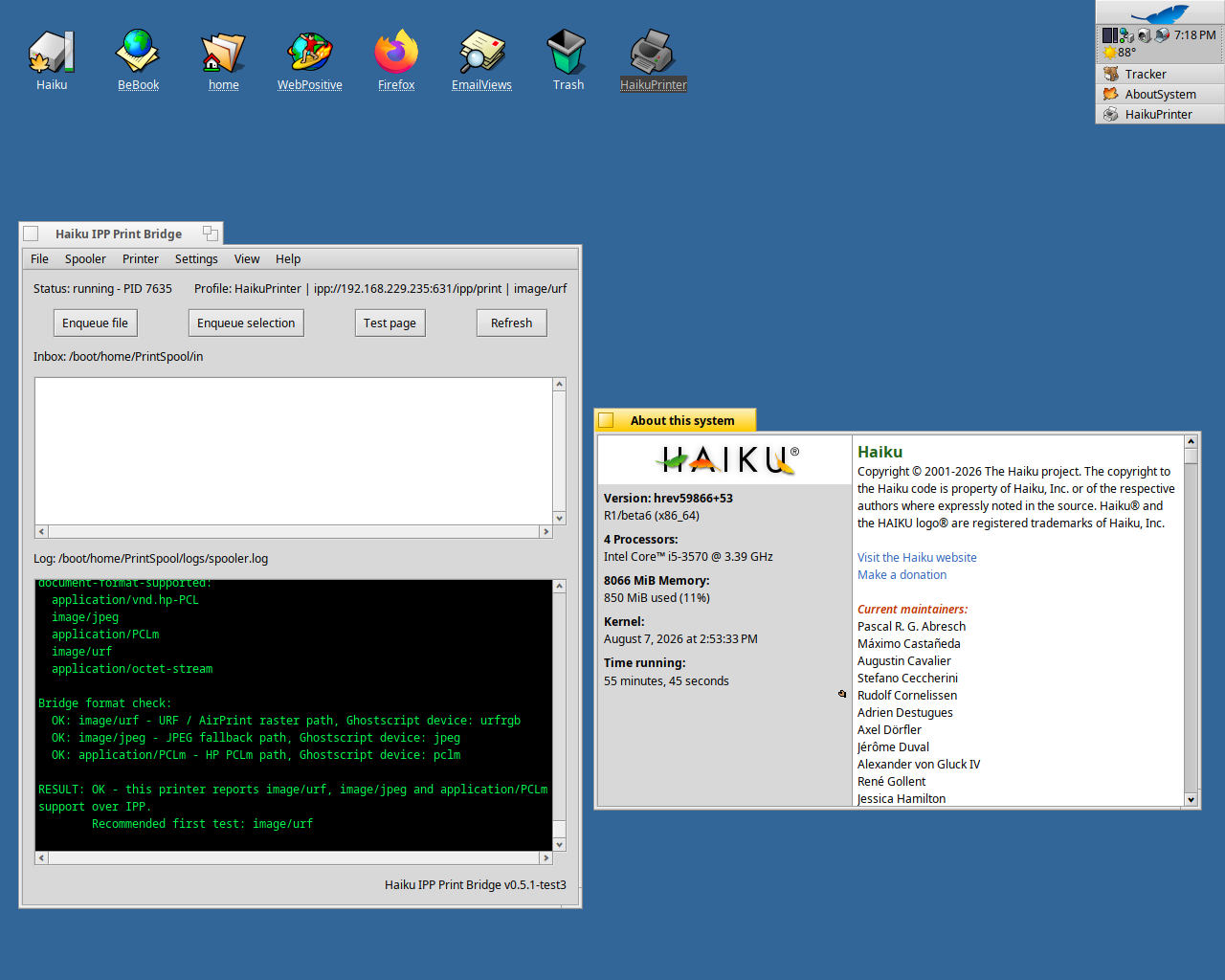
The first full builds from the Haiku R1/beta6 branch (currently in the “testing” phase so this is “Test Candidate 0”, not a Release Candidate yet) are available for x86_64 and x86_gcc2h:
If you have time, please test these on whatever hardware you have, in as many configurations as you can, and fill out this survey for each one (and of course, if you run into any bugs that you have not before, file tickets in addition to reporting it in that survey.)
EDIT: If your machine has WiFi, please run pkgman up wpa_supplicant inside TC 0 to get the new wpa_supplicant (2.12), reboot, and make sure connecting to WiFi still works.
In what way is Google Forms unreliable or inaccessible? The page doesn’t collect emails, or require you to have a Google account. If it doesn’t work for some reason, you can just post your results here, and I’ll copy them into the spreadsheet myself.
The compatibility with different webrowsers is terrible, and it somehow even breaks the scrollbar in WebPositive (that it is black on black), and again the color contrast is terrible.
So for so good. Had one a tiny hiccup trying to dual boot two Haiku systems with refind with refind always defaulting to the first Haiku drive. Don’t know why, maybe some instructions I’ve missed. But anyways, I ended up installing Haiku6 on a non EFI setup and passing F11 during boot to select the Haiku6 boot disk.
All my apps seem to work fine. My hDesktop app crashed but not sure why. I downgraded hDesktop to an earlier version to see if the problem was with any of my latest updates. The downgraded version worked, so I tried my latest version again and it for some reason it did not crash again. I’m not sure what triggered the crash.
Are you sure it picked the drive? I’d expect both Haiku Loaders ro behave the same. So maybe the Haiku loader had the problem that both loaders picked the install (per default) from the same drive
So far the build has been very stable. Software Updater works fine (2 items to update), HaikuDepot is working fine too. All other apps that I use are working also working fine thus far.
Created EFI parttion and a Haiku6 partition my spare drive
Copied the exact files off my main drive that I have main Haiku on. By that I mean, I copied the refind directory and the haiku BOOTX64.efi but I made sure to overwrite the BOOTx64.efi with the haiku6 bootloader version off the install CD just in case it had been modified for Haiku6.
Reboot to main drive and refind showed two haiku icons but both booted my main Haiku, not Haiku 6
I changed the bios to make the spare drive default thinking it would work but did the exact same thing in step 3.
I ended up doing this…initializing haiku6 spare drive as intel and just press F11 to boot the drive directly, skipping UEFI.
rEFInd will automatically scan all disks for EFI bootloaders, if you don’t want it to do that you have to tell it explicitly in it’s config which bootloaders to show, and then disable the probing. Then you can make it boot the “right” one. But from each rEFInd you can boot each Haiku bootloader, and those then still need to select the right Haiku disk.
Presumeably if you pressed on an entry in rEFInd and then smash space you will get the haiku boot menu where you can select the right disk to boot from
I just use the default config with a slight adjustment of 3 sec timeout. I am happy with refind scanning all EFI boot partition as that is normally how I install all my OS on each disks with their own EFI boot loader, and just use refind on the primary boot disk. This setup works for 1 Haiku, and several linux, and windows EFI drives, but for some reason not 2 haiku EFI. I’m not really sure what config entries I would add for Haiku beta6 in the refind config if I were to turn off refind’s autoscan.
I was trying to find out how to edit the survey form but lost the link to edit the form.
Problem I’ve notice that is repetitive with Haiku6 currently is every time I unmount my other “main” Haiku from within Haiku6, Haiku6 locks up and I have to manually force reboot via the computer reset button on the case.
Update…
I just confirmed the same lockup happens in my main ( non haiku6 ) system when I mount haiku6, copy files, then try to umount haiku6. So seems the issue is something other not specific to Haiku6
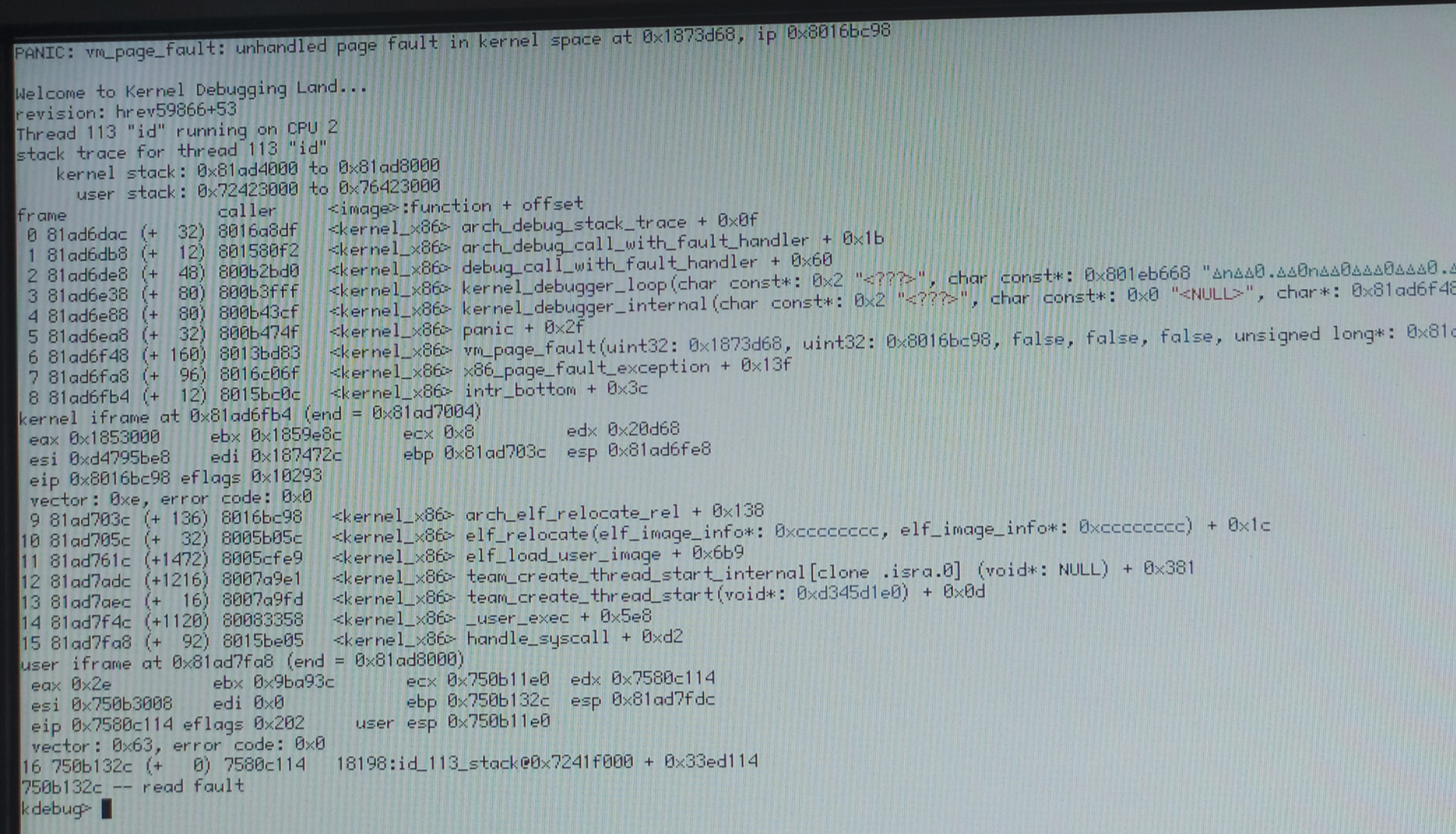
32bit works fine on my eee PC (with already known sound and cpu id issues) but hangs at the rocket on my ThinkCentre with an i7-7700T. 64bit boots fine there however.
Picture of the KDL when the boot process hangs (the pc is unresponsive at this point)
Core i7 7th Gen can run 32 bit Haiku fine, they still have the 32 bit instruction set, it depends on if the BIOS has Legacy/CSM support which later systems lack. I run 32 bit versions of Haiku on my Intel Core CPU based systems of a similar generation and they work fine.
What hrev? If not the latest, please update (there were some relevant changes recently.) And then open a ticket if it persists. (Does anyone else in this thread see the same behavior?)
I don’t recognize it. Does the latest nightly have a similar problem? (The nightly builds are pretty close to beta6 right now in functionality of course, but the beta branch has a lot of debugging options turned off for performance, so it may KDL differently.) Please open a ticket either way.
(Does the bootloader show the previous syslog? You can possibly save it that way, much nicer than a picture of a KDL.)