I just checked TC on Lenovo IdeaPad 5i 15. The following are detected and working: graphics, sound, Wi-Fi. Surprisingly, the Haiku doesn’t recognize the touchpad. I’ve never tested it under Haiku on this hardware, so I don’t know if it was ever recognized. What data with syslog do I need, and where can I find it in Haiku, to get information about the touchpad for the bug tracker?
Hello!
Converted both my Haiku nightlies to r1beta6: an Intel Ivy Bridge 64bits desktop and an Intel Atom 32bits netbook.
The desktop is working fine, and so is the netbook, but when changing the screen brightness control on the last one, setting all the way to the minimum resulted in a persistent black screen… Did boot it with fail-safe graphics (VESA, no brightness control), but don’t know how or where to change it back to non-zero brightness…
You could try either moving/renaming /boot/home/config/settings/system/app_server/workspaces, or attempt to edit it with Kottan (pkgman install kottan).
I see a brightness field in that settings file, under workspace/screen/ (you get one entry per workspace).
Can someone please give an answer to this?
> pkgman add-repo https://eu.hpkg.haiku-os.org/haiku/r1beta6/x86_64/current
and
> pkgman add-repo https://eu.hpkg.haiku-os.org/haikuports/r1beta6/x86_64/current
Worked for me just now (the one for HaikuPorts was giving “I/O Error”, as I had the latter still pointing to r1beta5 instead of master.
So I presume I remove r1beta5 repos before adding those, then do a full-sync?
EDIT: Ahh, I see the old ones where automagically disabled, when I added the new ones.
I’m having issues instaling this on my Dell Lattitude 5520 (4k screen varient with iGPU and dedicated Geforce MX450. GIves me loads of graphical errors and fails to properly render the installer.
Machine works fine under various linuxes but I’ve had nothing but difficulty installing Haiku on it unforunately. even older revisions don’t work. Any advice? I’d love to get R1/beta6 to work on this.
If your issues are all graphics-related,you could try if VESA/failsafe graphics works better with your device.
When turning on your computer,repeatedly press the Space bar as fast as you can before the Haiku boot screen appears,that will bring you to the bootloader menu.
Select failsafe graphics there and continue booting.
In addition to what nipos suggested (Instructions here: Boot Loader)
It would be nice to open a ticket about this on our bugtracker (https://dev.haku-os.org). We can see from the system log pretty easily if the system uses the intel or the vesa driver. We may fix this issue or patch it so the intel driver leaves your device alone for now
1 Like
R1Beta6 hrev59866+73 - broken on my PC.
Haiku not loading, friezes on icon “Disk”.

What does the syslog tail show?
Does anyone else here have the same problem?
1 Like
Yes I have the same issue with the beta6 install and Nebula on a portable SSD I use for testing. I have attached the serial debug output to the ticket. My main install is a nightly version, no issues with Nebula there.
1 Like
Thanks for the reply!
In the end I tried to re-enable nightly to fix that, but left the system almost unbootable (and without networking)… Reinstalled with no problems, using TC0; reproduced the bug (zero brightness=display powered off), rebooted via ctrl+alt+del, booted with fail-safe graphics, and reinstated the brightness with Kottan, as described!
Thank you very much!
BTW, r1beta6-hrev59866+73 still have this brightness setting bug…
2 Likes
I am using beta 6 and on the fastfetch you can see my old hardware. It works good. I did try Web browser but crashed. Webpositive works good.
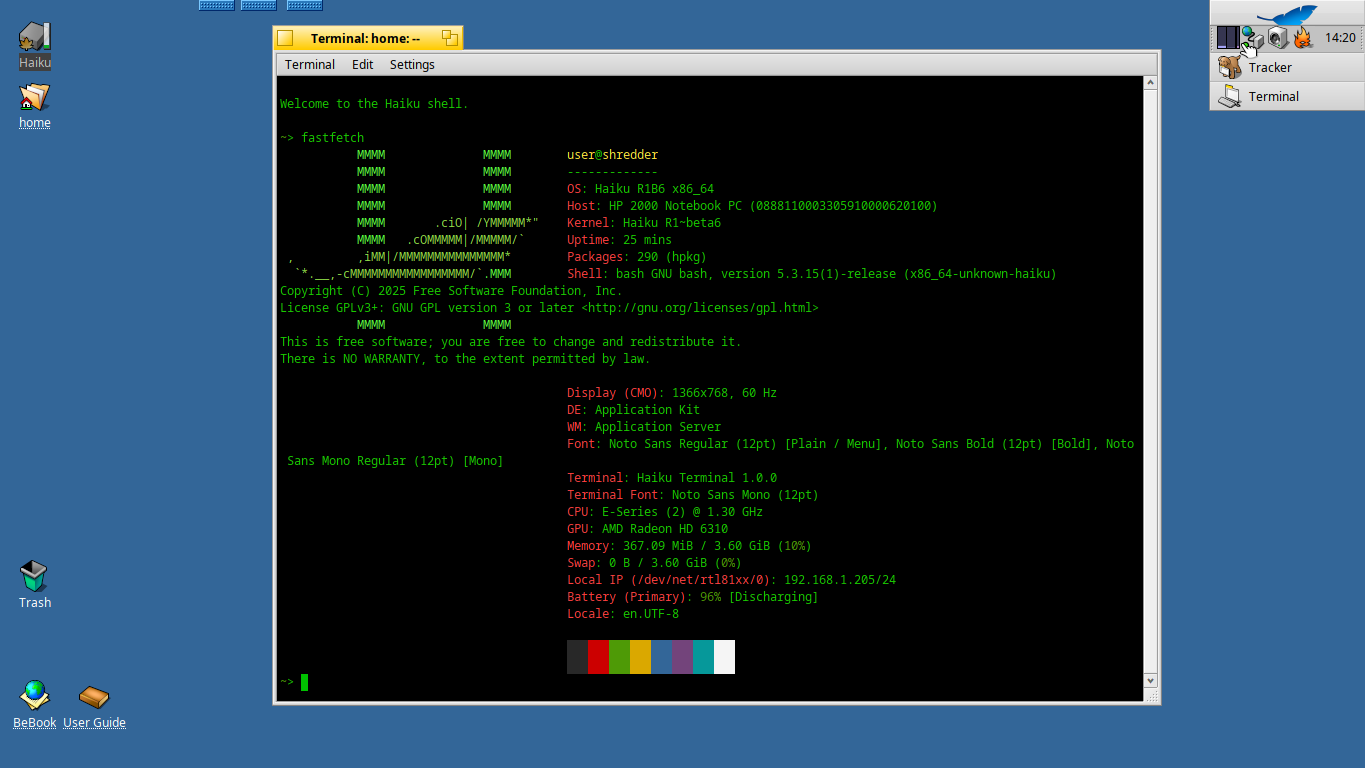
2 Likes
If anyone wants to help test more, we need to make sure that upgrading from R1/beta5 works properly. Can someone try downloading and installing a totally “stock” R1/beta5 image, setting the package repositories to R1/beta6, and then running a full-sync and make sure everything works? Both for 32- and 64-bit, if you can.
1 Like
I’ll try upgrading from Beta5. I’ll be doing a fresh install of beta5 prior to upgrading.
1 Like
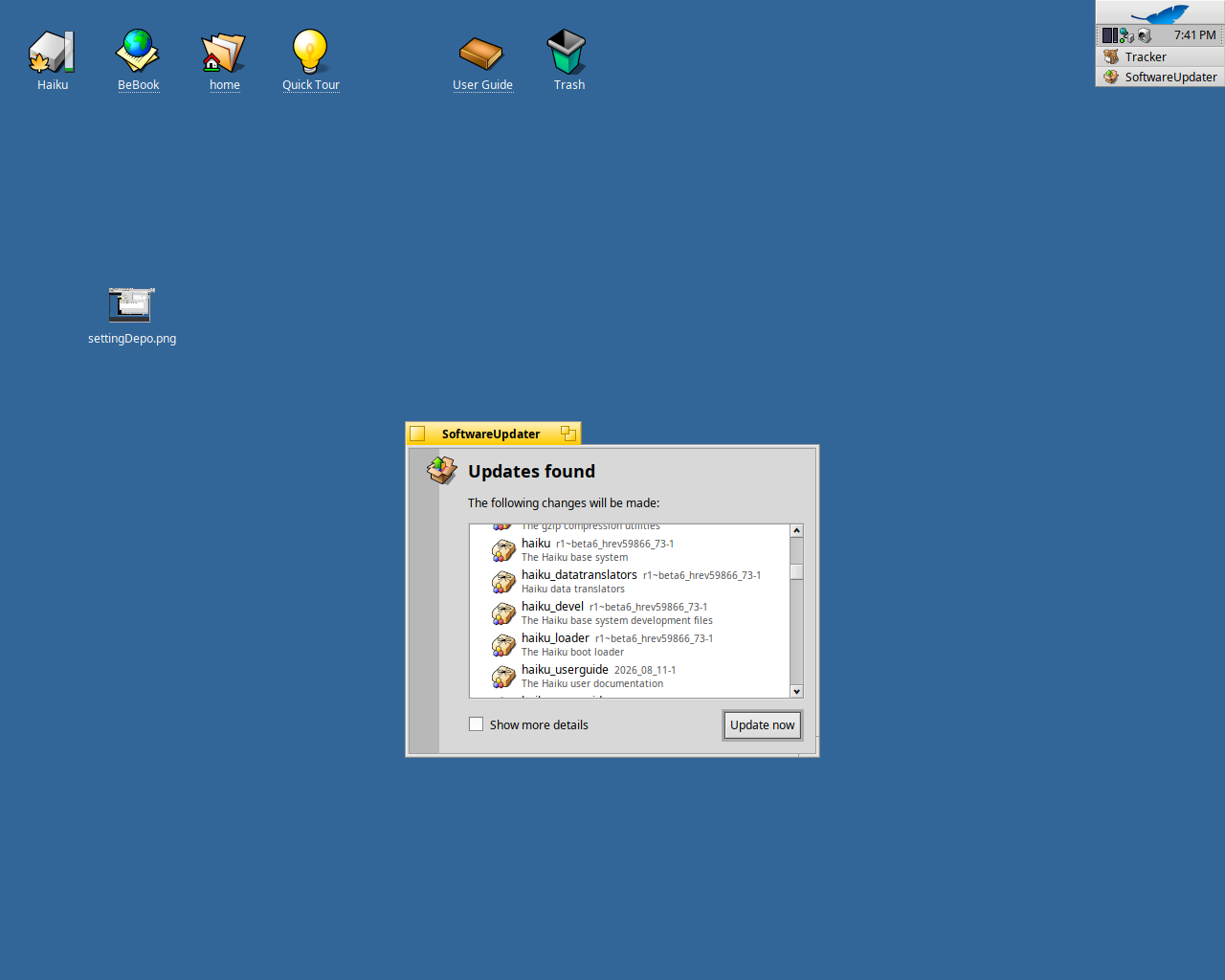
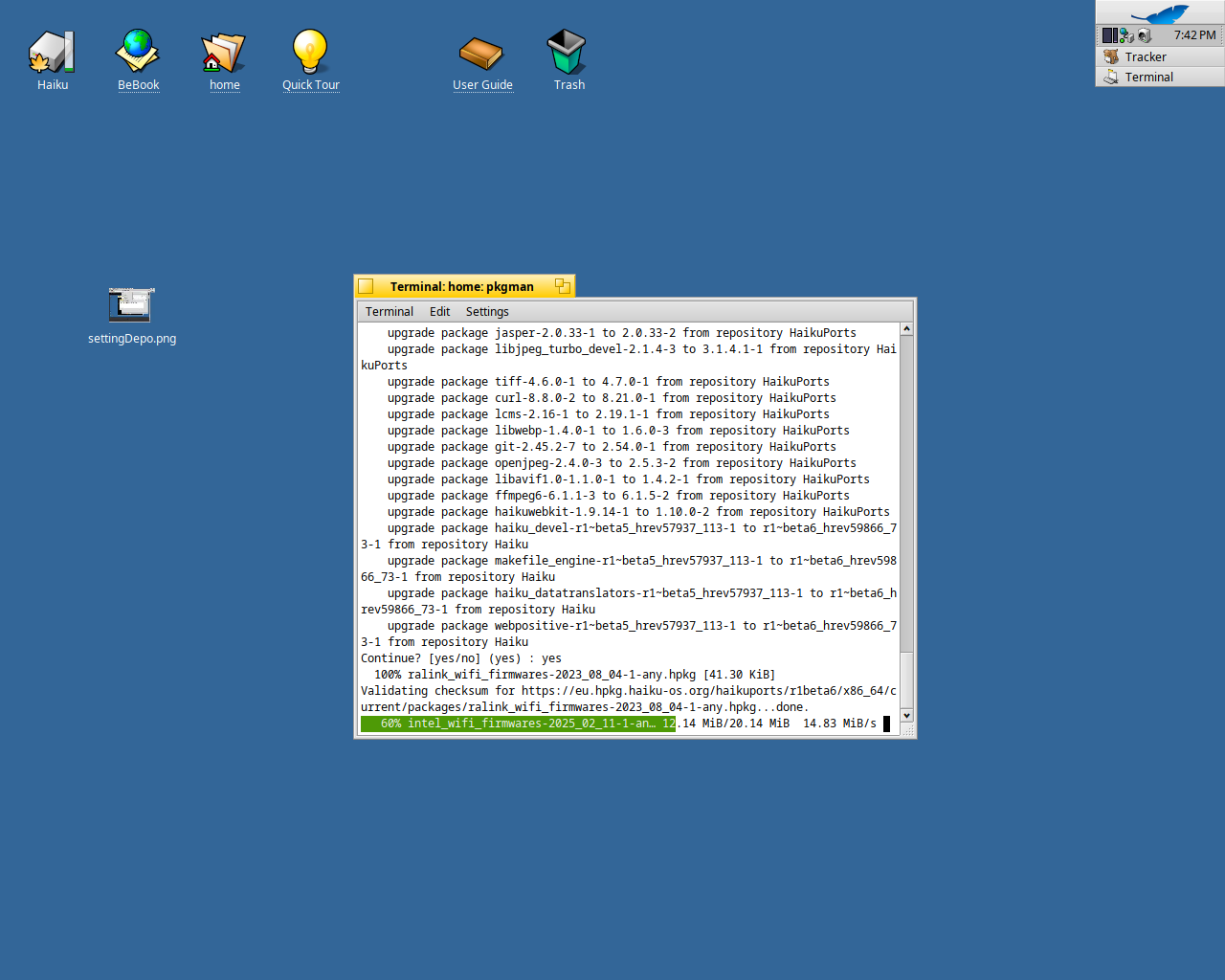
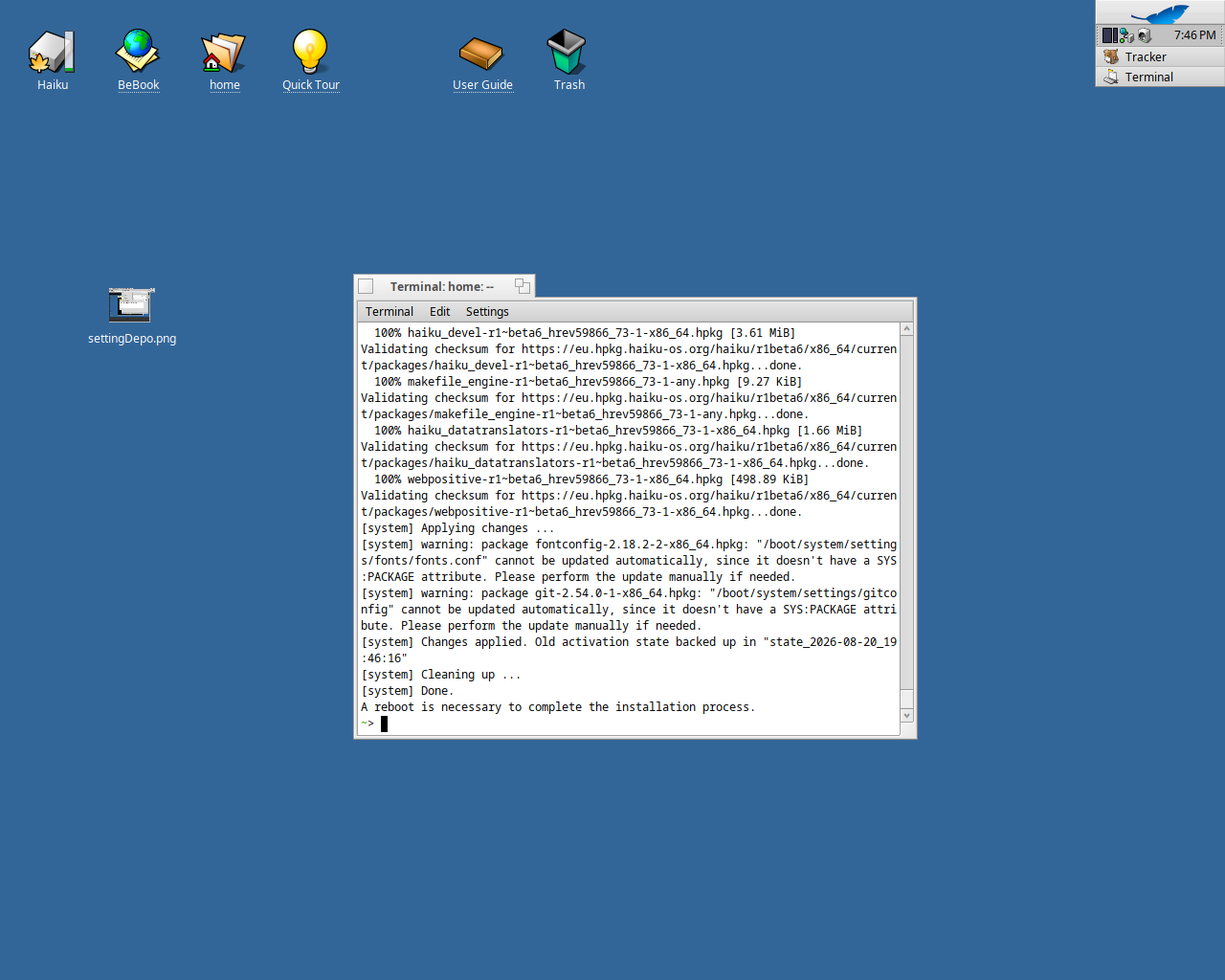
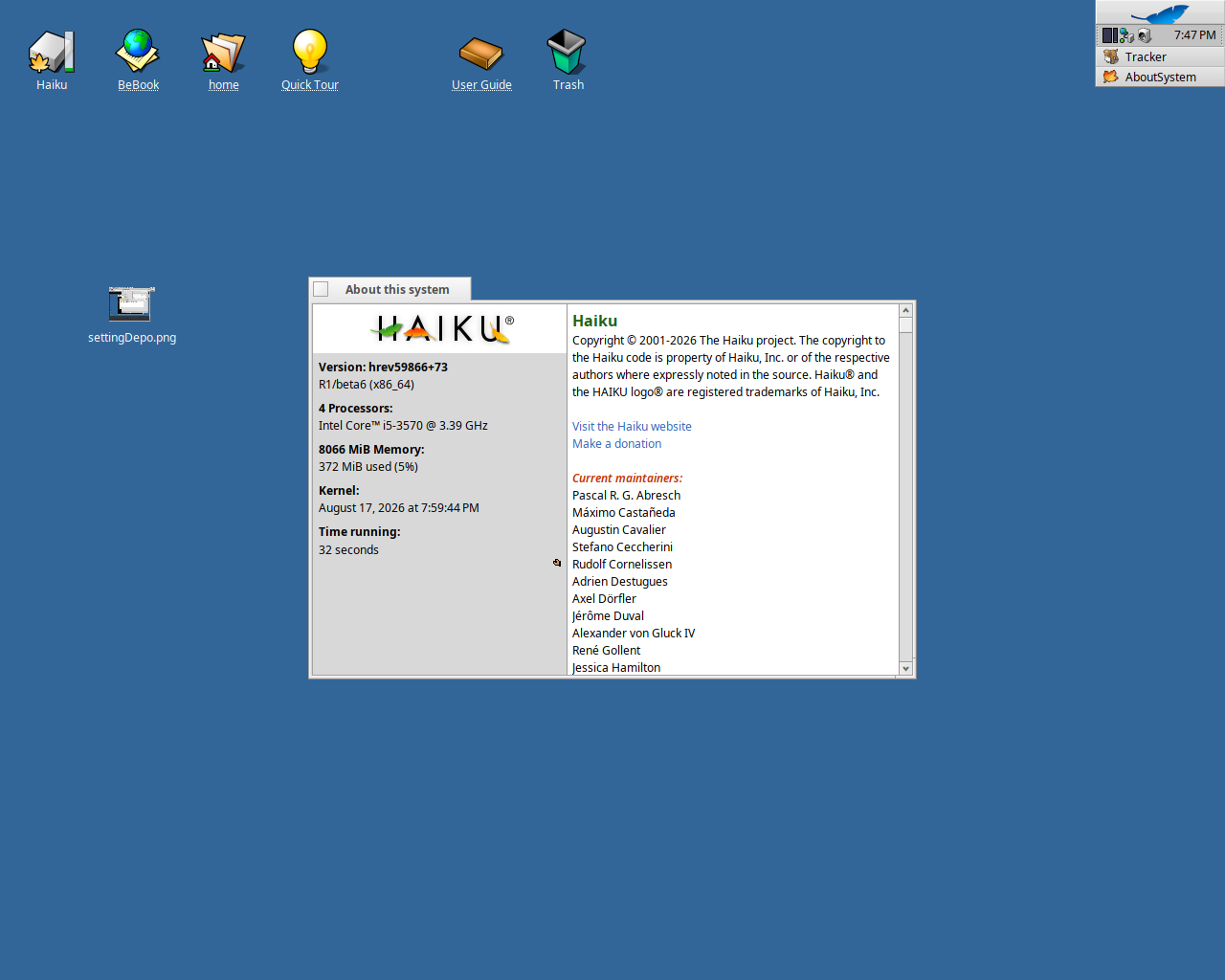
Currently, waiting for the upgrade to be complete, but no issues that I’ve detected thus far. Here’s some screenshots of the process.
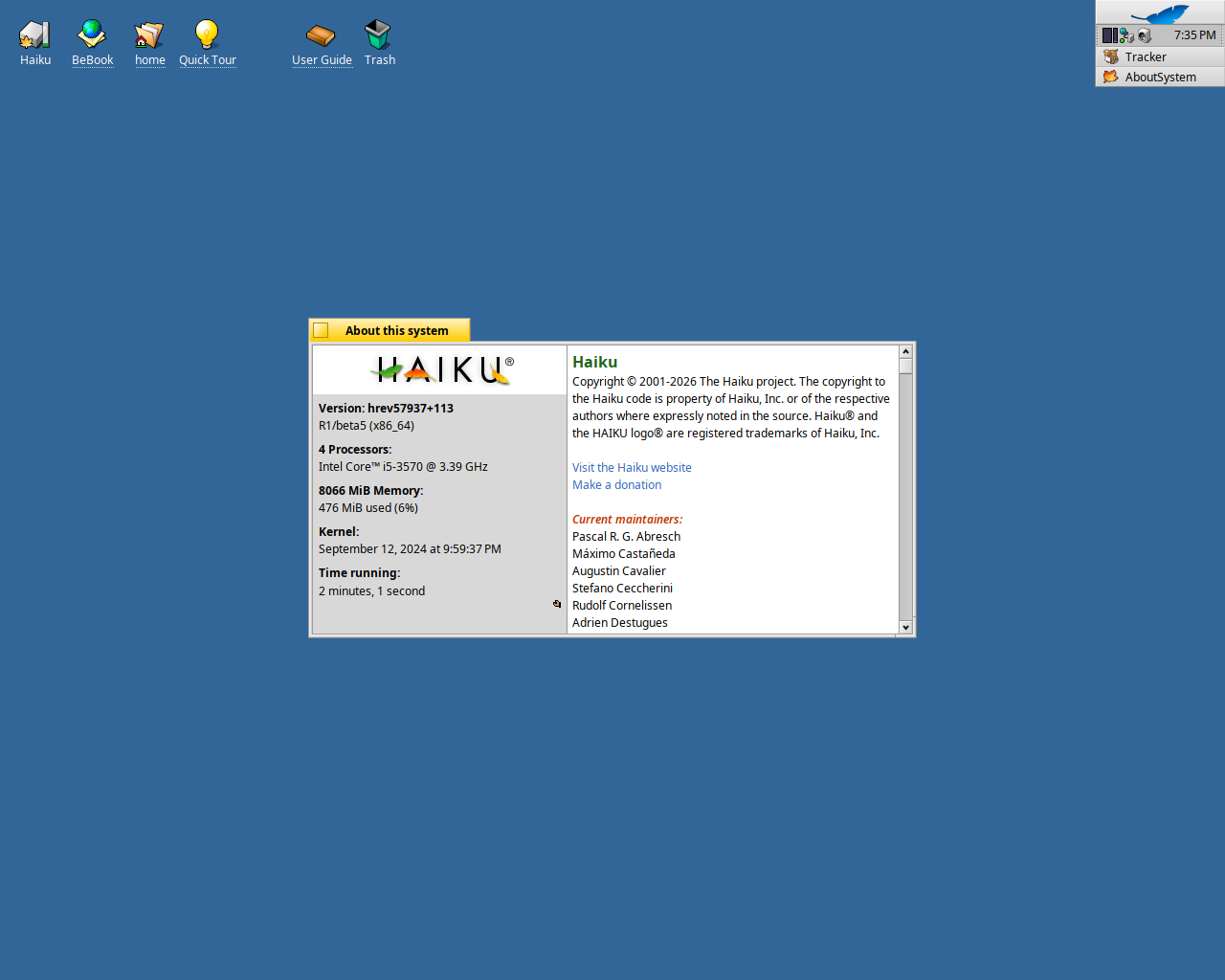
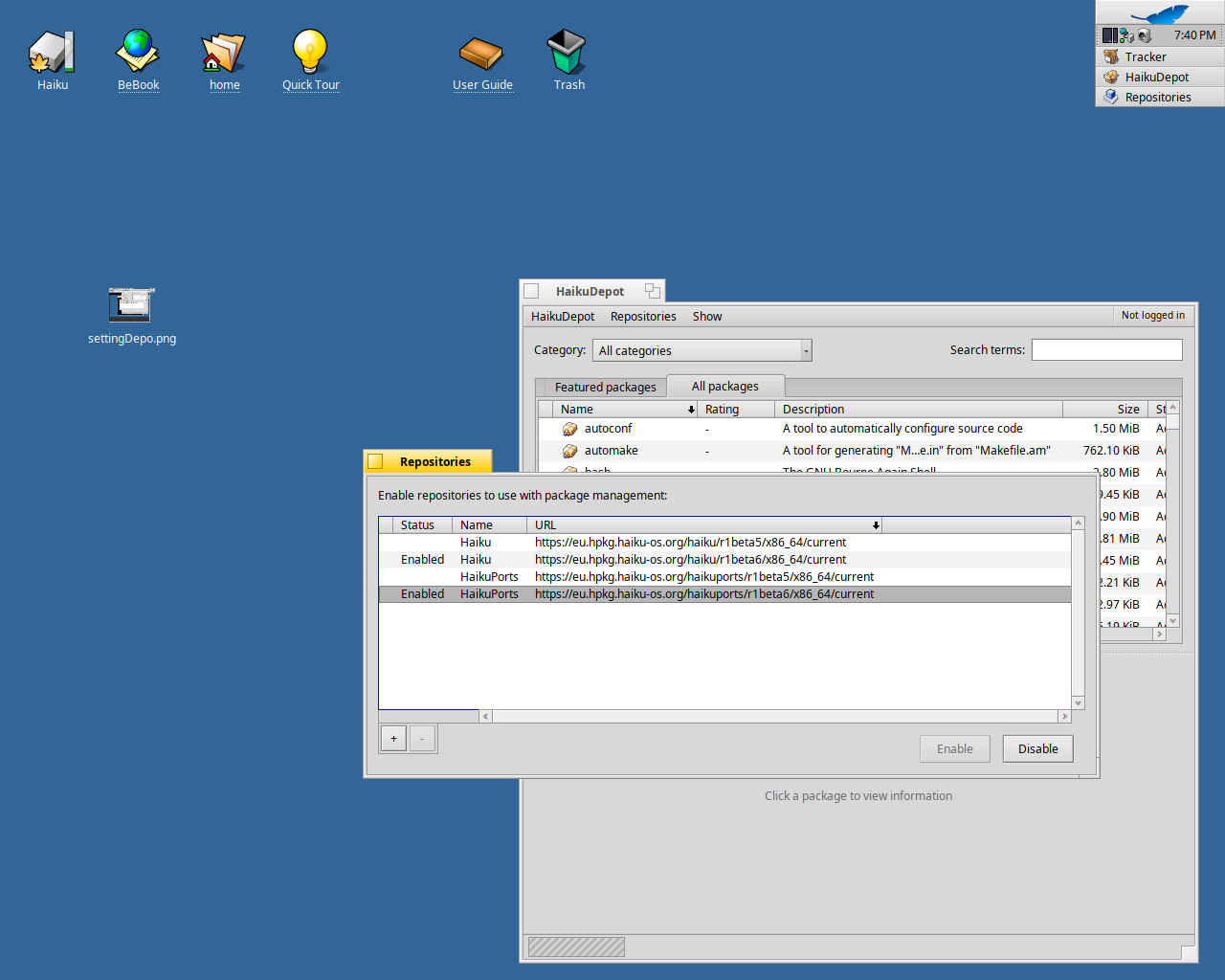
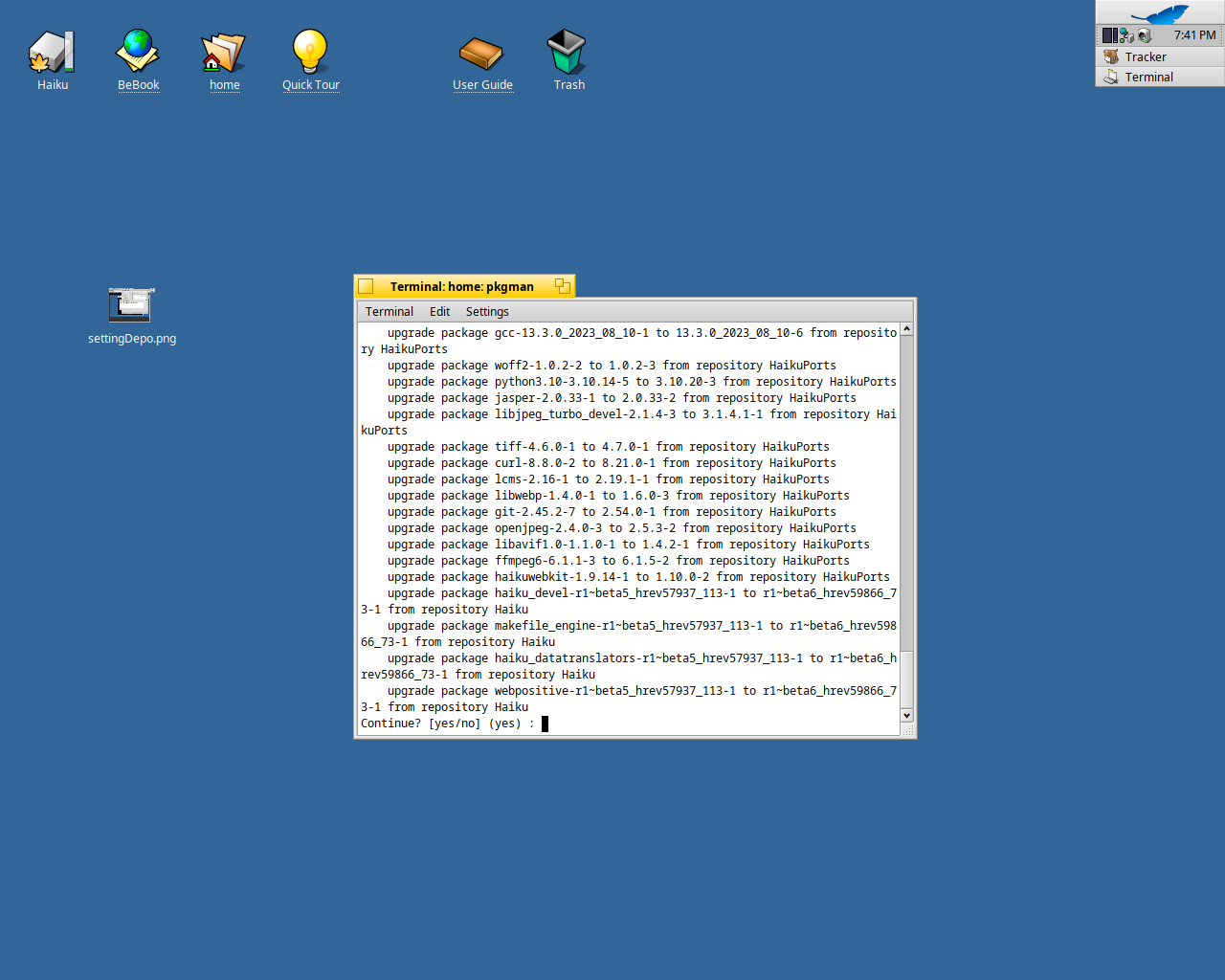
3 Likes
I have notice gimp crashes when opening 16-bit .tiff files, 8-bit jpeg is fine.
Can someone else confirm please? (I exported the .tiff from RawTherapy)