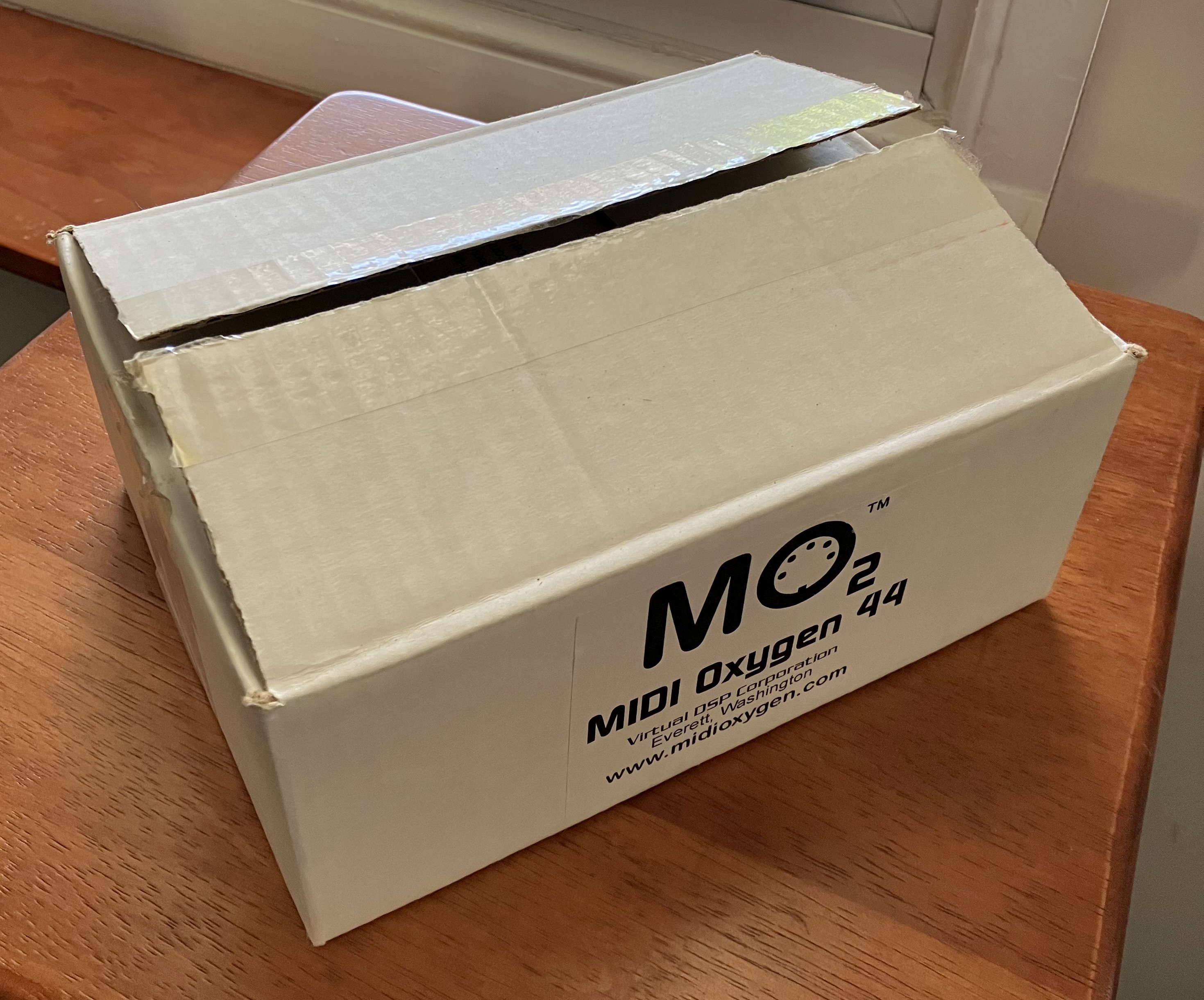
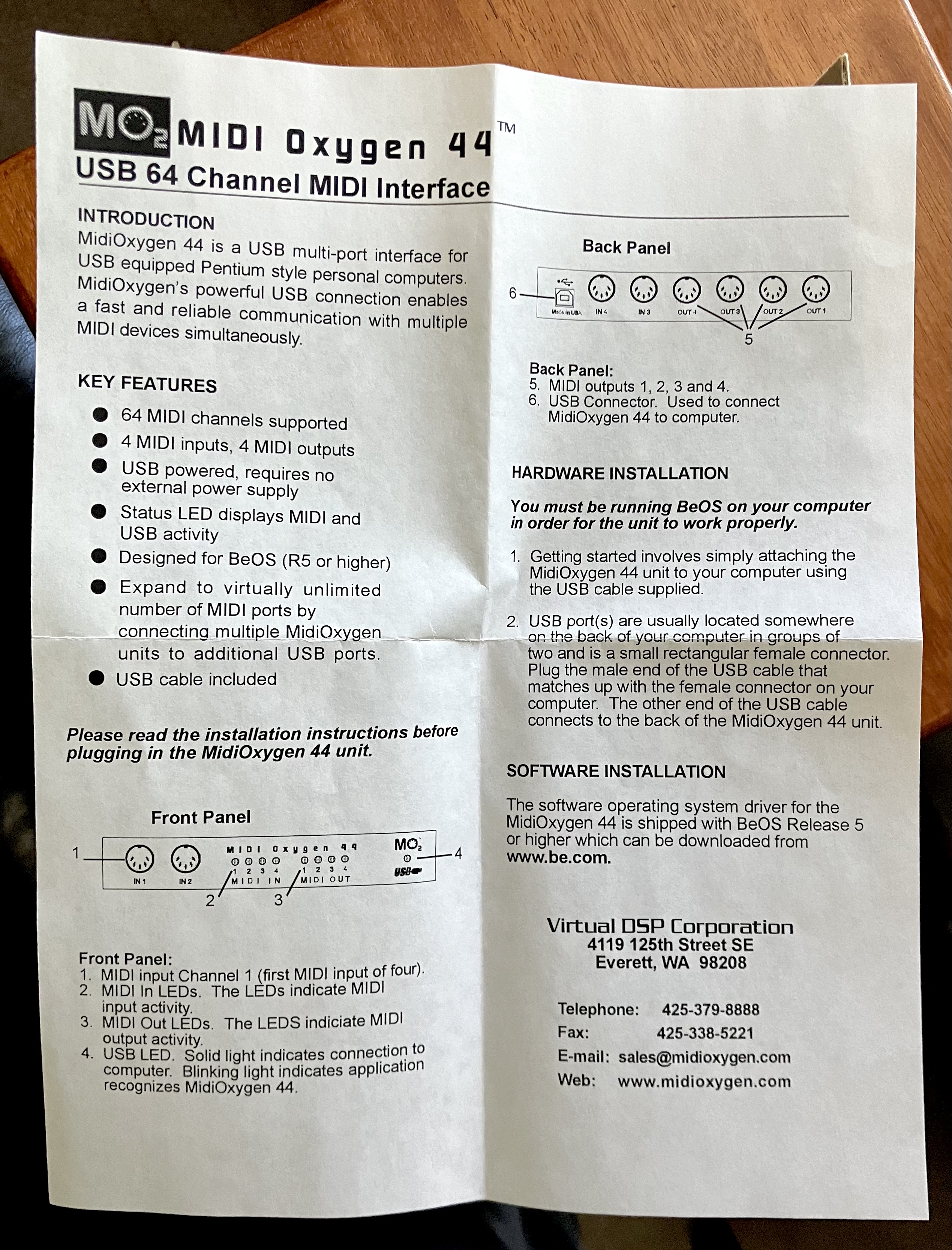
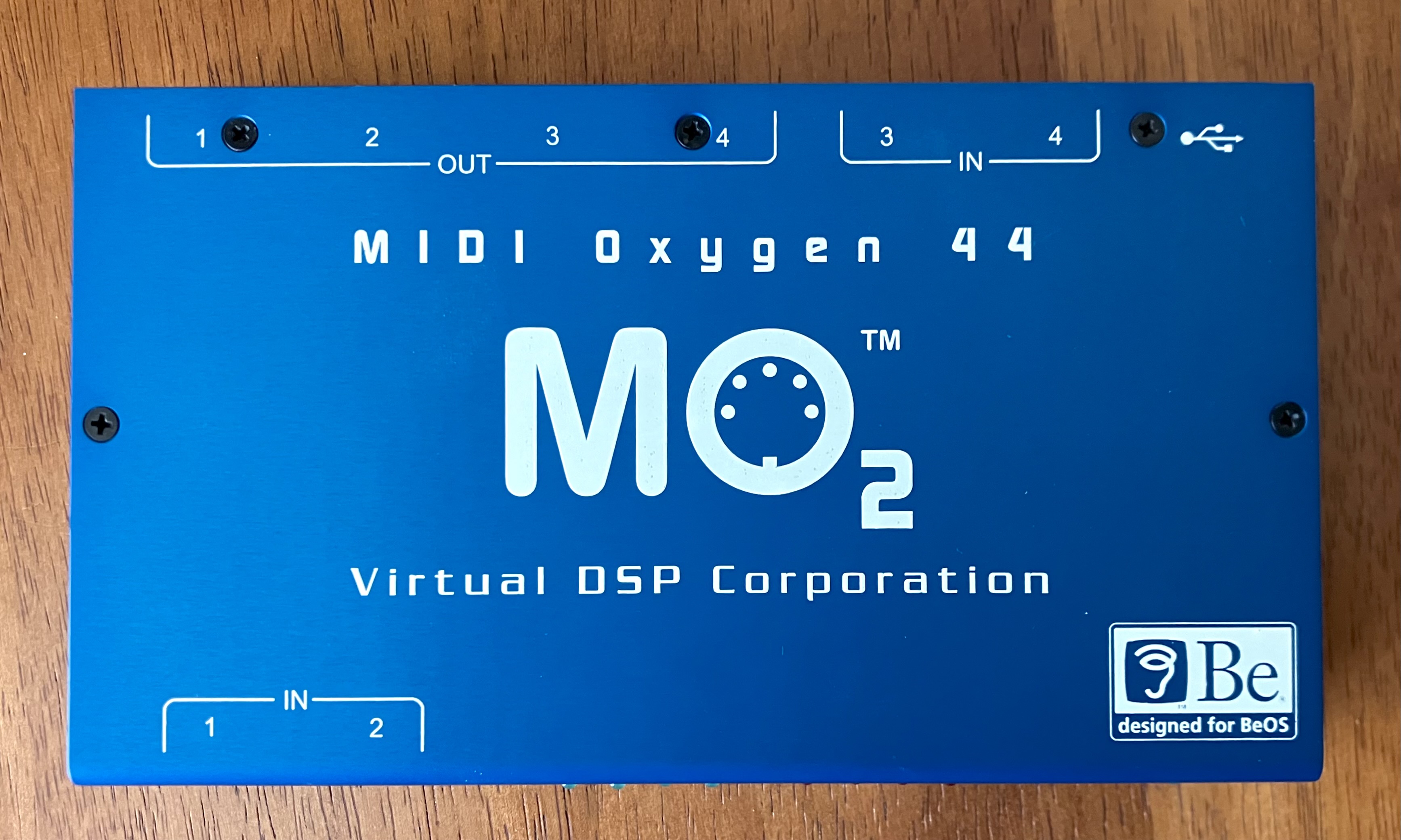
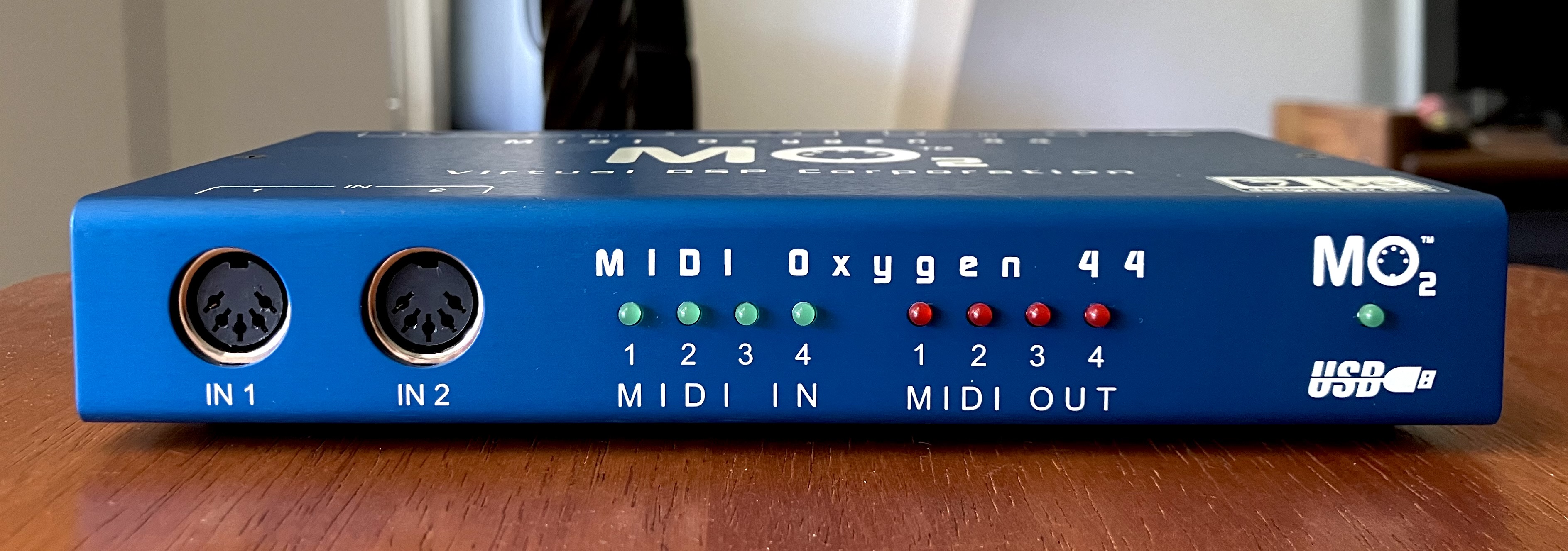
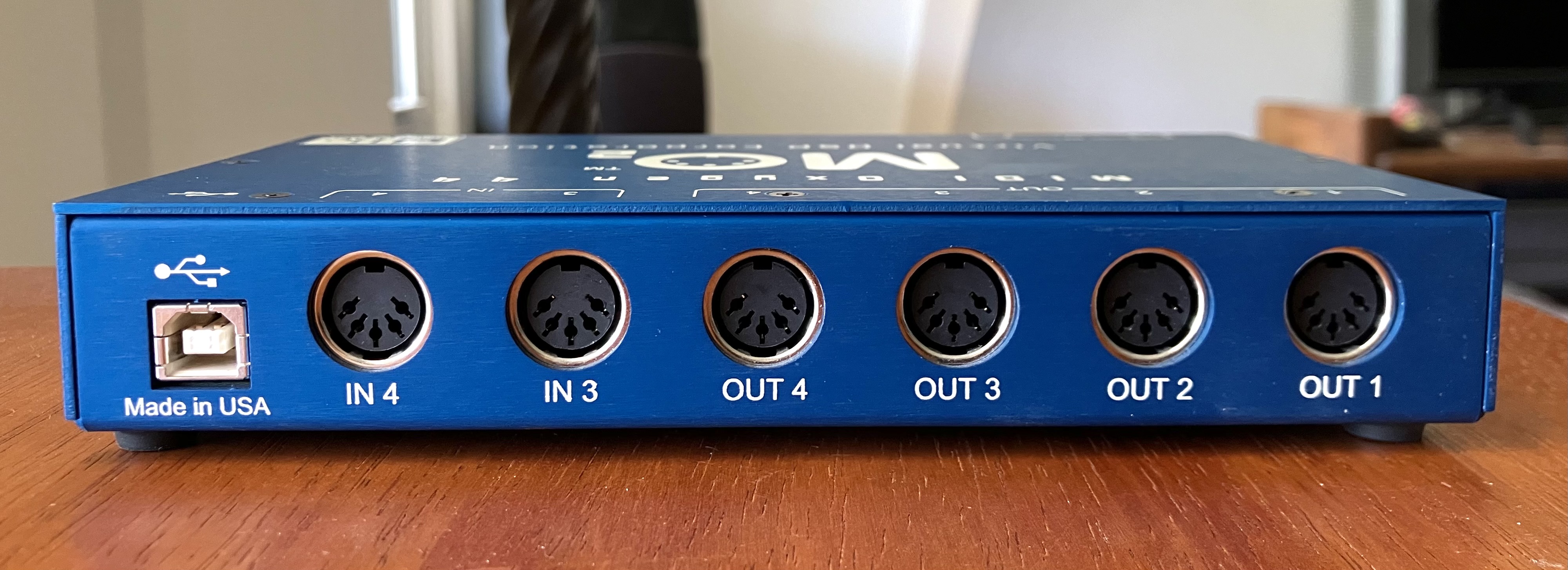
Oh heck, here are some quick iPhone photos I pounded out:
6 Likes
I think I bought everything that was commercially released in boxes for BeOS around that time, other than Be hardware.
BeOS retail boxes for R4.5, R5, GoBe Productive, MIDI Oxygen 44, and even this:
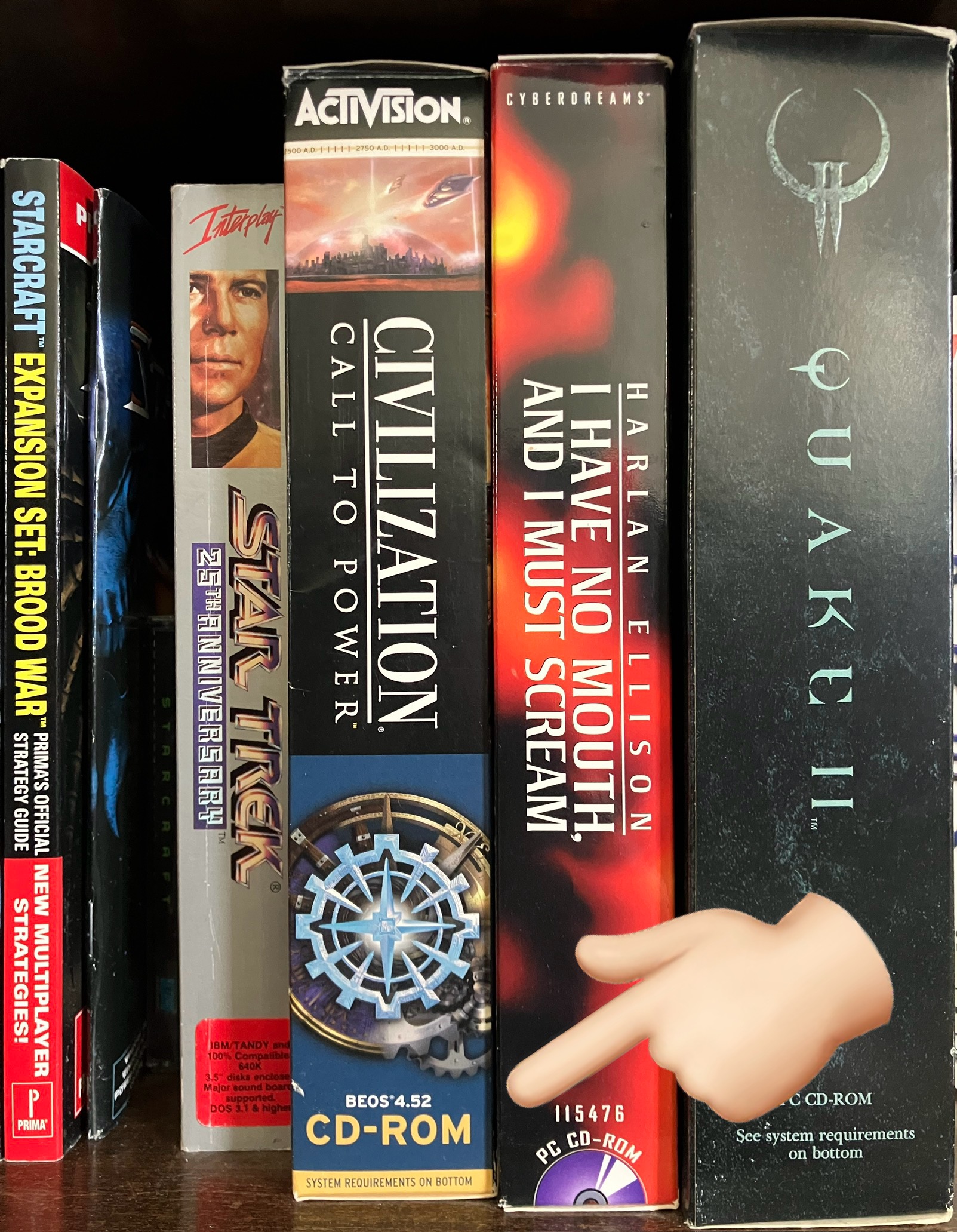
And I’m not really all that big on strategy games, let alone Civilization. I’m not sure I ever played it. I was just kinda into supporting the BeOS world.
I signed up to be a BeOS and GoBe Productive retailer, when GoBe was given the license to promote and sell BeOS… and that went nowhere.
I was also one of only TEN people to put my money where my mouth was with regard to porting Cinema 4D to BeOS. We were all refunded because TEN people proved a lack of compelling reason to port. I’m relieved I got that money back and I recognize it was a bit extreme ($1000 deposit for a statement of interest in a port!).
Then there was my involvement in BeNews, and the project that became Haiku (damn, was the initial name “OpenBeOS”?? I’ve been away for so long and I miss some of the people I met back then).
All this is to say it was a passionate interest for me and I hold it all deeply close to heart… but I eventually walked away because of some toxicity in the community (such as people going hard core abusive toward Yellow Tab’s CEO, regardless of his questionable actions), and other life issues needed to take precedence, such as my relationship and living situation. Sigh.
So much nostalgia. That’s why I’ve been posting here lately.
5 Likes
USB passthrough bridges the underlying device directly to the VM at the USB level. As such it generally works for any USB device, not just ones the VM developers tested with. (It sometimes is a bit flaky, but I’ve had good success with it under VMware at least.)
1 Like
Good to know, thanks!
Next question: is the BeOS MIDI Oxygen 44 driver functional on, and installable into Haiku? 
1 Like
If it’s a kernel driver, maybe, but probably not. We do have support for the BeOS USB interface in the kernel still, but a lot of other kernel stuff changed, and a BeOS driver may not work anymore on recent Haiku. But who knows?
1 Like
There was no floppy, but the CD Rom was installed. It was not chiming but the green power light was coming on. No video. I stripped it and attempted to get it to run with no RAM except one or two sticks. Tried the CUDA. I basically had no luck. I got it to come back from this once. But the fact it was bootable then died because I moved it less than a meter. Makes me think it is something nasty.
I have a play to make a new case for it, so I might have another go. Or buy a board from you as we discussed. My one fear is that it is the CPU.
1 Like
Thanks for the pictures, it looks quite nice!
The original website https://web.archive.org/web/20000606225409/http://www.midioxygen.com:80/
I found the driver, “mo” in /boot/beos/system/add-ons/kernel/drivers/bin
It’s in the other R5 versions too, from Edirol and Tascam, in case anyone would use it with one of those machines.
3 Likes
Maybe you answered this already, but did you check/replace the PRAM battery? Others have had issues with that. I’m currently having such issues with PowerComputing clones.
So I assume that means it’s a kernel driver that cannot be used on Haiku.
What Edirol and Tascam stuff was BeOS-based? I remember something called RADAR, and maybe something like another recorder from Tascam…?
1 Like
Edirol DV7 family. I suspect they had a source code licence as they continued releasing versions running BeOS for quite a while, with functionality that R5 never had.
1 Like
Roland/Edirol PR-50, PR-80 and DV-7 series, Tascam SX-1 and the Iz RADAR24 all run under BeOS.
1 Like
Good shout, but it hasn’t had a pram battery for years. I got rid of it when it when it was still in use a lot more. The 9500 doesn’t suffer from not starting without one.
The C500 is meant to have issues too but I don’t have anything attached and it seems to boot fine.
The fact it booted fine the suddenly stopped is probably indicative of a hardware failure somewhere. And by that I mean - I booted it and it was fine. Turned it off. Moved it to its final resting spot and then it never booted again. It was less than 5 minutes between working and failing.
1 Like
That’s the one I remember: IZ Technology RADAR24. I wasn’t aware of the Roland stuff. I had only a glancing awareness of the Tascam unit.
This is fascinating. It gives me a spike of curiosity and “what could have been”. What functionality did they have that wasn’t in R5?
1 Like
That sucks. It still does remind me of my Umax S900, though. Without a good battery, the PRAM seemed to get messed up when the machine was unpowered, however briefly. Have you identified a CUDA button on your motherboard to see if it has any impact? A partially lost PRAM might be worse than a fully cleared one. I’m reaching here, but that’s how it went with my S900: like voodoo!
1 Like
From memory, hot swap hard drives and USB mass storage support were definitely there.
2 Likes
IzRadar updates and manuals are available at
From the recovery manuals available, version of the system before 3.50 were using BeOS 5 recovery CD while the version 3.50 recovery dvd uses a live linux system to restore a hdd image containing a copy of Zeta.
The Roland PR-50 PR-80 install/update disc is at
We’re so off-topic from the PowerPc side of the story now, we should move to a new thread.
There’s a cuda button just above and left of the cpu heatsink, in line with the adb port.
2 Likes
Tried the cuda at the time.
1 Like
I don’t know if this should go here. If it seems like the wrong place, I will post in a different/create a different topic.
I have a PowerCenter Pro 210. (Like a PowerMac 7200). According to Be Inc., the Adaptec SCSI card will not work with BeOS. They said that for the last few years of them doing business, which is kind of annoying that they didn’t fix it. The card is a 2940UW I believe. I know it’s supported by Intel BeOS. Is there any way that this is portable? Is there a driver sonewhere? Is there a different SCSI PCI card that is supported by BeOS for PPC?
Hey no, this is as good a place as any.
I don’t think I have ever tried a PCI SCSI card in a Mac that boots BeOS. I used to have a few Adaptec ones (I think?) that for sure worked with Intel. The problem with the Mac PCI bus is that it is a bit funky and I guess unless the BIOS on the card was for MacOS, it probably might not work. As for a driver - Be Inc basically abandoned PowerPC after Apple cut them off. So they never really added any new stuff.
Honestly? Your best bet is to try to find an Apple Mac compatible PCI card, and make sure the chipset on it was one of the ones the Mac supported natively. Even then, I’m not sure. You’d need to find something that was supported in a BeOS compatible model.
A Google shows these cards exist in some way. There is a “Adaptec SCSI Card 2906”. It seems like it might not need drivers. Again, I have no experience with it. I have no idea if it will work.
1 Like
I will continue looking later tonight. Wasn’t sure what macs had separate PCI scsi cards. I know there are various Mac drivers for 2940UW, 2906. My card says “for MacOS” on it. I’ll do some testing. I finally got the Powercomputing computer working. Had an issue with the PRAM battery. The “new” batteries I had before were trash.