I tried to install Zeta OS and its setup did not recognize the Promise PCI card.
I am prepping for a clean install for BeOS 5 Pro. I seem to remember having a BeOS boot disc but it was not involved since that PC was not using Promise PC card or needing special drivers. I have to look for it now…if I still have it.
Mmmm i have a pentium D 945 and for a cpu had varios ones including one C2Q Q8200 and C2Q Q9400 but no mainboard for that era socket 775 only for pentium D and pentium 4. Maybe with and nvidia geforce gt9500.
I just migrated my Zeta OS from an ASUS P2B-D (running 2x PIII 800MHz) to Gigabyte GA-8I945P-G motherboard. I tried performing a clean install–but I received “insert the BeOS CD” message twice…not sure what it wanted. So, I did the best next thing.
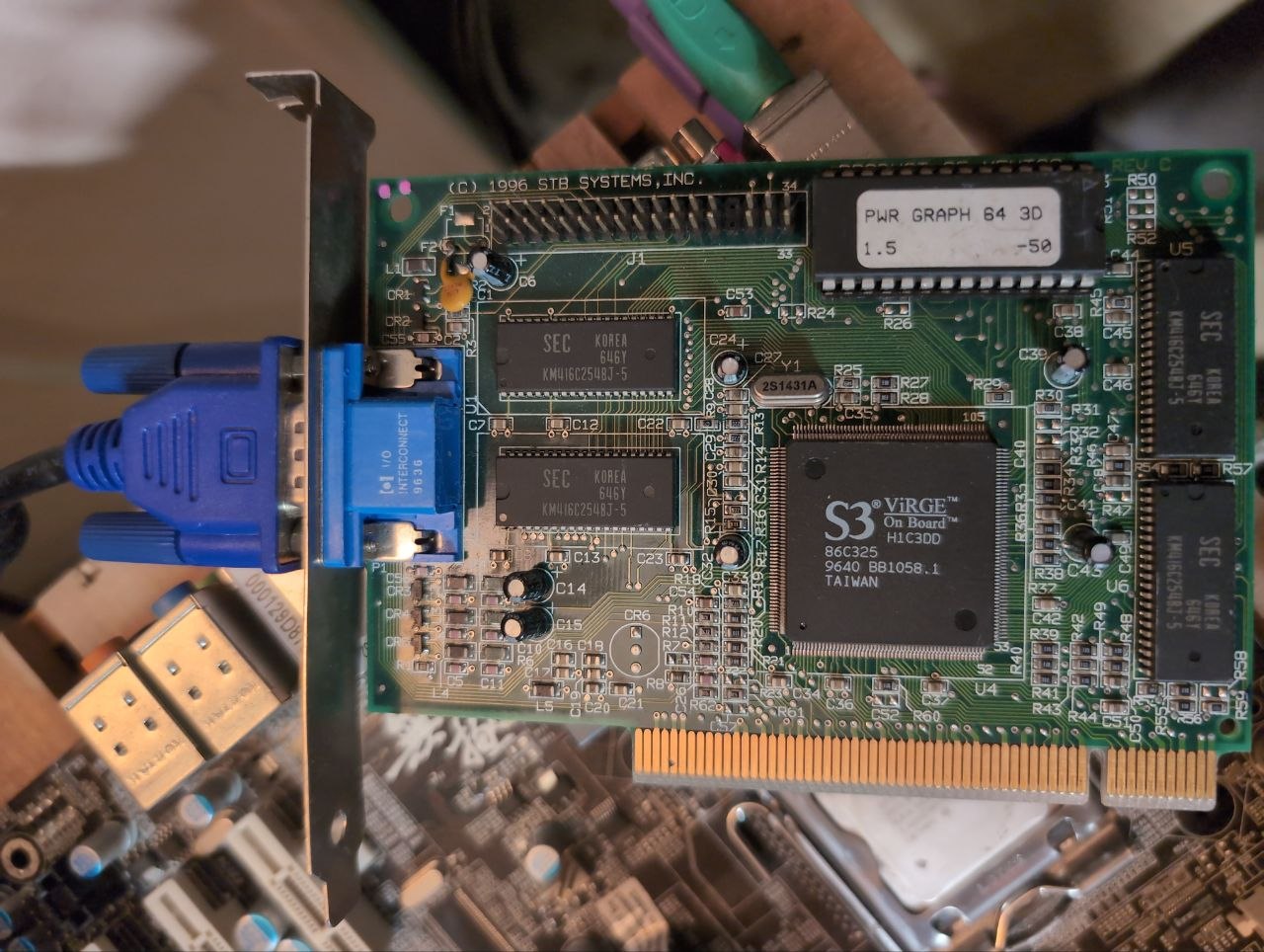
So, I created an image of my Zeta hard drive as a restore back up (just in case)–then transferred it to the new motherboard. It booted right up; however, I have only one video mode: 1024x768 16-bit. I tried a Radeon X700 video card–but it gave me a “psychedelic” desktop. I am lucky that the X300 works!
Motherboard: Gigabyte GA-8I945P-G
BIOS: F11
CPU: Pentium D 3.0GHz
Northbridge: Intel® 945P Express Chipset
Southbridge: Intel® ICH7
Interface: IDE/SATA/SATA II with Floppy connections
Connection: USB, FireWire, InfraRed
Realtek Azalia Audio (ALC882 CODEC) [DISABLED in the BIOS]
Broadcom 5789 LAN (10/100/1000 Mbit) [DISABLED in the BIOS]
ITE GigaRAID IT8212F [DISABLED in the BIOS]
Peripherals:
Video: ATI Radeon X300SE
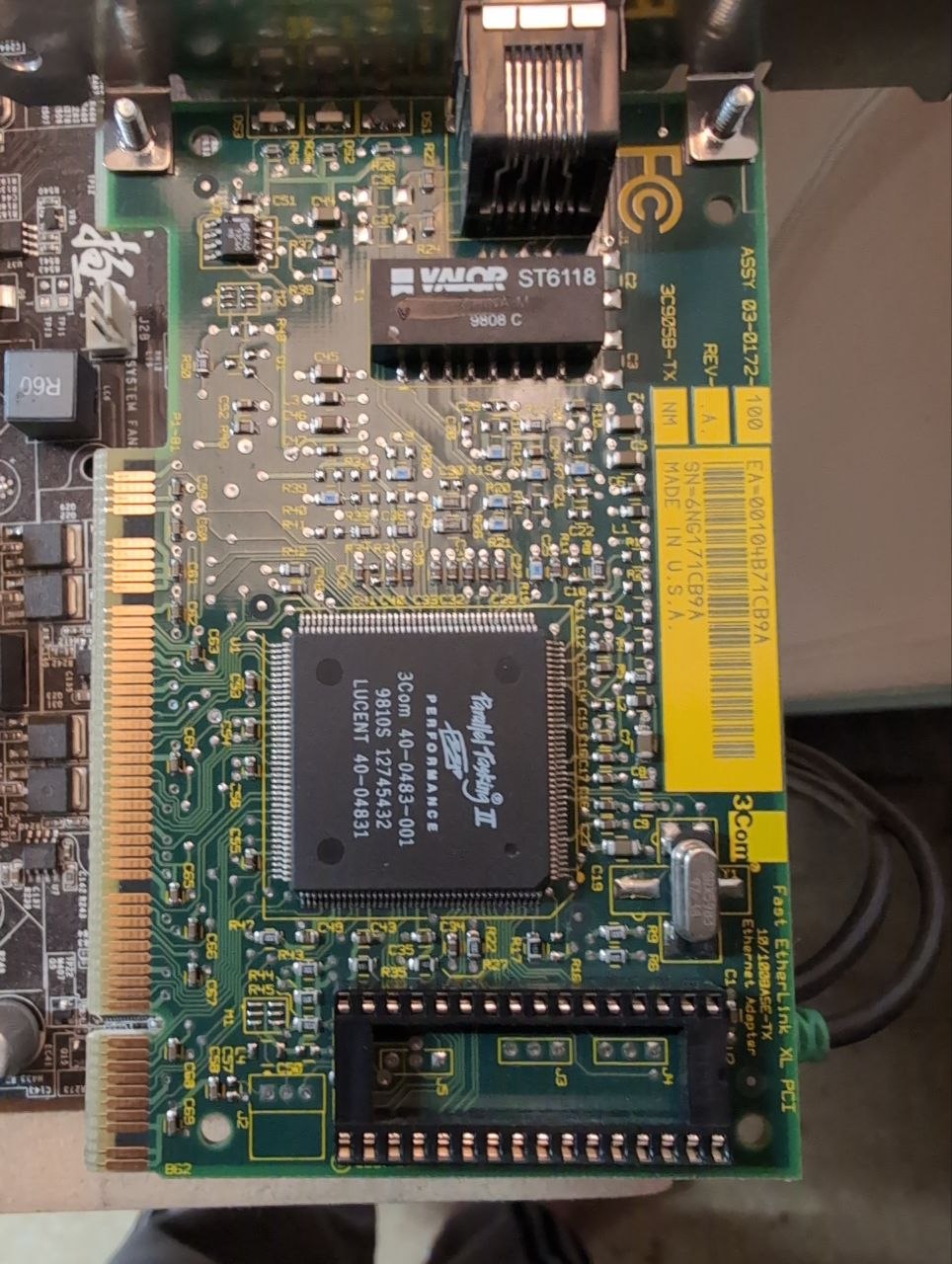
LAN: 3Com Fast Etherlink XL PCI Combo NIC
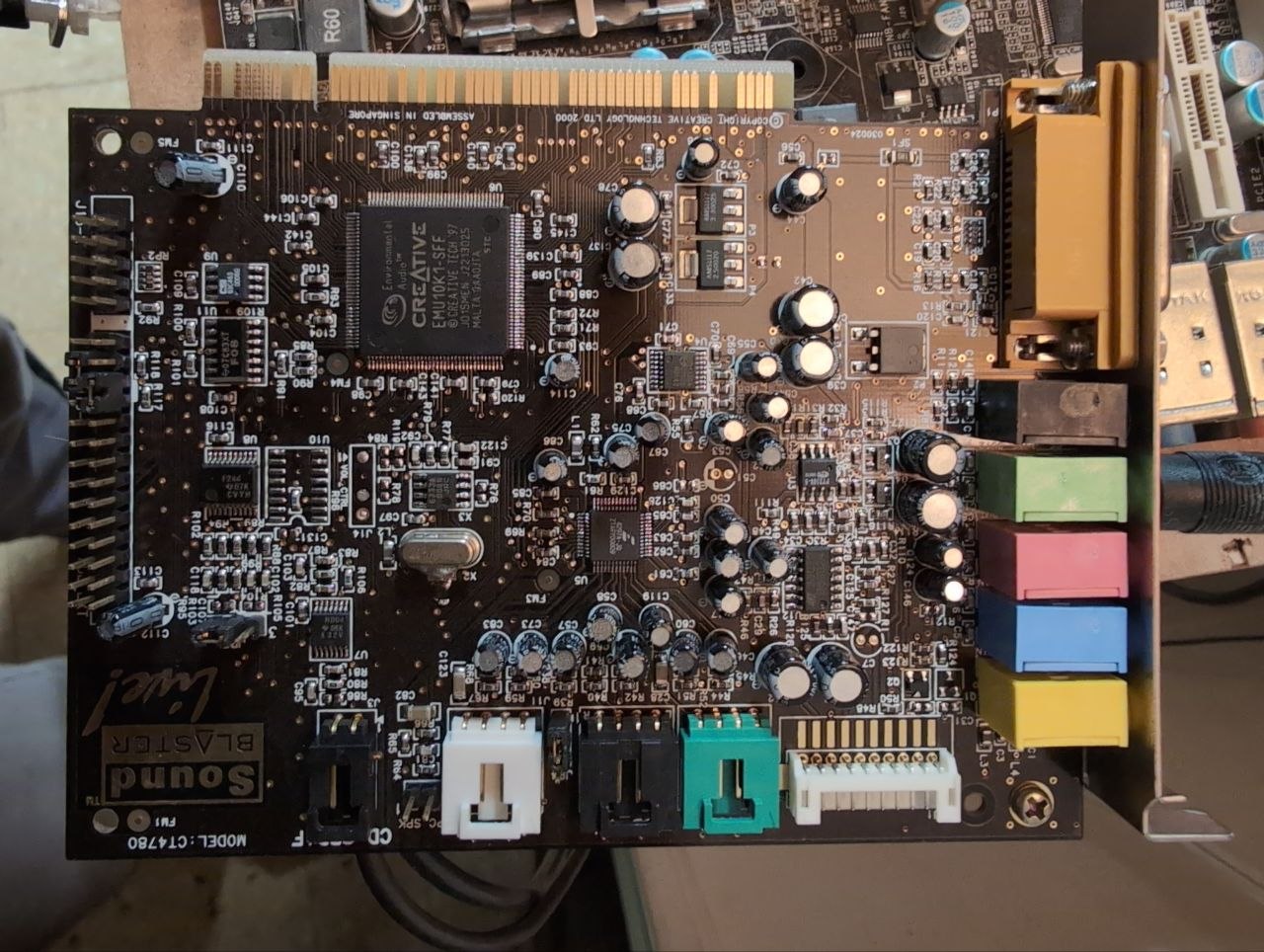
Sound: Sound Blaster Live! 5.1
My Zeta PC now just screams!! I just ordered a Nvidia GeForce 6600 PCIe card…I hope to get all the video modes. If so, I will be able to game at the proper video mode for the PC games: Wolfenstein 3D, Doom, Quake, Robin Hood, Civ CTP, and others.
I had issues with the X700 as well. I can’t exactly remember. Some things didn’t work, and they weren’t graphics related. I think it was something to do with the amount of VRAM.
I remember. I couldn’t issue any commands using the terminal. “BShell: cannot open pty” when using X700 card. With unsupported card with failsafe graphics, or x300SE, I had no problems.
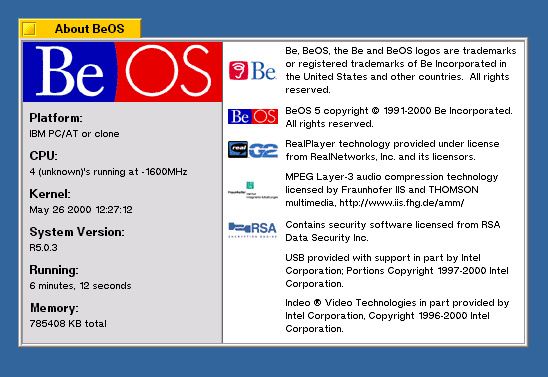
I didn’t have an issue with 2GB. Only when the motherboard had 4GB installed. There are ram limiting patches I believe. I don’t think I’ve successfully tested any yet.
Using 2Gb with my Zeta OS PC on the new motherboard, no issues at this time. However, Zeta is having issues with the SATA II interface I think. I will try a SATA PCI add-in card to test–I believe that is SATA I. More to come…
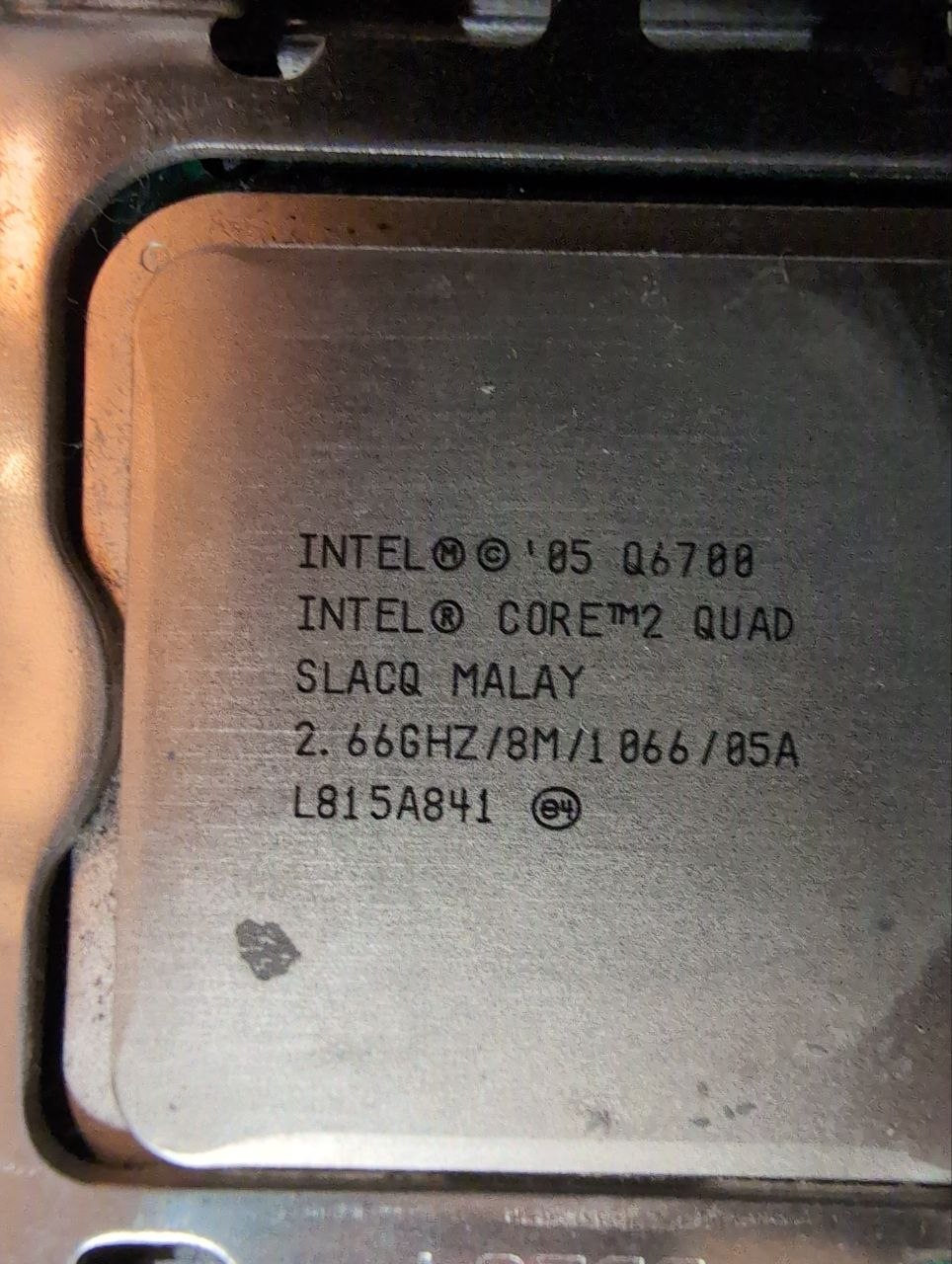
I actually have a Core 2 Quad that I have not tried to install BeOS on before, going to give that a shot after I replace its power supply. I may also try on some other machines that failed from Deved 1.1 and Max 2 CDs. I tried all of the BiOS and safe mode settings combinations, but I never did try loading BeOS from a hard drive where it was already installed, and I understand some people have success that way.
Note the issue that they had, which I mentioned in the other thread, of the onboard IDE often not working on very late motherboards that still boot BeOS.
In the case of my own late-era R5 machine, which is far less powerful than this (2.8Ghz Pentium D), it took finding and installing the last BIOS update to make the IDE comparability mode of the SATA controller work. It turns the first HDD in to primary master and the DVD burner in to primary slave on a virtual IDE controller as far as I remember.
thanks for the replies. shaka444, re: system specs, great to have those when you have a chance.
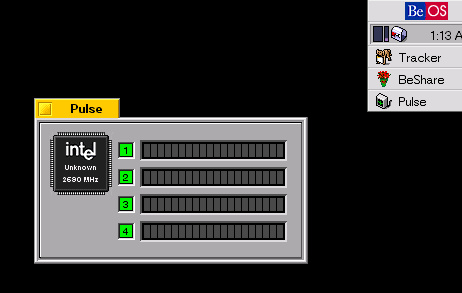
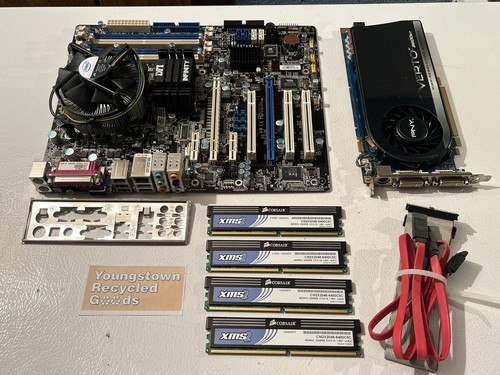
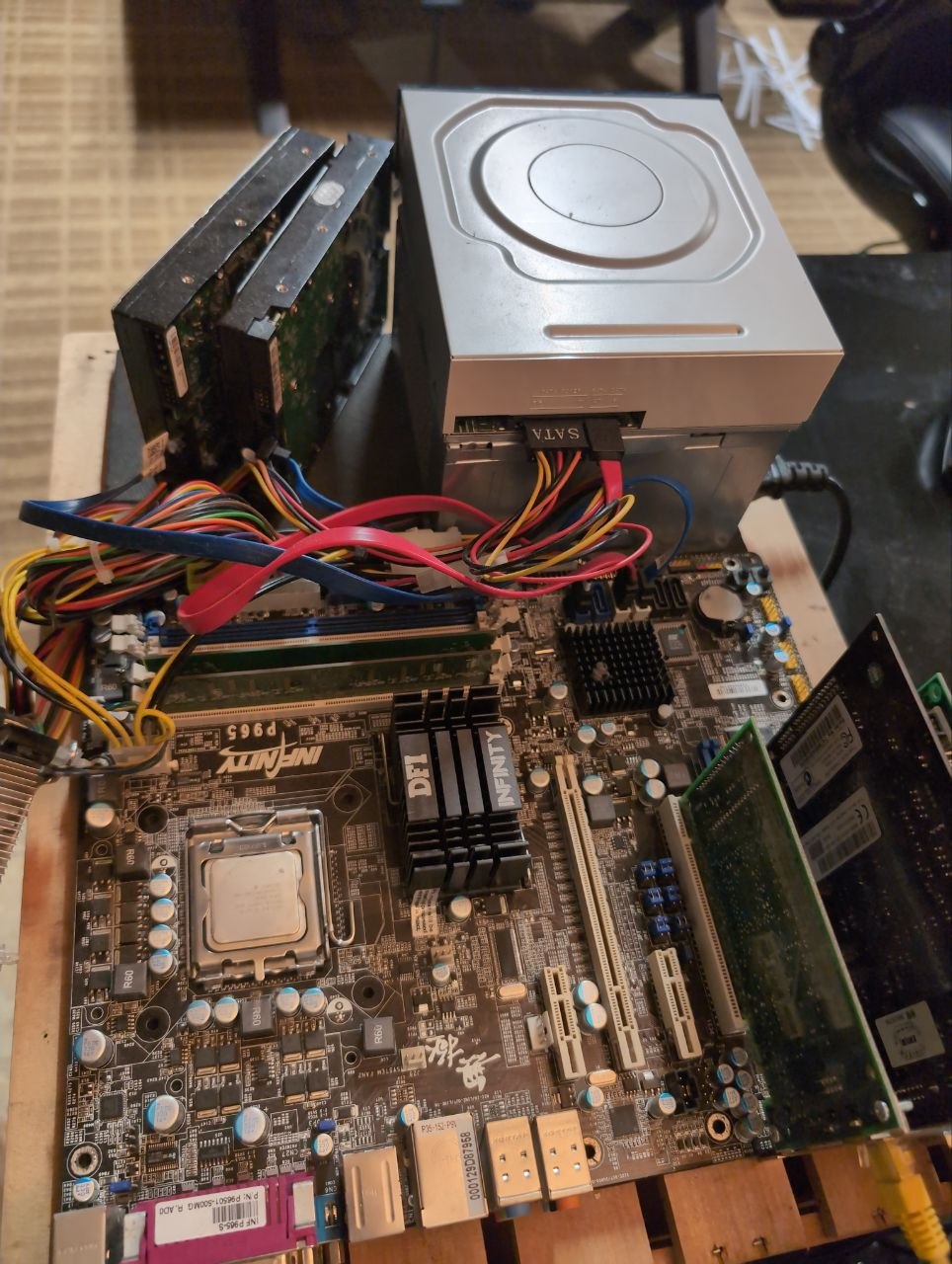
not to detour too much on the thread, but part of the reason for my enquiry on this is that i’d like to update my edirol editing system hardware to a core 2 duo (i have the hardware cards it requires). Tried on some of the other systems ive had kicking around, system posts, but i always end up with a frozen boot screen as it loads edirol’s custom stuff. Not my images (maybe someone from the forum?), these provide some context:
Motherboard has a wierd quirk where it starts to run the POST then it cycles of and on once. This just happens on a cold boot, not harmful just a quirk of the board.
I only use 768Meg RAM bc I run different versions (like R4.5) and less than gig is safer, but I have run w a gig.