Brings back lovely memories 

3 Likes
Amazing! thanks so much for this detailed breakdown, super helpful.
1 Like
I definitely recommend getting a Matrox G400/500/550 to have a card with more features (dual head for instance), more video modes and better 2D acceleration; if you can find one cheap
The G550 is useful because they made PCI-E versions; but you obviously have normal PCI slots too. I believe the G550 is barely any faster than a G400
1 Like
The on-board SATA works?
yes. ide emulation mode in the BIOS
2 Likes
There are literally no legacy options in my Dell BIOS. I haven’t given up hope yet though. Going to try one last suggestion of trying to run the install CD from an external USB drive. But after that, I am seriously considering attaching BlueSCSI to my Adaptec PCI card, as I am pretty sure the SATA is what it doesn’t like.
external USB won’t work, the bootloader won’t find the image. Even with the (shaky) USB mass storage drivers for R5.
When you get a chance, can you test the speed of the drive? I’m curious if it is faster than a CF-IDE-Promise Ultra TX2
Hmm, how would I benchmark in Be?
I have haiku x32 installed , but the test would not be accurate for a test of performance under Be
Unsure. I think I used Berometer. I’ve been moving a lot of stuff so my BeOS machines aren’t set up at the moment.
BeRometer is pretty much the only option. You may need to turn the graphics tests off to stop it crashing.
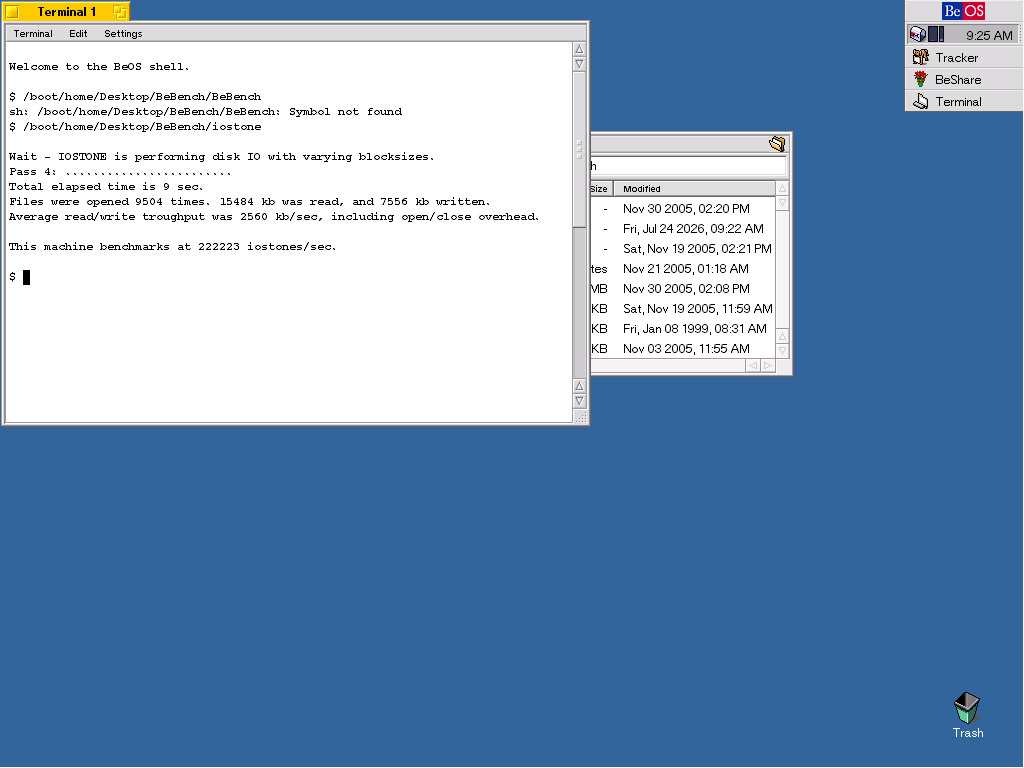
2.56 mbps?! Lightning fast. I wonder what the promise card gets. I’ll have to hook everything back up.
This brings back fond memories of running BeOS on my PII and PIII. I even bought the physical boxed editions of BeOS R5 and Gobe Productive. And of course relied on the trusty BeOS Bible book. Maybe I should setup a “retro” build… too bad I don’t still have my Voodoo3 graphics card.
2 Likes
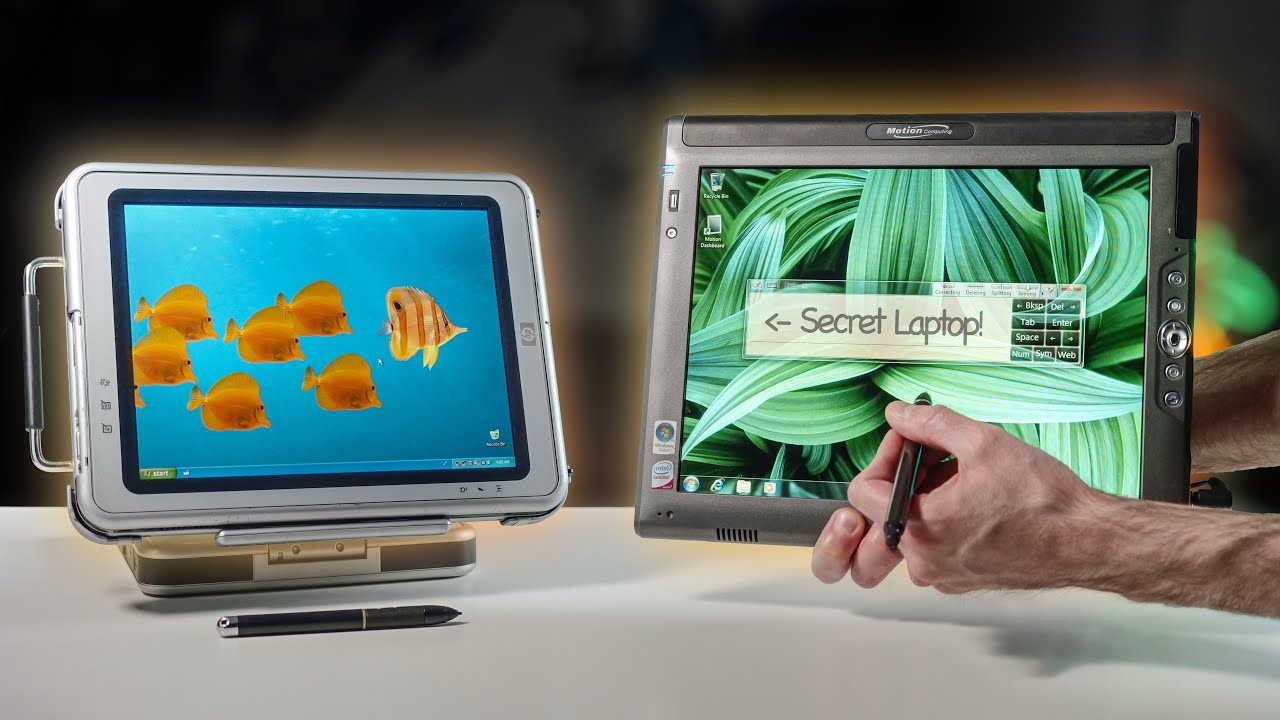
Maybe the Motion Computing tablet would be a good candidate with Core 2 Duo, but I do not know the Mobile Intel 945 Express Chipset GPU how would work under BeOS or even Haiku.
https://www.youtube.com/watch?v=_lnjecaTfGE