So, rc3 has been released, files are here. This time I really do hope there’s no more bugs and v1.2 can officially be released next week.
Basically, once an RC lasts at least a week with no new reported issues, it becomes the final release version… I’ll not bother with a Haiku package for this one since it looks like haikuports is the better way to distribute anyway.
In this case yes, because the letters are very “geometrical”, I usually start sketching on Post-Its, if it looks right, I just import it to WonderBrush (I don’t use the IOM internal reference image feature, because WB has a bigger canvas) then to IOM
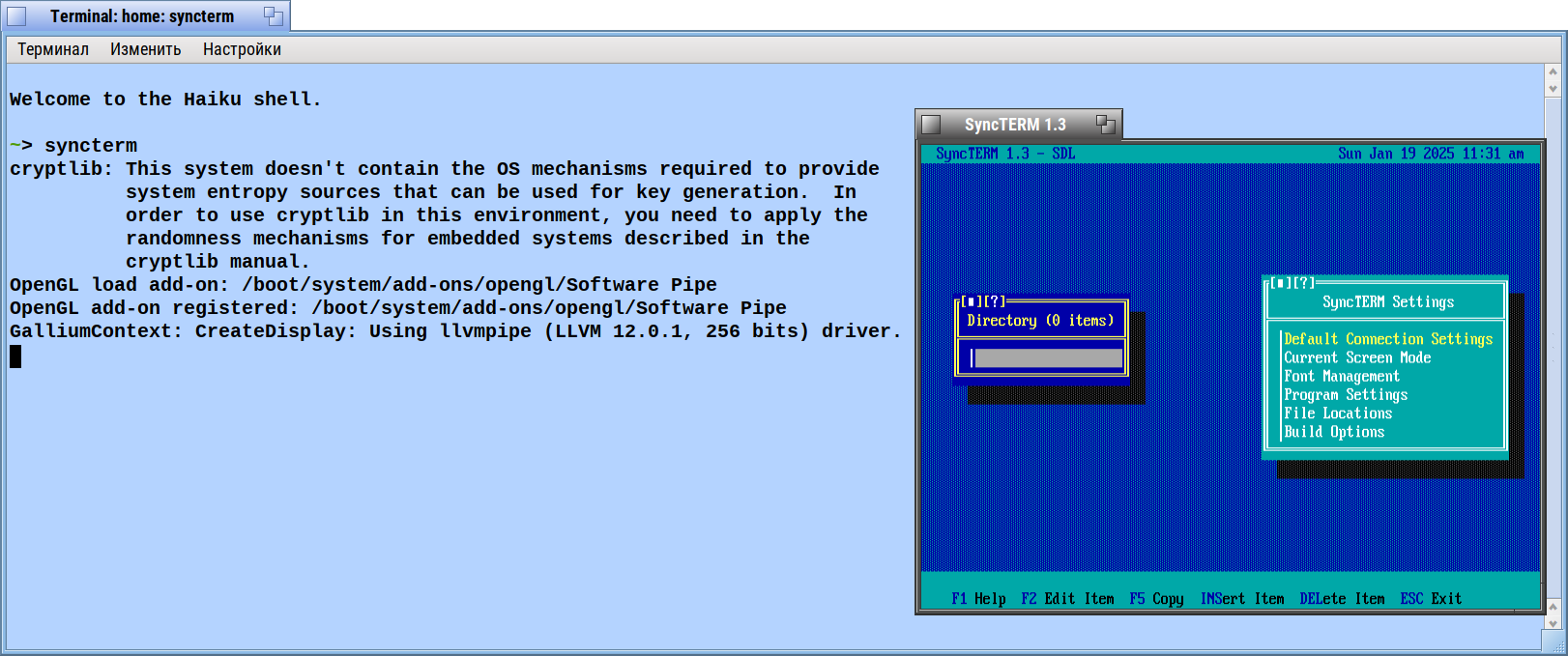
Should it be launched from Terminal only ?
As nothing happened if I clicked on it Deskbar/Application menu entry for SyncTERM.
~> pkgman info syncterm
syncterm: A BBS Terminal

SyncTERM - ANSI-BBS terminal for connecting to BBS.

~> pkgman install syncterm
  100% repochecksum-1 [65 bájt]
Ellenőrzőkód érvényesítése a tárolóhoz (BeSly Software Solutions)...done.
  100% repochecksum-1 [65 bájt]
Ellenőrzőkód érvényesítése a tárolóhoz (FatElk_64)...done.
  100% repochecksum-1 [65 bájt]
Ellenőrzőkód érvényesítése a tárolóhoz (Haiku)...done.
  100% repochecksum-1 [64 bájt]
Ellenőrzőkód érvényesítése a tárolóhoz (HaikuPorts)...done.

Sikertelen a tároló "KapiX's Depot" frissítése    0%: Operation would block
  100% repochecksum-1 [71 bájt]
Ellenőrzőkód érvényesítése a tárolóhoz (LOTE)...done.
The following changes will be made:
  in system:
    install package syncterm-1.3-1 from repository HaikuPorts
  100% syncterm-1.3-1-x86_64.hpkg [2,35 MiB]
Validating checksum for https://eu.hpkg.haiku-os.org/haikuports/master/x86_64/current/packages/syncterm-1.3-1-x86_64.hpkg...done.
[system] Applying changes ...
[system] Changes applied. Old activation state backed up in "state_2025-01-18_19:58:03"
[system] Cleaning up ...
[system] Done.
~>
~>
~> find /boot -name *yncterm
/boot/home/config/settings/mime_db/application/x-vnd.syncterm
/boot/system/data/mime_db/application/x-vnd.syncterm
/boot/system/bin/syncterm
~>
~> /boot/system/bin/syncterm
cryptlib: This system doesn't contain the OS mechanisms required to provide
          system entropy sources that can be used for key generation.  In
          order to use cryptlib in this environment, you need to apply the
          randomness mechanisms for embedded systems described in the
          cryptlib manual.
SDL Video Initialization Failed
~>
If SDL is installed, you should be able to launch it normally. If SDL is not installed, it is a terminal-only app on Haiku currently (and should likely be ran with -ic then configured for Curses mode).
If Haiku ever boots on my laptop, I’ll likely do a native Haiku backend so the SDL dependency isn’t required.