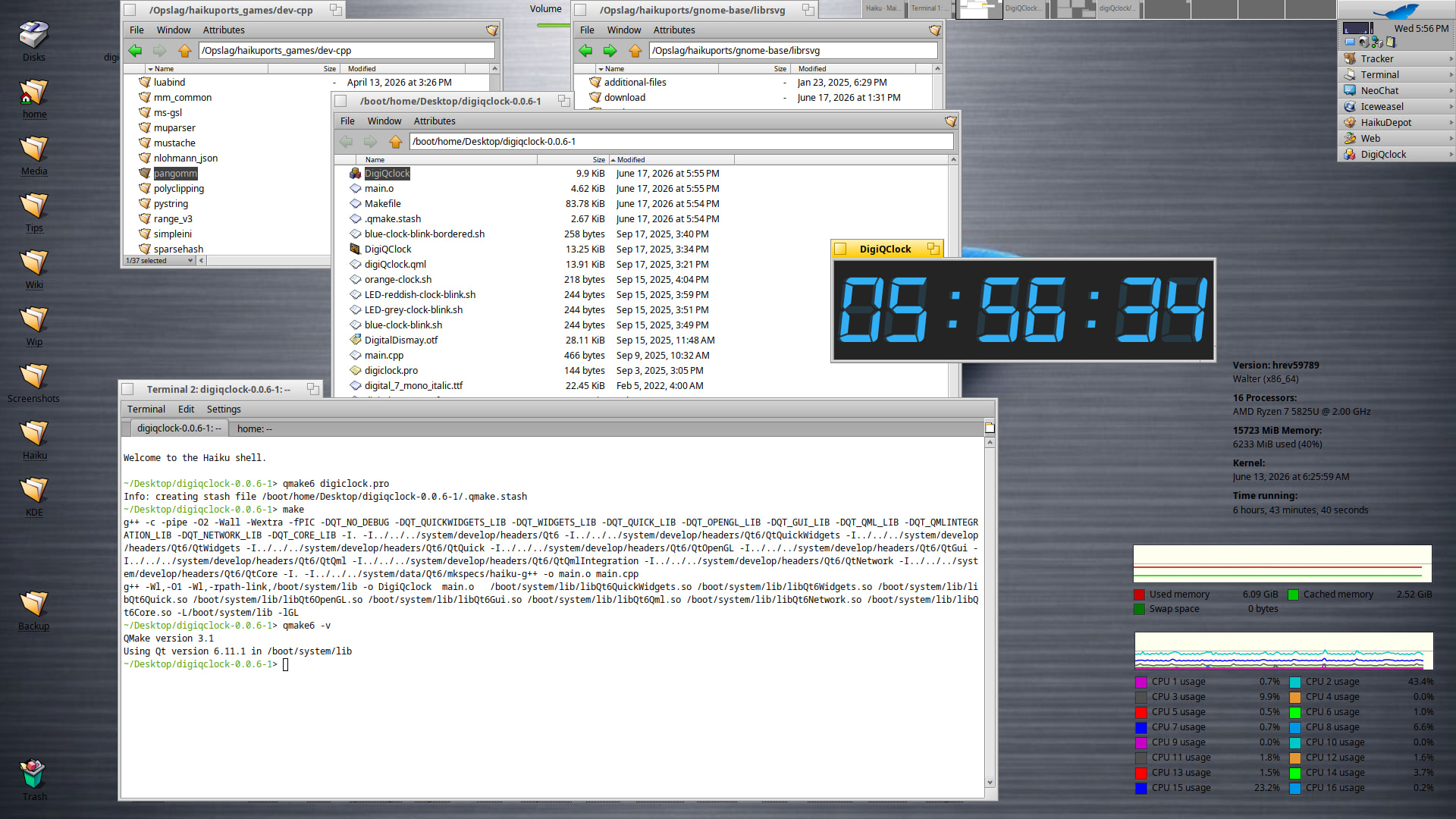
Still launched and build OK with Qt6.11.1
3 Likes
Would love to see the HiQDock working again. When I found out about it earlier this year, it was broken with latest Haiku Night builds.
2 Likes
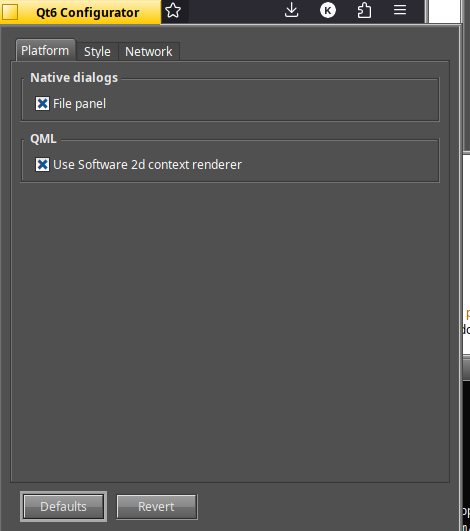
With help of developer MadMax, I started an experimentig with adding the original Dell function keys to adjust laptop screen brightness. In this case brightness it is really key combos.
[Fn] + [Down arrow] Decrease display brightness
and
[Fn] + [Up arrow] Increase display brightness
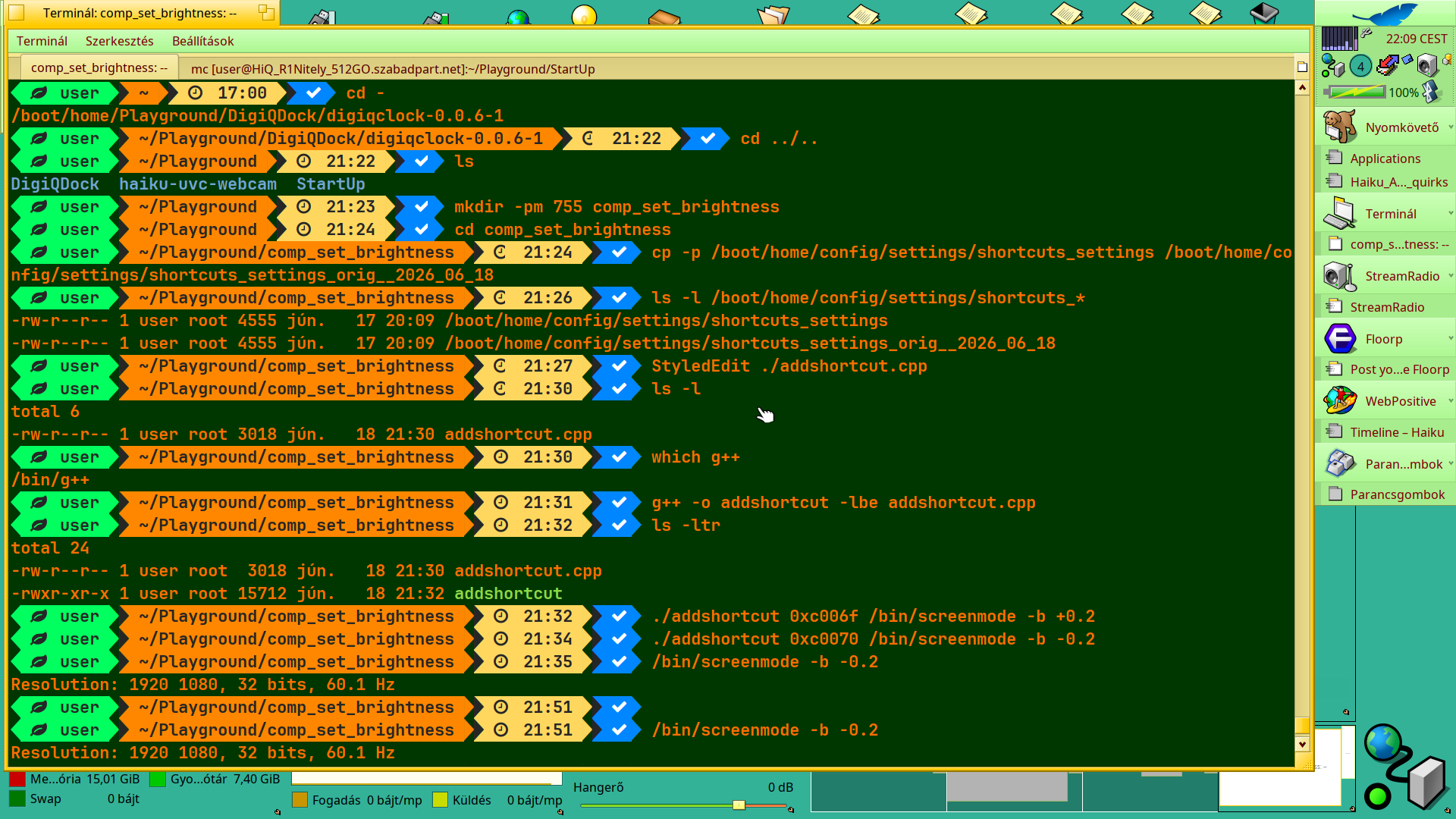
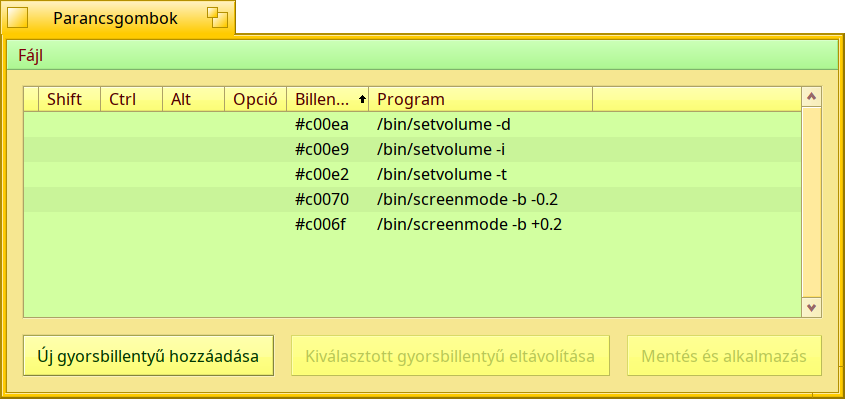
It was FUN !.. if it would have been concluded into success … some tears would have tracked my drunkard face !..
Now I understand why some devs wants to keep the coding to remain HAVE FUN !..
… if it works finally, I report back 
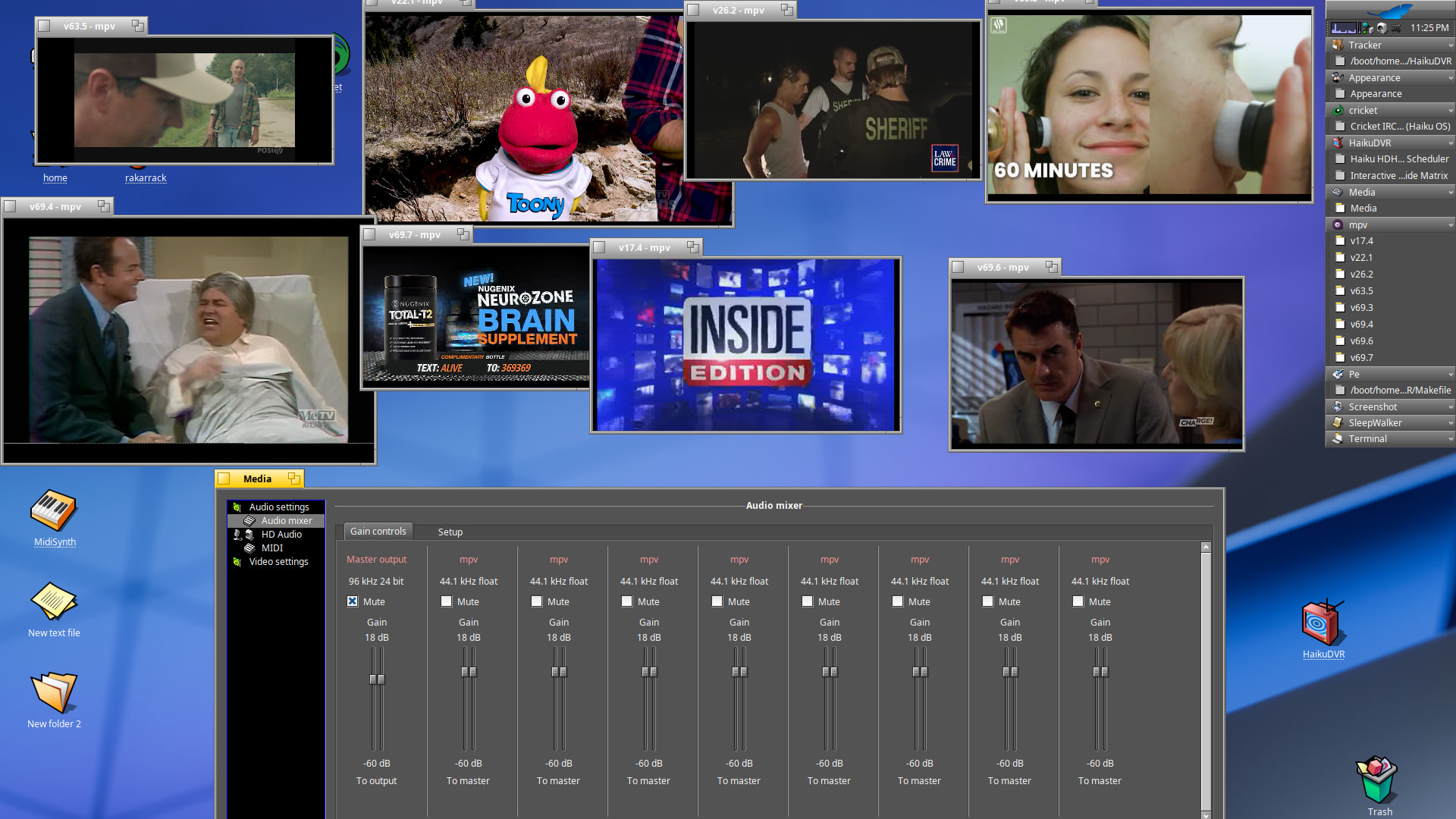
Shot a new evidence with dimmed light of my desktop -
(if BeScreenCapture would work more reliably .. then I would present even a small motion picture ;-)) )
Great news about my HiQDock - I still see an issue at least on my VM, that the windows for the Dock Options and Change Icon Image are blank 
1 Like
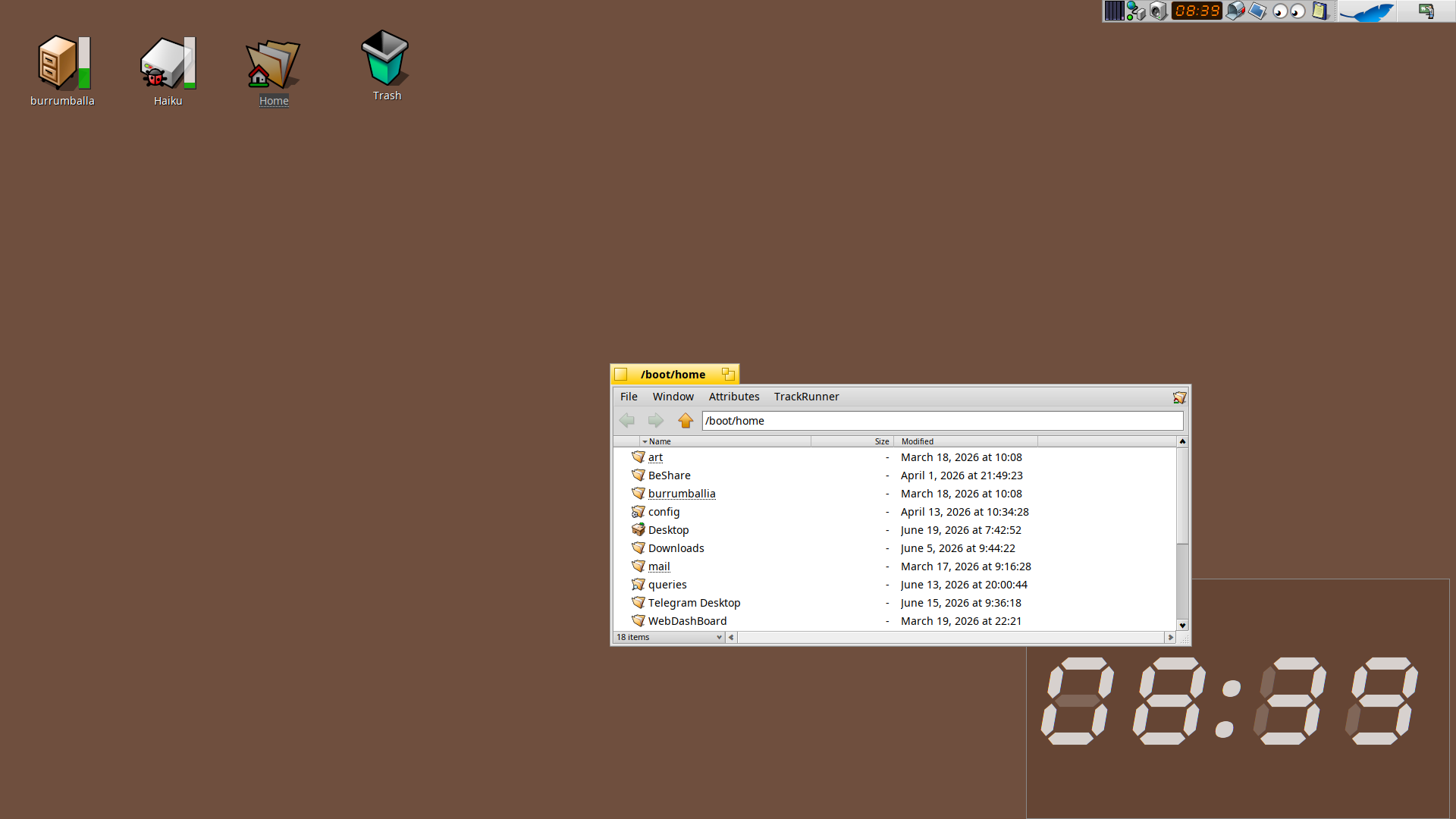
I made a yab script eons ago, xtn.sh - Easy and fast file sharing from the command-line. , it’s a faux replicant behaviour if you “sink” it to the desktop layer, or pin it if you want always on top
3 Likes
I saw that too. Wasn’t sure if thr was just a placeholder.
Ahoy @zuMi !
Thanks, I downloaded and tried out.
I have 3 things which I found, that’ why it may not fully applicable for me :
- It is only on that workspace where I launched. I have four actually.
Of course,
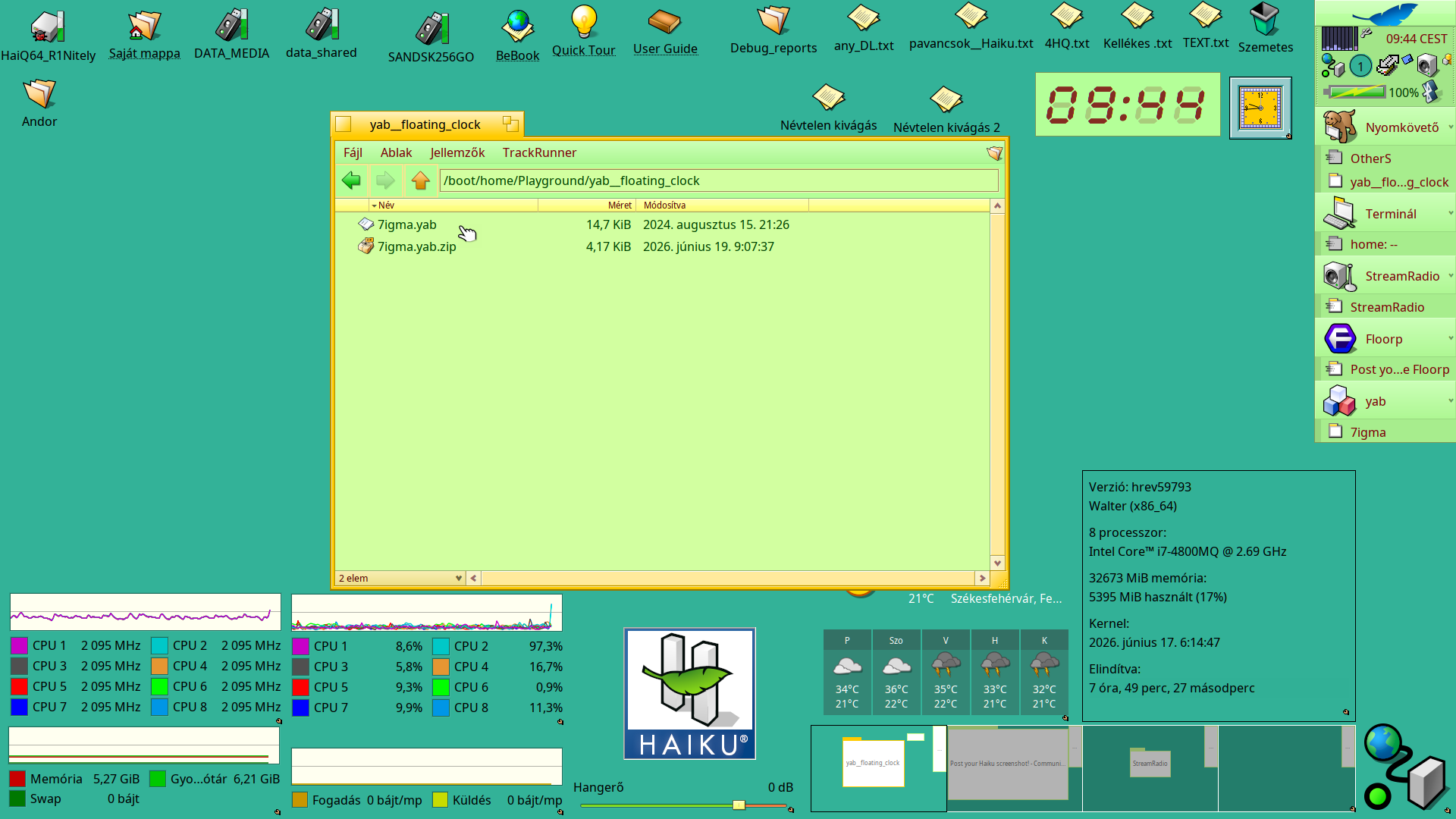
I have the classic Clock replicant that is not for check the time, it’s a “gem on the desktop” 
Also I have a Clock on the shelf as well, which is built-in standard.
Why do I want this +1 clock ?
- → It can be big ! much easier to see the time, almost immediately as I overlook the Desktop
→ I need it if I watch something that occupies full screen, and it still visible.
Your app fulfill these aspects basically, and better than an equivalent replicant this way.
Ok, then I can launch it when it needed, and then it will be on that workspace where I watch something. As I have different workspace for browsing (Youtube or other video sharing site) and for launching media player apps.
This way this point may not be so strong point ;-))
- The dim parts of the digits are disturbing for me.
I know – this way better imitates a digital clock, what was sitting on the room’s furniture or in old calculators’ display, but I would be happier if not seen at all.
It is a valid point.
- I would like that… if it must be seen on the Deskbar while running …
it would be better on the Shelf as it is just as an other small applet, cleaner that way.
It is also valid point for me.
Thanks anyway, I think on its usage :))
As I see, you modified the Haiku source code as you have a similar, but better digit clock on the Shelf. Its display better reminds me to a computer graphical clock as there’s no dim parts of the digits. Nice.  Some other ones may also install it, if it would be available.
1 Like
There are options, if you right click on it…
Try Pin, it should help with your workspace problem. Personally, I find Sink interesting. I wish that option was available for replicants like Clipdinger monitor or DeskCalc.
2 Likes
You are right - thanks.
I probed only Sink first, and when I clicked on Pin I had not checked Workspaces replicant, what it shows. And also first time I thought Pin as like what Lock can be - save its position.
Hmm … that’s more. Clever 
Now I would wish
just clear the dim parts of the digits
would move to Shelf when running
It’s yab, possibly easy to understand. I found the line without having played with yab before. Open in with your simple text editor, find the line with DRAW TEXT blah blah blah standard$ , "MainView" near the end and delete it or prepend REM . Save, run and enjoy. I guess the few DRAW SET before that would not be needed now, but removing just that line worked for me.
1 Like
Yeah it worked.
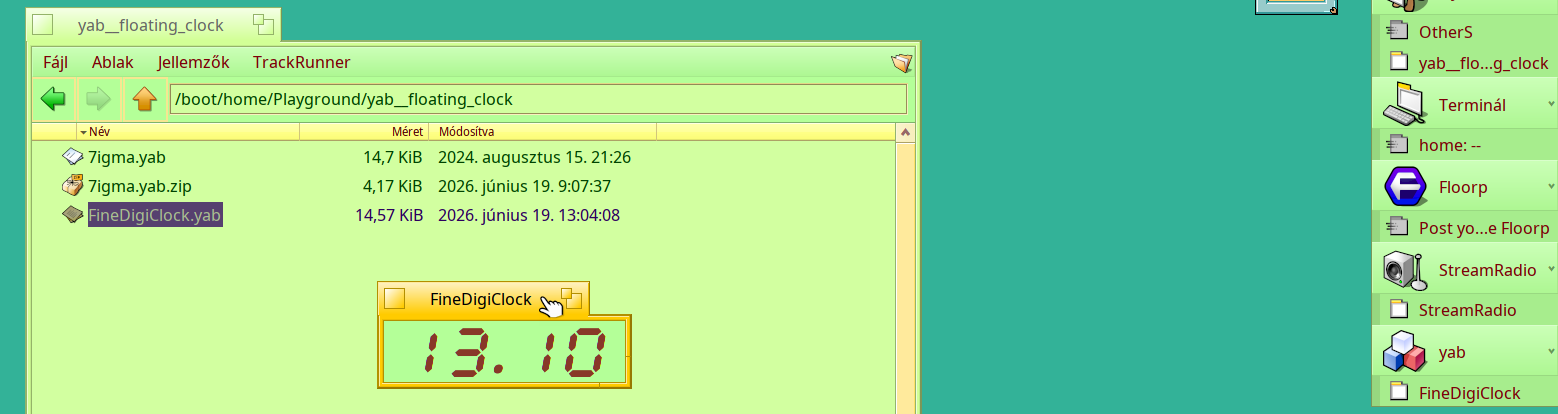
I found also that ‘7igma’ in the file and renamed all occurrance to “FineDigiClock”
@zuMi I hope it’s no problem
Then I just move to Shelf with a decent icon ;-p
I saw localization and translate in the text file - had you created a catalog file I can translate with Yab localizer to Hungarian ?
As I promised ..
I’m BACK !!
Finally it works the dimming and enlighting the display on my laptop.
asI replaced the [Fn] key to [Win] key that is the [Opt]ion key – after MadMax confirmed it : that matches with on a PC keyboard.
As Left (side) was not accepted somehow, I selected Any (side) to see : does it work this way ? Worked.
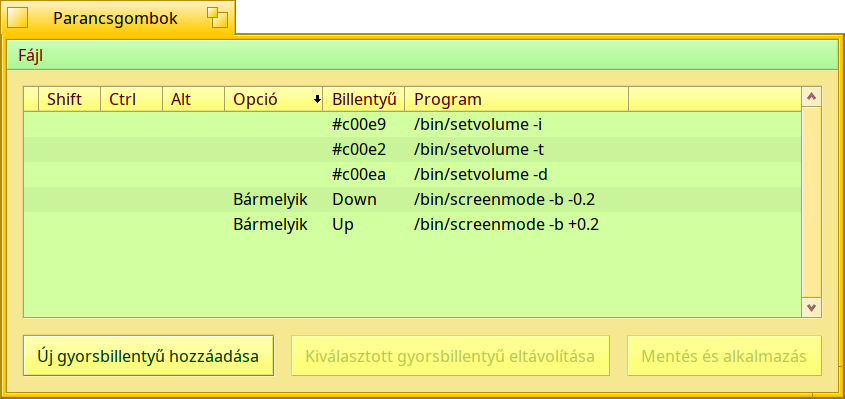
This way it works from the wireless keyboard too !
(Funny note : I launched a Desktop record and dimmed and enlighted the display .. Ha-ha , I’m a really 1 bit guy sometimes !!!
It had not altered the record at all regarding brightness, it happened only for me !! Haha ! 
Moreover I waited the 520 frame rendered from memory to the target .MP4 that lasted about a few mins after I finished recording. And then I played, and then falled down the 2 cents : it was recorded, but the important dimming and stepping back were missing from the record.Then I think it over.
I should have used an external video camera to record it - which I have no actually !
So, you must be satisfied with my written report : it works now ! ;.p )
None, I’m happy you’re enjoying it
Somewhere in that folder should be a catalog, I’ll check later
1 Like
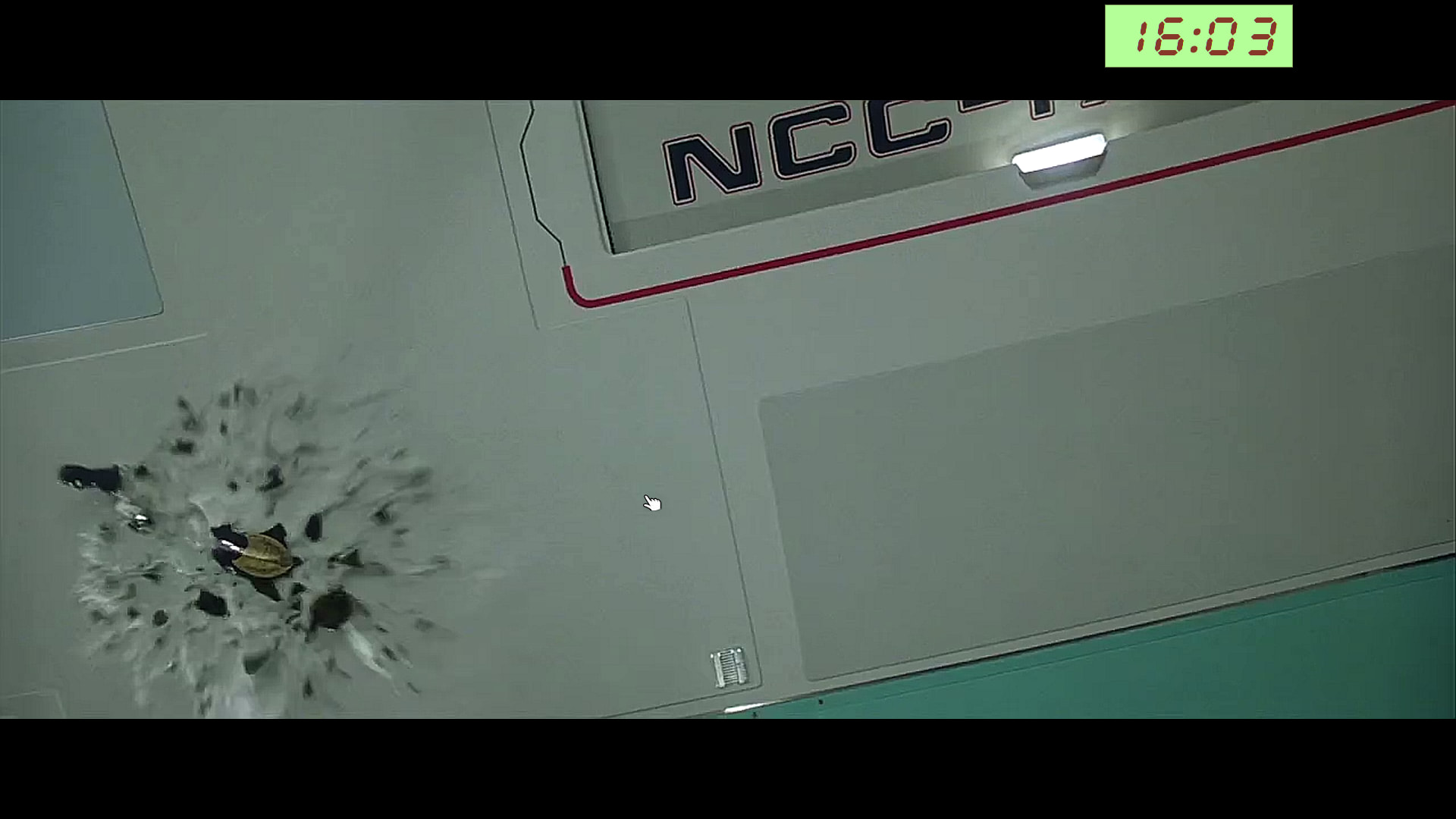
Finally ! as it was earlier in my WinXP/Win7 install !
Thank you for everyone for their help to get me this desired feature work as expected !..
1 Like
Now you need a screen for each stream
2 Likes
xtn.sh - Easy and fast file sharing from the command-line. once you edited, pls use Hum’s catkeystest.sh frome here: Testing translations without compiling an app
I was checking the code , a lot of time passed since the last time i edited it, and I found there were also the chance to have custom colors , just type ‘addattr _app/csv_colors 000000,ffffff /boot/home/config/
settings/zuMi/7igma’ on your terminal for a white on black clock, or 202020,ff3300 orange on dark screen… there are also a bunch of lines about window management (move to edges or adjacent workspace) that could be epurated