So, I made an fr.catkeys, installed it with humdinger script and it works well.
Though, something a bit strange happened to me that I’d like to share.
I duplicated en.catkeys, edited the new file with StyledEdit then changed the name to fr.catkeys.
One of the strings, Pin was translated as Épingler. Once installed that string was shown as ?pingler. So I tried to double-click on the catkeys file to open it with StyledEdit but that didn’t work and opened PonpokoDiff selector instead. On contextual menu, it was proposing to use CatkeysEditor ; I chose that. There the string was also appearing with a question mark. Once the string corrected in CatkeysEditor and the catalog installed, it appeared correctly. If now, I open the file in StyledEdit, the string is shown as Ã⎕pingler.
I learned that even if a catkeys file is a text file, you should always use CatkeysEditor to do your localization.
I think this issue it’s related to stylededit, when you open a file with mere ASCII characters - no diacritics or other Unicode symbols - and you edit it and add some of the stuff above, it doesn’t save it automatically using UTF-8 as expected, but --windows ansi-- an ISO standard instead (perhaps if you look at your edited catkeys, in the status bar it may report the latter encoding), with SE you have to select UTF-8 as encoding in its save file panel; this won’t happen using pe, koder, genio or other editors
Yep, the file that works has an attribute be:encoding ISO-8859-1. ISO-8859-15 would be more suitable for French though.
What’s more annoying is the fact that, once the file identified, you can’t use a text editor any more. Well, you can still drop the file in an open editor window but no editor is appearing in the contextual menu. It would make more sense if the default app was CatkeysEditor but Ponpokodiff… Why?
Ahoy @zuMi
I got the catcay file - thanks.
I prepared Humdingers’ script as described. I used Pe to insert :))
Now I have the yab Localizer and CatkeysEditor as well. I would try out both as it would by my first translation attempt.
yepp I found also undir Load Colors sub. from csv, I thought it would stored some csv file  ,
,
now I understand better, it’s an attribute instead.
First, I wanted to change colors, but actually I’m satisfied. The background light green fits to my Citrus theme and the brown (?) text is neutral. On Mint it is bright orange on a darker background, but that does not floating, and my wallpaper is a dark scene. For watching and have clock as well it’s better this neutral foreground color.
Ahoy! Appreciate Ya! 
Ahoy @chld !
I don’t usually envy, but a Toughbook is Rock ‘n’ Roll!
Especially, if you do not use it inside, in your room only !
As that machine has no wide screen, good decision to put Deskbar on the top.

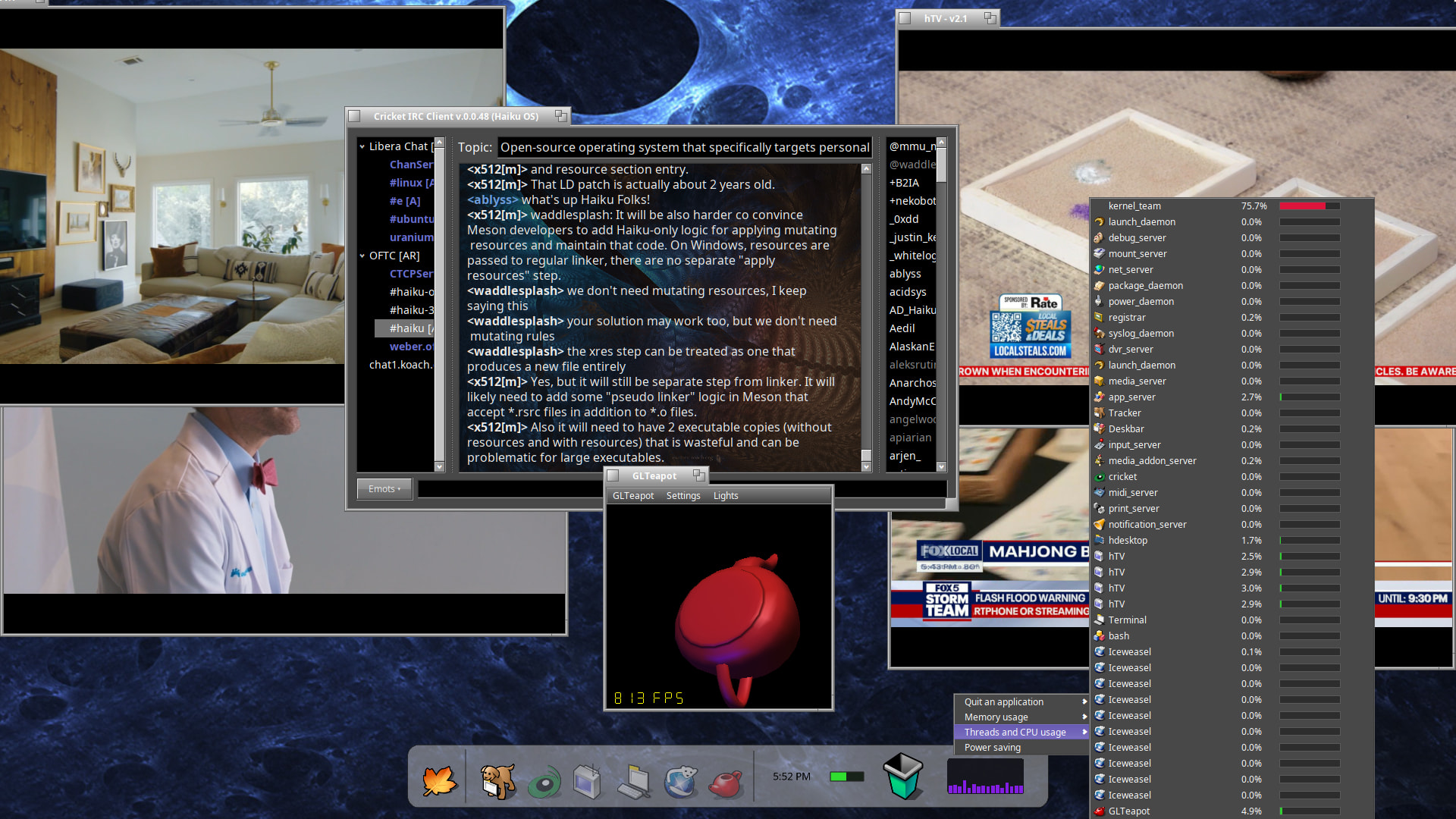
What is this hTV ?
Beautiful looking.
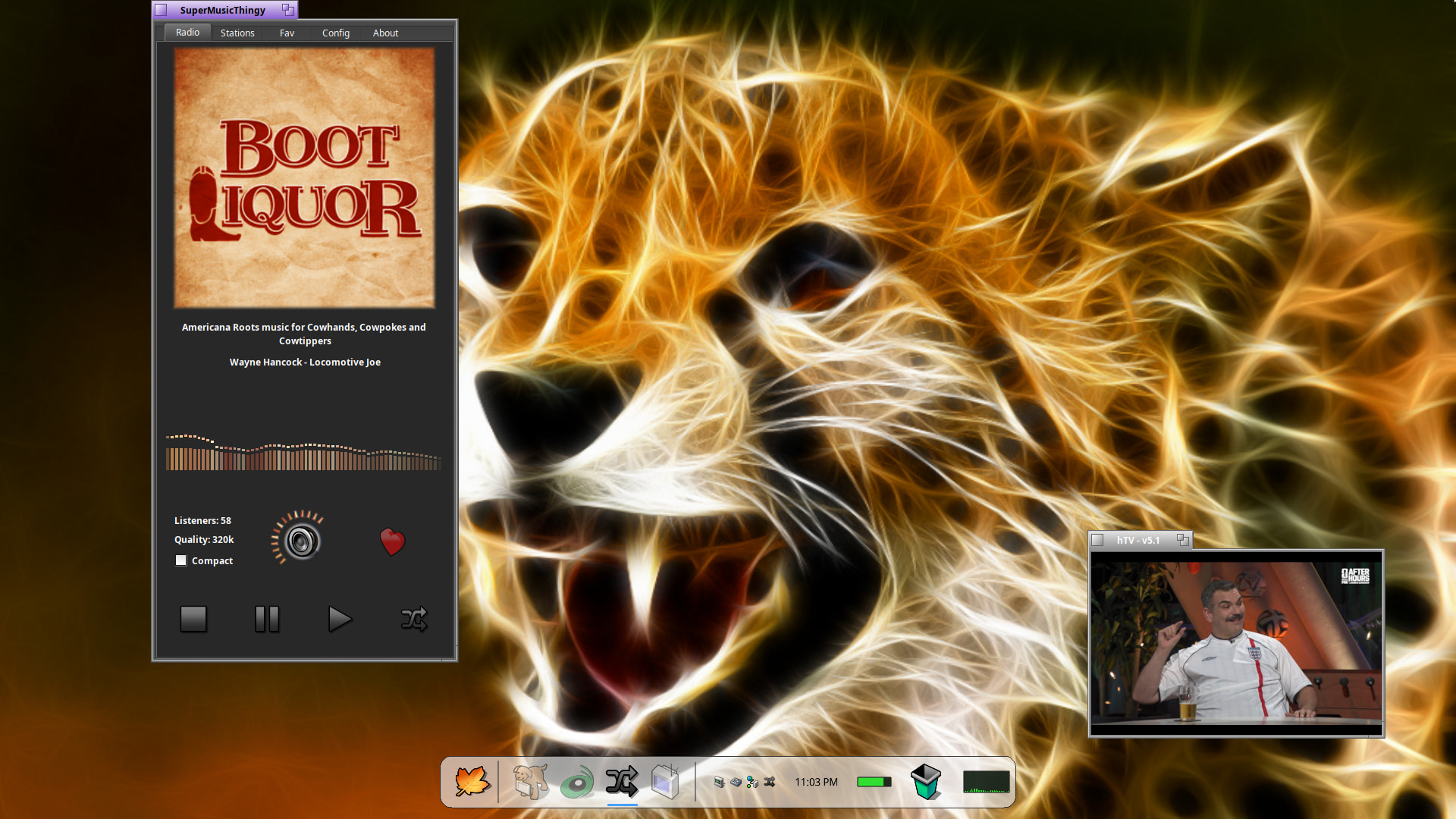
hTV is a opengl SDL2 Haiku app I made to do everything mpv does but better. The screenshot you see has more going on than just hTV. It also shows my sdl app “hDesktop” which I am currently updating on a daily basis. It works whether or not you have opengl or not.
You can visit my github to read more about it: GitHub - ablyssx74/hTV: Haiku TV Video Streamer · GitHub
It utilizes opengl hardware acceleration, and because of that it only works with @X512’s neubla ( nvidia ) driver.
If your interested in more details let me know.
Thanks for the response, no Nvidia here, so no love ( yet !)
I Appreciate the good work !
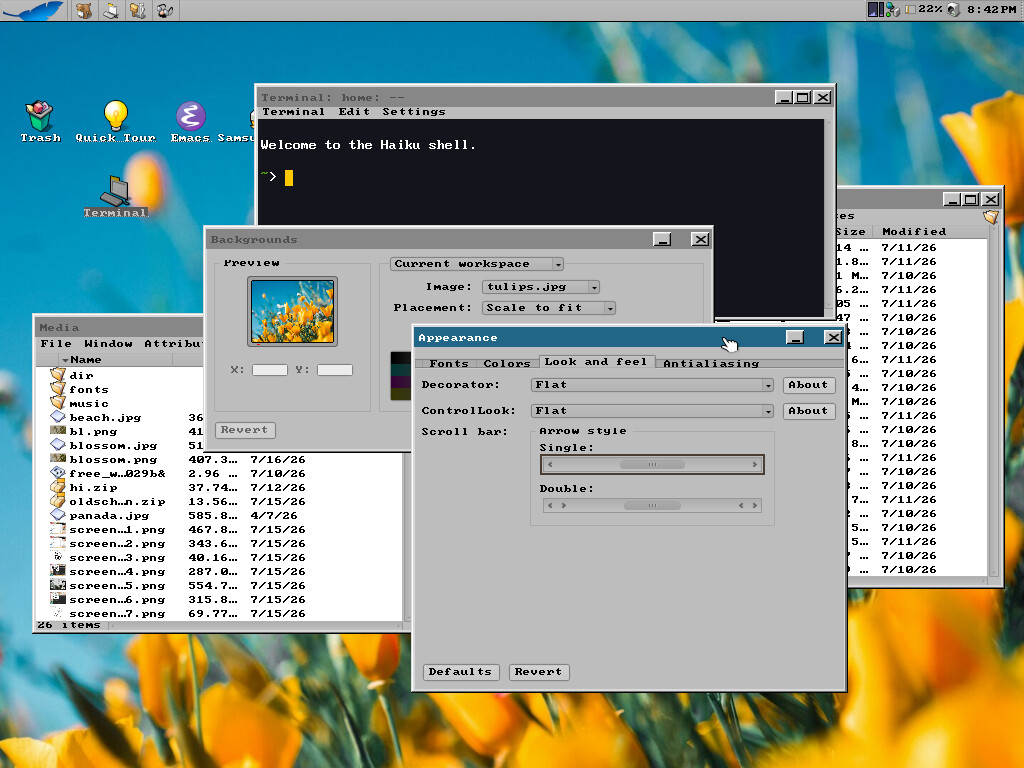
My desktop is pretty simple, but here it is. I keep launcher on the right with my most used applications. I have QuickLaunch assigned to a shortcut of Option+R so I can quickly open any other applications I need. I try to keep the desktop free of clutter (unlike my mind! lol) most my files are under home (or on my NAS).
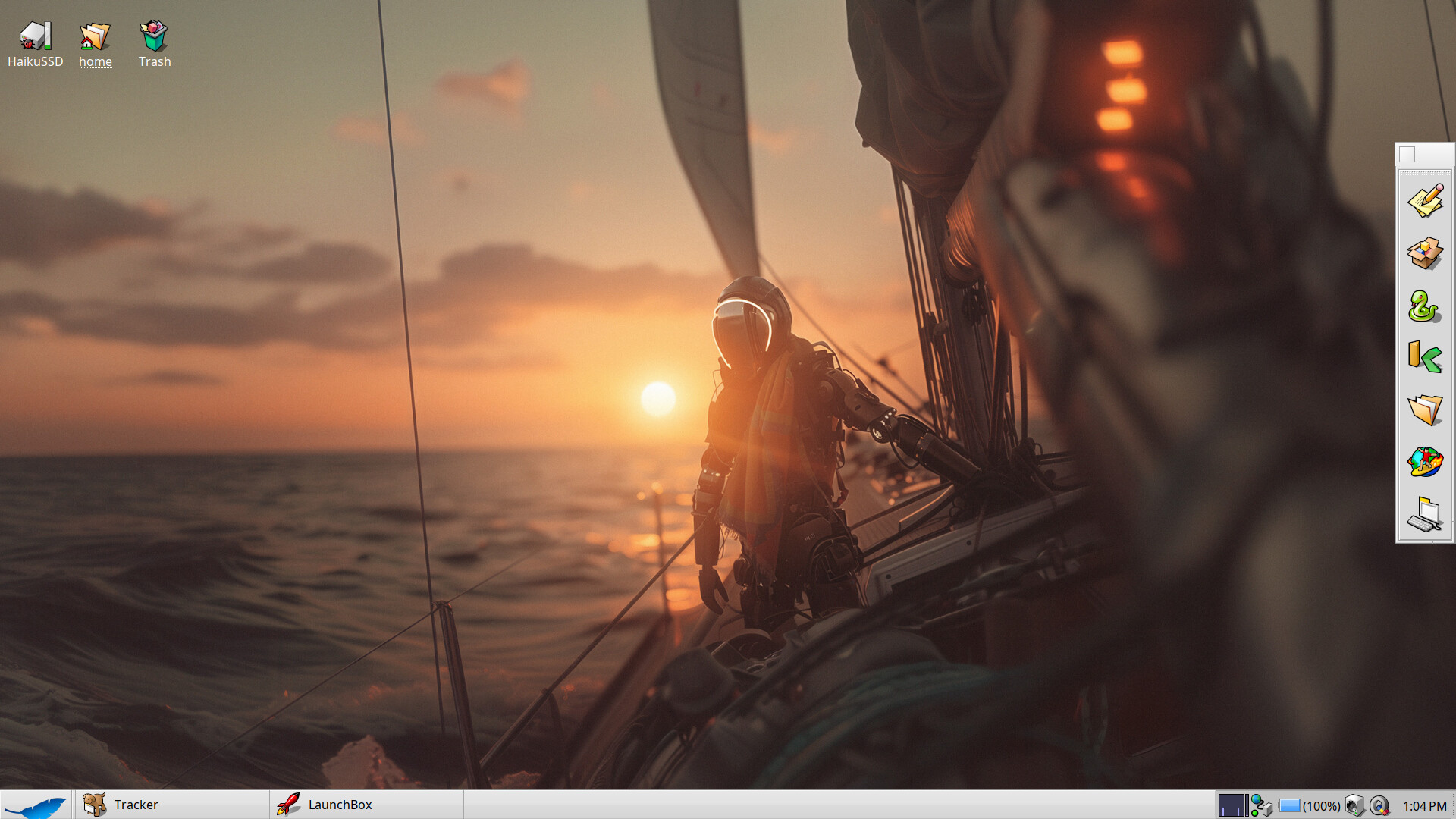
I wanted to write …
“This Android is not an OS, but a Sailor of a vaste ocean.”
…when I realized that it wasn’t really an android, but rather a humanoid robot, as it didn’t have synthetic skin, nor a body and face that mimicked a human body and face.
I had to zoom in on the intelligent machine’s body to see if it was somehow androgynous or of a specific gender – finally I found it more feminine her silhoutte, and besides all the way ‘she’ wore the scarf.