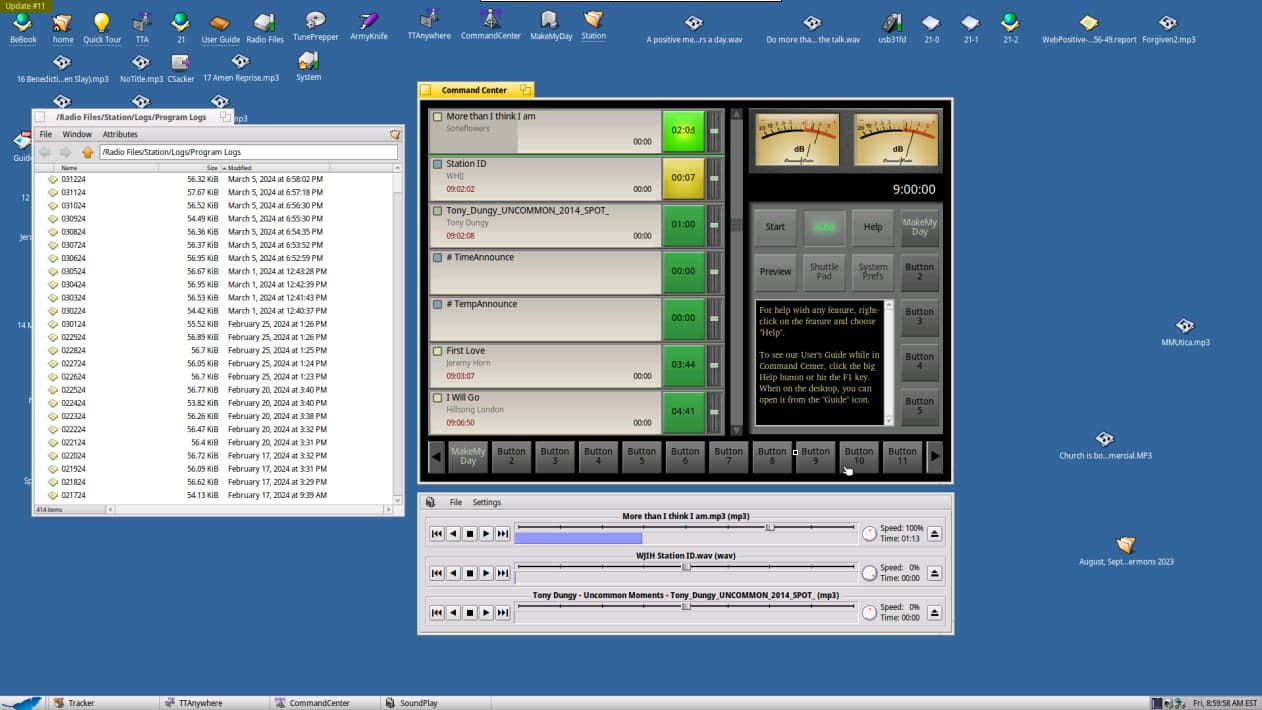
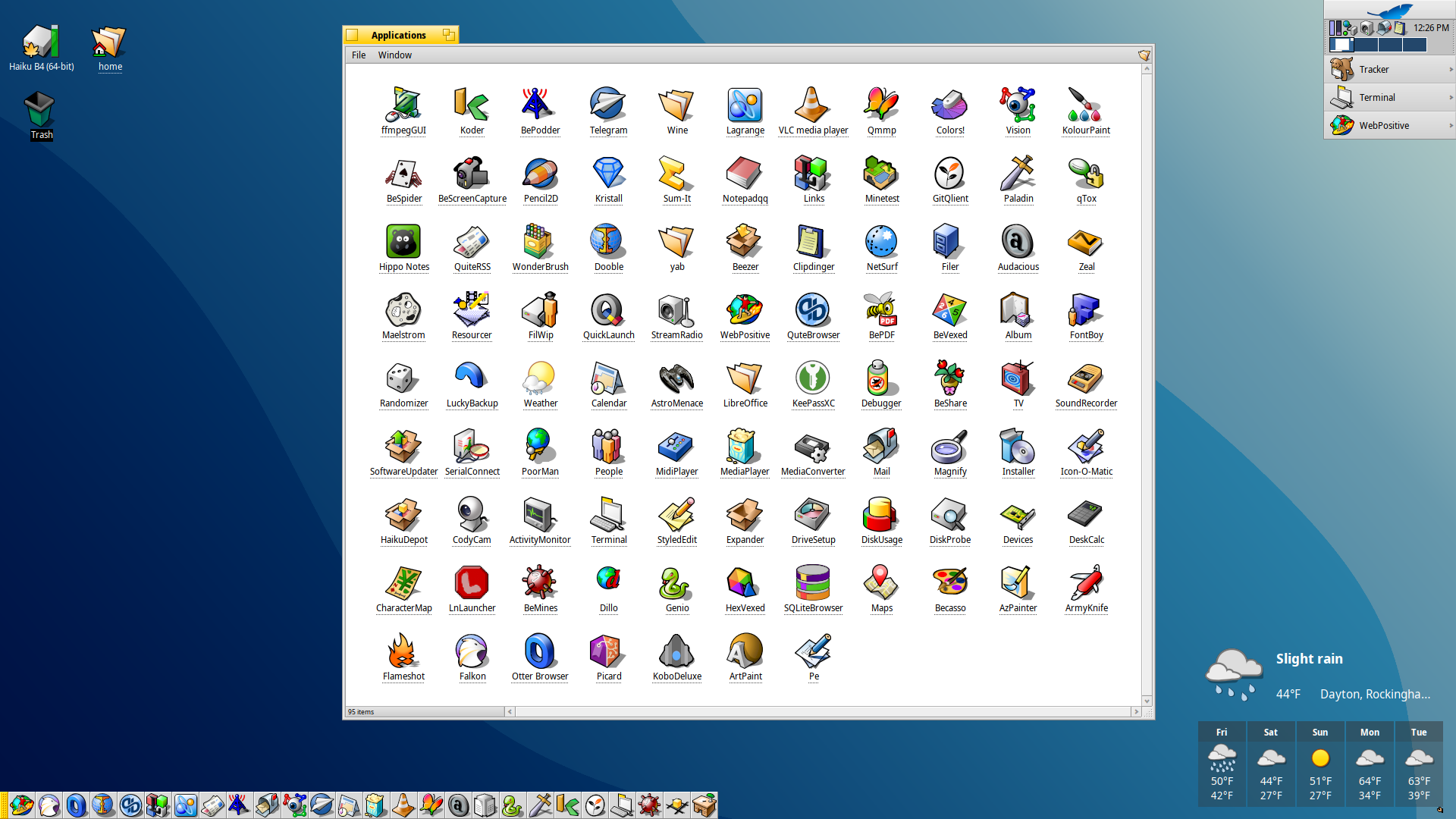
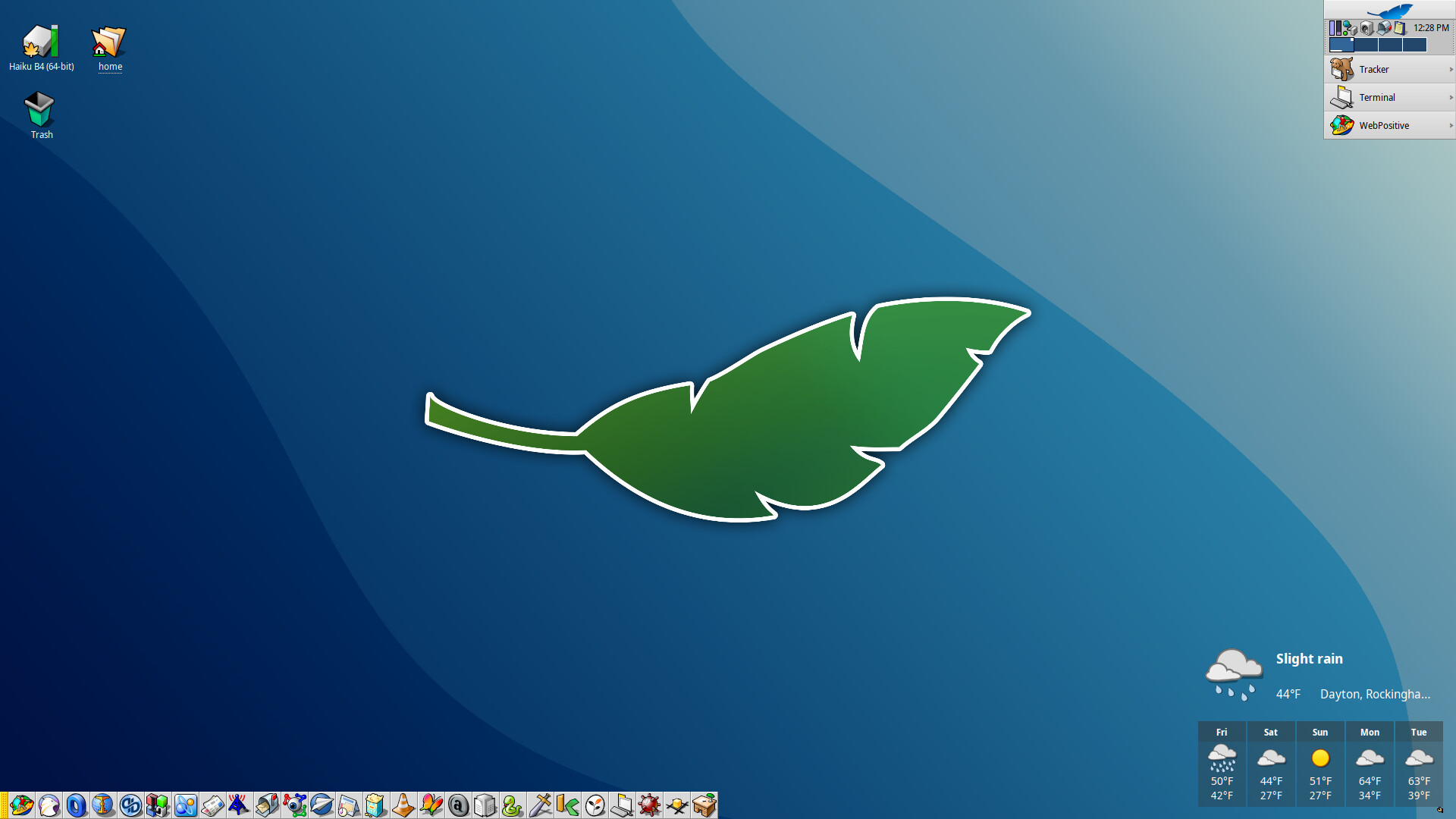
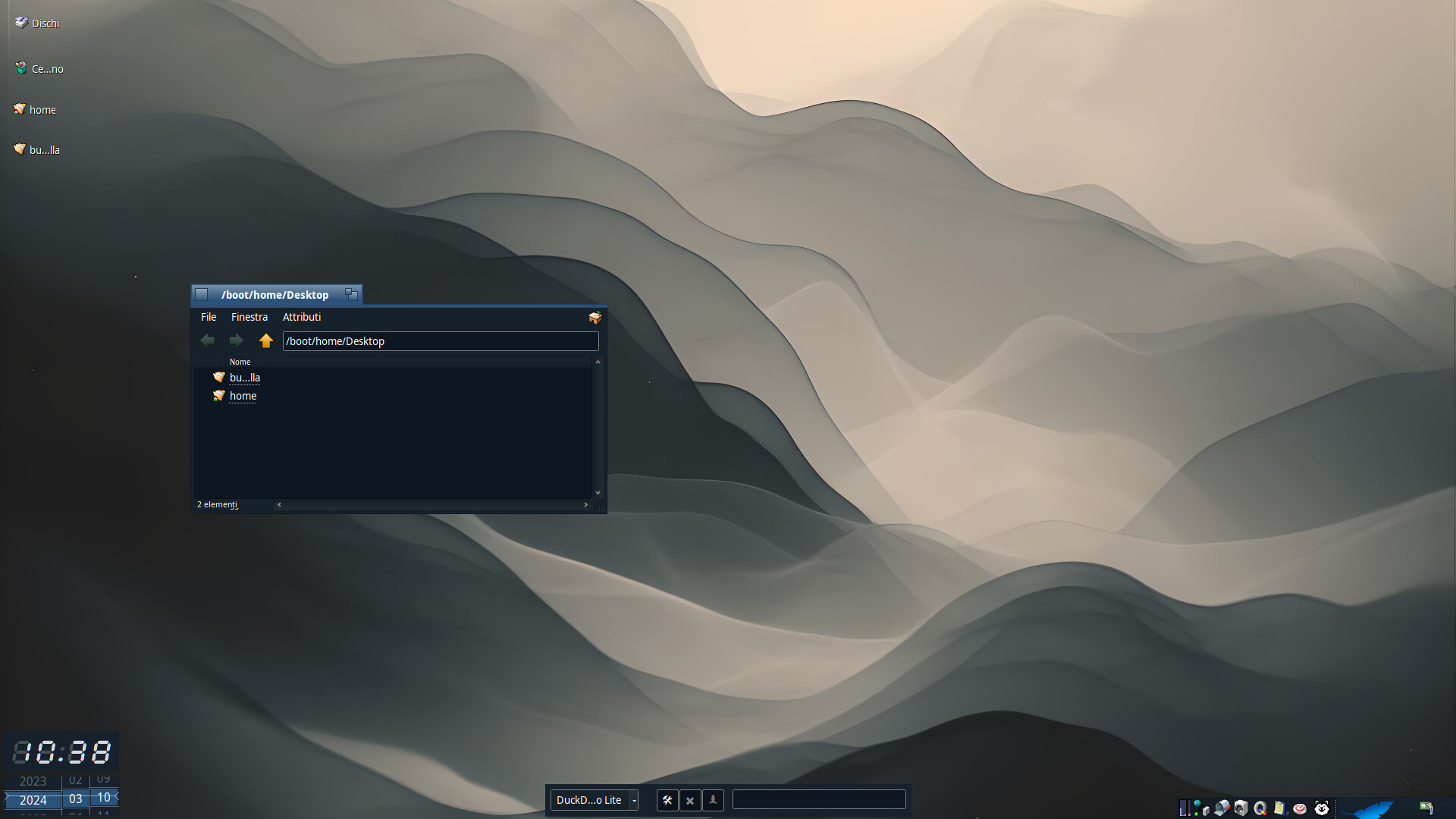
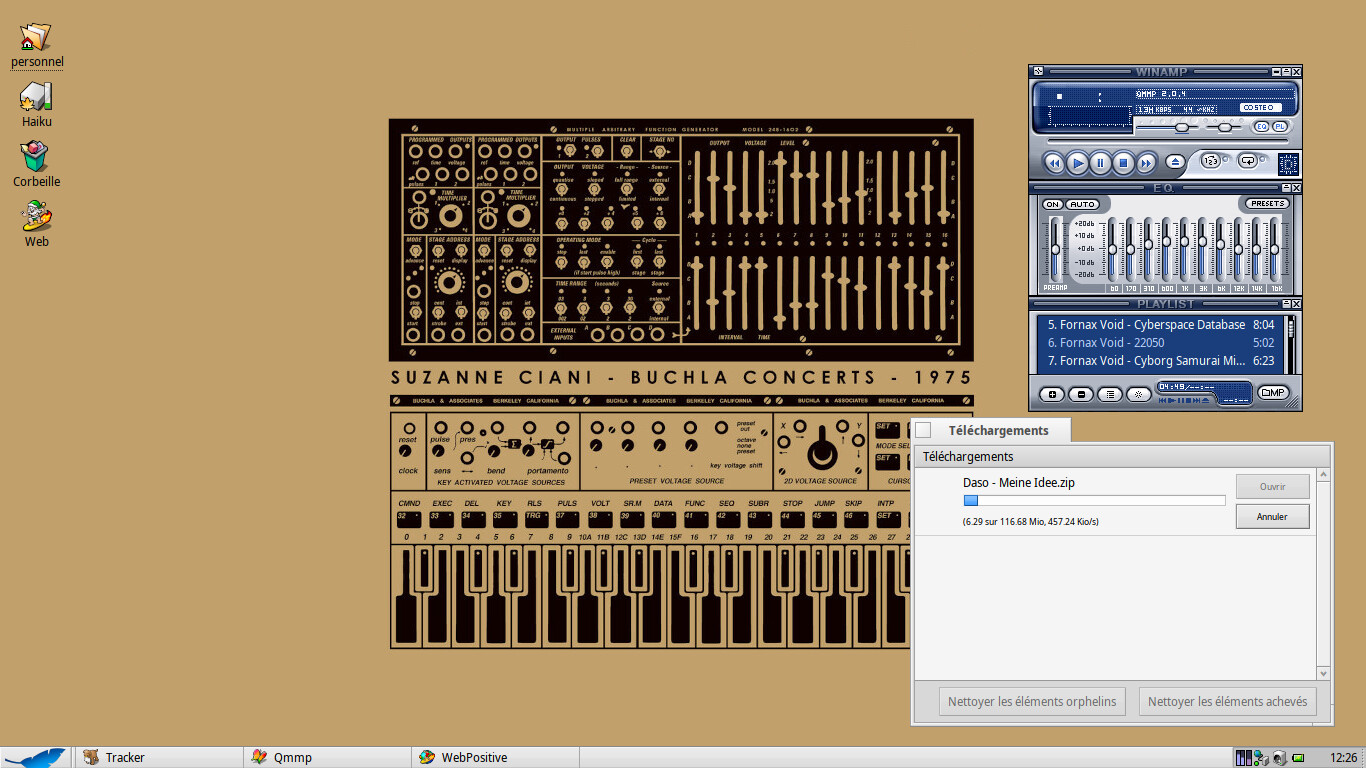
I installed Haiku on a USB stick last week and run it on an old SONY Vaio Laptop. It its very (veeeery!) fast and stable and 90% of what I need works very well right out of the box (wifi, internet, LibreOffice, music player…). I just hope that one day I might use the hdmi out to use it at work (as a teacher I just need to show slides on a projector).
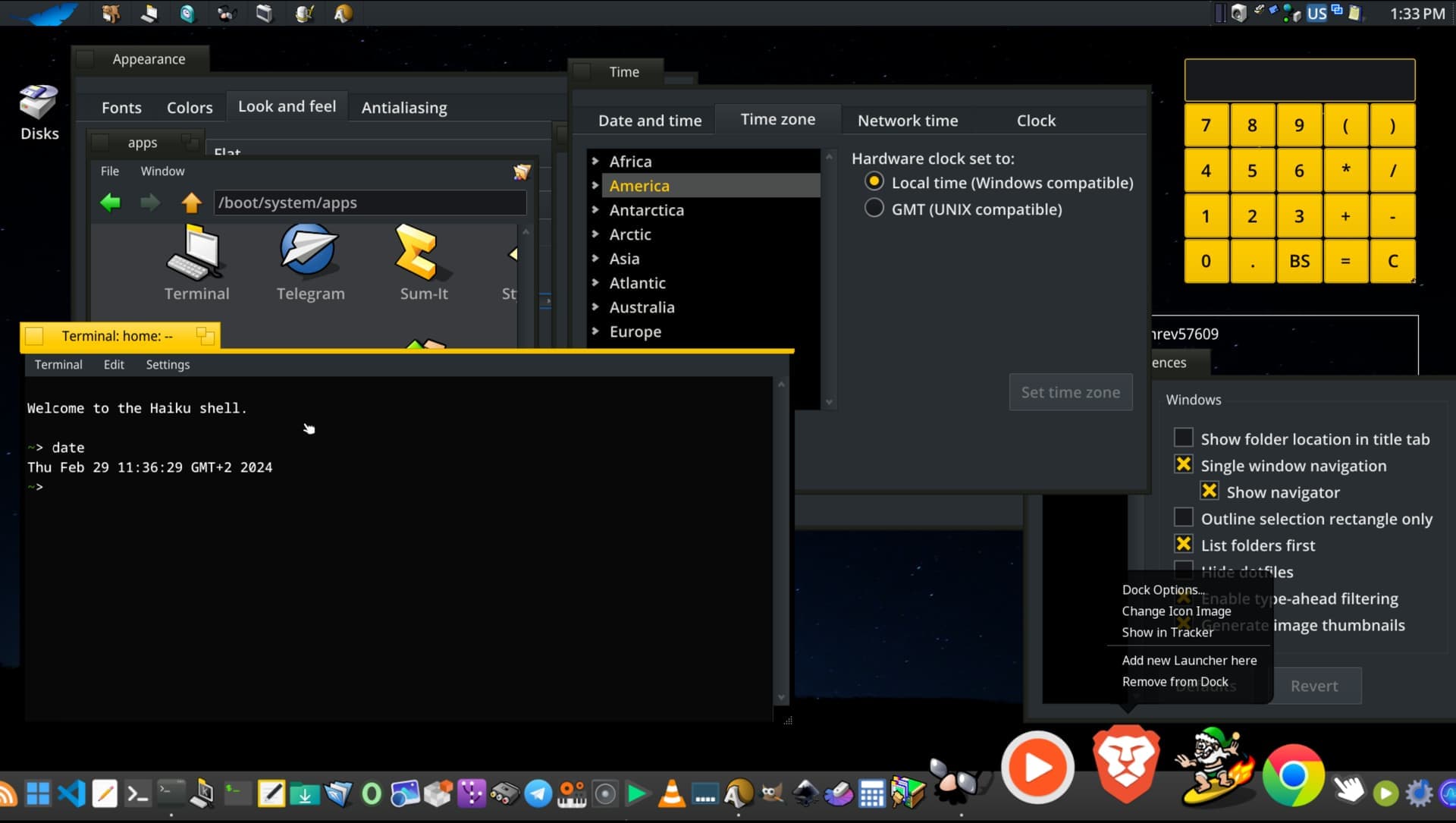
I don’t code and I don’t know how I could help, but here is my screenshot anyway:
There are quite a few things you can do to help that don´t involve writing code. The first thing that comes to my mind is making bug reports about things you encounter that don´t work (there will be lots of them ) You´ll find the bugtracker at https://dev.haiku-os.org/ . Another thing you can do is of course donate to the project. We have one paid developer working on Haiku at the moment. By donating you can help to ensure this can be sustained.
Or you can help out with translations (there´s a thread here on the forum for translation requests) or contribute graphics stuff if you´re good with that, icons for programs etc.
Anyway, welcome to the community and have fun with Haiku!
Would be posible and hard to create plain panel with global menu on left and clock at right witthout any status bar, like have mac OS or Vala panel appmenu? i like Haiku like is it yellow titlebar and gray windows like haiku have today but appmenu would be nice
Unfortunately, a wishful thinking… There is more or less something if you ask to order icons but it gets easily confused by long names. When it’s not the case, you can manage to have something that presents well with few tries and manual adjustments between them.
I’m not a programmer, but I think it’s kinda doable: the menu bar of a given window can be hidden easily using a bmessage, a deskbar replacement could find the current active window and replicate its menu structure (plus: add the ability to search for a menu via a text prompt), and bmessaging back to the window.
But replacing the current deskbar also means having to manage the windows of running apps through a decent dock (if you don’t want to rely only on the twitcher)
Does it work everywhere? I mean if I open Desktop folder in Tracker and change column width there, would that affect how icons are arranged on my workspace?
Just press alt+shift+k to “clean up” a Tracker window and align everything neatly.
It works better if the names of the icons are short, or the icons have a very large size (otherwise it will “skip” some grid slots to avoid the text label of neighboring icons overlapping).
This is nothing new, it has been there for the last… 20 years or so, at least?
 ) You´ll find the bugtracker at