I put my volume replicant on the top right of the desktop so I can still see it when a window is at the top of the screen (it lives to the right of the window tab).
2 Likes
The wrench icon that allows you to control a replicant is tiny and requires sniper mouse movement.
It’s not even a wrench, but a tiny “holding” hand
You can’t blame them to not see that it’s an hand; it’s really too tiny in that case. Ideally, it should be HiDPI aware and scales up with fonts like borders, controls etc. It shouldn’t grow too big either (unless an autohide/autoraise feature is added).
Shouldn’t be too hard to fix actually. Probably slipped past from sight while doing HIDPi fixes.
Thanks to sharing with me - but I shared this bit of my tactics with Haiku to strenghten my advice and perspective of it. My post was about (re)sizing a replicant - the placing (where to put on the desktop) I let anyone as they wish.
I just answer to you as I was surprised - from my point of view - this tiny aspect made you answer me about all I wrote.
If you would have shared your desktop as it is a main goal of this thread we all may understand this better, as for me the top right corner is allocated to
Deskbar,
and next to it Shredder or Trash (I’m not sure the name of all objects in English as all translated into Hungarian)
And it is not and only annoying thing in Haiku in case precise mouse handling.
More application window enables to resize a window if you grab precisely the one and only right bottom corner where this is altogether is a thin, some pixel wide place of the window.
Also don’t like I have to use this place every time, on all windows,
even if I want to resize into one direction only :
horizontally
or
vertically.
If I forget thos … I just move the window, just as in case when I would/should use modern, really thin scrollbars of today browser and application windows.
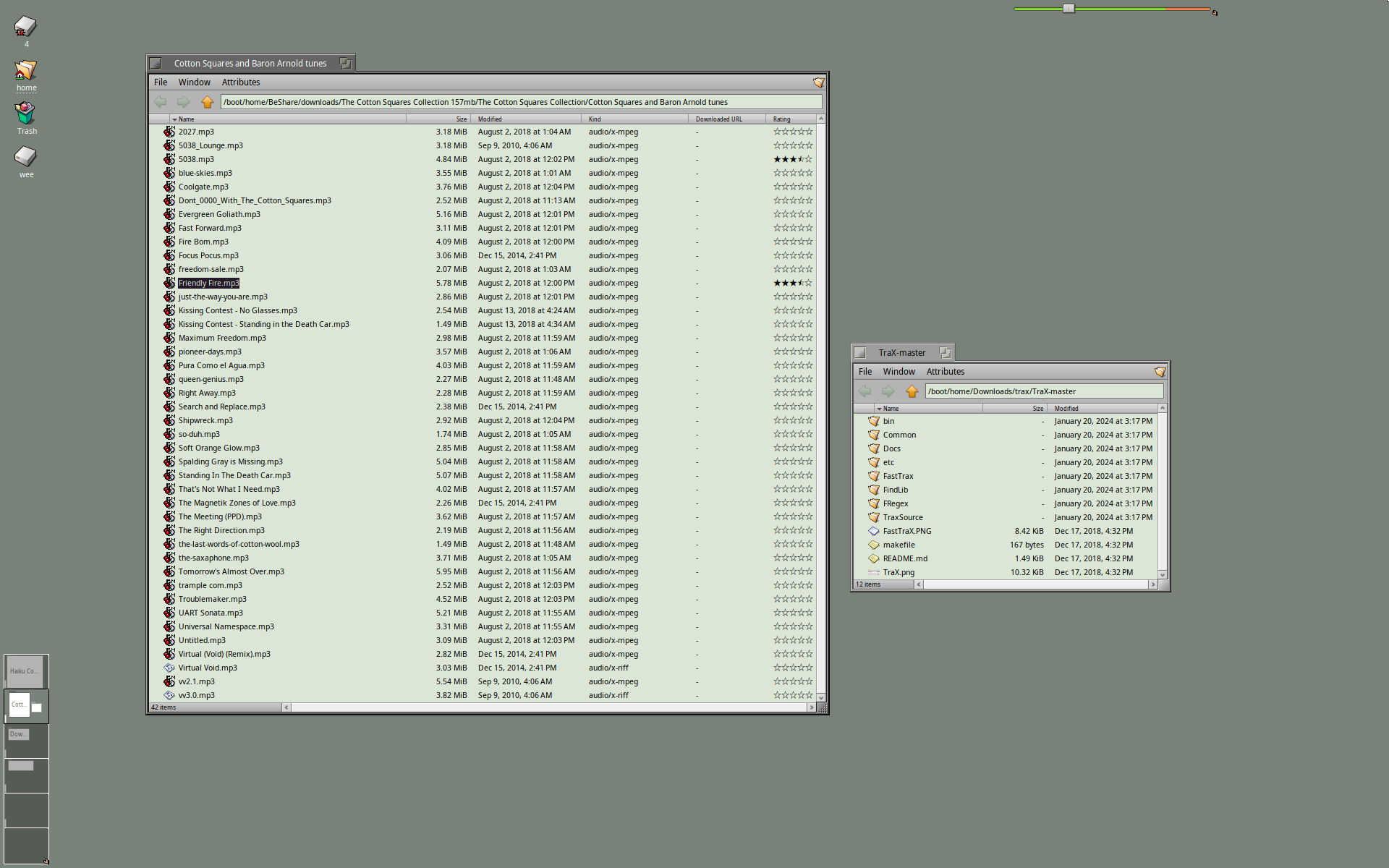
I see rather “sophisticated”, customized desktop screenshots which look nice, no doubt about it. My personal preference is a plain desktop with as less as possible stuff in it. To that end I think the default desktop fits nicely, including the background image and color. So I opted to change… nothing, other than adding some shortcuts. Therefore I don’t have a screenshot worth posting. Maybe I should autohide even the deskbar as well, but no, it’s useful, not to mention I like the leaf logo.
I’m not saying you should do the same, I’m just saying minimalism has its charm.
Perfection is achieved not when there is nothing more to add, but when there is nothing left to take away.
Antoine de Saint-Exupéry, L’ Aviateur, 1926.
2 Likes
Thanks, This way I understand your option to place the sound volume replicant there 
It is really also ALWAYS visible.
Unless I do a lot of stacking…
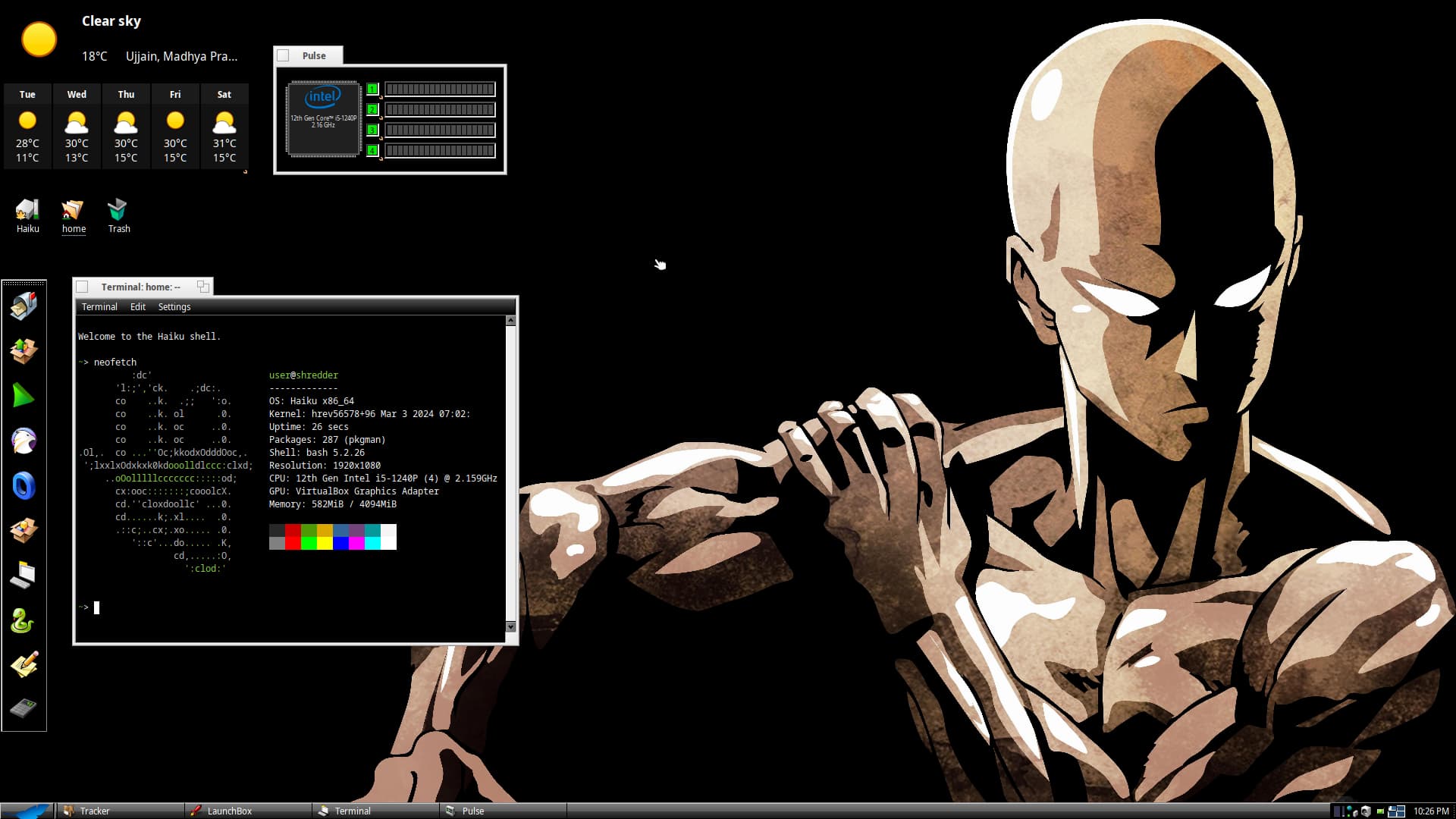
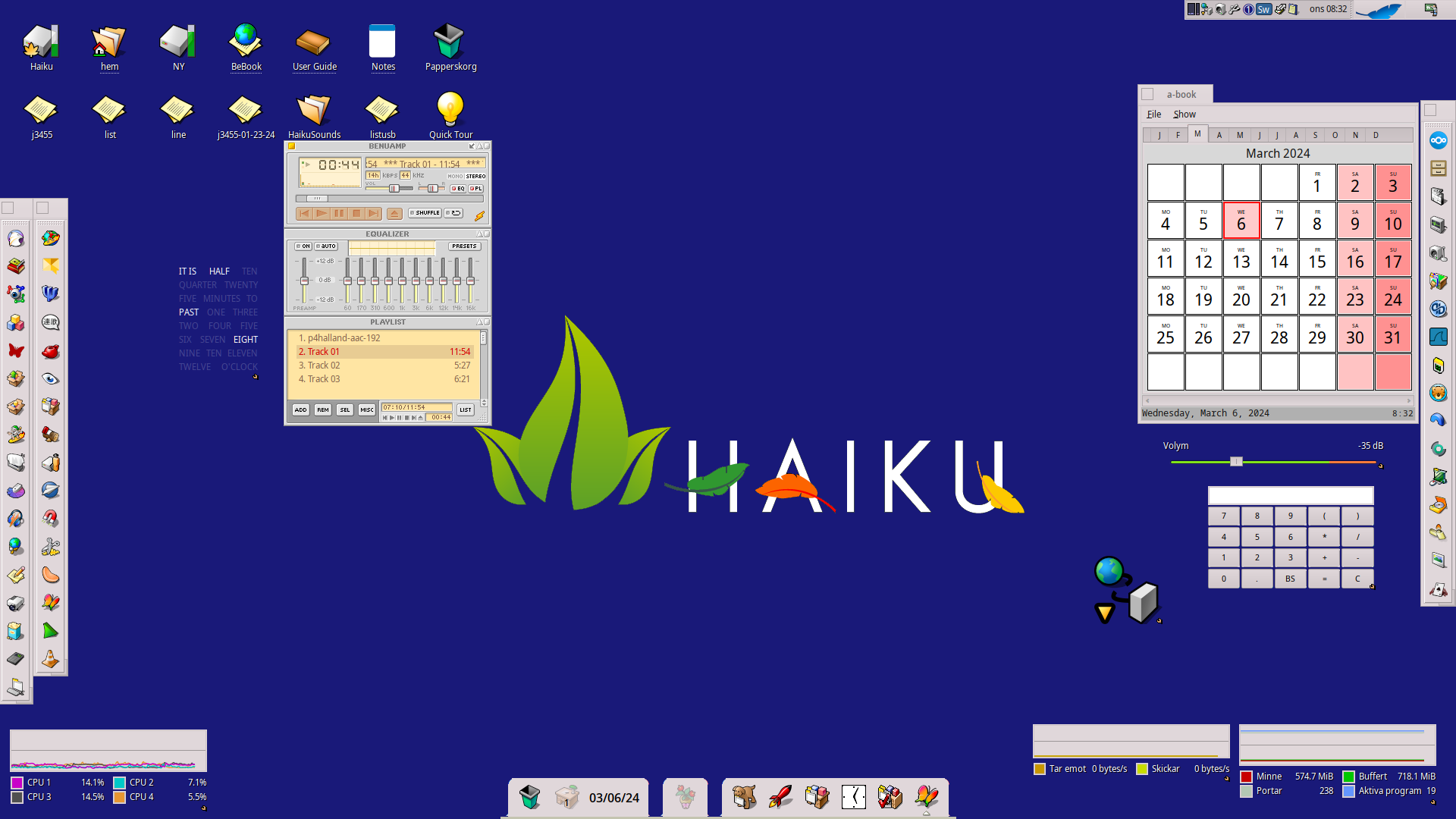
Is that BeAMP running in Haiku?
Which dock are you using in bottom of the screen?
It’s Dockbert
1 Like
My guess its CL-amp.
no its Qmmp.
1 Like
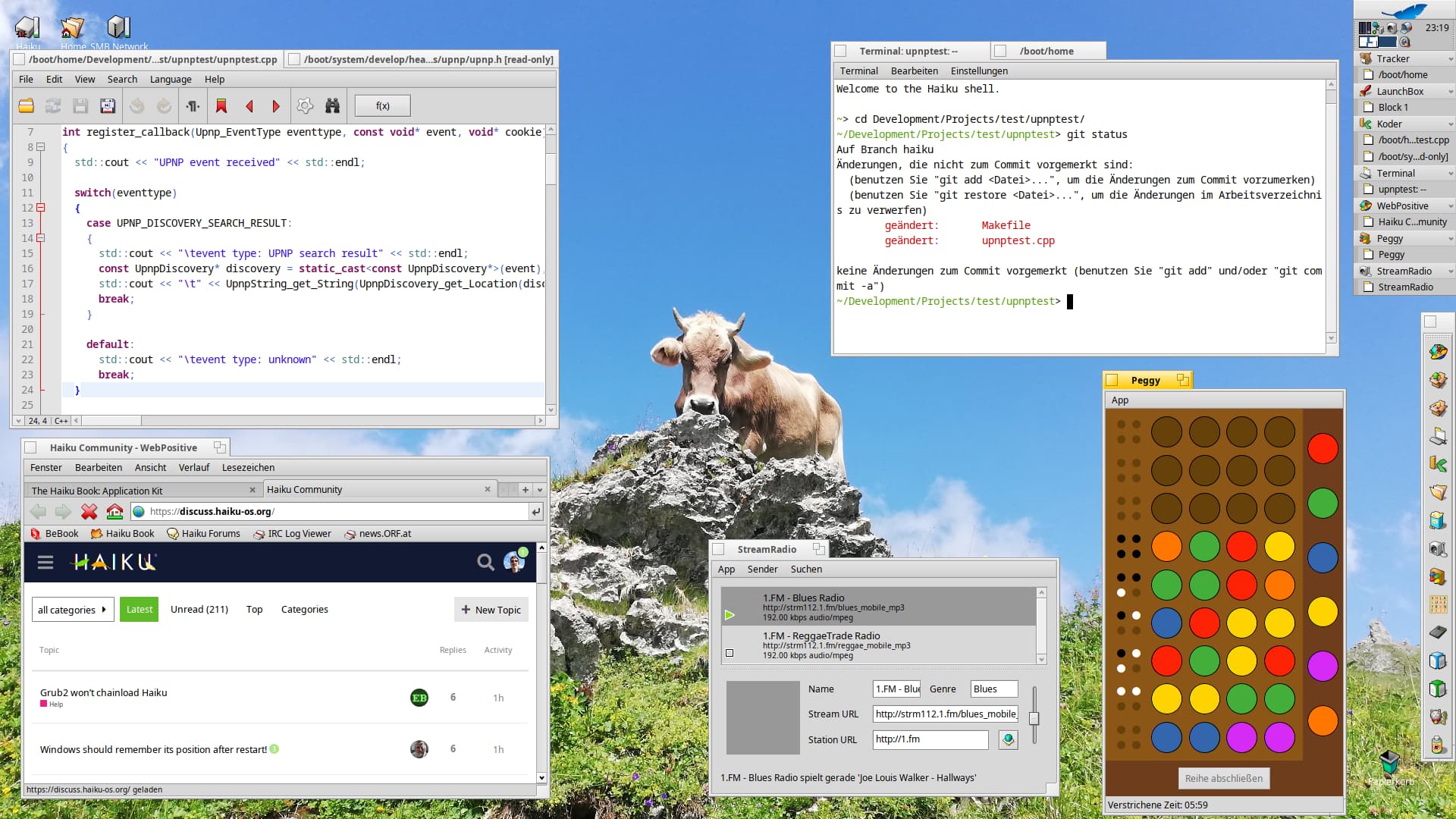
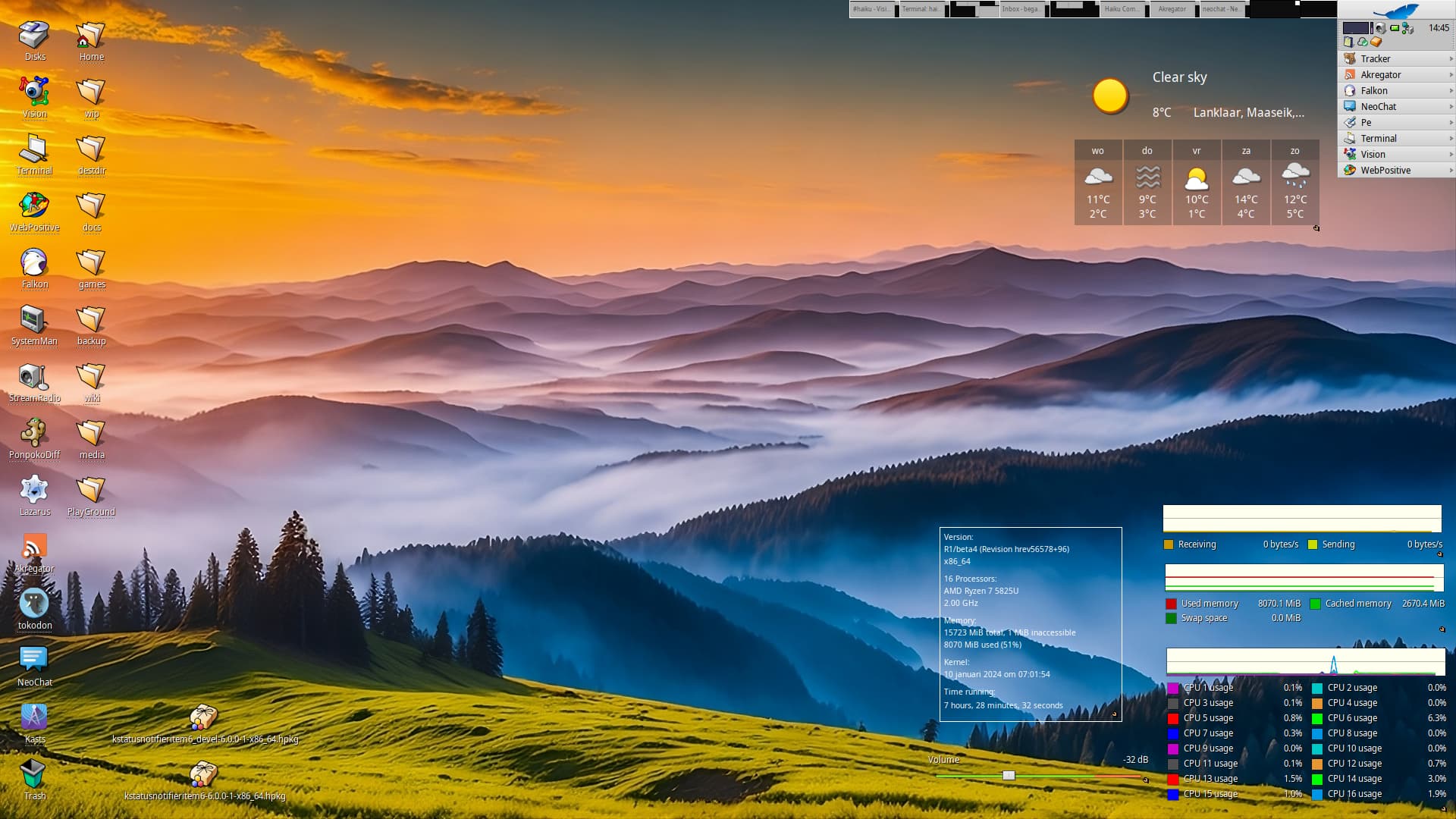
Since everybody does it and it´s all for good fun I thought I´ll join in with a screenshot of my Haiku Desktop on my bare-metal Haiku machine running x86_64 nightly. This is a fairly typical session when I´m using Haiku, with the exception that I´d probably have Web+ maximized on another workspace and I wouldn´t care if the background image was visible.
6 Likes
Same here (and I guess most of us do)  Got 10 Workspaces assigned, the last one is mostly used to checkout new stuff
1 Like