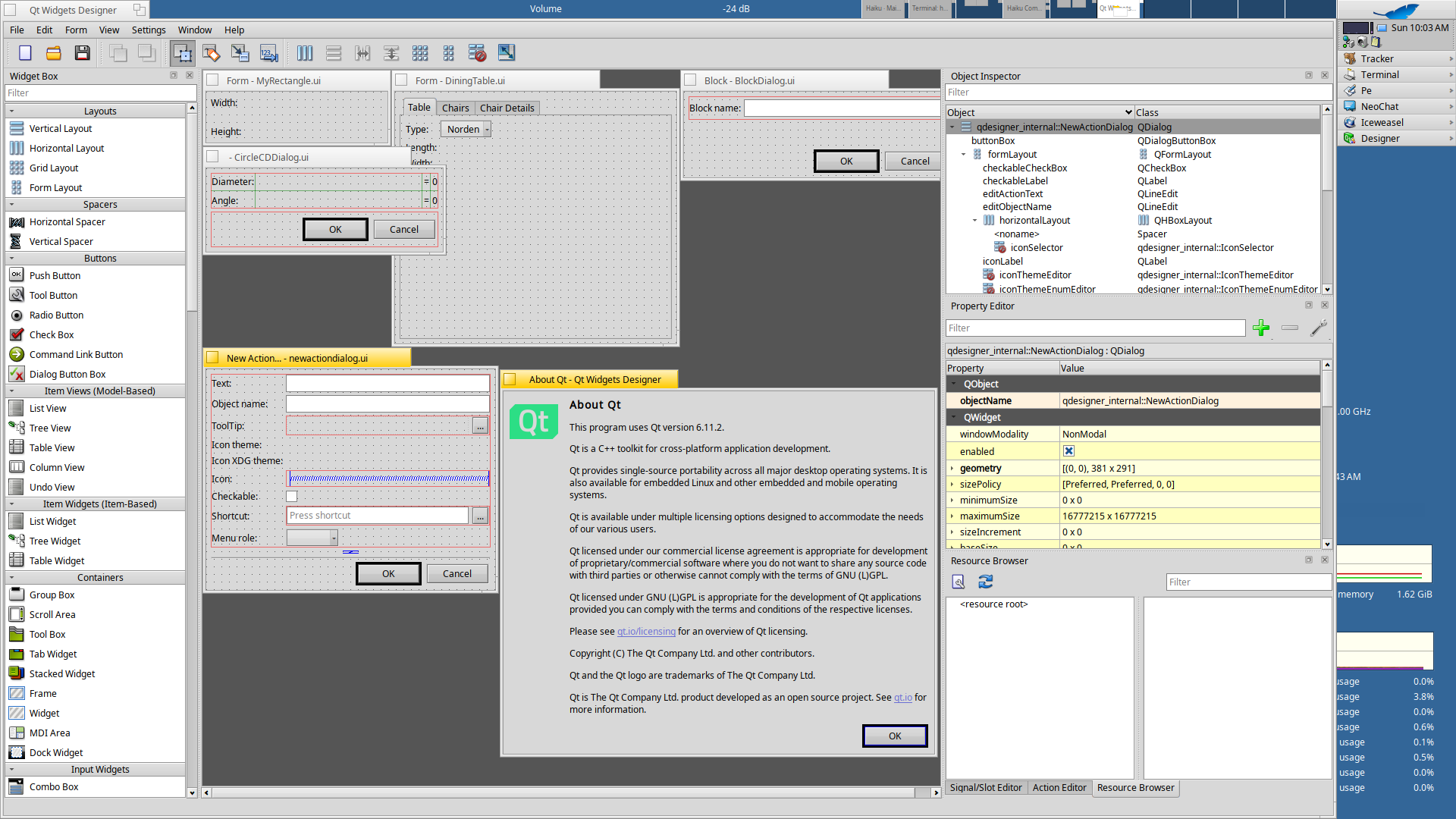
Qt6-6.11.2 build and installed, testing phase in progress 
6 Likes
Technically Claude can’t create copyrights. That much has been determined. Better to put oneself as the copyright holder.
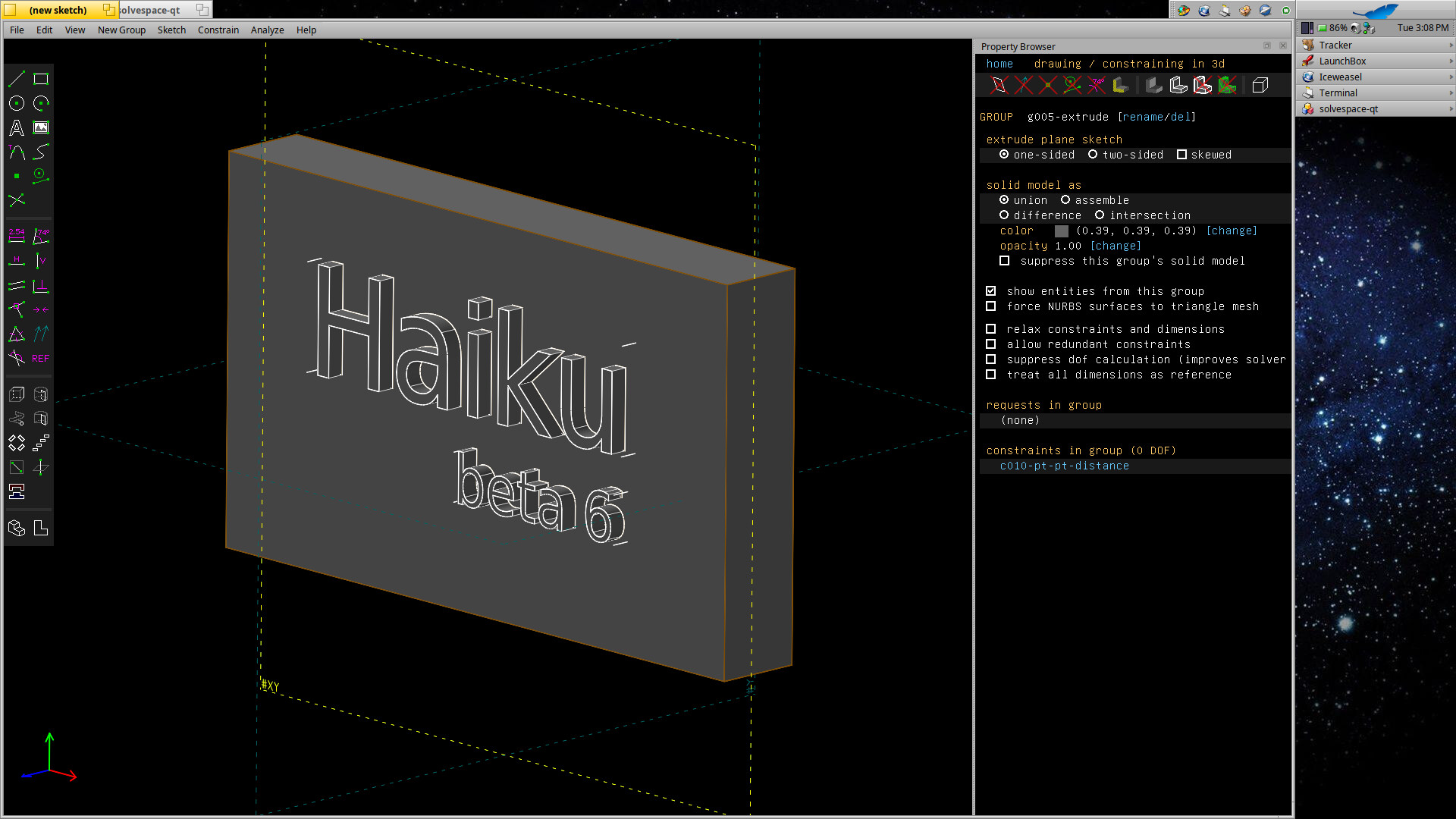
Solvespace-qt 3.2 
Edit. I am trying to put some usable guide together how to compile this. Gtk-version compiled also, but when starting it gives blank screen only with some gl errors..
1 Like
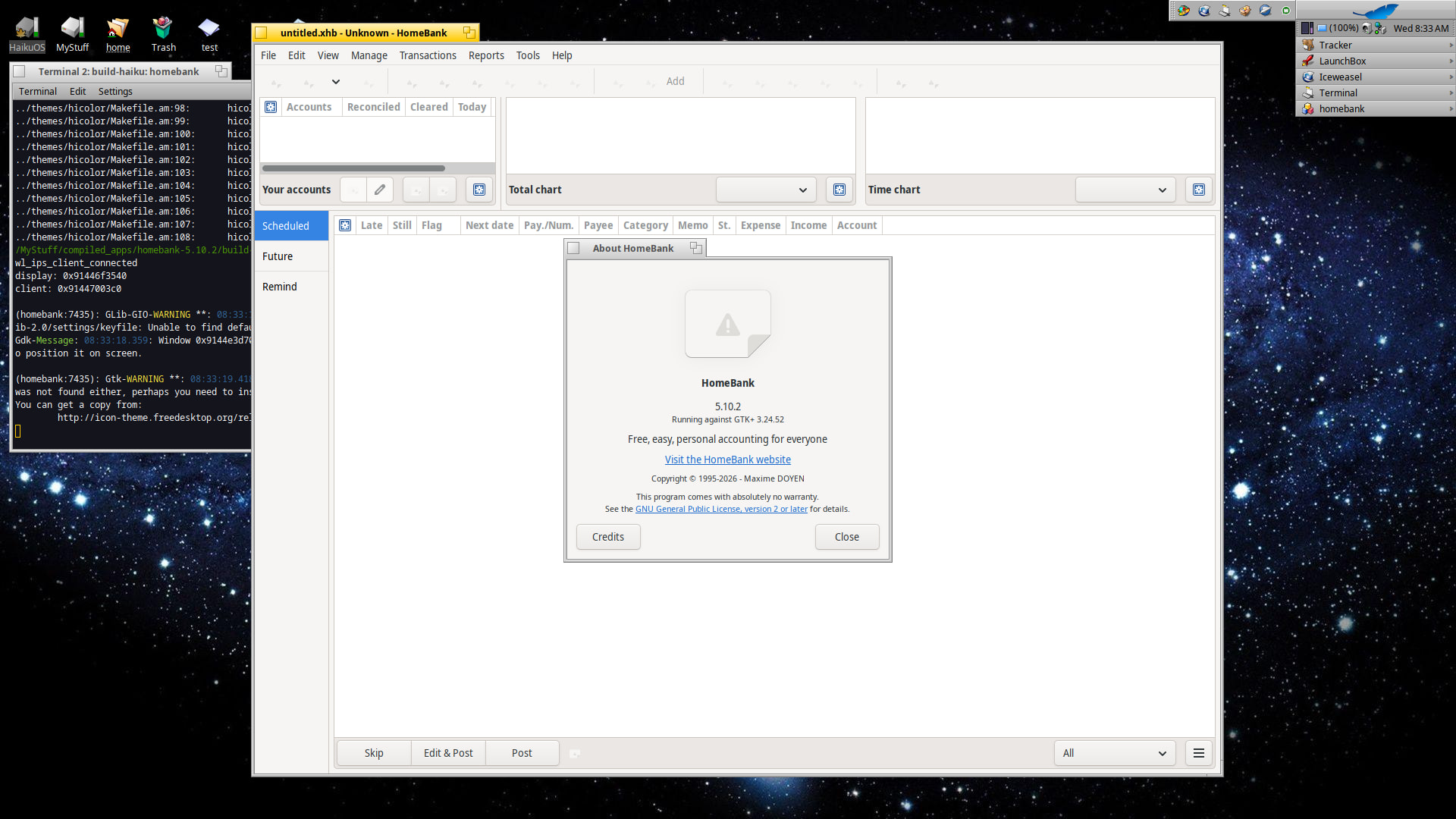
Homebank 5.10.2 seems to compile very easy, no changes made in sources, and also work, but in app button icons are missing because it is looking those from /usr/share.. icons are found in source dir, but i dont know how get homebank recognize those.. maybe some configure prefix could help, i dont know.
3 Likes
6 Likes
FlightGear 2024.1.6 
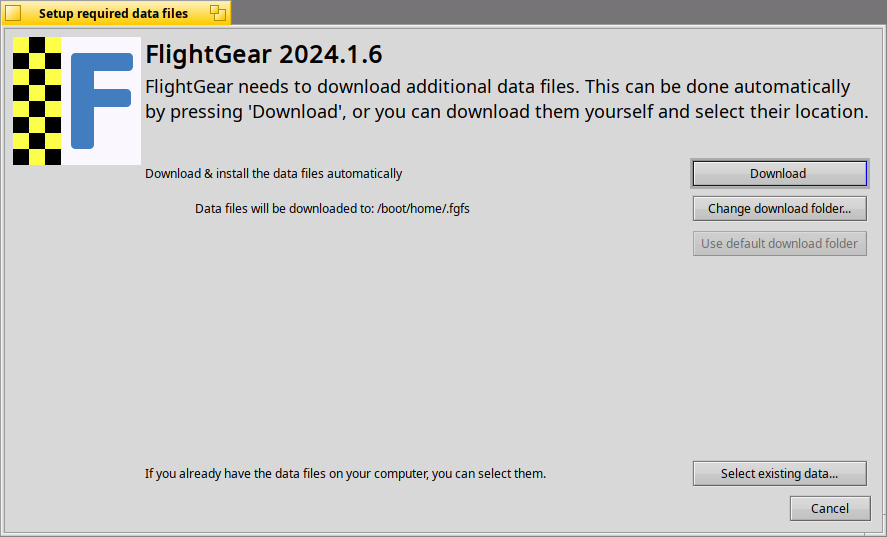
NOTE: Needs hardware-accelerated drivers for flying. You’ll want to use the Nebula or RadeonGfx drivers for testing.
Uncompressed Data files require about 3GB of disk space.
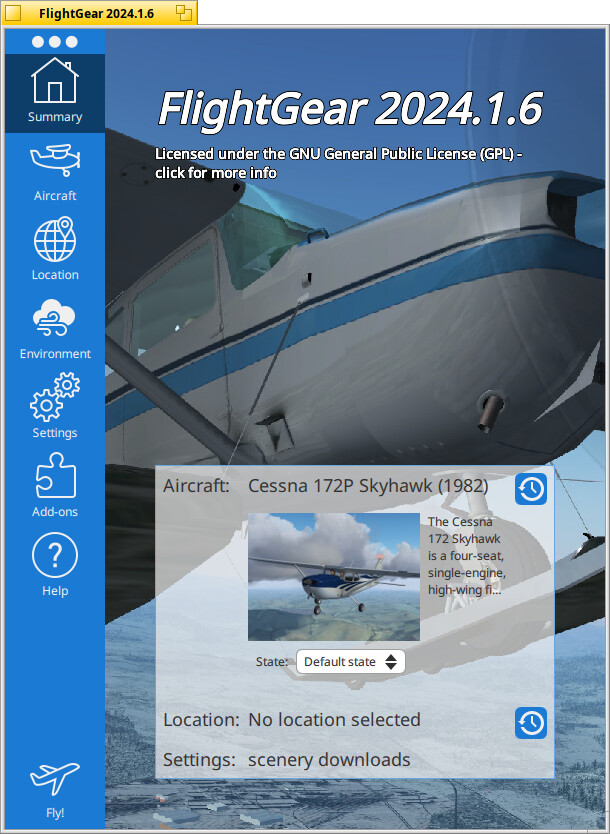
fgfs --show-aircraft
Available aircraft:
aisim
c172p                        Cessna 172P Skyhawk (1982)
c172p-amphibious             Cessna 172P (180 hp) Amphibious
c172p-bush26                 Cessna 172P (160 hp) 26" Bush Tires
c172p-bush36                 Cessna 172P (160 hp) 36" Bush Tires
c172p-fg1000-gfc             Cessna 172P Skyhawk (180 hp) (FG1000-GFC700)
c172p-fg1000-kap             Cessna 172P Skyhawk (180 hp) (FG1000-KAP140)
c172p-float                  Cessna 172P (180 hp) Float
c172p-ski                    Cessna 172P (180 hp) Ski
mibs                         FG video assistant
ufo                          UFO
8 Likes
3 Likes
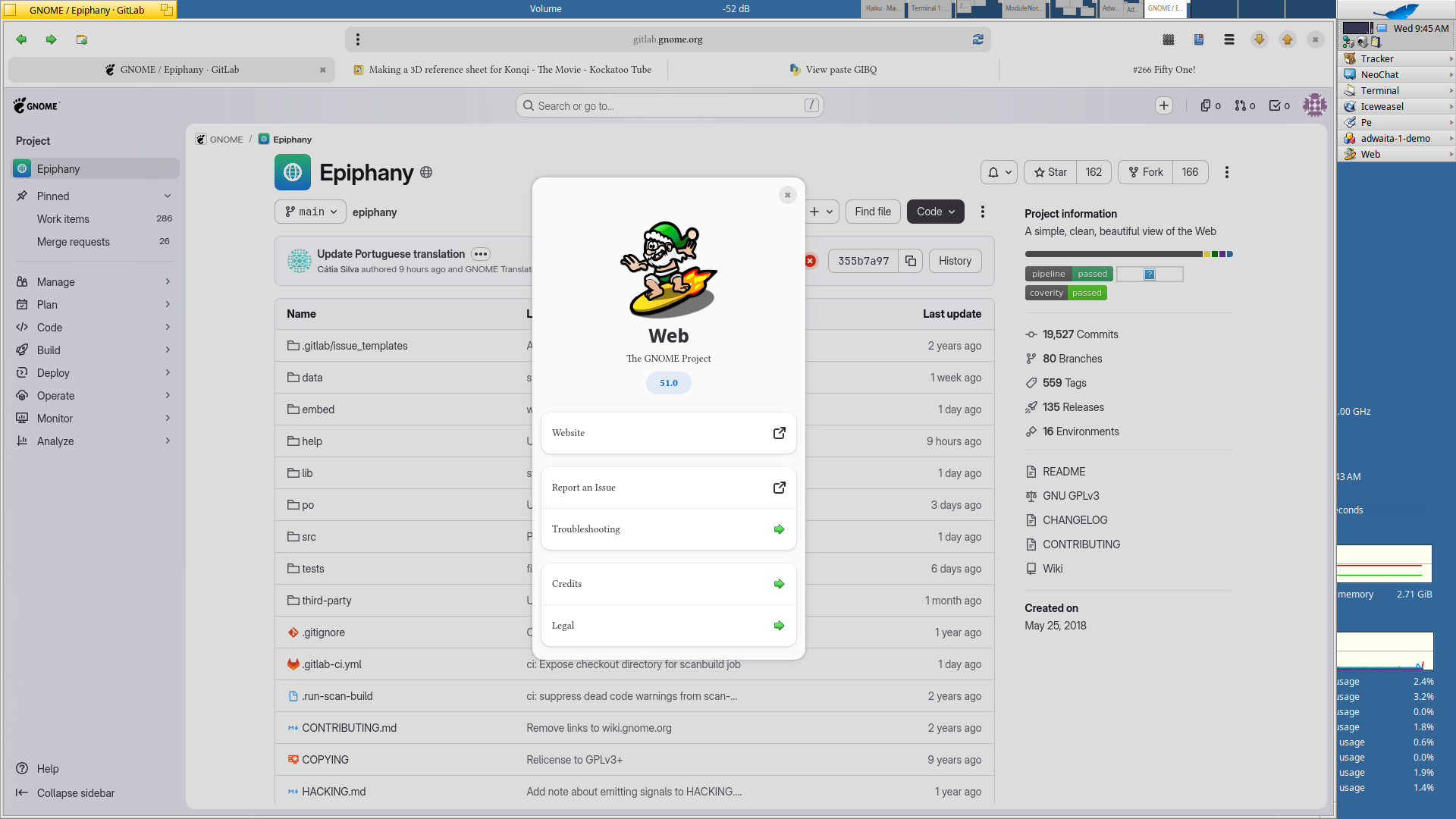
FlightGear on Haiku, this is insane!!!
Wanted to ask if it runs without hardware acceleration, but found the negative answer when reading the complete post. Nice work!
3 Likes
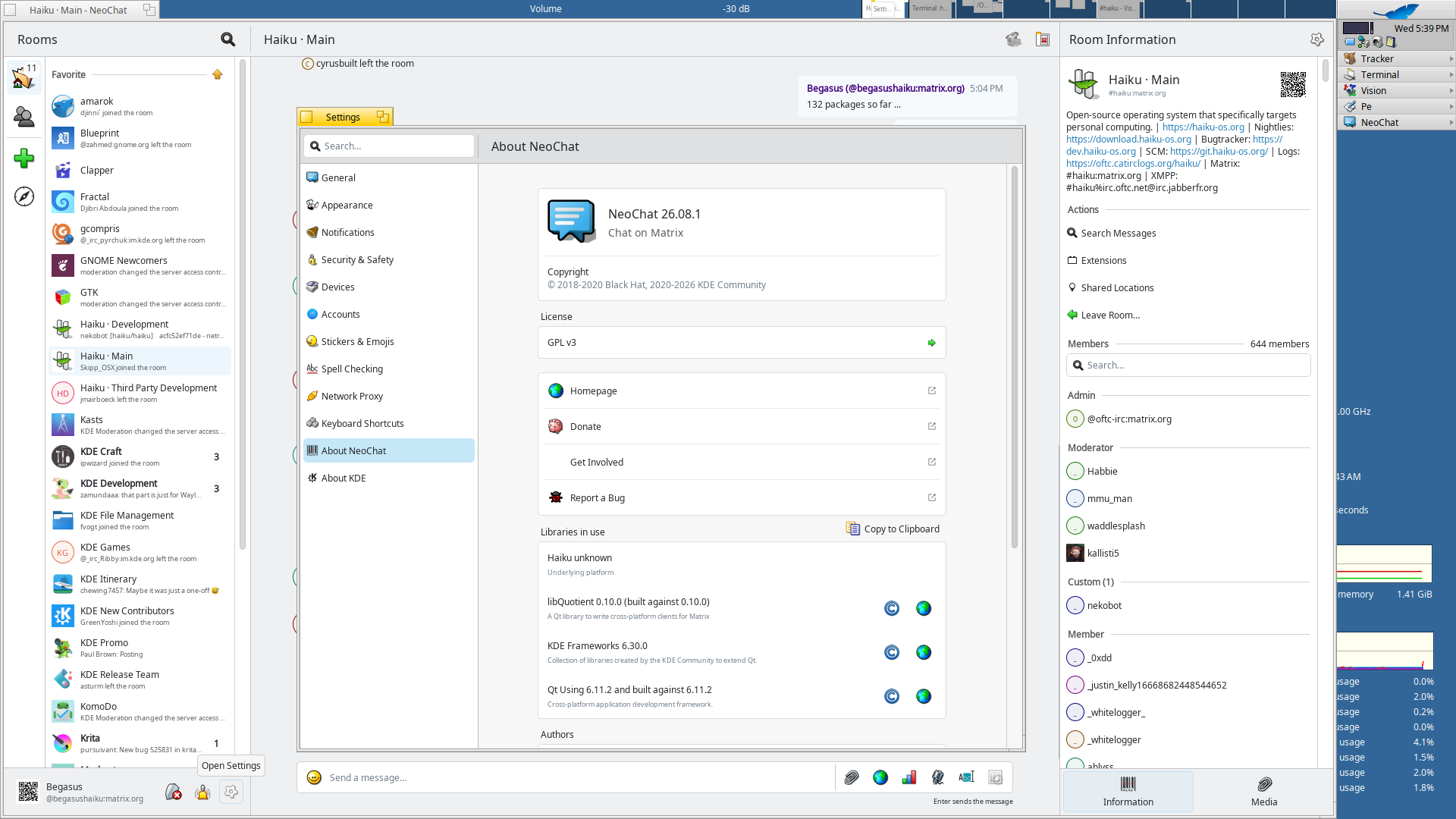
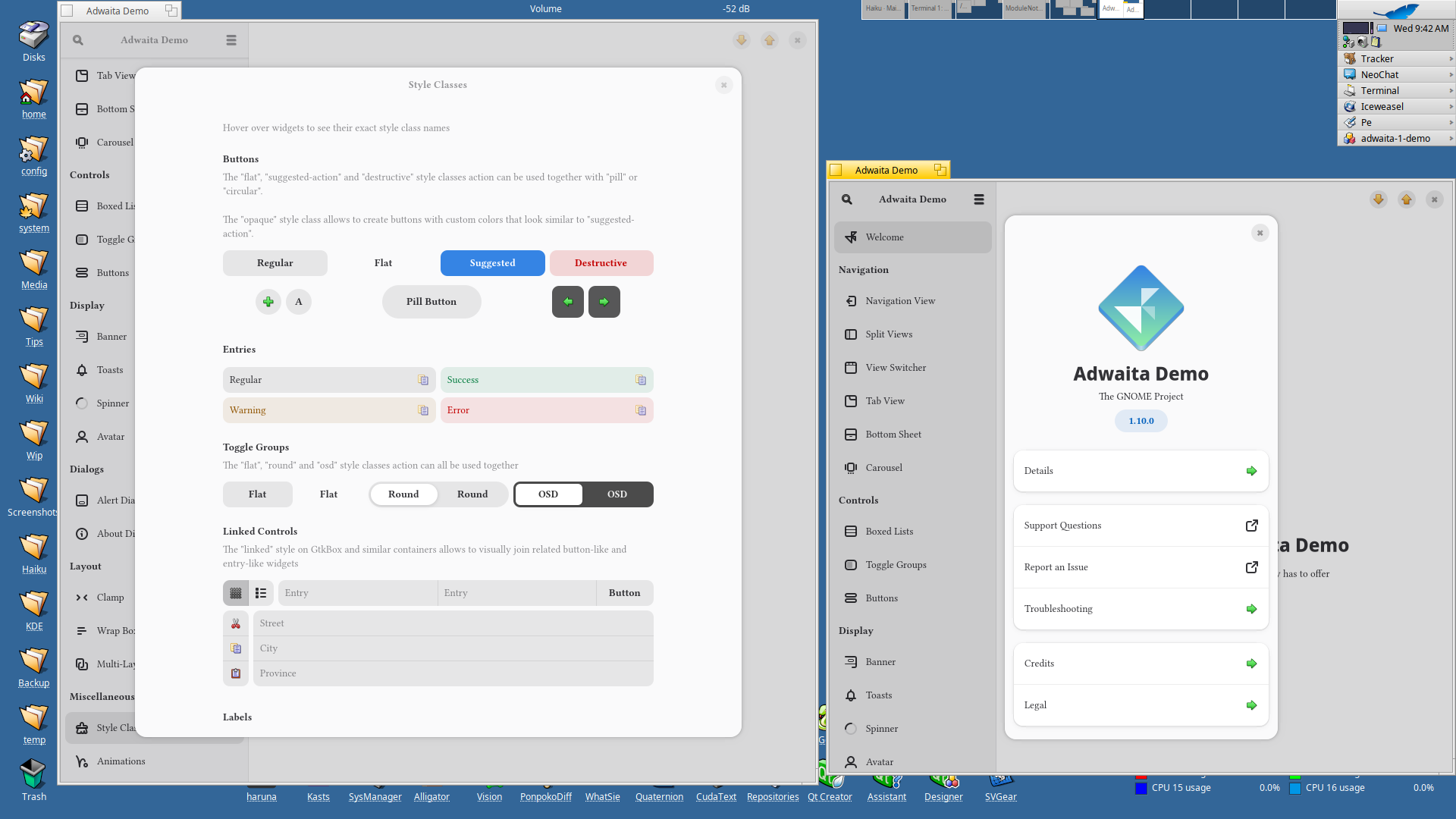
Keeping an eye in GNOME’s rooms can be an asset sometimes
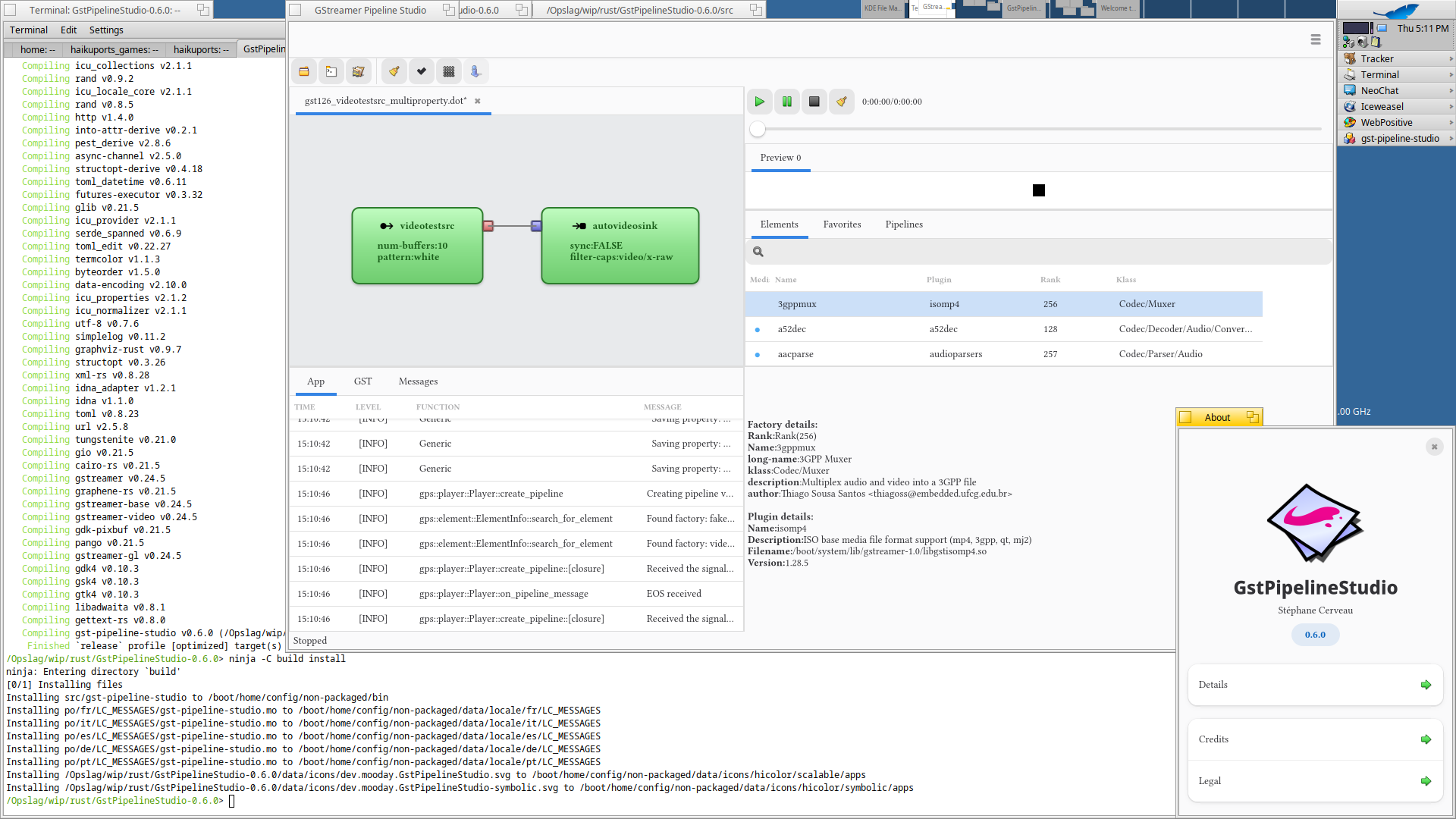
GstPipelineStudio (don’t know how it’s suppose to work, but with a few exports in Terminal it builds without patching. 
3 Likes
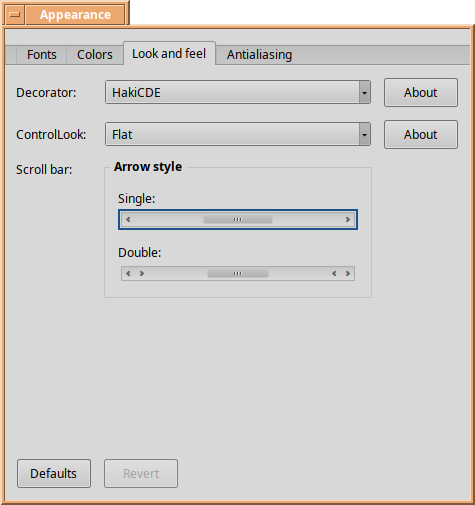
I just managed to build hakidecors-0.1~git-1-x86_64.hpkg locally (after a minor .recipe update, patching some include dirs, and some manual steps which make the recipe not buildable on the HaikuPorts builders).
The .hpkg includes a set of 10 different window decorators (the ones you can change via Appearance preflet).
I was a bit amazed none of them crashed on my quick tests, so… in case folks want to give it a go while we figure out a more permanent solution… (like adding a “_bin” package so folks can just use pkgman/HaikuDepot).
Here’s a time-limited offer (not sure how long xtn.sh retains uploads): https://xtn.sh/ol2y/hakidecors-0.1~git-1-x86_64.hpkg (size: 58,093 bytes).
Upstream repo is: https://github.com/s40in/HakiDecors
Have fun!
Quick preview:
3 Likes
It’s fun, but there are some visual artifacts in hiDPI configuration, the window content bound is not correct:
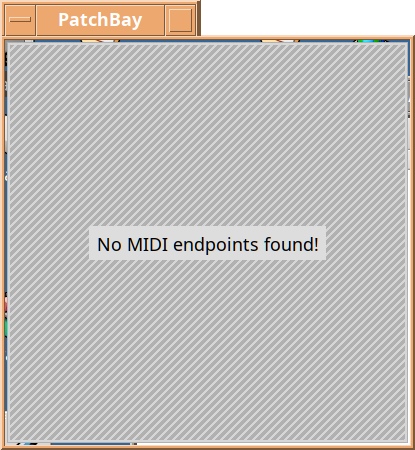
Will file an issue. Meanwhile, it’s a fun FX
1 Like
Yeah  . IIRC, the “Flat” decorator had the same issue not long ago (even at “normal” DPI levels).
Just in case anyone wants to play with this, the updated hakidecors recipe and .patchset are available. The .recipe includes comments on what’s needed to build it locally.
Building Haiku decors “off-tree” (that’s it.. outside of a Haiku git cloned repo), is not really supported ATM (as far as I can tell), but maybe this will be easy enough as to motivate someone to work on these (or newer) decors.
2 Likes
Cool! All we need now is the original BeOS window decorator.
That one is already available in the haiku_extras package.
1 Like
What I want is the old Mac-style windows decorator that I used to use in BeOS. I’ve never liked the tab sticking up from the window.
1 Like
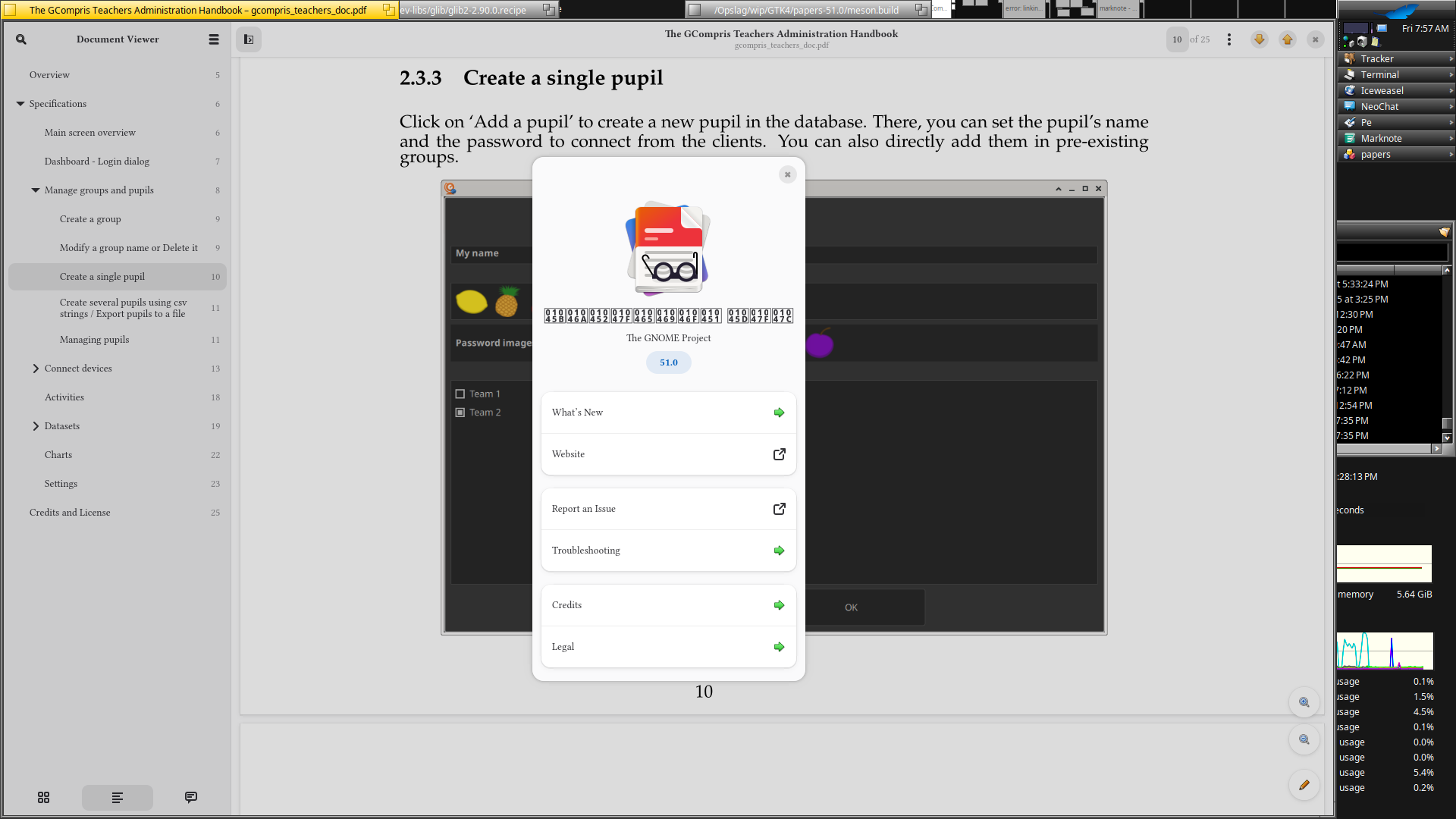
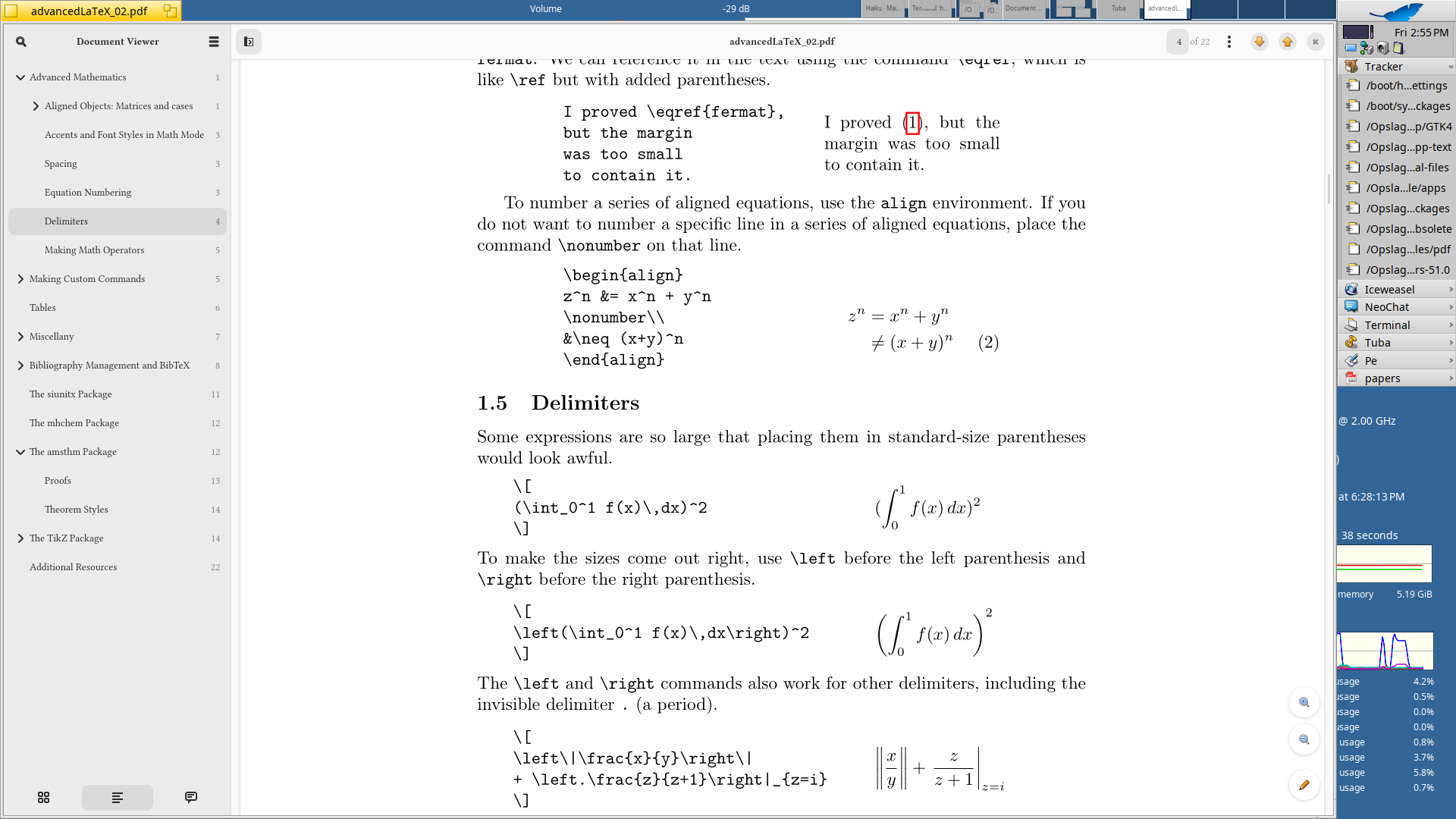
Colmiga asked about “papers” from GNOME this morning so I had to try it out, never heard of it, but grabbed the source archive and started out in Terminal, once that seemed to work out I started to work on the recipe … and it’s up and running.
5 Likes
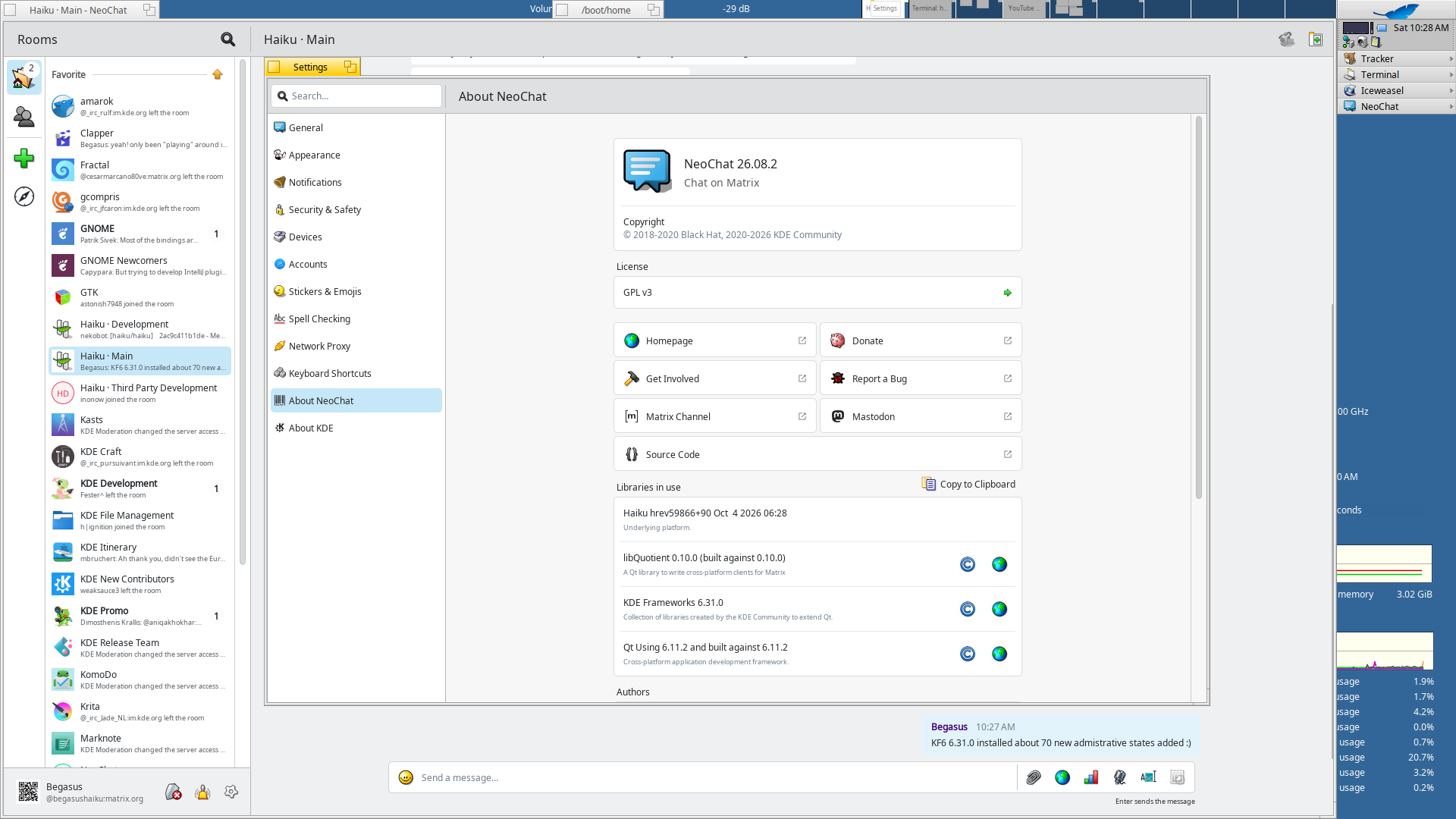
Still keeping track on KDE related updates, local up to gear26.08.2 and KF6 6.31.0, on track for December update in the depot.
9 Likes
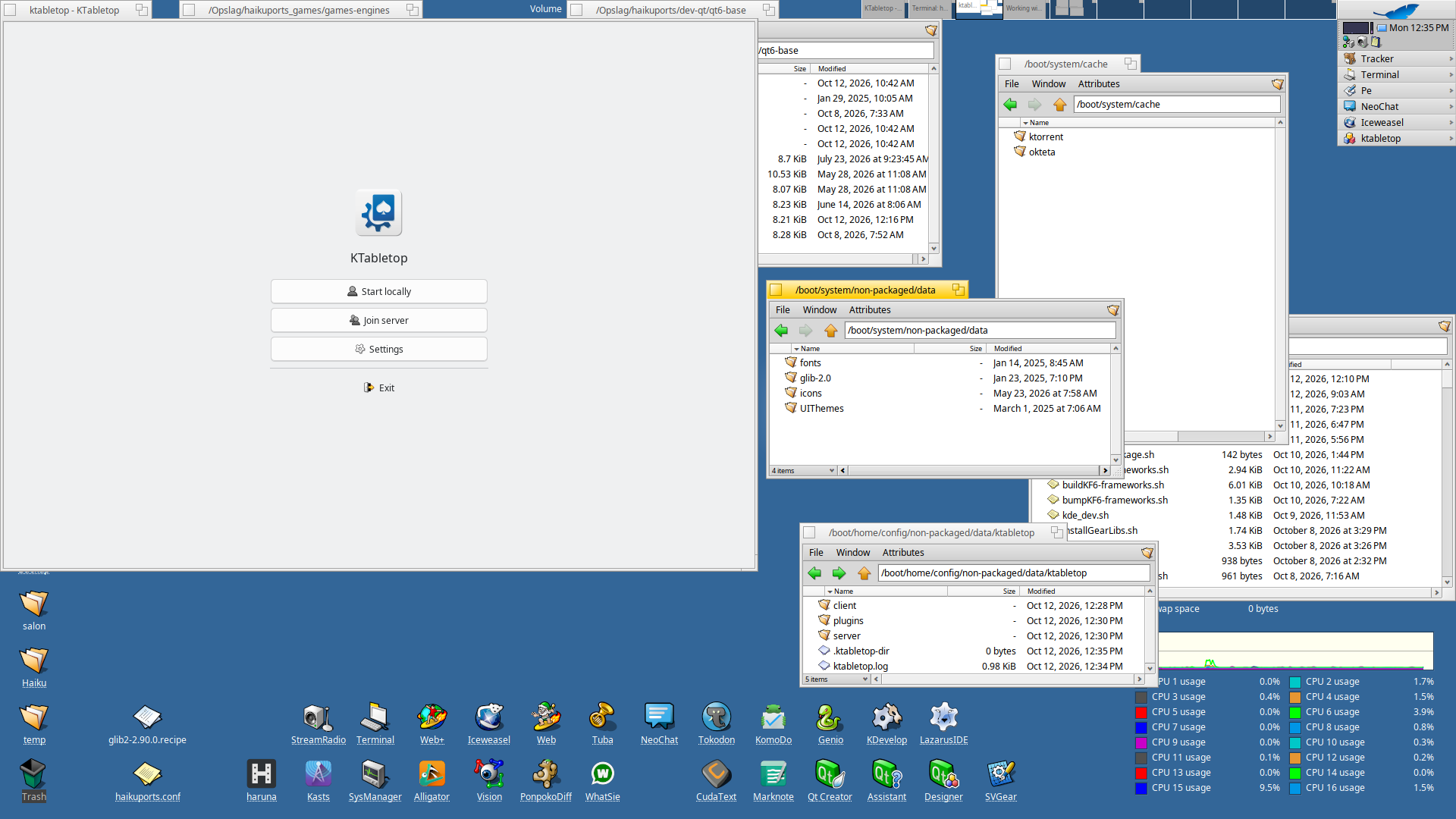
Reverting a patch that changed AppLocalDataLocation in qt6_base, the previous change pointed to /system/cache, which make it so that each of the KDE applications stored it’s data in there.
Filling the cache directory for data files sounds a bit weird to me, so I changed this (local) for now in Qt6-6.11.2 from B_SYSTEM_CACHE_DIRECTORY (or B_USER_CACHE_DIRECTORY) to B_USER_NONPACKAGED_DATA_DIRECTORY, for some applications it also makes sure data is kept in one place instead of spread out in several directories.
Checking out some application with a upstream KDE source pointed me in this direction.
This could potentially brake things as some applications that are already installed expect those files in the old place, I saw this with Kasts and Alligator, moving the files from cache to the data directory solved the puzzle, so it’s not that hard to overcome this.
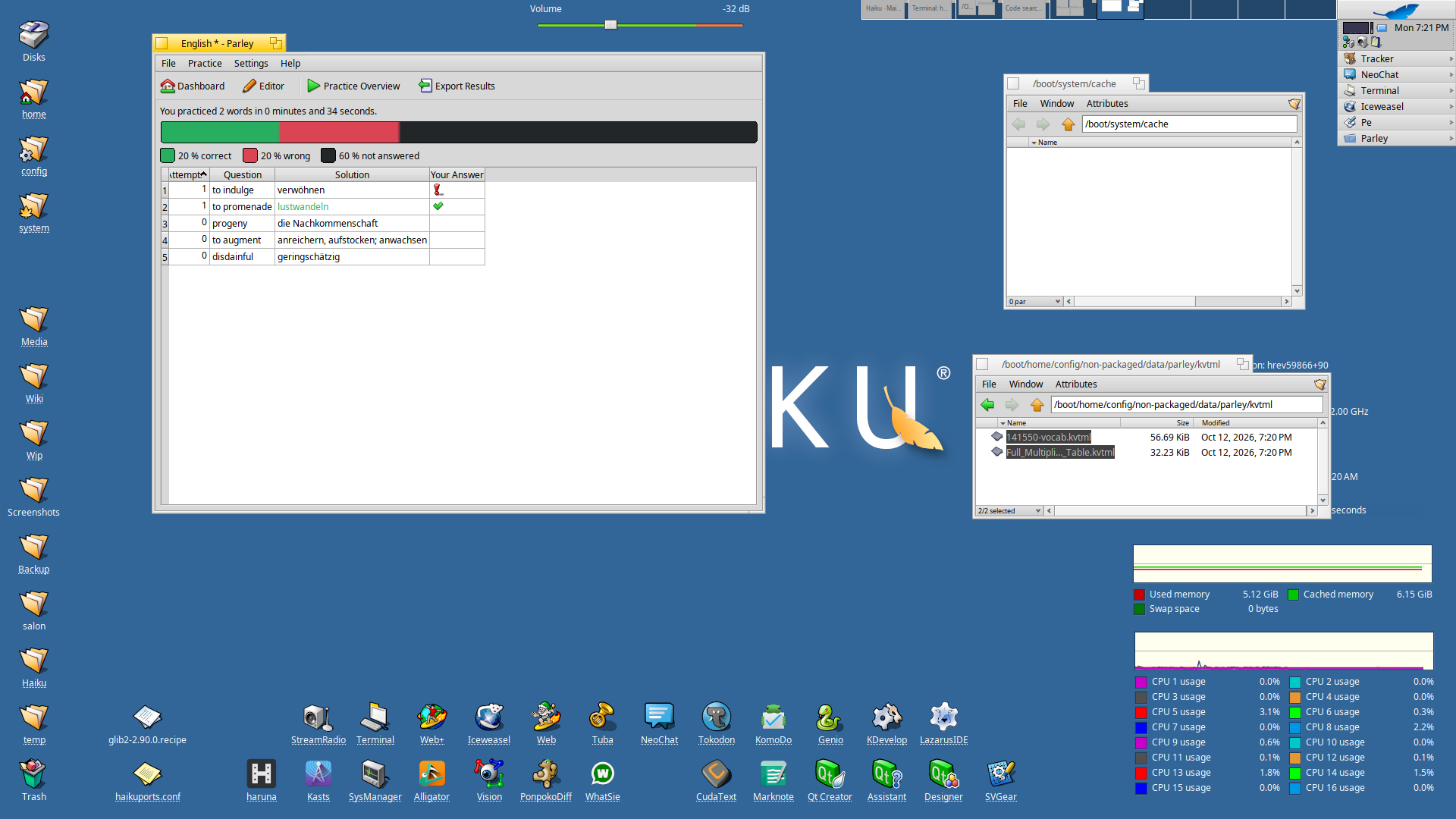
EDIT: for knewstuff I had to change path for GenericDataLocation also to B_USER_NONPACKAGED_DATA_DIRECTORY example with download in Parley.
2 Likes