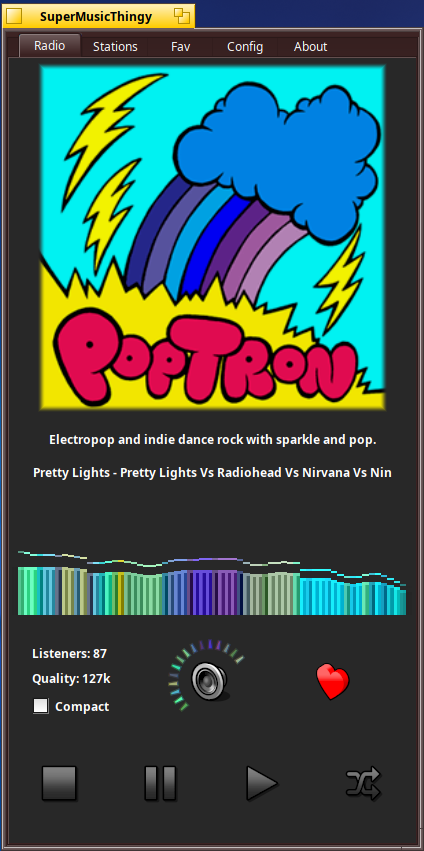
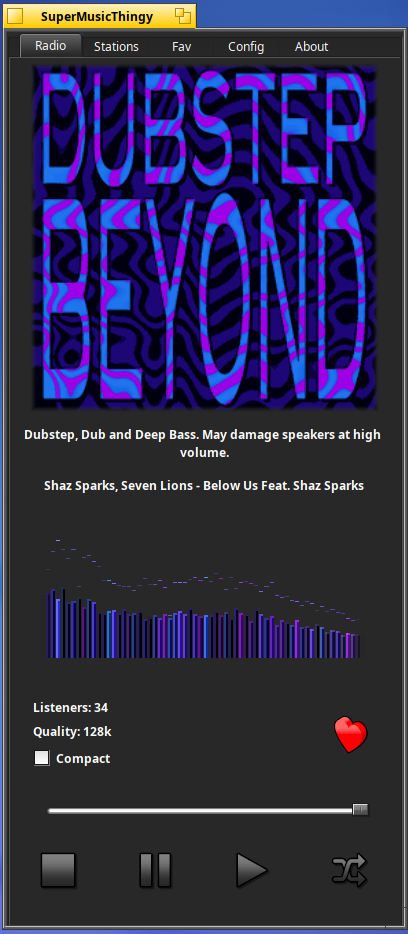
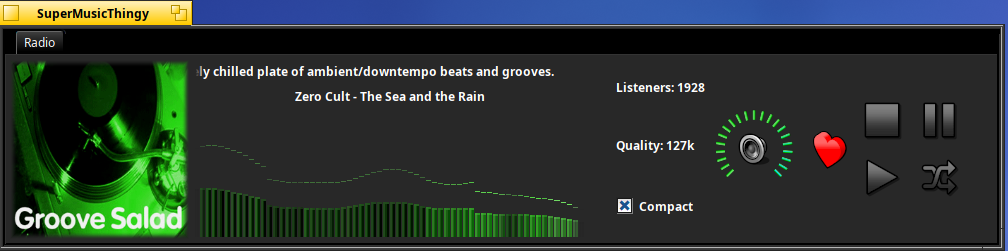
– Added volume slider logic to the spectrum bars and wave view. This will fade out the spectrum if you lower or raise the volume slider.
– Redid the layout engine to incorporate single layout transitions. This eliminates subtle artifacts from popping up when switching compact/non compact modes.
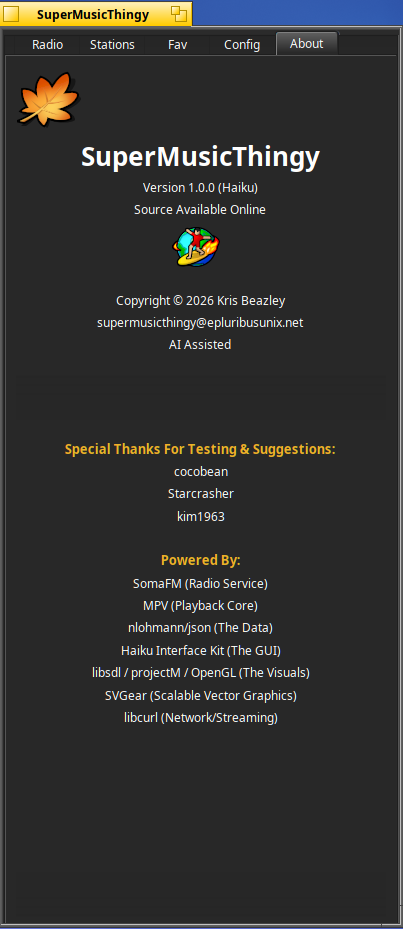
– Redid About tab to incorporate sliding credits and added new Special Thanks for the users that have helped and inspired code improvements.
any chances to support more internet radios? I mean, SOMAFM is nice, but I listen local radios too, it would be nice if it could add this support perhaps using radio-browser.info services?
Well. You can use StreamRadio for this but, adding a custom radio is quite tricky at the moment.
You have to add a known radio and edit manually the station file. It’s a .pls file with attributes so you need to change the pls url using a text editor then to edit the attributes (using Attrify, for example).
Hi @zuMi - It would be easy to add a drop menu like already done for the milk presets, to play whatever audio mpv supports. Local mp3s, urls, etc… but I’m really hesitant on doing that. I sort of like it hugging up to somafm only, just to keep it cleaned and well honed. I appreciate your suggestion!
You could provide just the 32-bit and 64-bit projectM x86/x86_64 builds. I use the projectM build with no issues on a non-Nvidia test system.. Makes the provisioning a little easier…
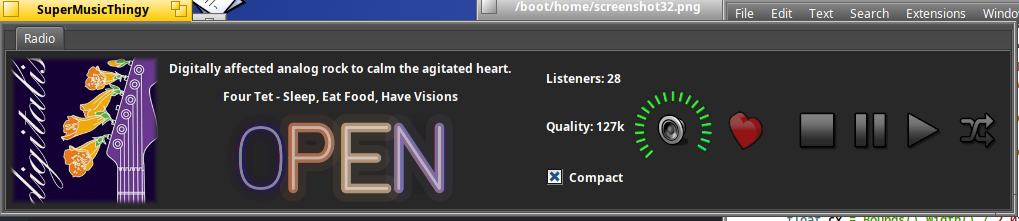
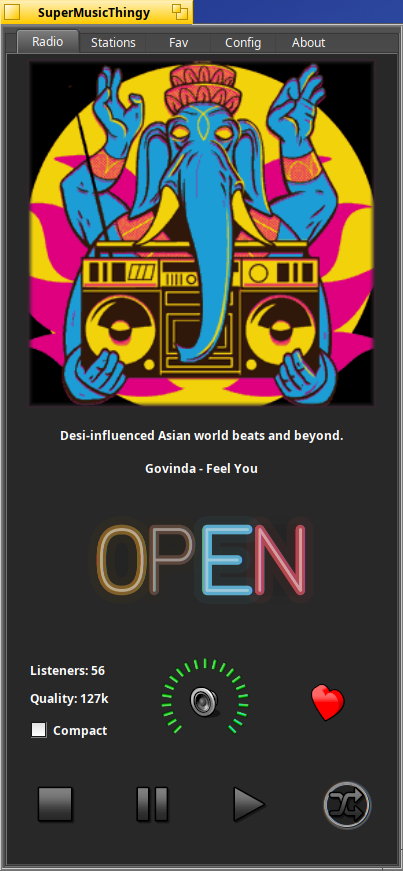
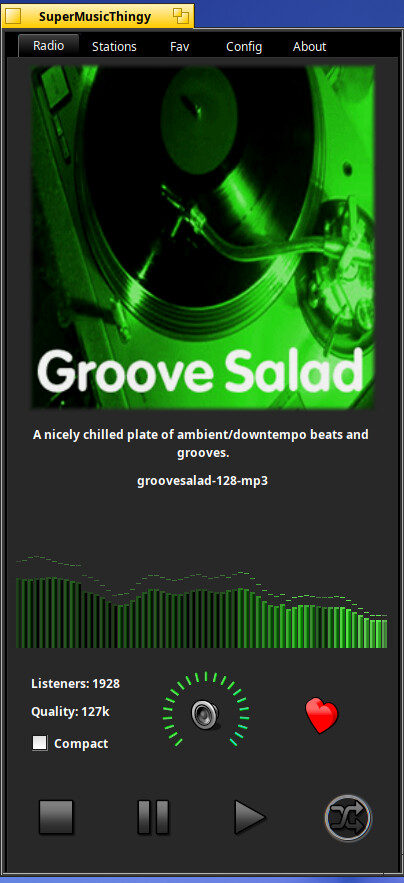
– Replace the native volume slider with bitmap icon wheel. This helps the overall app fit a lot tighter and plus it just looks better.
– Added a new spectrum view mode. I really love how it turned out. I hope you like it just as well
– Updated About tab to use native Haiku pulse() logic.
– Updated BassBoast preset to something more realistic.
– Made Dark theme true by default for new installs. User can always turn this off if they don’t like it.
Great suggestion. I could do that for the 64bit version and just check if libOpenGL.so is installed and if not hide the visualizer option until one sunny day when Haiku adds support. The libs for projectM however, add an additional 2MB to the hpkg package. I know not a big deal in today’s fiber optic world, but anyways… The 32 Hybrid doesn’t compile projectm libs… I forget exactly, but if my memory is any good I think Bison is out dated. And who knows, once Bison is fixed might find something else outdated.
Cleaned up the entire spectrum class with new code and enhancements.
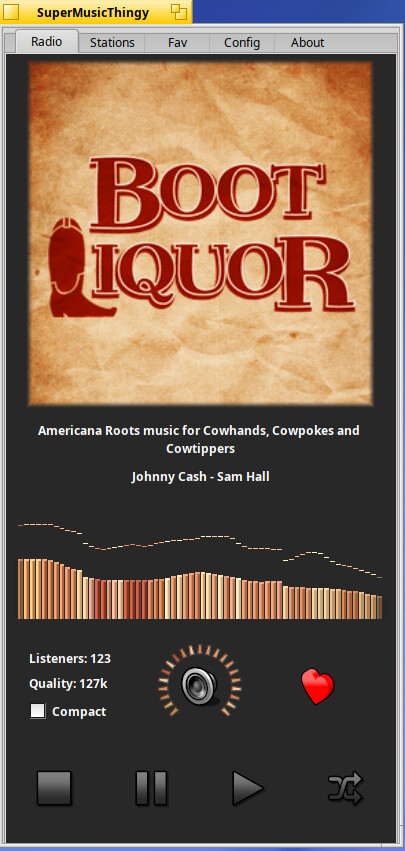
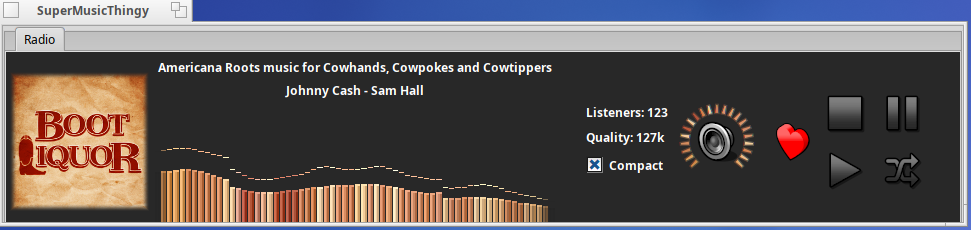
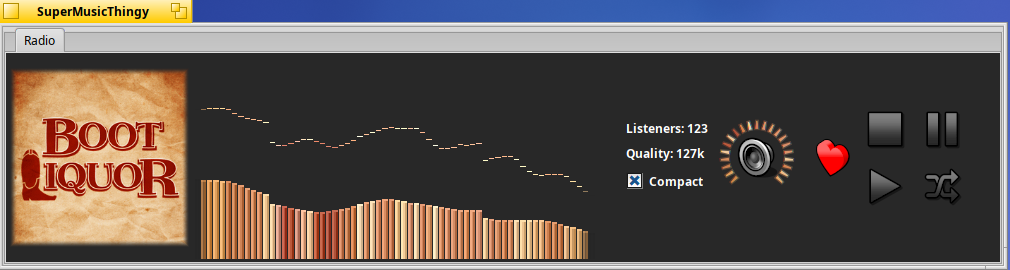
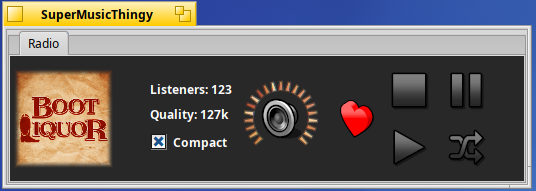
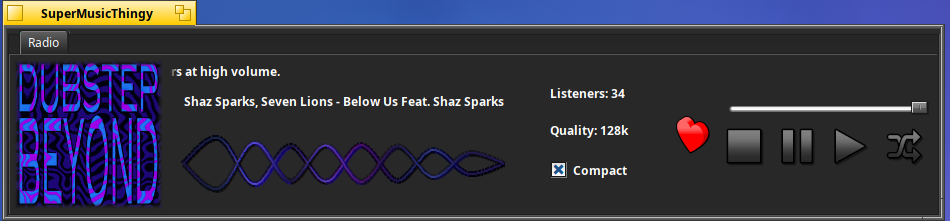
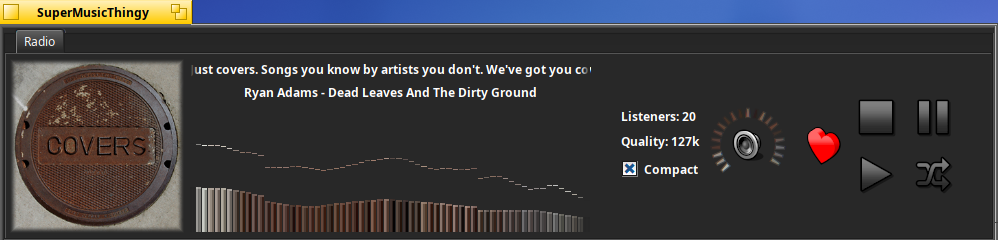
Added new compact layout scheme with a 2x2 button format to make the layout even more compact while keep the original layout in standard mode.
Added check for opengl which will hide the visualizer options if opengl is not found. By doing this I can simplify the package to downloads to x86 and 32bit versions eliminating the “projectm bundle” package.
Fixed a potential crash inside the downloadstationIcons class when the app was closed rather quickly while icons will still downloading.
Redid the ping pong AI imperfect code logic.
Added new random pink bonus ping ball ball which adds +2 point if the paddle makes contact.
Motorcycle physics is a little different but overall better I think.
Redid main spectrum bars. Overall cleaner and just as beautiful of not more so.
Fixed a resize bug where the spectrum would be oversized if compact mode was on and the app was minimized to the system tray and brought out of hiding with stations, fav, EQ tab etc…
Got projectm support now for x86 builds. A supported video card and nvidia driver are still needed for the visualizer to work.
Added safeguard code to prevent excessive sound levels from causing the AI paddle to fall off screen.
Known issues
The new layout code has some issues when disabling/enabling spectrum and/or EQ if compact mode switching was previously engaged. I am trying to find and put all these little bugs to bed, but as the story goes: put one bug to bed and two more wake up.
Added album art color pallet to dynamically change the volume markers.
Tweaked compact mode layout to look better
Added fullscreen mode to the spectrums modes.
*Motorcycle game needs a lot work atm. Larger motorcycle, obstacles etc.. but that is to come later.
Ping pong paddles are larger in fullscreen.
Fixed a bug when applying Haiku theme colors in compact mode.
Added hidden debug option in config for stats when app is ran from Terminal. This also enables some hidden features which are not working correctly, just FYI.
Lots and lots of new and exciting updates for HaikuSuperMusicThingy
Cleaned up the visual sdl/projectm thread/shutdown logic. This drastically improves the app from spawning multiple GL threads and properly handles closing the GL window with an elegant SDL(HIDE_WINDOW) routine, totally putting any SDL/projectm/GL crash bugs to bed.
Added debug mode option in config tab. This allow users to test features currently in progress, brings back the lad_spa option in case you have lad_spa enabled in ffmpeg, shows the projectm visualizer tab even though you may not have opengl installed.
Speaking of ladspa - totally rewrote the logic to detect ffmpeg back and forwards, from ffmpeg5 up to future version like ffmpeg9.
Added two new special spectrum views that should totally wowyou. I don’t want to give them away with a screen shot, you’ll just have to try the app out and see for yourself.
Added smart volume detection to the projectm SDL window that updates the apps volume level in real time if you use the mouse wheel to change the volume in the projectm visualizer window.
Last but not least, removed old unused code and cleaned up current code structure a little better.
Fixed layout engine where before would generally cause the UI not to automatically refresh when toggling certain features in config menu. This fix fixes toggling Song Titles and Station Descriptions which is now permanently an option in the config tab instead of as a debug option. It also fixes the previous used double pump logic hack to fix the compact mode resizing correctly if the app was started and compact mode was true. This fix is an overall big stability improvement and nothing was removed removed or alternated from the original layout scheme.
Fixed another layout bug when enabling/disabling projectm checkbox.
Updated the About tab with better scrolling logic and a nifty backdrop animation.
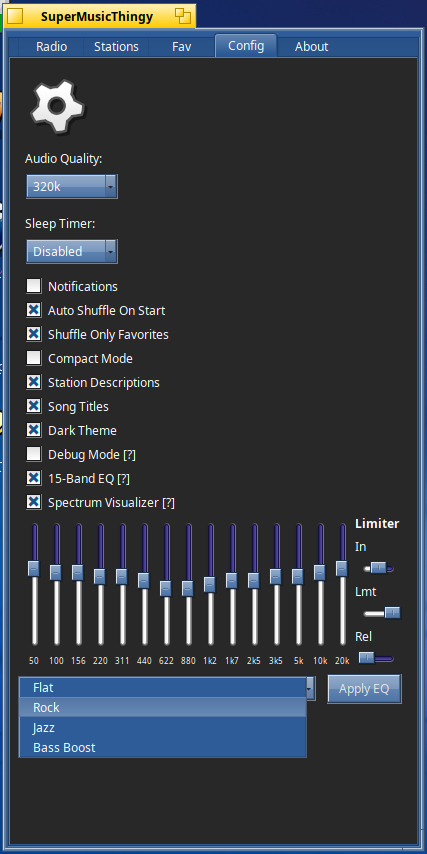
Added [?] helper tokens on certain config options to help new users figure out some commands and options.
App now includes the stock milk drop files offered from projectm as a base for new installs.
With the new options to disable station tittle and description and spectrum working correctly, compact mode can reach ultra small sizes now.
This app is now extremely stable and hardly ever crashes which used to be a problem with the old code I used to handle projectm visualizer/SDL threads.
I left it running all day yesterday with music and visualizer running and it was just as responsive and smooth when I returned.



 wow
wow