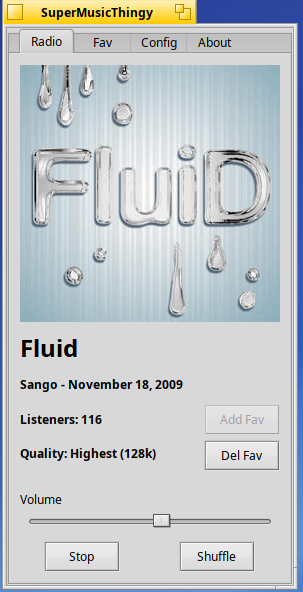
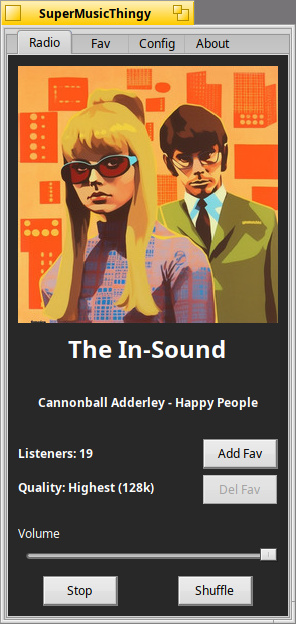
I modified the makefile to include the projectm libs when projectm=on. Definitely saves time. Here’s the bundle package.
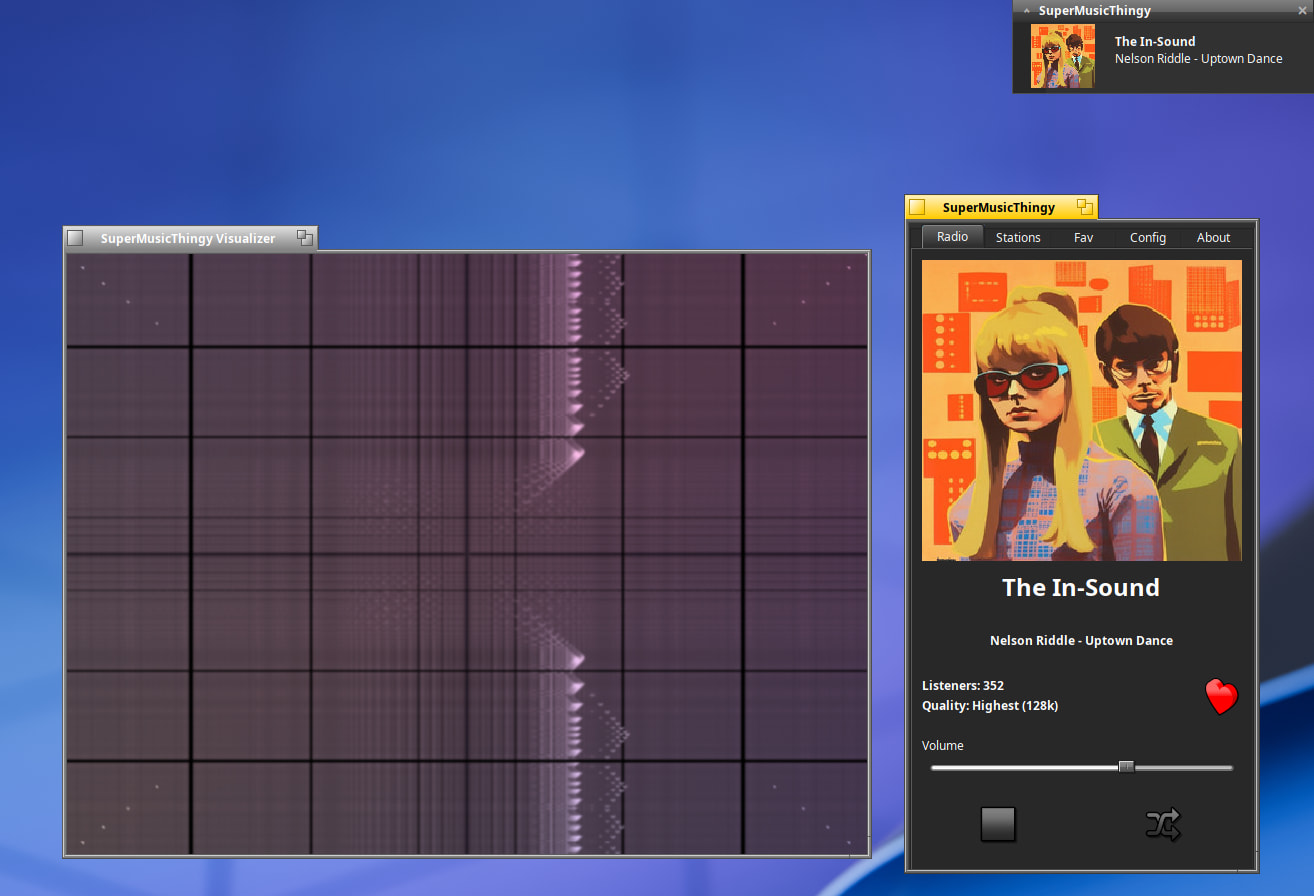
About defaulting to native Haiku Mesa… I don’t believe this is possible with the heavy lifting required by projectm. The app still runs fine but if you try to load the visualizer it just closes the visualizer window immediately. Pretty harmless.
~/config/settings/SuperMusicThingy/milk_presets/ is where you should put all your milkdrop projectM presets. That’s what I have coded the app to look.
Keep in mind the app iterates recursively through the preset folder to load a random preset, and if you have a huge amount of presets the visualizer window might have a slight latency when updating to the new preset. If you notice latency you can decrease the amount of presets.
Regarding #1 better shuffle control: This I can implement in the config with options to shuffle only predefined genre instead of the every channel as the app currently does.
Regard #2 - Song length isn’t possible with the available metadata provided by somafm. The bitrate is listed on the main 128k for Highest, 64k for High, and 32k for Low. The sample rate is predefined at 44.1khz for any native audio sources, unless an option is available to manually request a different sample rate as with the case with MidiSynth. In Haiku Media Preferences, you can resample the 44.1khz up or down if your audio card supports that. Hope that helps and thanks for the great user input! The latest nightly build added mouse wheel support for the volume and a checkbox to turn on/off the 30 second milkdrop auto shuffle option.
~/MilkDrop> ls presets-cream-of-the-crop-master/Supernova/Lasers
'$$$ Royal - Mashup (290).milk'
'$$$ Royal - Mashup (405).milk'
'$$$ Royal - Mashup (58).milk'
'$$$ Royal - Mashup (59).milk'
'$$$ Royal - Mashup (63).milk'
'$$$ Royal - Mashup (83).milk'
'$$$ Royal - Mashup (85).milk'
'$$$ Royal - Mashup (96).milk'
'GreatWho - Lasershow.milk'
'GreatWho + goodie - Lasershow [burning down].milk'
'GreatWho + goodie - Lasershow [sunset rift].milk'
'GreatWho + Hexcollie - Lasershow [stress point].milk'
'GreatWho + Martin + Flexi - Lasershow [sparky kaleidoscope].milk'
'ORB - Fire and Fumes 2.milk'
'ORB - Flexi - Eleventh Element.milk'
'ORB - Waaa (Jelly 5-55).milk'
'ORB - Waaa.milk'
'ORB - Wheel of Fire.milk'
~/MilkDrop> cp presets-cream-of-the-crop-master/Supernova/Lasers/'GreatWho - Las
ershow.milk' ~/config/settings/SuperMusicThingy/milk_presets
~/MilkDrop>
Started app. Didn’t work (opened visualizer window and then closed window). I was thinking I can read and select my MilkDrop preset so I can change it from the GUI to test them.
Make sure you’re not symlinking your custom presets into ~/config/settings/SuperMusicThingy/milk_presets/ but instead copy them there and symlink to your user directory if needed.
You don’t have to use mkdir -p as the app automatically created the folder.
On a different note, the visualizer window accepts some keyboard and mouse input and has a code to only shuffle favorites instead of all the channels. Pressing the ‘F’ key on your keyboard will shuffle only your favorites. Just thought I’d mention this until I add code for shuffling genre.
I will probably instead write something to use ladspa plugins and hopefully be as good, or at least similar in sound quality to jamin. Jamin does actually work but only one audio source at a time. My jamin code isn’t complex and proper enough to handle multiple sources. Jamin does have a very large EQ, and very nice low,mid,high band filtering engine. I love it. Of course that’s too big for my little music app, but maybe with a little tweaking and whatnot … can fit it in.
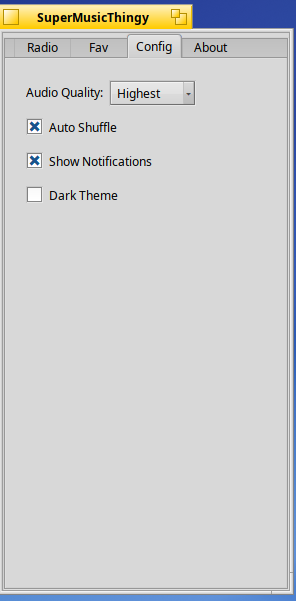
Any reason to implement your own? It should work out of the box with the system colours. By recursively changing colours just to text views, you get the problem that can be seen in the second screenshot in the repo (the audio quality menu with black text on dark background in the config tab).
BTW, a BMenuField already accepts text for a label and makes it part of the menu, no need to add a BStringView with it.
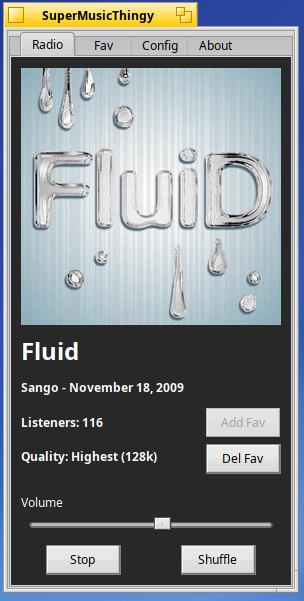
The reason for adding a dark theme in the app is simple: some users will prefer not to have tracker and deskbar dark and just the app. It’s really a matter of choice and having the best of both worlds. The reason for the BMenu code logic was for the theme logic. The theme logic doesn’t seem to work unless I use what I currently use. I appreciate the advice though as I did look into it.
I didn’t even know milk2 & milk3 even existed! Neat! Sounds like a great idea. I’ll do that soon as add the option to select notify icon sizes. Big icons are fun I think.