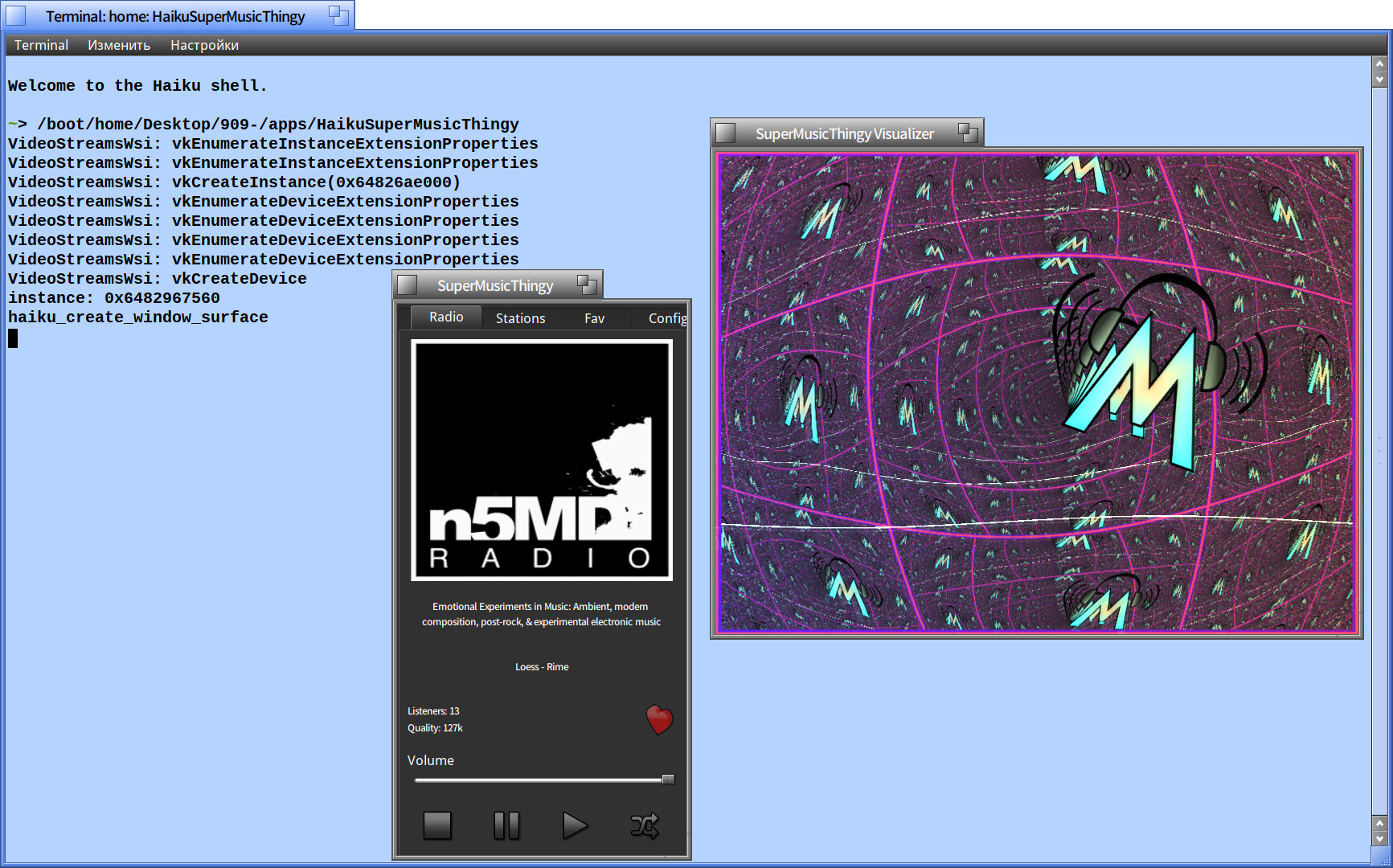
But first, currently projectm doesn’t support milk3, just milk1 & milk2. So just keep that in mind if you’re testing custom milkdrop files.
What’s changed recently…
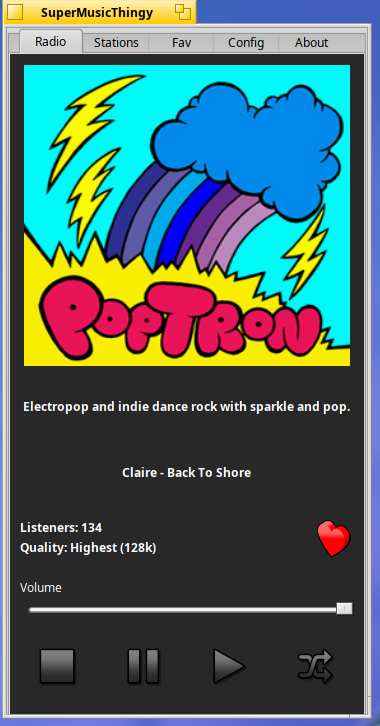
Added better album art rendering.
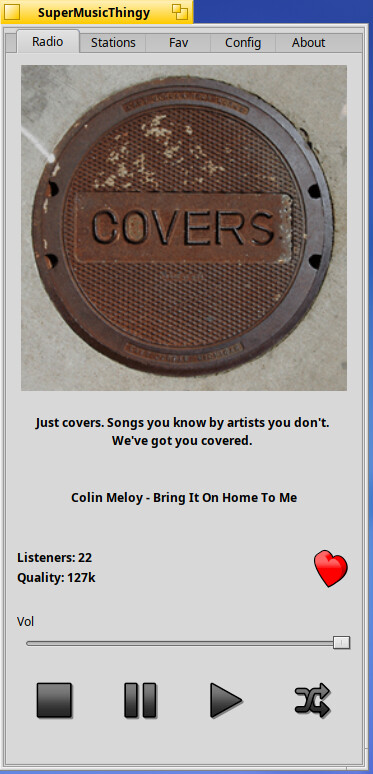
Added pause and play button. The Play button just plays the first station and doesn’t really add much functionality other than that. I may update the logic but at the moment don’t have any plans.
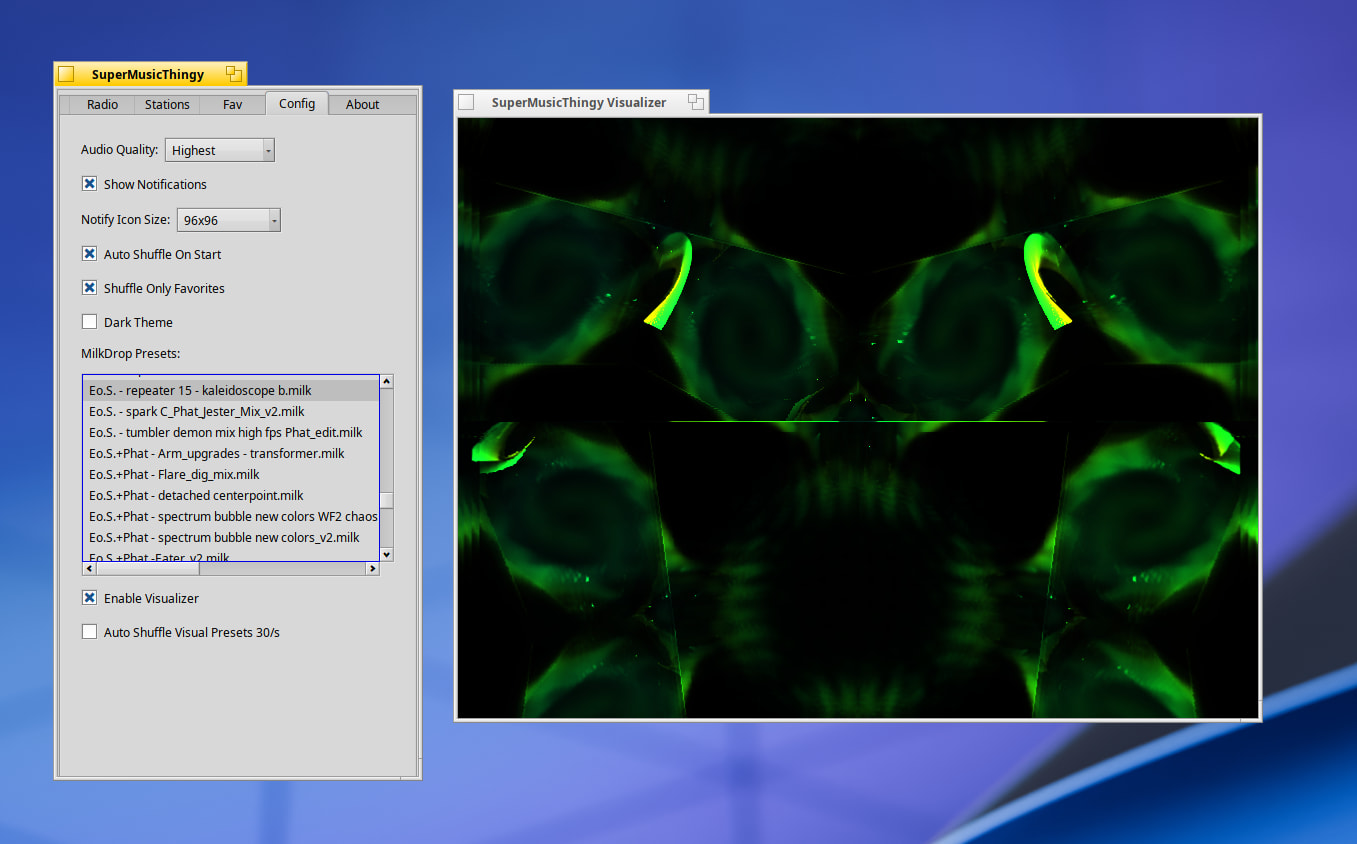
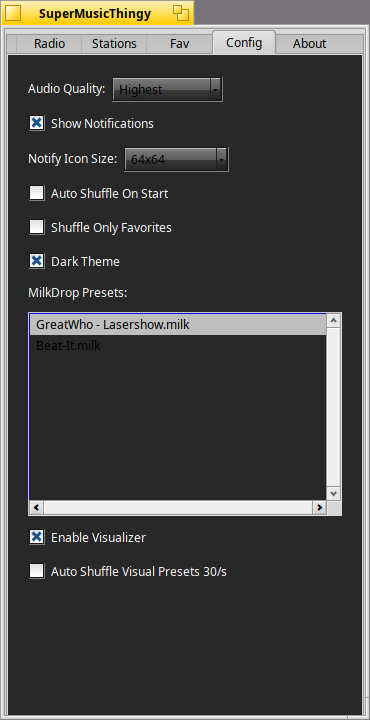
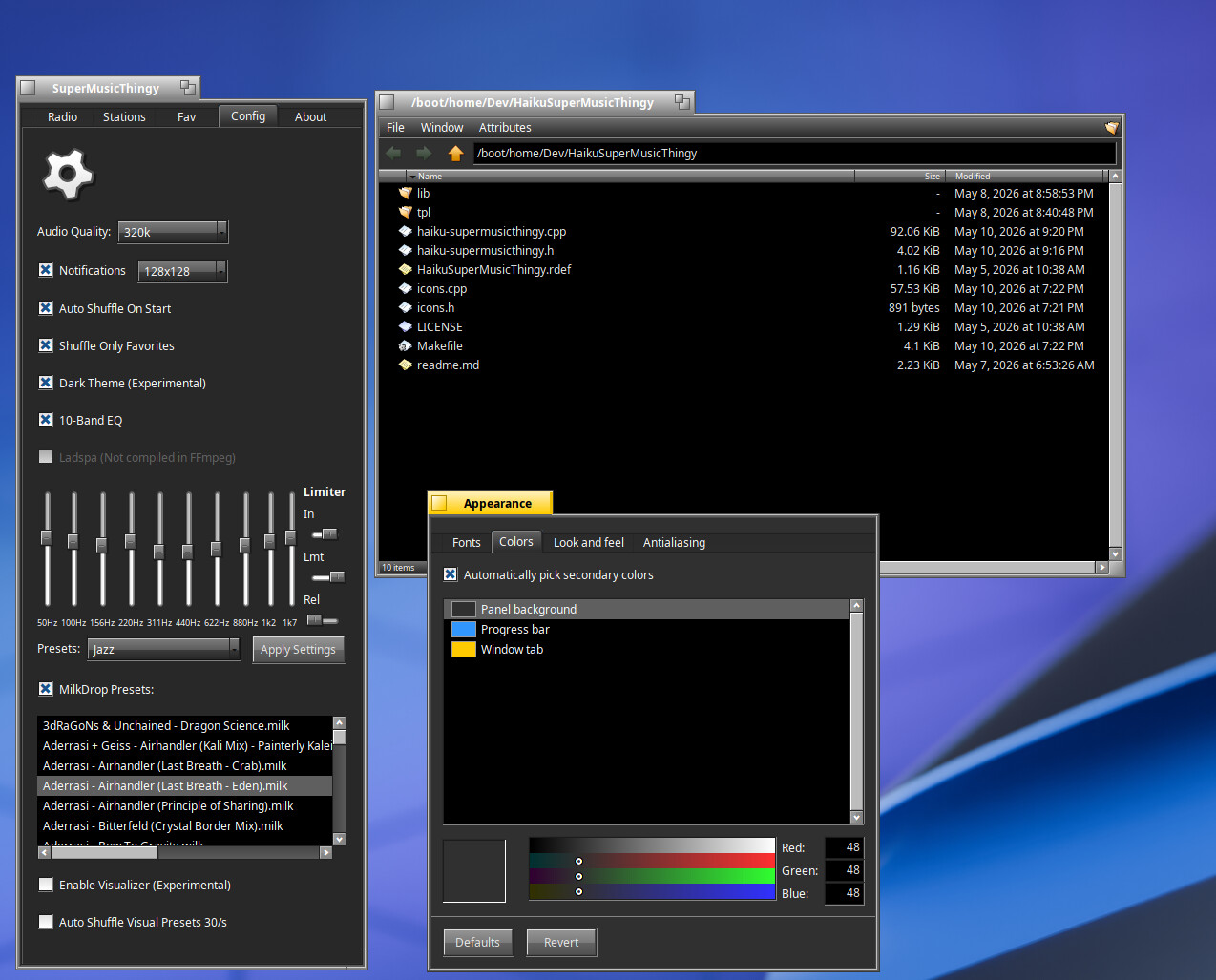
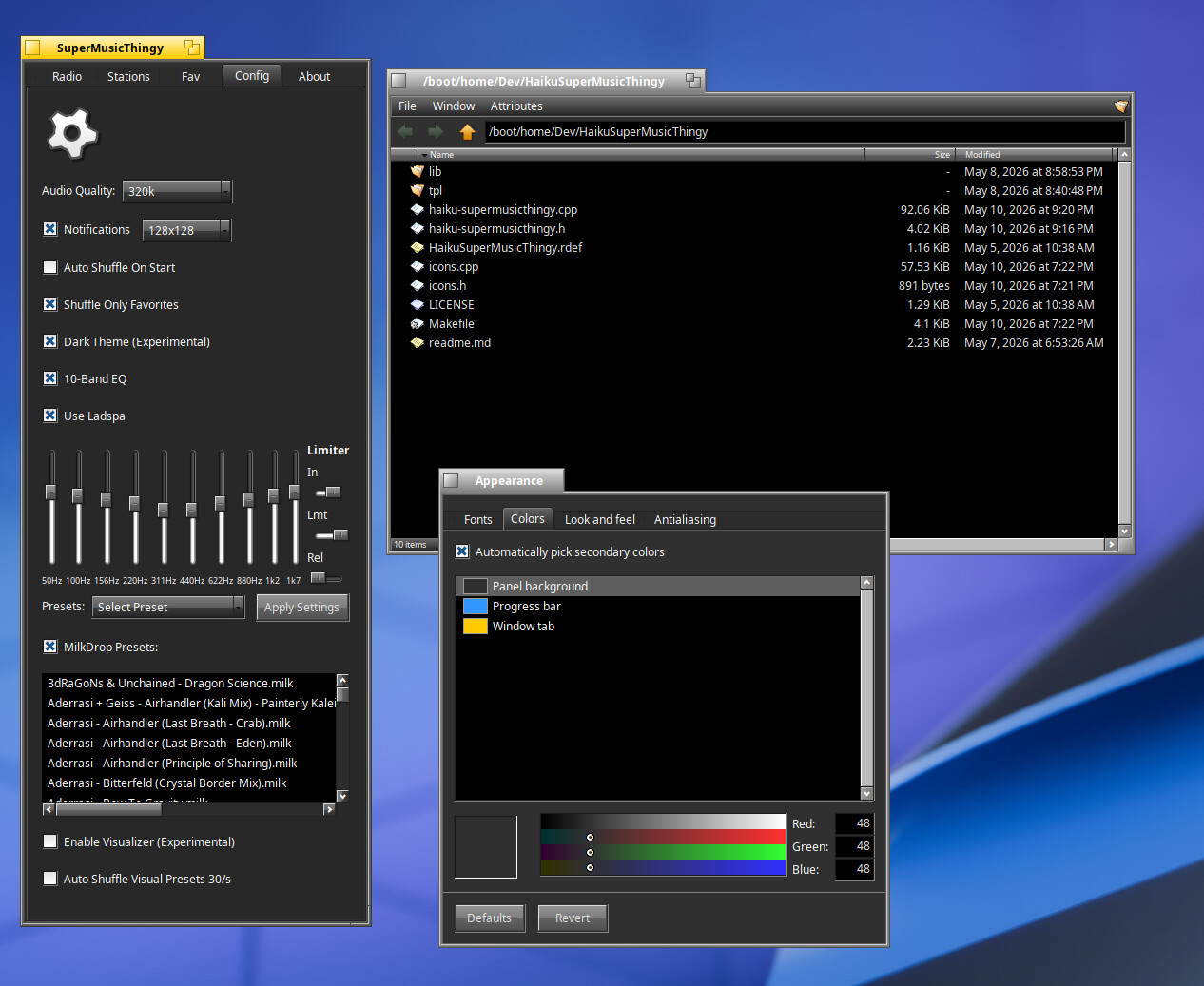
Added the milkdrop selection in config menu.
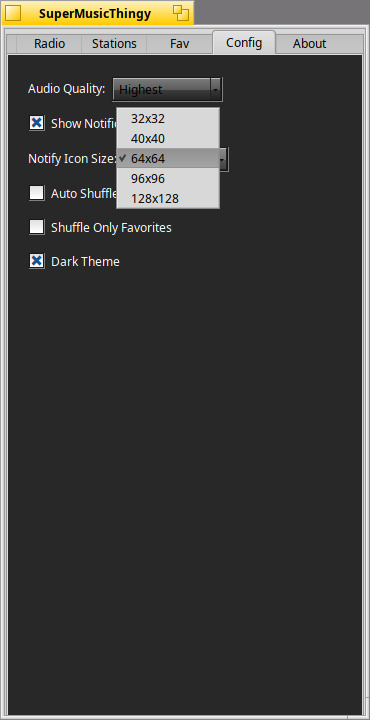
Added notify icon size selector in config menu.
Hide projectm selections in config menu if not building with projectm=on.
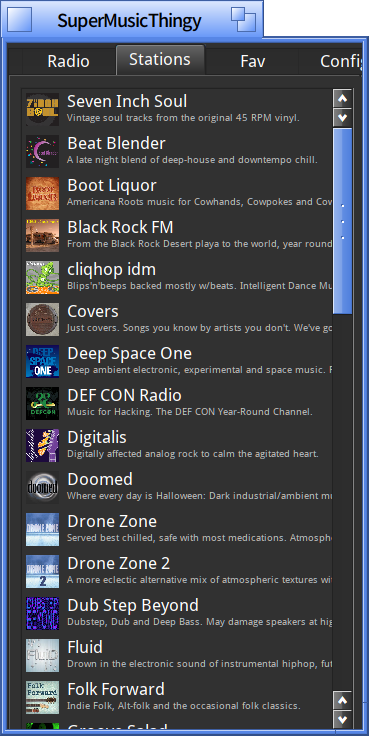
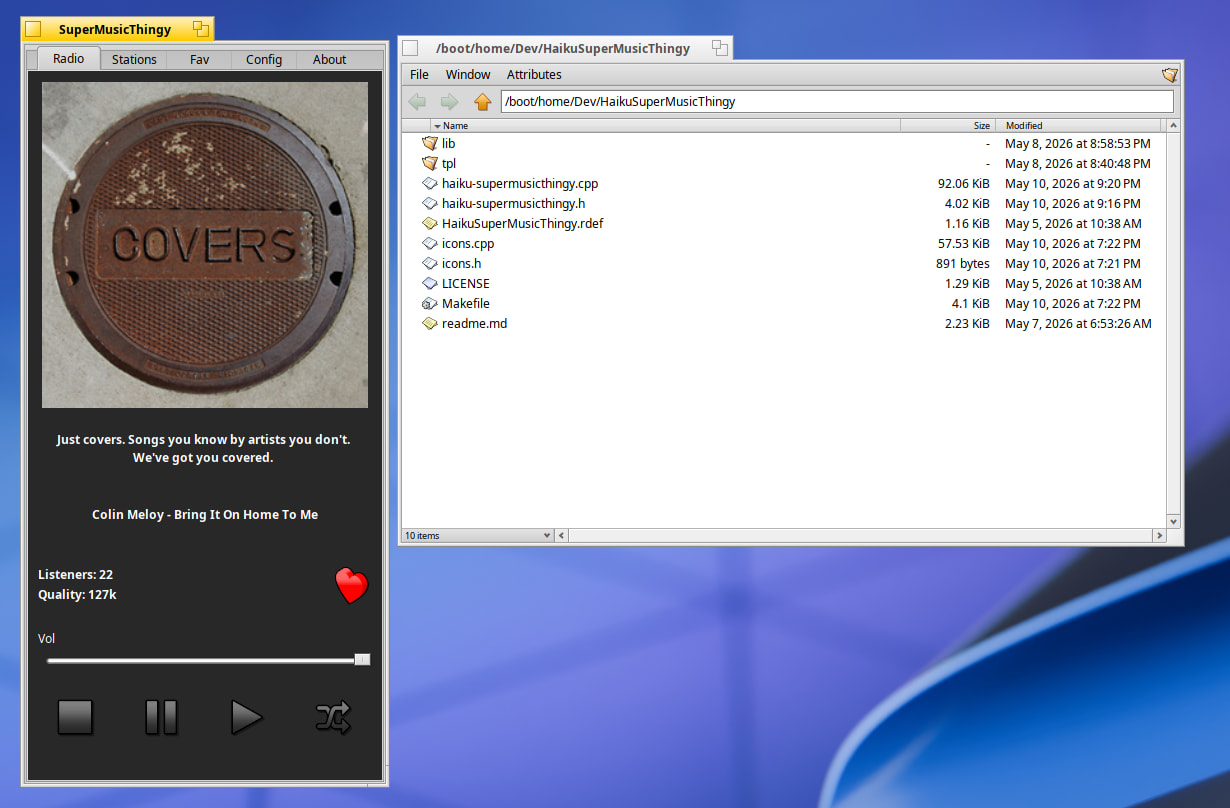
Removed the Station title and replaced with description in main menu.
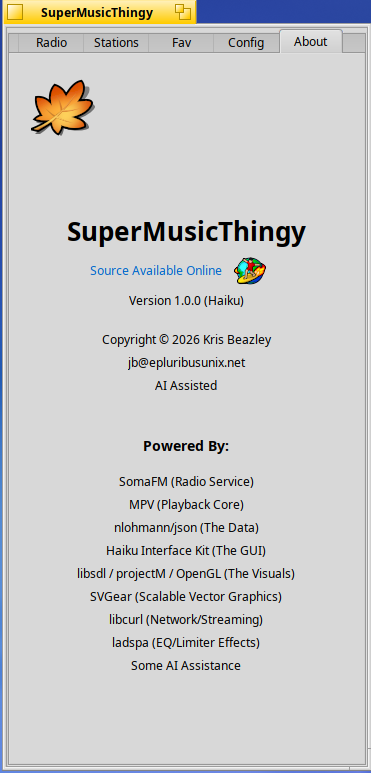
Added clickable URL for the github project in About menu.
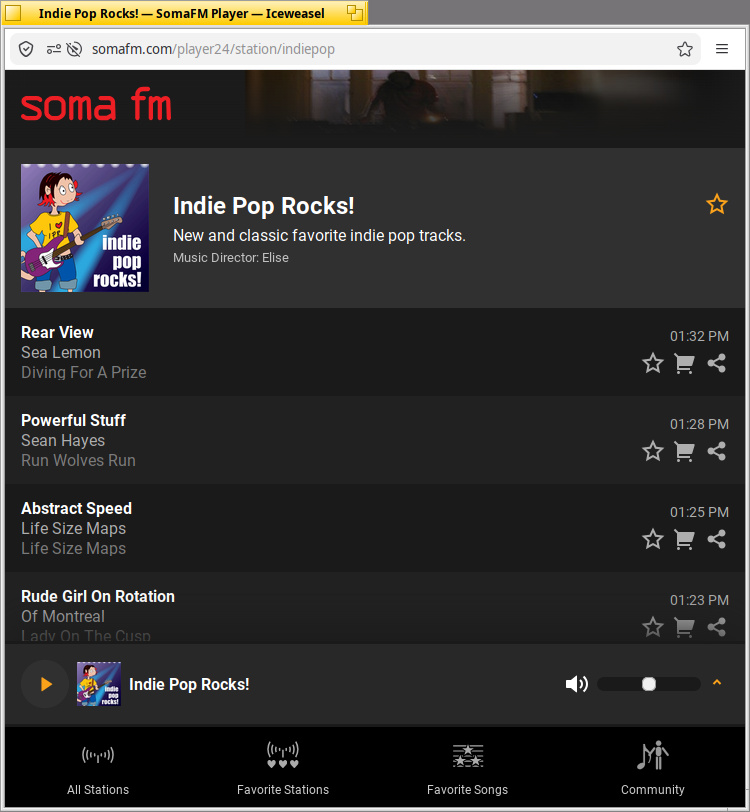
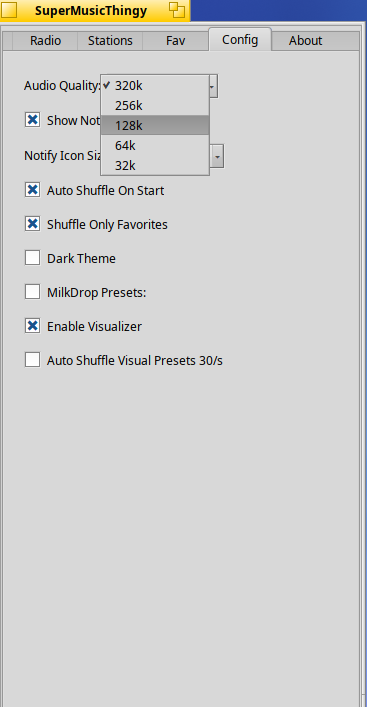
So, this update fixes a long overdue bitrat issue with my code. We can now rest at ease that Space Station pls will play 320k bitrate if the bitrate option is selected in Audio Quality. Other channels that don’t offer 320k or 256k will fall back to 120k or lower if required.
Other small but nice updates are Milkdrop prest menu is hidden by default but will expand when clicked.
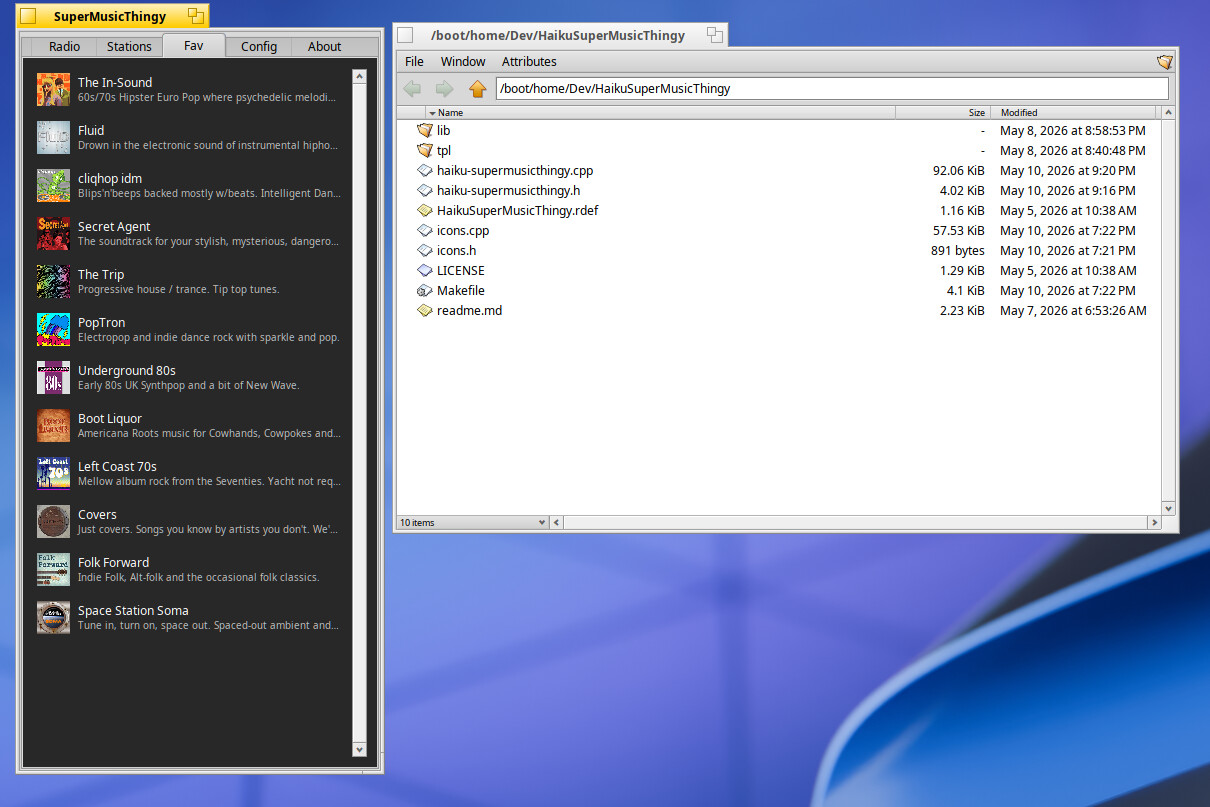
The dark theme is just a headache but works for non global dark theme users who don’t want a mass dark Tracker or Deskbar. Fixing every UI element in the app is a headache, so I am not really focusing the minor details… as long as the main screen looks good and other menus are decent enough… that’s going to have to do for now.
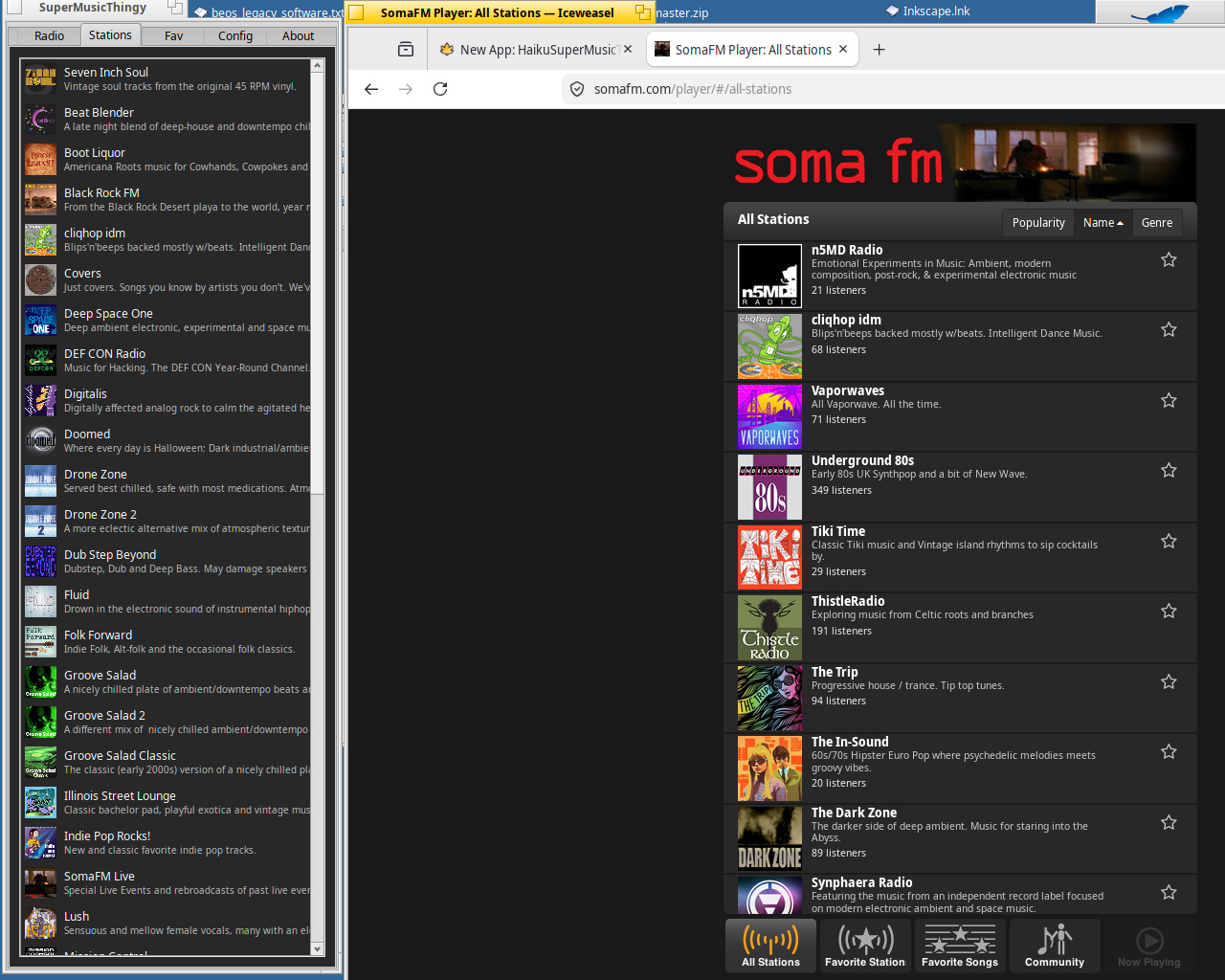
Ok.., seems to not go to the 320 MP3 for Space Station Soma. On the online Soma player, you can select from the different streams within the channel. When I select 32, it goes back to 128 on the main display. Intended? Real bitrate versus selection?
Not sure why as it works for me. 32k should not go back to 120k and space station should play 320k if that is indeed what the audio quality is set at. Keep me posted.
Result: Goes to another channel or doesn’t go to 320 if already playing. Changes quality if 128 or lower. Will go to 320 and stay if I go back to the channel and let play without stopping.
Just wanted to share some update to my HaikuSuperMusicThingy App
Updates
Window now resizes “snaps back to original size” if needed. – thx to @kim1963 for testing and feedback
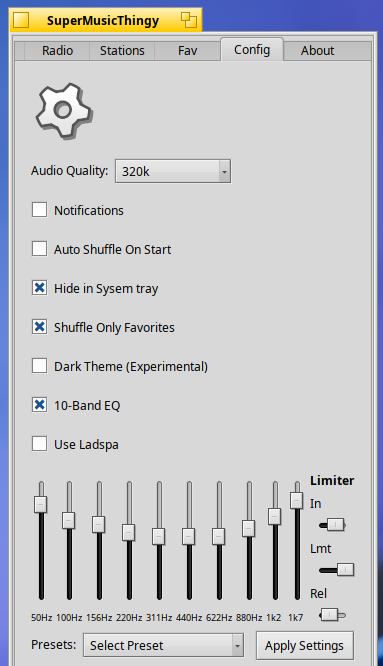
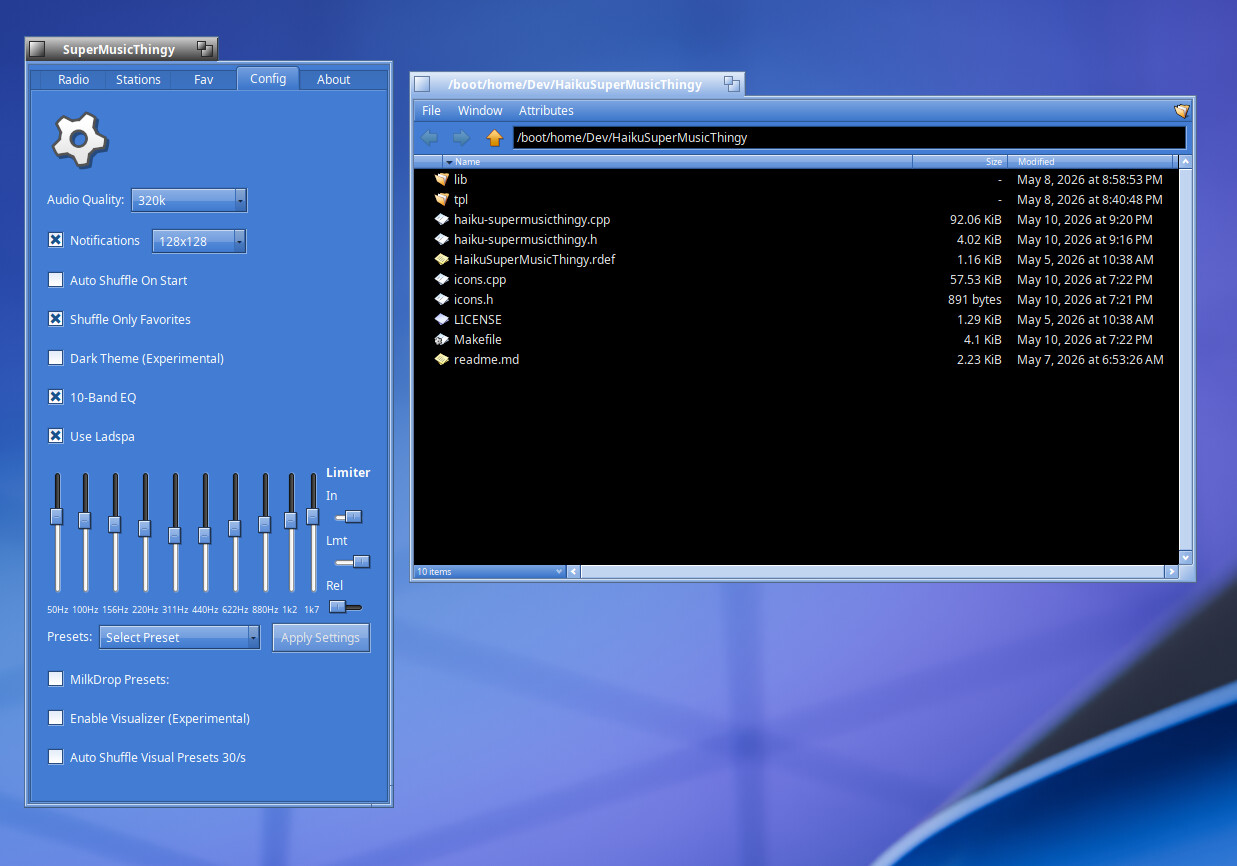
Cleaner config menu.
Fixed some dark theme code, but not all is 100%.
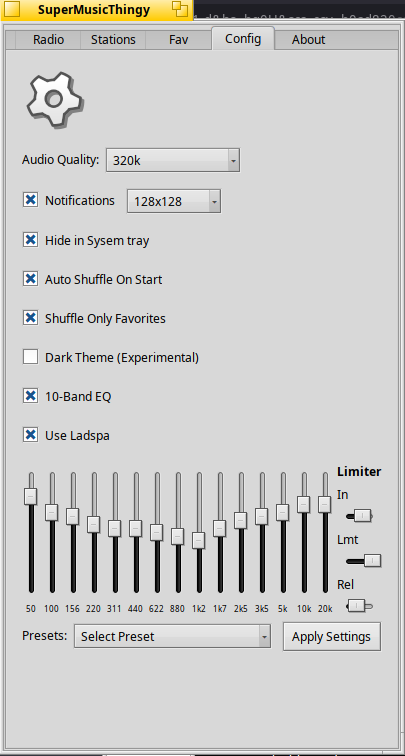
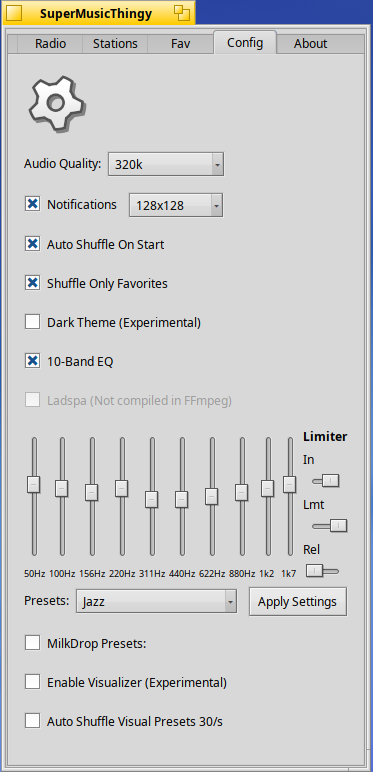
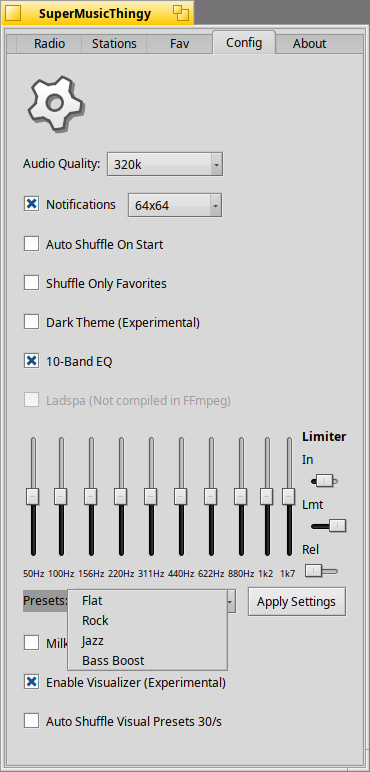
Added EQ, limiter to the app. Uses native mpv plugins or optionally if you have ladspa builtin to ffmpeg can use ladspa plugins ( included with the app )
Added new logic to the play button. thx to @cocobean mush needed testing and feedback.
Overall, very pleasant and quite intuitive.
I installed the package in /home/config/packages and ended up with a broken link in the menu.
I had another problem with label colour of volume control but the guilt falls on Flat control look.
Making content of Radio page a replicant could be nice though it can take a lot of place. If resizing isn’t an option, perhaps, an optional systray icon allowing to hide the app would be preferable.
Use 15band EQ - This was will add better sound control and also fixes ladspa plugin quality.
Auto enable system tray by default because the App is now registered as a background service this will help new users seeing the app running if they minimize the app without system tray enabled.
@cocobean It looks like that data is not offered with their current json file. The one I currently use to get listeners, station info etc… That might be kept on different backend server. Plus, I’m not sure I could integrate the extra info nicely with the apps current basic, simplified window states. Nice suggestion though!




 )
) ~ Glad you like the new EQ