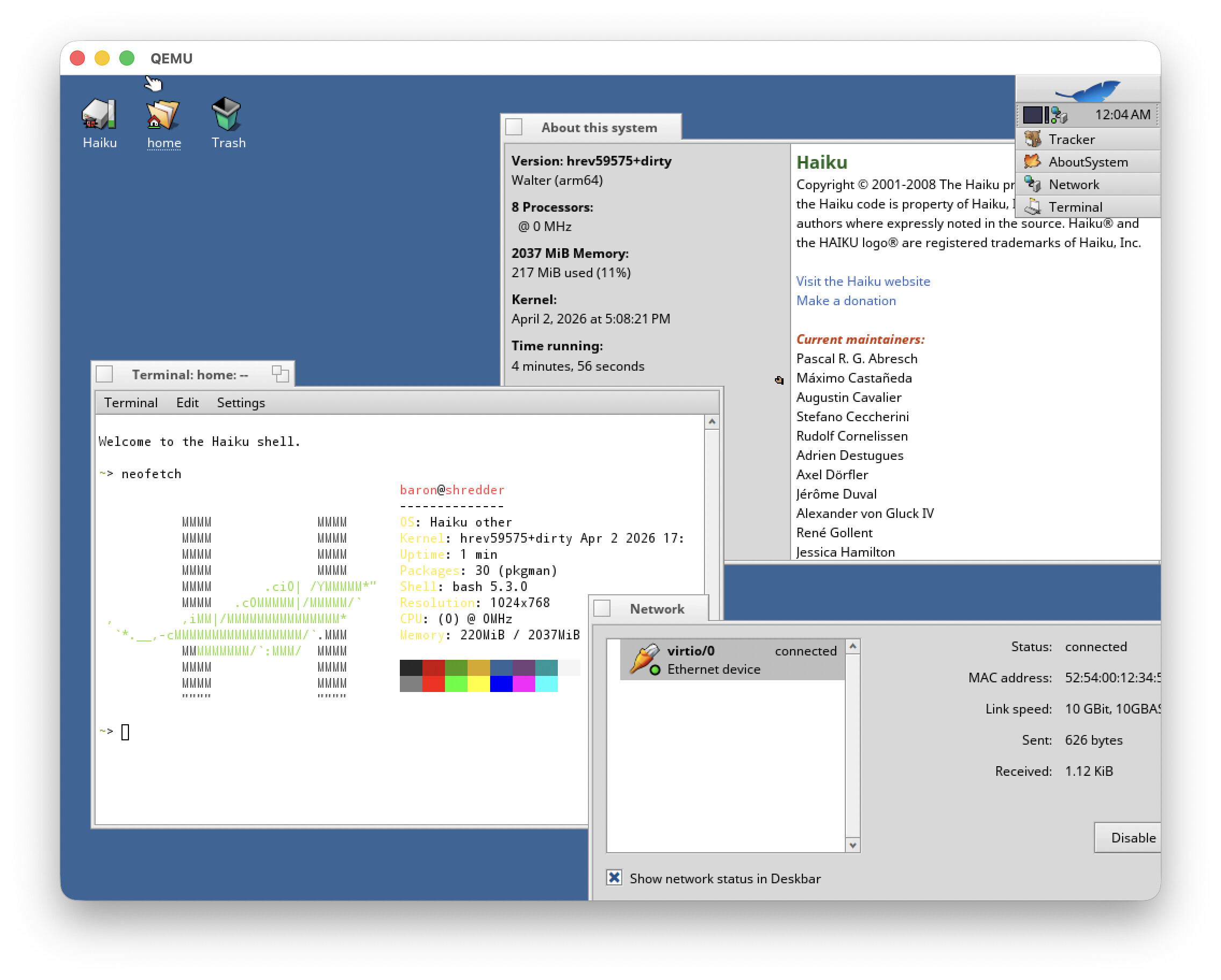
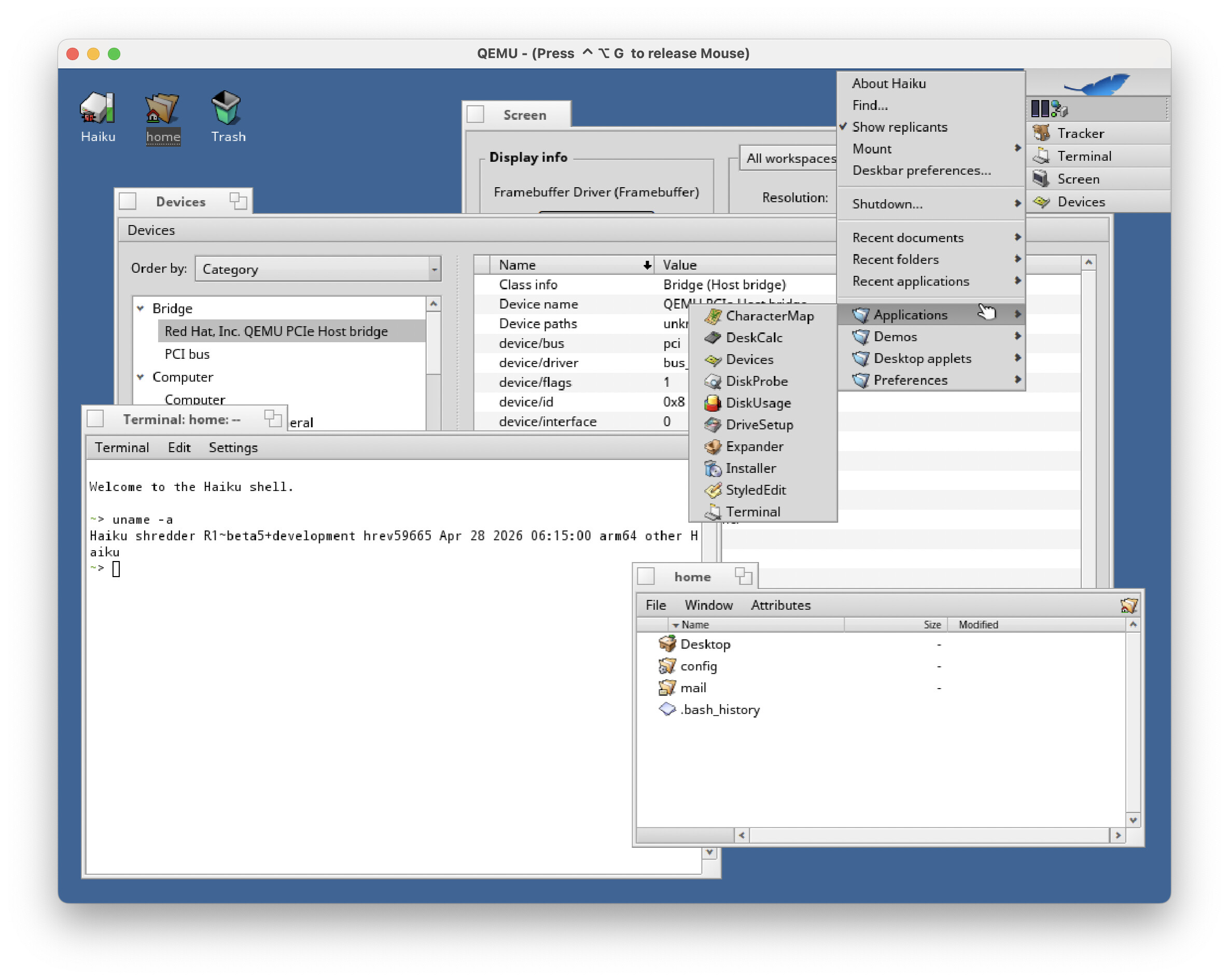
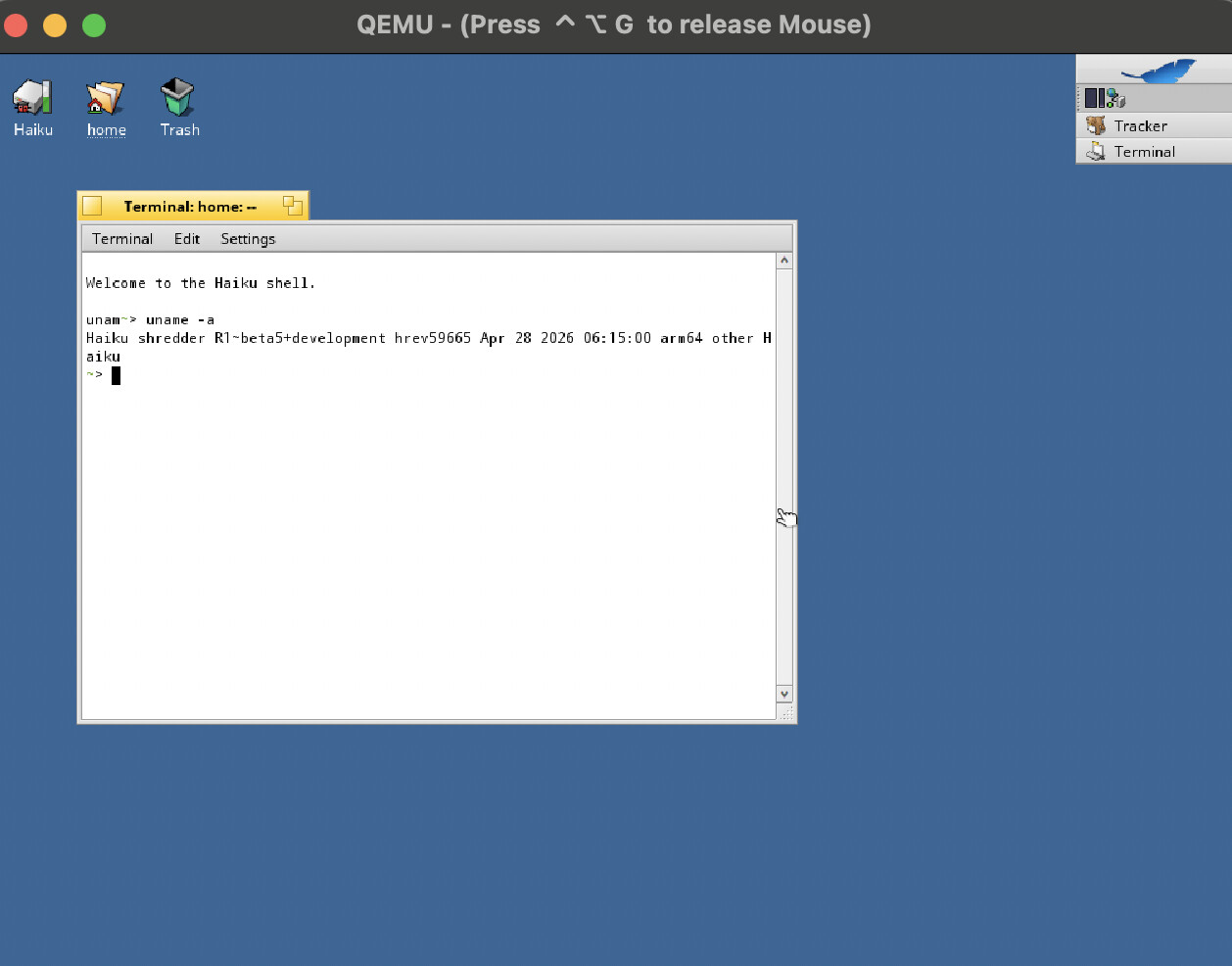
The port is mostly stable and all of the usual QEMU devices (virtio SCSI, virtio net, xHCI USB) as well as up to 8 core SMP work as expected. Though there is at least one kernel crash and some double frees that need to be worked out.
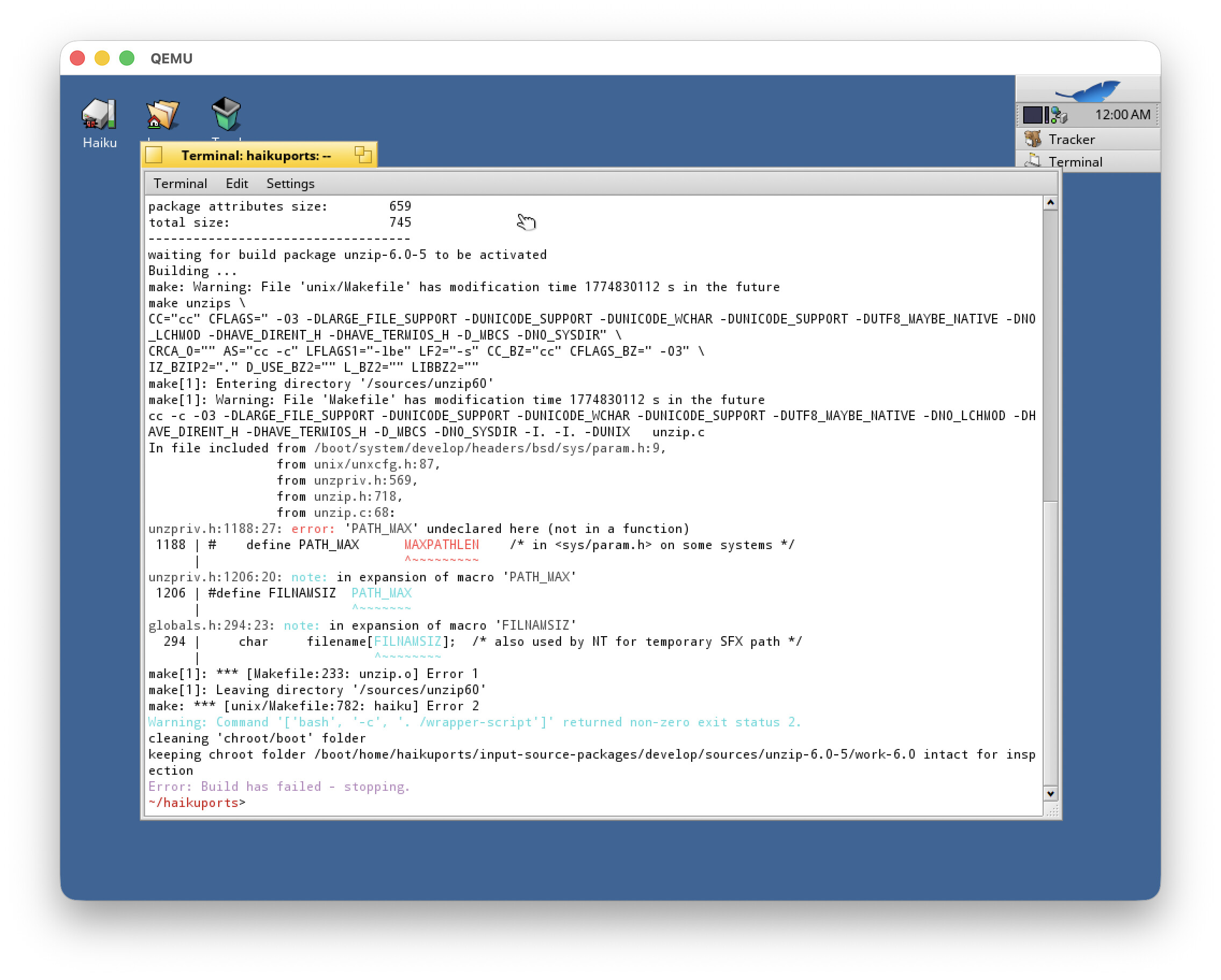
There are also still some issues with software ports that need to be resolved, for example:
I mean Haiku upstream. You may need to enable some extra features (e.g. the acpi add on and the zstd package) in the bootstrap image to get it to boot though
Awesome Work! I was wondering if you using cli emu or UTM which is using emu? Maybe worth creating an UTM image for easy download/install when things mature a bit?
Actually I do not onw any arm64 device – any Apple M* or an SBC/laptop/keyboard computer with ARM64 CPU –, but I followed the patches from curiosity, so I was interested what is your status.
Seems arm64 attacked from 2 sides right now
–> first @dodo75 reported a running instrance on the forum, he targeted
an RPI 500+ device
–> and now you have a running Haiku 64 bit in QEMU (arm64) - targeted
Apple M* machines.
Interesting …
Wether these 2 development would be meet ?..
… or as vendors and architectures are different, so there will be 2 different install image for ARM64 Haiku ?
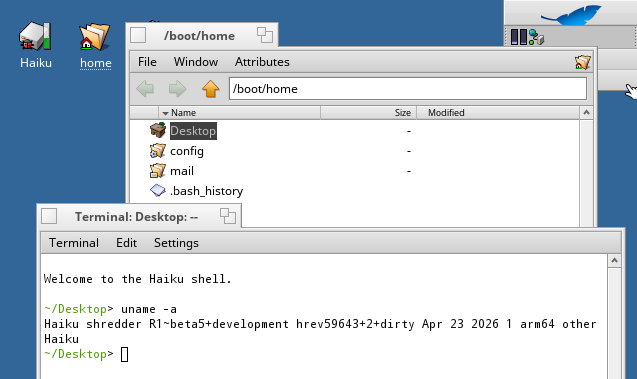
I successfully “re-bootstrapped” the base package set and updated it in the build-packages repository. So after hrev59644, the ARM64 nightly images should (I hope) boot to the desktop in QEMU. At least I built a @minimum-mmc image and it booted for me:
Thank you @smrobtzz and other people for making ARM64 build testable like this! It is promissing. My main laptop is Apple silicon MacBook for a while, so running efficiently on it is important for me. Of course I can run it on x86_64 CPU emulation, but it is clearly slow.
Notice: following content is helped by LLM (Gemini), so please move this comment if this is a violation of forum’s AI guideline. I am not a expert of qemu’s options especially on aarch64 architecture, so exploring with LLM helped me a lot. Following content itself is written by me in poor English
acpi=off is required. without this boot image failed to find booting storage device this is not required when I retested some configs
(omitted) -smp 1 cannot be changed for now. SMP seems not working yet. No. This worked 2, 4, 8 processors when I retested as described in OP. sorry.
-cpu cortex-a57 didn’t work. this resuleted synchronization error on earlier boot stage.
boot storage device needs to be usb-storage for now. no one of the following did work:
virtio-blk-pci
virtio-blk-device
nvme
all of these failed to find a boot partition or resulted in synchronization error
virtio-gpu-pci also display desktop, but this doesn’t show boot indicators. this screen doesn’t support screen resolution change, so ramfb is good enough for now.
I tried to reproduce these configurations with UTM (Mac GUI), but I didn’t succeed to boot to desktop.
almost all of these points can be configured by GUI, but some arguments automatically added by GUI prevent to boot.
as far as I tried, UEFI firmware bundled with UTM isn’t compatible with Haiku, while EDK II (Tiranocore) firmware bundled Homebrew QEMU CLI works well.
cries /half-joking
The main reason for supporting PPC would be that it might be fun. And I do see the point about arm32 being pretty weak as a desktop platform. However I do remember that the arm32 port at some point managed to boot to app_server (where it then crashed). I might try to look at what
caused that regression when I find time.
The latest build on download.haiku-os.org works (hrev59669)! For me, running it with
worked (for whatever reason, qemu uses some cpu that is incompatible with the efi implementation they ship, at least on debian. I just used usb for everything, as it’s used for keyboard and tablet (you could use a mouse aswell, but a tablet device saves you from requireing a mouse capture). ramfb is rather failsafe on arm64. On debian the path of the tianocore binary is /usr/share/qemu-efi-aarch64/QEMU_EFI.fd if you install the necessary package. On other systems it should be quite easy to find an efi image online or you could extract it from the debian package.
Everyone who got this ported, this is some awesome work! (And perhaps a reason why I should finally get myself a raspberry pi 3 or newer (or some other arm64 sbc) xD)
Just to clarify, I have nothing against these architectures if someone wants to work on them, and I may even work on them myself. It’s fun to do, the hardware is interesting to play with either because it’s simpler or because it’s old and quirky and unusual. But I don’t expect this is what will help Haiku find its success as a desktop operating system. I could be wrong. Prove me otherwise