I think if I’ll finish my first build of the app for Haiku I could actually try to import Vintage story! And yet, because Vintagestory is bigger and uses other methods instead of Minecraft it could be more difficult to import this game. But I think it’s possible! (Especially if we’ll get GPU drivers for modern videocards soon!)
I have Haiku on physical hardware and compiled MultiMC, but I can’t figure out how to get LWJGL to work. I get the following:
Paste.ee - Log Upload (1.16.5)
Paste.ee - Log Upload (1.21.10)
I have tried the patched LWJGL version, but it never launches. What exactly did you do to get it to work?
2 Likes
If I can tomorrow, I will send you the LWJGL 3 json file for multimc, prismlauncher, and polymc. I recommend that you compile PolyMC instead of MultiMC, where LWJGL is combined with Minecraft from version 1.20.2+ in a single json file. PolyMC is located separately, which is convenient
1 Like
Open PolyMC (or MultiMC), then add a new version, click “Edit Instance”, then on the label “LWJGL 3” and on the right on the “Customize” button and then on “edit”, the file opens and replace the contents of everything with this: Paste.ee - LWJGL 3 for haiku
And run the game
The game still doesn’t run. It gives an error about a GLFW component being missing: https://haikuware.ru/files/lwjgl3/lwjgl-3.3.6-haiku-x64/lwjgl-glfw/lwjgl-glfw.jar
2 Likes
Try this: Paste.ee - LWJGL 3 HAIKU maybe it’s my mistake
Now it wants a .so file which is strange Paste.ee - Log Upload
java.lang.ExceptionInInitializerError
	at dkd.<init>(SourceFile:146)
	at djz.<init>(SourceFile:440)
	at net.minecraft.client.main.Main.main(SourceFile:177)
	at sun.reflect.NativeMethodAccessorImpl.invoke0(Native Method)
	at sun.reflect.NativeMethodAccessorImpl.invoke(NativeMethodAccessorImpl.java:62)
	at sun.reflect.DelegatingMethodAccessorImpl.invoke(DelegatingMethodAccessorImpl.java:43)
	at java.lang.reflect.Method.invoke(Method.java:498)
	at org.multimc.onesix.OneSixLauncher.launchWithMainClass(OneSixLauncher.java:243)
	at org.multimc.onesix.OneSixLauncher.launch(OneSixLauncher.java:278)
	at org.multimc.EntryPoint.listen(EntryPoint.java:143)
	at org.multimc.EntryPoint.main(EntryPoint.java:34)
Caused by: java.lang.RuntimeException: java.lang.UnsatisfiedLinkError: Failed to locate library: libglfw.so.3
	at deo.<clinit>(SourceFile:46)
	... 11 more
Caused by: java.lang.UnsatisfiedLinkError: Failed to locate library: libglfw.so.3
	at org.lwjgl.system.Library.loadNative(Library.java:346)
	at org.lwjgl.system.Library.loadNative(Library.java:432)
	at org.lwjgl.system.Library.loadNative(Library.java:399)
	at org.lwjgl.glfw.GLFW.<clinit>(GLFW.java:30)
	at sun.misc.Unsafe.ensureClassInitialized(Native Method)
	at java.lang.invoke.DirectMethodHandle$EnsureInitialized.computeValue(DirectMethodHandle.java:330)
	at java.lang.invoke.DirectMethodHandle$EnsureInitialized.computeValue(DirectMethodHandle.java:327)
	at java.lang.ClassValue.getFromHashMap(ClassValue.java:229)
	at java.lang.ClassValue.getFromBackup(ClassValue.java:211)
	at java.lang.ClassValue.get(ClassValue.java:117)
	at java.lang.invoke.DirectMethodHandle.checkInitialized(DirectMethodHandle.java:351)
	at java.lang.invoke.DirectMethodHandle.ensureInitialized(DirectMethodHandle.java:341)
	at java.lang.invoke.DirectMethodHandle.ensureInitialized(DirectMethodHandle.java:373)
	at deo.<clinit>(SourceFile:43)
	... 11 more
Install glfw? “pkgman install glfw assimp freetype harfbuzz openal opus”
this command installing glfw, assimp and other libraries
And it runs (although the performance isn’t great). I somehow thought that I already had glfw and that MultiMC would’ve required it for compilation but I guess that’s not how it is. Also how did you prevent it using OpenGL 2.1 instead of 3.2? I know that you probably have seen this exact log, but here’s my log if there’s something different: Paste.ee - Log Upload
Also here is Minecraft 1.16.5 successfully running on my computer:
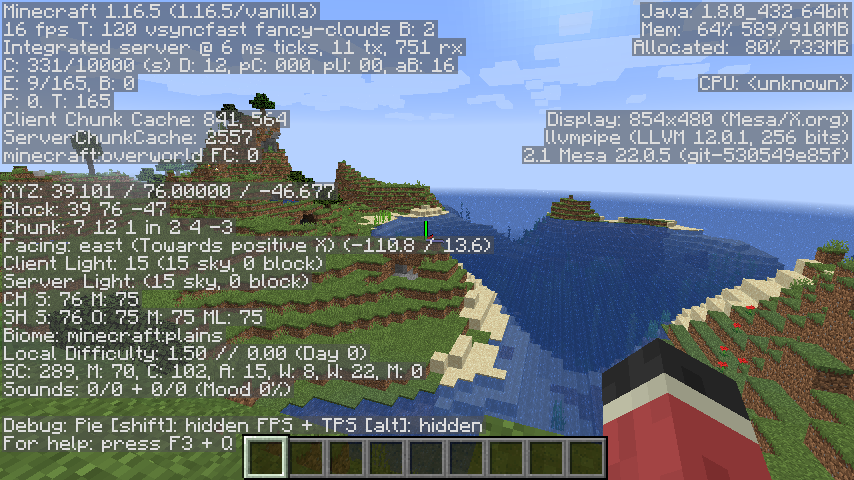
It runs at an acceptable framerate and I honestly thought (especially since ClassiCube runs at 40fps) that it would be in the single digits on the lowest settings
2 Likes
Before launching Minecraft 1.17+, I enter the command “export MESA_GL_VERSION_OVERRIDE=3.2” in the terminal and then I launch the launcher and 1.17-1.21.10 miraculously starts running
1 Like
I bet that you could bypass that by adding it to the system wide environment variables or MultiMC’s thing that allows you to set pre launch commands
I was about to post here that 1.17+ didn’t work, however I found out that you actually have to start MultiMC with the argument in order for it to work (so the command was MESA_GL_VERSION_OVERRIDE=3.2 ./MultiMC for me).
1.20.1 works perfectly fine, but I’m curious as to how you got 1.21.5 working. What did you do to the 1.21.5 component to get it to work? I tried creating a new LWJGL3 component, and editing the JSON file to replace the LWJGL libraries it had, but I still can’t figure out how to get it running
1 Like
MESA_GL_VERSION_OVERRIDE=3.3 ./MultiMC
1.21.5 runs perfectly fine with OpenGL 3.2. Also for the LWJGL situation on 1.21.5, setting it to use the native installation of GLFW and adding the custom LWJGL3 worked (add an empty component, copy+paste the modified LWJGL3 json, move it to be above Minecraft)
Edit: You apparently need OpenGL 3.3 to run 1.21.10 so set mesa to use OpenGL 3.3 if you want to play 1.21.10
1 Like
1.21.10 runs but not very well (sometimes the cursor is still visible on top of the game and you have to go back to the title screen to fix it, game runs at a pretty low framerate)
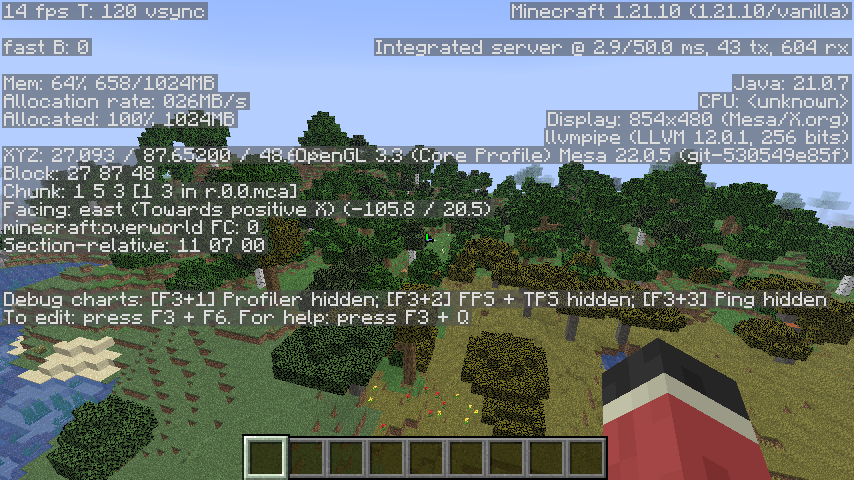
3 Likes
I got 1.12.2 - 1.6.4 running, but it crashes randomly because of OpenAL. It’s not very stable but works
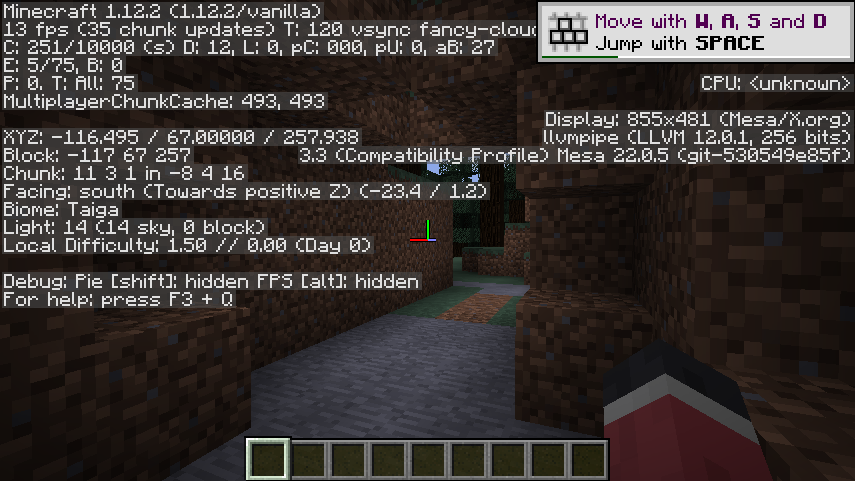
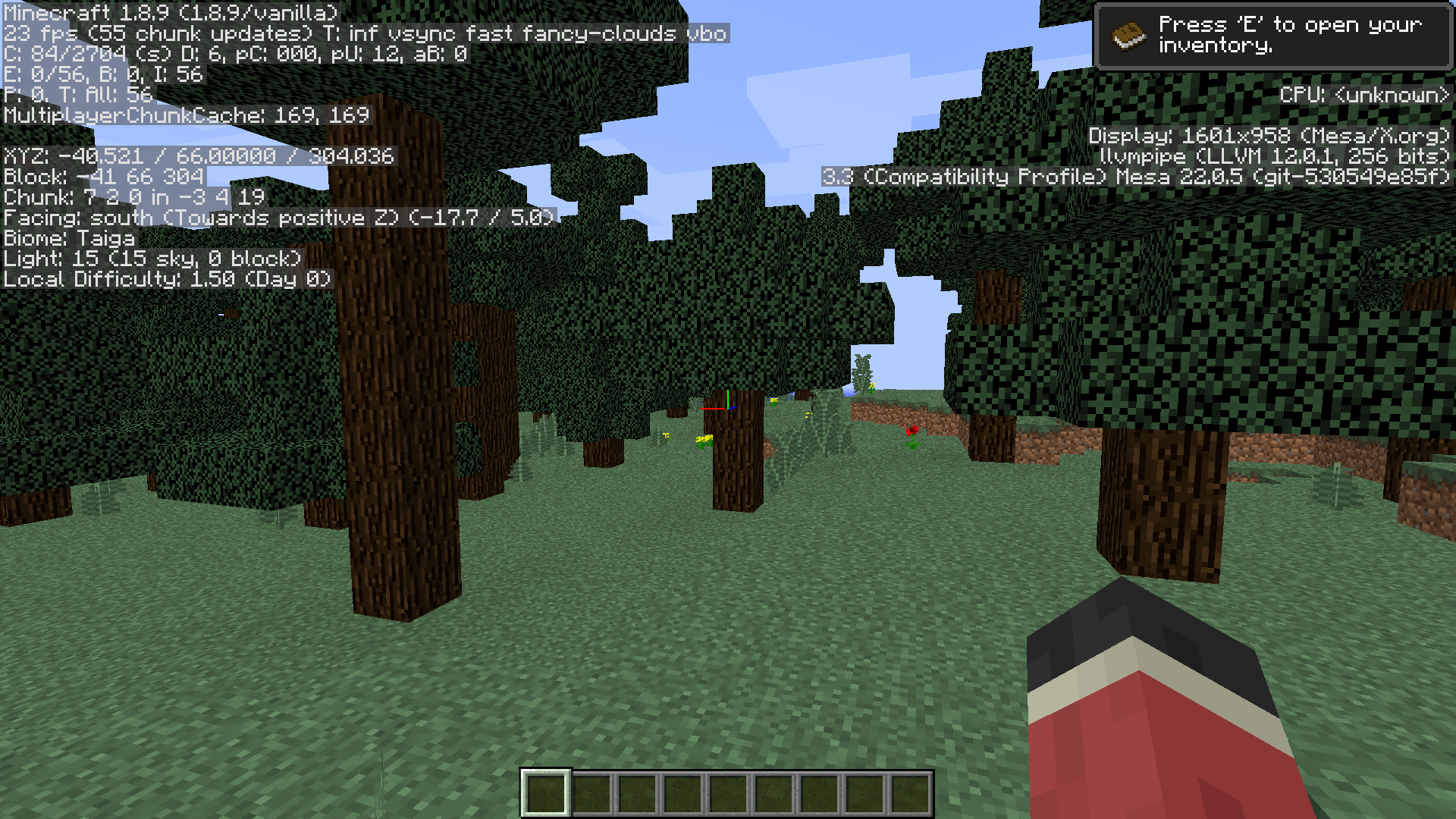
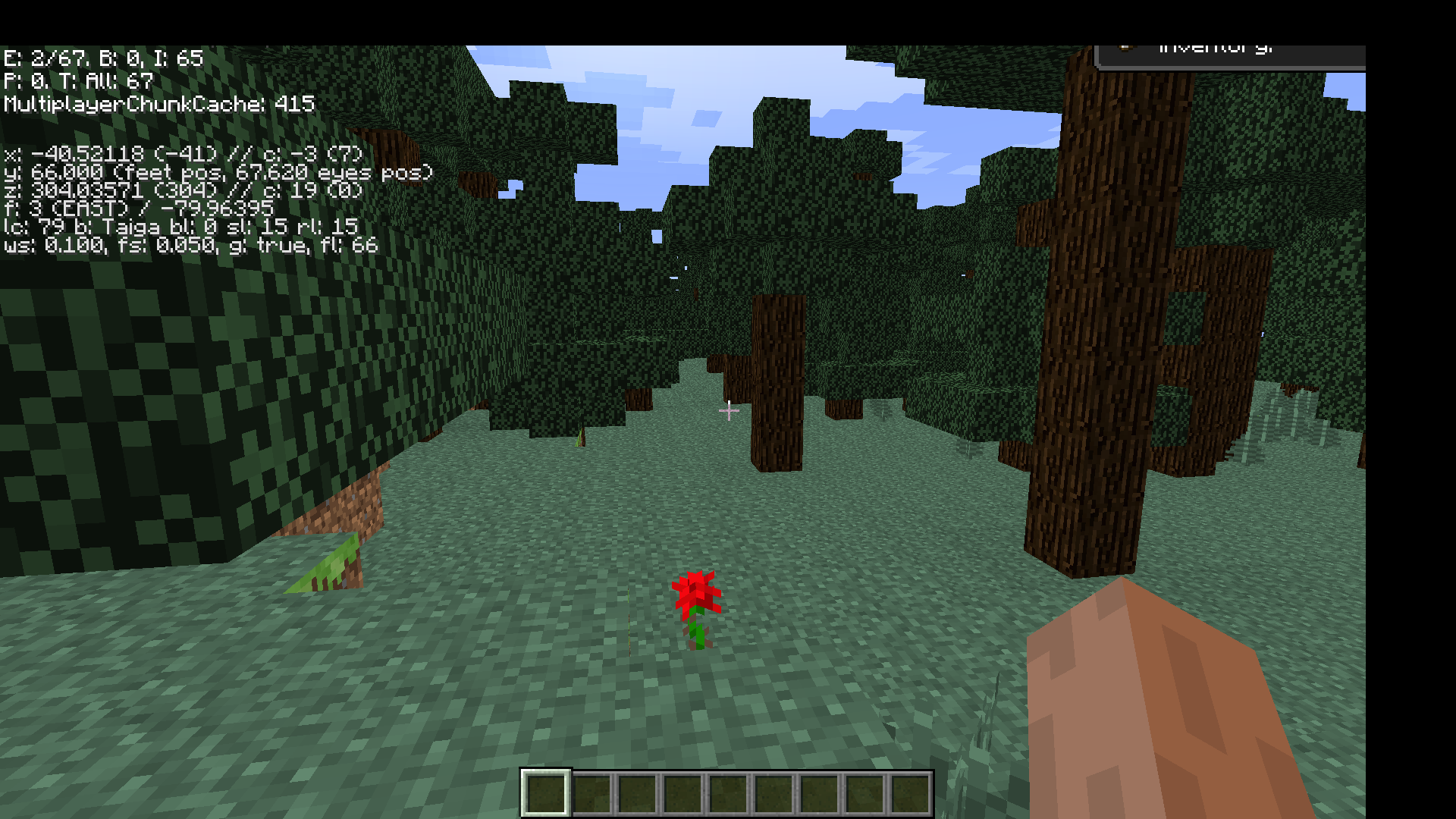
It appears that <1.12.2 will render at your set display resolution rather than the window size, making everything cut off unless the window takes up your entire screen
Edit: I accidentally pressed F11 oops
Another edit: Set MultiMC to use the system installation of GLFW and OpenAL
To get it running, add an empty component and put this into it: Paste.ee - LWJGL3 , then make another empty component and put this into it: Paste.ee - Legacy-LWJGL3
After that, customize and edit LWJGL 2 and replace the contents with this stub: Paste.ee - LWJGL2 stub
Then download legacy-lwjgl3: https://fluorine.sh/files/legacy-lwjgl3-1.0-lwjgl3.3.3.jar and place it in MultiMC’s global libraries folder (put it into libraries/org/mcphackers/legacy-lwjgl3/1.0-lwjgl3.3.3/ )
After all of that arrange Legacy LWJGL3 to be on top, LWJGL 3.3.6 below Legacy LWJGL3, Minecraft below LWJGL 3.3.6 and LWJGL2 at the very bottom (even though it does nothing)
Unfortunately <1.6 doesn’t run but I’ll get around to that
I have yet to figure out how to fix the crashes but I’ll try some things tomorrow
1 Like
MESA_GL_VERSION_OVERRIDE=4.6 ./MultiMC
1 Like
Now with the help of LaunchWrapper, 1.5.2 and below run. In contrast to 1.12.2 - 1.6 in which Minecraft is very unstable and crashes randomly, versions 1.5.2 and below run perfectly fine (except for the rendering problems on rd-132211 - rd-161348), and without crashing.
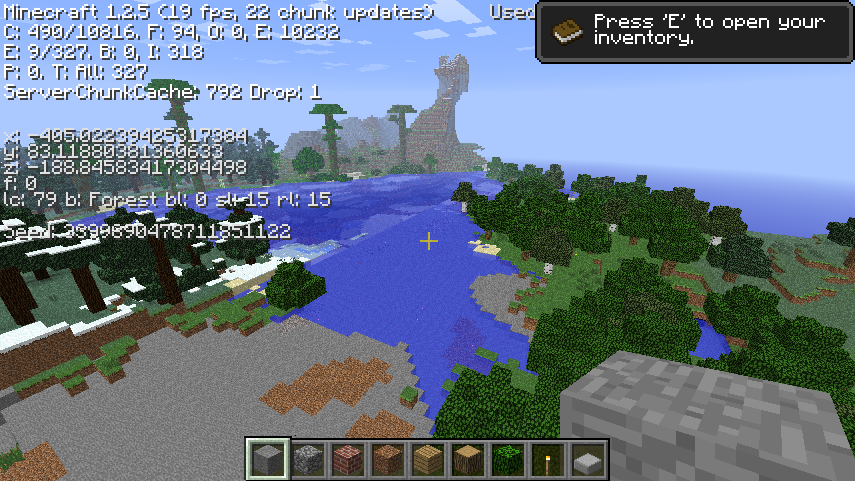
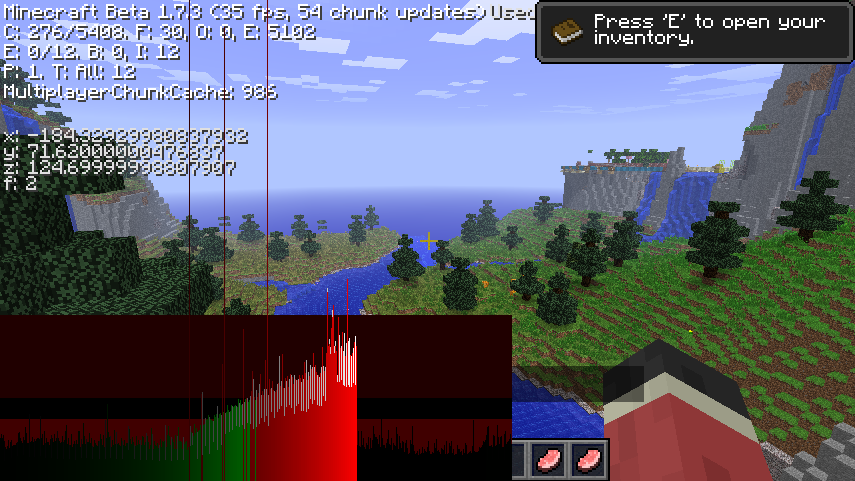
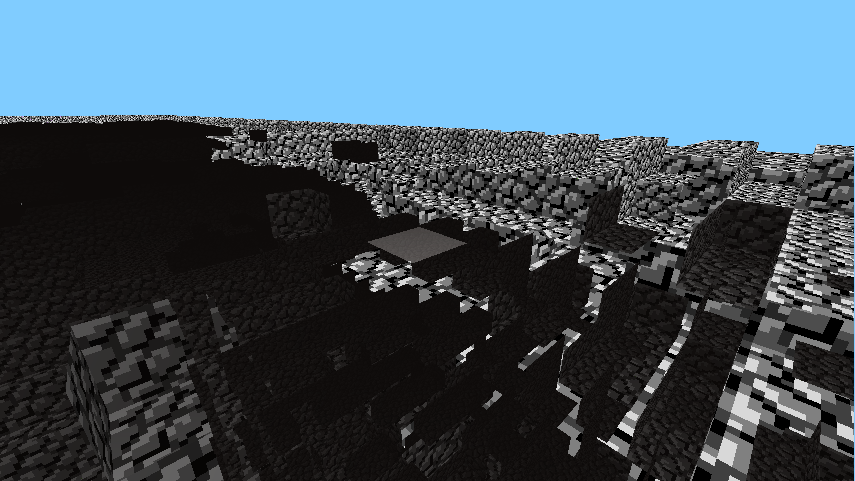
From the launcher version of c0.0.11a onward, the face rendering issues do not occur.
To get these versions of the game running, follow the instructions for 1.12.2 but create an empty component (give it any name as long as you can identify it) and replace the text in the component with this: LaunchWrapper/doc/org.mcphackers.launchwrapper.json at main · MCPHackers/LaunchWrapper · GitHub . Then move the LaunchWrapper component below Minecraft and it’ll work. Also set MultiMC to use the system installation of GLFW and OpenAL otherwise it’ll crash
2 Likes
I’m not sure if that’s your website but do you have the source code? Versions 1.6 - 1.12.2 don’t work properly because of OpenAL giving errors and it could be very useful for troubleshooting
1 Like
Sorry for bumping this to the top but you can only add empty components on MultiMC or Prism Launcher