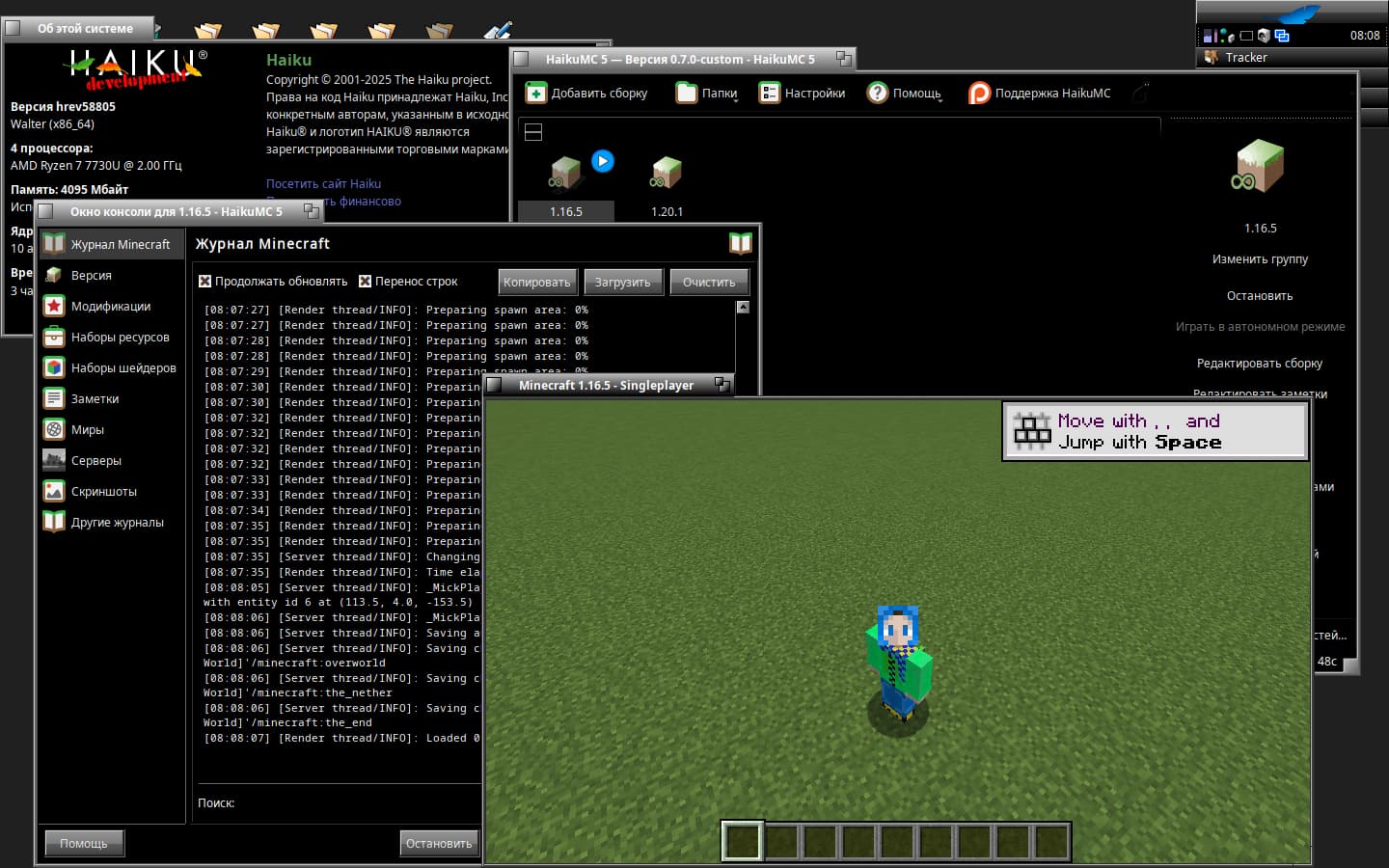
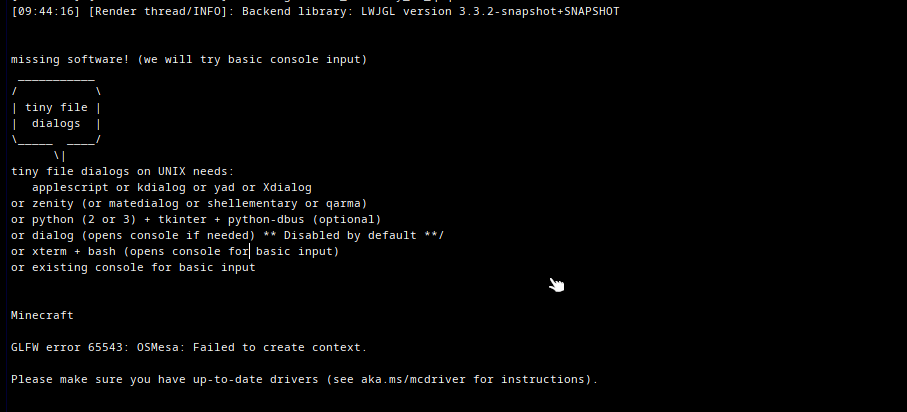
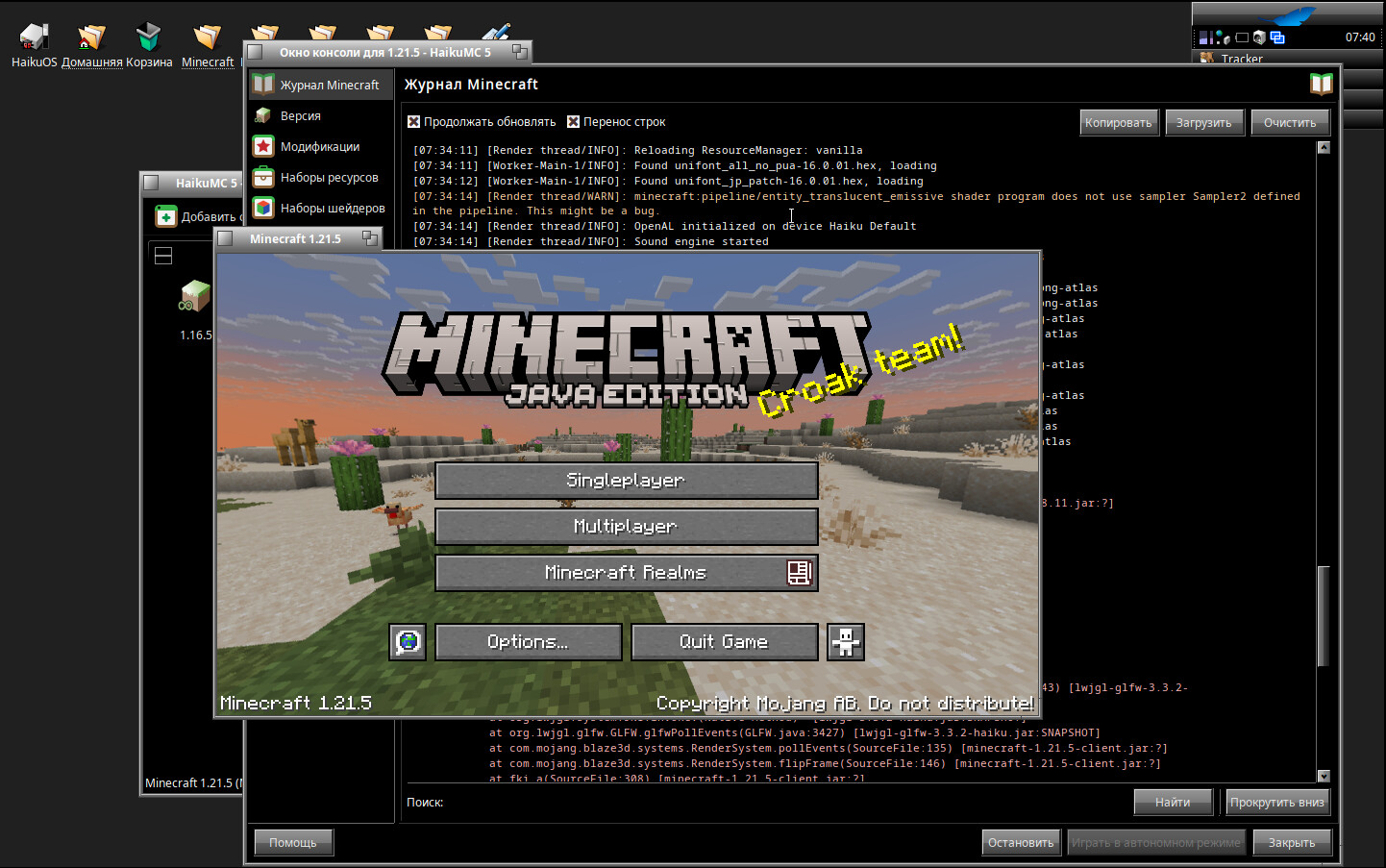
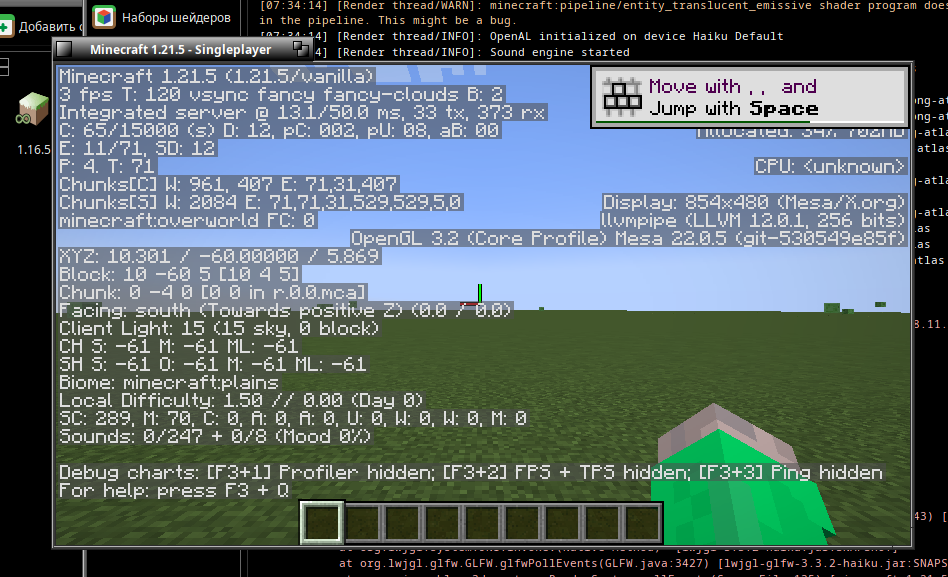
Noted, that is very possible considering I did it over WiFi lol
Anyway, in case it helps anyone, I have attached the LWJGL json definition needed for MC launchers - i mirrored the files over at my web site since it wants the .jar files as normal downloads, rather than a single .zip file.
There are SHA1 checksums in case you want to manually verify the download, however the game launchers should do that for you.
org.lwjgl3.json:
{
    "formatVersion": 1,
    "libraries": [
        {
            "downloads": {
                "artifact": {
                    "sha1": "e42369eff88e5afd3e641e26f73730f9f9e4e31e",
                    "size": 130034,
                    "url": "https://electrode.codes/lwjgl-3.3.2-haiku/lwjgl-glfw.jar"
                }
            },
            "name": "org.lwjgl:lwjgl-glfw:3.3.2-haiku"
        },
        {
            "downloads": {
                "artifact": {
                    "sha1": "2b6af11ea831535a09dfc6152c2d6f0482a140e1",
                    "size": 100010,
                    "url": "https://electrode.codes/lwjgl-3.3.2-haiku/lwjgl-natives-haiku.jar"
                }
            },
            "name": "org.lwjgl:lwjgl-natives-haiku:3.3.2-haiku"
        },
        {
            "downloads": {
                "artifact": {
                    "sha1": "629e0fdf84d2159426ebfd12449b15fa3109542a",
                    "size": 102462,
                    "url": "https://electrode.codes/lwjgl-3.3.2-haiku/lwjgl-openal.jar"
                }
            },
            "name": "org.lwjgl:lwjgl-openal:3.3.2-haiku"
        },
        {
            "downloads": {
                "artifact": {
                    "sha1": "a1ee3d3f73273d96b276d84f9a8e66f3dd887666",
                    "size": 73796,
                    "url": "https://electrode.codes/lwjgl-3.3.2-haiku/lwjgl-opengl-natives-haiku.jar"
                }
            },
            "name": "org.lwjgl:lwjgl-opengl-natives-haiku:3.3.2-haiku"
        },
        {
            "downloads": {
                "artifact": {
                    "sha1": "a6ecd44ae669085f8b15b074ce49afcffa984327",
                    "size": 930868,
                    "url": "https://electrode.codes/lwjgl-3.3.2-haiku/lwjgl-opengl.jar"
                }
            },
            "name": "org.lwjgl:lwjgl-opengl:3.3.2-haiku"
        },
        {
            "downloads": {
                "artifact": {
                    "sha1": "9c1c936a54ad77c79157e3d0eb2c8676481b5dcd",
                    "size": 217971,
                    "url": "https://electrode.codes/lwjgl-3.3.2-haiku/lwjgl-stb-natives-haiku.jar"
                }
            },
            "name": "org.lwjgl:lwjgl-stb-natives-haiku:3.3.2-haiku"
        },
        {
            "downloads": {
                "artifact": {
                    "sha1": "c94ab27eed27fbe6c8e08f5d15fd0be9abafc6b7",
                    "size": 114138,
                    "url": "https://electrode.codes/lwjgl-3.3.2-haiku/lwjgl-stb.jar"
                }
            },
            "name": "org.lwjgl:lwjgl-stb:3.3.2-haiku"
        },
        {
            "downloads": {
                "artifact": {
                    "sha1": "1e2ef41e0ddd39ccb0804cb383a3423dc5866963",
                    "size": 42647,
                    "url": "https://electrode.codes/lwjgl-3.3.2-haiku/lwjgl-tinyfd-natives-haiku.jar"
                }
            },
            "name": "org.lwjgl:lwjgl-tinyfd-natives-haiku:3.3.2-haiku"
        },
        {
            "downloads": {
                "artifact": {
                    "sha1": "53bffe7aa51518b9e3bb6eecdbb0b76fc3b26f88",
                    "size": 7688,
                    "url": "https://electrode.codes/lwjgl-3.3.2-haiku/lwjgl-tinyfd.jar"
                }
            },
            "name": "org.lwjgl:lwjgl-tinyfd:3.3.2-haiku"
        },
        {
            "downloads": {
                "artifact": {
                    "sha1": "ed39abe649193abbba295b3ee3aa5e0d477ebf6b",
                    "size": 851481,
                    "url": "https://electrode.codes/lwjgl-3.3.2-haiku/lwjgl.jar"
                }
            },
            "name": "org.lwjgl:lwjgl:3.3.2-haiku"
        },
        {
            "downloads": {
                "artifact": {
                    "sha1": "a1ee3d3f73273d96b276d84f9a8e66f3dd887666",
                    "size": 73796,
                    "url": "https://electrode.codes/lwjgl-3.3.2-haiku/lwjgl-opengl-natives-haiku.jar"
                }
            },
            "name": "org.lwjgl:lwjgl-opengl-natives-haiku:3.3.2-haiku"
        },
        {
            "downloads": {
                "artifact": {
                    "sha1": "2b6af11ea831535a09dfc6152c2d6f0482a140e1",
                    "size": 100010,
                    "url": "https://electrode.codes/lwjgl-3.3.2-haiku/lwjgl-natives-haiku.jar"
                }
            },
            "name": "org.lwjgl:lwjgl-natives-haiku:3.3.2-haiku"
        }
    ],
    "name": "LWJGL 3",
    "releaseTime": "2023-09-07T12:42:32+00:00",
    "type": "release",
    "uid": "org.lwjgl3",
    "version": "3.3.2-haiku",
    "volatile": true
}
EDIT: messed up the URL for the lwjgl tinyfd jar