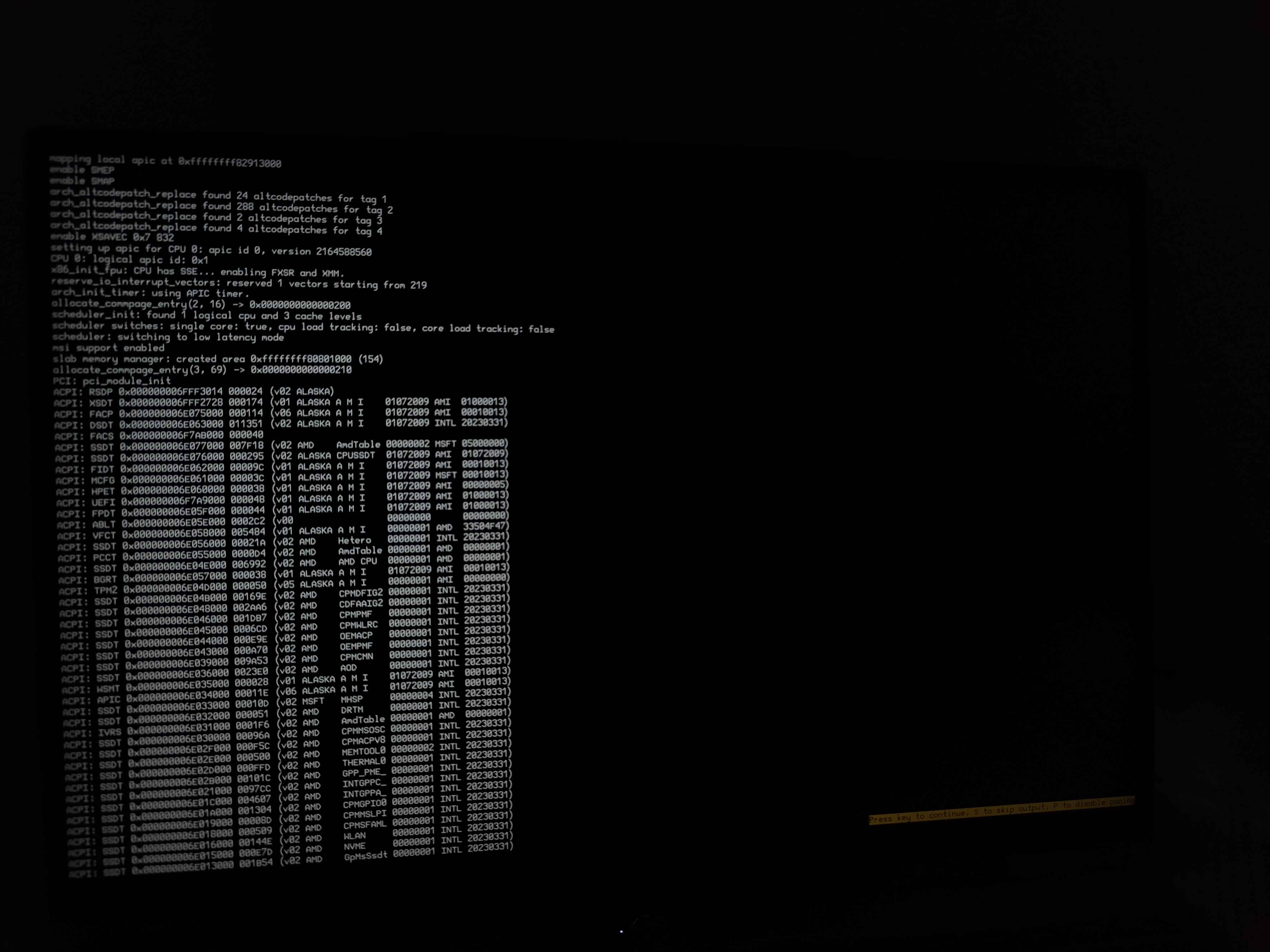
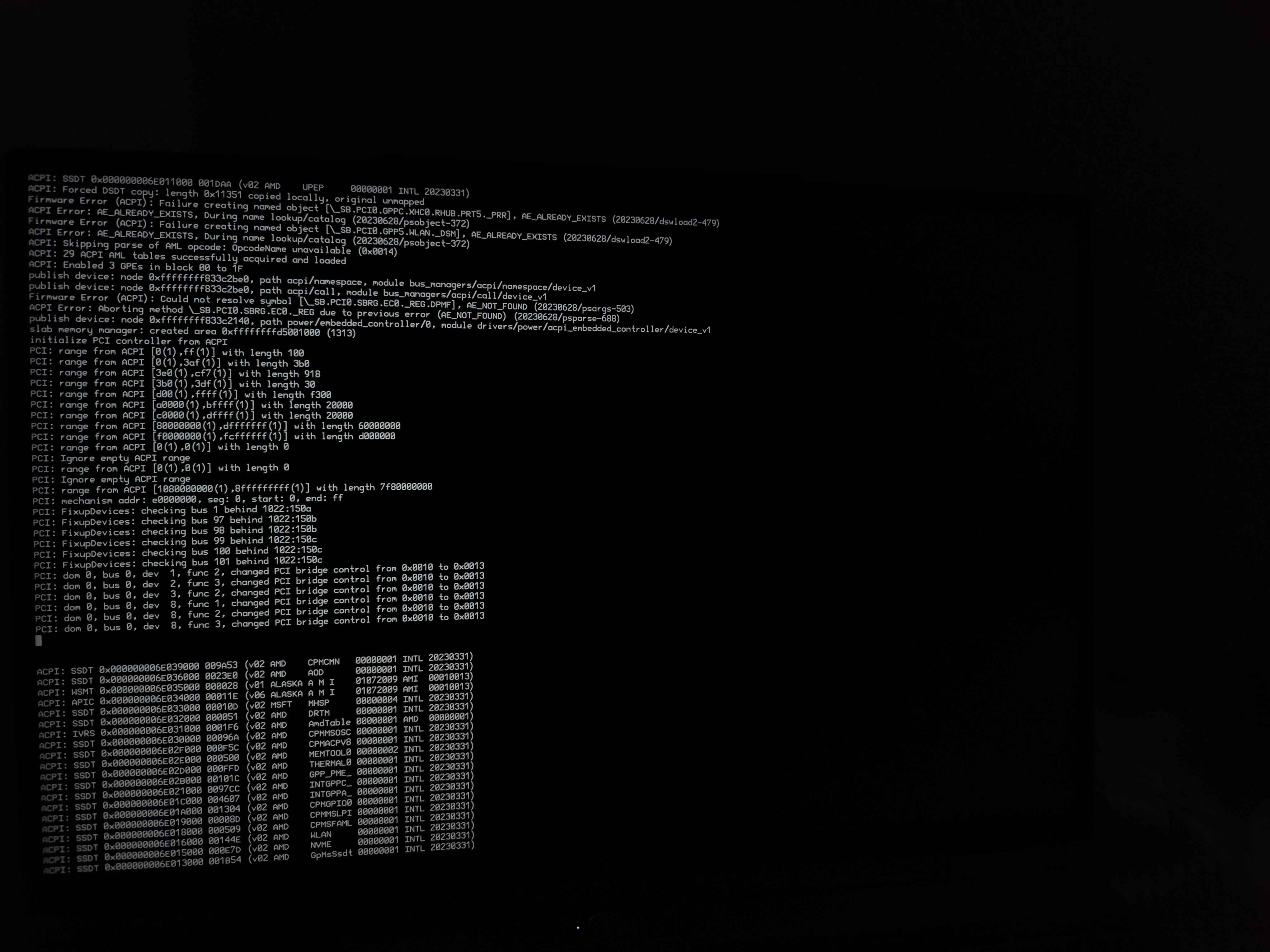
Hello, I’m currently trying to install Haiku on a Ryzen AI9 365 laptop (X5SP4NAG) and I can’t get haiku to boot the installer, the bootloader gets stuck at the third icon with the plugin card
I have tried several debug options such as enabling fallback driver and changing resolution, enabling debug messages to show on the screen and more, tried all possibilities with no success
The BIOS UEFI of my laptop lets you disable devices, tried disabling some unnecessary devices but still with no success
I attach the screenshots of the debug messages at boot
Any ideas to install Haiku on this laptop? Tried with both Nightly build and latest stable release, both resulting in the same issue
The AMD Ryzen 300 series do not work with Haiku at the moment. There is at least one forum thread about it Dell 16 Plus Ryzen 7 AI 350. I don’t remember if there’s an open ticket in the bug tracker
Ah, then Framework 16" laptop is not applicable for Haiku, actually (2026-07-27), as that model delivered with especially with AMD Ryzen 300 series processors (by Framework site).
I may wrong, but the site not enlisted alternate platforms here.
It seems only the smaller size 13" laptop can receive a motherboard replacement (RISC-V), and that is wich - by default - built with Intel processors.
As an update for this, it seems to be an issue with the APU(GPU) of this CPU, as trying with another laptop of the same CPU but with a dedicated graphics card ( laptop being a X5SP457S) and disabling the use of the integrated GPU, seems to boot succesfully into Haiku
This laptop still presents the same booting issue if you boot into hybrid mode with the APU enabled