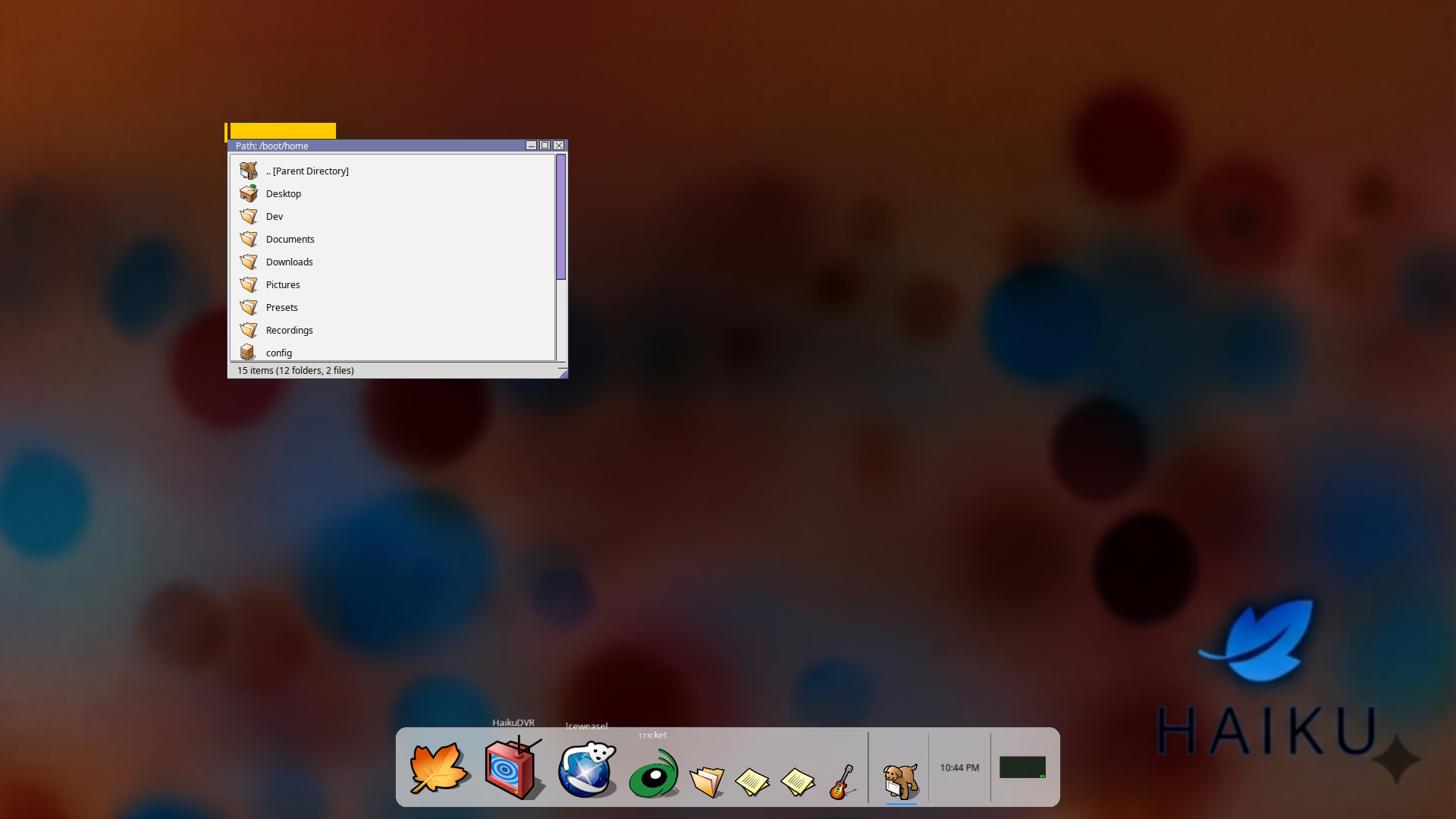
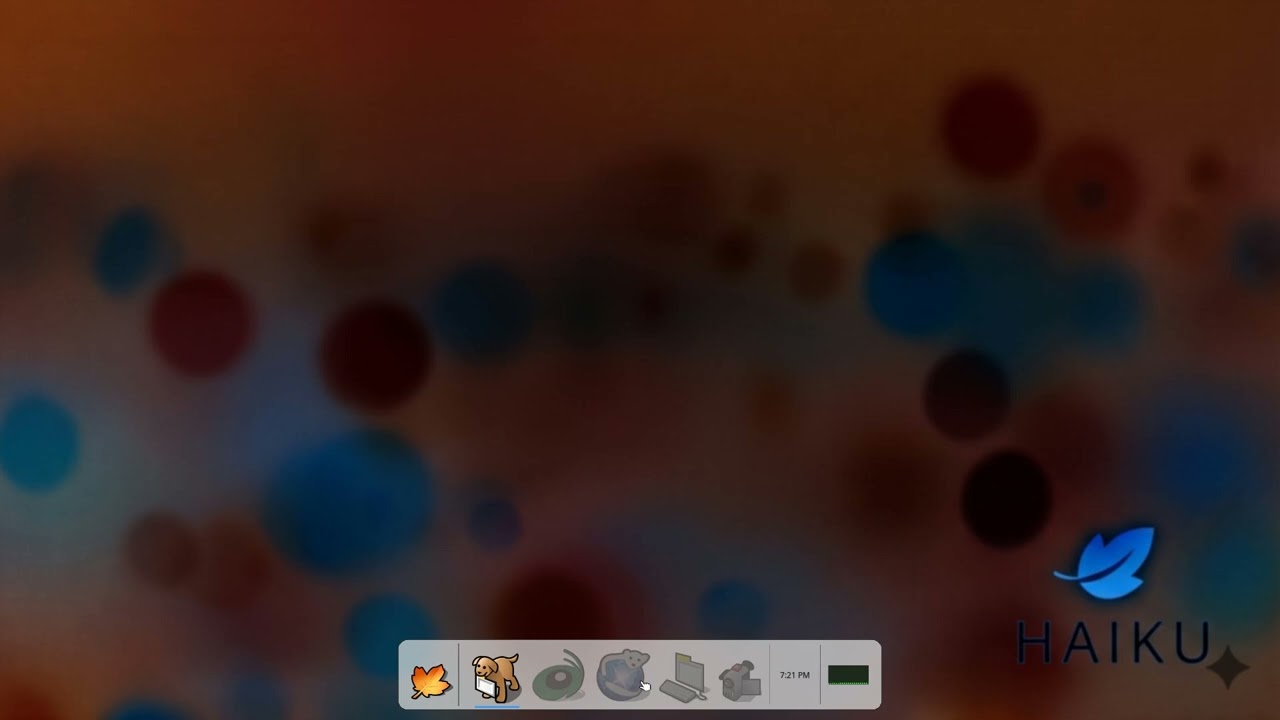
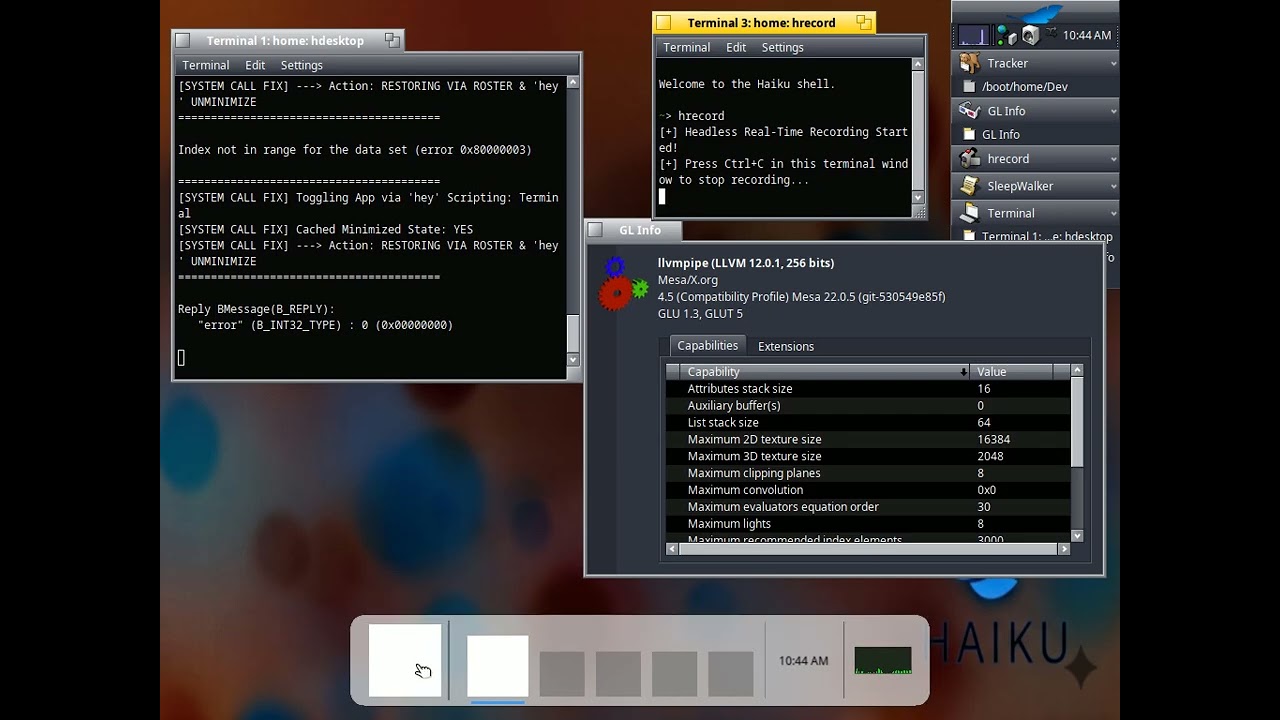
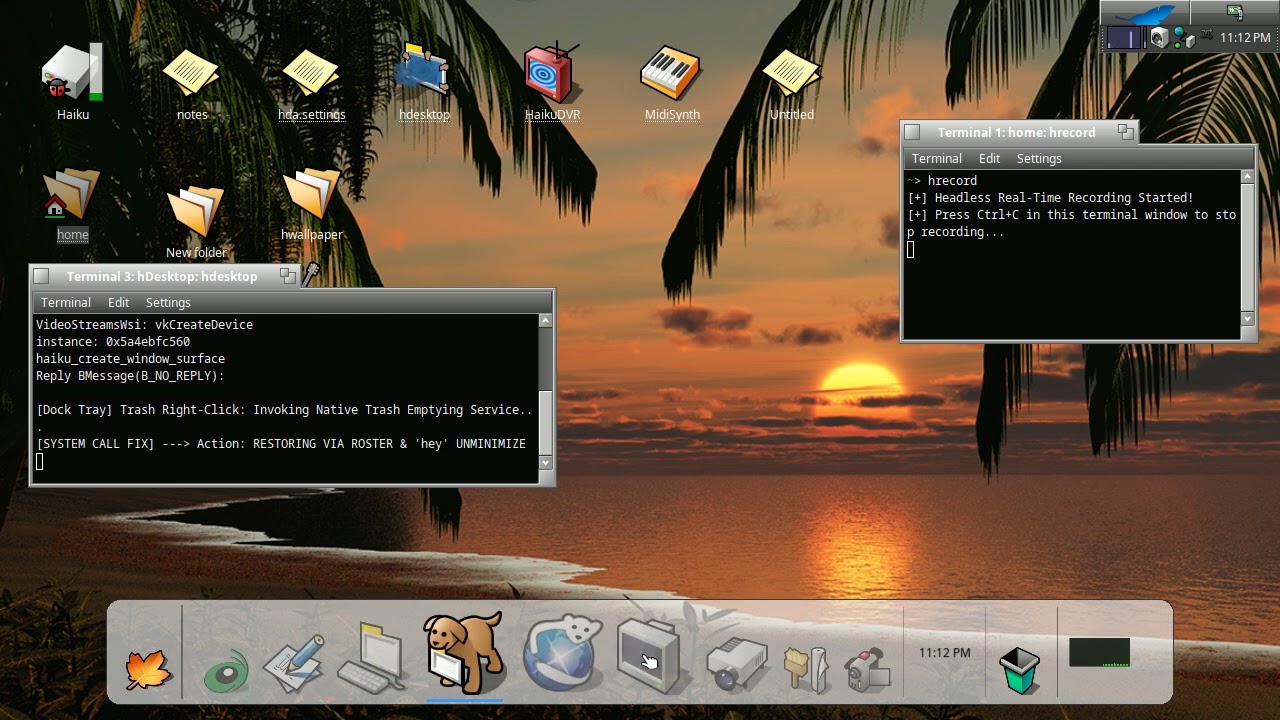
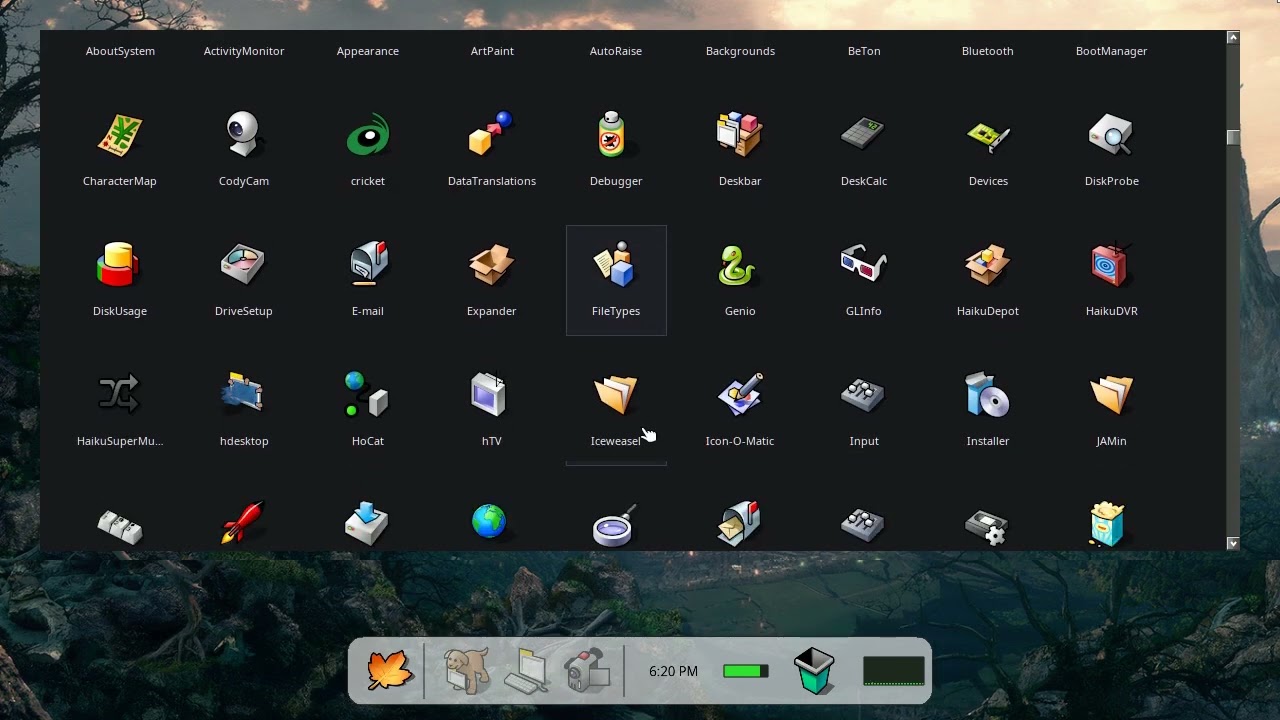
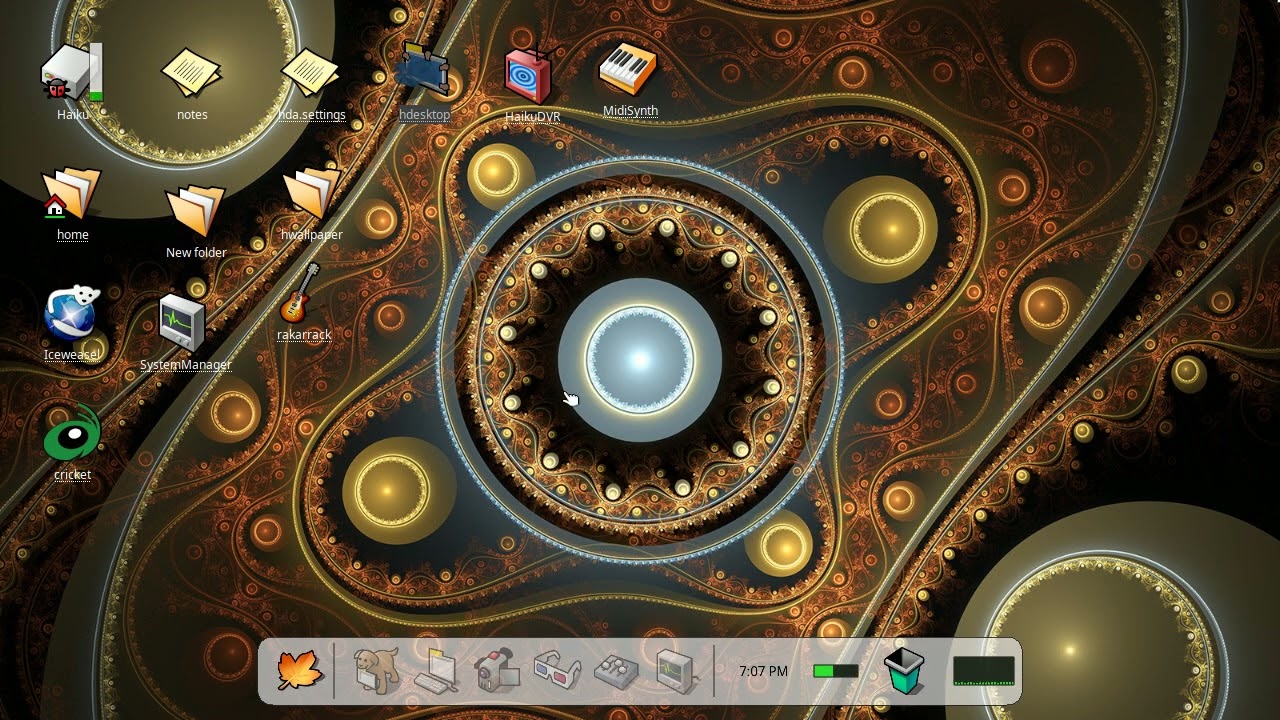
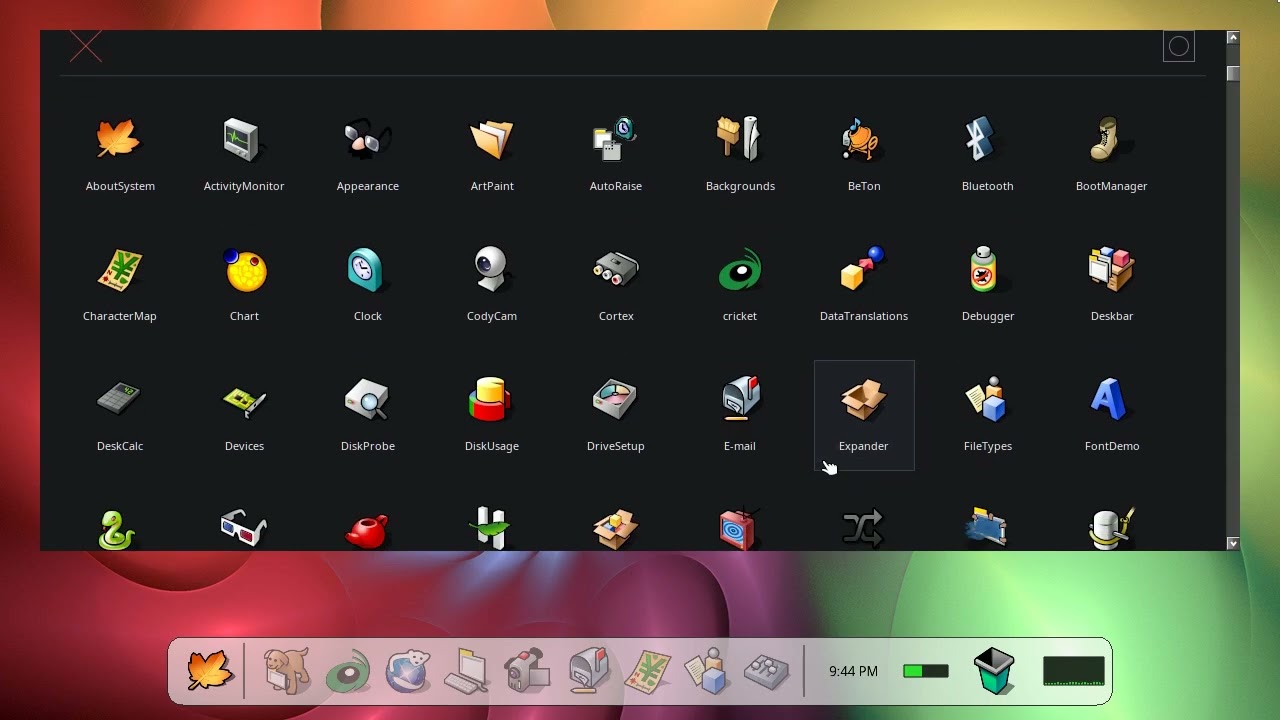
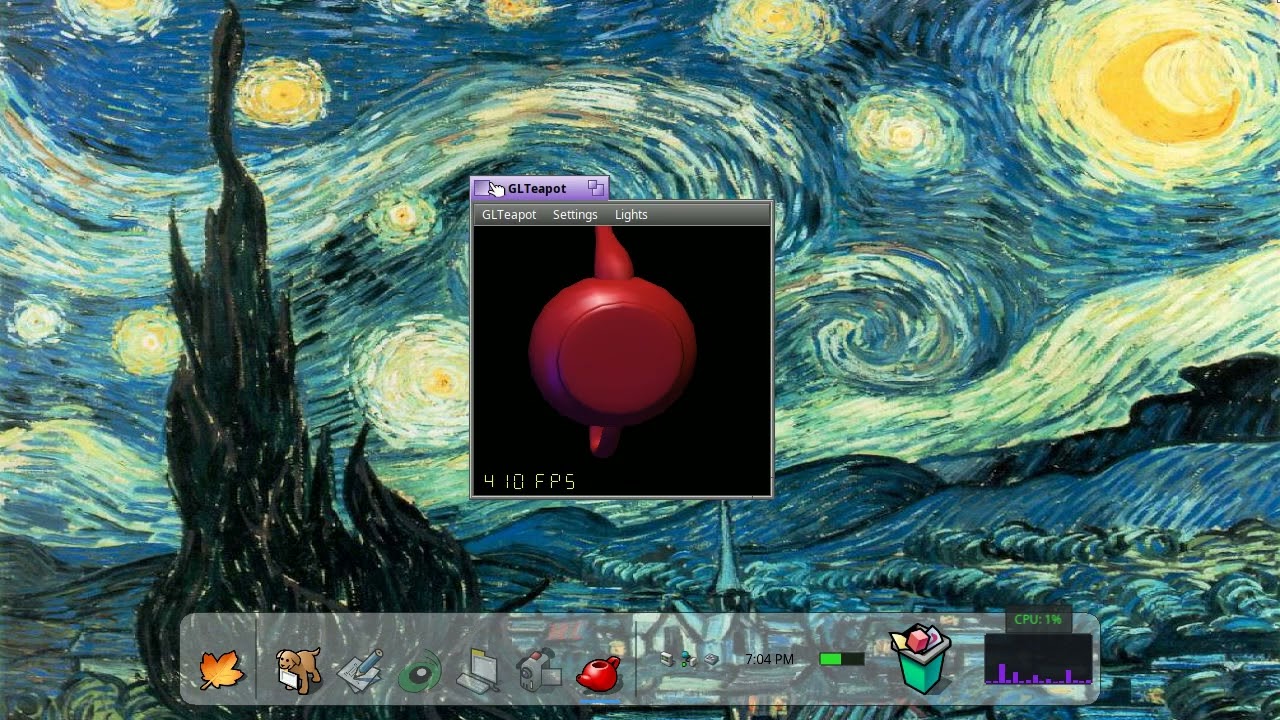
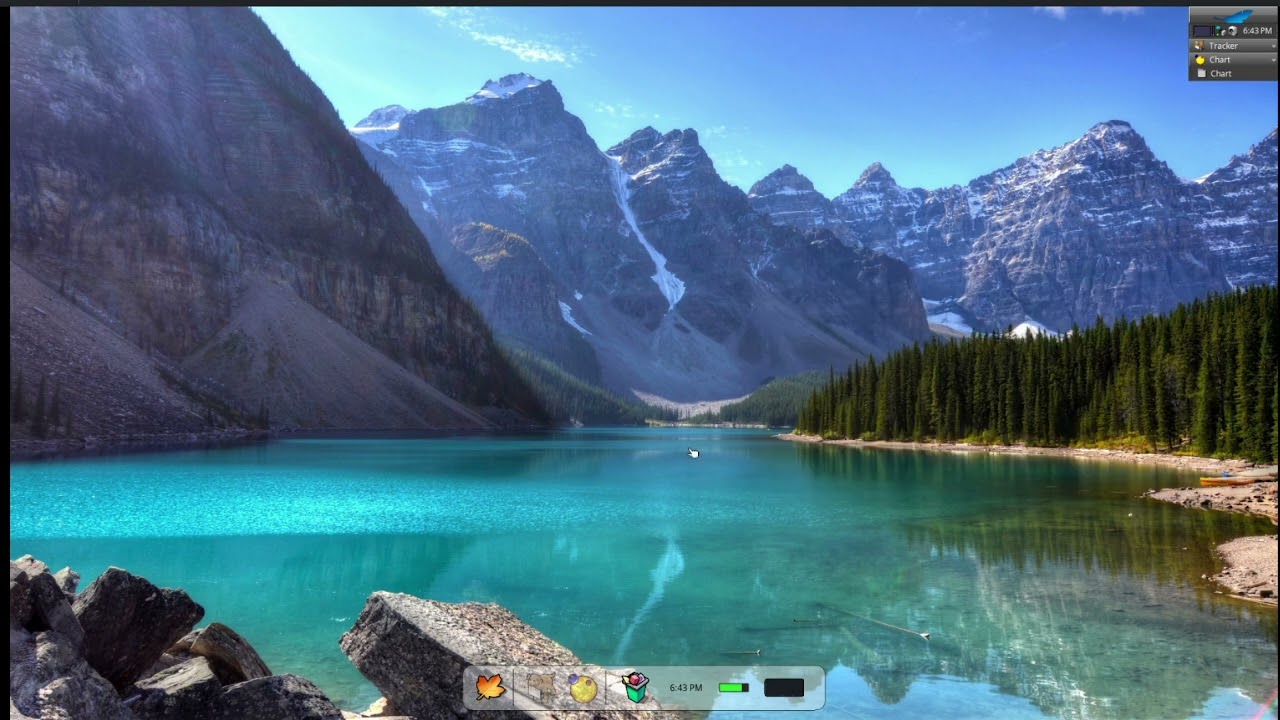
For fun I designed this sdl2 opengl app to mimic a Desktop. It uses hardware acceleration for for drawing and currently is tested with @X512 nebula driver, so your mileage may very depending on your system specs.
Plans are to hopefully…
Have mini window preview hovering effect over icons to render live content feed.
3D workspace switching similar to compiz.
Have a working taskbar that shows app loaded in the Deskbar.
This is mainly just a “what if” project and not sure how well it will make for a enjoyable and usable Haiku experience. You are welcome to try it out and play with the app.
Latest Updates try to keep Haiku apps in focus.
The app is still a slow work in progress. There are some major memory leaks I haven’t resolved so probably best not to leave the app running for an extended time.
Well this is surprising. I was shocked to see most of the app working with native Haiku mesa, so maybe with a few tweaks and the app could be used for everyone.
Added new logic to keep the Dock from clipping the bottom of Haiku App windows if a Haiku App was over the SDL Dock window and a mouse click was triggered on the SDL Window.
Added logic so App icons in the Dock will fade to show minimized app states if user double click the app titlebar and minimizes the app. * Certain apps like PE, Art Paint, Tracker etc…will not restore or minimize correctly.
Made the Icons in the popup Leaf menu bigger and scrolls faster.
Added a basic Config menu which has a Shutdown App option.
Cleaned up a lot of the unused code from previous versions.
Added new logic to adapt the the users current wallpaper. * This new logic only applies to wallpaper that is scaled. If you notice the wallpaper out of alignment, try reapplying your wallpaper with Backgrounds and restarting the app. Also, if you update your wallpaper, you will need to restart the app.
This code also seems immune to previous memory leaks in earlier version but need to leave running for a long time to find out.
~/Dev/systray_test> ./tray_test
[Piggyback Engine] Connecting to public BDeskbar interface...
[Piggyback Engine] Scanning live system tracking ledger:

 [ACTIVE] -> "NetworkStatus" is running.

[SDL Bridge] Initiating offscreen capture for: "NetworkStatus"
 -> [SUCCESS] Live pixel array extracted out of system memory!
    Memory Address Pointer: 0x680004d0
    Line Stride (Bytes Per Row): 64
    [SDL Integration Blueprint]:
    1. SDL_CreateTexture(renderer, SDL_PIXELFORMAT_ARGB8888, SDL_TEXTUREACCESS_STREAMING, 16, 16);
    2. SDL_UpdateTexture(yourTexture, NULL, rawPixelBytes, 64);
    3. Render inside your main SDL dock draw loop!
 [IDLE]   -> "PowerStatus" is not running.
 [ACTIVE] -> "ProcessController" is running.

[SDL Bridge] Initiating offscreen capture for: "ProcessController"
 -> [SUCCESS] Live pixel array extracted out of system memory!
    Memory Address Pointer: 0x680004d0
    Line Stride (Bytes Per Row): 64
    [SDL Integration Blueprint]:
    1. SDL_CreateTexture(renderer, SDL_PIXELFORMAT_ARGB8888, SDL_TEXTUREACCESS_STREAMING, 16, 16);
    2. SDL_UpdateTexture(yourTexture, NULL, rawPixelBytes, 64);
    3. Render inside your main SDL dock draw loop!

[Test Main] Evaluation phase complete. Ready to port to primary SDL app.```
This version is a really nice as it add a Tracker navigator when clicking the Tracker Icon. The code is straight out of the Haiku private source tree and functions flawlessly.
Also updated is the CPU graph. It has a nested menu just like Process Controller with similar features.
Also added was system tray icons which can be toggled in the config menu. The system tray icons don’t offer much functionality other than showing you what is in the System Tray with a few exceptions like Network icon and Media. Maybe one day that will change.
Well, as I see this iprovements it is really well fitted to a rather tapping interface and tablet type of interface - I mean the apps are represent by big icons and not really categorized in folders or any separations by categories, but flooding the app window.
Interesting, it will be very useful those HWs which has touchscreens and users who likes such interface. It will make for new generations - who accomodated to use rather touchscreens mostly - to use Haiku more easier. For them this approach is going to be more familiar.
Also, you put apps earlier on the screen (not in this video), I have more replicants and Haiku default way mounted drive volumes, and some text files I want to reach directly - not even using ‘Recent files’ of Deskbar.
I have only 2 dir.s : one for debug reports, to quickly sort them out from the Desktop, and one remained for a TV series episodes that I had not removed yet.
I keep clean my desktop this way, and have infos keep on getting visible (on a not used workspace - fully).
ACK !
… but in case tapping the bigger is better !.. ;-))
So I just wanted to pinpoint that your development will be useful those who can/would install Haiku on a touchscreen capable device. As I know touchscreen can be usable - however I do not know exactly what can be the limitations regarding to their usage in Haiku.
Yes, earlier videos showed apps, directories and symlinks on my desktop.
The neat trick with my SDL hdesktop app is you can hide all these behind the SDL window, so the desktop looks extremely clean. I also have Deskbar set to autohide. If you have a lot of desktop stuff you can set their sizes to small so they all hide behind the SDL app.
Added a lot of updates and improvements to the way the dock handles Tracker and other apps.
Previous code was causing out sync focus tracking on dock icons, which had to go.
New code will spawn a new Tracker window if Tracker icon is clicked a no Tracker window are currently open, else will show all tracker windows.
Also, middle clicking Tracker icon will close all Tracker windows, just like middle clicking any other app icon will close the corresponding app. The same goes for the Trash icon, middle clicking still empties the trashbin.
Also made some improvements to the way the dock responds to mouse movements. Less buggy, more stable.