My initial thoughts (apologies for always banging on about this!) is that it might be a terrific graphical shell for Genode
@ttcoder did some work on toolkit for porting Haiku apps to Genode and if a lovely graphical shell comes available then it might encourage other Haiku apps to be made available natively on that promising system.
It is worth perusing the Genode forum to see the intrest tht exists there in Haiku. In particular one of the project heads has some ideas about combining the best of Genode and Haiku.) Do you think there would be anything to discuss there as I would be happy to introduduce this project in one of the threads?
Gentle nudge concerning my post on Genode - should I take nobody responding is suggestion it’s a complete non starter? I’m just an armchair commentator but notice Genode does have sdl2, FWIW.
hi @squizzler my apologies for not replying sooner. I did not quite understand your first message and thought it was a random spam message. No offense, it was just my ignorance! I need to check on Genode some more. But yeah, the source code for hdesktop is all AI-Generated, not sure how the Genode peeps feel about that.
I am not aware of LLM dogma afflicting Genode as a whole: a quick search for that term brings up only one hit on an admittedly quiet forum.
The philosophy of Genode is very small auditable components (eg microkernel) using a carefully chosen subset of C++ where it matters, and capability security / sandboxing elsewhere so untrusted components are only given permissions they need. I mention this because the possibility you might not understand exactly how your machine produced code works is less of a concern if it is properly contained, whereas Haiku does not afaik use these techniques.
Anyway, if your desktop is not gaining traction amongst mainstream Haiku users it might be worth investigating if it can work on Genode, possibly using previous work on Haiku-on-Genode framework to bootstrap it in place.
Well, I really don’t know how to use Genode. I was able to boot it with the live image on Haiku’s qemu, and click a few of the buttons not having much results. I failed to even get a terminal to pop up, much less try to port hDesktop.
I am currently keeping tabs on Vitruvian OS, it seems more the proper candidate for running an Apple-Like dock once it matures. But I will keep tabs on Genode too, since you mentioned it does favor Haiku.
Speaking of hDesktop, it does have some traction off of Spritz Depot where I can see user download stats.
Yours is in fact a rather a common experience. Because Sculpt discards a lot of common desktop conventions it is usually better to get started with a tutorial; either that in the documentation for Sculpt or this video which is for an older version but still relevant.
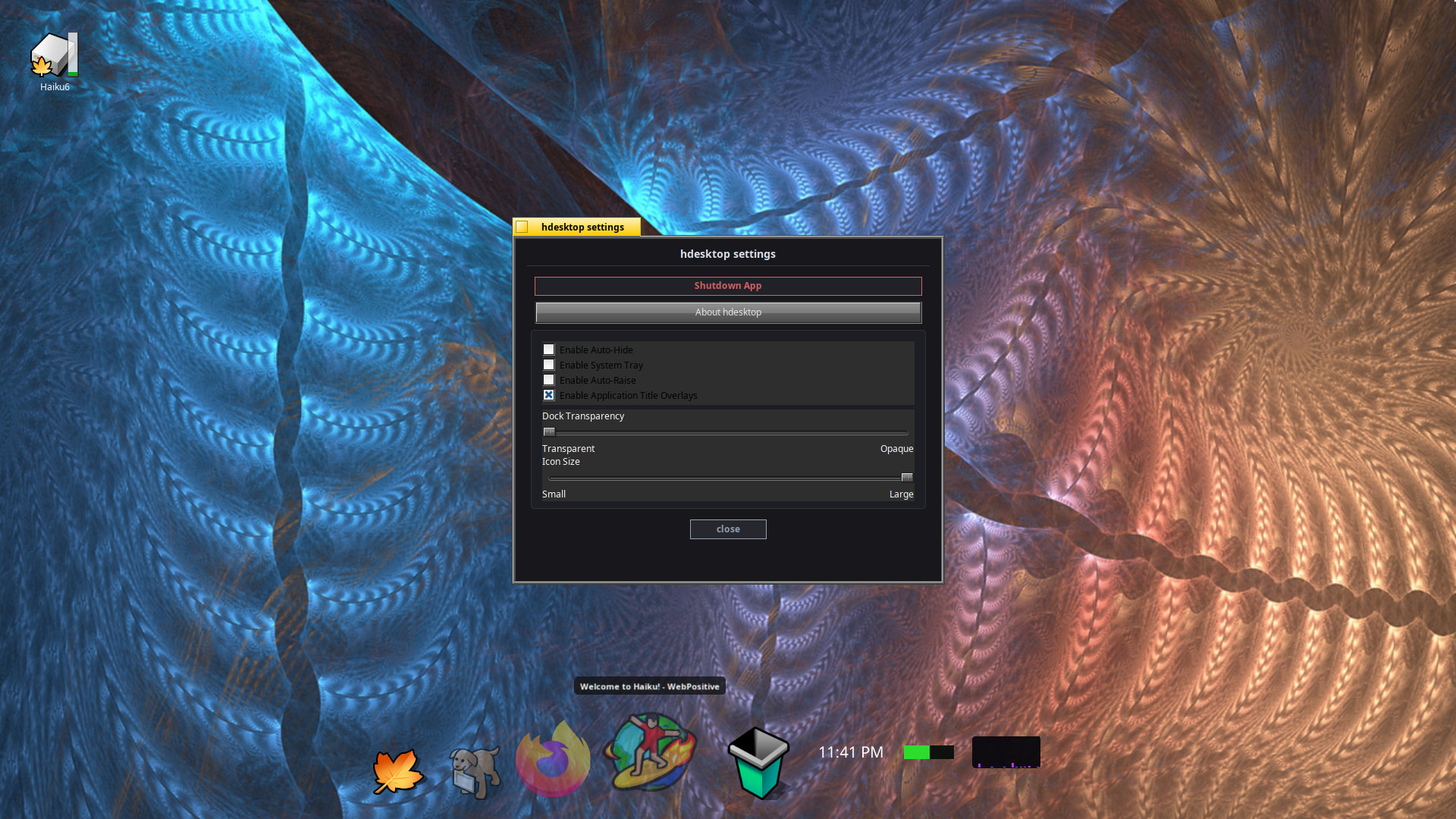
Hubert: hdesktop sits on the bottom of the Haiku desktop and takes up about 180 units of screen height and maximum width units. It has its own transparent backdrop which copies the users current workspace settings. Transparency is solely done on the hdesktop app. Native Haiku menus and desktop function as normal with no transparency and integrate seamlessly, to some degree, with hdesktop. For example, window overlays is a substitute workaround for not having native transparency. Other than that, hdesktop works with standard stock Haiku. No special drivers needed to run or build.
Sorry, I haven’t had a chance to play with it yet. The progress looks great. One question: is it possible to use both this and the regular Deskbar at the same time?