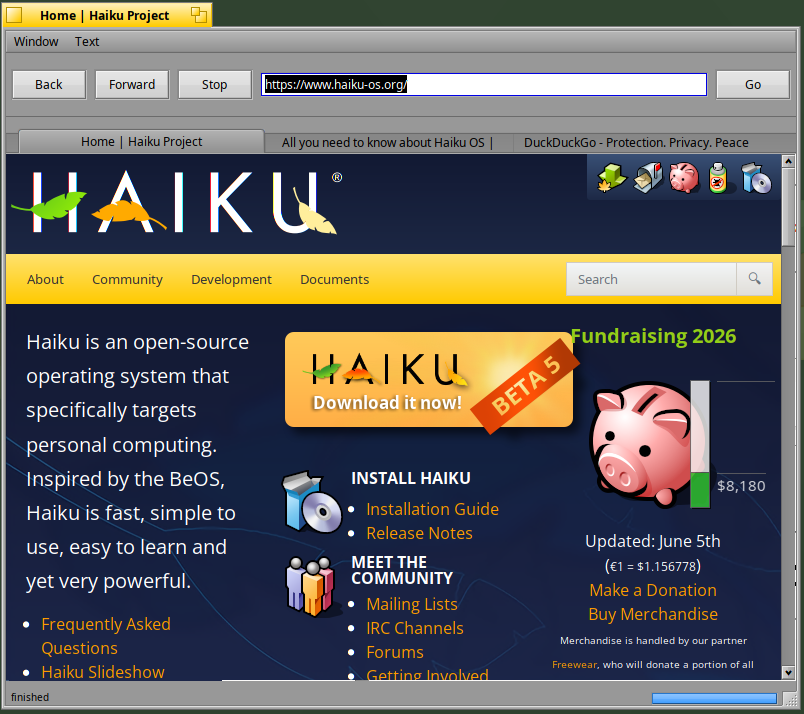
I’ve uploaded an early alpha version with tabs which I will need to polish a little bit.
Don’t expect too much from this version :
Browser might be stuck when launched (just close and relaunch), sites might crash or hang (stability is better than before however), videos playback is slow and you will have many crashes, context menu are not all implemented, etc, etc
However I think it’s “good” enough to have a demo of WebKit2.
Download the zip and extract it into /boot/home/config/non-packaged
“MiniBrowser” will be recognized in the Terminal after this extraction (I hope).
EDIT: new version v0.3 added
EDIT2: you need to install before : pkgman install libavif
Works good on github and youtube audio/video playback.
Note: I got a audio lip sync issue, so will need to review it more.
WebProcess tends to linger after app termination/crash - if not a clean exit.
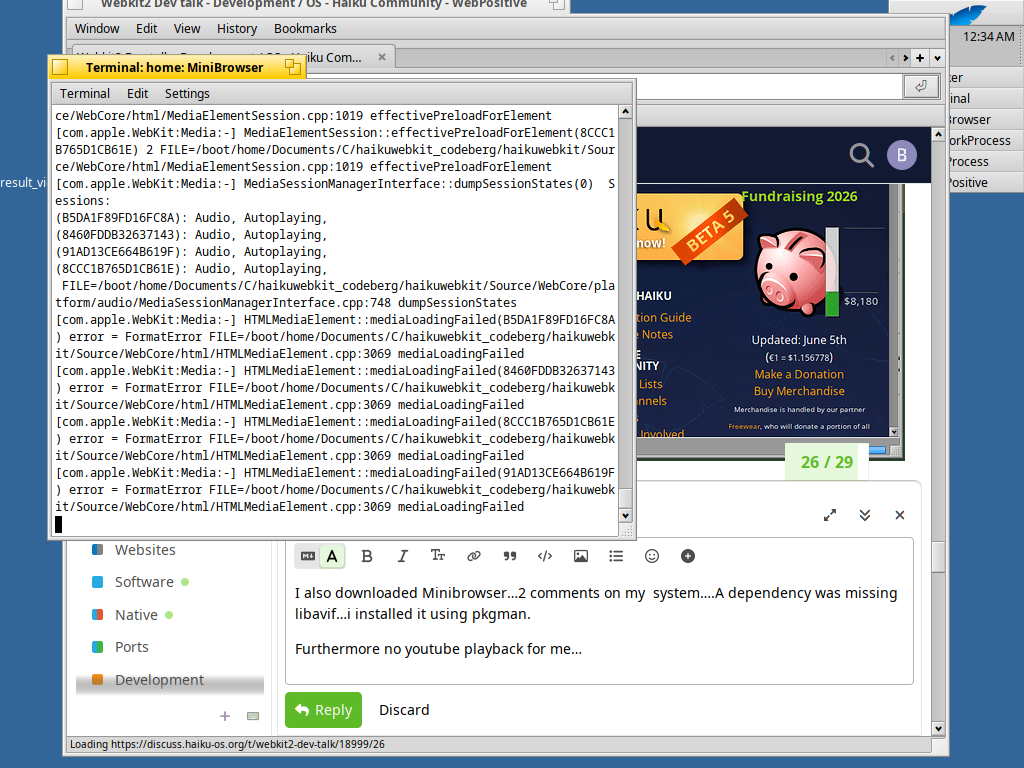
I also downloaded Minibrowser…2 comments on my system…A dependency was missing libavif…i installed it using pkgman.
Furthermore no youtube playback for me…it seems a format error happens… Edit: it worked better next time i tried… It showed some ads extremely slow though on my VM
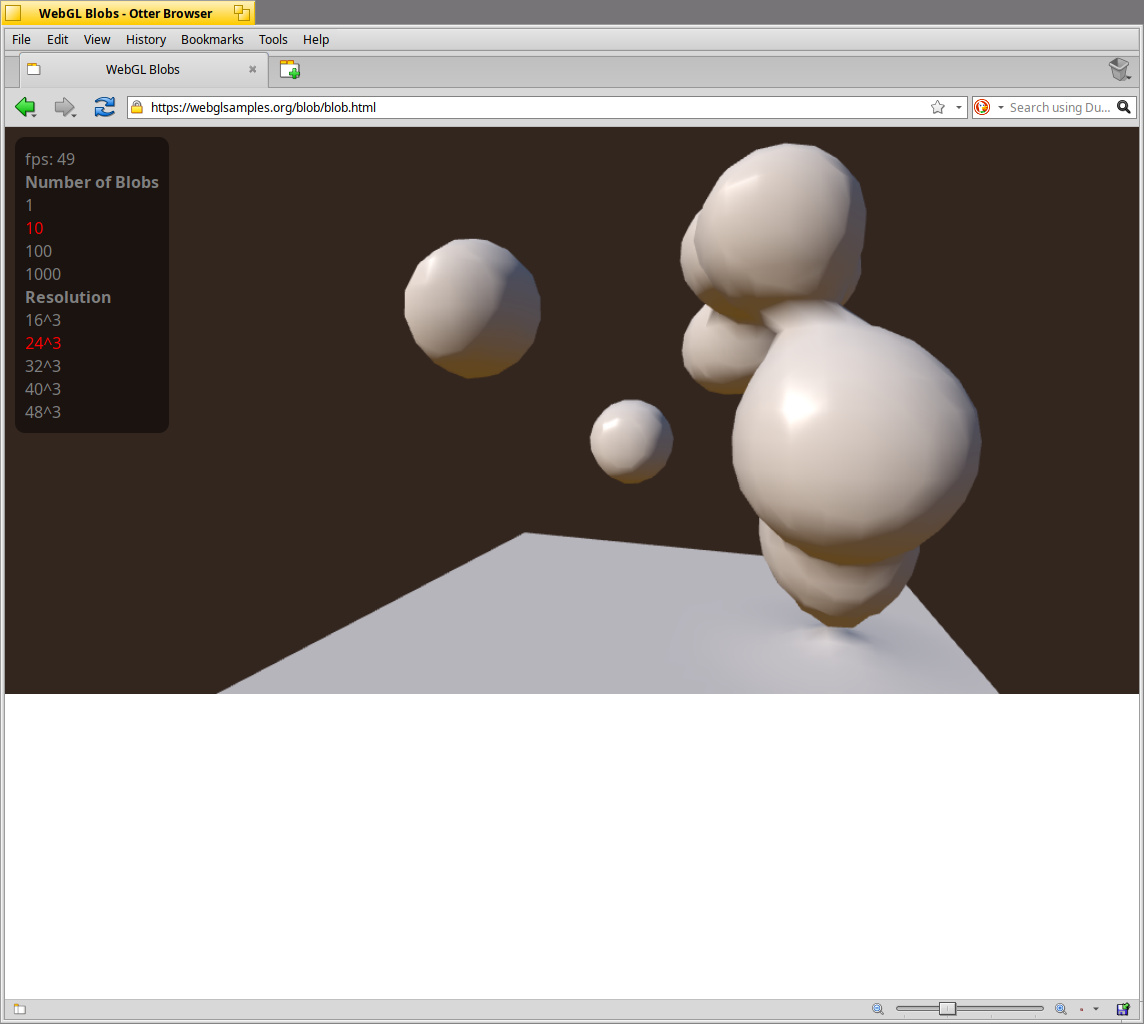
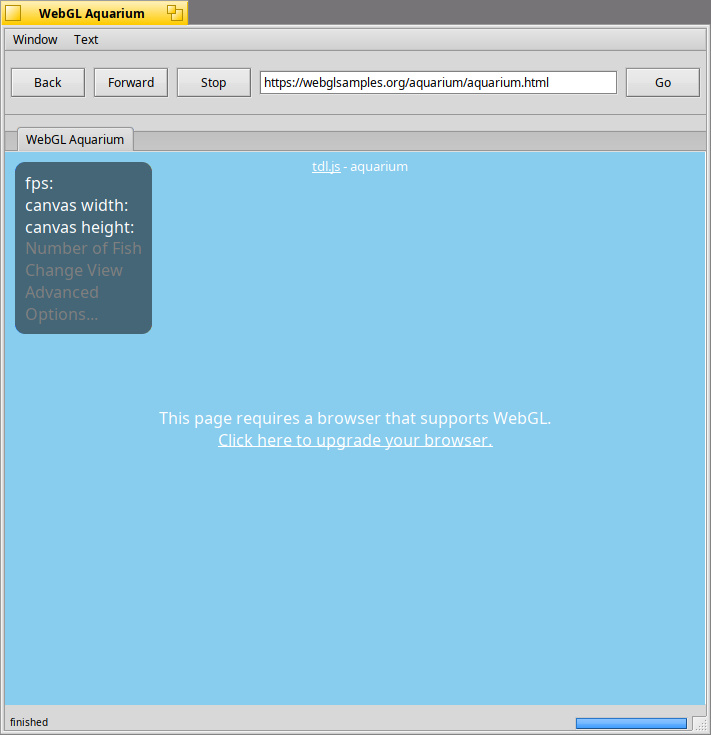
A last thought is that as webkit2 situation improves a flag page should be exposed to users (something similar to chrome://flags …i don’t have a safari based browser right now in front of me…especially related to webgl,webgl2 i believe default settings should be tweaked till situation hits the hardware acceleration wall)
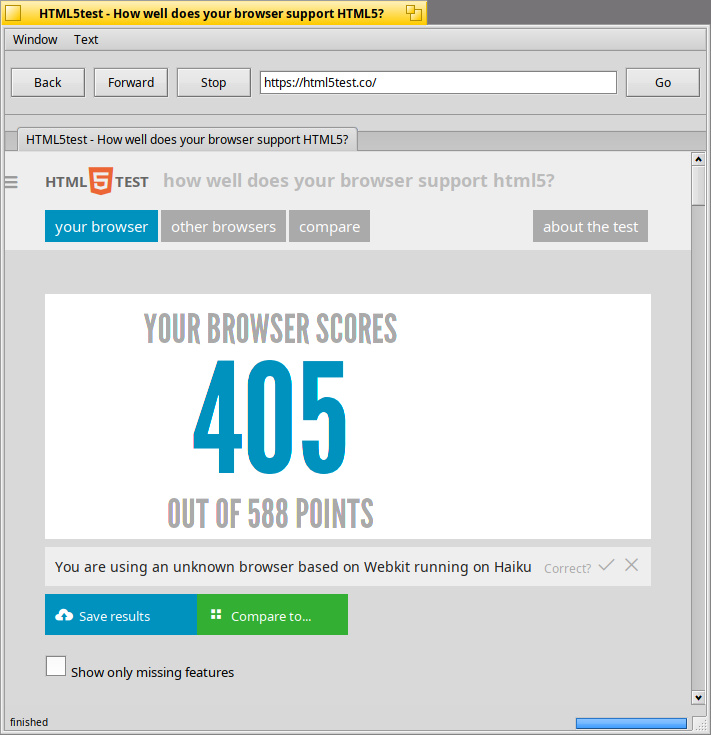
If you check show missing features on html5test.co it will report all missing video and audio features such as webgl webgl2 etc…no need for the first site here
Was just noted on WebGL. Since Web+ is minimalistic, that is just if someone wants to add it - but most of the implemented/ported minimalistic browsers didn’t enable it.
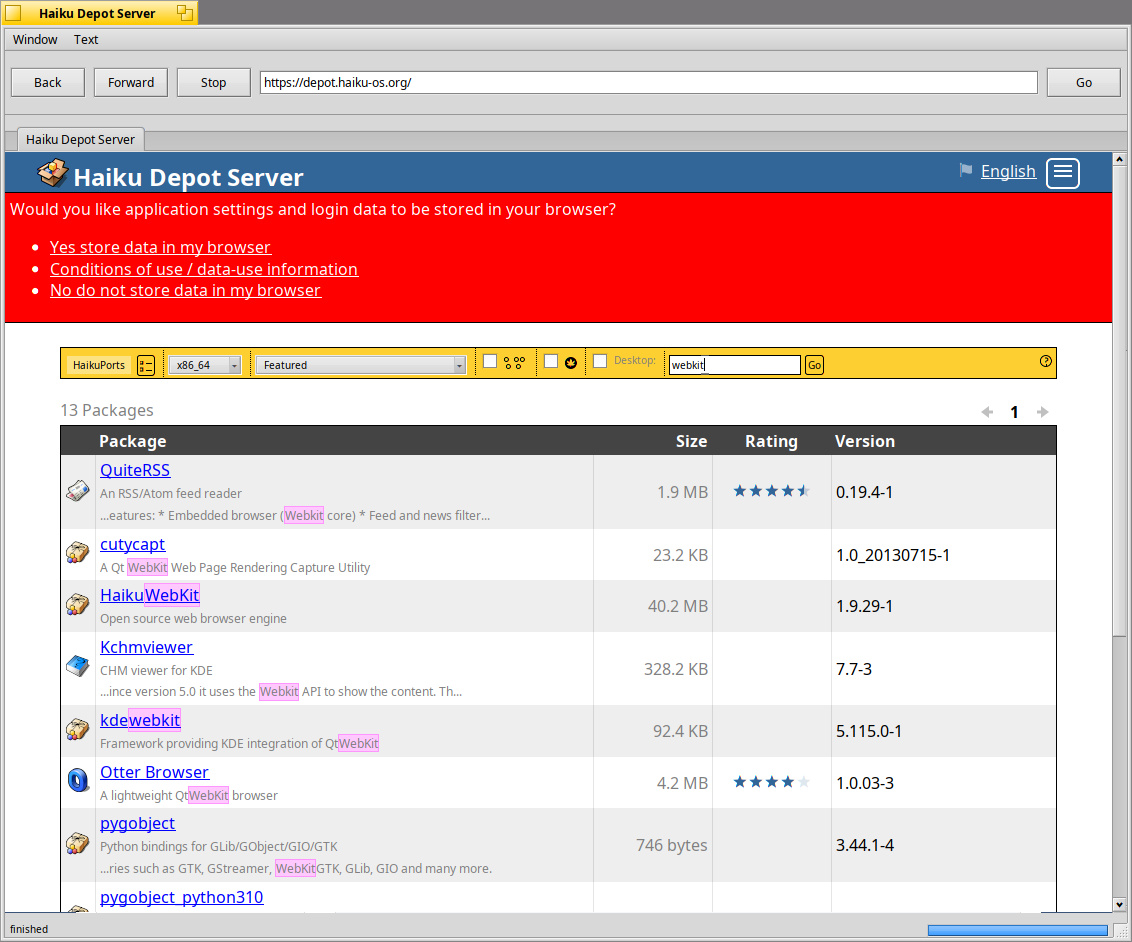
Otter Browser and Epiphany was the next step… before Waterfox and IceWeasel…
Yet, the key is more on some of these websites that require a certain dynamic canvas support to render correctly. Other websites have Content Security handling.
One day we’ll detach from behind WebkitLegacy to engage the WebKit2 engine “the way it was meant.”
Streaming Media (Youtube and the like)… maybe a BufferConsumer…
Ok having tabs in minibrowser is really useful to understand additional use cases.
I should fix a problem soon, which should isolate the crash only per tab and not on the application (which is one of the benefit of WebKit2)
I have fixed an issue when closing tab : you should now have a more stable application per tab. The download link above has been updated.
For instance if your tab with YouTube is producing a crash, close it and open a new one, other tabs should not be affected. It should make finding new crashes/bugs easier myself included
On my side the simple answer is no, and the reason is that it’s simplier for me to start from MiniBrowser because there’s no legacy code.
Imagine you need to do both (1) Webkit2 API + (2) Haiku API + (3) Legacy code from WebPositive + (4) some missing setup from WebKit1 or put some effort on some bugs from WebKit1
I prefer to focus on (1) and (2) but also a (4bis) = any bug or missing features from WebKit1 must be moved to WebKit2 instead of fixing that in WebKit1.
But I’m happy if someone can put that effort right now in WebPositive of course (some portions can be done in parallel I guess)
Result: Result: Image is different than in IceWeasel. Border colors of picture different.
Web Page loading stop or cancellation:
Use Stop button to cancel/stop a web page while loading.
Result: MiniBrowser shows web page loading is cancelling in status bar, but never shows finished. No indication of a finished stop/cancel operation after 60 seconds.
I don’t understand your aproach here, you do know about trac, so why don’t you report issues there with reprroductions? It’s not really helpfull to go “firefox renders differently”. Yes we know that, I have severall tickets filed against haikuwebkit for SVG rendering. So is this a new issue, an old one? You often post messages about some tests you do, but never what test setup or what the actual result is except for a small summary. It’s hard to work with such messages, and mostly they are just noise as a result.
For example in your message you said some site crashes Haikuwebkit, so which version did you test? a version you build yourself, the version DigitalBox provided? and if it does crash it would be great to provide the debug report on the bug tracker.



 extremely slow though on my VM