Finally I had the time to test the new Minibrowser,works good so far.
One issue I noticed is that on https://discuss.haiku-os.org when you open the categories dropdown and use the mouse scrollwheel with the cursor over the dropdown,it scrolls the whole page instead of the dropdown.
In WebPositive it works correctly,the scrollwheel scrolls the dropdown if the cursor is at the dropdown.
Also,the theme isn’t correctly set to dark,but that’s probably a minor issue in the early development stage.
I had to remove the Minibrowser files as against that I had not linked anything to my home directory, it had caused Webpositive to crash when I switched to Google translate tab.
When I restarted the browser two windows appeared.
One with the
file:/boot/home/config/settings/WebPositive/LoaderPages/Welcome
window, but rendered empty.
Another window came with all tabs which was at crash, but all empty, so restored only in number.
I wanted to use them to reload the previous pages from History. The first has interestingly the Goggle Translate page, but had not loaded, the text was gray and could not overwrite with Haiku home page. Finally I used [CTRL] [ALT] [DEL] as the Window was stubborn to close, not even worked with Deskbar Close all.
When I restarted Web+ than it hanged on Deskbar, no window appeared. Then killed again.
Removed the Minibrowser files, as I saw some Java process stuff in the report, so I took a probe. It had worked. Then Web+ launched as used to be - with all tabs I use.
Google Translate and Mail still had not worked, but at least does not crash the browser at all.
It needed an another restart, but it needed to kill as close was not enough quick for me - it hanged. But now Translate and Mail works as expected.
For me it is too alpha yet, devs …

Thanks for the various useful feedbacks.
I hope I will have a bit of spare time to tackle some of these bugs 
Find me if you need the Web+ Debug log as well. I would upload then to a file sharing service : u f i l e . i o
Is this WebKit1? If so, The Webkit2 thread has an easy-ish fix that will likely render v2 obsolete overnight.
Edit
The existing JIT takes too much RAM. Replace it with LLVM-JIT and save @PulkoMandy some work, please.
1 Like
Testing @DigitalBox MiniBrowser with WebKit2+WebKitLegacy build enabled.
My current build:
Haiku-webkit2:
WebKit2: enabled
WebKitLegacy: Enabled
Build tested: Auto to select all remaining unpaired.
Platform: Haiku x86_64 (hrev59789)
Compiler: GCC 13.3.0
So, I think the 32-bit MiniBrowser/WebKit2 preview build requires a decent discussion with WebKit-dev to ensure it builds “correctly” using another compiler (or alternative solution - cross compiler?!?) on Haiku 32-bit (or whatever test platform).
Just thoughts… but let us not take away from this thread’s intent…
1 Like
Latest version 0.2 added :
- Stop button is now correctly handled
- Scrollwheel is now taking care of the current mouse position in the view
These fixes are not yet submitted to the repo
7 Likes
Reminder : MiniBrowser is for developing / bug fix purpose.
The link to the latest version 0.3 has been added in the initial post :
- Fix the loading status
- Add drop files function to MiniBrowser
I hope to have some additional spare time in one month to have a look at some missing features, or some other bugs (I still have some crashes or blocking pages on my system, so it can be considered we are at the beginning)
7 Likes
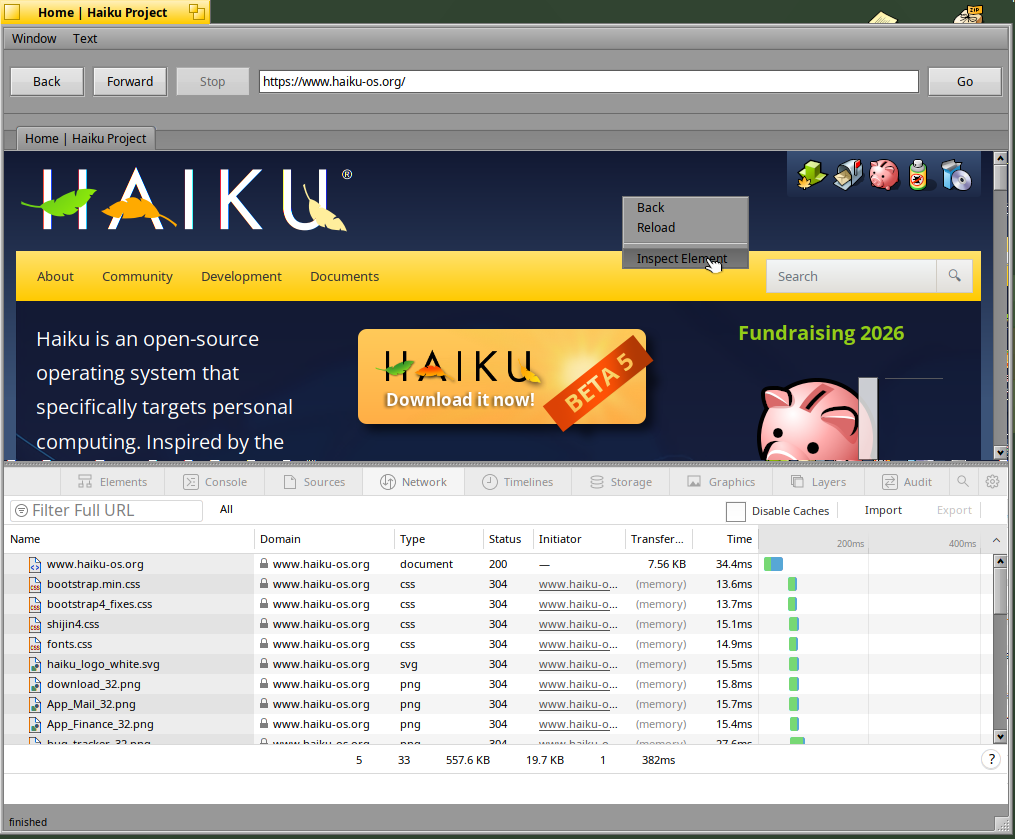
I tried this but get the following error:
MiniBrowser
runtime_loader: Cannot open file libWebKit.so.1 (needed by /boot/home/config/non-packaged/bin/MiniBrowser)
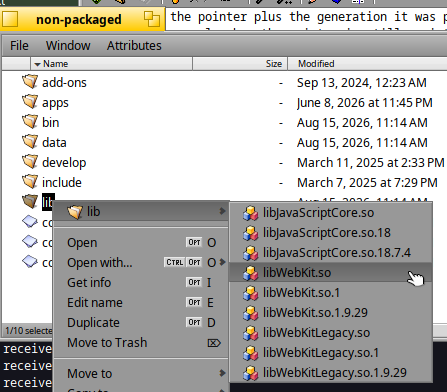
Not seeing any instructions, I have extracted the file to /boot/home/config/non-packaged/bin I see three files: MiniBrowser, NetworkProcess, WebProcess, I see no files in the lib directory.
I also see no files except python in /boot/system/non-packaged/lib ..
No libWebKit anywhere ..
Maybe this ?
Download the zip and extract it into /boot/home/config/non-packaged
Ok, I did that, and I see the webkit files in the lib, but now I get this error when running the browser from the terminal:
Cannot open file libxml2.so.2 Also, WebPositive also complains about this missing lib, where it was fine before this install.
According to pkgman libxml2 is installed (shows an S)
The version I have is: libxml2.so.16
Do I symbol link it to .so.2 ?
The download was provided for Beta 5, the version for Beta 6 is not yet available and need to be rebuild
I am running the latest nightly, I thought you would be running the same?
Sorry if this is a dumb question, but I would like to know where to get the source code for this?
Section for some line- and word-oriented parser (which should generally result in. in the Tools/MiniBrowser directory if you’re looking specifically for the MiniBrowser shell
1 Like
A few updates and some good news:
- I have moved my main machine on the latest Haiku R1 Beta6 and everything is in order to compile and continue to work on WebKit2 on this latest version
- I consider I have made a big step recently : having a local build which now no more bring some annoying situations where some WebViews were stuck in certain situations => until it was fixed the testing process was quite hard **this is now resolved at least on my machine.
I have now a more stable MiniBrowser with WebInspector possible on each view, below one running on YouTube:
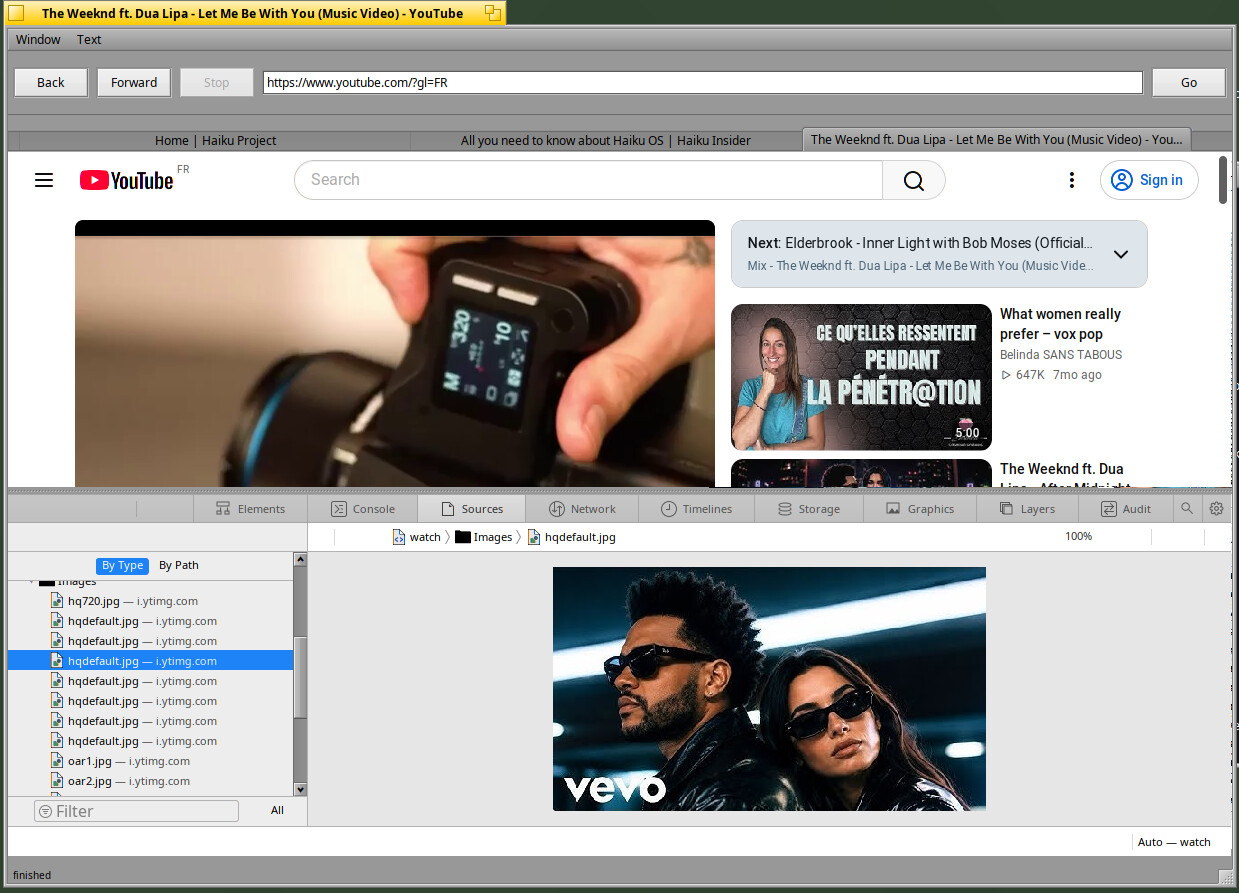
I now need to clean/review and then publish the various fixes but also the WebInspector feature
No package available until this cleanup is completed, but it’s on the good way I hope
15 Likes
Honestly, just the webinspector working is one MAJOR pita removed. It’s so much easier to figure out why stuff does not render correctly, which elements are involved, with the web inspector. And the Webkit one is quite competent.
I do usually run it inside it’s own window when I use macos. But then I also have a second monitor there when required 