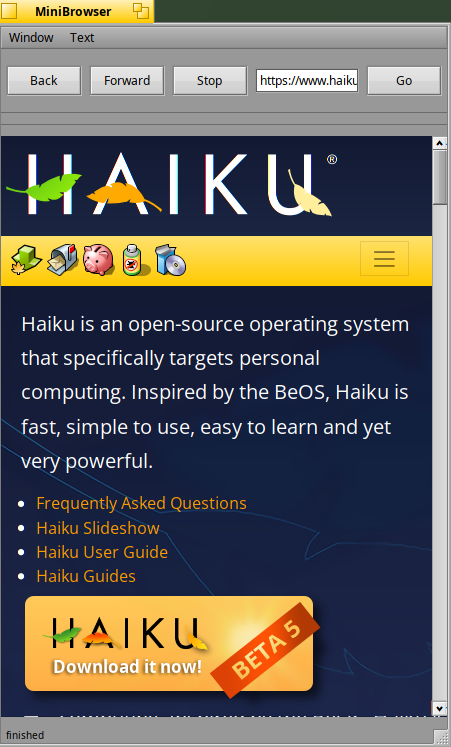
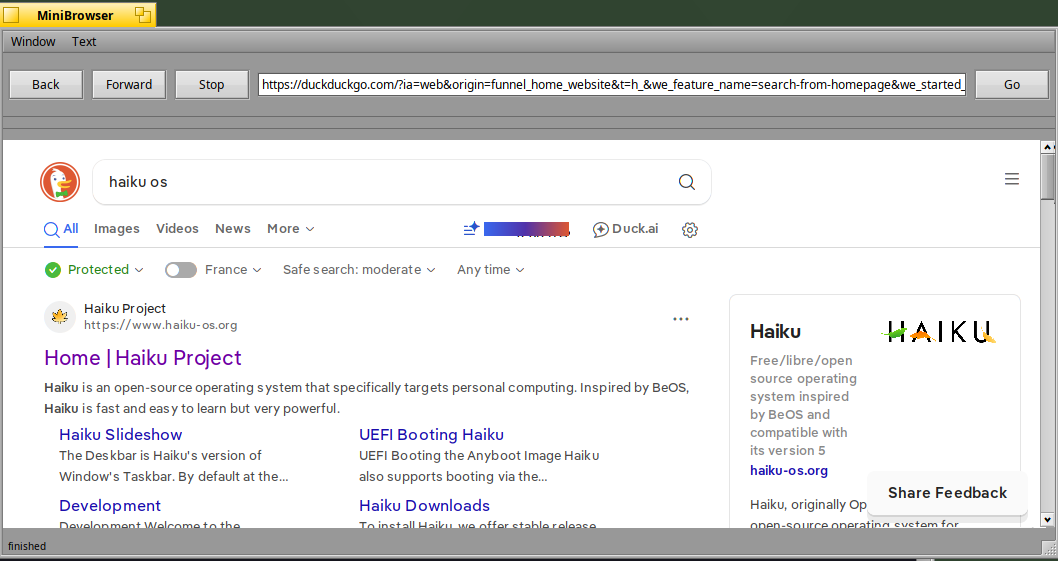
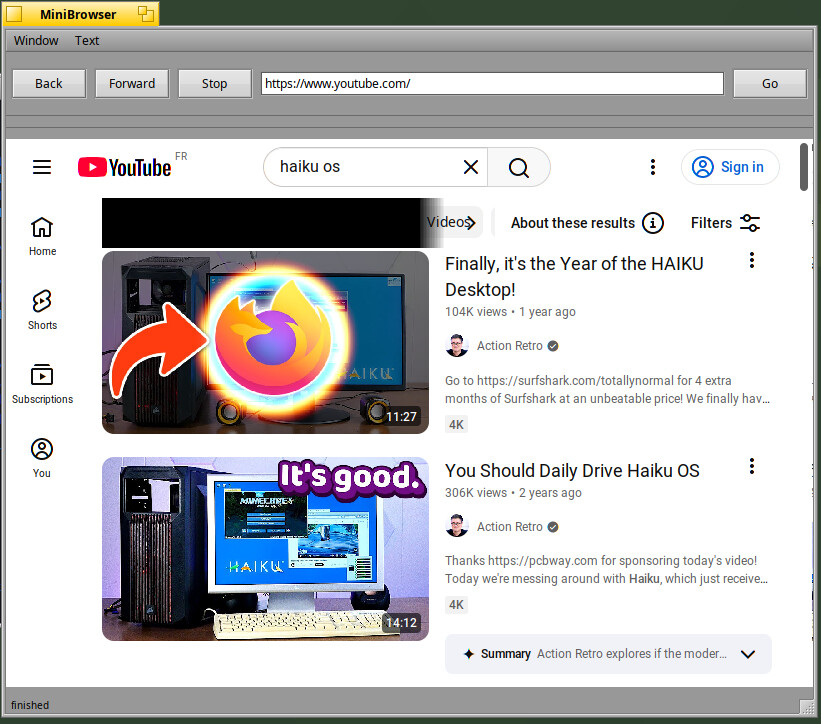
Digitalbox has contributed severall improvements to the webkit2 port lately, and as a result keyboard handeling now works better and MiniBrowser is less prone to crash.
A small changelog (for this version only, not towards 1.9.11)
Changes:
-Major bug fixed regarding the window not redrawing after pasting something
-Updated to webkit 625.1.14
Changes for webkit 2:
-fixed a minibrowser crash
-minibrowser now accepts a URL as commandline argument to open a page
-various code cleanups
-fixed flickering in rendering
-the keyboard handeling (and shortcut handeling for the keyboard) has been improved
I awaited for this Haikuwebkit based MiniBrowser to have installed.
I would like to setup for applications’s help pages and tools’ manual pager - instead of
default Webpositive. I know that, it will be more capable, however very annoying for me when
I install a program and it launches the welcome screen or manual/help pages in Webpositive (before I opened it) and smash my Haiku pages opened in it. Fortunately lately rather opens a separate window, and pages remain if Web+ is already up and running.
Earlier I had to re-open pages in the browser, and as actually Webpositive still does not support tab move, I had to reopen sites in the same specific order to have the same setup - in their order - as for I accommodated to.
Damn, you are smashing my tickets. Should I add some more tickets?
Honestly, at this point the core functionality is down mostly, if that threaded compositor crash was down we can then start on a minimal demo to hook up webpositive; Although there we face the problem of cookiestores and history etc. I think that may be a bit more effeort though
No, the webkit 1.9.x releases are done from the legagy webkit branch. And also the releases don’t include testing tools like MiniBrowser (or its webkit1 counterpart, HaikuLauncher)
I still have some other kind of crashes (in addition to your tickets) where I need to find the root cause, but I’m pretty happy about the current status of MiniBrowser as it’s useable on some websites.
When I have some additional spare time (which is not easy for the moment) I will check on the remaining crashes.
Regarding the compositor crash, my current investigation is that it seems AcceleratedSurfacePlayStation.cpp used by the Haiku version do not have a software fallback rendering (hence the crash), maybe the solution is to use AcceleratedSurface.cpp instead (if it handles well the fallback). I will try to check that soon
My NUC is having 32 Gb of memory and I compile only in release mode (debug mode is too slow to generate, so I decided to only use the release mode for the moment).
Disabling swap in virtual memory preferences avoids the freeze and lets gcc stop when it runs out of memory instead. Then you can restart ninja with less jobs and continue building. With 16GP of RAM, -j4 should be safe, more will sometimes fail.
Hi, I released Haikuwebkit 1.9.28 and then re-released it as 1.9.29 since the first Source archive didn’t quite work.
Yes, this is two version numbers for only a minor difference, but I personally heavily dislike silently re-releasing stuff under the same version number.
I don’t have a way to put the haikuports patch on github, so someone else can feel free to do so. The patch is on the haiku dev mailing list.