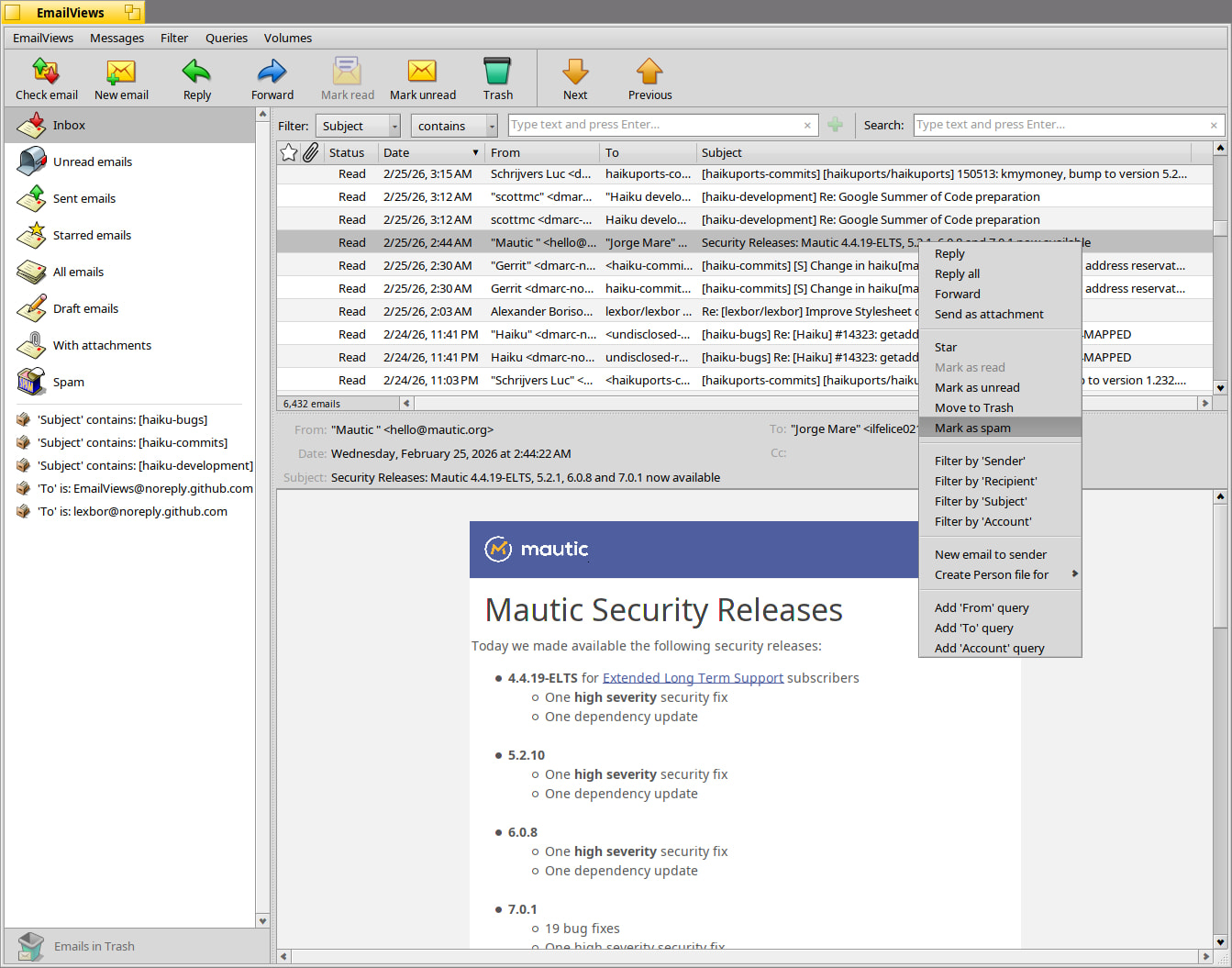
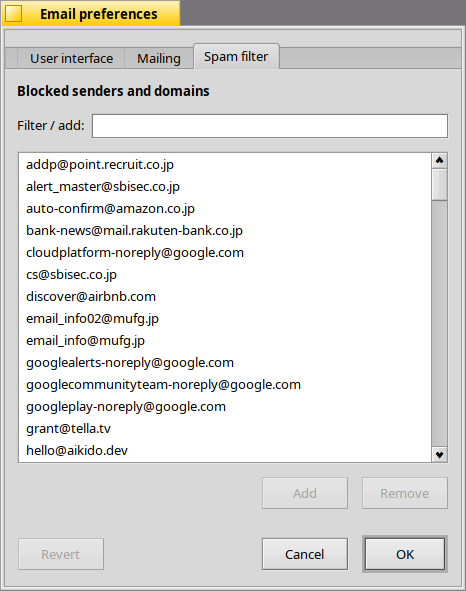
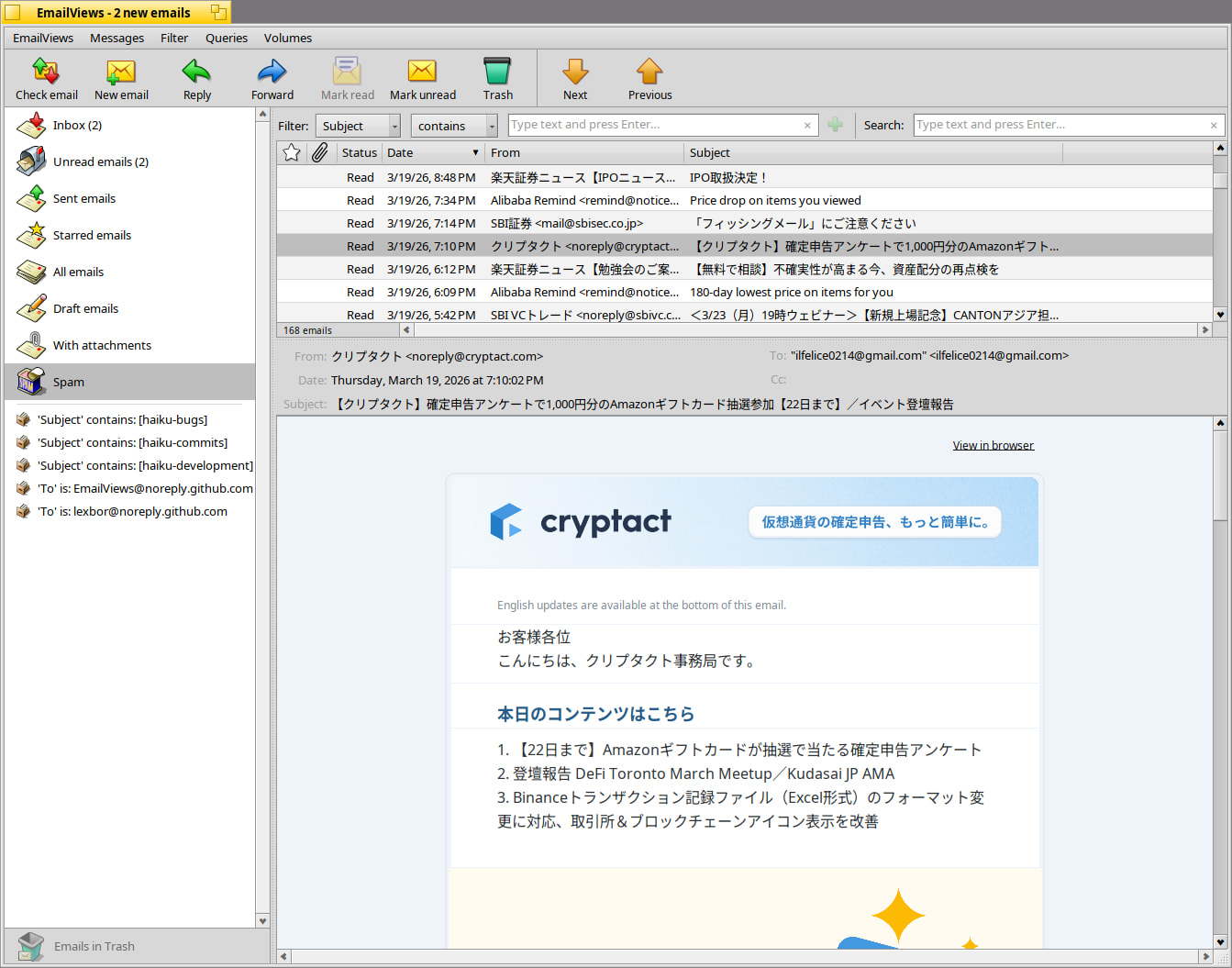
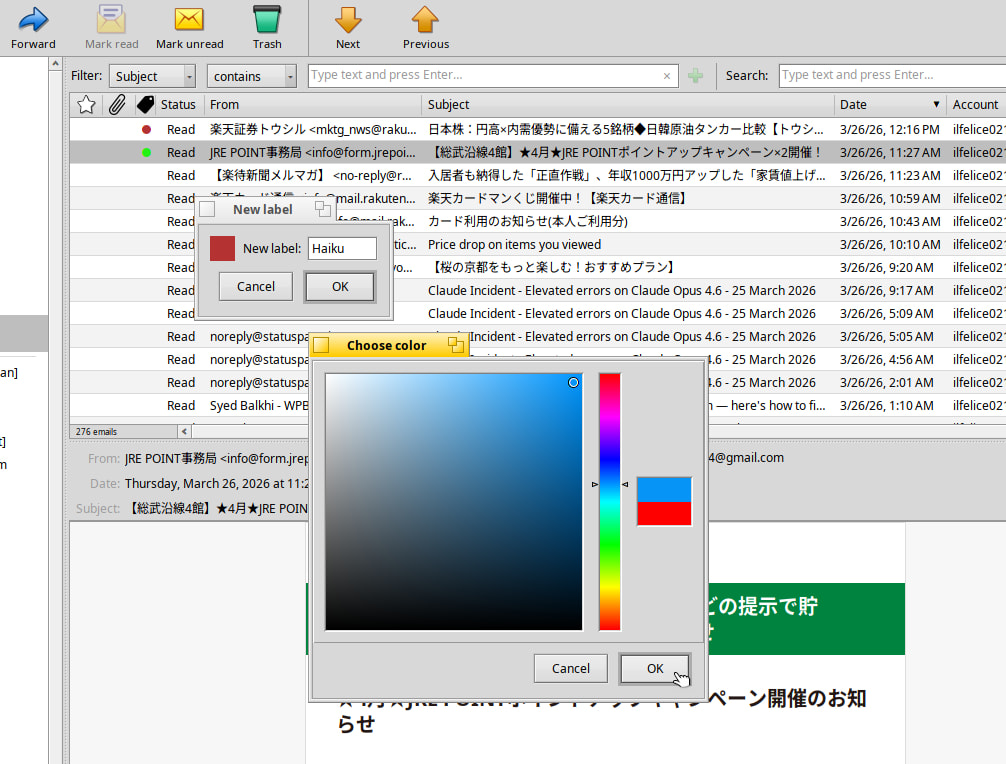
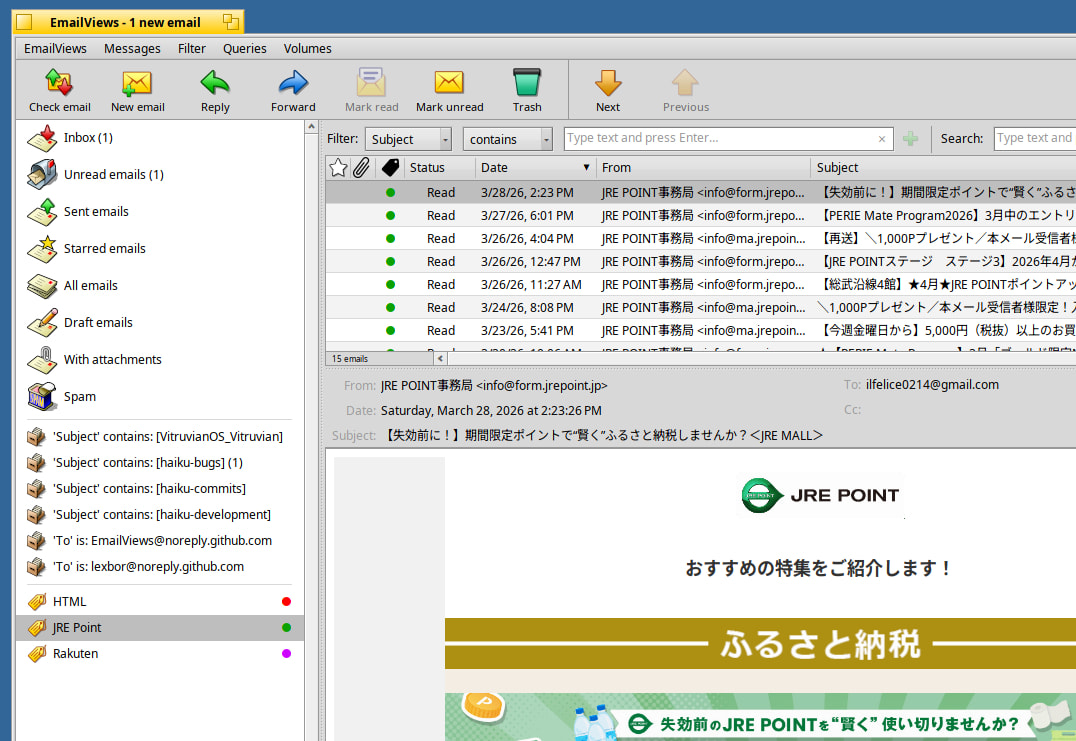
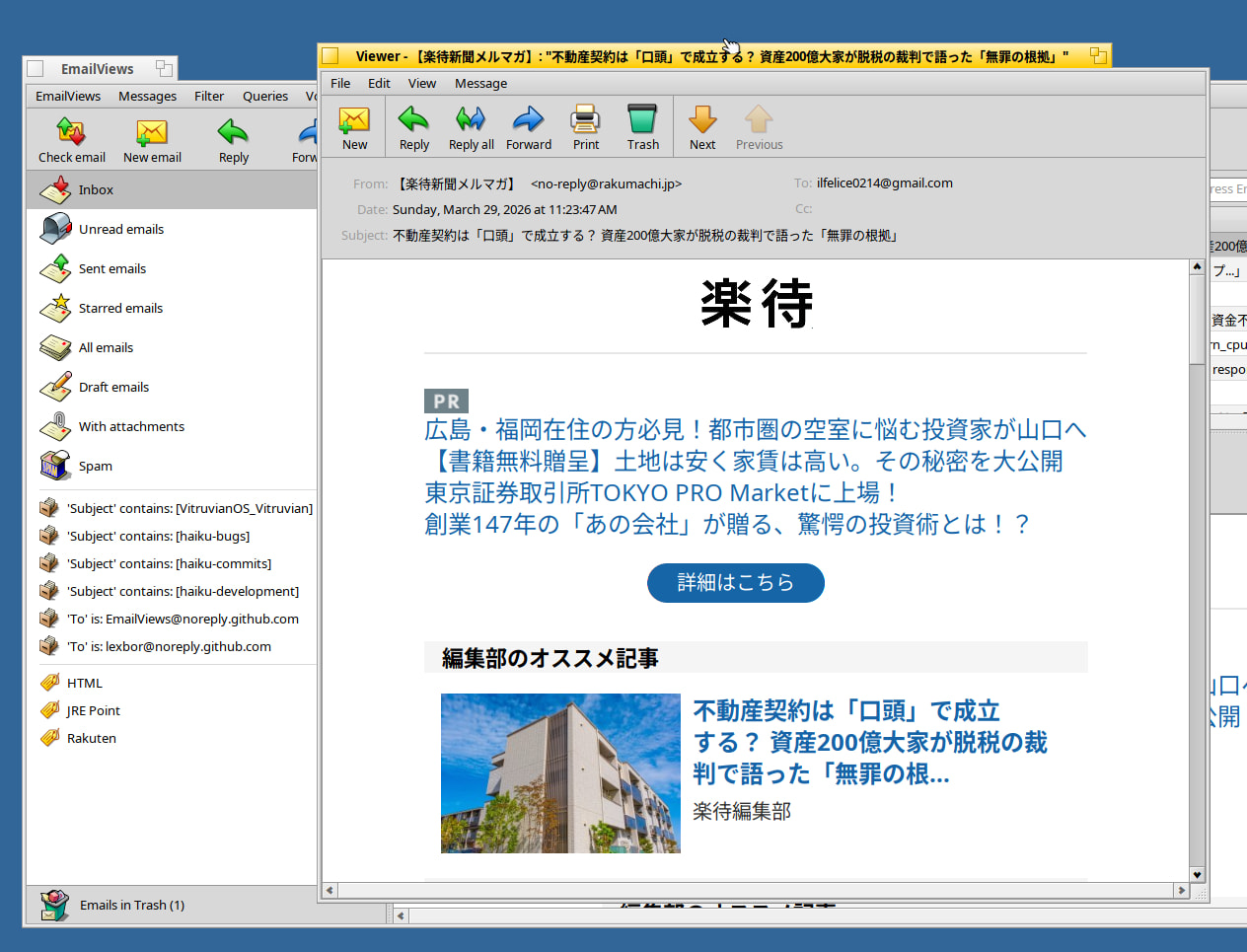
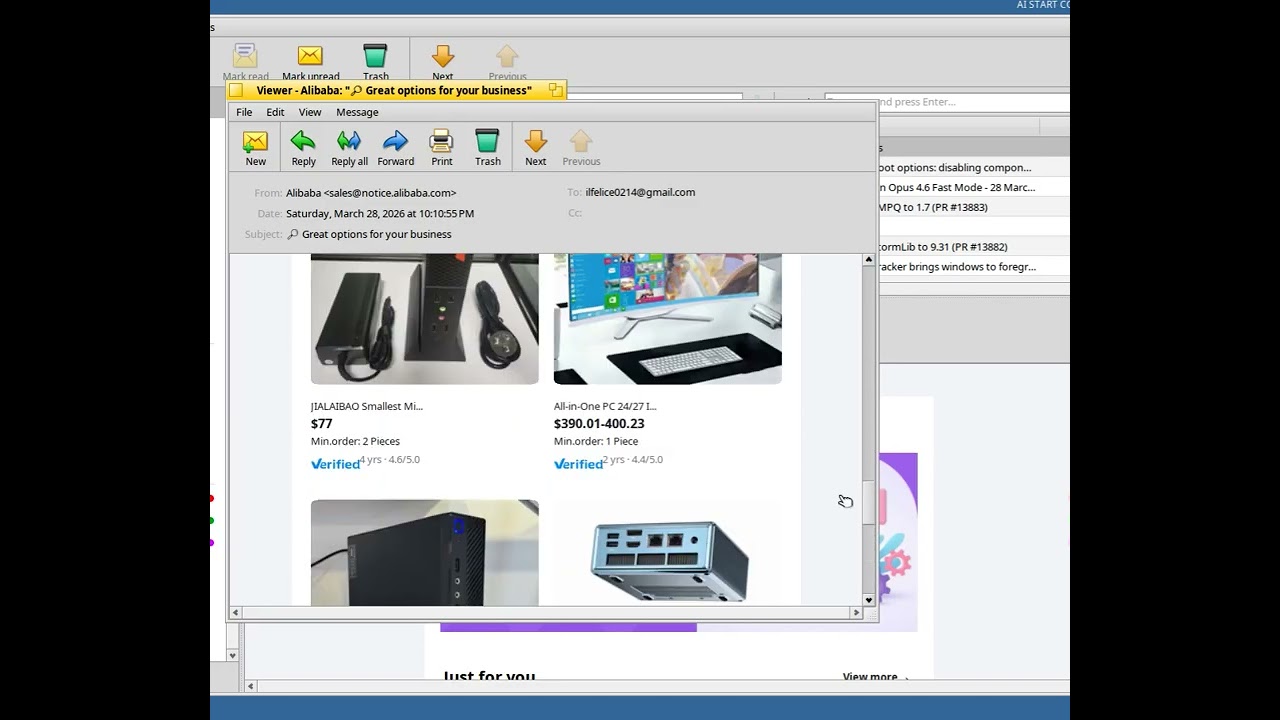
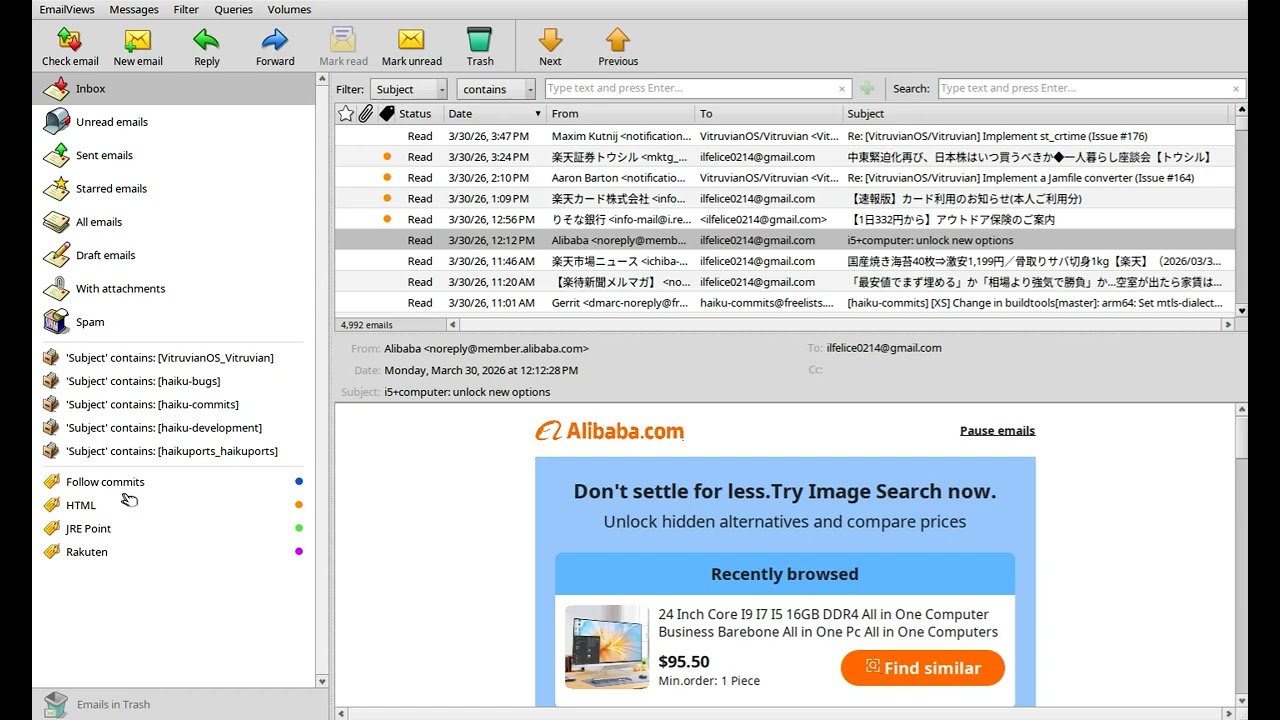
Next version will have a sender-based spam filter. You can mark an email as spam, and from then on any email from the same sender will be automatically moved to the Spam folder (also new).
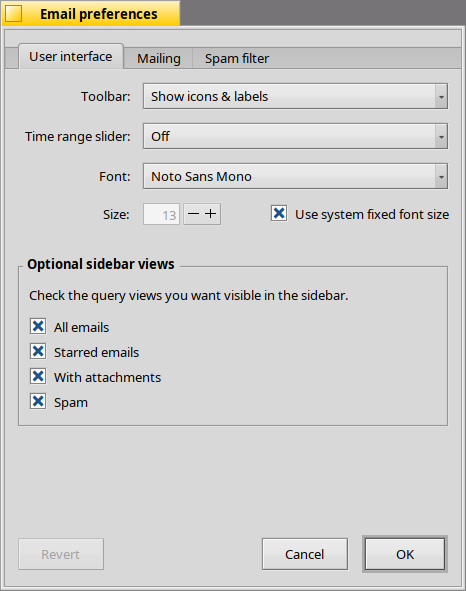
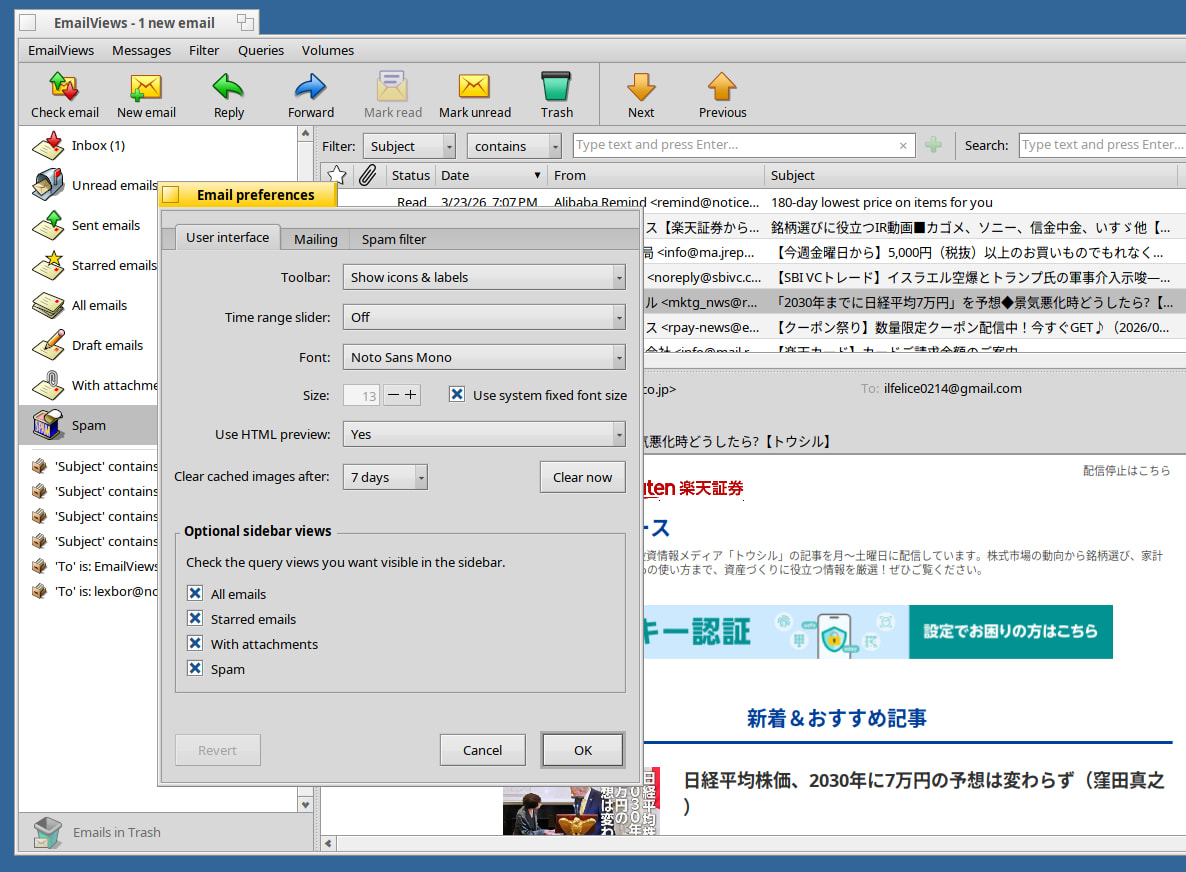
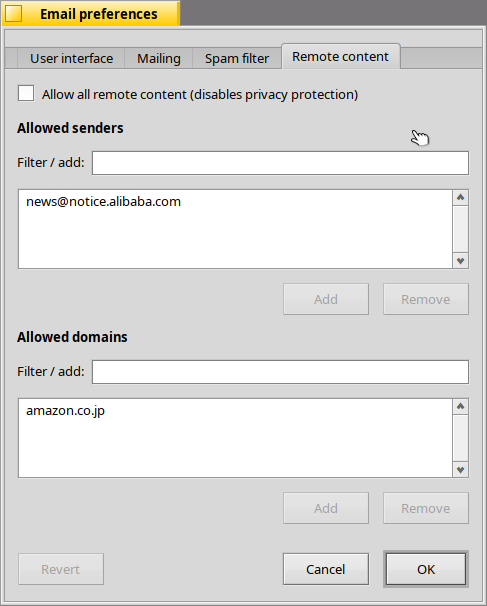
The Email preferences window has received several changes. First of all, it has been refactored to use a tabbed interface, and also reorganized into three tabs: User interface, Mailing and Spam filter.
The User interface tab will have a few new settings for font-size (Use system fixed font size), and checkboxes to control the visibility of the builtin queries in the main window sidebar.
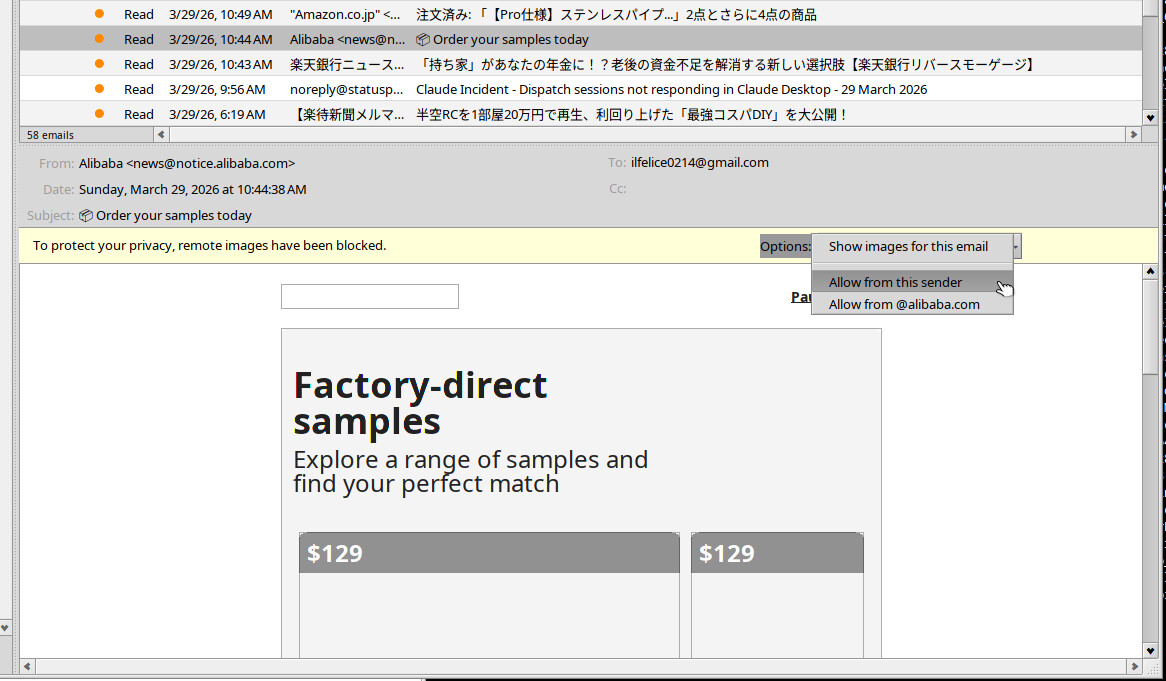
EmailViews will be getting basic HTML email preview (still experimental). Just selecting an HTML email from the email list will automatically display the formatted message in the preview pane.
“Use HTML preview” allows the user to turn on/off the HTML preview feature.
The HTML preview caches images on the file system. It is now possible to set how long images are kept in the cache (Clear cached images after: 90/30/7 days), and to also manually clear the cached (“Clear now” button).
Version 2 is a major overhaul, and there are still some rough edges to iron out. So it may take a while, but I will make an announcement here when test builds become available, as I will need testers.
The current version in HaikuDepot (1.2) does not have the new features shown in this thread. You might want to wait for 2.0 to test. It may take me a few weeks to get it out, but before release I will make a call for testers; you are welcome to test then.
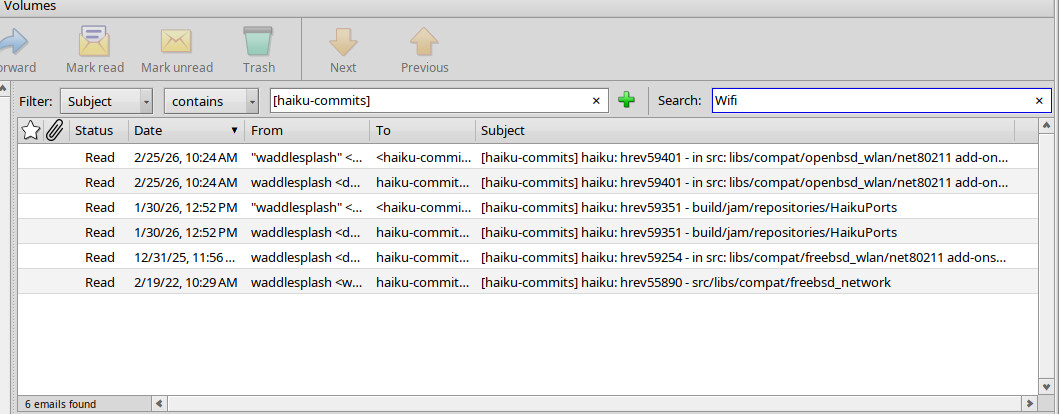
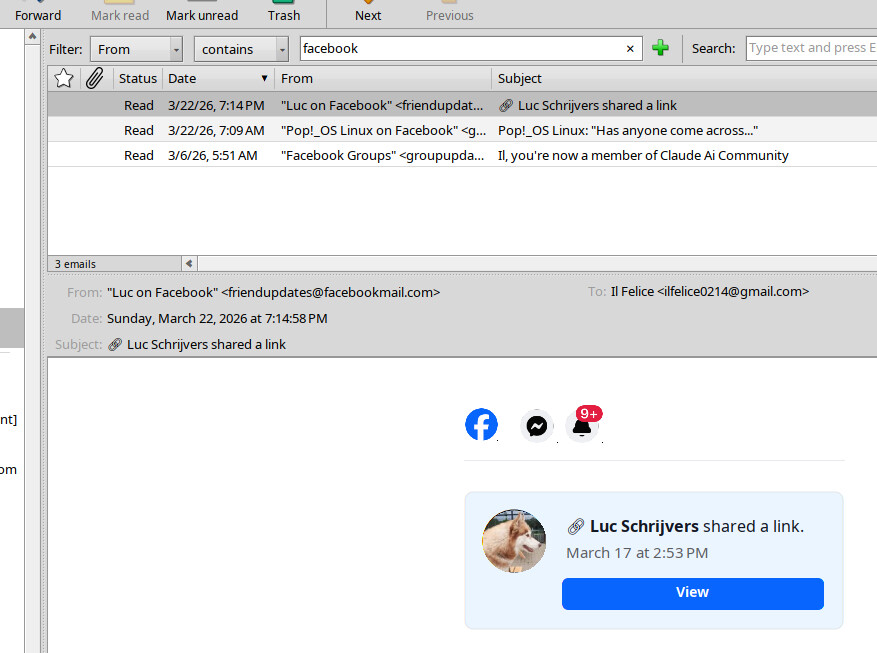
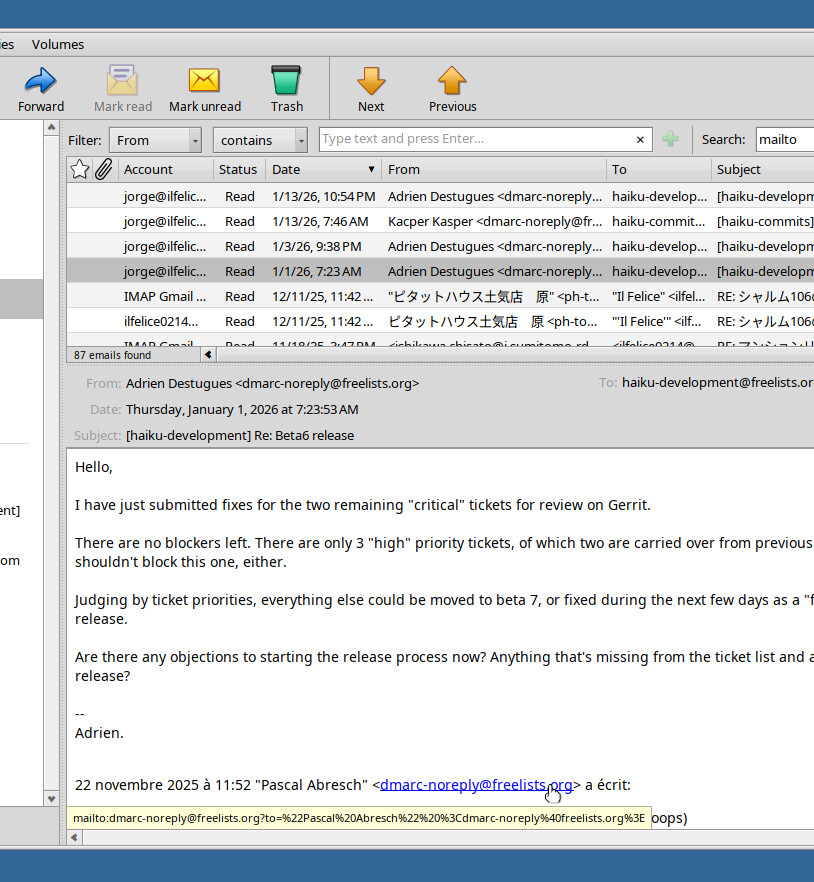
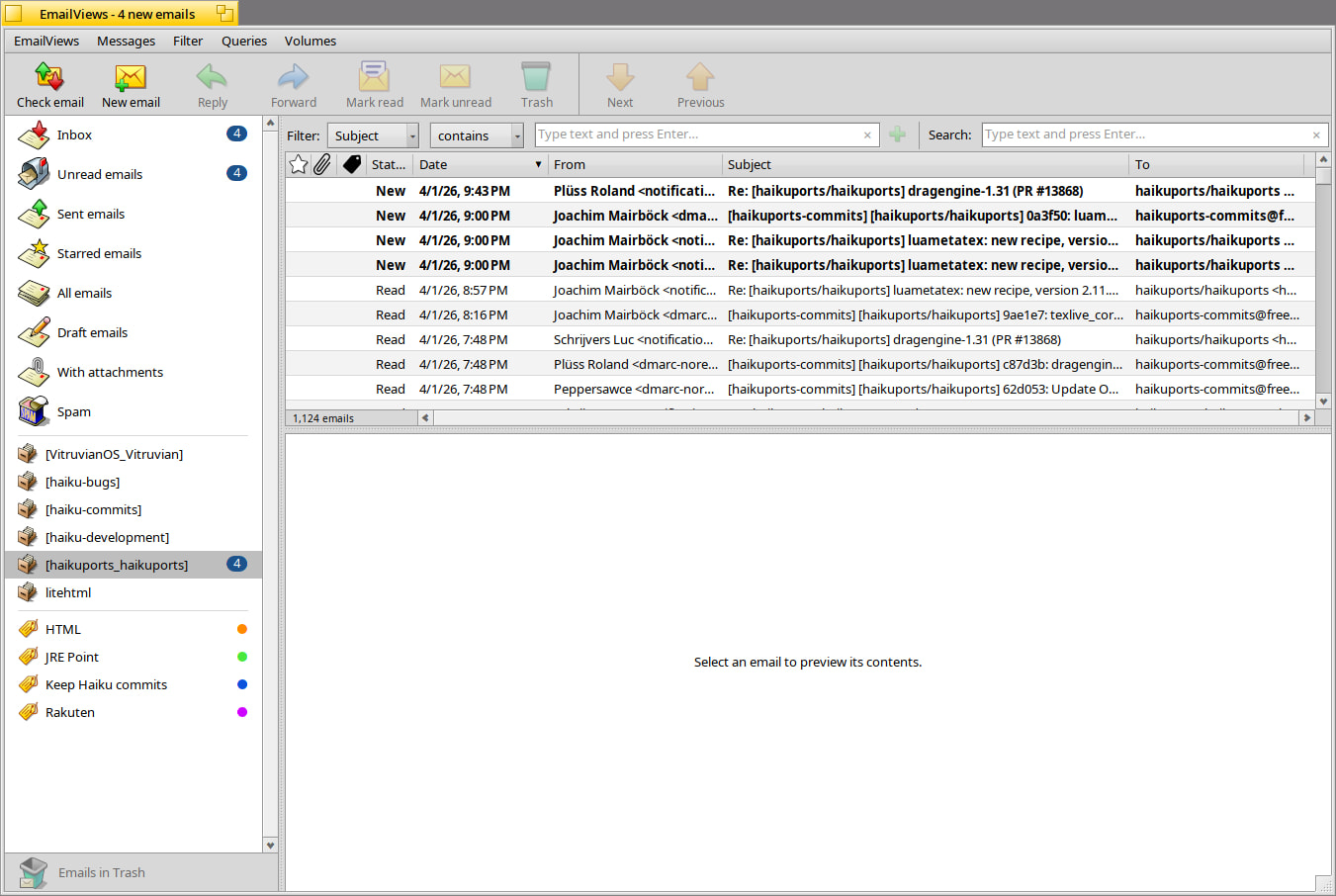
One little thing which looks a bit off is the slightly difference in the alternate white / light gray rows stripes in the mails list view, compared to other visual aspect in many other native apps, like debugger for instance, which are using BColumnListView and its builtin row alternate background colors:
EmailListView::fStripColor, computed in EmailListView::EmailListView::_UpdateStripeColor(), seems to be a bit darker (when default background is white, I mean) than what it is in BColumnListView
EmailListView::_DrawRow() also draw a separator line at row bottom, while there is no separator line in BColumnListView. Wasn’t present in v1.0 IIRC.
For reference, I think the lines of code in BColumnListView which does it are here:
Also, it’s using rgb_color.IsLight() and tint_color(), which could help to have a system wide coherent computation on color lightness and tinting them.