Hello everyone,
I wanted to share with you how I implemented Hardware Cursors for Bitmap cursors.
First of all, as I previously wrote on this forum, I discovered that no drivers in Haiku implemented the B_SET_CURSOR_BITMAP hook, and soon after that its implementation would solve the flickering mouse problem in iceweasel.
My implementation was dictated by the limited hardware colors, so I had to downgrade the cursor bitmap to 3 colors depth (that offered my sm750).
After the initial joy I realized that the dragging operations would not be rendered if hw cursor bitmap was active. That was annoying, so after digging into the app_server source code I saw that this part was missing, not a difficult task though.
Compiled and tested the result was horrible: the cursor was ok but the dragged bitmap was a shape filled with violet!
So I though: What if I disable hardware cursor only for this particular task as my video card doesn’t support 32bit hardware cursor?
I made the changes in the app_server and… IT WORKED, even without interruptions, flickerings or artefacts!
So.. all done? NO!
NO NO NO!
My little devil inside of me: Hey, isn’t this a shame if you have a newer card with 32 bit hardware cursor? You shouldn’t turn this feature off …
so the consequence was: we should inform the app_server of how many colors the card supports for hardware cursor.
So this is how this new adventure started…
I added a Hook for this purpose (a simple hook that returns only the number of bits supported).
Now the app_server knows now how many colors the card supports, if they are less than 32, it disables hardware cursor for the dragging operation only (at the end it restores it).
Then I ported the new hook solution and the hardware cursor bitmap hooks to these accelerants:
- S3 accelerant (tested on virge dx)
- Matrox accelerant (which received other fixes for G450, G550 and the cursor for Millennium I, tested on all of them)
- ATI accelerant (tested for mach64 chip ATI Rage XL).
- SM750 (my card’s driver)
Great! Now we have a bunch of cards, all of then working flawlessy.
And then that voice again…
“Hey! You know right? There’s always the possibility to entirely disable the hardware cursor (cursor_shape, cursor_bitmap etc.) by setting the proper configuration in home/config/settings/kernel/drivers/xxx.settings file (xxx changes according to the driver), BUT it would be nice to provide a fast user solution to disable only the hardware cursor for Bitmaps. They provide a quality degradation on old video cards not supporting full 32-bit color space, or maybe they are bugged by your poor implementation.”
so here again… me taking care of my little devil…
This has been done modifying the Screen preflet and the app_server (small changes but usefull).
But now comes my perversion… How can I convince that this is good?
well… why not creating my version of Haiku? An anarchist one? No! not that radicals! A revolutionary one? No, not that serious, NO! A PIRATE ONE!
after a suggestion of an Italian community member (@atomozero) we decided to call it Pirati Del Frico (Pirates of frico — where frico is a Friulian dish made of cheese). It was perfect, a playful distribution, embodying change but still fictionalized, unreal but still historical.
Well everything in my mind was fantastic, so I started from the beginning:
This is a Pirate distro ARRRGH
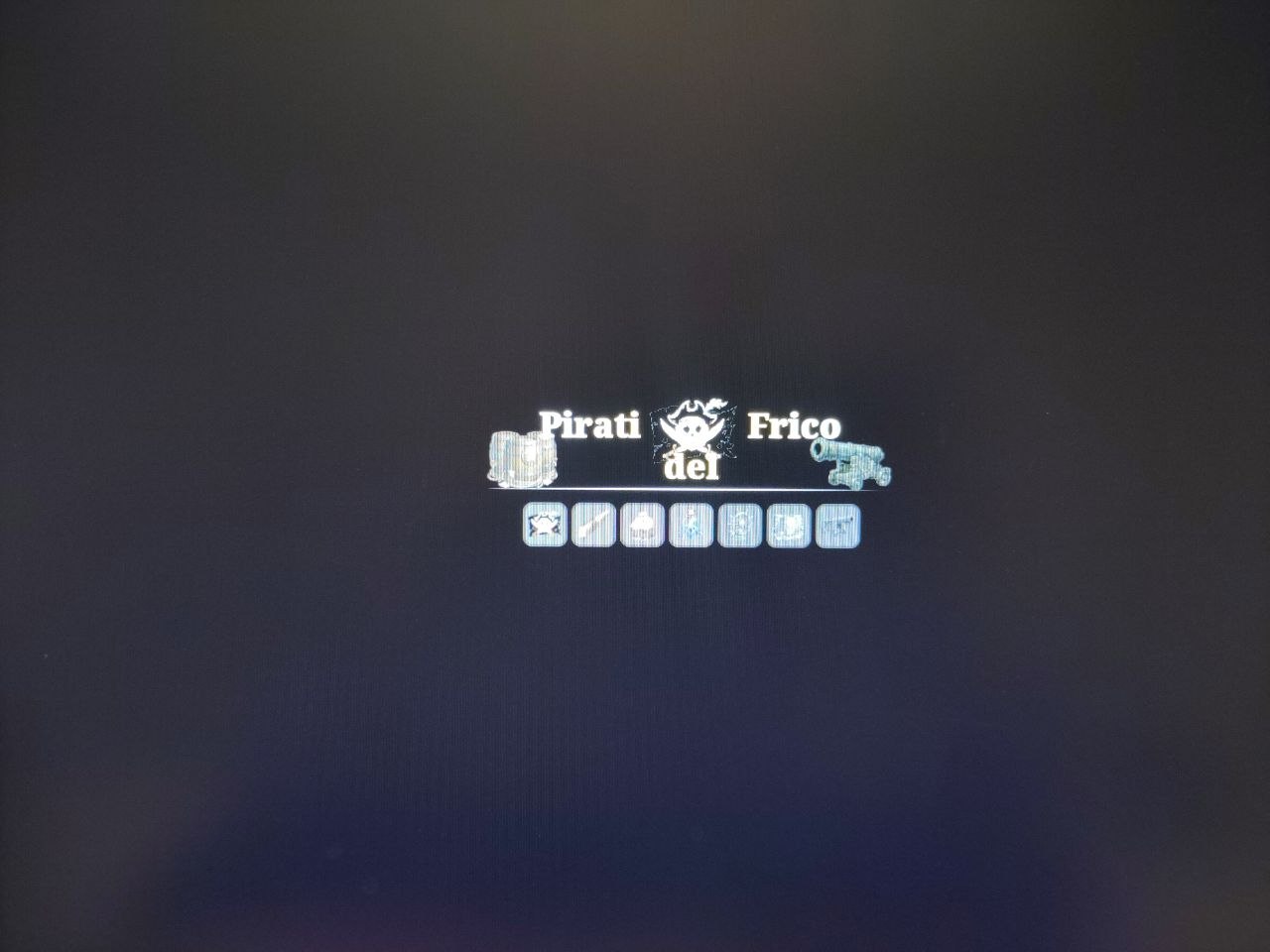
well I’m not that good at drawing…
(but I’m getting help from an Italian community member really good at this kind of work)
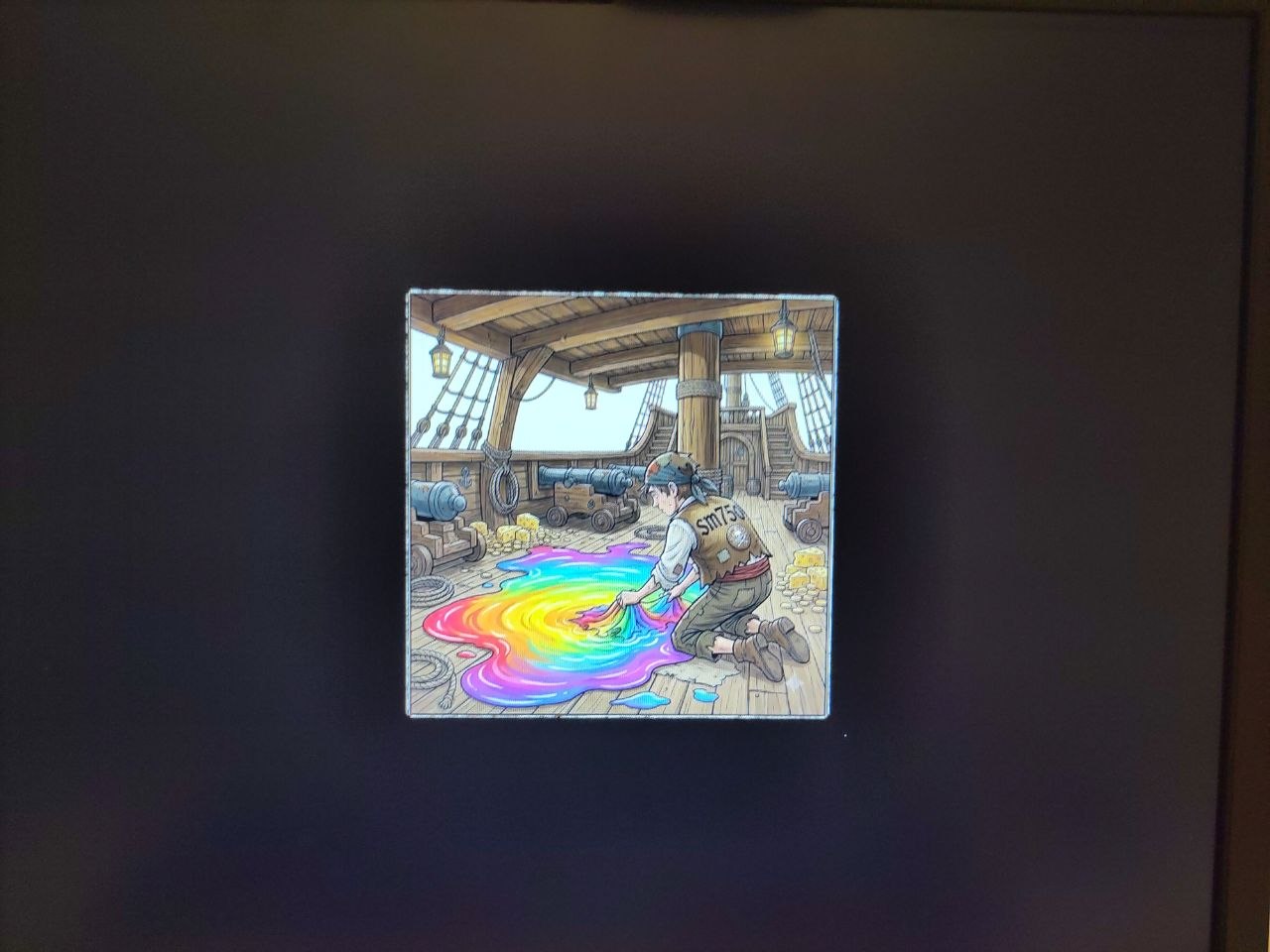
After the icons light up some drivers in my distro have a splash screen (in memory of old nvidia driver for BeOS (or at least this is what I remember, maybe it was linux too, but nvidia had unified driver so… too much water under the bridge)
for now the drivers implementing the splash screen are:
- framebuffer
- vesa
- s3
- matrox
- ati
- intel
- sm750
all of them have different splash screens
this is an example:
Then I had to remove the Haiku Leaf, well this will not be distributed, it’s just a goliardic version of haiku, nothing serious, but things should be done properly! even if the target is demonstrating an hardware cursor implementation.
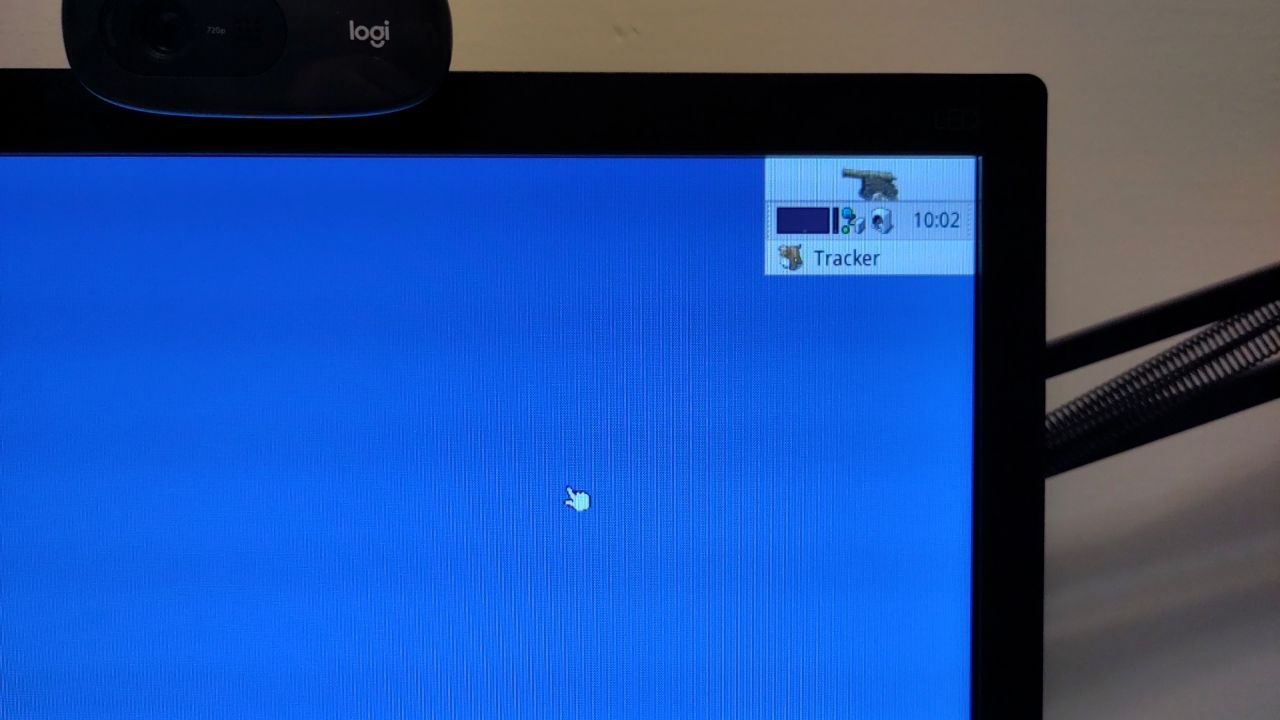
Again, I’m not that good at drawing, and this cannon isn’t even a vector icon. This forced me to modify Deskbar source a little bit…
So now, here we are. The screen preflet, adding the cursor control along with the hardware cursor:
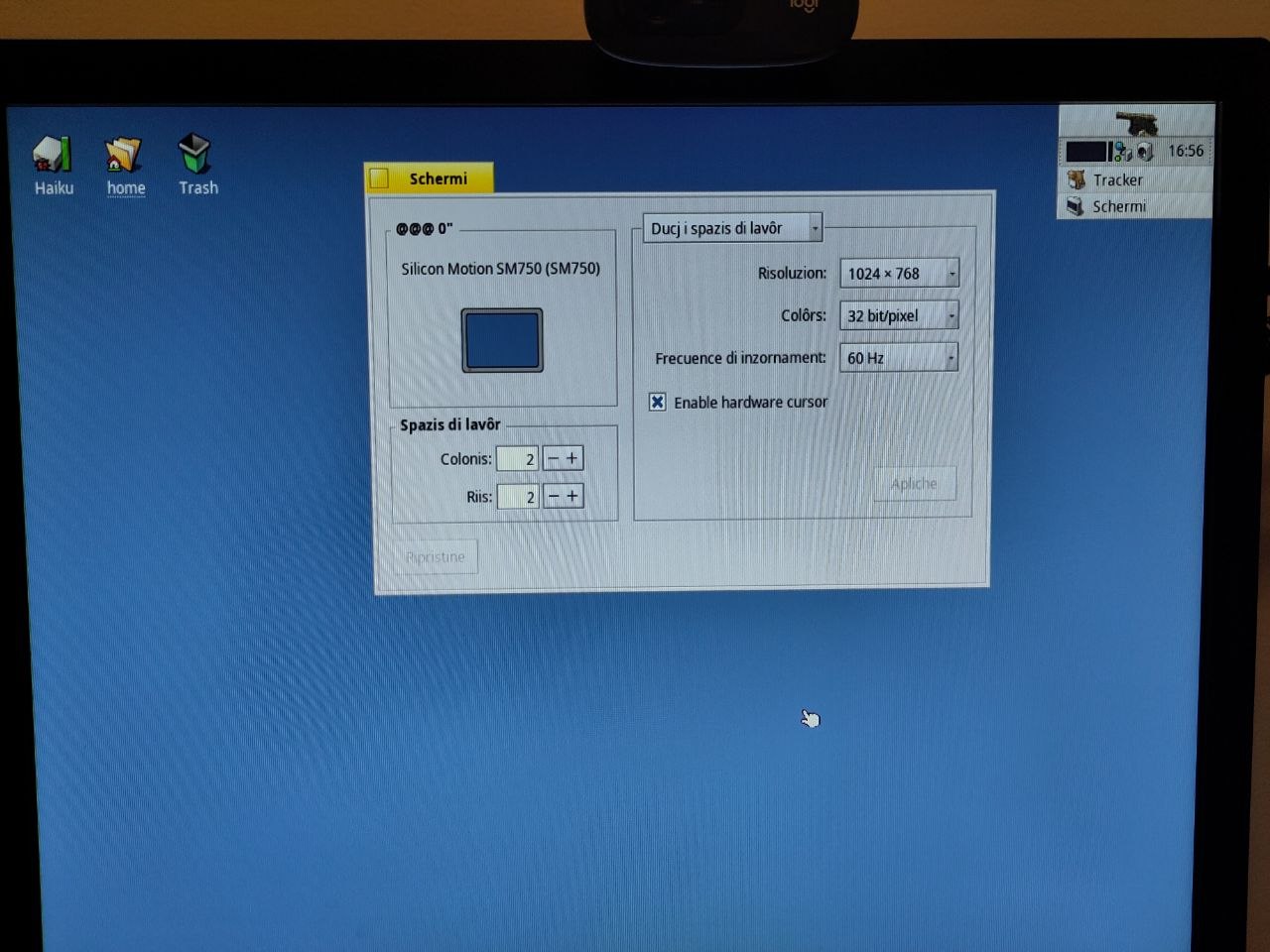
and here it is the hardware cursor disabled after unticking the BCheckBox control (the actual change happens when the cursor changes bitmap/shape)
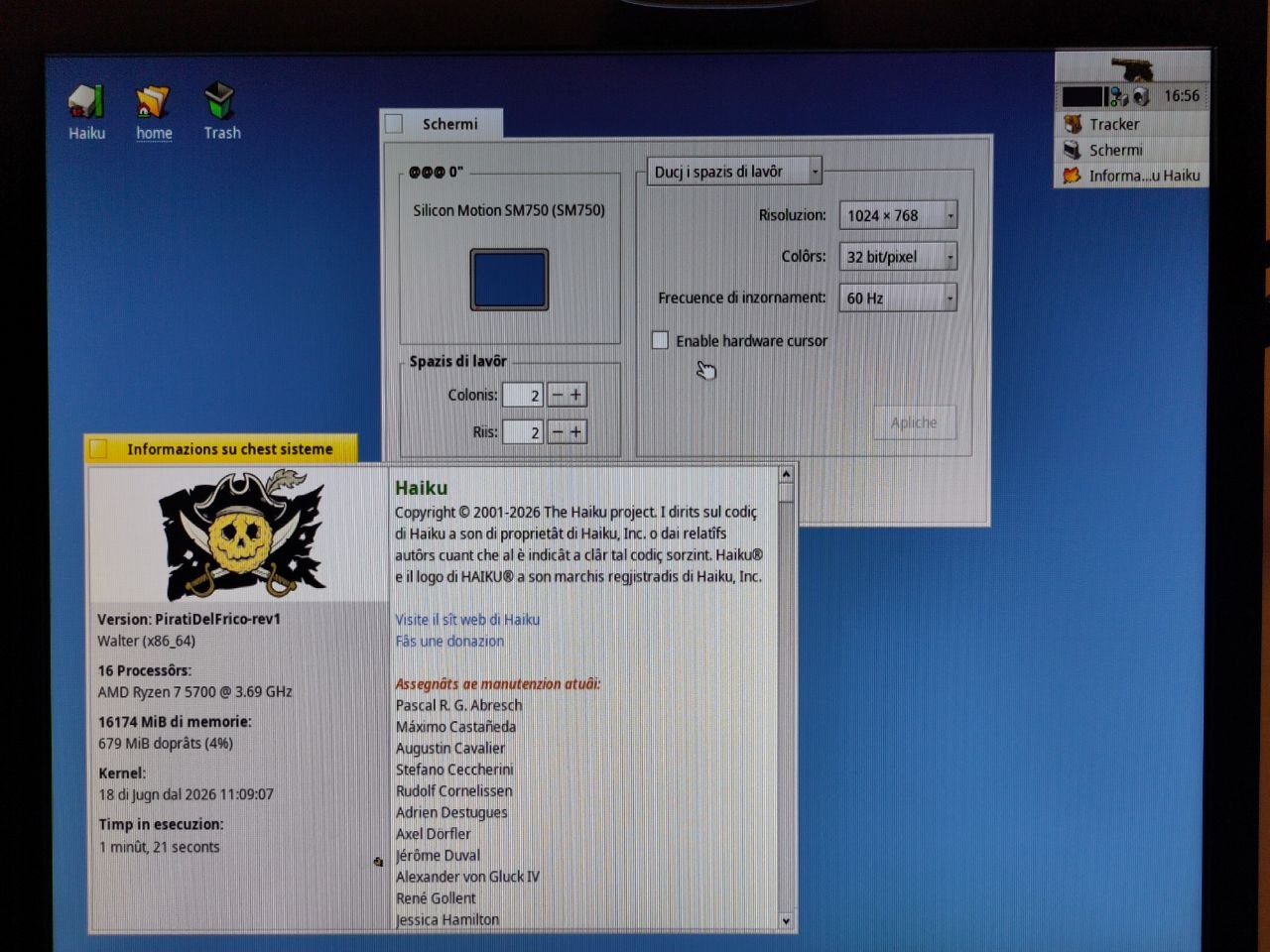
if you zoom at the mouse on these last 2 photos you can see the quality degradation introduced
That’s all folks, if any Haiku developer is interested on re-implementing, improving or simply reading the code here is the milestone:
AI was used throughout the project. I hope Haiku can benefit from this.
Thanks for your time reader. 