You need only the packages from the system directory, nothing else.
All other system files are either part of a package and just mounted, or part of the system installation that you want to do again.
Note that if the system then still fails to boot, then one of your packages might be the cause and you can try with a fresh install, installing one package after another and see when the system ffails to boot again.
2 Likes
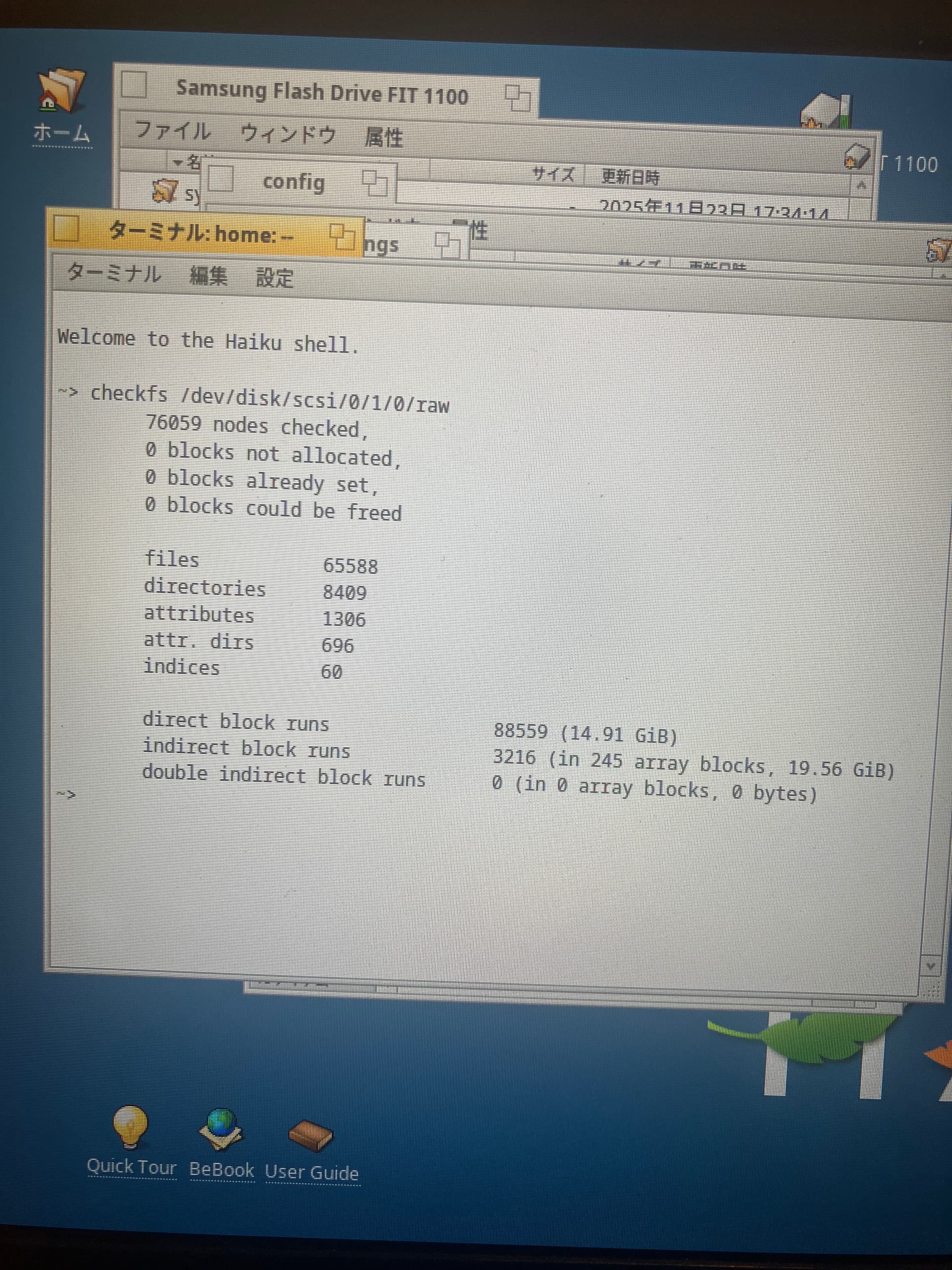
In Terminal checkfs
Usage: checkfs <device|volume name>
Options:
-h, --help - print this help text
-c, --check-only - do not make any changes to the file system
Examples:
checkfs -c /Haiku
checkfs /dev/disk/ata/0/master/raw
1 Like