I see almost the same difference with sequential read/write performance measured by dd in R1/beta5 and macOS: 1.6 GB/s in Haiku, 2.5 GB/s in macOS. I need to give nightly a try.
Well , for me is mostly the amd drivers (radeon_hd) and wine basically, because i think k3b is no the haikudepot right now, i suppose , for the rest everything seems fine.
Web version coming soon…
1 Like
@VoloDroid and @memecode, keep in mind that performance in VMs can be very different than real hardware, even when comparing Haiku vs. Linux in the same VM setup.
For example, in my VMware Workstation setup here, before my optimizations in the nightlies the stress-ng “pipe” benchmark (FIFOs), with 1 reader and 1 writer, gets to around 250 MB/s. After my optimizations in the nightlies, it gets around 2.5 GB/s. Alpine Linux running inside the same VM host gets 8+ GB/s … but Haiku running bare-metal on the exact same machine also gets 8+ GB/s!
I suspect that VM developers may optimize for specific OSes, and other ones if they do different things risk winding up in unoptimized slow paths. I know on VirtualBox in particular, Haiku runs extremely slowly with multiple cores compared to any other setup (including in KVM, VMware, etc.) There is an open ticket about this and the cause has been pinpointed (ICI latency), but we don’t understand why this is so much slower on VirtualBox than on other VMs or bare metal. So, if you are benchmarking, the best test is always going to be bare metal.
3 Likes
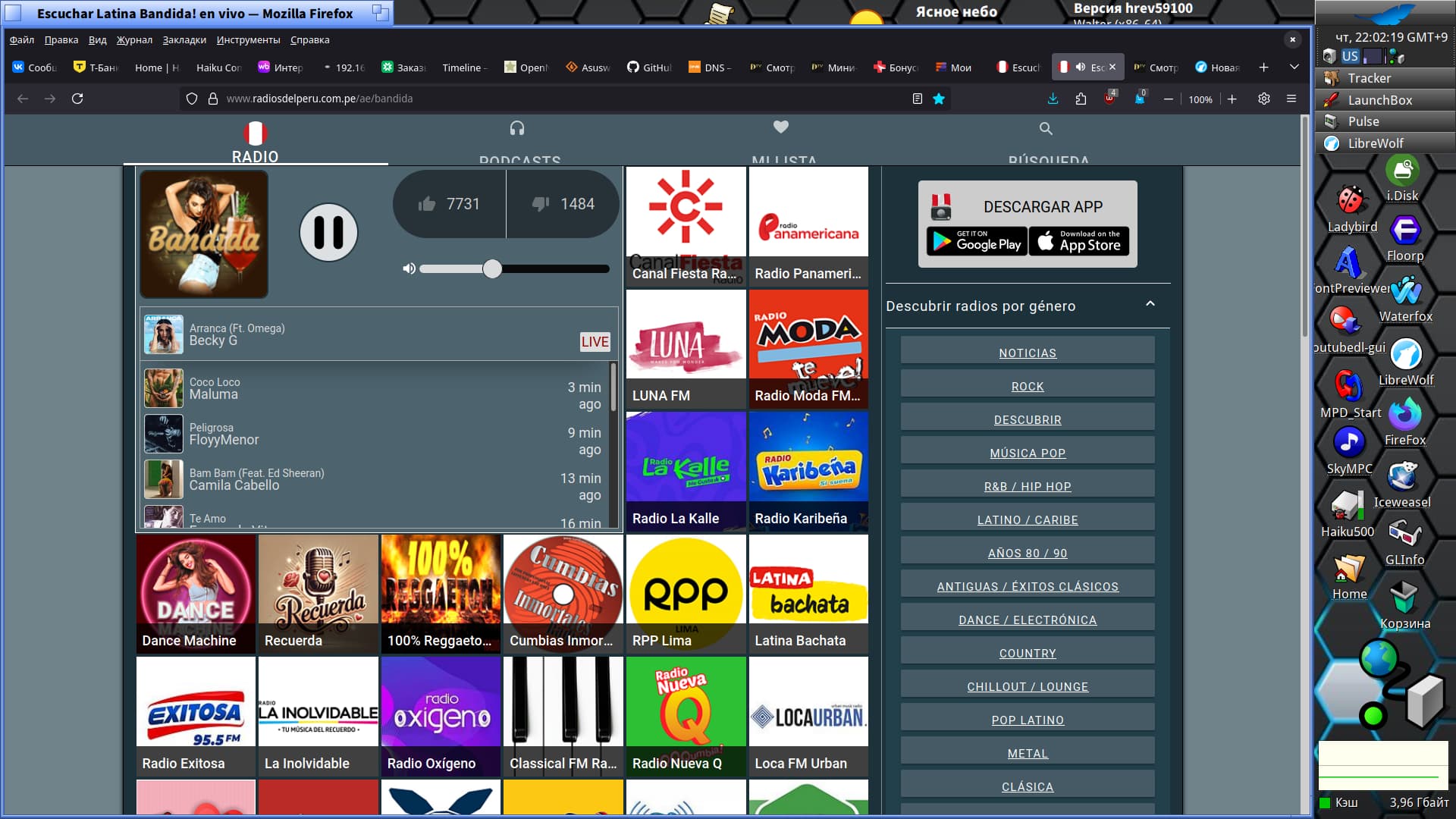
Primary system - Haiku hrev59100 64 bit
i5-12400, GPU UHD 730, monitor 24"/ 60Hz - DP/HDMI cable, screenmode 1920х1080х32, ssd NVMe WD Black SN770, wifi Intel ID 7a70 Raptor Lake-S PCH CNVi WiFi - pcie, bios uefi, videodriver framebuffer
7 Likes
I don’t know. Stopped using GitHub entirely a while ago. Not even sure what to report exactly, and I’d like to try on bare metal first, just in case, but won’t be able to any time soon. Thanks though!
I forgot to mention, my numbers are from bare metal installations on MacBook Pro 2015.
I’m with @Begasus here and happily use Haiku as my primary OS since IceWeasel became usable for everyday tasks.
Only thing missing now is webcam/UVC support for video chats, but nowadays I have to boot into Linux a lot less, so great work all involved!
Coming back to Haiku after having to use Windows at work feels like time travel to the future, things are insanely fast and zappy, where Windows takes ages to even open the file explorer.
Linux is slightly better but still you can feel every layer of the system since the 1970s.
Also, with SEN, I want to make Haiku into a fully fledged personal knowledge management system, and things are shaping up nicely:)
10 Likes
Nice seeing a few people already doing it, makes you realize how much the OS (and the available software) has grown in the last few years 
Not to bash your point, having a state-of-the-art WebPositive would be awesome, but you just made me realize I’ve been using a non-native browser (Firefox) on all of my systems since at least XP, I can’t help but wonder if, for most cases, a more complete Firefox/Qupzilla port would do the trick anyway.
(Is Firefox native to something? Depending on how you answer I might be cheating here with my point)
Does UHD have a working basic driver? I’m going to be using a pc with a similar integrated GPU soon
EDIT: nvm, I didn’t realize you mentioned the “framebuffer” driver
2 Likes
Update: I got FileZilla to work!
How that went: ran pkgman update and noticed there was an update to libfilezilla (that I hadn’t bothered to uninstall). Tried installing FileZilla again, but pkgman complained about libfilezilla now being an unmet dependency. Uninstalled the library and installed FileZilla again, this time from HaikuDepot. Lo and behold, now it works as if nothing ever happened.
Note to self: there are bigger differences between pkgman and HaikuDepot than I thought. When in doubt, try both.
1 Like
Ok, so what’s actually stopping me from using Haiku as my main operating system?
Didn’t we have the same question on the forum recently? Got a slight bit of deja vu feeling But it’s alright, I think I forgot some things the last time anyway.
-
The number one reason for me is probably the lack of hardware accelerated virtualization. If that feature was available I would actually consider running Haiku as primary OS on my workstation and run Linux in VMs in contrast to now where I do the opposite. There was a GSOC project to port a hypervisor (I think it was nvmm if I remember correctly) for accelerated use with QEMU. I really hope this project gets taken up again and completed.
-
Security: I don’t need multi-user that’s reflected in the graphical UI, but feel uncomfortable with everything basically running as root. If we could manage to run normal user stuff unprivileged by default and use sudo (plus a GUI equivalent when running graphical applications that need root privileges), that would go a long way. The ability to the lock the workstation would be great too. I have to admit I’m not up to speed on the sitiuation regarding this. Can this be done already with the help of screensavers?
-
Browser compatibility: That’s the one that almost everybody seems to have on their lists. Let me start on this topic by saying a big thank you to everybody working on browsers on Haiku, whether it is development of WebPositive or the porting efforts of Firefox and other browsers. Your efforts are greatly appreciated and the situation has become better. Still, this will always be a moving target as web technologies are constantly changing and it can quickly become very annoying having to use different browsers for different web sites and web applications on your main system. Right now if I use Haiku it’s less of a problem because I’m mainly doing application development and Web+ handles most API documentations and other dev related stuff quite well.
-
Suspend/Resume and Webcam Support. I put these seemingly unrelated things in one point because for me it only affects laptop use. I could happily use Haiku as a main OS on my workstation without these 2 things.
-
3d hardware acceleration: I forgot this the last time because gaming wise I play mostly old school games in emulators like DosBox or ScummVM which don’t need any hardware acceleration. I am however a huge flight simulator fan who uses FlightGear these days (started with Microsoft FS4 back in the DOS days) which needs accelerated 3D graphics drivers to work decently. Having said that, it’s not really a show-stopper for me to use Haiku as main OS. I could still keep a small Linux installation around and dual-boot into it when I want to go flying.
OK that was quite a list, I wonder if there would be more things that didn’t come to my mind right now. Maybe I should do an experiment and actually try to use Haiku as my main OS for a month or so. That sounds like a great idea. I’ll let you know when I’m ready to try that 
2 Likes
Haiku is the only OS on one of my machines, but my main computer is a Mac Mini so … ARM64? 
2 Likes
Updated both the library and application earlier after seeing your post and local check, glad it’s doing fine (did fine here also)
2 Likes
I do use it as primary, but today I went to MacOS, to edit a couple PDF documents in Preview and send them off to the printer.
Te ext3/ext4 driver works very well. Occasionally, Linux adds new features to the filesystem that our driver doesn’t know about, but:
- This only applies to newly formatted disks after Linux added the feature
- There are feature flags in the filesystem header indicating if the filesystem is safe to mount and safe to write, the driver will not corrupt your disk if there is a feature it doesn’t know
- You can disable such features when formatting your ext4 volume
and if you’re not using windows, there’s no reason to use anything else
3 Likes
Lack of security online, & the user interface mainly……it’s OK as a hobby OS, but for real life, I stick with Linux or BSD. (I quit using MS back in 1999).
Not that you can say this checks the “works well” box, but maybe it’s OK until we have something better.
If you don’t mind using the terminal and learning some keys to control its nonexistent UI, ffplay from the ffmpeg tools. I think pressing ‘t’ is supposed to cycle through the different subtitle streams, but I had to explicitly select a fixed one and tell it to draw it from the invocation with:
ffplay -vf subtitles=test5.mkv:si=3 test5.mkv
where test5.mkv is the media file and 3 is the subtitle (not absolute) stream index. Pressing ‘a’ to cycle the audio stream did work for me.
MediaPlayer also recognized and played different audio streams without problem in my test. Until something is implemented in MediaPlayer itself to use the subtitles in the media file, you can manually extract them in a way it will take them, at least for files in writable media. If you don’t still have them, install cmd:ffprobe and cmd:ffmpeg. Copy this script, make it executable and give it the media files.
#!/bin/bash

RETVAL=0

for f in "$@"; do
	OUTPUT=()
	>&2 printf "%s\n" "$f"
	while read INDEX LANGUAGE; do
		OUTFILE="$f.$INDEX.$LANGUAGE.srt"
		if [ -e "$OUTFILE" ]; then
			>&2 printf "%s already exists\n" "$OUTFILE"
			RETVAL=17
		else
			OUTPUT+=( -map 0:$INDEX "$OUTFILE" )
		fi
	done < <(ffprobe -v warning "$f" -select_streams s -print_format compact=p=0:nk=1:s='\ ' -show_entries stream=index:stream_tags=language)
	if [ -n "$OUTPUT" ]; then
		ffmpeg -v warning -i "$f" "${OUTPUT[@]}"
	fi
done

exit $RETVAL
2 Likes
Thank you, I’ll have to experiment with it but I’m glad there’s an option.
When it comes to multiple audios in MediaPlayer I think it depends on the media you’re using, most of the files I used to check are fine but I have this 1 .mkv with 4 audio tracks, the first 3 play fine but the 4th one is… well, it sounds like it’s cut-off in some way, it’s clicky and poppy and there’s only (part of?) the lows playing. Kind of like MediaPlayer only reading it partially.
But it might be an ffmpeg/codec issue? The audio format looks exotic to me:

i really dont have time. I made a post and everything about switching, and i can. But school and exams are giving me such a hard time. By the time im done i just feel lazy and start watching videos. and then i have to study again! after like, what, an hour??
so you know, researching on haiku apps and on the forums, then planning, combined with my life, makes switching almost impossible
realistically i wont be able to use it for another 6 months
dont know what i was thinking to switch to linux when haiku was right there
I still have FS 2024/Asphalt 9 and FlightGear 2024.1/SuperTuxKart (Haiku) setups I maintained for awhile. As you may know, @X512 had crafted a few experimental driver ideas using Vulkan/Mesa.
Don’t fret awaiting such a thing just yet. One day…