On April 4, 2023, a change set was submitted to Haiku. Since then, the reviewers (me included) haven’t been very sure about whether it’s a good idea or not. So, why not ask you, the user?
So, which of the following behaviors do you prefer?
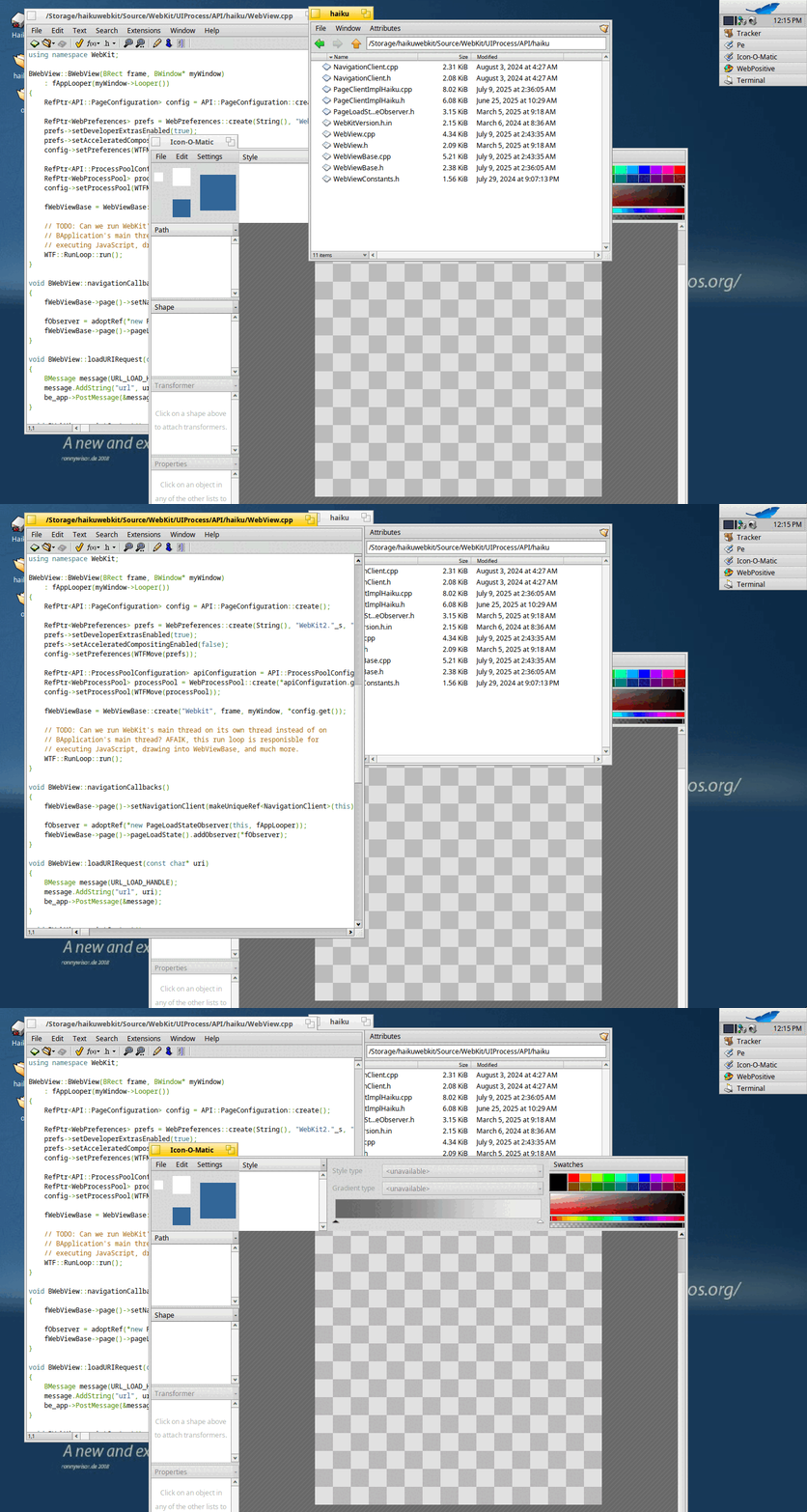
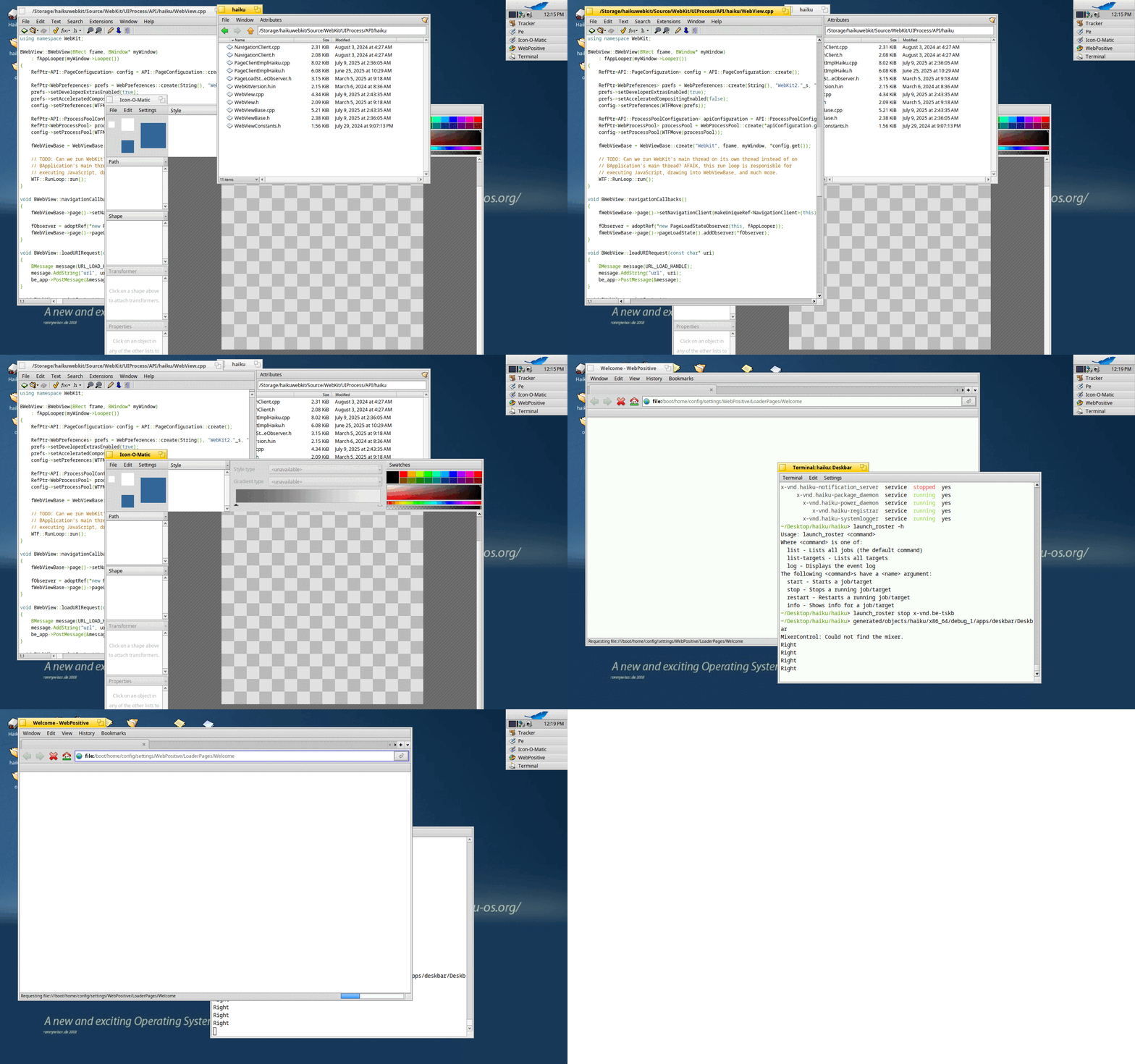
Stay in the current workspace
When pressing CTRL+TAB rapidly, switch between all of the windows in the current workspace. Do not switch to windows in other workspaces. This is the current behavior.
Hit all of the windows
When pressing CTRL+TAB rapidly, switch between all of the windows. Switch workspaces if necessary. Just make sure that all of the windows are cycled through.
Note:
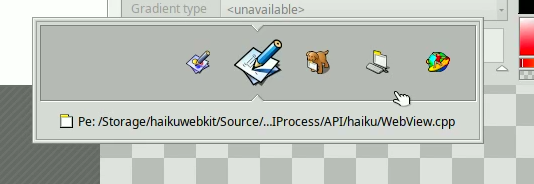
To be clear, I am not talking about the behavior if you long press CTRL+TAB. When you do that, you will get this:
This menu acts differently. Even with the current behavior, teams from all workspaces are shown, and if a team not in the current workspace is selected, Haiku will switch workspaces to show that team. This proposed change does not affect the behavior of that menu. It will work the same no matter what.
So, what’s your opinion? Which one do you like better? Should this behavior be behind a setting? If so, what should it be called?
That’s tough. I can think of good use cases for both. I think if you have to pick one, stay in the current workspace makes the most sense to me. But choices are good - either a system setting, or perhaps a whole new key combo. Is Ctrl + Alt + Tab taken?
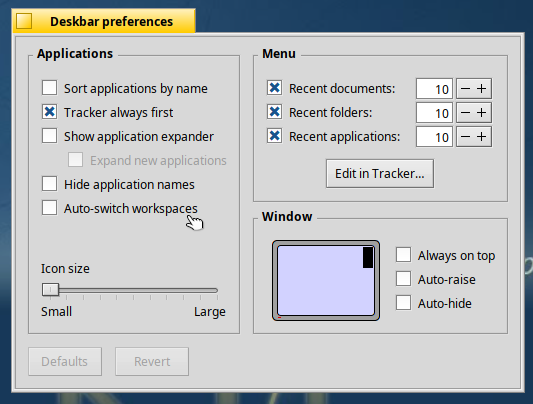
I’m worried this setting may not be intuitive as to what it does. Does this setting feel intuitive to you? Is there a better name and location for this setting or is this good enough? Or are we risking cluttering the settings app with too many settings if we have settings for all of these minor behaviors?
CTRL+TAB rapidly : wow I didn’t know that feature, I’m not sure to understand the added value compared to the standard CTRL+TAB, because at some point when you don’t type quickly enough, you go back to the CTRL+TAB bahavior
CTRL+TAB : is it part of the Tracker ? if so why not giving the choice to the user in the Tracker Preferences, between switching only in the current workspace versus looking for all workspaces ?
I don’t use that key combination regularly,but I’d say staying in the current workspace by default makes most sense.
Adding a setting could be the easiest way to make everyone happy,but the way it looks on the screenshot,I agree with @suhr that it’s not really clear what the setting does.
I’d pick door no. 2, switch between all apps, no matter on which workspace they are.
It’s more consistent; as you said the “Twitcher” when you hold CTRL+TAB also shows all apps.
I’m against a setting. While the Twitcher technically resides in Deskbar (for now), it’s not actually related to it from a usage point of view.
Maybe a better modifier for the old behaviour would be SHIFT. It’s easier (for me, at least) to use CTRL+SHIFT+TAB than CTRL+ALT+TAB.
I have another related issue, that I probably should open a ticket for.
The timing for the “rapidly tapping CTRL+TAB” is too short. Or I’m too slow. I pretty much always just switch between the last two apps, instead of cycling through all.
Personally, I wouldn’t even need a timed “rapid tapping”. If I want to switch between just the last two apps, I do this: Rest thumb on CTRL, tap TAB with middlefinger and immediately after lifting the tap-middlefinger lift the thumb from CTRL.
Still, I suppose for the less digitally dexterious, having a timeout for the “rapid tapping” should be kept. Albeit it should be longer than it is now.
As a general principle, nothing should switch workspaces other than commands that exist just to switch to another workspace; you should never end up in a different workspace accidentally.
But I may isolate tasks between workspaces more than most users?
Yes, but it’s not accidentally. When you CTRL+TAB through all apps, you will stop tapping until you’re at the app you wanted. Otherwise you’d keep tapping…
I’m team door one.
If I move some windows to other workspace, that’s to not care about them in that current workspace.
The quickest CTRL+TAB mode is there to offer the quickest way to play around the windows you are focusing the most. For me it’s means the current workspace.
But I agree with @humdinger that the delay for CTRL+TAB to switch to Twitcher mode is too short.
I dunno if it’s a sign I became too slow myself or not
Actually, I meant that the “rapid tapping” to cycle between all apps is to quick. If you’re too slow, you’ll just switch between the last two apps.
Maybe since all this rapid tapping, finger acrobatics isn’t too easy, we should keep the CTRL+(tapped)TAB just for switching between the last two apps. That’s the thing at least I do most often: switching back and forth between two windows.
And holding CTRL+TAB for 1/3s summons the Twitcher window. The Twitcher could be improved by showing a row of open apps per workspace. We keep navigating the apps as it’s now, but CursorUp/Down switches workspaces rows.
I guess “task” is the wrong word for what I meant.
I use workspaces mostly as single-app spaces so, for example, all my Icedove windows are in one workspace, all my LibreWolf windows in another, Pe windows in yet another.
There’s never a time that I’d want window-cycling to jump between those.
The concept of a workspace containing only it’s own open tasks makes a lot of sense to me. So, if you choose door one, is the real question “why does tracker show every app open when switching, rather than only the apps in the current workspace”?
Everyone’s different. I very often consult some text of a Trac ticket etc. when writing an email, for example.
Anyway, I suppose everyone uses on occasion the “other” mode (all apps/only current workspace). In so far a modifier key to quickly switch modes seems to be better than a fixed setting somewhere.
Both options have their pros and cons. I vote to add an option to be able to set it at user convenience. For dumb interfaces there are already MacOS and Gnome. Allow power users to choice.
Call it “Limit CTRL+TAB to current workspace” and put it at the place in the screenshot.
That should make it more obvious what it does.
Maybe someone finds a even better wording,but “Switch workspace” or “Auto-switch workspaces” both don’t indicate that it’s related to the CTRL+TAB key combination at all.
I agree with humdinger that we should avoid settings for such things. It’s just annoying to have so many tweaks and knobs and have to keep them in sync in every Haiku install, it’s annoying to document, it makes the code more complicated.
So, just add an extra modifier combo to get the other behavior, and people will just learn the shortcut they find most useful.
I have no advice on the specific shortcut since I don’t usually use this one. I use Cmd+Fx to switch between workspaces and then find what I need using the mouse and the deskbar (in expanded mode for wuick access to various windows).
Still, the current behavior makes sense to me, cycle through the current workspace, as I probably know where I’m at, and my fingers will enter the shortcut for the workspace where the window I’m looking for is, before I even think about it. If I need to search a window that I’ve lost, I’ll probably use either the Deskbar, or the twitcher window, to quickly navigate to it. I have no interest in cycling through dozen of windows (especially if that may also change their Z-order and move some things to the front).
Personally, I do not use Ctrl-Tab to switch apps nor I use Twitcher. Since I segregate related apps to individual workspaces, I simply use Deskbar to switch to any app (regardless of workspace)…click on it, I am presented the app in its workspace. For me it is quicker and easier to change apps.
For me, Crtl-Tab takes too long to cycle through the apps where one click via deskbar is quicker.
It is a convenient feature for those who use it.
However, if I did use it, I would expect Ctrl-Tab to cycle though all the apps regardless of workspace. Just my thought on that feature.

 I pretty much always just switch between the last two apps, instead of cycling through all.