Ok noted, thanks !
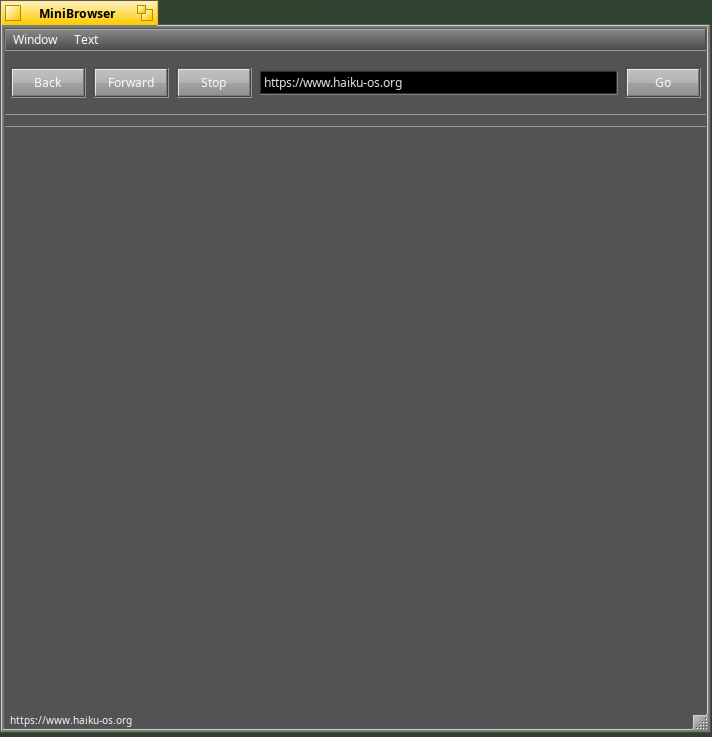
Is it needed to be on Haiku nightly version to have minibrowser working? on my system (which is on R1B5) the browser is opening an empty window, but there’s no site browsing when putting an URL.
You have to enter an exact url (with the http:// or https:// prefix) and then press the button next to the address bar. It’s not even as good as HaikuLauncher (the WebKitLegacy equivalent), it’s just barely good enough for testing the web engine.
I have done that I think by pressing the “Go”: the URL is displayed in the bottom status bar, but nothing more happens.
One can always dream …
For quite a while, I’ve been annoyed how browsers ‘try to keep you using them’. Especially bookmarks: You’re allowed to import from one or two other browsers (competitors), but you’re not allowed to export, and you usually lose metadata, such as comments, history (last visited, times visited, hotkey, shortname), etc.
What I really wish for in a web-browser, is that it would be completely modular / plugin-based.
Eg. Bookmarks would be a plugin.
HTML-rendering would be a plugin.
Javascript would be a plugin (it is possible, but some HTML-rendering engines are “tightly integrated” with the Javascript engine)
History would also need to be separated from bookmarks, thus a communication interface between the two would have to be designed.
Download manager would be a plugin.
SSL should be a plugin.
Layout would also be a plugin.
In fact, the web-browser would be nothing but a skeleton, which would handle only plugins. 
Settings should be stored as json.
Having the HTML/CSS-rendering and Javascript as plugins would open up new possibilities;
it would be possible to have a slow computer (say Raspberry Pi 4B) and on the same LAN having a fast computer (or server), which could run the actual rendering.
It would also be possible to use compute-cards on a normal PC for running the rendering.
… Anyway, I think you get the idea. One can always add more small plugins (such as email, torrent, media-center, graphics editor, office-pack, 3D-modeling, compiler-suite(s), operating systems, etc… at a later point)
Sorry for posting this; I know that now you can’t get this idea out of your mind and you simply have to make it.
1 Like
Maybe the logs will help. To get those, run WEBKIT_DEBUG=all ./MiniBrowser and look at the log output in DevConsole (yes, the logs are not printed to the terminal).
Edit: If you want to upload the logs for us to view, then selecting “Tools->Save to file” in Dev
Console will give you the logs as a text file.
1 Like
Is the link for DevConsole still valid?
I have the below :
git clone https://pulkomandy.tk/gerritdevconsole
Cloning into ‘gerritdevconsole’…
fatal: repository ‘https://pulkomandy.tk/gerritdevconsole/’ not found
Try git clone devconsole - PulkoMandy's project hosting
Ok I’ve tried again and a slash is missing in the URL indicated.
The good one is :
git clone https://pulkomandy.tk/gerrit/devconsole
@PulkoMandy it was a typo error, maybe you can fix it on the website ?
1 Like
After analyzing the log details with devconsole tool, I’ve found the reason : MiniBrowser expect to have a “bin” directory in the current directory to launch “WebProcess” :
application/x-vnd.lh-MiniBrowser | failed to start process ./bin/WebProcess, error No such file or directory
Until this is fixed, the workaround is to launch MiniBrowser not from its current directory but from the upper one : working fine 
./bin/MiniBrowser
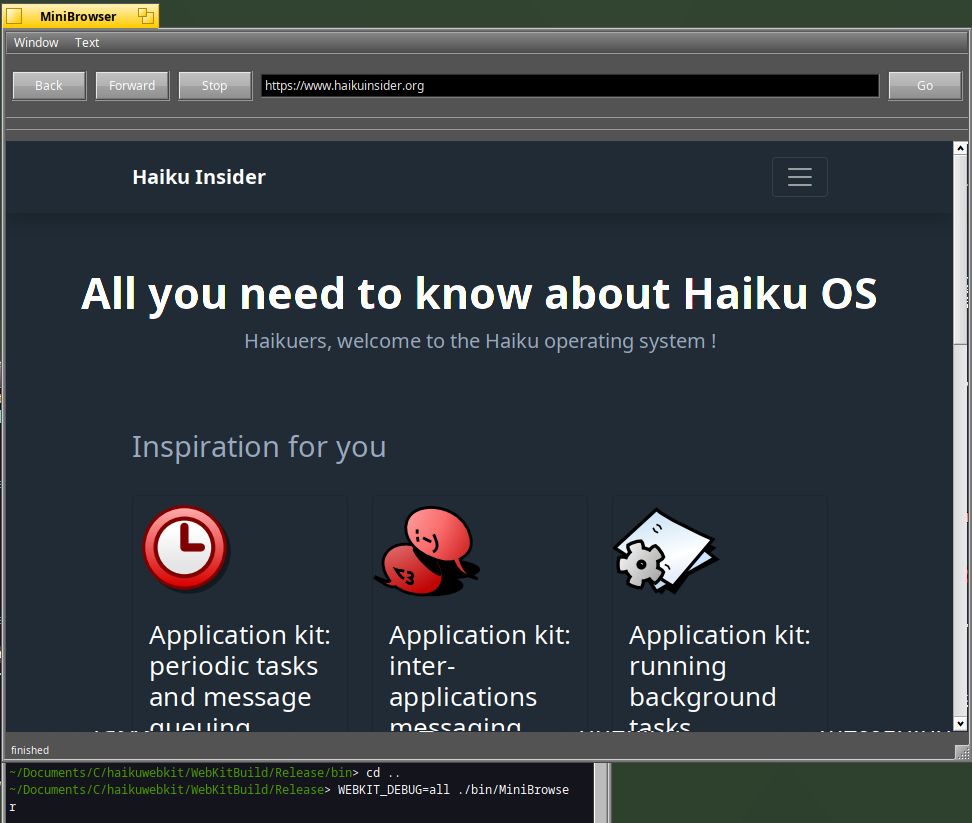
Good starting point for me if I can help too on this topic (not sure what could be useful first…)
2 Likes
Ah, that’s right. I had forgotten about that! If you want to fix that, I can probably find the source code for that pretty quickly.
Yes sure I’m interested to fix that
At some point I had modified it to launch its dependencies through BRoster::Launch, but that was later removed as we switched to using UNIX sockets.
Eventually these executaples will have to be located in some system path, and we’ll be able to use BPathFinder to locate them.
All right, the path “./bin/WebProcess” comes from Source/WebKit/Shared/haiku/ProcessExecutablePathHaiku.cpp whilst the actual process launching happens at Source/WebKit/UIProcess/Launcher/haiku/ProcessLauncherHaiku.cpp.
Good luck!
Ok I see, it should be straightforward :
As suggested by Pulkomandy, the idea is to use BPathFinder to identify the standard bin directory where the executables will be in the target situation
And I see another use case where we can apply fallback relative directories (« bin » or « . ») in testing environment where webkit2 has been build but not yet installed : this is my current use case
so that we should be in a clean situation (I’ m just wondering if fallback dirs should be checked first to avoid using old webkit2 version when webkit2 is already installed while new version of webkit2 is tested)
I think that’s what the runMiniBrowser script is supposed to set up (with the help of some environment variables). But as you found out earlier, it doesn’t work yet.
Fix done and working fine
I have also an idea how to fix the script which is launching minibrowser and which is broken.
Next step for me is to prepare a PR. Meanwhile I’m trying to move the setup to another more powerful machine than my NUC, so next time compilation should be faster I hope.
2 Likes
If you haven’t already, I suggest setting up ccache sometime. The amount of times WebKit decides to compile everything or nearly everything is a bit much, so having it set up can save quite a bit of time. There are instructions specifically for setting up ccache for haikuwebkit somewhere which I can dig up if you want.
If it could be done well on any OS, it would be haiku, because of its client-server/messaging model.
1 Like
I have moved the 32 Gb of RAM from my NUC to my Windows laptop
The setup for compilation should now be better : Haiku on USB memory stick for booting + external USB drive containing webkit repo for compilation + 32 Gb of memory :
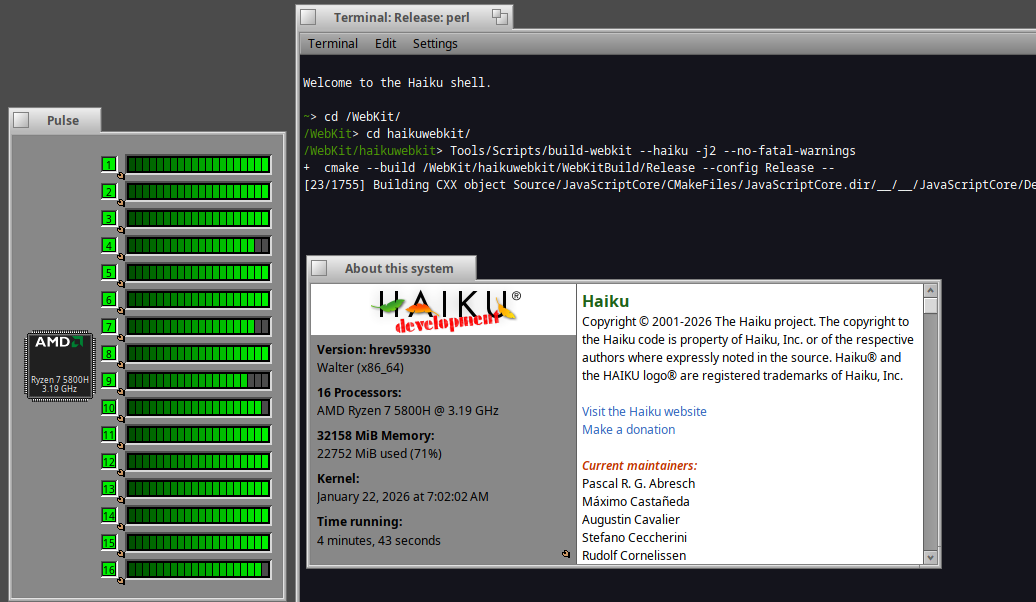
I will try to make a metrics from the beginning as this one was initially compiled with 16 Gb where it was stuck at some point and restarted with 32 Gb