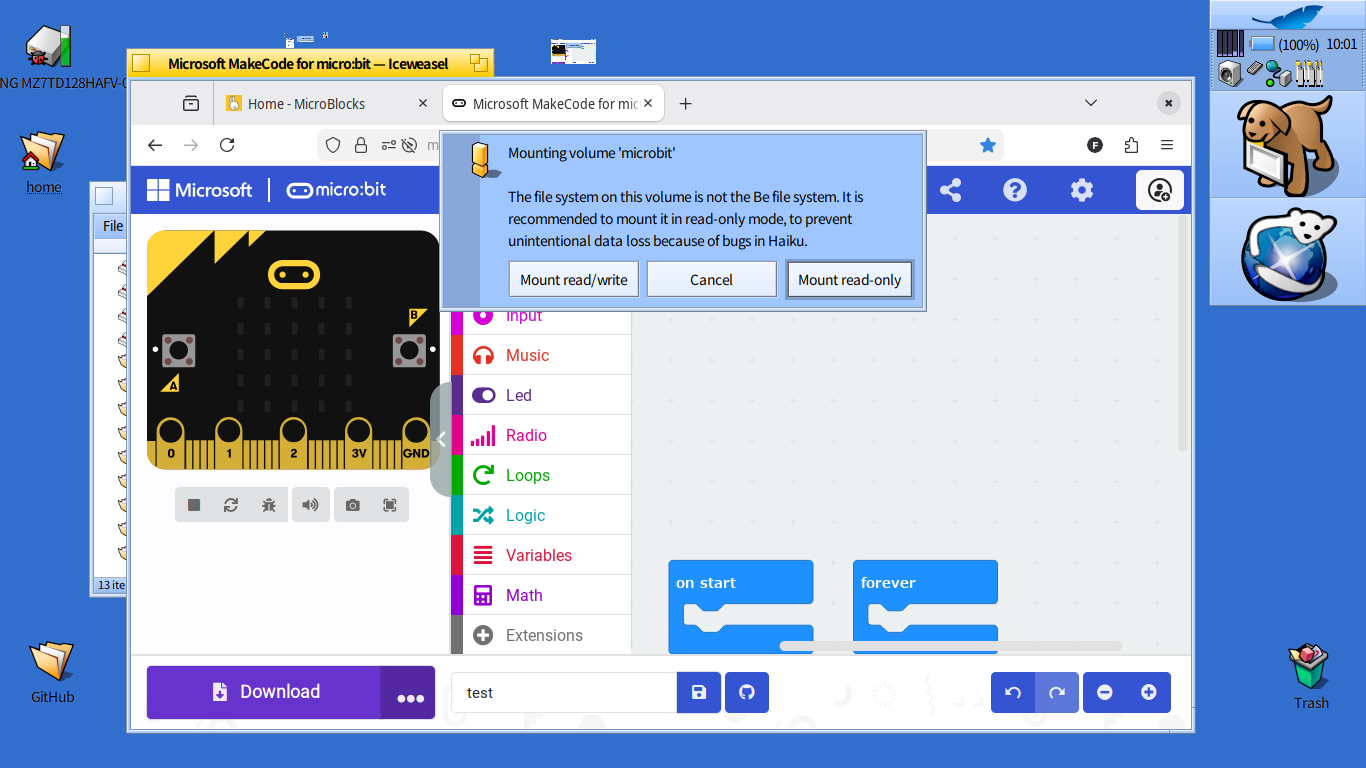
I’m wondering whether it’s safe to play with a BBC micro:bit on Haiku. I plugged it in this morning and got the usual “not a Be file system” recommendation to mount in read-only if possible. Now, with a micro:bit, I’d want to download the programmes from the PC to the board so I really would need to mount read-write.
The question is this. Could a possible bug in Haiku lead to a potential bricking of the micro:bit? Or would it simply be a matter of a corrupted programme file which could simply be deleted and replaced with a fresh copy? Thanks for your advice!
What files do you see if you mount it read-only?
If you see only your own program files that you put on it earlier,it’s safe to mount read-write as that partition can simply be reset if something goes wrong.
If you also see some internal system or configuration files of that thing,it could get bricked if they get corrupted in some way.
Also,what type of filesystem is it?
If it’s FAT32,the Haiku driver for that is pretty reliable.
While it could theoretically go wrong,I haven’t experiences issues writing hundreds of gigabytes to FAT32 partitions.
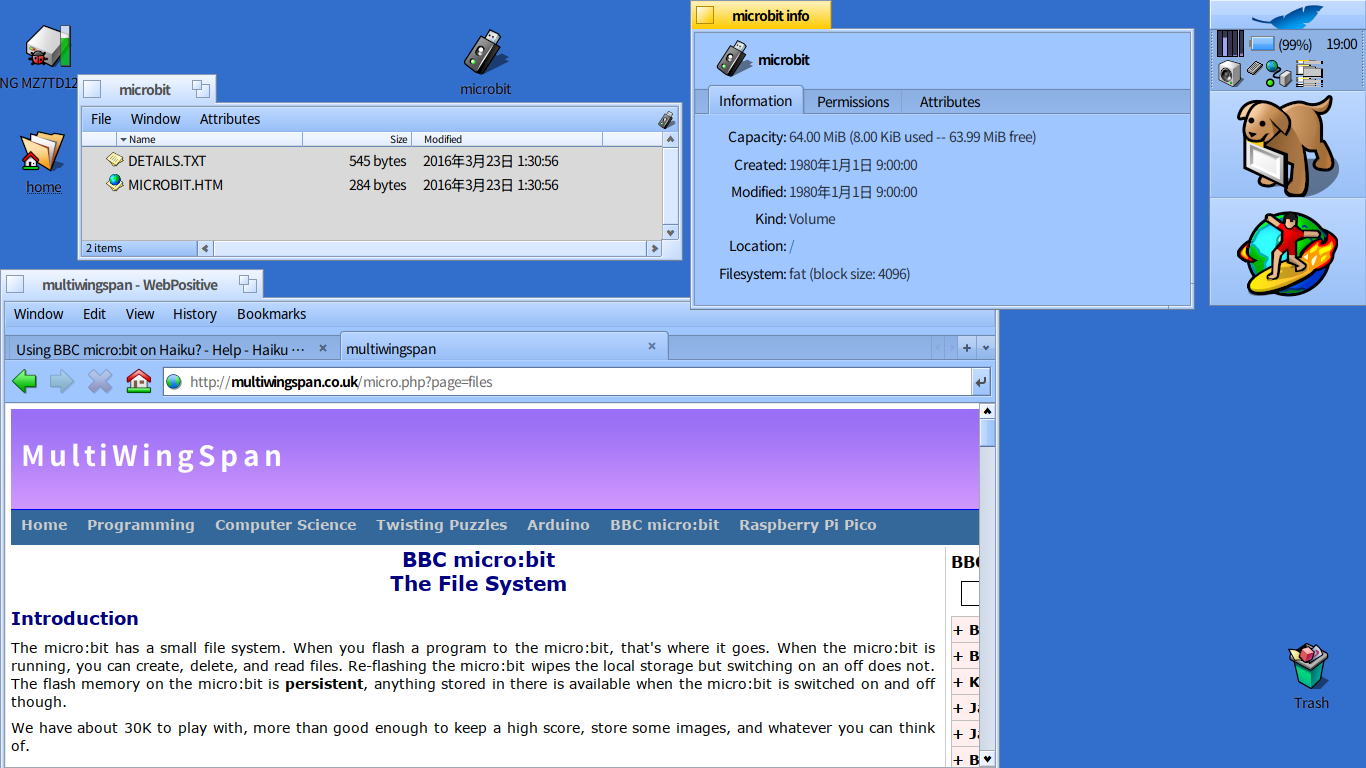
Thanks for your considered advice! It seems that the microbit has a FAT filesystem (rather than FAT32) and when I mount it Read Only, I see only some readme type files called DETAILS.TXT and MICROBIT.HTM and not the actual programme file that I had flashed to it by drag-and-drop in my Windows PC.
It looks as though the micro:bit’s filesystem is built in such a way that even inquisitive kids playing with it won’t be able to damage its system files. Is Haiku’s support for plain old FAT file system historically pretty reliable?
I’ve only played with it under Linux but I’m pretty sure you never see your files on there. It exposes some kind of virtual file system to the user with those help files to make it easy to use, and then when you send over a new binary it just burns it as required. Obivoulsy can’t promise but I don’t think you’d have any issues using it with mounting it RW in Haiku.