Got an old iMac which I want to dedicate to haiku. Trying to run the beta6 image gives me the known error about no boot partitions. But I don’t know what to do.
This is the setup
iMac early 2008. So Intel
Runs Leopard, so no system integration protection yet
No official mac keyboard so it does not recognize the keyboard in time for the option key pressed
Got refind installed so I can select boot images.
Got Beta image 6, burned to dvd, usb
I have an EFI partition
Resized the Macos partition
When booting, efind gives me three options. 1 bootloader, the other 2 show me the lovely haiku booting screen, but error out at the fourth icon, no boot partitions found
I expect the live installer, from which I can create the right parition. But that does not happen.
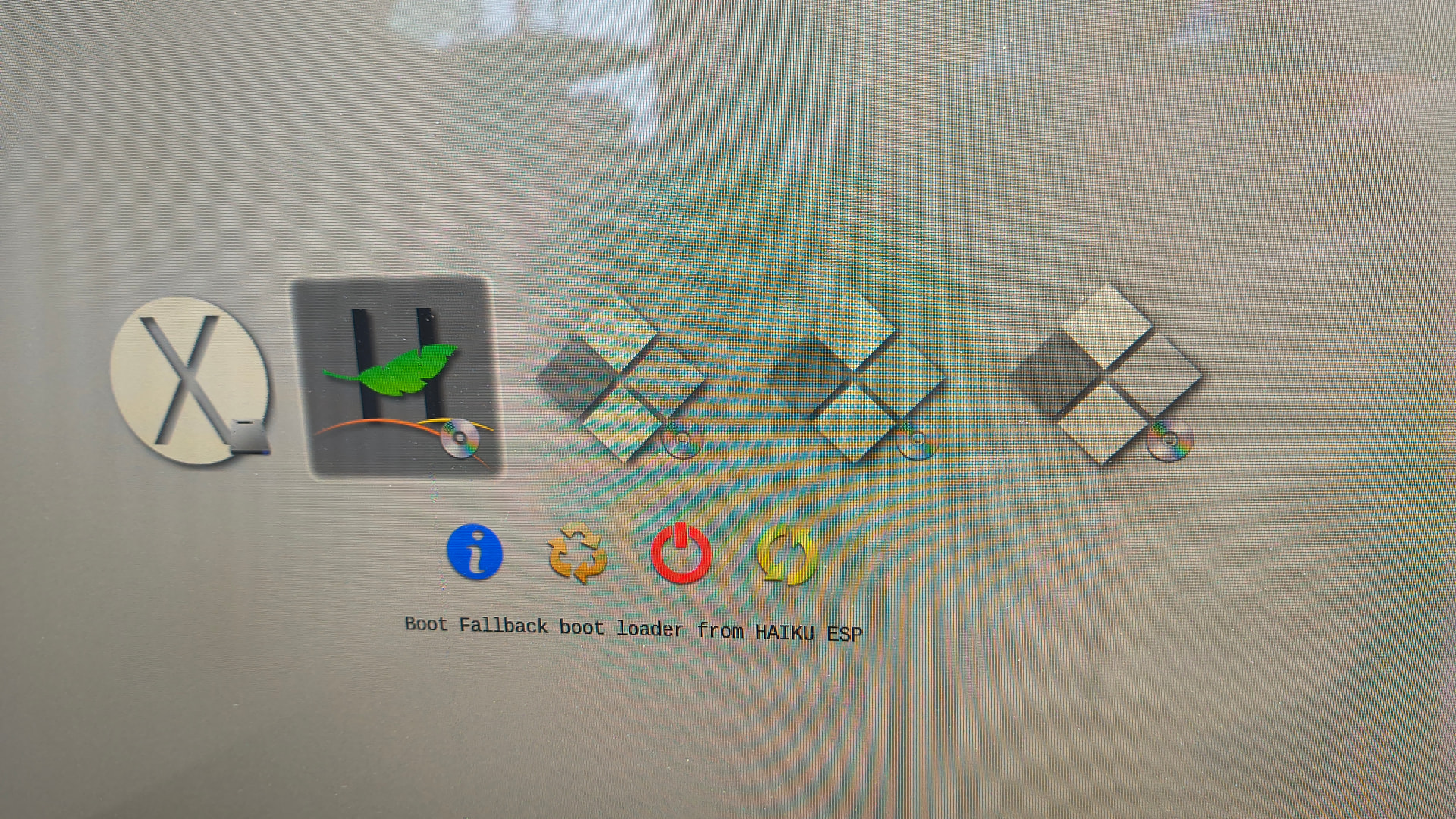
These are the options refind gives me (next to macOS, haiku dvd inserted)
Boot fallback boot loader from haiku esp
Boot legacy os from unknown volume
Boot legacy os from haiku esp
Boot legacy os from whole disk volume (since the first post I’ve created a haiku folder on the EFI partition, would that be this? Still strange it has the DVD icon)
As there is nothing installed i think unknown volume should do it. None of the options give result though
Selecting fallback bootloader gives (the one selected below)
After selecting the big H icon, instantly start hammering SHIFT and SPACEBAR to get to the boot menu. From there you can enable “Fail safe graphics driver” and continue booting into the Haiku installer - hopefully.
I keep on hearing that apple devices are easier to use. There’s no way to boot a DVD without installing a third party software on these thing?
Anyway, when you’re in Haiku bootloader, do you see boot volumes available?
About the resolution, I don’t know on Mac but, on PC it’s often the opposite. If there’s no specific driver for your graphic chip, you have to choose the resolution at boot time, after that you can’t change it. So, it’s important to choose a good one.
The default way to load other systems is to hold the Command key at boot. But I suspect it’s with a Mac keyboard (there was a blog post somewhere). Because my (2) keyboard have no effect.
But as I can install Refind, c’est ca.
I’ll try Refit, ik saw some updates for Refit for Snow Leapard, so it might just fit the time. Perhaps it has a lower resolution set (this is my hope) which solved everything… (ahum)
When in the haiku bootloader, i can select volumes, either dvd of stick
For running just the installer, screen resolution doesn’t matter so much. But with rEFIt you should be able to boot Haiku either through EFI with fixed resolution (which could be the max resolution of your iMac through frame buffer) or boot through CSM Legacy Mode with the Haiku fail safe graphics driver.
I keep on hearing that apple devices are easier to use. There’s no way to boot a DVD without installing a third party software on these thing?
You’re about 20 years late with that comment, seeing as he’s trying to boot an obosolete 2008 iMac. All of this is obsolete, including DVDs as a medium.
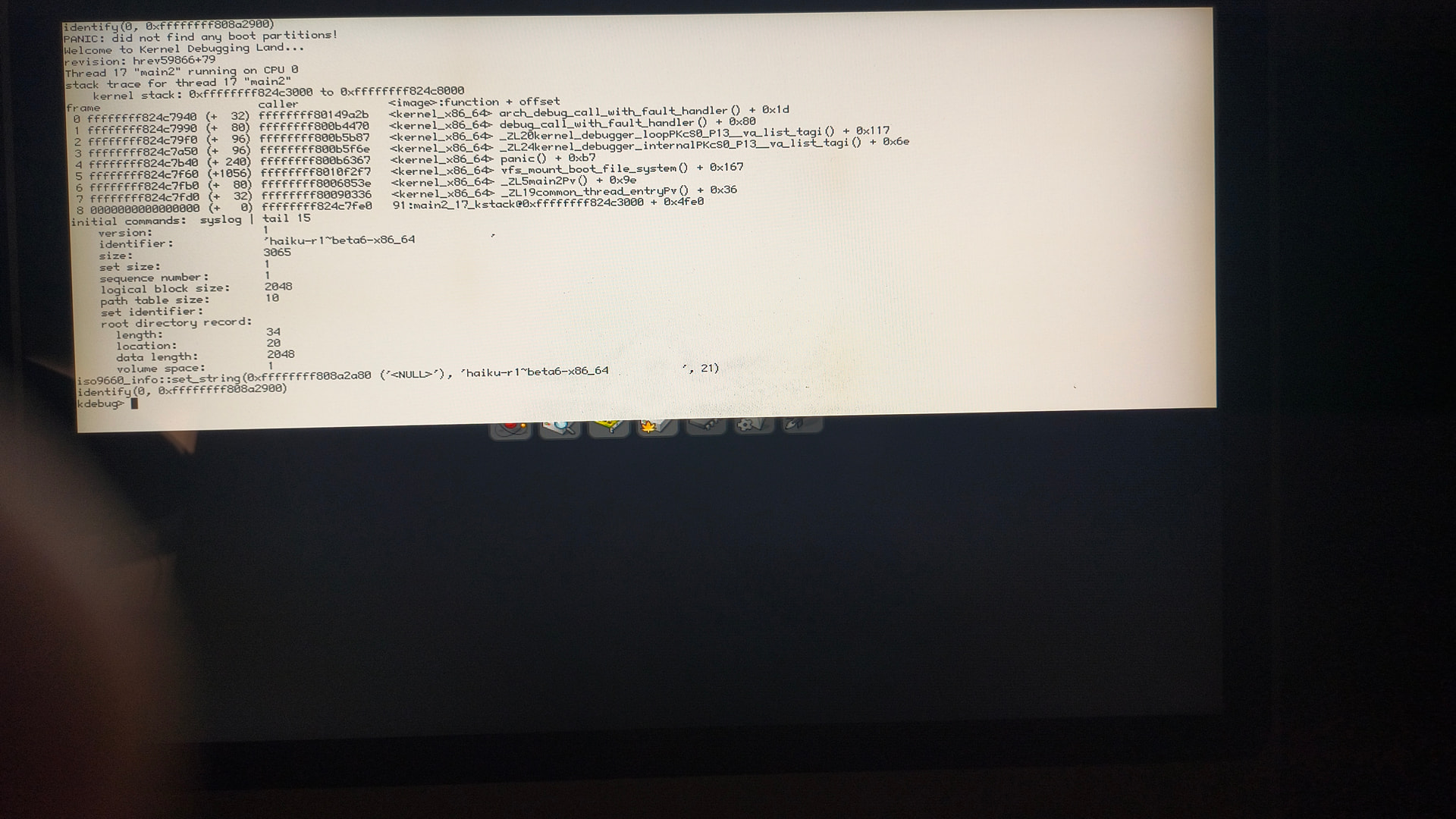
 a step further, but not there yet