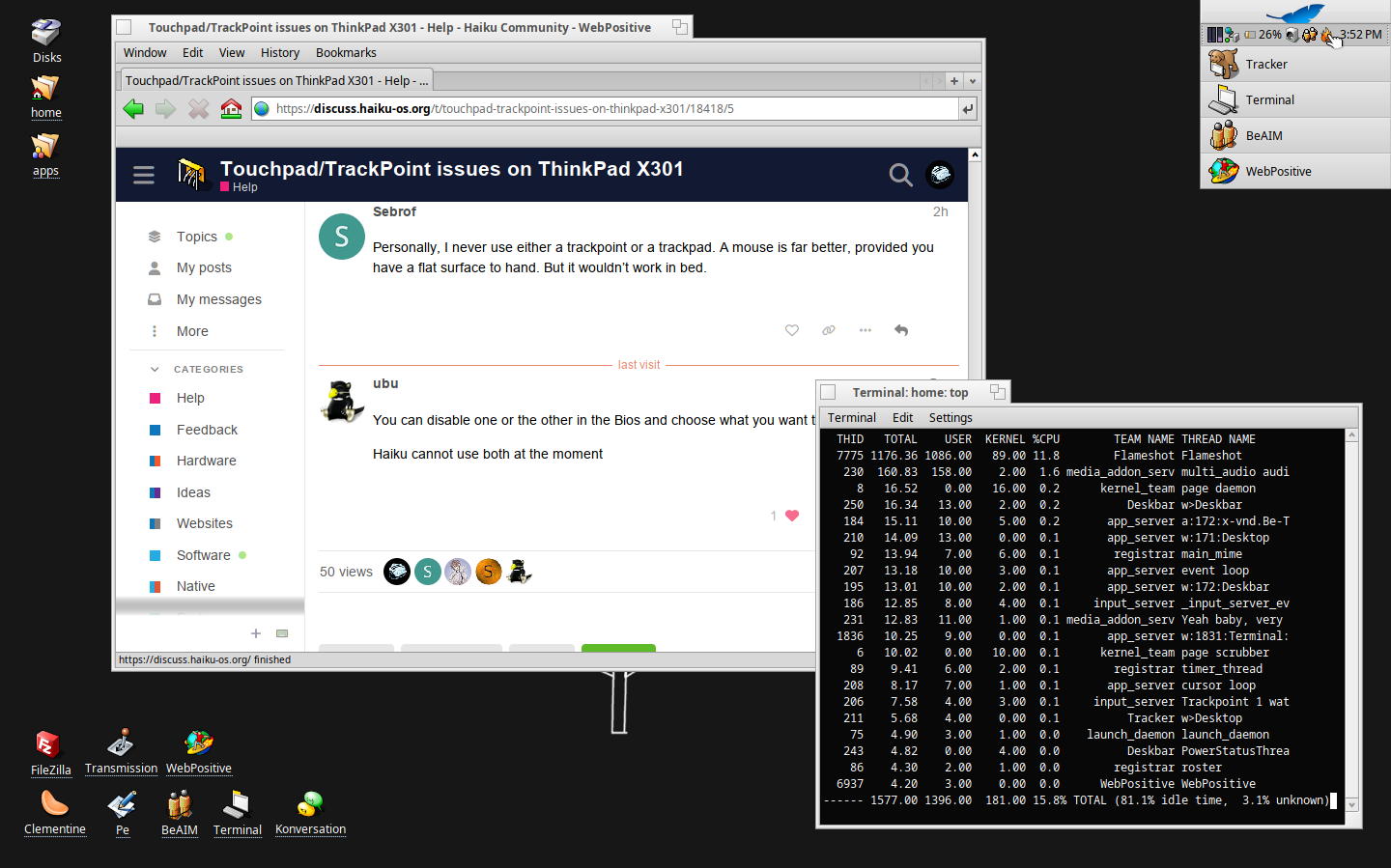
I’ve dabbled with Haiku before, but I wanted to give Haiku a proper try, and I noticed that my ThinkPad X301 is perfectly supported on the Haiku hardware list. However, when I boot the installer, neither my TrackPoint nor my touchpad work. I tried several nightly builds and the stable release, but it’s the same results everywhere. Booting into the tryout with a USB mouse, I notice that in “Devices” my PS/2 interface is detected, but I do not see anything besides “AT Keyboard 1” (and my USB mouse, of course) in the “Input” preference panel.
Do you have any idea what might be causing this?
Thanks!
On Haiku, I’m not sure that Trackpoint is supposed to work. Depending Thinkpad models, Tracpads have been wired internally in different ways. Some are working, others don’t. Digging this forum, you will find several threads about Thinkpads. Have a good reading.
Personally, I never use either a trackpoint or a trackpad. A mouse is far better, provided you have a flat surface to hand. But it wouldn’t work in bed.
Yeah I bought the x301 specifically for it! I initially went for a T61 but it unfortunately broke in transit…
To be honest though, I’m glad it did because I found this for a really nice deal and it even has a working battery that lasts a good bit.
All in all I’m trying to move away from macOS after becoming quite jaded with it. Really enjoying Haiku so far!
Good to see it’s working. Just to clarify, what’s the fix? From the sequence of comments I guess it relates to the “disable one or the other in the BIOS” comment, but … disable what exactly?
My T480s at hrev59048 supports trackpoint, touchpad, and USB mouse concurrently.
Same here, on a X230 on hrev57937+129, the trackpoint, trackpad and USB mouse work concurrently (I particularly like how I can scroll vertically and horizontally in Haiku, not only with the two finger scroll but with a single finger along the edge of the trackpad. Very cool.)
I think there was some discussion a few days ago in the thread “Fully-compatible laptop for Haiku?” that the trackpoint and trackpad work in the older Thinkpad models with the psmouse driver but Haiku has issues still with newish Thinkpad models with i2c drivers.
Yeah I’ve been using their work to keep my 2012 rMBP going with Mojave. It’s truly a nice experience but I wanted to get away from Apple for a bit now for a plethora of reasons so this seemed like the perfect opportunity. Speaking of, I’m working on a rewrite of my website where eventually I’m going to be documenting my experience of switching and using Haiku for my day to day. I don’t wanna self promote, especially for something that isn’t even done yet, so I sincerely apologize if this is inappropriate.