Hi everyone,
I would like to share a small early preview of something I have been working on:
Haiku IPP Print Bridge: “From no print to print.”
The idea came from a simple problem: I wanted to print from Haiku to modern network printers that support IPP, but do not have native Haiku drivers.
This tool uses a small bridge workflow:
PostScript / PDF / JPEG
→ Ghostscript
→ JPEG pages
→ IPP
→ printer
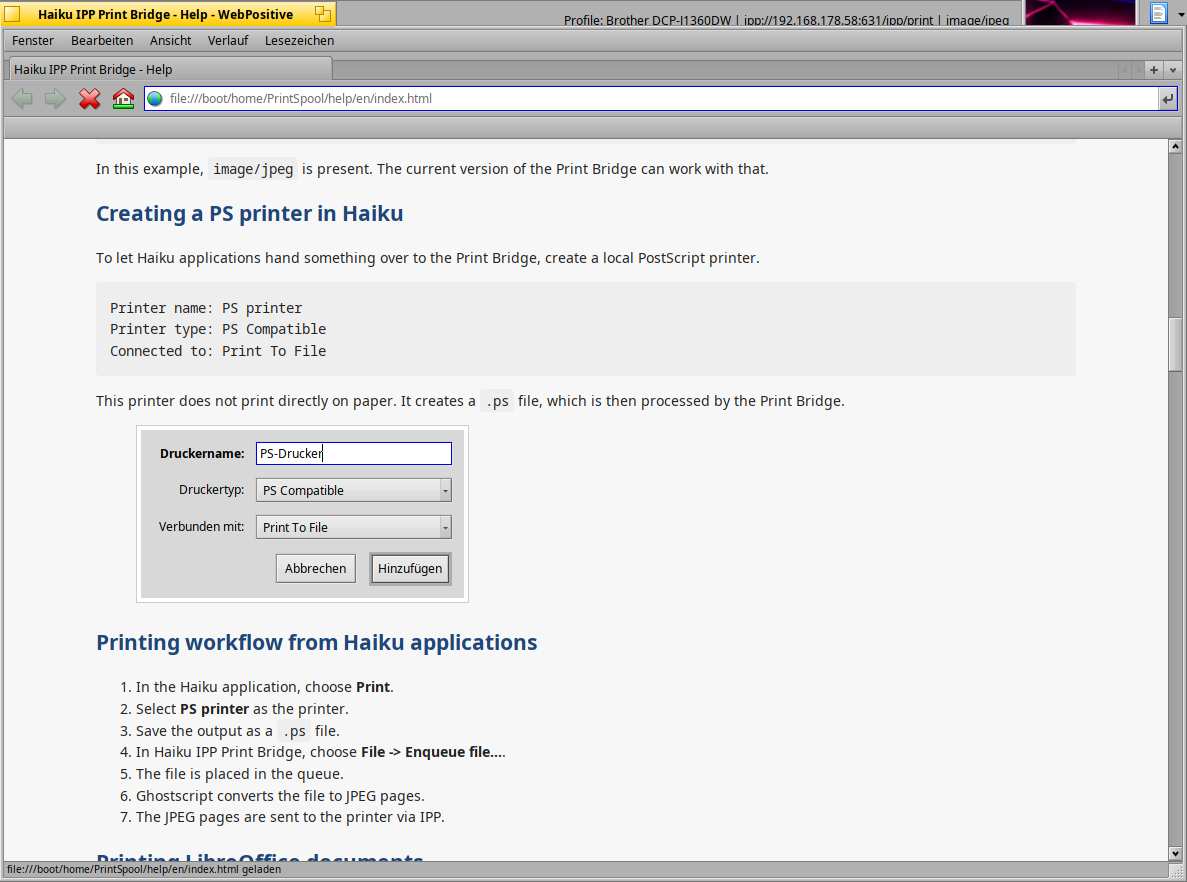
It is not meant to replace Haiku’s printing system. It is currently a practical workaround for IPP-capable printers that accept image/jpeg.
Current features include:
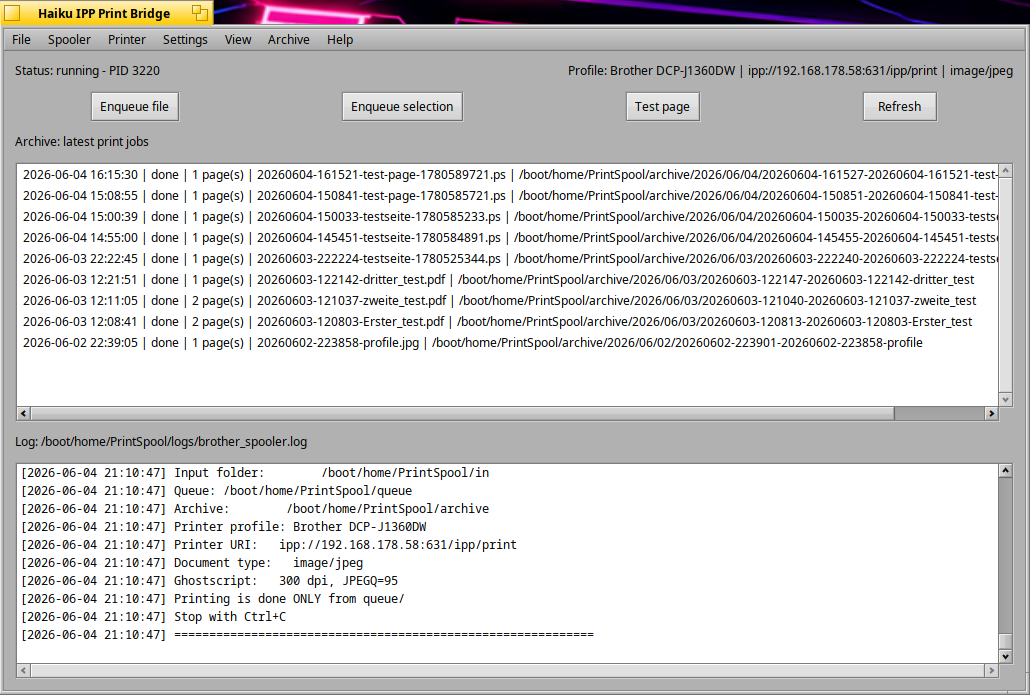
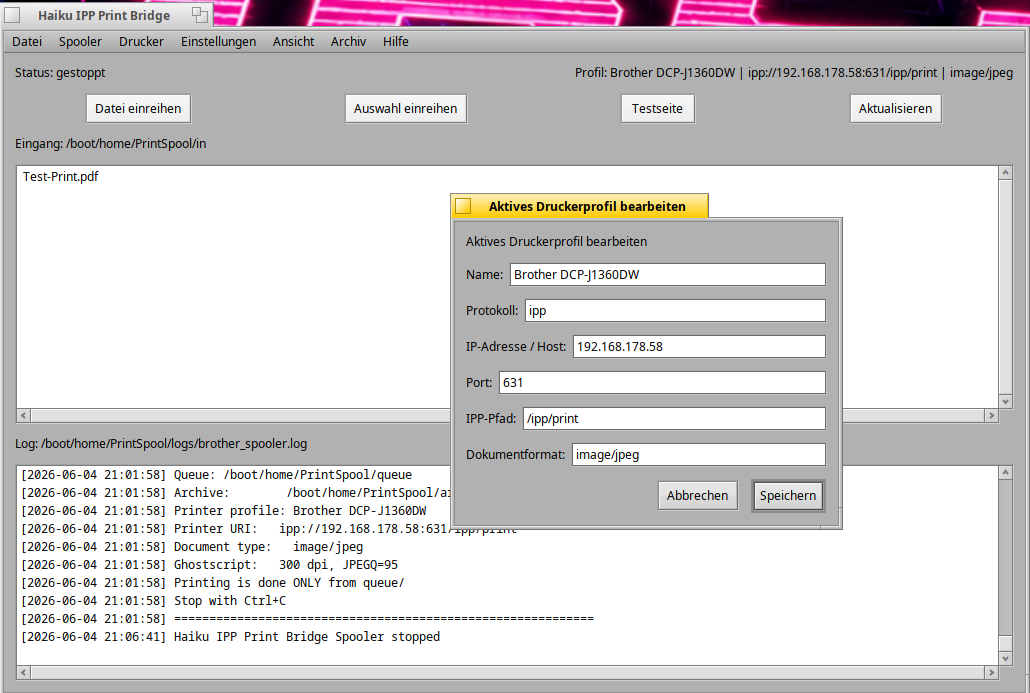
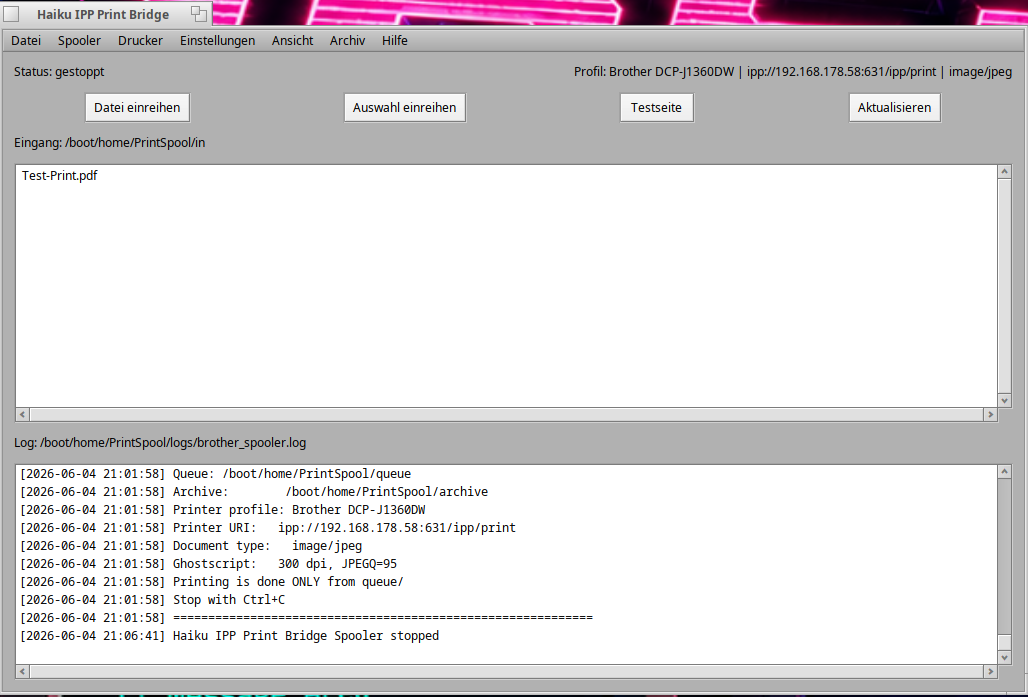
→ native Haiku GUI
→ background Python spooler
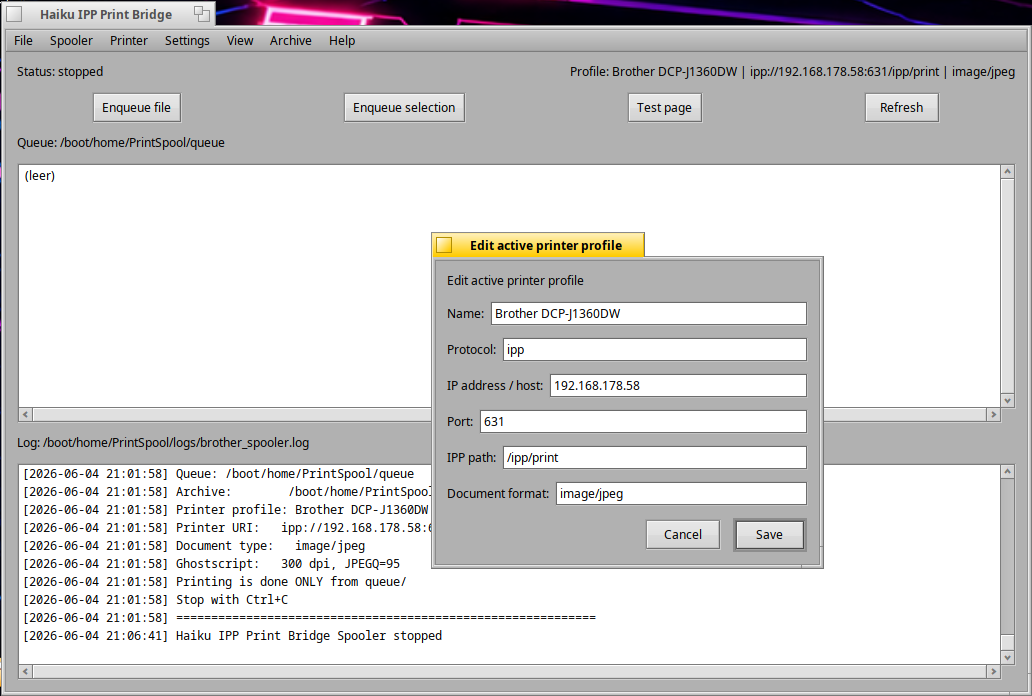
→ printer profiles in config.json
→ active printer profile editor
→ German / English GUI and help
→ test page with active printer configuration
→ archive for completed jobs
→ failed-job folder
→ English technical log output
Dependencies:
pkgman install ghostscript_gpl
Installation:
unzip haiku-ipp-print-bridge-v0.5.zip
cd haiku-ipp-print-bridge-v0.5
./install.sh
I have uploaded a new early preview version of Haiku IPP Print Bridge.
This release is still experimental, but it is a cleaner and more polished step forward.
Changes in v0.5:
-
renamed
brother_spooler.pyto the more neutralspooler.py -
renamed the log file to
spooler.log -
added a green-on-black “terminal style” log view
-
the log view now updates only when the log file actually changes, so scrolling is no longer interrupted
-
added a startup printer check for the active printer profile
-
configuration changes are detected and written to the log
-
included
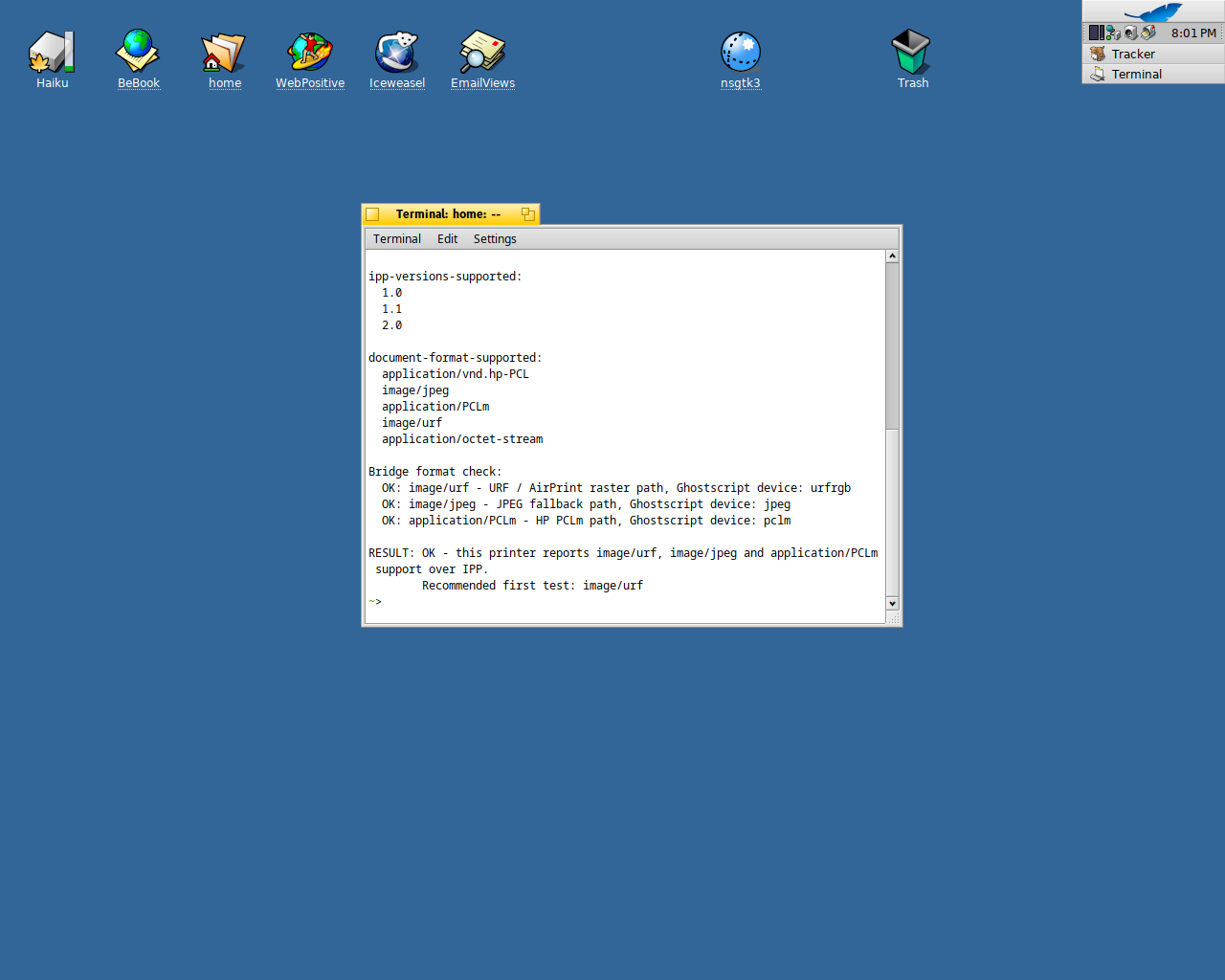
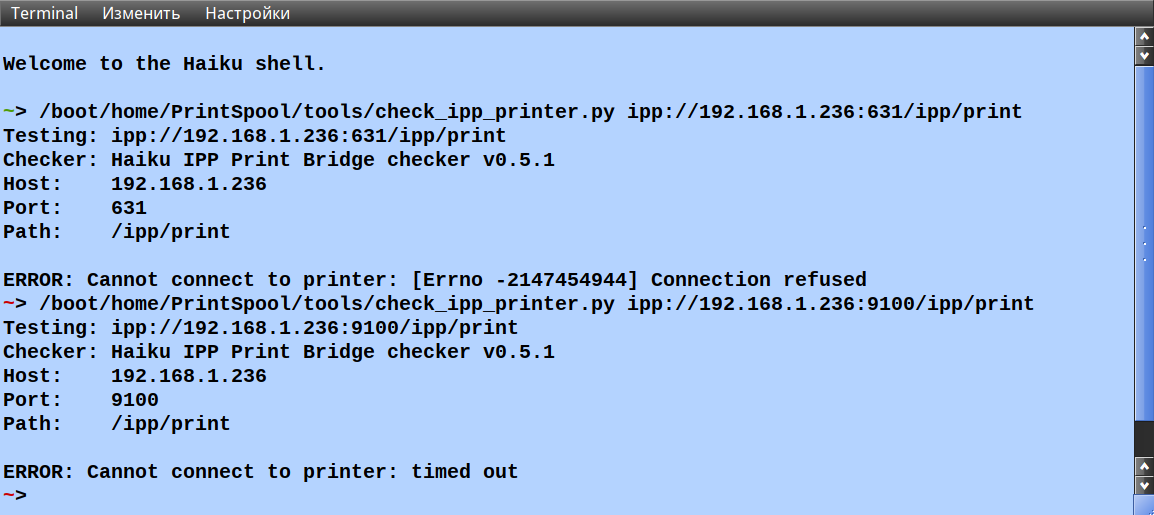
check_ipp_printer.pyto test whether a printer reportsimage/jpegsupport over IPP -
updated the German and English help files
-
refreshed the ZIP installer
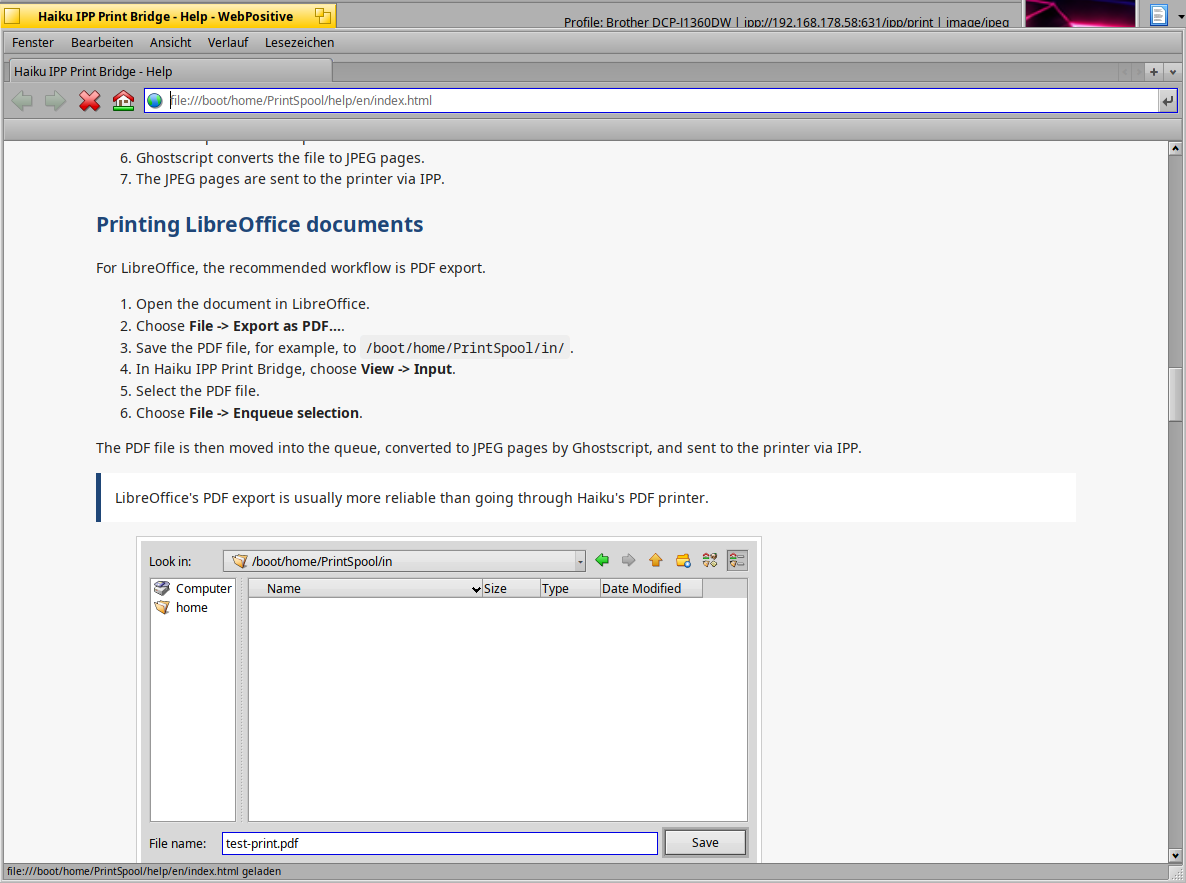
The bridge accepts PDF, PostScript and JPEG files. PDF and PostScript are converted to JPEG pages using Ghostscript, and those pages are sent to the printer via IPP.
The current version requires a printer that supports image/jpeg over IPP.
https://linuxmintusers.de/files/haiku-ipp-print-bridge-v0.5.zip
SHA256:
https://linuxmintusers.de/files/haiku-ipp-print-bridge-v0.5.zip.sha256
I have tested it successfully with Brother IPP printers on Haiku R1/beta5 x86_64 in VirtualBox.
This is still an early preview, so please do not expect a polished final application yet. I would be very happy if others try it with different IPP printers and report whether it works.
Have fun testing - and feedback is very welcome!
EDIT:
I have added a small IPP printer check tool to test whether a printer reports support for image/jpeg over IPP.
https://linuxmintusers.de/files/check_ipp_printer.zip
Greetz