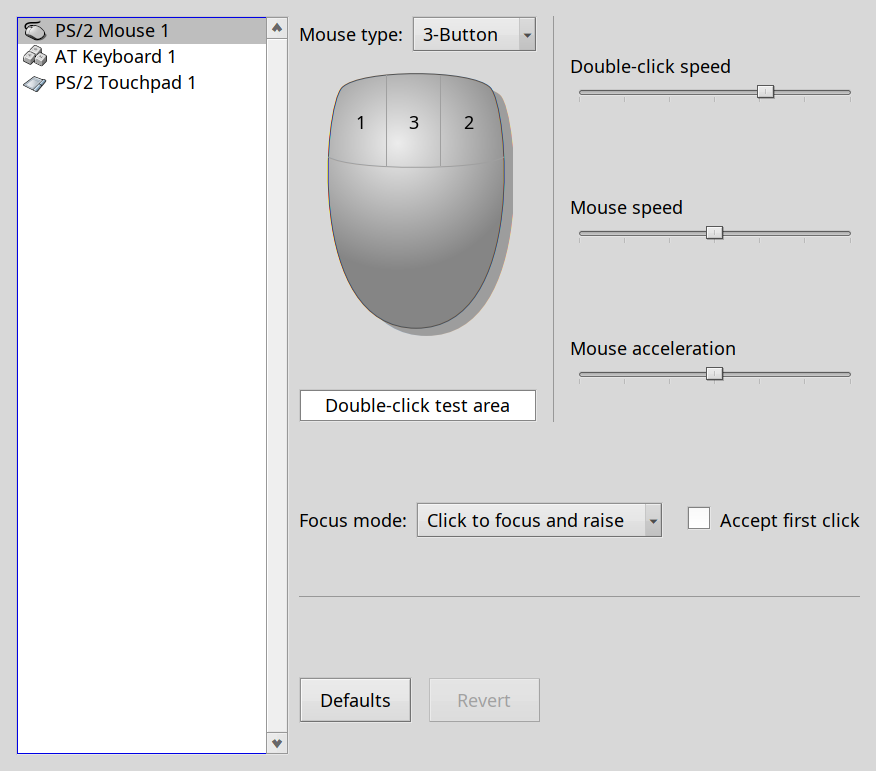
On Haiku Beta 5 the trackpad and trackpoint on my laptop are identified as a “PS2 Mouse” when I look at the input preferences, and work more or less as expected.
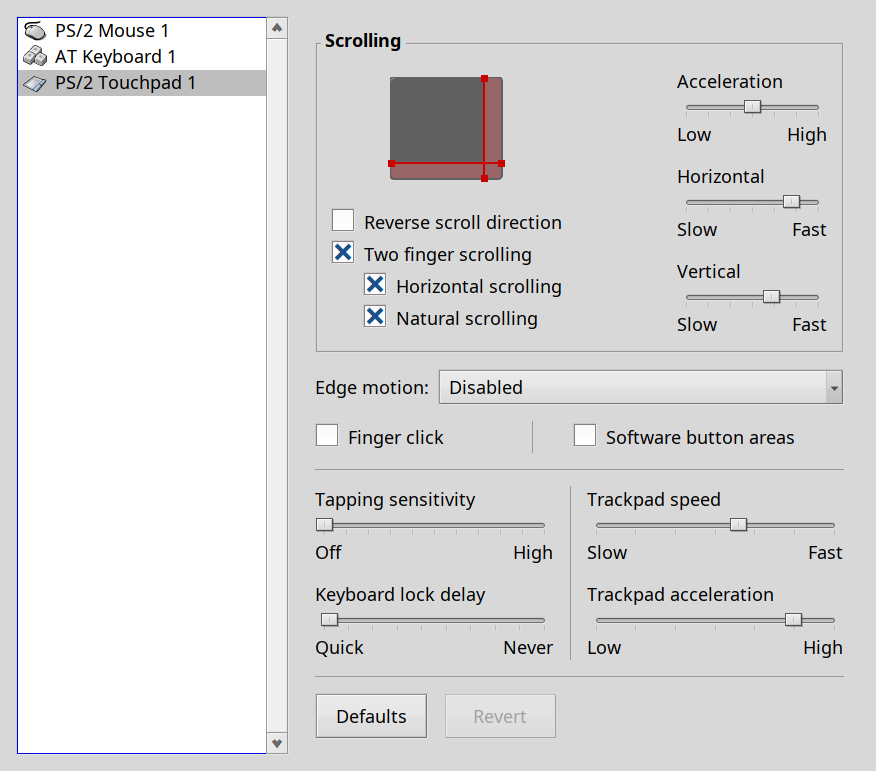
When I ran the nightly build last night, they were identified as a “PS2 Trackpad” in the input preferences AND if I moved the trackpoint at all, all input from the trackpad and trackpoint would stop for 2-3 seconds.
Is it possible to blacklist the trackpad driver in Nightly? Im hoping once the newer trackpad driver is blacklisted the older PS2 mouse driver might load and I would get the old behavior back?
If so, how do I tell which driver would need to be blacklisted?
I’m using a gen6 X1 Carbon and had the same problem; I don’t know about blacklisting drivers, but I disabled the trackpoint in the BIOS, which got the trackpad working.
So you might be able to get where you want with BIOS settings.
I don’t know about blacklisting drivers, but I disabled the trackpoint in the BIOS, which got the trackpad working.
YEAH, this works for me too. However, it kills my dedicated hardware buttons for left and right click as well. Im also primarily a trackpoint user. I can fall back to that if I have to, but it’s far from ideal for me.
The ps2 driver is a single driver for all mouse, trackpad and touchpad types, so you can’t simply blacklist it. You will have to load an older copy of it from before the changes as well.
Please open a bugreport with syslogs (ideally from working and nonworking cases) in the bugtracker, hopefully we can figure it out from that.
The gen6 is the last X1 with a purely PS/2 pointers, so the BIOS settings are simple.
I have trackpoint and trackpad both set to “enabled” and then there are 3 key-swappy options that are all set to “disabled”.
There’s still some wonkiness in mine:
dragging gets weird with the trackpad, so I click-hold with the left trackpoint button and drag with the trackpad
the pointer occasionally jumps to a corner, usually the lower left; I think this is associated with sudden or quick movement on the trackpad, but I’m not sure
I hope this helps; I’m pretty sure I never fiddled any settings outside of these when I was getting the pointer working.