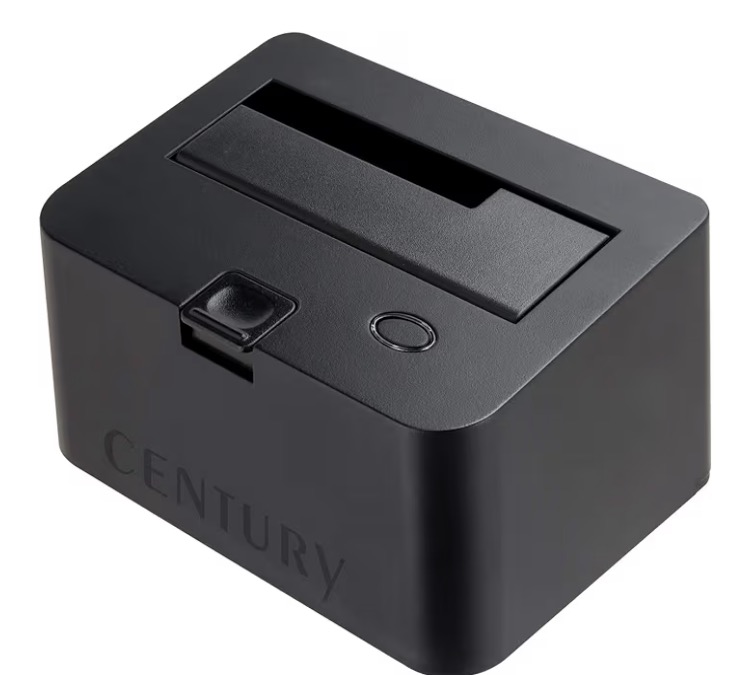
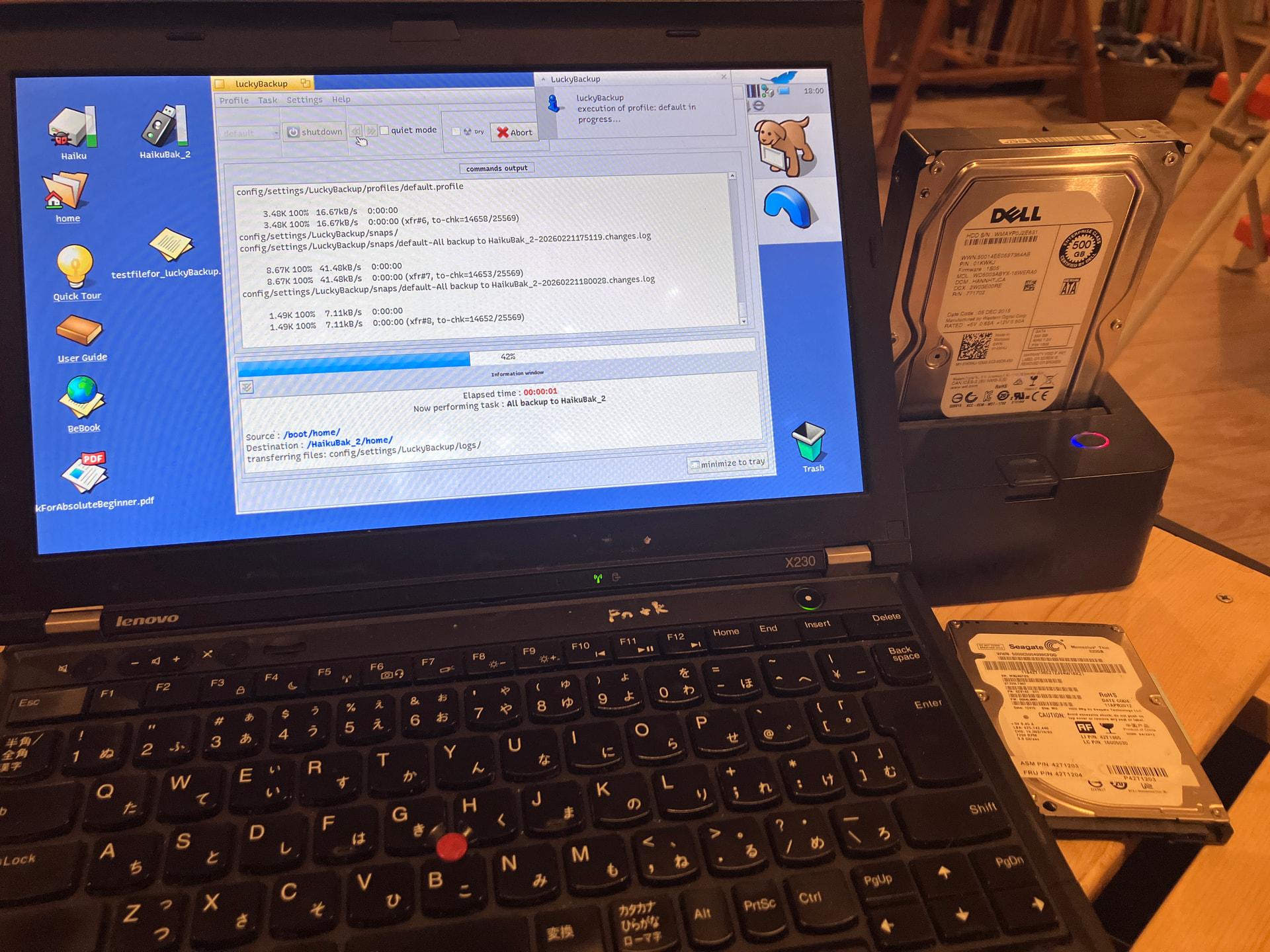
As there is no category in Besly Haiku Hardware Compatibility list for USB HDD cradles, I thought of posting this here so you know that this USB HDD cradle works fine with Haiku (hrev59378 Walter x86_64).
The piece of kit I used was a Century SATA HDD/SSD cradle ‘裸族のお立ち台 Naked Stand’ V2 CROSU3V2. Since Haiku installations take up relatively little space compared to Windows, I was able to put my old hard disk drives to good use as back up medium for Haiku!
4 Likes
This is really awesome! I have to try Lucky backup!
1 Like
Works really well for me. I use Haiku’s default Install app to make a bootable base backup and then use LuckyBackup to make the incremental snapshots.
This easy way to make bootable backups is definitely one of Haiku’s unique sales points!
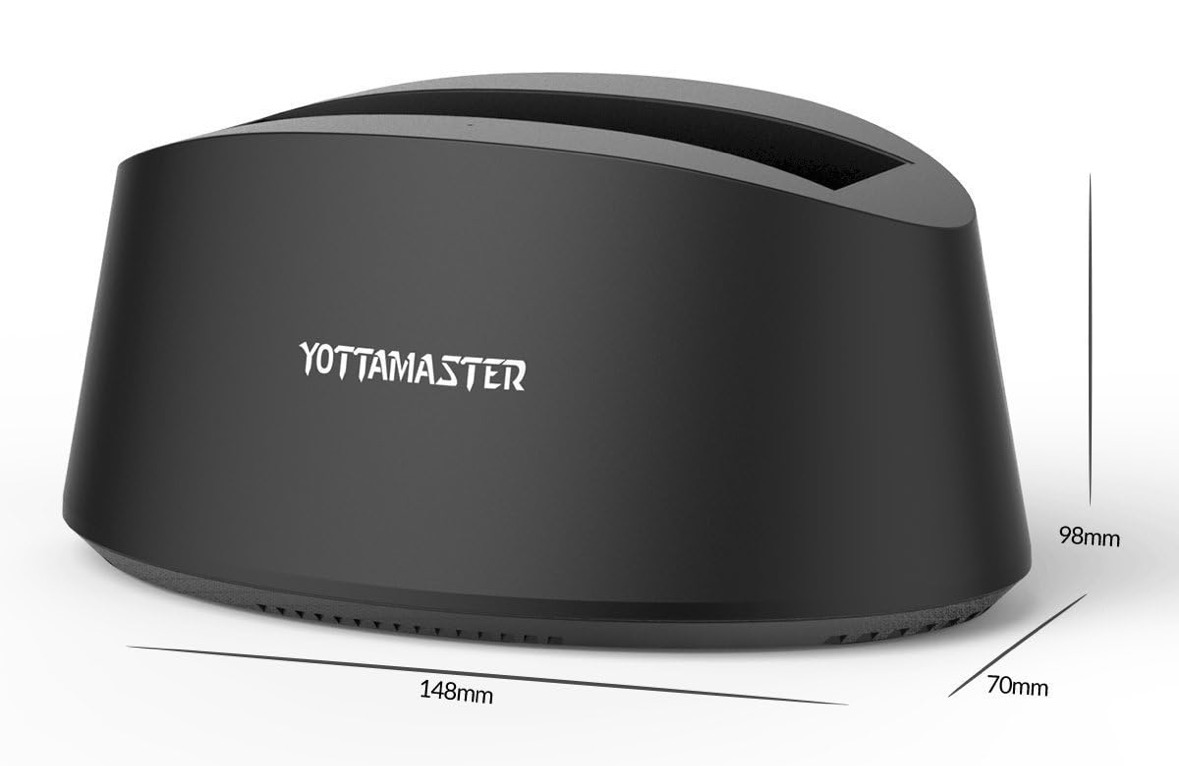
I will need to try my USB YottaMaster too 
2 Likes
can you confirm that file attribute lost or not? someone complain it but i cannot reproduce the issue
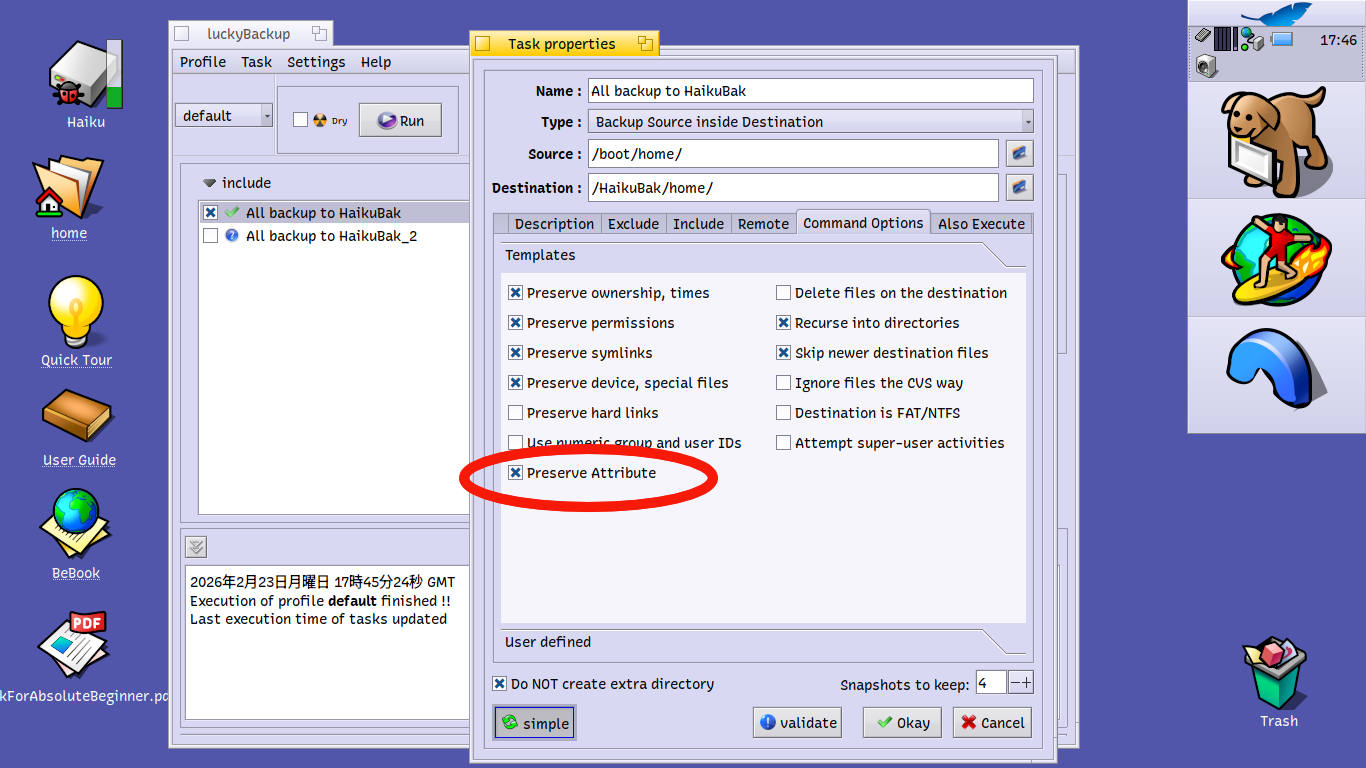
Yes. As long as you put a tick beside “Preserve Attribute” in the “modify>Advanced>Command Options” menu, LuckyBackup is able to preserve file attributes if your backup drive is Be File System format too.
I was impressed by the fact that if I change the address attribute of a Person file, LuckyBackup sussed that out and made a backup copy of the updated file even though the creation date and modification date of the file remained unchanged.
One annoying thing in this wonderful programme is that you do need to put the tick beside the “Preserve Attributes” every time you run LuckyBackup, because when you close the programme the tick beside “Preserve Attribute” disappears. It would be perfect if the programme remembered all the options you’d set for it.
4 Likes