would it be possible to add a window behavior to snap edges together rather than to automatically and effortlessly glide over inactive windows? for one, it’d make stack and tile easier to actually perform, and for another it’d allow for some static tiling alongside our sweet, wonderful, amazing dynamic tiling. as maybe an option that could be toggled on/off it’d give some extra bite.
As some coder at work used to say, anything that can be logically described can be programmed. 
I admit that how you describe your idea, I don’t know exactly what your idea is…
To automatically tile a window to the one below when their edges touch? That could become messy quickly. What do you mean with static tiling? Tiled windows that cannot be-untiled again?
Maybe, if you can describe your idea more detailed and clear, someone feels motivated to tweak our S&T. OTOH, remember that it was developed with the help of actual studies of user experience by the Auckland University. Extending S&T beyond their findings is not to be done lightly…
I raised this a few years ago, but I would love to see S&T scriptable. maybe in R2 …
it is logically described, we’re just not using a shared language.
“snap” means within the bounds of a certain threshold, an object will sit in one spot during a drag operation. outside that threshold, the object will move normally. it’s a feature common in computer aided design, graphics and video editing applications – anything requiring precise placement of objects in relation to each other. on/off toggle means this behavior can be switched off.
the opposite. they don’t move together, they don’t resize together, they’re just two windows butted up against each other. as opposed to the more dynamic tiling in haiku, where windows match size along their mated dimension and move around together as a cluster. this wouldn’t change any behavior, it’d just look like something. meaning, you could still use the key combination for stacking and tiling. stack & tile would get easier, in fact, since currently the threshold for doing either is small and windows will continue movement past that threshold at regular speed, so there’s a lot of moving back and forth to land in the right spot, a lot of misses before one can actually pull it off. snap would encourage stacking and tiling.
it’s true, they did this and it’s amazing. it can be better. we can do more to bring it front and center.
this helped, thanks.
i remember that thread. that one seems more involved (but i’d love to see that, also – it’d make working with a/v plugins a lot more manageable than the usual scattered windows)
said a thing on a ticket
This is an old thread, but i really would like to have optional window snapping and tiling in Haiku. I think the way Cosmic Desktop (which i use on Linux) would be perfect for Haiku, only on haiku it would look better 
“Optional” is the important word here.
Snapping is like a spatial file manager. I, for one, detest it, but as long as it can be easily switched off, we’re good.
2 Likes
I’m confused, do you mean something other than the tiling we already have?
Well, Cosmic DE is an actual tiling window manager, which may be a bridge too far for us
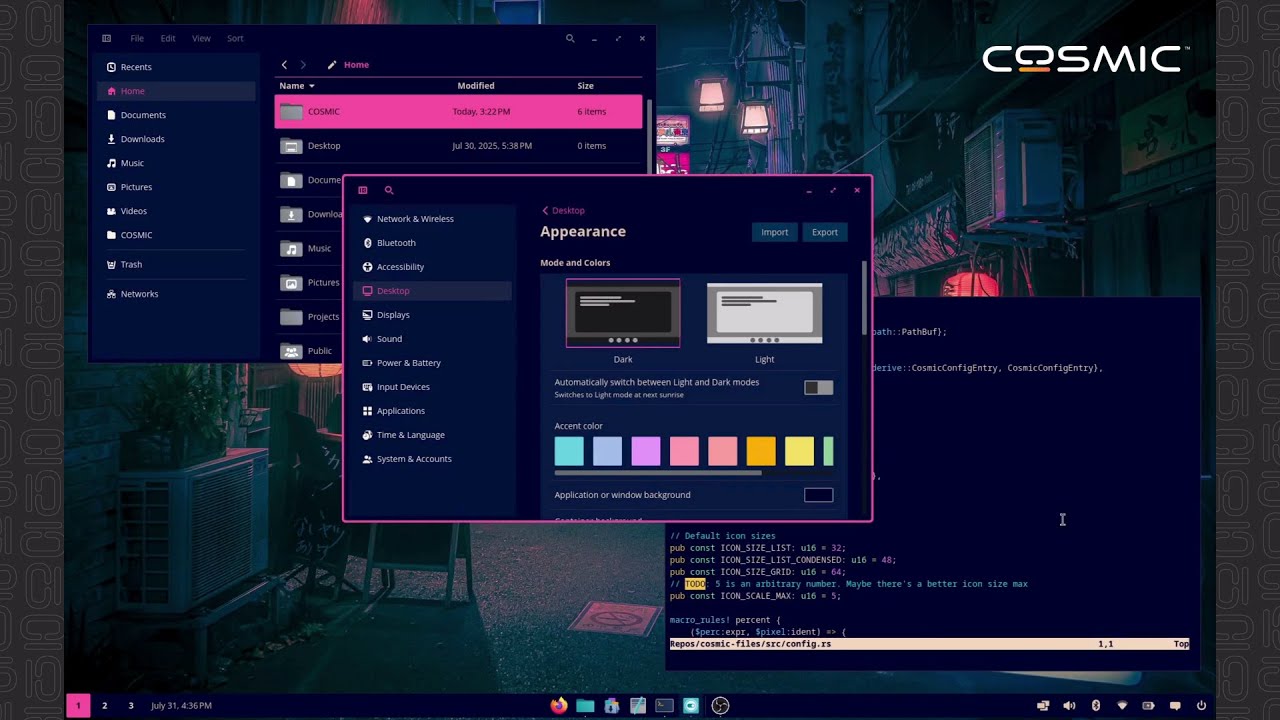
https://www.youtube.com/watch?v=NFgG_nr4hYE
But yes, all the cool kids are doing it now. Drag a window to the top of the screen and it goes fullscreen. drag it to the left and it snaps to that side and takes up half the screen.
Personally I find it infuriating and disable it as fast as possible.
1 Like
That’s not what is ment by tiling though? If you hold the window tab and hold the super button you can “glue” windows to one another and then move them together
Indeed, that is what WE mean by tiling.
perhaps triggered by the special key? Hold it down, grab the tab, and move it toward the edges of the screen; if released on a sensitive area, that window will be resized according to its position.
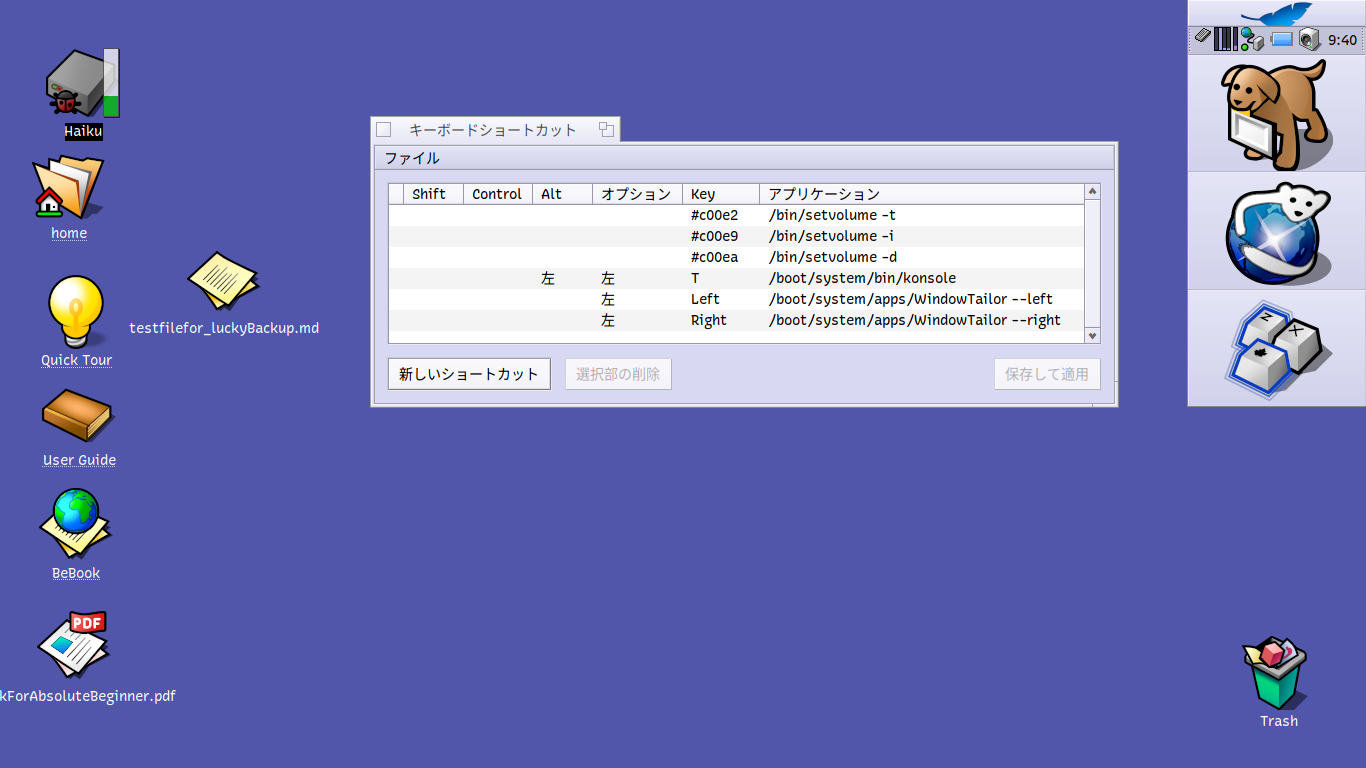
Im doing something similar with a gesture input filter that send commands to windowtailor, but probably swipes and strokes are not everyone’s cup of tea
On my GhostBSD and FerenOS boxes, I have keyboard shortcuts set up so windows snap immediately to the left or right side of the screen when I hit the Windows Key+arrow key combo, like in MS Windows.
It would certainly be a ‘nice to have’ feature for Haiku.
WindowTailor can be used to create Win+arrow shortcuts that act similar to the ones in Windows. There is a small article about setting it up over at the HaikuInsider site. He used alt-d and alt-g for the left and right tiling, but you can set up whatever combination you want in the Shortcuts preference application. It is also possible to create the arrow up/down shortcuts.
2 Likes

The great thing about cosmic is that I works for floating and tiling, you can set the mode per virtual desktop and per monitor
Yes, tiling is used differently outside the haikuverse, it means the windows fill up all available space, enabled and disabled by an icon in the top bar
Try it with the pop OS 24 live cd.
You can switch the active window with super key and arrow keys and move the active window with super shift arrow keys.
You can stack windows together like in haiku