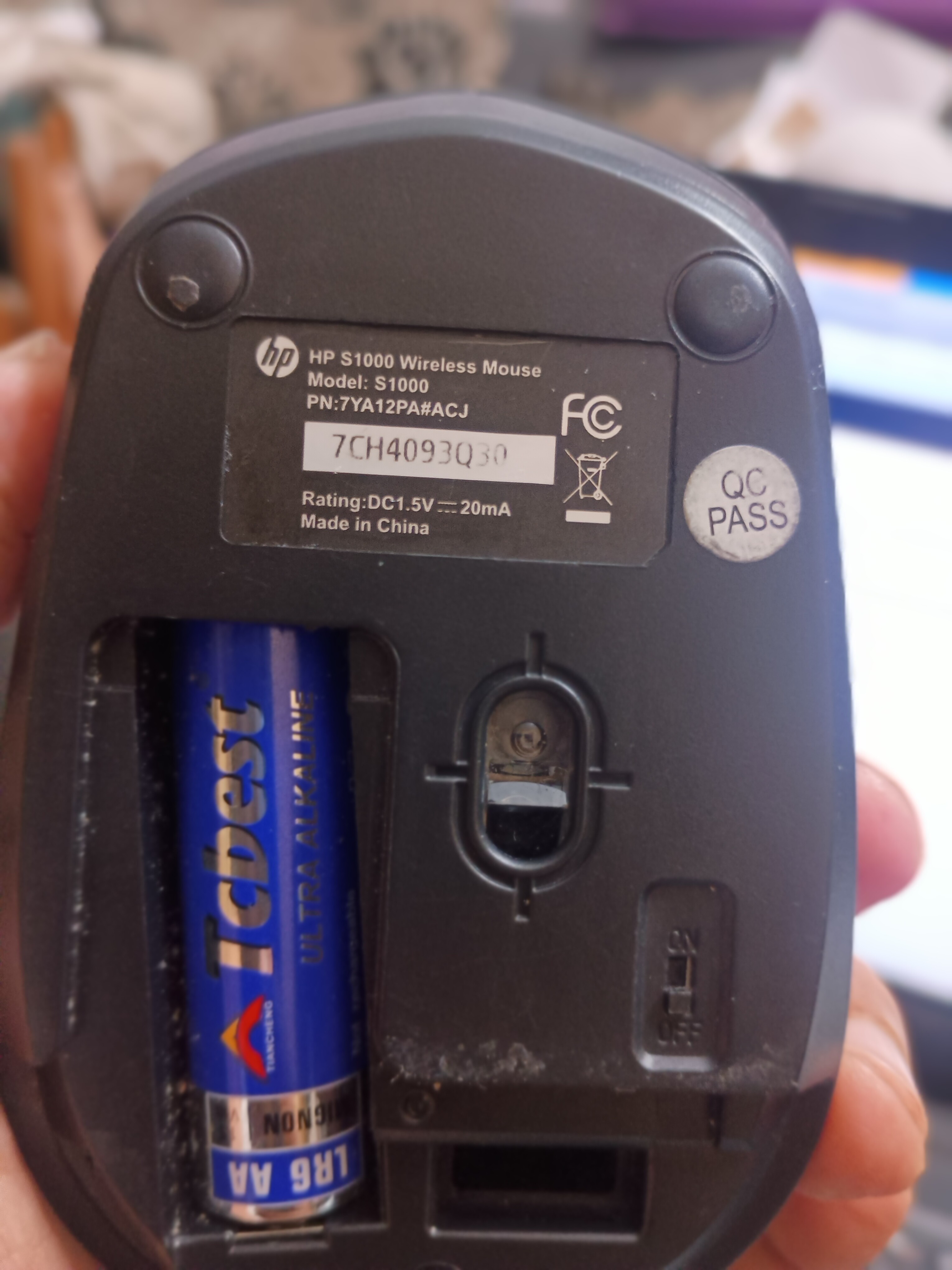
On hrev59198, HP blue tooth mouse not recognized. Is it not supported?
After the purchase of PCIe wifi card, W881ND with realtek 8192EE chip, this mouse appears to be my second mistake in purchase of hardware for Haiku
On hrev59198, HP blue tooth mouse not recognized. Is it not supported?
After the purchase of PCIe wifi card, W881ND with realtek 8192EE chip, this mouse appears to be my second mistake in purchase of hardware for Haiku
Bluetooth devices are indeed not yet supported
Thanks for answering
It seems that this isn’t a bluetooth mouse,but a wireless mouse with USB dongle.
That doesn’t need any special support in the OS and works with Haiku like every other USB mouse.
Just plug in the USB dongle,switch on the mouse and it should work.
If it doesn’t,it would be interesting if the USB dongle shows up in the Devices application and what information is shown there.
You are right. When USB device is plugged, it does not show up under ‘devices’ and when mouse is moved, cursor does not move. Red light under the mouse is on.
Have you tested the mouse in another machine ?
Does this machine have another OS installed, that you can try just to see if the mouse receptor is recognized ?
Even without a driver, it should appear in the USB device list.
Working on voidlinux on T400
Haiku on lenovo50-70 not recognising this mouse
Not recognized in any of the USB Ports ?
Just an idea : can you boot the Lenovo from a linux usb disk, and see if the hp mouse thingie is reconized then ?
Thanks for your support
the USB port on my lenovo G50-70 laptop was having an issue. Got it repaired. The wireless mouse works now. Thanks to all those who responded