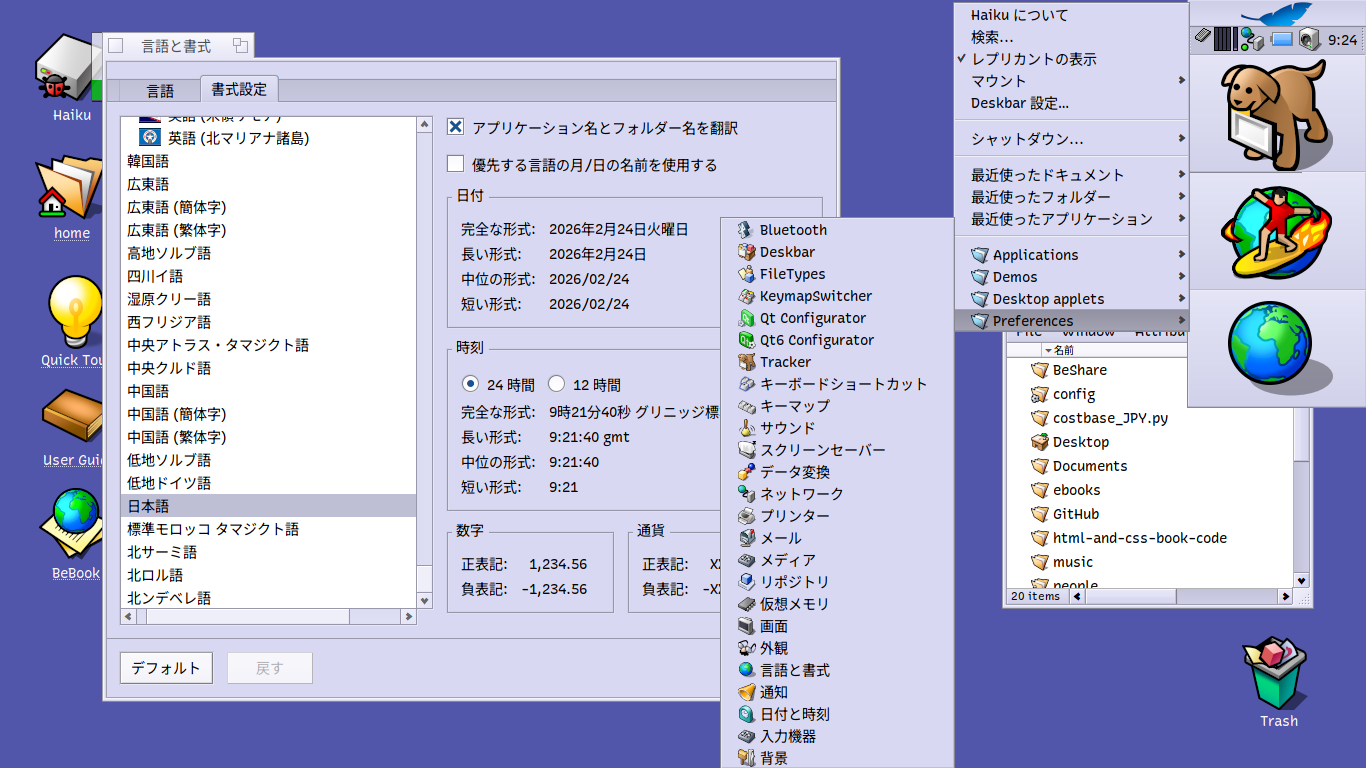
When I install Haiku with the locale set to Japanese, the default directory names such as Download and Mail are rendered in Japanese script as ダウンロード and メール.
In XDG compliant systems like Linux or GhostBSD, it’s possible to force the default directory names back to the English versions with the following command. Is there something similar which would work in Haiku? Thanks.
You can also add the “Real name” column in the Attributes menu which will show you the raw untranslated name in addition to Name. This trick only works in list mode though.
I’ve had the Locale preferences setting “Translate application and folder names” unchecked but am thinking maybe it’d be nice to have Deskbar menu items like Applications, Demos, Desktop Applets and Preferences and default folder names like home, desktop and Trash translated into Japanese in line with my Locale.
Funny thing is, I’ve now put a check mark besides the setting “Translate application and folder names” which has translated folders such as Mail and Download are translated to Japanese, ones like Trash, Desktop and home aren’t, nor Deskbar menu items like Applications, Demos etc.
Is there some tweak I can make somewhere to get these items translated per Locale?