I’ve done a fresh install of 64bit HAIKU nightly image to my Thinkpad X230 and have more or less reinstalled all my favourite application programmes + copied over all my data from backup too.
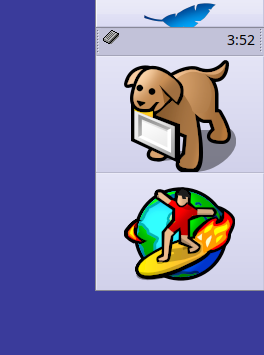
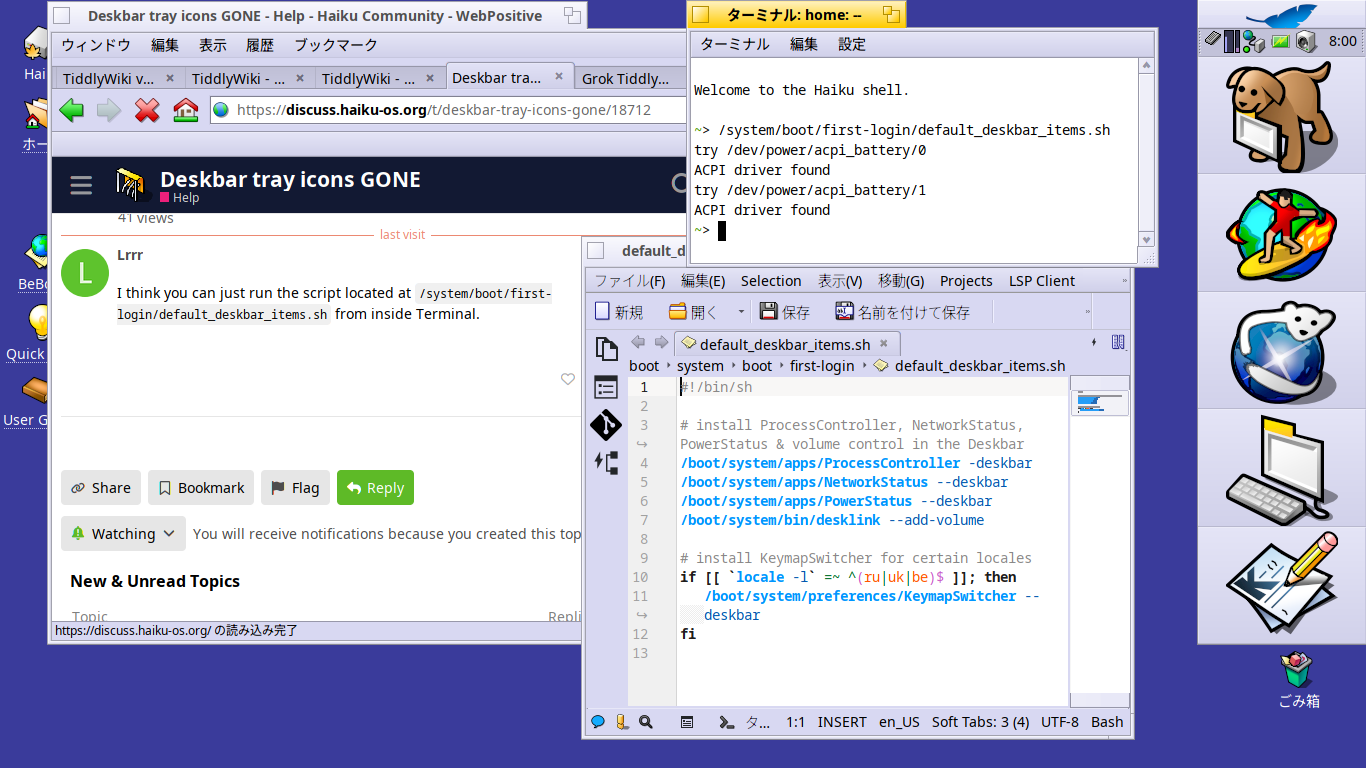
I notice though that apart from the keyboard icon which toggles the Japanese language input method (fcitx+mozc), all my deskbar tray icons have disappeared. Is there any way to get them back, apart from reinstalling from scratch again?
Thank you! My deskbar items are back to normal! I didn’t realise that those items were added to the Deskbar at first login with a script like that. So I guess there are swithces like -deskbar or —add-volume for haiku programmes which have been written with the possibility of having them show up in the Deskbar? It’s great to learn a little bit about how the parts of the Desktop actually got to show up there. Thanks again.