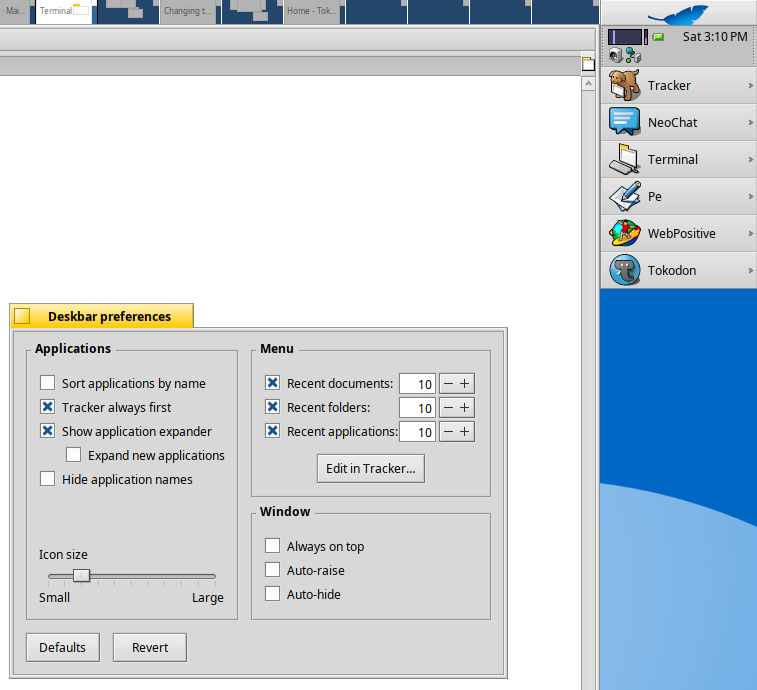
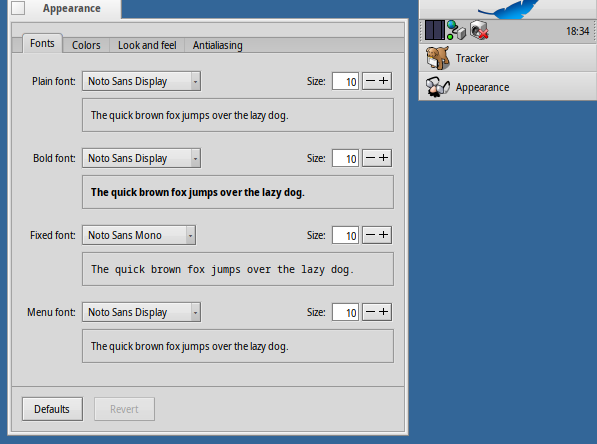
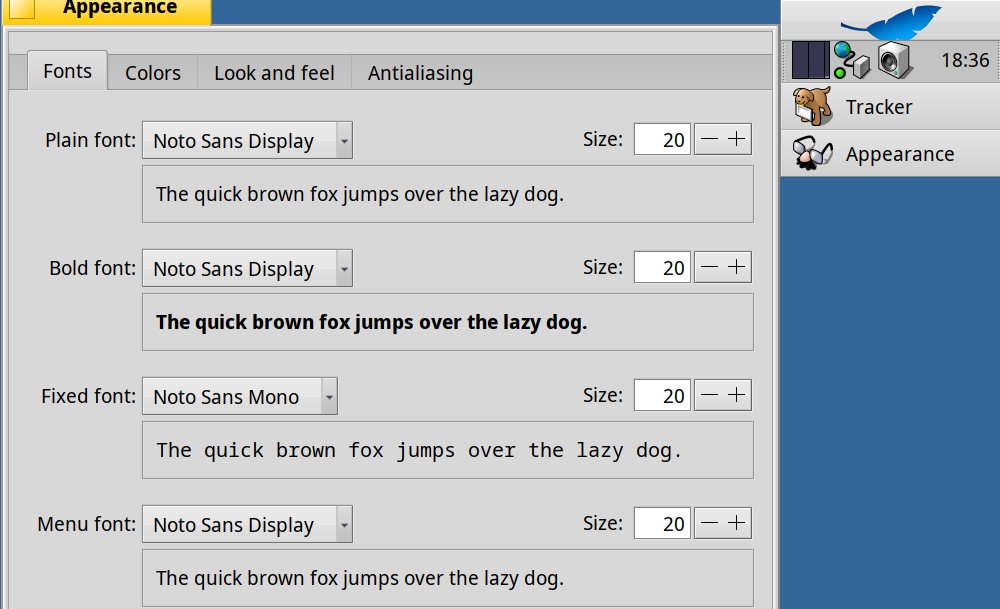
For some time on, I cannot change the size of tray icons, either using the left or right dotted bars. Haiku user docs mention only Deskbar icons size, not the tray ones. I centainly did it in the past, as in my (beta4 upgraded to beta5) installs the tray icons are larger than the default size…Tried the beta5 image on a usb pendrive, cannot change the tray icons size also. What am I missing?