After making a script that would launch on boot and automatically amount a ram disk i was thinking to myself. Is there like a graphical the manager to manage programs that start on boot that would work similar to say something xfce has i mean, as don’t mind making system links to a directory to start things or just copying the system shortcut using the file manager i think it would still be nice to make it somewhat easier to say a newcomer
It should be quite straightforward :
Add in /config/settings/boot/UserBootscript all the applications you would like to launch
or if you just want to rely on a directory for launching app : create a shell script which reads all the applications in that directory and launch them one by one
I can do that actually
1 Like
There’s also the launch daemon but maybe for your case you don’t need. Just in case : The Haiku Book: Introduction to the Launch Daemon
I’m thinking maybe making like a shell script that lists the applications to select from, and then it would system link that application to the launch folder maybe which I think I could probably do
Or create/remove links to apps in ~/config/settings/boot/launch. Feels much easier than messing with adding/removing lines in UserBootscript. Also less prone to fail when users manually edit it.
3 Likes
Probably cafeina’s startup is what you need
4 Likes
Cool i did not know that existed. Thanks for bringing this to my attention
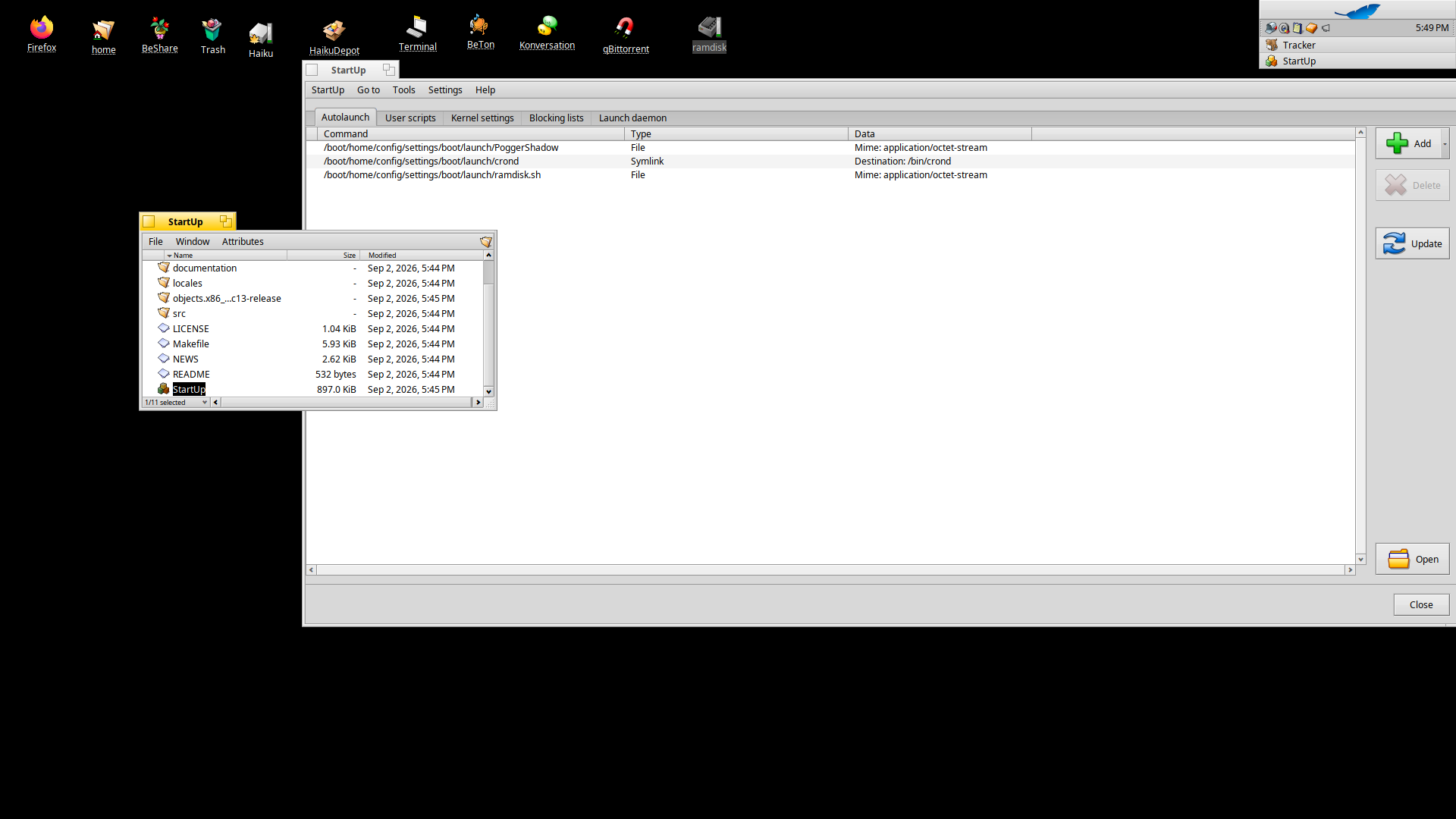
I think @3dEyes also has a package named something like Haiku system tools, one of them being called Services expose the current launch_daemon jobs and services.
Edit: found it: haikuutils
1 Like
oh yeah i think i saw that at one point
I will add this to my notes  I didn’t find any references in the current docs, but I might be wrong.
Nice available feature:)
Well, it is documented in the user guide on the filesystem layout and when decribing the UserBootscript in the scripting topic. Also, the alert user will find this at the top of the UserBootscript highly suspicious :
# DO NOT EDIT!
#=====================================================================
# Start programs and open files in the boot launch folder
for file in $HOME/config/settings/boot/launch/*
do
	/bin/open "$file" &
done
#=====================================================================
Though, come to think of it, this is a bit fragile. When a maverick decides to “DO EDIT” those lines, it may break. Maybe the launching of stuff in $HOME/config/settings/boot/launch should be done by the launch_roster…