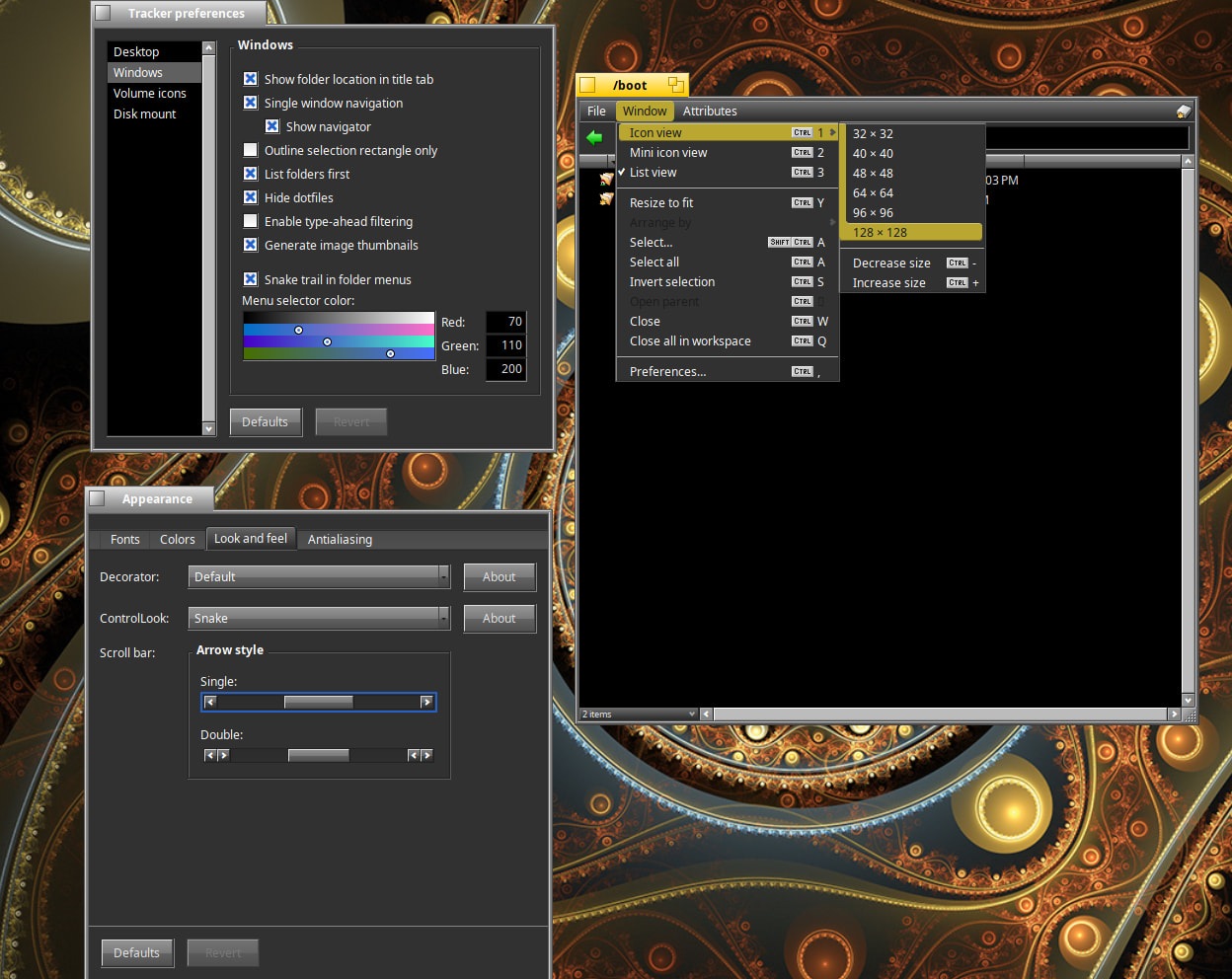
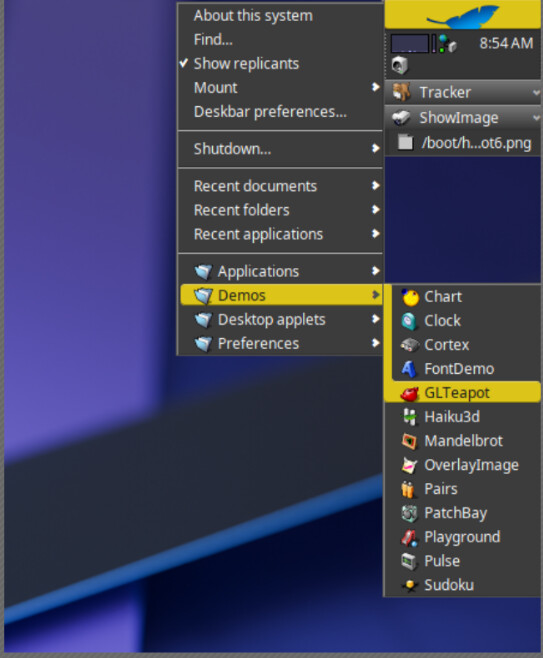
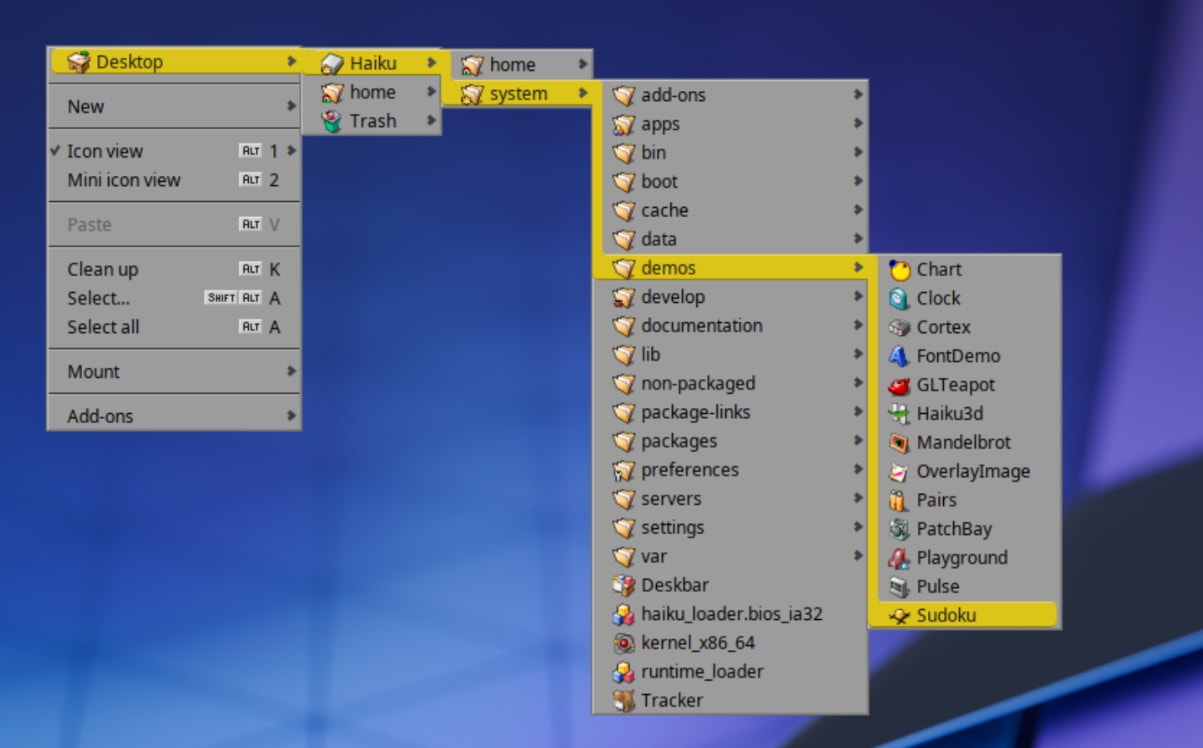
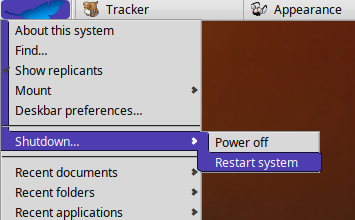
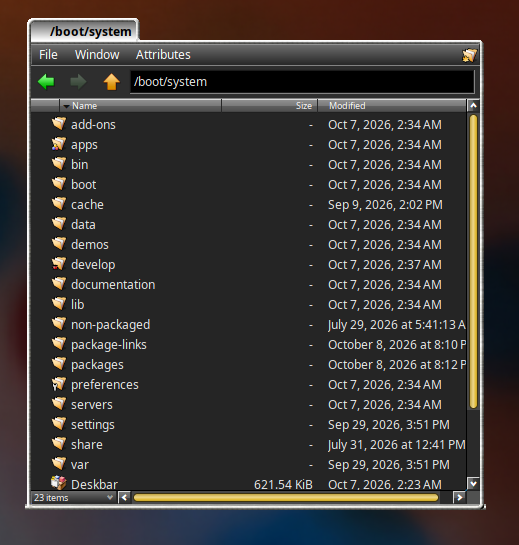
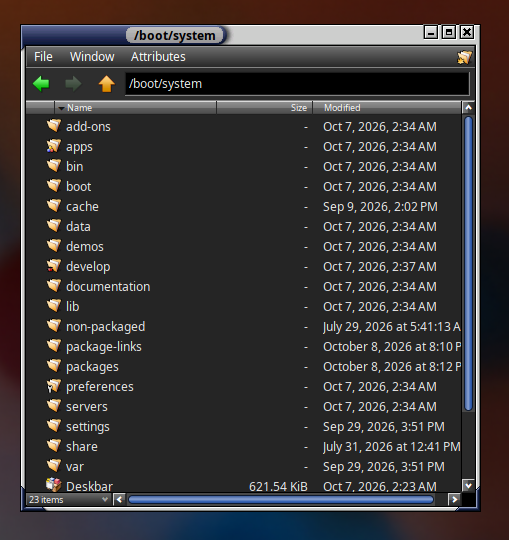
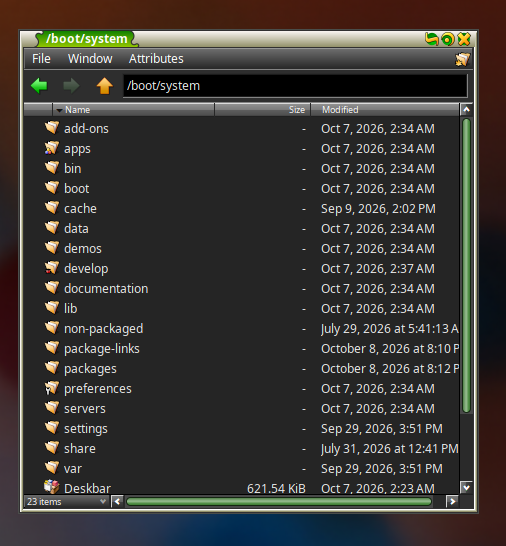
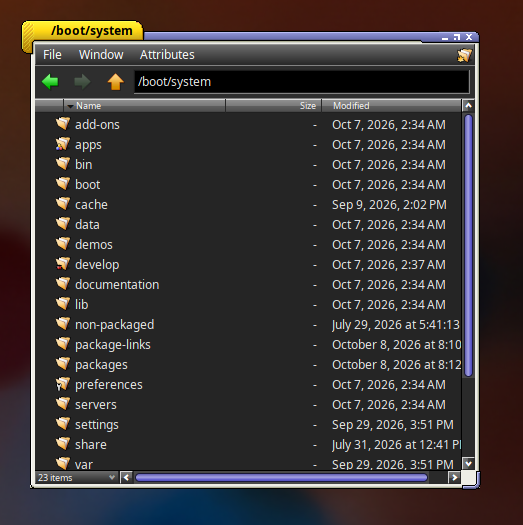
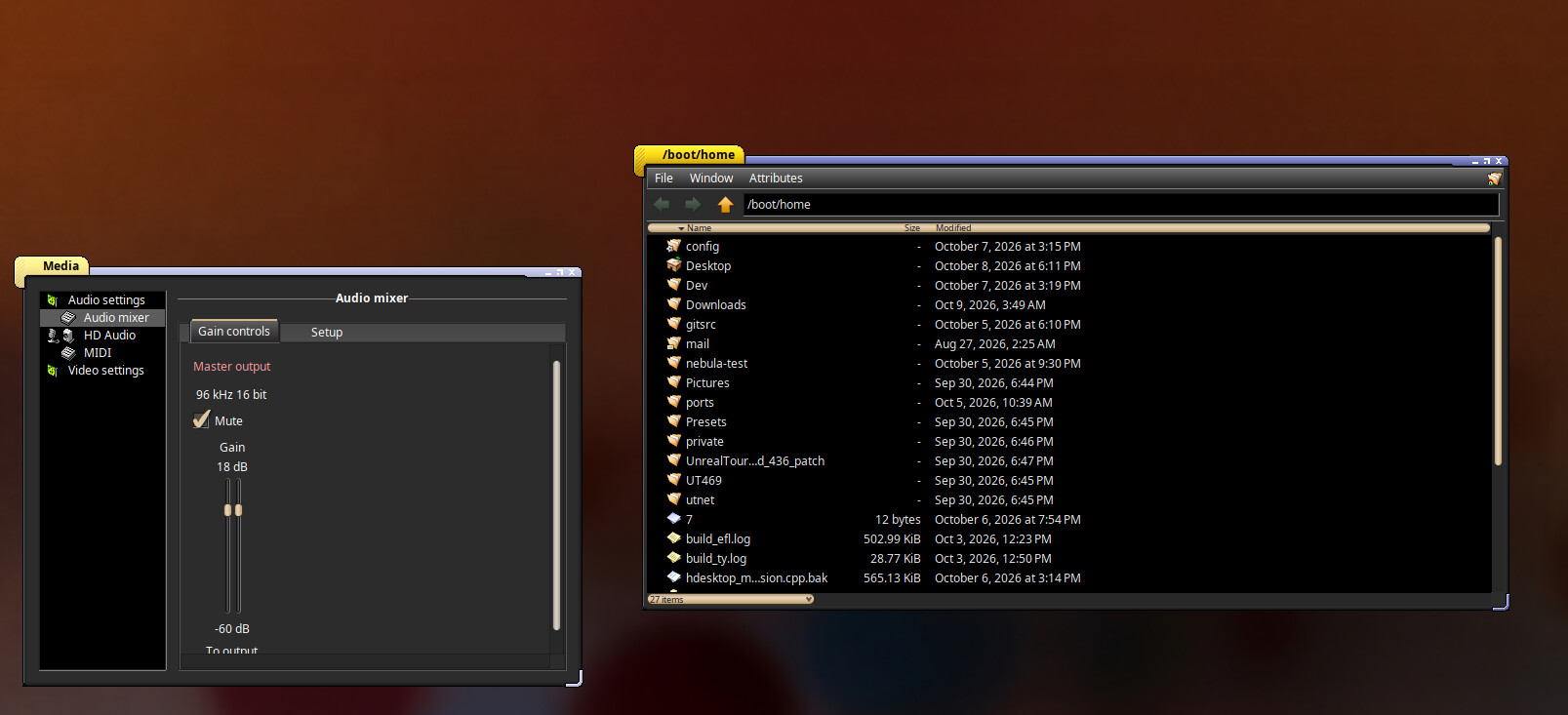
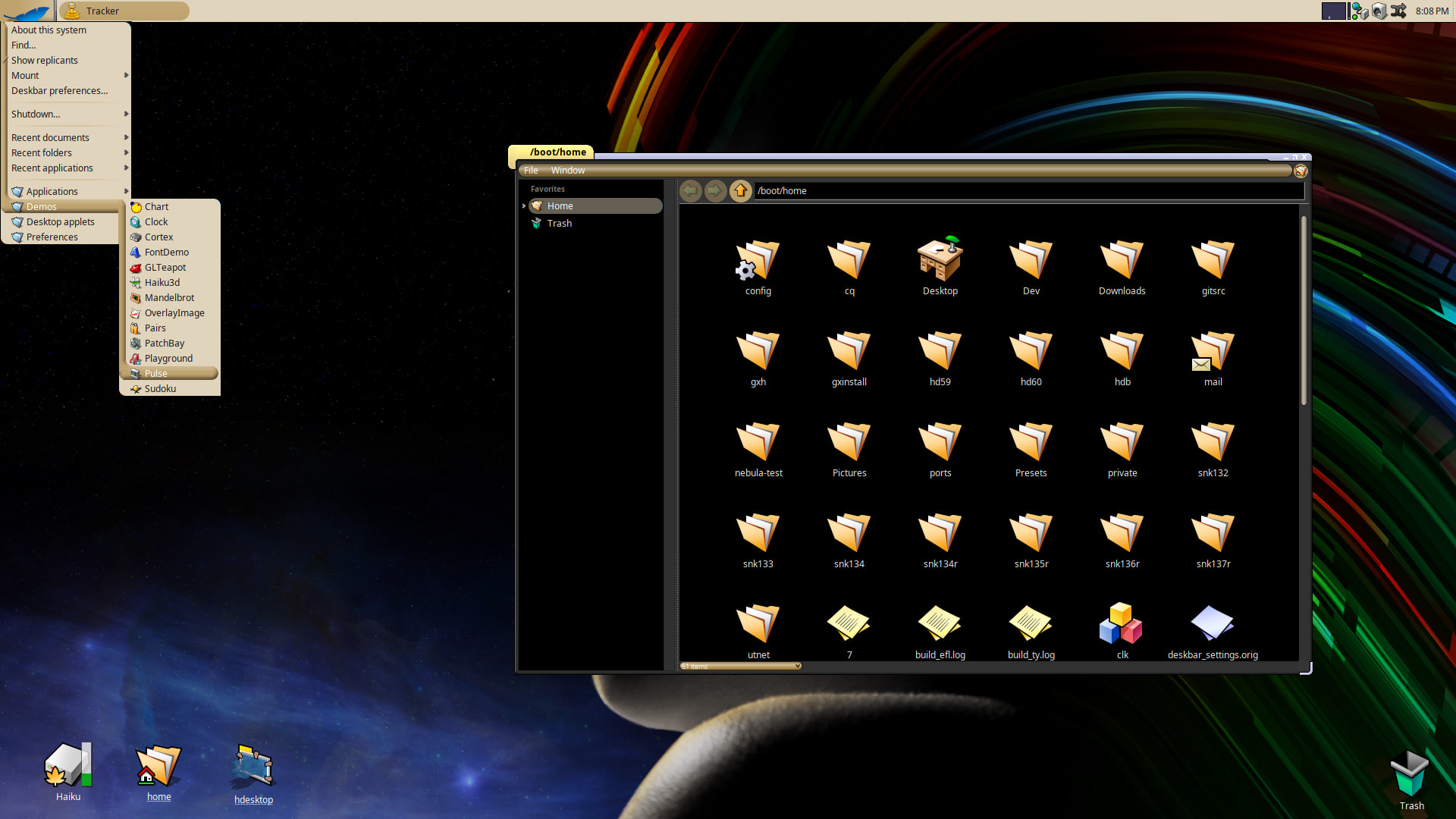
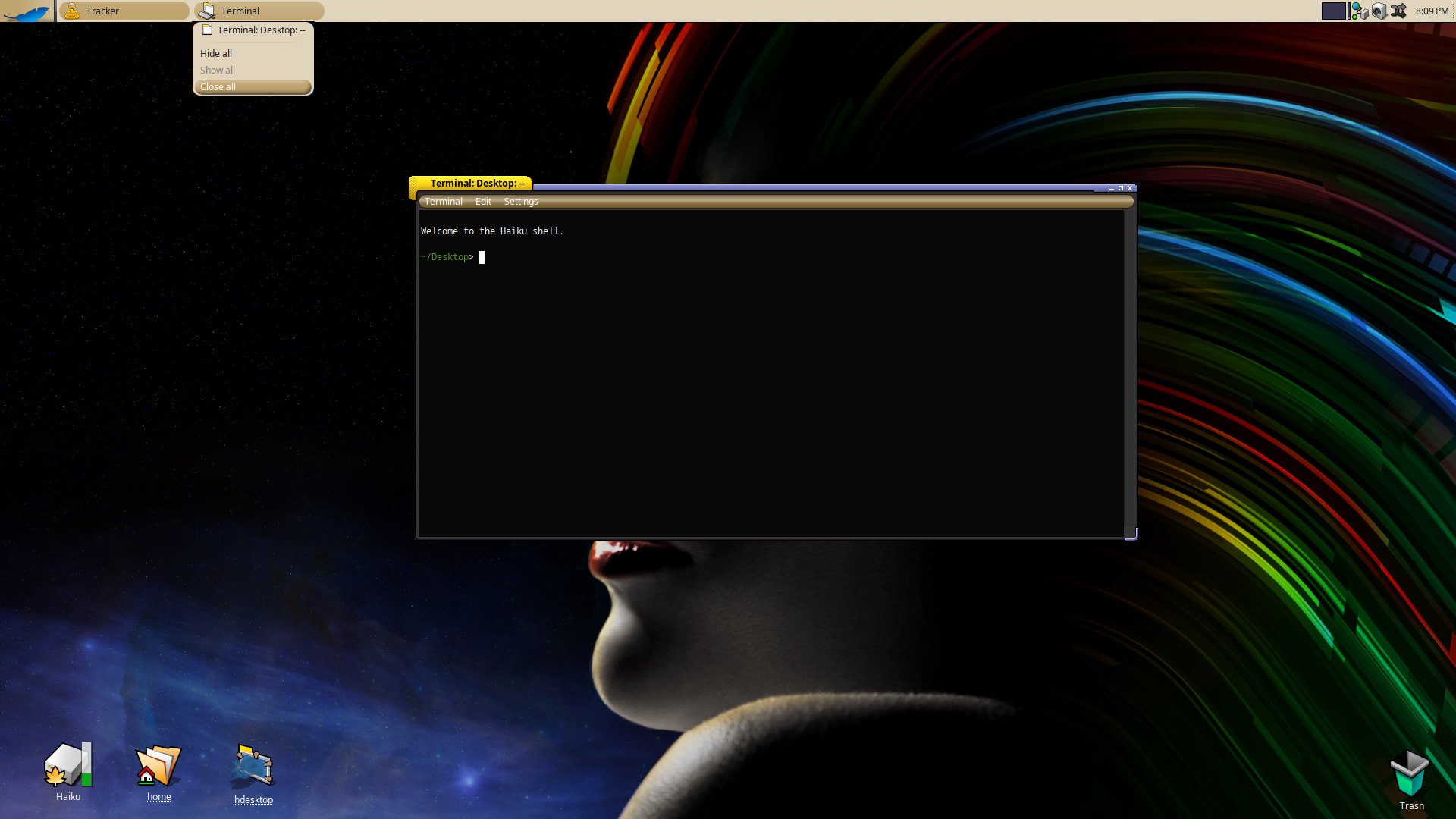
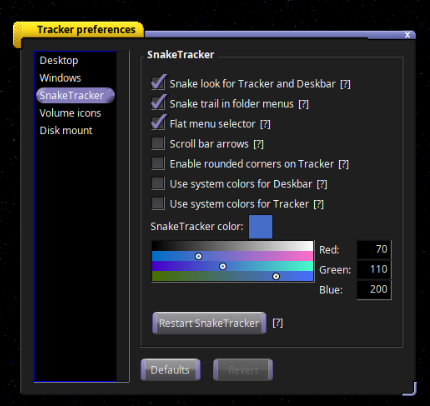
It’s basically a retro BeOS/Dano Tracker and Deskbar that mimics the snaketrail feature found in the leaked source of BeOS.
It’s not a 100% clone of course, and lacks some of those serious widgets Dano had to offer, but none the less, it’s a snake trail!
It’s easy to install and uninstall.
Just install the hpkg and reboot.
Built against the latest Haiku nightly and will be updated if need be if Haiku upstream changes and something breaks.
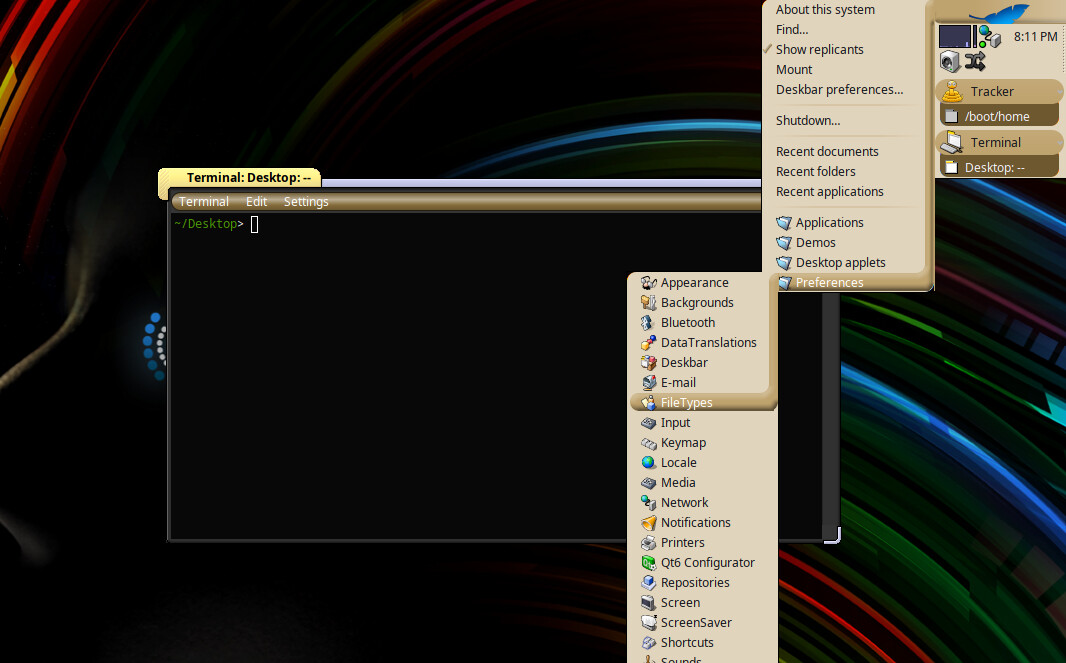
Version 1.0.15 is out with a fix for the separation line/gap that Haiku adds automatically for each new sub-menu.
This fix is possible without having to edit deep Haiku source code by adding a 1pixel borderless tooltip window to cover up the separation gap. Overall result.. a more fluid and connected snaketrail.
Latest updates and newly added hpkg files to the repo.
Deskbar submenus fixs *some menus would still show the stock look
Tracker menus *matches the raised snake look
Rounded corners are off by default. You can toggle them on if you want,
but adds a little ding to the cpu and you may still see the box window frames with certain wallpapers and Appearance color settings.
New Settings menu in Tracker settings with lots of new settings and tooltips to explore and have fun with…
It’s ok for the snake-like path effect, but new window decorations move the “close gadget” to the right. It’s a complete heresy against Haiku. I mean it.
Happily it’s just an option.
Took me a while to realize what you where taking about
I agree with you! Maybe a future version “b6+” for us folks who like the close button widget were it was
The thing is, I have to mock up really, really really well anything I feed to the AI. So, it won’t be click and done
Yes! Put me down as a +1 on this idea. I love the b6 theme but always want to click left and have to remember where the close icon is. Stacked/tabbed windows also look a little odd in b6 but i feel like that could be fixed as well at some point.