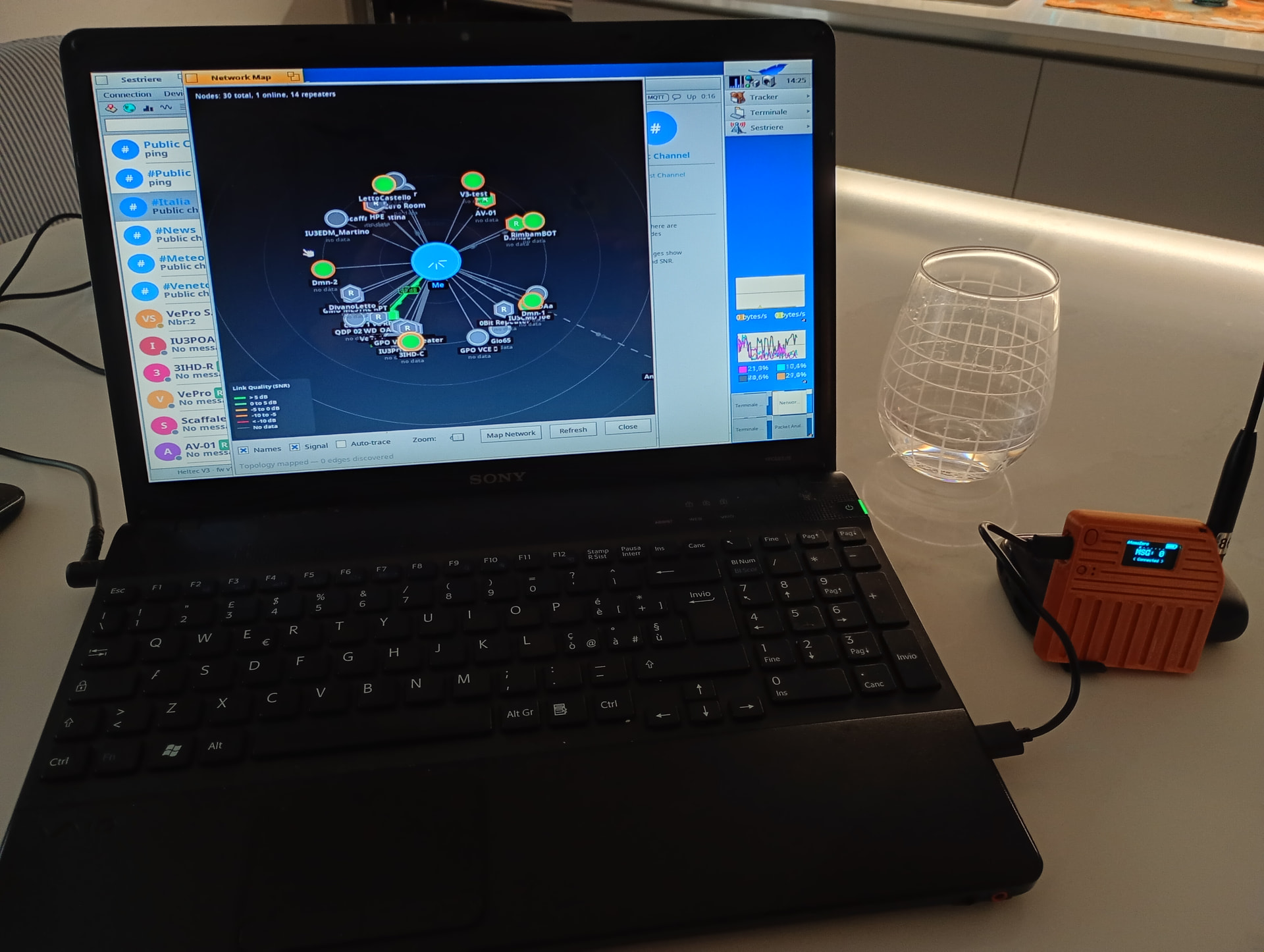
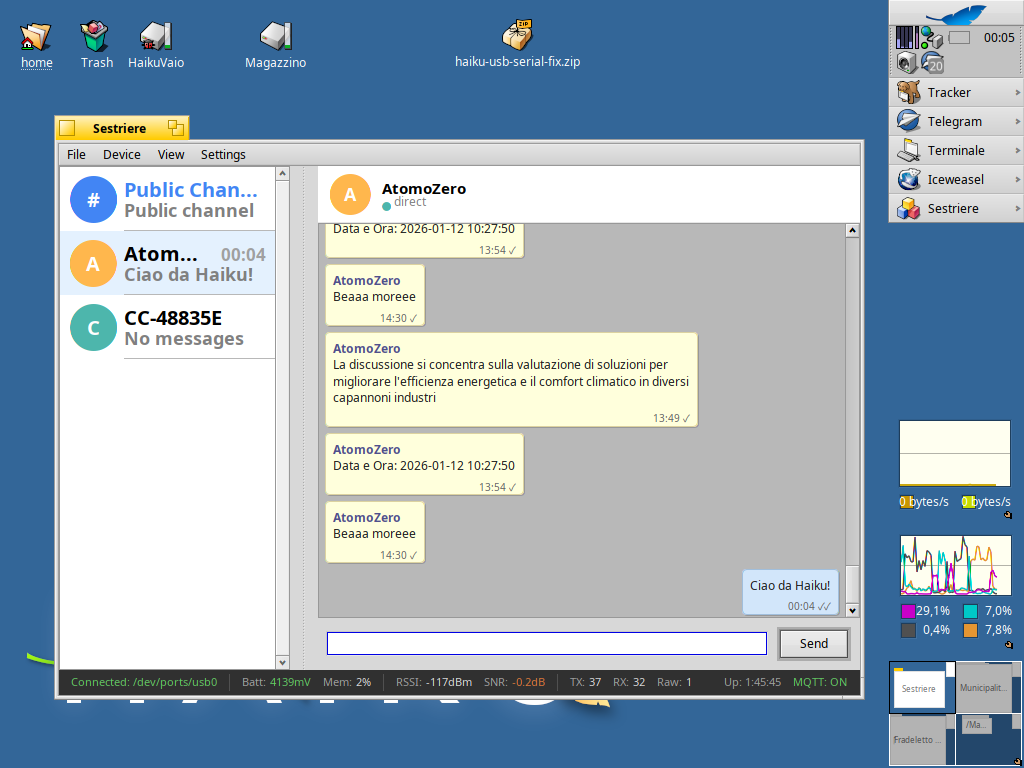
I’m happy to introduce Sestriere, a native Haiku client I’ve been developing for MeshCore networking devices.
Sestriere allows you to communicate over LoRa mesh networks using MeshCore-compatible radio modules. I wanted to create something that wasn’t just a port, but felt like a true Haiku application, integrating deeply with the system’s unique features like the People app and attributes.
Persistence: Your chat history is saved and restored between sessions.
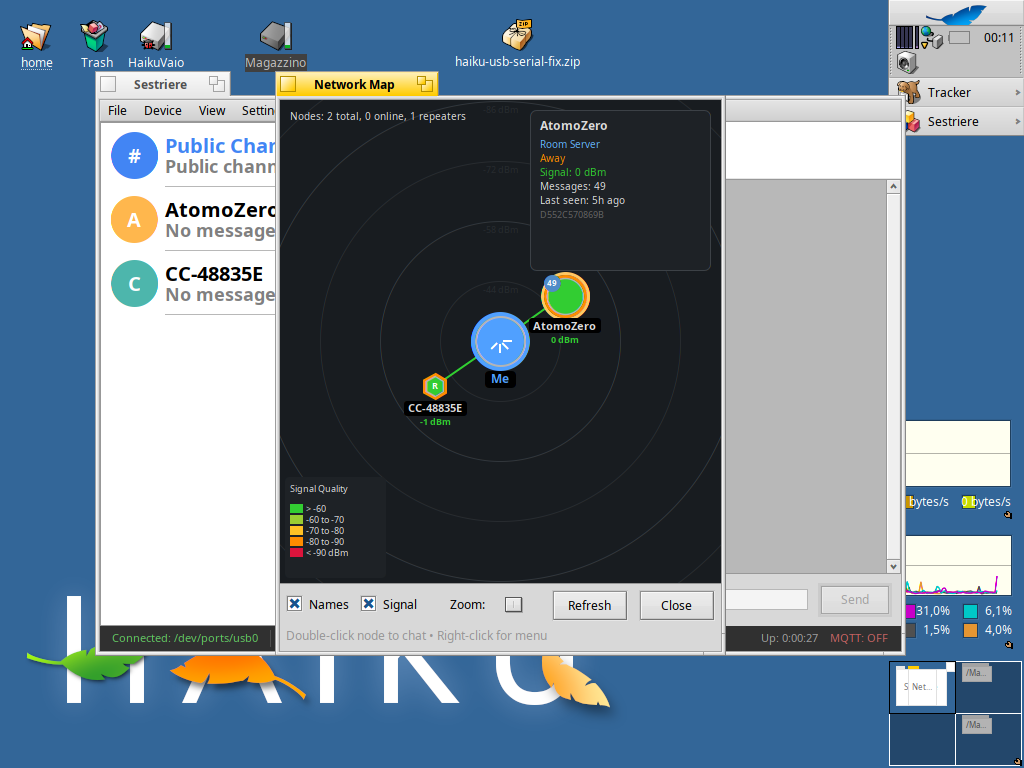
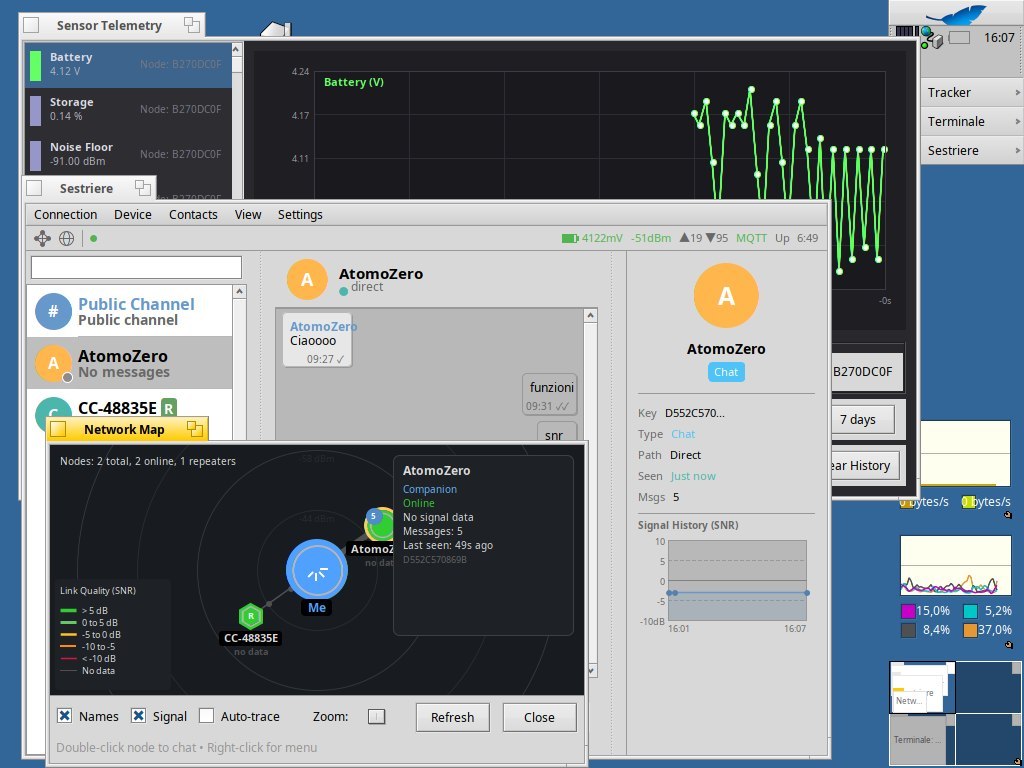
Dynamic Network Map: A real-time visualization of the mesh topology. Nodes are positioned based on signal strength (RSSI) with animated pulses for network activity.
It’s not clear: one must patch and rebuild Haiku’s usb driver, or the needed patches are already intégrated in latest Haiku builds, and in such case, since when?
Hi @Phoudoin, unfortunately my Heltec v3 doesn’t work without that patch; the USB serial connection doesn’t throw an error, but it just won’t function.
I’m not sure if @waddlesplash would be willing to take a look and integrate the patch into Haiku, but I’d be really grateful if they could
The USB serial driver is more @PulkoMandy’s area than mine. Perhaps he might take a look? At first glance the issue the patches are trying to fix looks sensible, but I don’t know if this is the proper fix or not.
According to what I can see from the patch, there actually should be errors in the syslog about failures to queue interrupt transfers or something like that on an unpatched driver. Is that the case?
Sorry for not opening a ticket, but I have no idea how many nerds actually use a Heltec module with Haiku
Above all, I’m not sure if the style and approach are correct, but I know for sure that without these changes, the device won’t connect properly.
If I can, I’ll try running it without the patch tonight and send you the syslog
It looks good to me, except for the removal of the early exit from the loop looking for endpoints in Silicon.cpp (ìf (fPipesSet >= 3)). The check can be changed to check >= 2 instead. This allows to stop as soon as we have found the two needed endpoints and not look for more.
The errors are listed in the HAIKU_USB_SERIAL_FIX.md file (assuming it is correct).
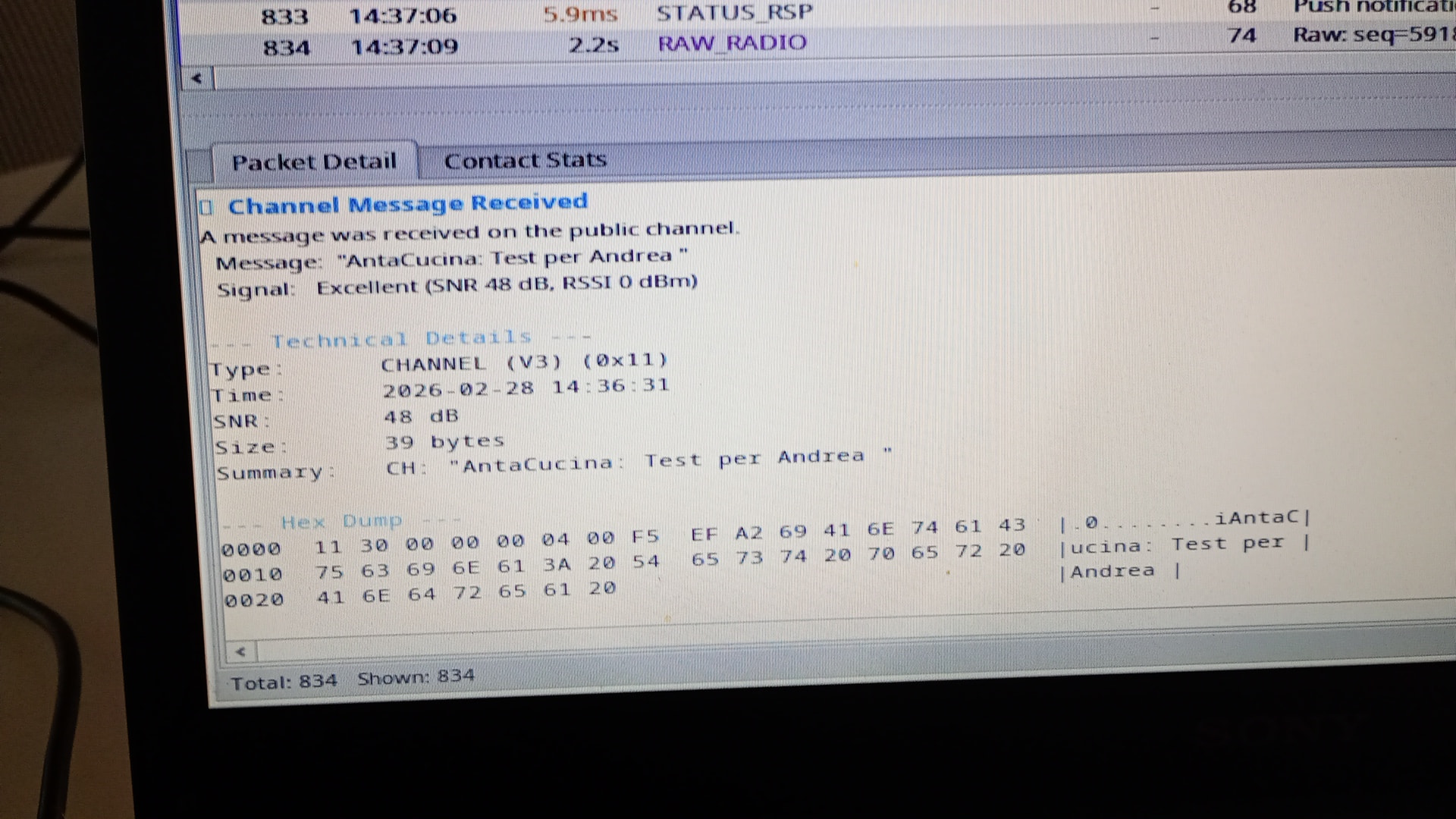
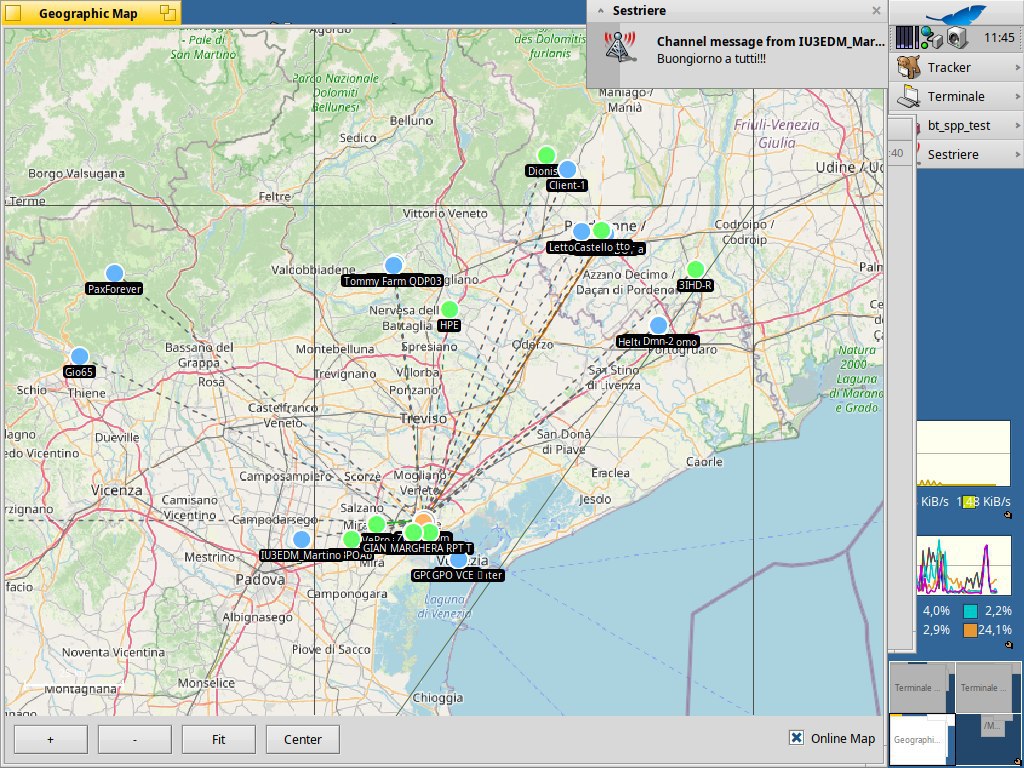
Version 2 is almost ready! Now we can view node telemetry, create a map of the mesh network we’re connected to, and send data via MQTT to global map services. It also features a packet analysis system and plenty of other goodies.
Now I just need someone to test it on a busy MeshCore network to see if it explodes or actually manages to generate a map with more than 3 nodes (LOL)
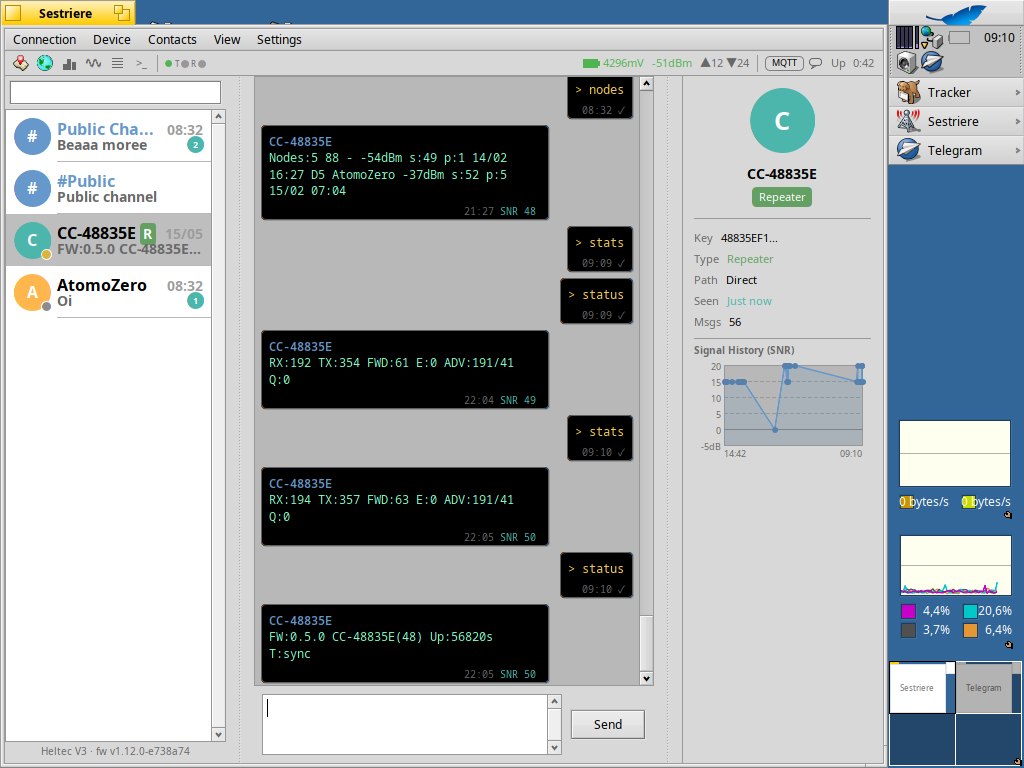
Quick update: Sestriere can now interact with MeshCore repeaters to send CLI commands and configure them over the MeshCore network. I’ve also started adding some icons and minor features for everyday use.
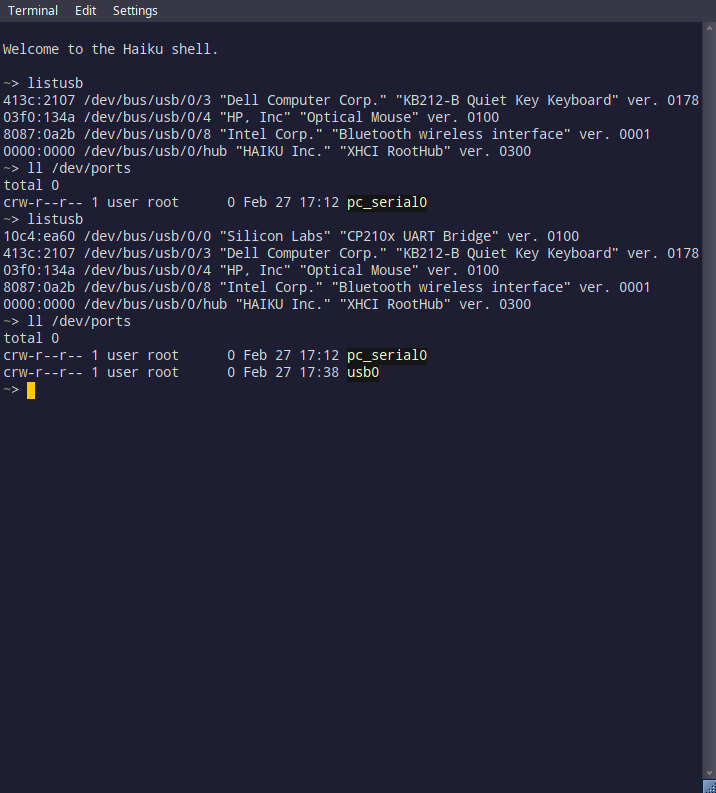
@Andrea It looks like my machine doesn’t need the USB patch. I don’t have the devices yet, but plugged in a regular ESP32 and it is seen by both the system and by Sestriere.
I got a Heltec device the other day, flashed it, and hooked it up to my Haiku box (without the USB patch) and it seems to work. There are no other nodes anywhere near me. According to the Meshcore site map, there should be a repeater in the same town. But, I’m also getting a poor signal strength warning.
Just ordered two Heltec V3’s. I’m very curious if I would be in range of repeaters and such and how this all behaves on Haiku (Looks like the Netherlands has activity enough (?))
SiliconDevice::AddDevice() in Silicon.cpp calls SetControlPipe() on a BULK OUT endpoint, then SerialDevice::Open() calls queue_interrupt() on that pipe. The USB stack correctly rejects it because it’s not an interrupt endpoint.
Syslog shows:
usb_serial: Silicon Labs CP210x USB UART converter (0x10c4/0xea60) added
usb_serial: failed to queue initial interrupt
The device node never becomes usable.
Root cause:
CP210x chips only have two BULK endpoints (IN + OUT) — no interrupt endpoint. Unlike ACM or Prolific devices, all control operations go through USB control transfers. But SiliconDevice::AddDevice() assigns the BULK OUT handle to both fControlPipe and fWritePipe, and requires pipesSet >= 3 even though only 2 endpoints exist.



 (Looks like the Netherlands has activity enough (?))