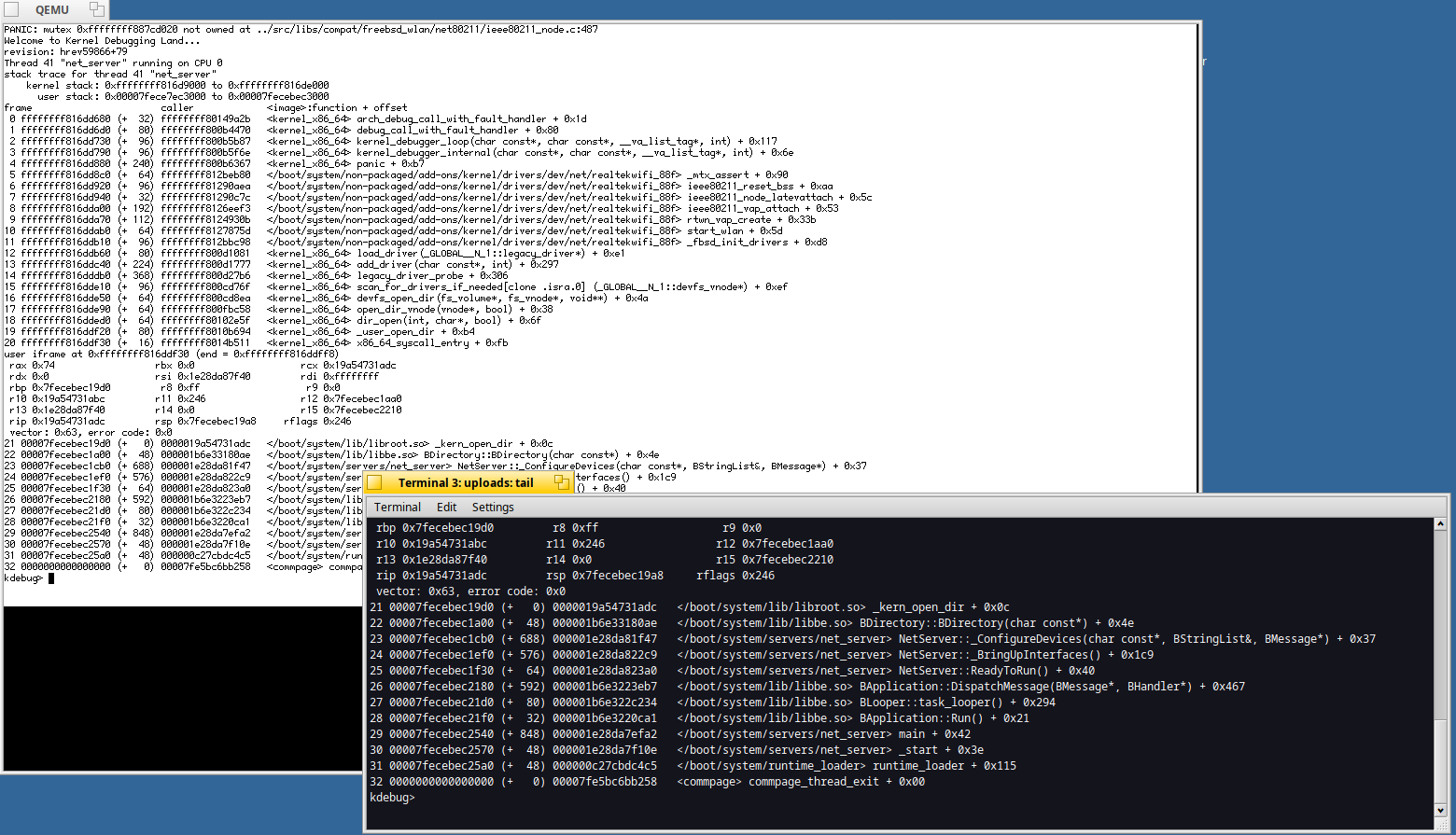
I found interesting the idea of using Qemu for serial output debugging available on this page : Serial Debugging | Haiku Project
Confirmed with the below, testing a USB network dongle driver and getting the logs in Haiku host system to simplify the retrieve of the kernel error log:
The logs are retrieved in a second terminal: tail -f /tmp/haiku-serial.log
Note : host and QEmu must use the same Haiku version. When a serial port is not available on the host machine (like on modern laptop), it’s like having one in this situation:)
I set up the VM on VWware so the Serial Port VM option Use named pipe: == \\.\pipe\vmware, with the following two “drop down” choices being: “This end is the server.” and the next: “The other end is an application”.
Then, as the “client” of the serial connection, I use PuTTY (need to start it with admin privileges), where I’ve setup a serial connection using: \\.\pipe\vmware as “Serial line”.
This setup with VMware is specially helpful in cases of KDLs while using the VMware graphics drivers, as, at least under VMware, they stop refreshing the screen, so you can’t see your interactions with the KDL prompt (works OK on VirtualBox while using the same VMware graphics driver),
Edit: instructions tested on VMware Workstation 17.6.x.
For users of VMware Player… try editing your .vmx file similarly to the following: