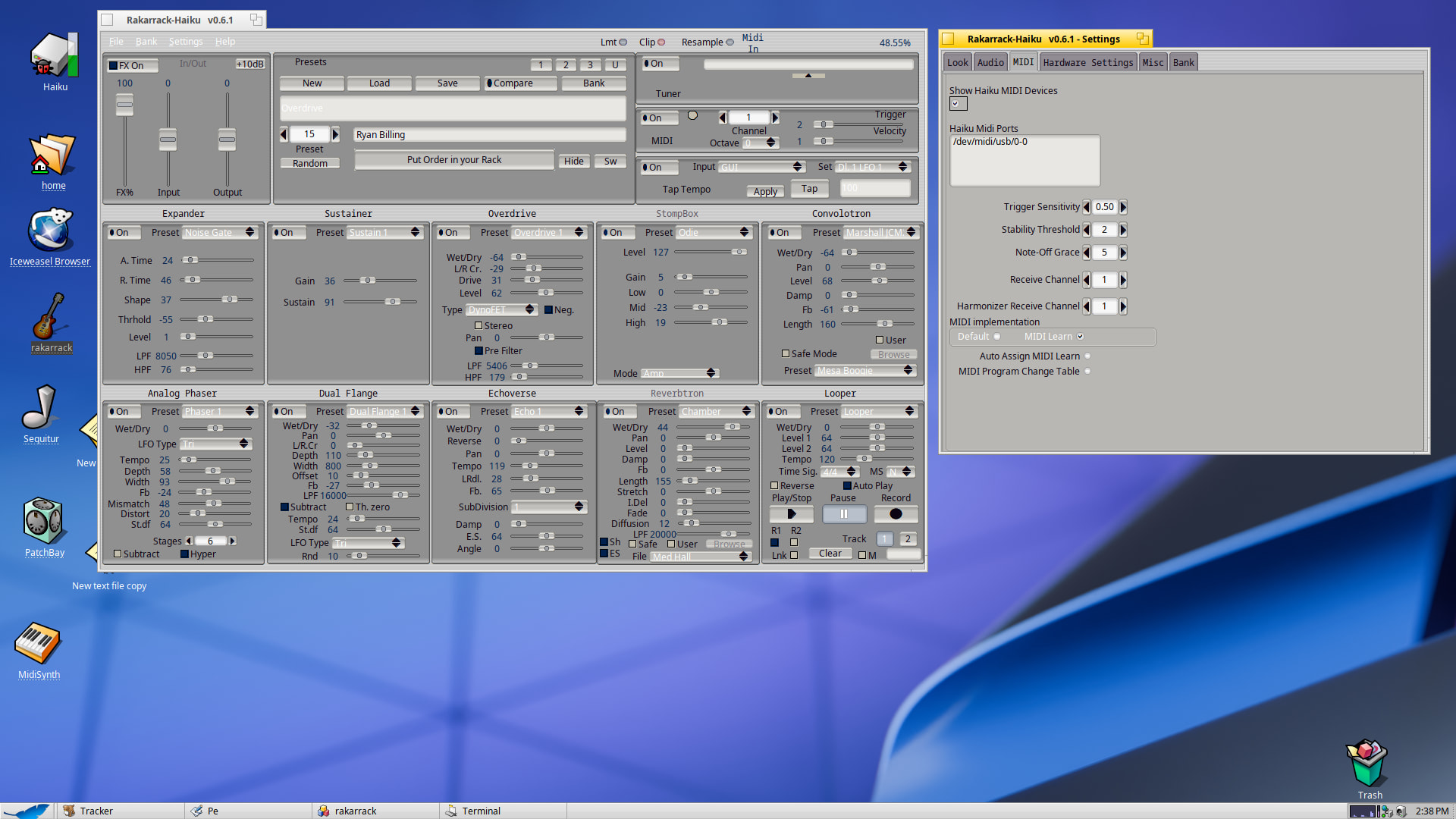
Here are some 64bit hpkg apps to test out. Let me know how it goes.
These were all built on qemu. The Haswell version is native passthrough while the other is just qemu64.
It was super easy to build on Haiku, hardly any thing to download.
And, as requested here is a demo video on Haiku via Qemu. The latency is a bummer but at least you get a cool video!
The nice thing about these hpkg files also is that the app is pretty solid and functional. I do think however, the best way to get the maximum performance would be to build it locally as the make file checks and applies specific CPU instructions that your cpu may or may not have.
I dunno if it’s due to QEMU, the recording of the video itself or it’s actually on rakarrack output, but I think I can ear some glitches on the audio output. Do you experience it also? Only under Qemu?
I guess it’s time I look where is my daughter’s old electric guitar and try it myself on a bare-metal Haiku setup myself
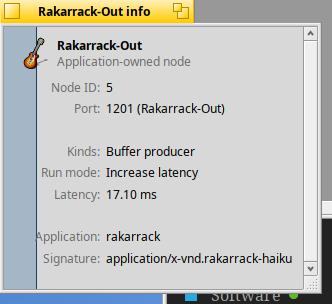
The qemu session sounded okay live albeit I could tell there was a lot of latency. However, the recording picked up some glitches. One thing I’ve recently found out is Haiku Media is hard coding in the buffer limit to a safe threshold. The rakarrack engine is stuck at around 80ms according to Cortex. I tested with different buffer frames going as low as 3. Anything lower than 3 the engine would fail. Realistically, 64 would be great or even lower who knows, for optimal guitar playing. I feel it should be possible to bypass the private safety codes, but I have a few thoughts about doing that…1) After I put in all the work, Haiku might implement new code to prevent such apps from doing the backdoor fix, and thus I’m stuck with a dead app, rewriting code again, and/or butting heads against the Devs and their ideal framwork for the Media Kit. 2) Just leave as is for now. It’s not really that bad of latency and who knows.. maybe the devs would implement a realtime bypass in Media Preferences or some other fix for apps like this.
On a different note: I did get a 32bit hybrid version built just recently. It runs with -no-gui flag but crash with some FLTK library bug. I tried my best to get it to work but no luck. I will upload the 32bit source code in my github if anyone feels like messing with it. But for now, I may not get too much more involved with the 32bit stuff.
Also, some good news… I fixed the zombie node in the latest build. Figures right! After I make all the hpkgs then I fix a major bug. hehehe
Added phoudoin hpkg template to the haiku.makefile
Added icon thanks to SVGear icon makers
Changed CPU detection in haiku.makefile to default to generic unless user specifies during build with flag e.g., make -f haiku.makefile SIMD_FLAGS=”-O3 -march=native”
Fixed the media node zombie bug when restarting.
Cleaned up some harmless code warnings.
Fixed CPU detection in rakarrack UI – wasn’t showing cpu usage before.
Changed default frame_rate to 128
Default freq is 48kHz – The latency is just too much with 98kHz
The hpkg file doesn’t include linux .desktop stuff
Added a new repo for 32bit hybrid rakarrack - however it crashes when starting the ui, but runs with –no-gui even though I heard no audio with –no-gui – testers wanted!
Update make =j4 – safer stable builds
Things to keep in mind:
The GUI can sometimes ping the app_server with high CPU. Minimizing the GUI will totally fix that.
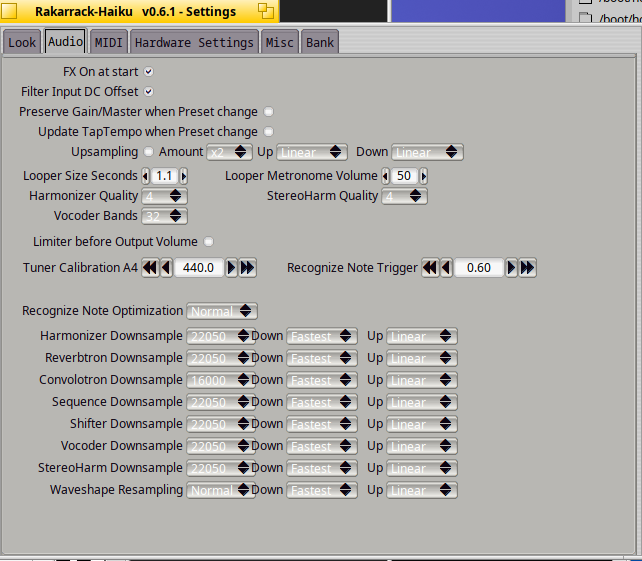
I’ve barely tested the Upsampling - It works but incorrect settings may cause the app to not start. The settings folder is in configs/settings/rakarrack.sf.net Delete the file rakarrack.prefs to restore default settings and clear any bad settings.
I remembered this article from long ago.Maybe it can help. Some of the radio stations are getting into playback of high quality samples. May need to look at high fidelity audio recording with Haiku.
Thanks. I’m currently looking into better ways to fix the frame buffer. Once that is fixed maybe see about frequency and how that could be implemented as a user option during runtime rather than build.
Removed BSoundplayer code completely and removed hard codes for buffer and frequency.
The engine now uses the BMediaRoster to send and receive audio data.
The sound quality sounds much better in my experience.
The engine now will automatically update ( once restarted ) to play whatever frequency is set in Media settings. However, it might be due to rakarrack’s code being 20 years old, or maybe it’s on my side of the code, but the engine sounds much better at 48khz or lower. The reverb and echo actually sound pretty decent at higher frequencies, even 192khz but the distortion does not. Just an FYI.
This new code makes it really easy to adapt to future updates to the Media Kit. For example if a real time buffer setting was ever added, the new code will auto detect the buffer size and just work.
Note 1: Media preference both input/output frequencies need to match else rakarrack will crash. – This may be corrected in future versions but is not high priority at the moment.
Note 2: Only once, did I notice some crackling and popping artifacts but I think this was due to system resources running out. After a fresh restart the sound was back to being beautiful again.
The old version however has a nice feature of allowing you to play other music while the app is running. The new version doesn’t, it wants the soundcard to directly bypassing the Mixer. See this demo video of drums playing in the background.
Another big win here my rakarrack fans. v1.0.3 is here!
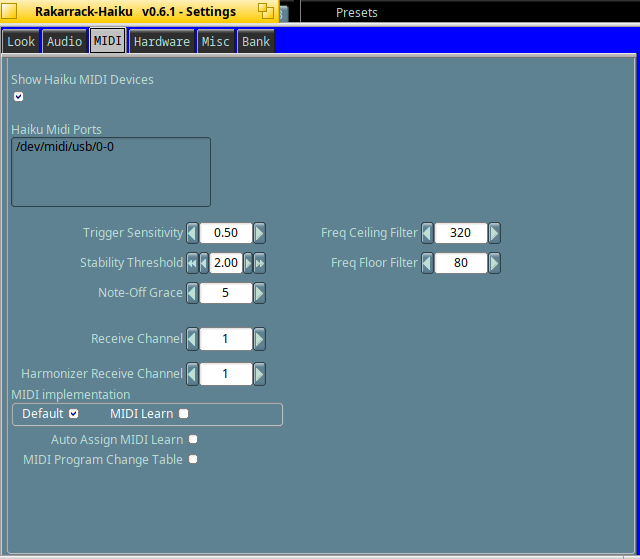
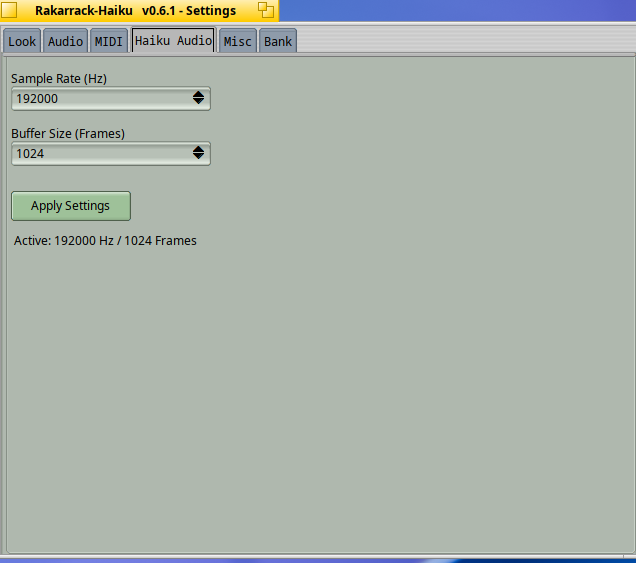
Most importantly the user can now configure freq and buffer settings in the UI.
Great news for realtime audio. With Haiku hrev59628 realtime audio works!
This version went back to the v.1.0.0 BSoundplayer logic. Why you may ask? Because I love playing drums with my guitar and v.1.0.2 locked out any other audio from playing. That maybe good for certain situations but not me.
From what I can understand from my AI applied patch, modern hardware clocks can drift a little without causing major problems. I know Haiku loves to support older hardware so my patch maybe not suited for everyone.
Thanks for the kind status report and happy bug hunting!
That’s probably not the issue; it was likely just the big jumps in performance time when starting the media services that caused the issue, same as the ticket.
Anyway the change was merged in hrev59625 and so will be on the next nightly.
Latest updates and news from my side of the universe.
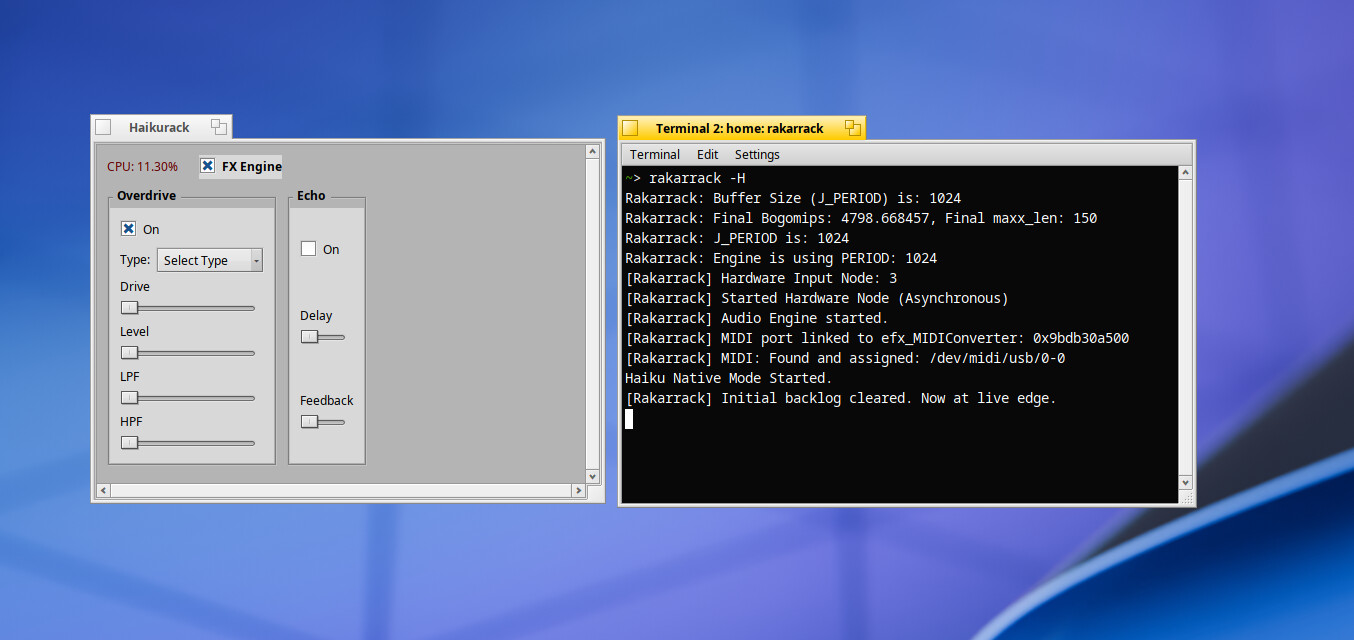
Added Haiku Frontend: To try run rakarrack -H from terminal
The Haiku frontend is a little flaky at the moment:
→ Clicking the FX button twice or thrice is needed for the backend to start.
→ Overdrive and echo are the only two presets that seem to work ( that’s why they’re only two ! ).
– Ideally when this matures, there would be a way to assign the order of effects. That’s next on my todo list.
There’s now a working 32bit build of rakarrack-haiku. It’s currently in a separate repo but that may change pretty soon. Working 32bit source code here. Hpkg direct install here rakarrack-0.6.1-1-x86_gcc2.hpkg
I would dual boot 64 bit and 32 bit haiku just to figure out and play this cause I really wanna know all the features that are different or if they’re relatively the same but yeah, I really just wanna know what is it like?
@Philipingram25 - If you don’t have a guitar, you can still test with a mic. I don’t have a mic, but I used too. Changing the octaves down and up and playing with the different effects is a great source of entertainment. Let me know if you get a chance to test it and what happens.


 That sounds good!